

Laptops Laptops
Laptops

Laptop Vinga Iron S140 (S140-P508256G)

Article: S140-P508256G
EAN code: 4823093311176
12 999UAH
|
(124)
Model
Iron S140
Laptop Type
business
Display diagonal
14"
Processor
Intel Pentium N5000 (1.1 - 2.7 GHz)
RAM capacity
8 GB
SSD Volume
256 GB
Weight
1.38 kg
Warranty, month
12
Laptop Vinga Iron S140 (S140-P508256G)

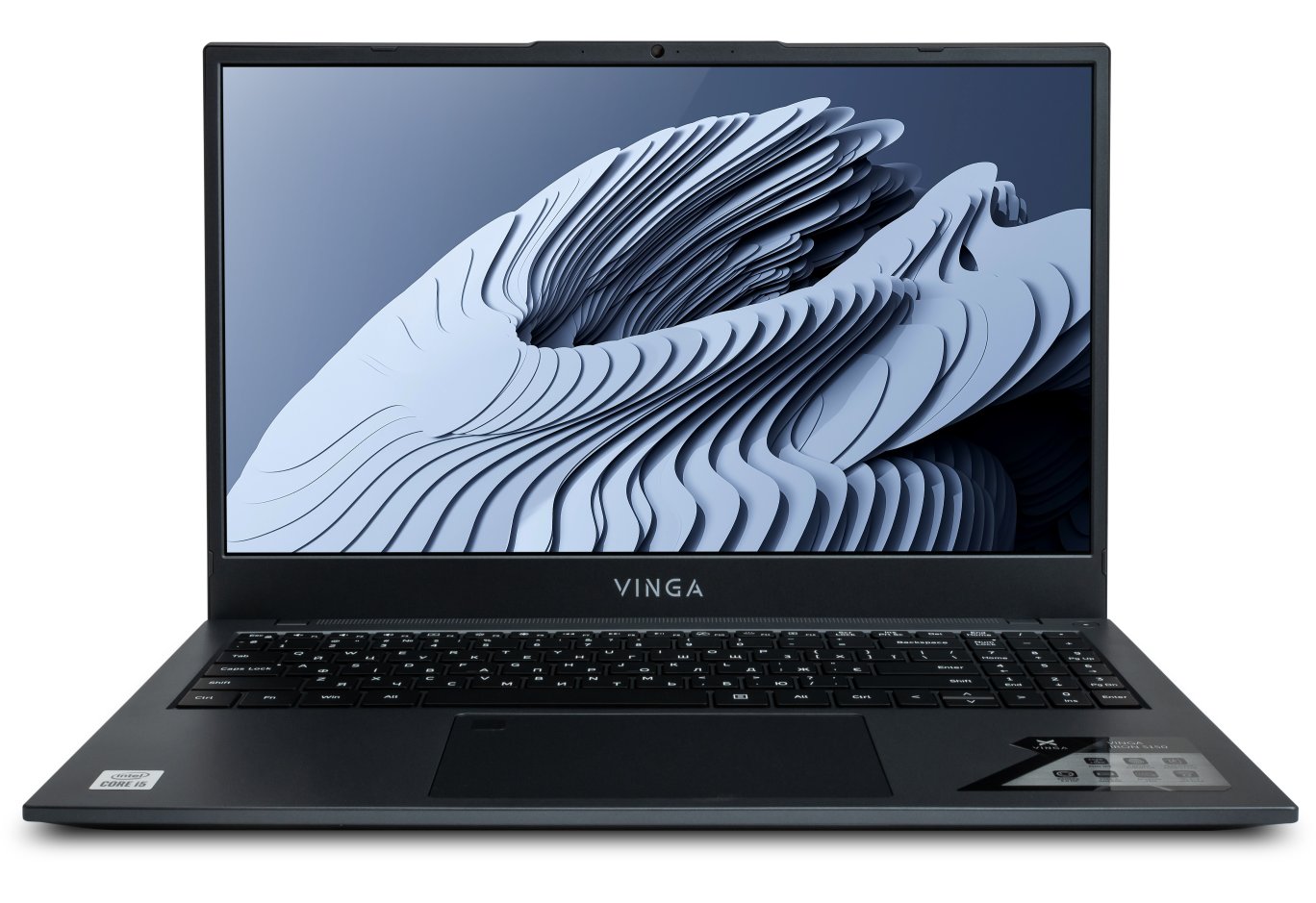
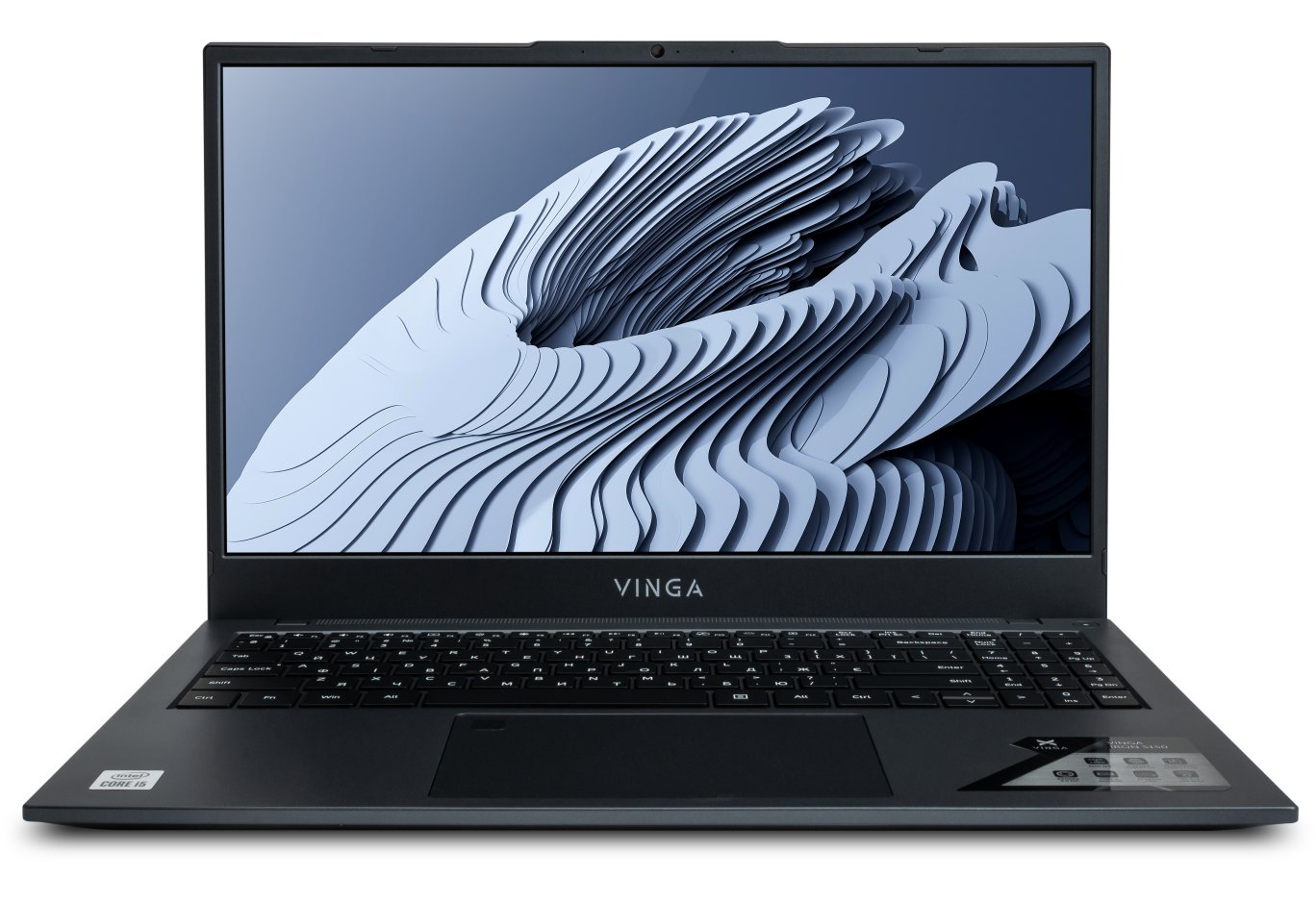
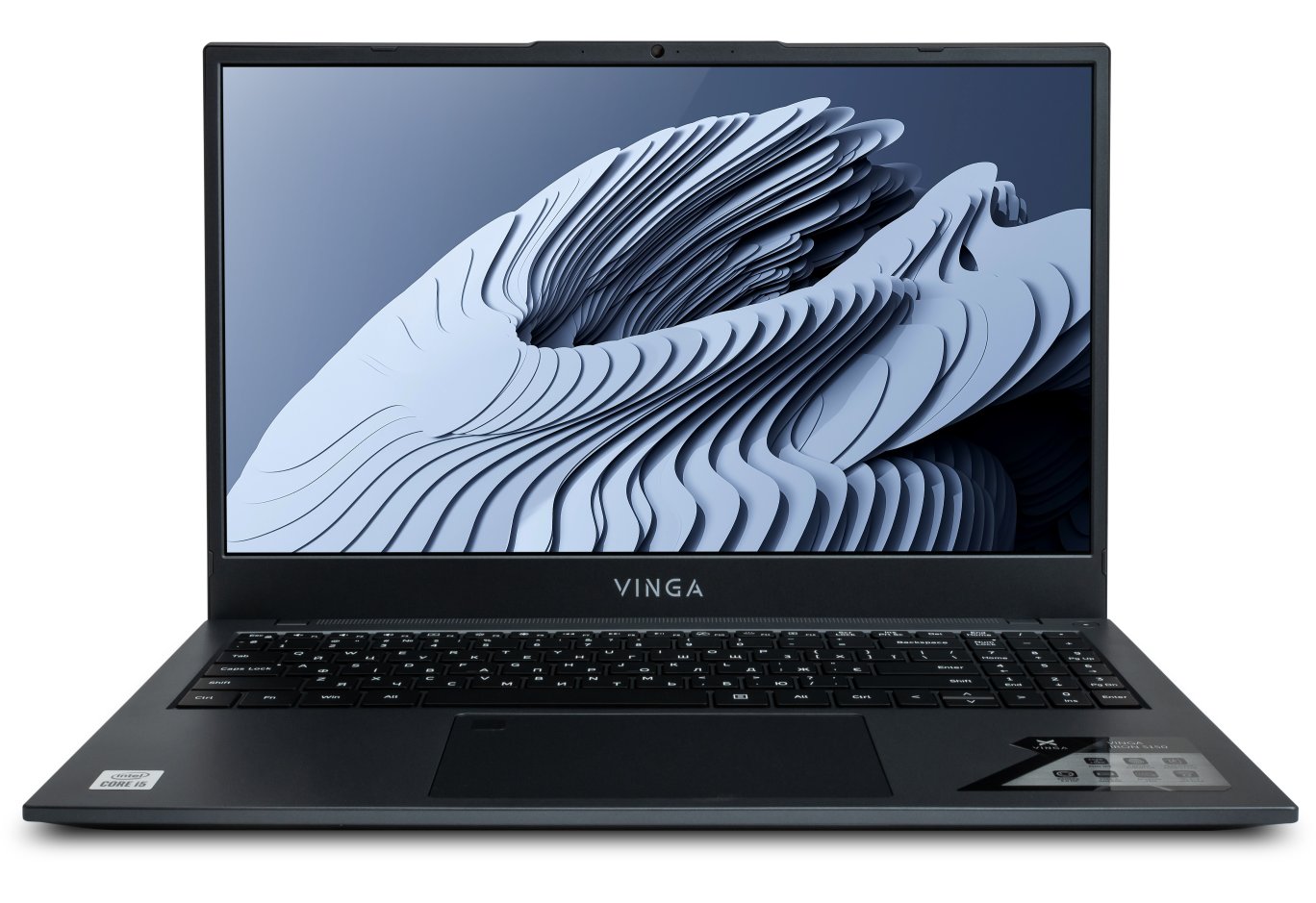
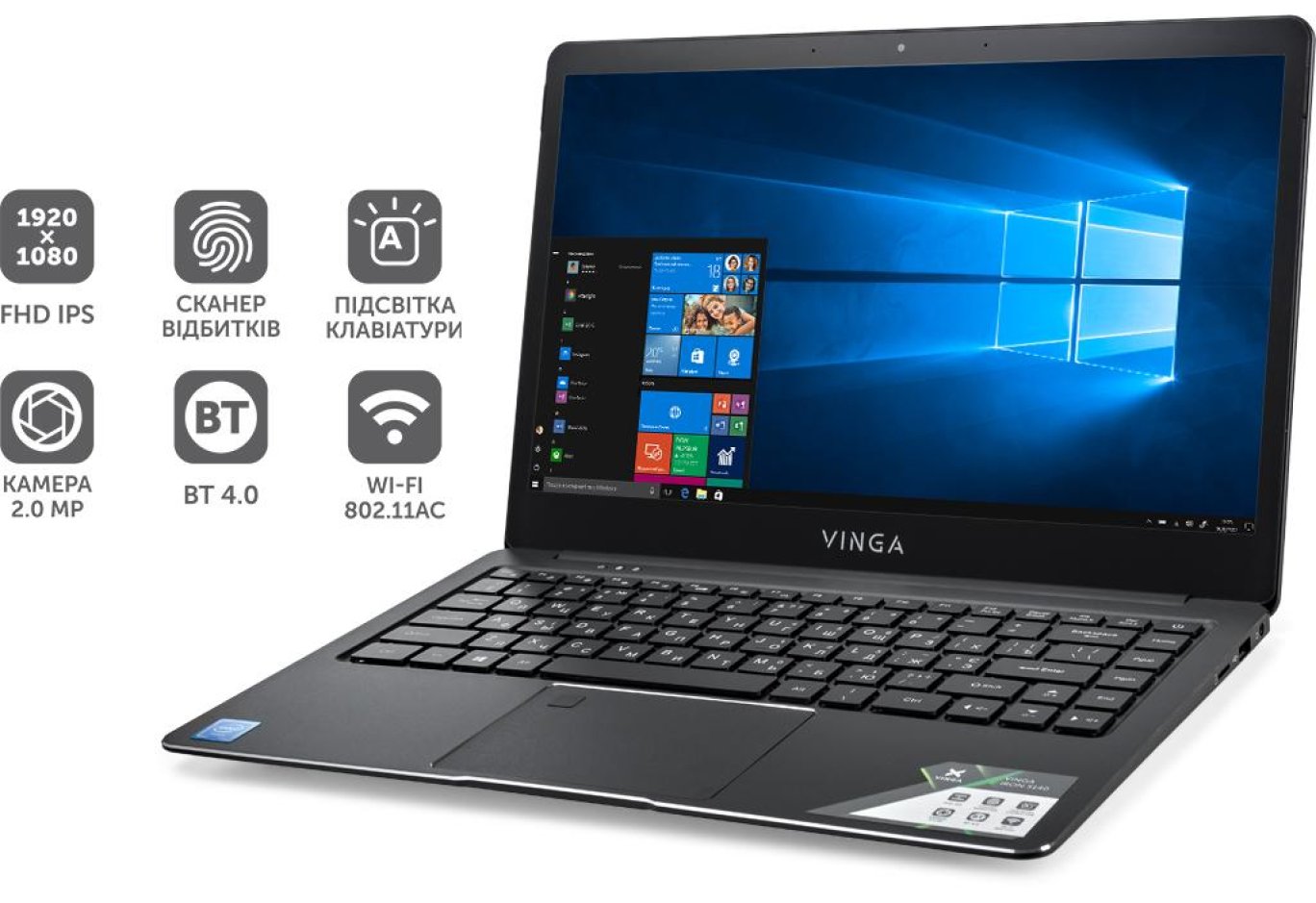
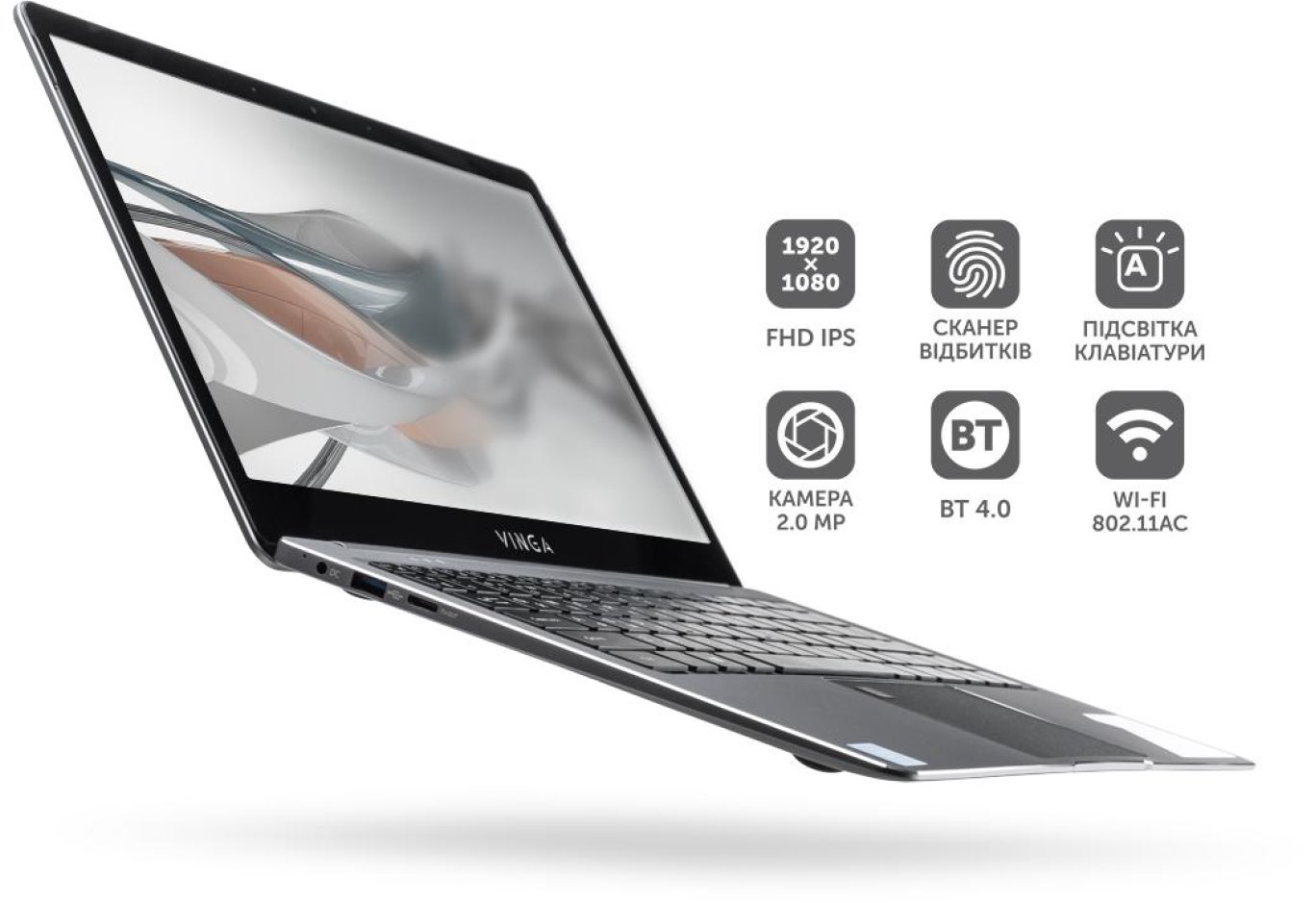
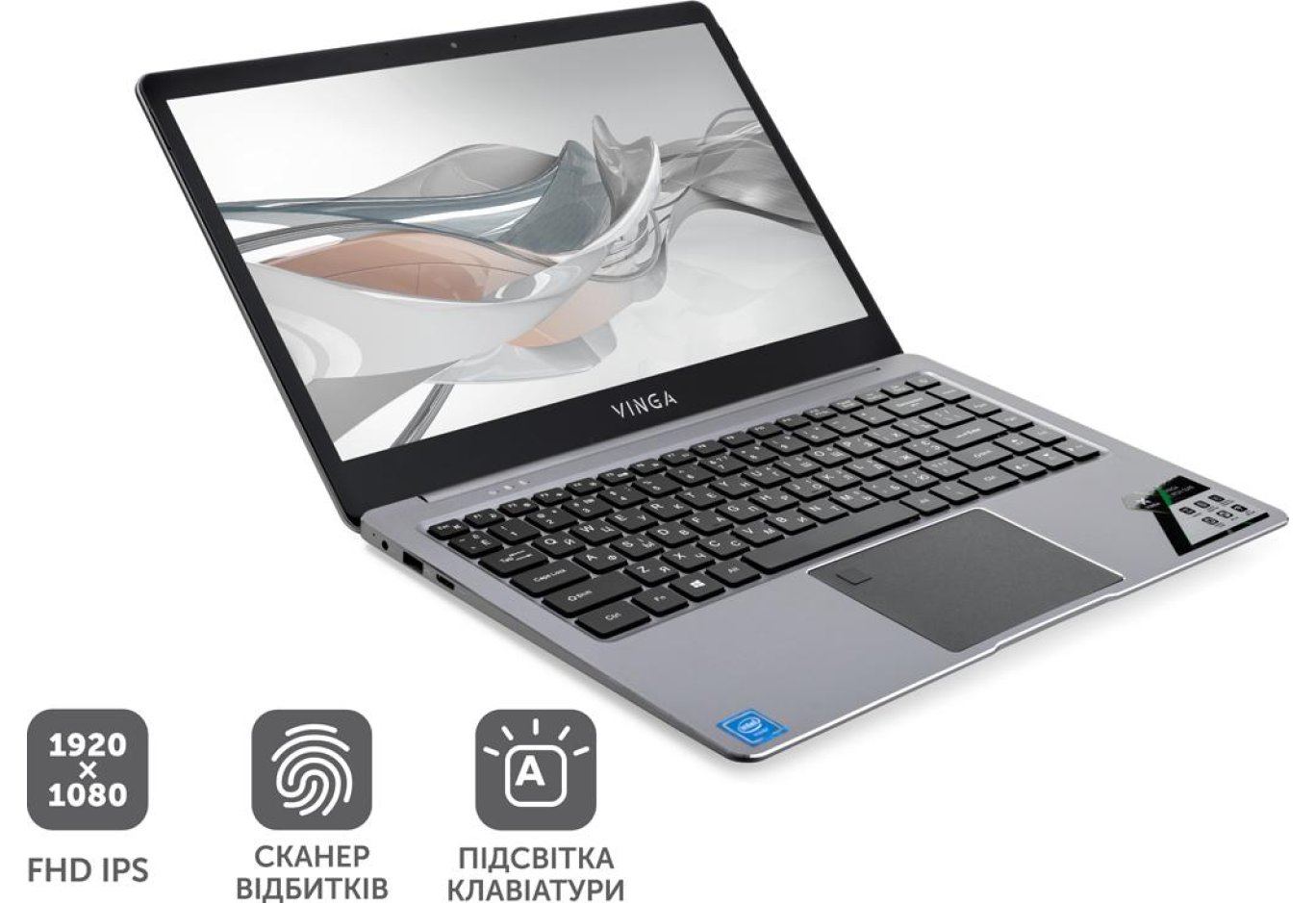
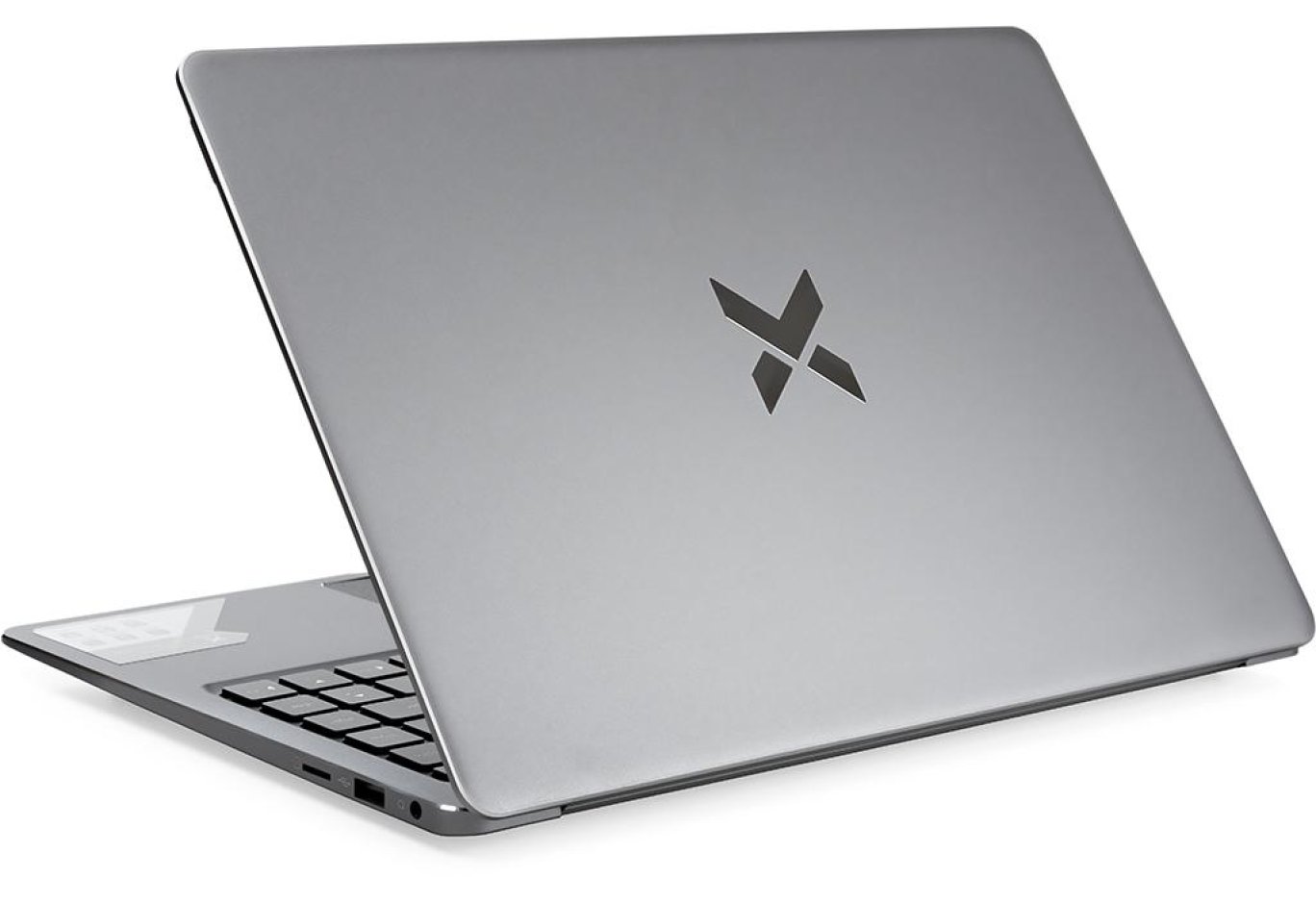
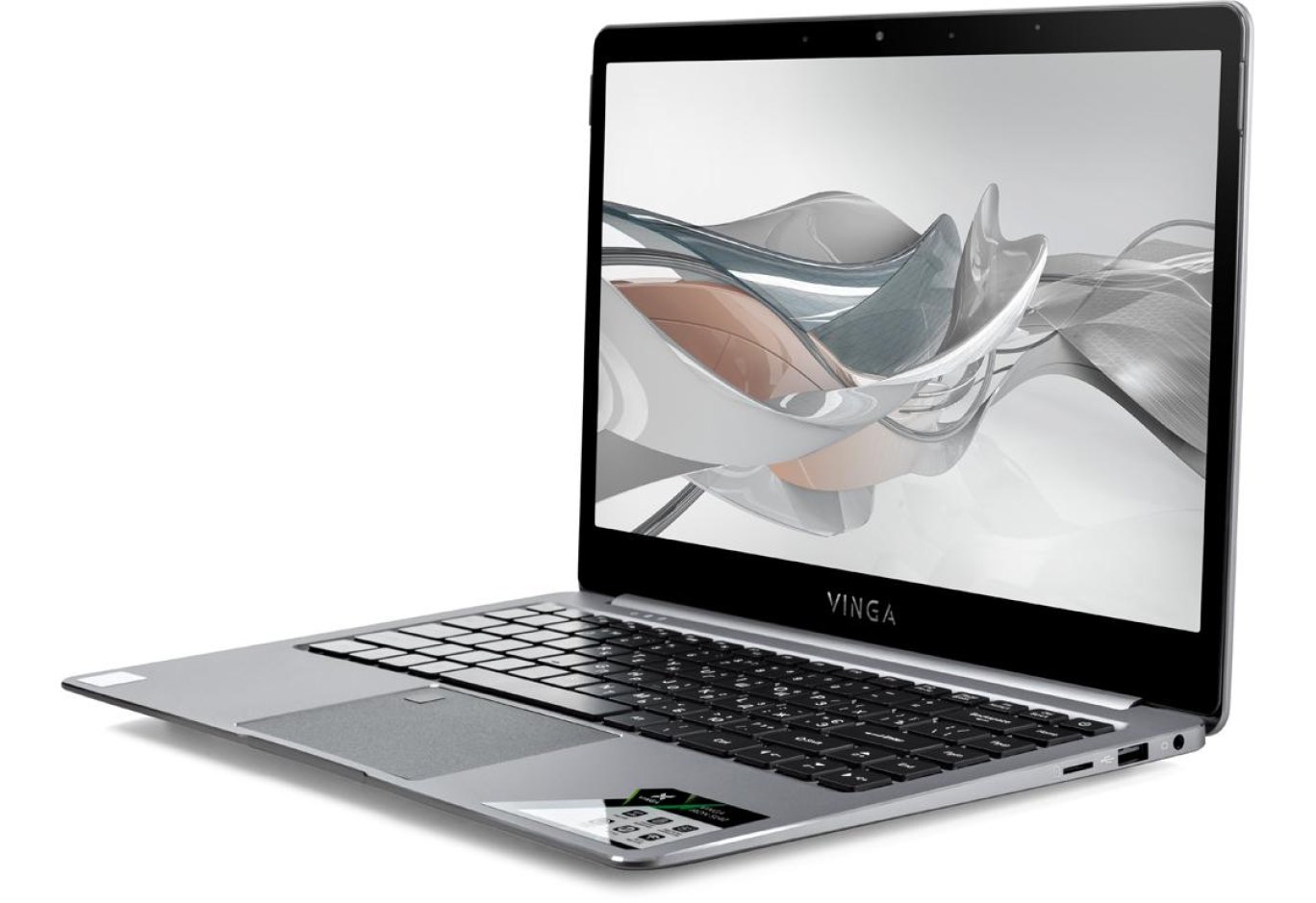
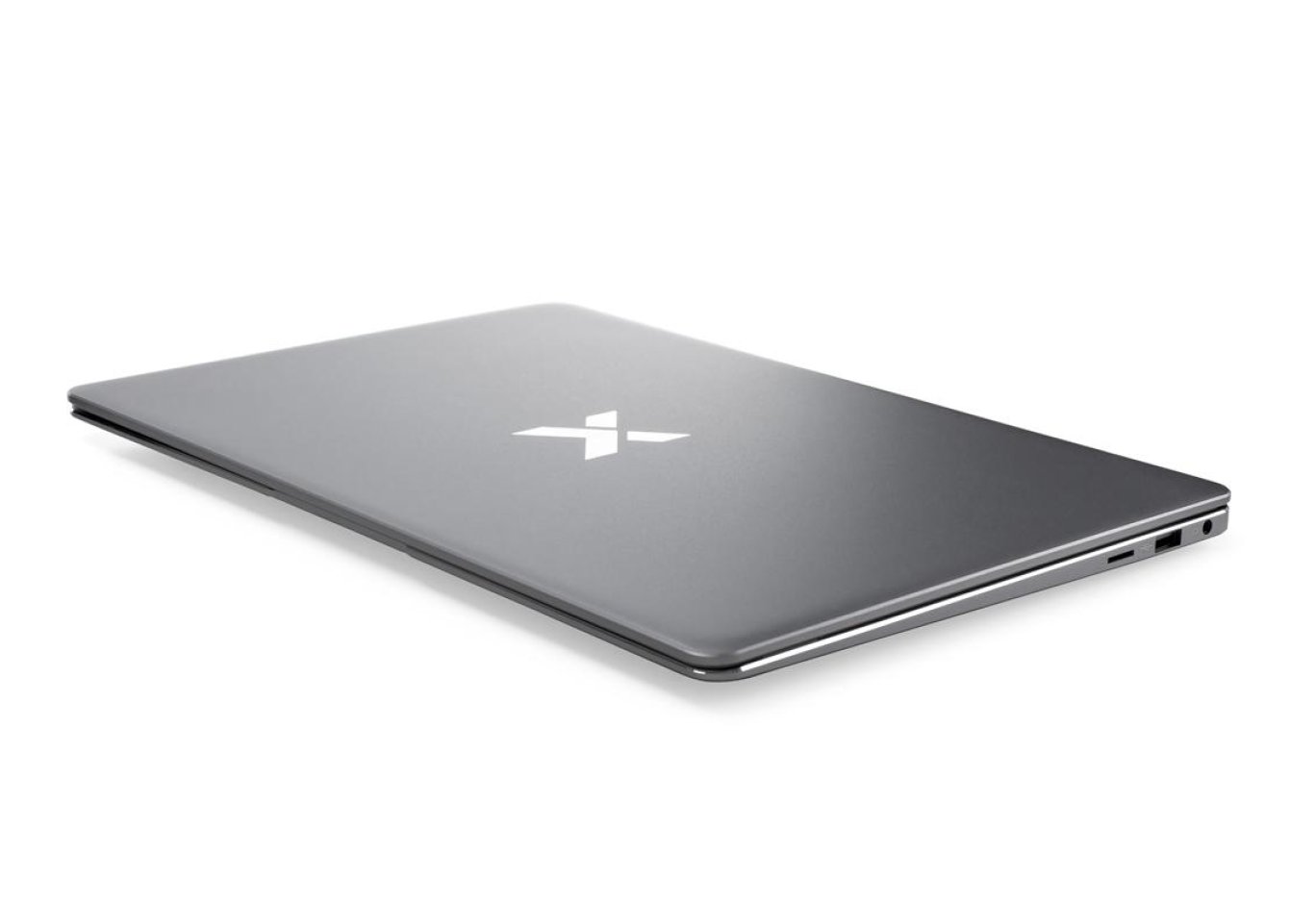
Laptop Vinga Iron S140 (S140-P508256G) - a reliable computing device in a gray metal case. Need a powerful laptop for work? Then this model is perfect for you! The monitor diagonal is 14". The IPS screen displays video with a resolution of 1920 x 1080 (FullHD) with high quality. The high-performance yet energy-efficient Intel Pentium N5000 processor with a frequency of up to 2.7 GHz performs fast processing of large amounts of data without failures. In addition, the ability to run demanding software is ensured by an efficient 8 GB RAM module.

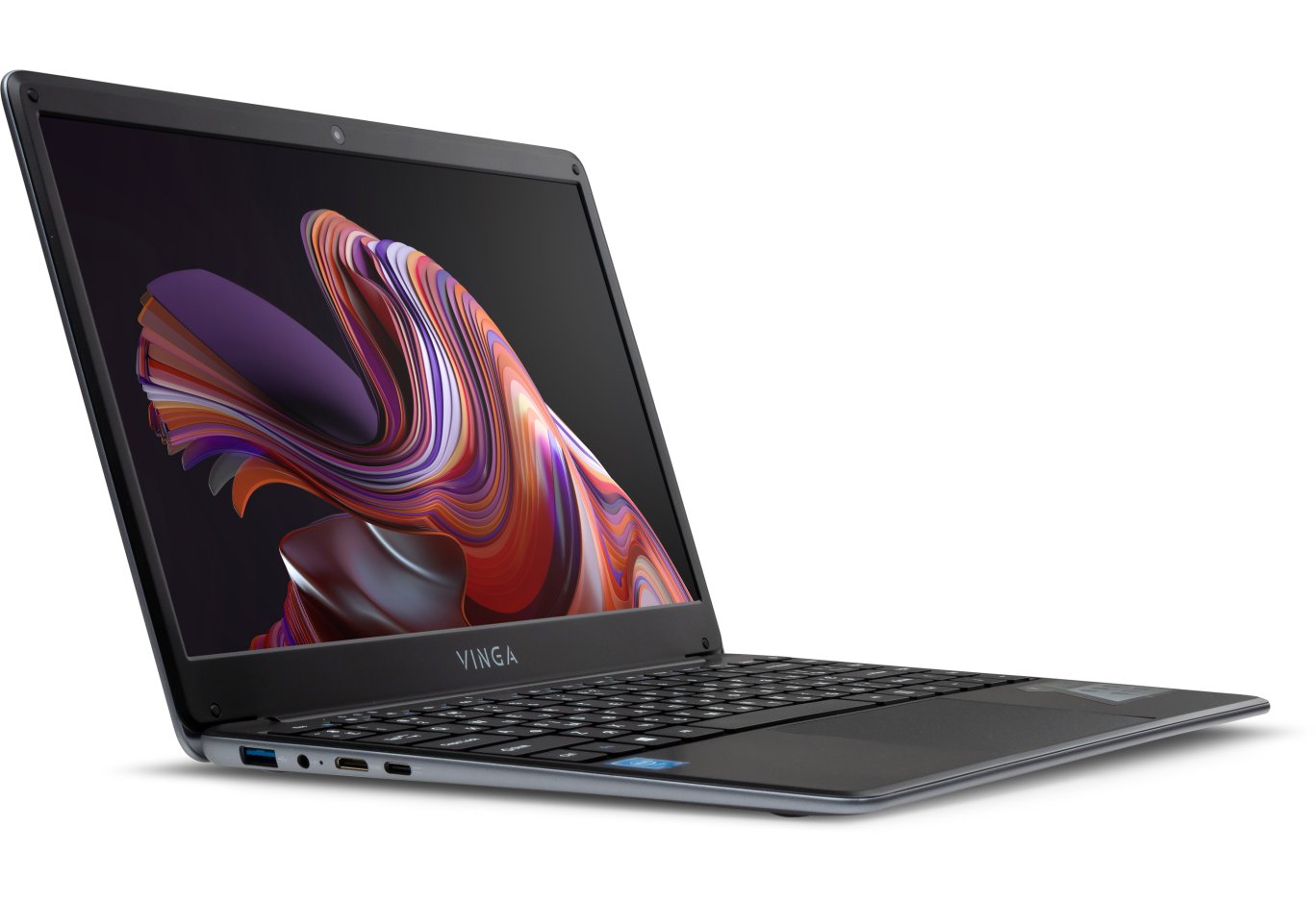
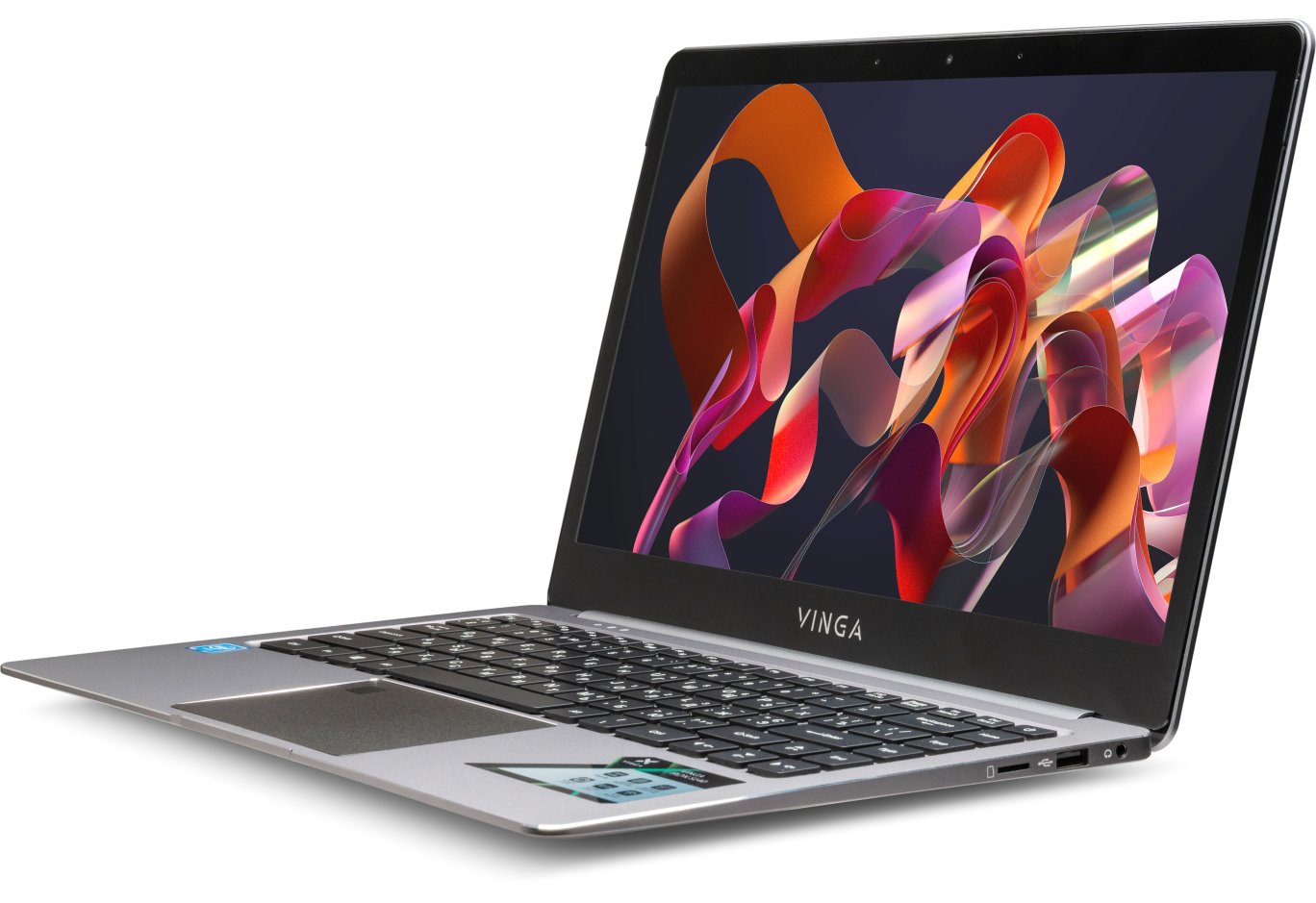
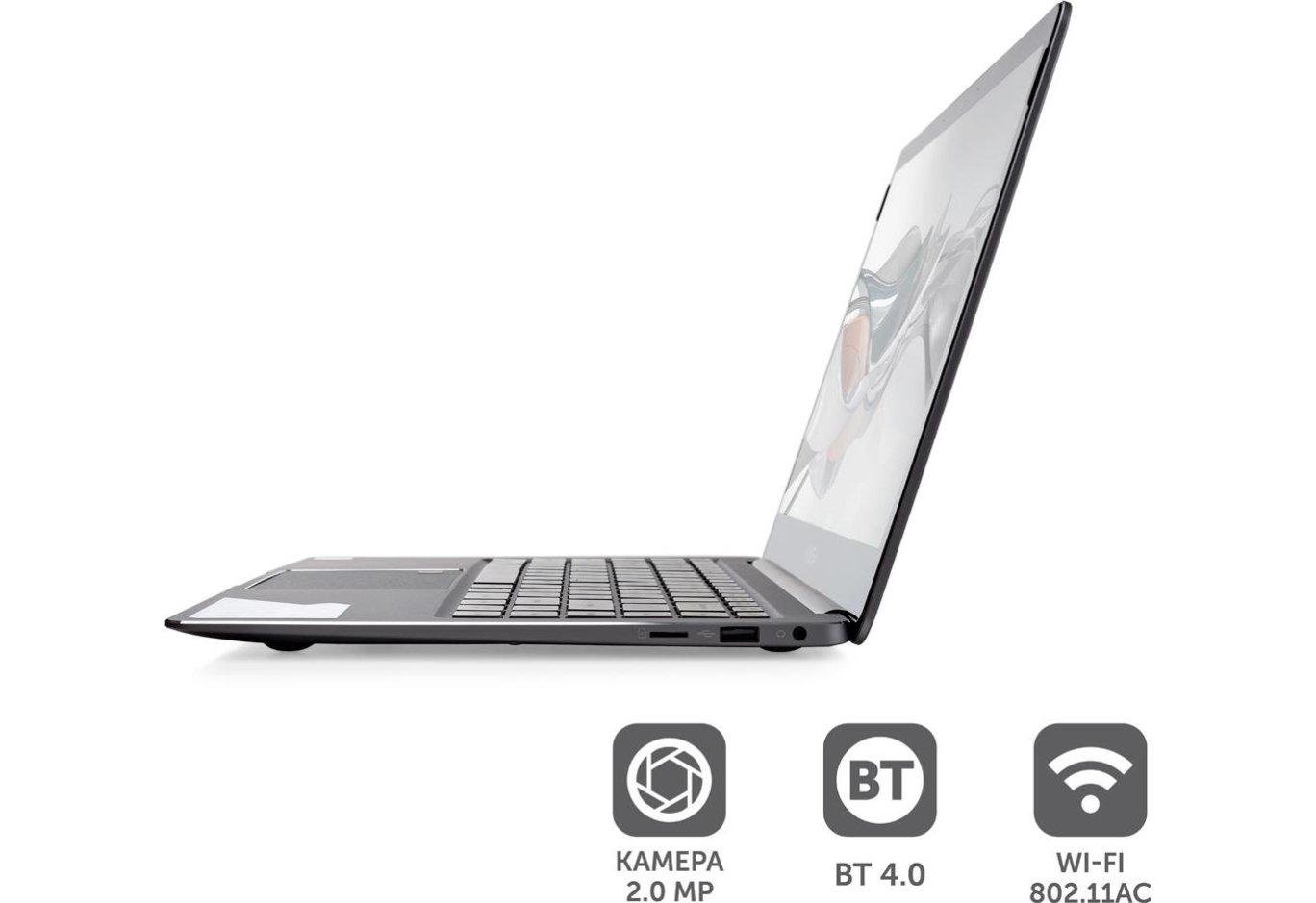
The built-in SSD memory size is 256 GB. The model supports wireless data transmission technologies Wi-Fi (2.4 and 5 GHz) and Bluetooth. The case includes USB ports (2.0 and 3.0), as well as a combined audio jack and a miniHDMI socket. High-quality voice communication and video calls are ensured by a built-in 2-megapixel webcam and a stereo microphone. The stereo speakers deliver quite clear sound - without crackling and other defects.

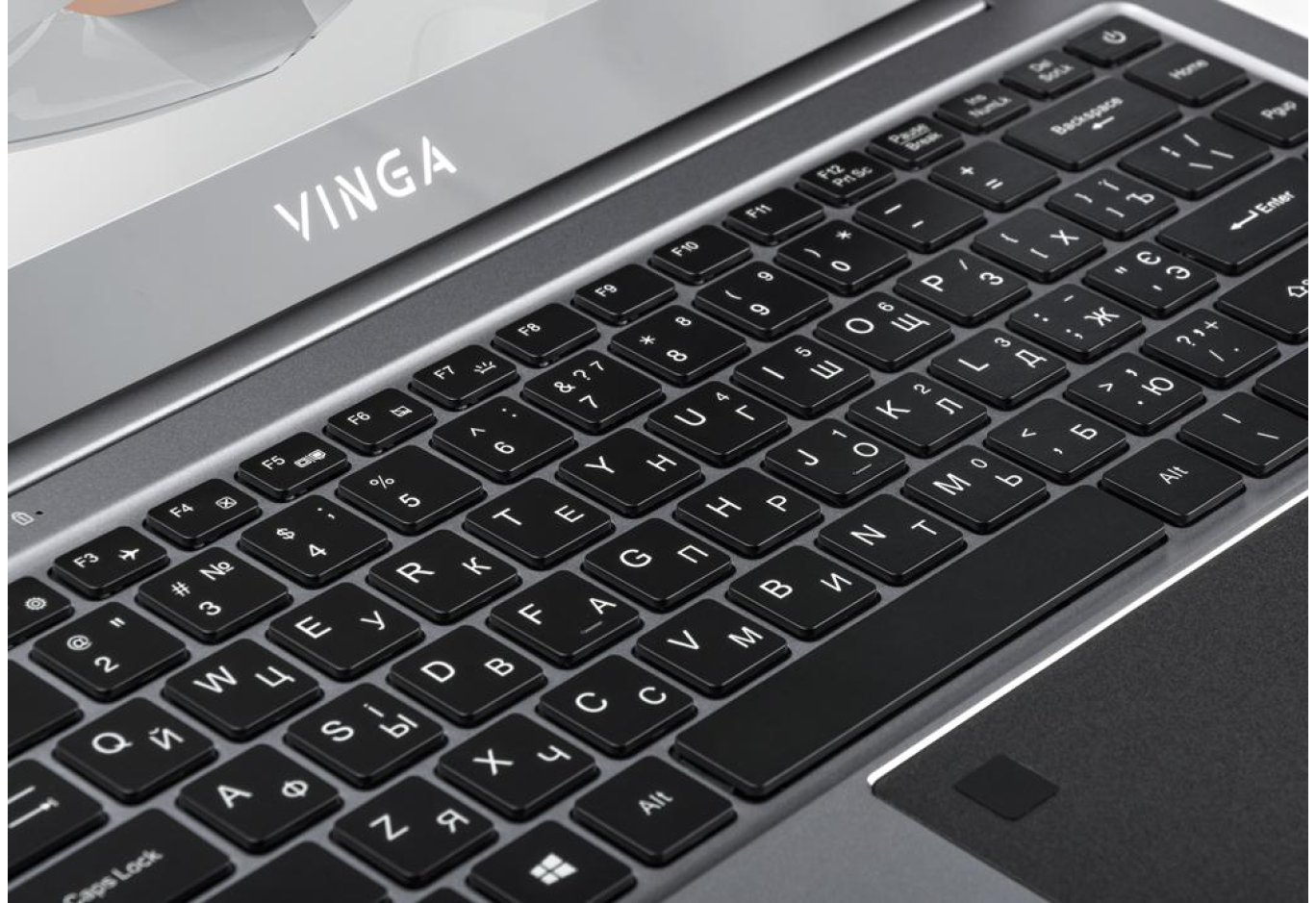
Thanks to the high sensitivity of the touchpad, you can work comfortably on the laptop even without connecting external pointing devices for cursor control. The manufacturer additionally equipped it with a fingerprint scanner. Thus, you can leave the device at your workplace unattended without fear that someone will gain access to the files on it. Plus, you will save time with each startup - just by placing your finger instead of entering a password.

The keyboard is equipped with backlighting, so for working at night, you don't need to turn on the light in the room: the keys will be clearly visible without it. The battery with a capacity of 7.4 V 5000mAh lasts for 6 hours of work when fully charged. Despite the fact that aluminum was the main material used for the case, the laptop weighs only 1380 grams. In addition, it is quite compact: 22.2 cm in depth, 33.2 cm in width, and up to 1.4 cm in thickness.

Vinga Iron S140 comes without a pre-installed operating system. 

Characteristics
General
Type
Laptop
Brand
Vinga
Model
Iron S140
Article
S140-P508256G
Warranty, month
12
Main features
Series (model range)
Vinga Iron
Laptop Type
business
Display
Display diagonal
14"
Resolution
1920x1080 (FullHD)
Matrix type
IPS
Screen surface
glossy
Screen refresh rate
60 Hz
Processor
Processor
Intel Pentium N5000 (1.1 - 2.7 GHz)
Number of processor cores
4
RAM
Type of RAM
DDR4
RAM capacity
8 GB
Number of RAM slots
absent, soldered on PCB
Data storage system
Types of Internal Drives
SSD
SSD Volume
256 GB
Card Reader
Card-reader
Graphics card
Graphics Card Type
integrated
Graphics Card
Intel UHD Graphics 605
Multimedia
Webcam
WEB-Camera 2 MP
Additional features
built-in microphone, stereo speakers
Communication capabilities
Wireless technologies
Bluetooth, Dual-Band Wi-Fi
Ports and connectors
Interfaces and connections
1 x USB 2.0, 1 x USB 3.0, miniHDMI, Combined audio jack
Software
Operating System
without operating system
Nutrition
Battery capacity
7.4V 5000mAh
Declared operating time (hours)
6
Additionally
Features
fingerprint scanner, keyboard backlighting
Additionally
metal case
Also search for
budget, cheap, for student, small, thin, ultrabooks, up to 15000 UAH, up to 20,000 UAH, up to 25,000 UAH, up to 30,000 UAH, up to 40000 UAH, up to 50000 UAH, with a metal body, with SSD drive
Physical characteristics
Width
332 mm
Height
14 mm
Depth
222 mm
Weight
1.38 kg
Color
gray
Download drivers
Набір драйверів для Windows 10 x64 та інструкція Readme.txt для моделі 2020 року (905 МБ)
.zip
905.2 MB
Version 3.0
13.01.2021
Набір драйверів для Windows 10 x64 для моделі 2019 року (1,26 ГБ)
.zip
1 295.9 MB
Version 2.0
03.04.2020
Reviews
e-mail is hidden to all users
Анатолій
23.01.2023
Після замвни клавіатури в сервісному центрі виключається на роботі від батареї. В чому може бути причина?
01.02.2023
Анатолію, на жаль, для виявлення причини необхідно повторно звернутися до СЦ.
Андрій
25.06.2022
Проблеми виникли нещодавно з батареєю, начав вимикатися на +-40% і ніби не повністю заряджається, напевно потрібне балансування батареї, як його виконати?
VingaCommunity
28.06.2022
Андрію, будь ласка, зверніться до СЦ - https://vinga.ua/ua/servis-ta-garantiya.html
Антон
11.01.2023
Добрый день! Вы решили вопрос с батареей? Недавно возникла та же проблема. Выключается ноут без предупреждения на + - 50%
11.01.2023
Доброго дня, Антоне! Будь ласка, зверніться до СЦ для проведення діагностики - https://vinga.ua/ua/servis-ta-garantiya.html
Igor
10.02.2022
Pros: співвідношення ціна-якість
Cons: хотілося б щоб зарядний пристрій був usb type-c
Чудовий ноутбук
Pilgrim
28.12.2021
Cons: Недостатня підтримка пристрою.
версія Windows 10 20H2 останні оновлення. Перестав працювати тачпад. В диспетчері пристроїв знаходить як стандартний hid пристрій. Старі драйвера, що є тут на сайті не підходять. Який вихід з положення?
VingaCommunity
28.12.2021
Pilgrim, драйвери на сайті актуальні - спробуйте видалити пристрій повністю з Диспетчеру пристроїв та встановіть послідовно необхідні драйвери з архіву своєї моделі відповідного року (2019 чи 2020). Якщо не допоможе - зверніться, будь ласка, до СЦ https://vinga.ua/ua/servis-ta-garantiya.html
Валерий
14.12.2021
Pros: Компактный Хорошая матрица
Cons: Хотелось бы нес=много быстрее ибо при работе в браузере иногда бываю микро лаги
Ноутбук отличный, особенно после установки 11 Винды. Но у меня есть небольшой вопрос, есть ли возможность открытия BIOS, на данном ноутбуке и если да то каким способом.
VingaCommunity
29.12.2021
Валерий, спасибо за покупку! Для входа в BIOS после включения ноутбука используйте клавишу Esc.
оля
12.10.2021
не налаштовується камера та мікрофон - думаю повертати незадоволена була кращої думки
VingaCommunity
16.10.2021
Всі драйвери встановлено? В якій програмі налаштовуєте?
Alex Degtyarev
01.10.2021
Pros: хорошие характеристики для такого ценового сегмента
Cons: пока не нашел
Купил вчера ноутбук, подскажите как включить подсветку клавиатуры и привязать отпечаток пальца?
VingaCommunity
31.10.2021
Алекс, подсветка включается комбинацией клавиш Fn+F7 (пиктограмма светящейся клавиши), отпечаток пальца настраивается в меню "Варианты входа" в настройках ОС Windows 10, перед этим удостоверьтесь, что установлены все необходимые драйвера и в Диспетчере устройств нет неопознанных.
анатолій
15.06.2021
После 3-х месяцев эксплуатации перестал работать тачпад, система windows 10