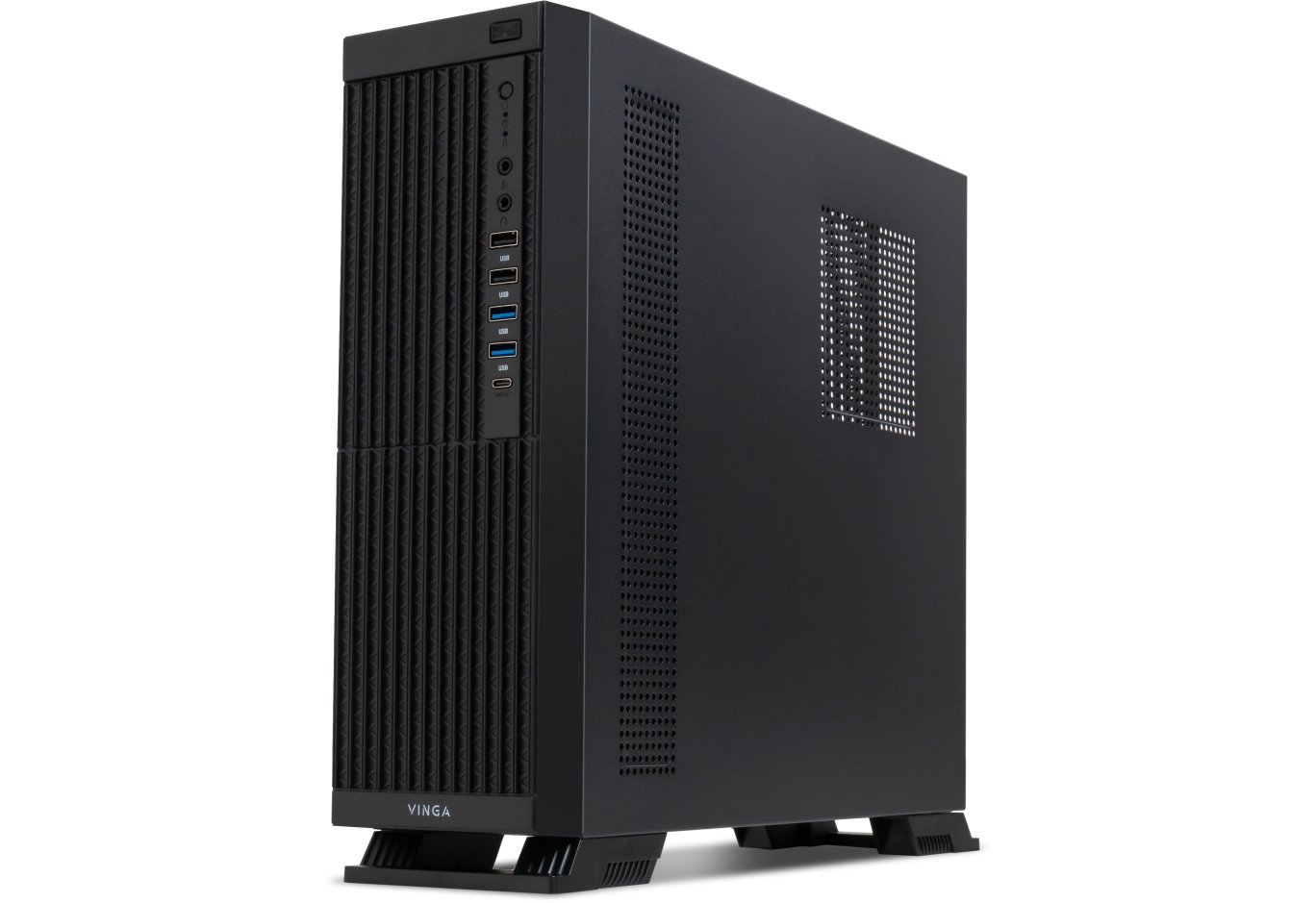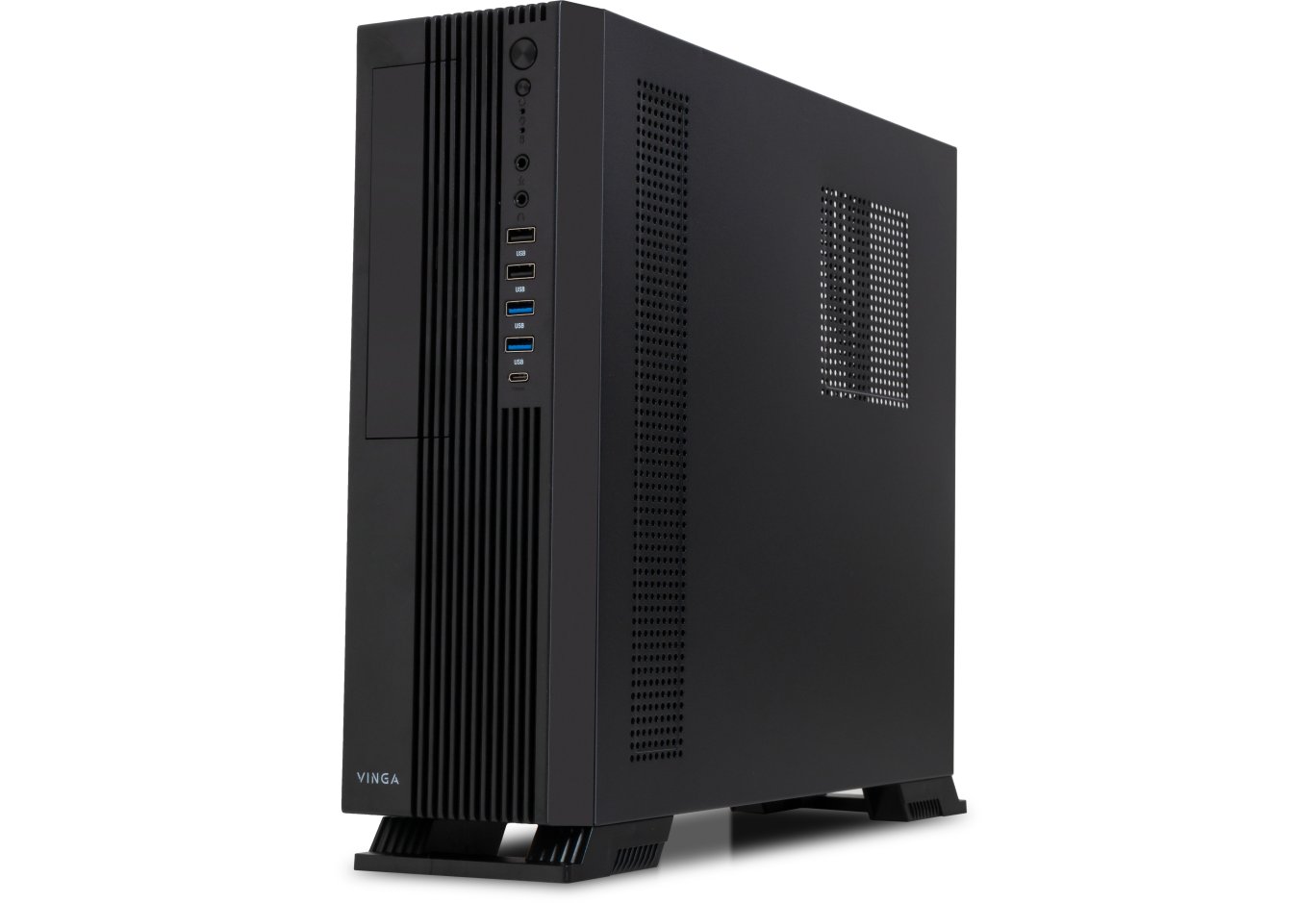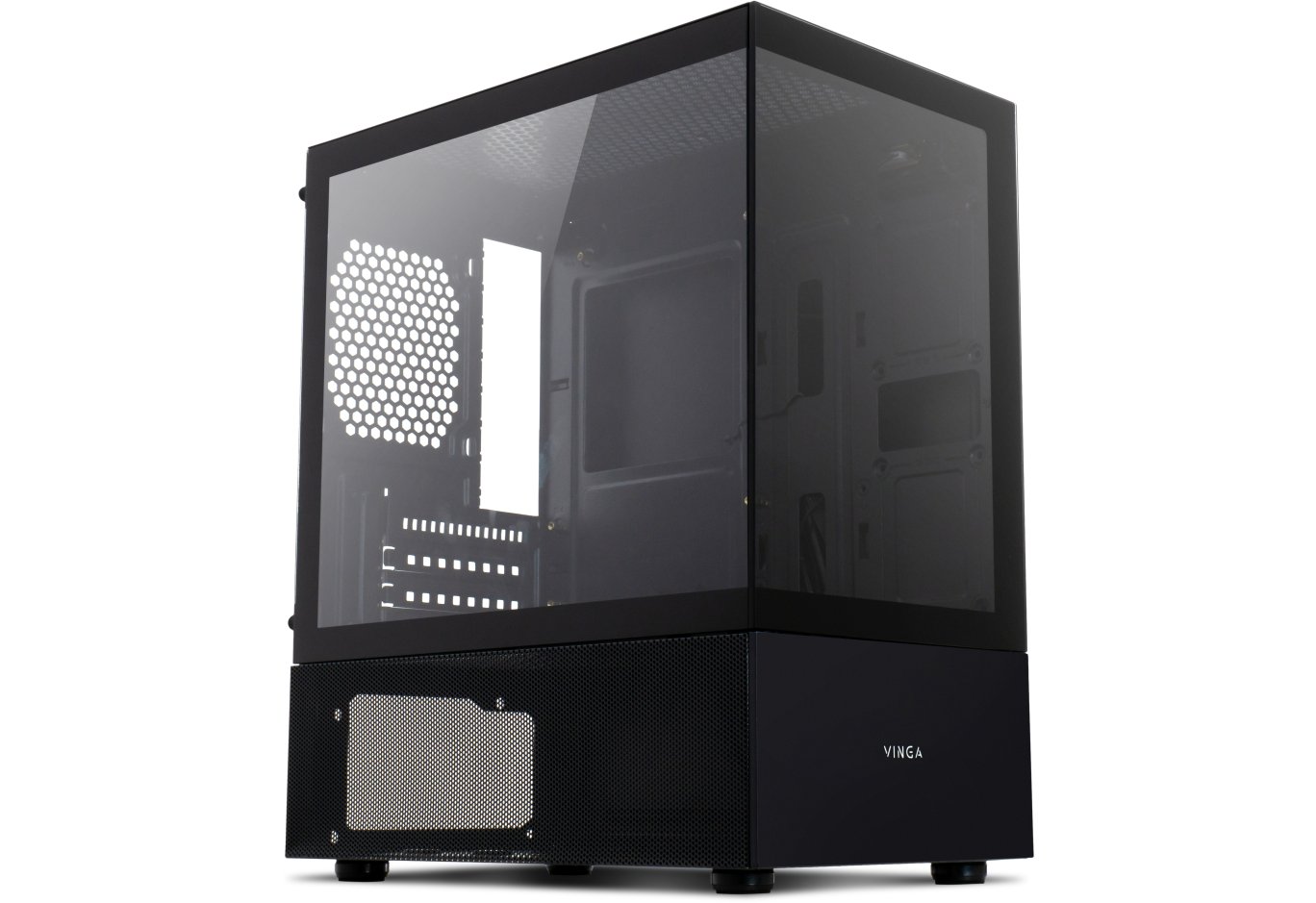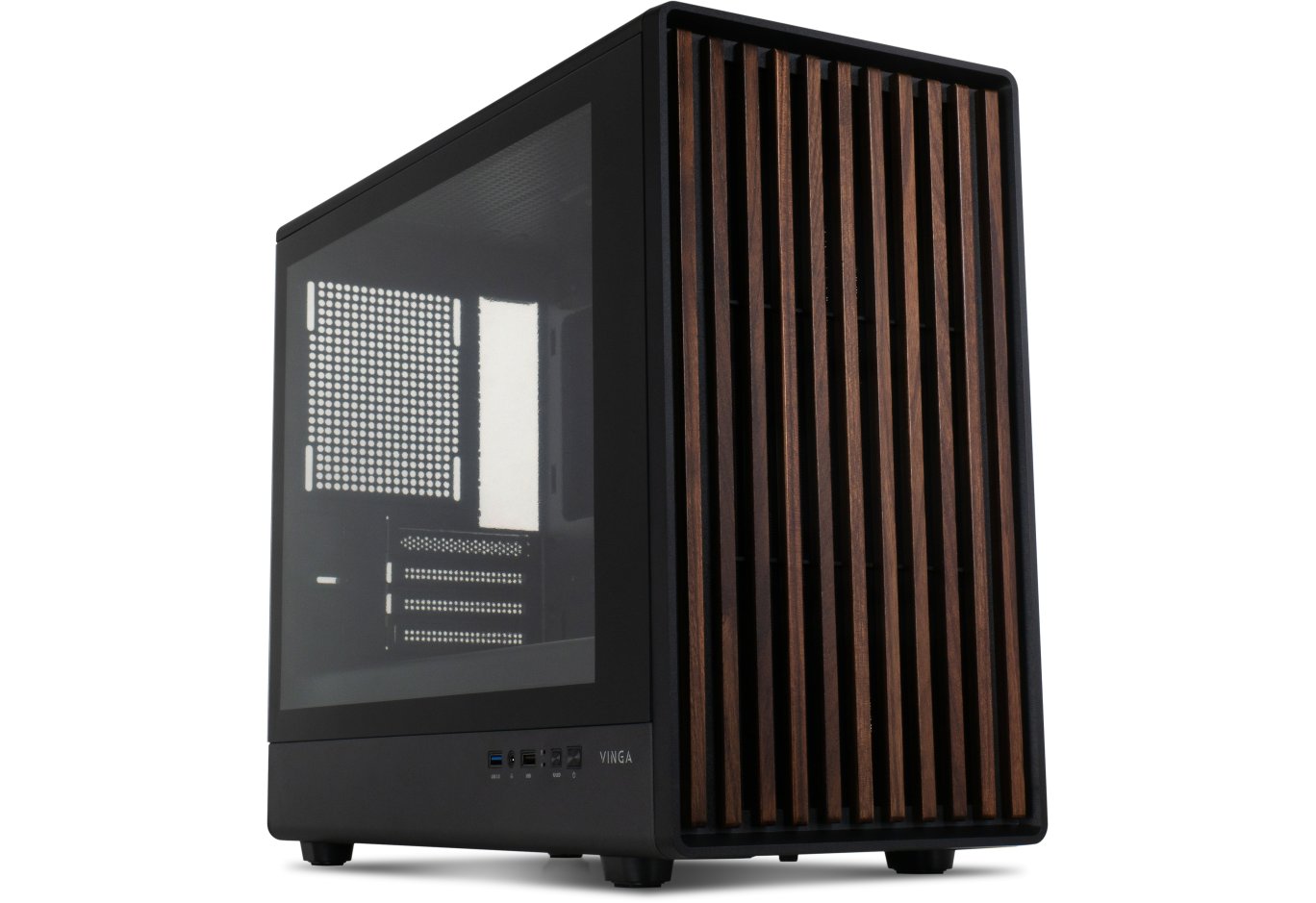
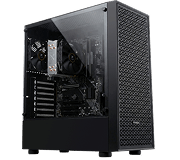








PC Case Vinga Gaia
But not "in the shoulders". The Vinga Gaia case is not much different from the army of Middle Tower solutions we have tested. Yes, the Mini Tower form factor implies support for smaller boards.
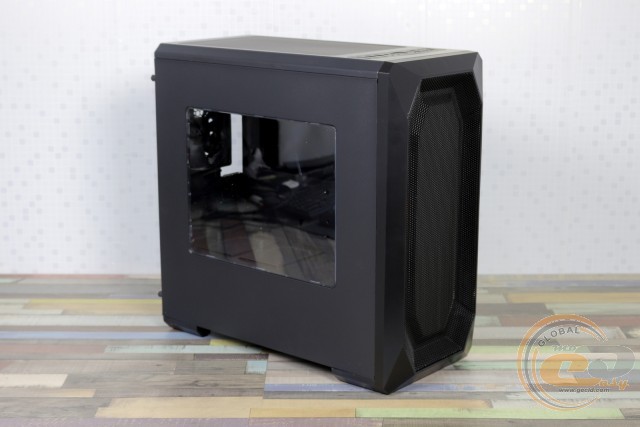
Otherwise, it is a potential haven for large graphics cards, tall CPU coolers, and even dual-fan liquid cooling systems. Moreover, the perforated front panel and the installed rear fan contribute to comfortable temperature indicators of the components. What are the other advantages and disadvantages of the case priced at $36 - further in the review.
Specification
|
Model |
Vinga Gaia |
||
|
Case Size |
Mini Tower (Micro Tower) |
||
|
Motherboard Form Factor Support |
microATX / Mini-ITX |
||
|
Color |
Black |
||
|
Internal Bays |
2 x 3.5" 4 x 2.5" |
||
|
Expansion Slots |
4 |
||
|
Maximum Graphics Card Length (in brackets - own measurements) |
393 mm (380 mm) |
||
|
Maximum CPU Cooler Height (in brackets - own measurements) |
160 mm (165 mm) |
||
|
Ports |
1 x USB 3.0 2 x USB 2.0 2 x audio ports |
||
|
Pre-installed Fans |
On the rear panel |
1 x 120-mm |
|
|
Fan Installation Capability |
On the front panel |
3 x 120-mm |
|
|
On the top panel |
1 x 140-mm / 2 x 120-mm |
||
|
On the rear panel |
1 x 120-mm |
||
|
Power Supply |
None |
||
|
Materials |
Front Panel |
Plastic with metal mesh |
|
|
Chassis |
Steel thickness 0.49-0.74 mm |
||
|
Right Side Panel |
Steel thickness 0.61 mm |
||
|
Left Side Panel |
Steel thickness 0.61 mm with acrylic window |
||
|
Case Dimensions (in brackets – own measurements) |
420 x 213 x 445 mm (420 x 206 x 440 mm) |
||
|
Weight (own measurements) |
4.2 kg (4.3 kg) |
||
|
Manufacturer's Website |
|||
Packaging and Delivery Set
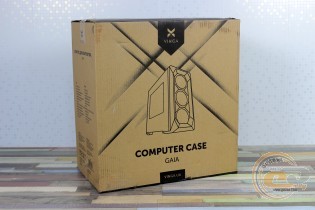

The usual cardboard packaging is well aware of the main features of the device, in some ways even better than the official website. There are no handles for transportation, which is fine.
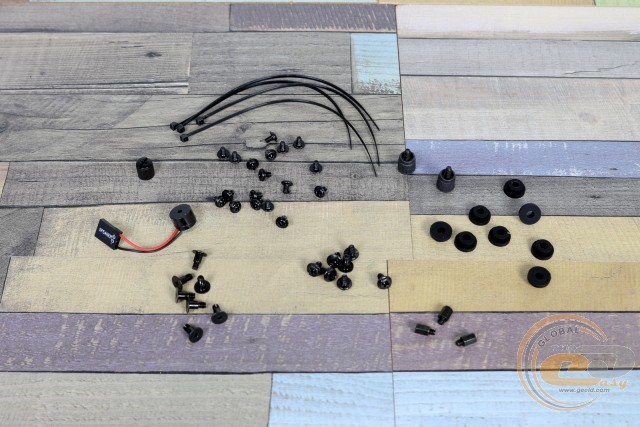
The package is simple, which fully corresponds to the price of the case itself. There are various screws (including those with gaskets for hard drives), standoffs and a head for their installation, disposable ties, and a speaker.
Appearance
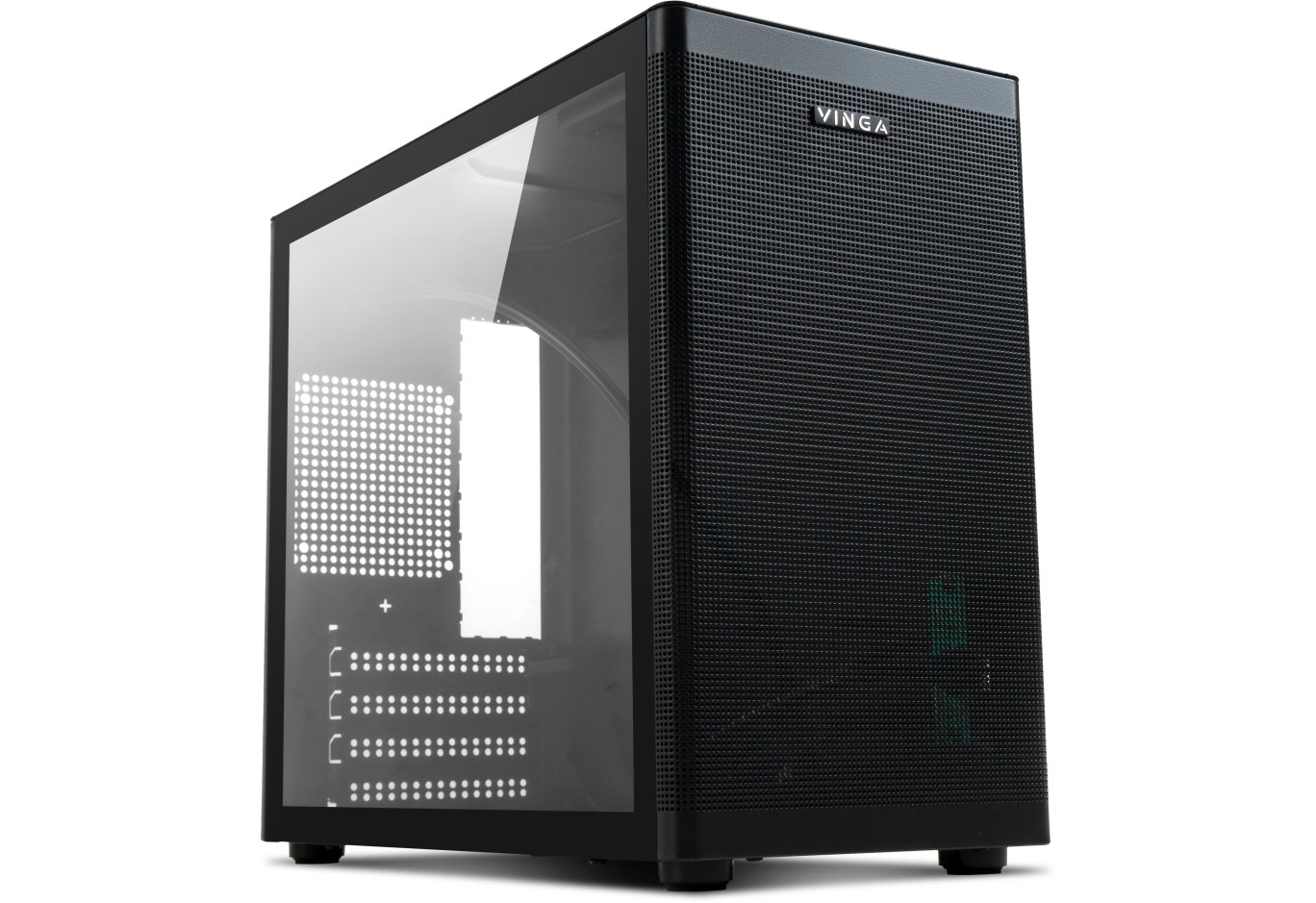
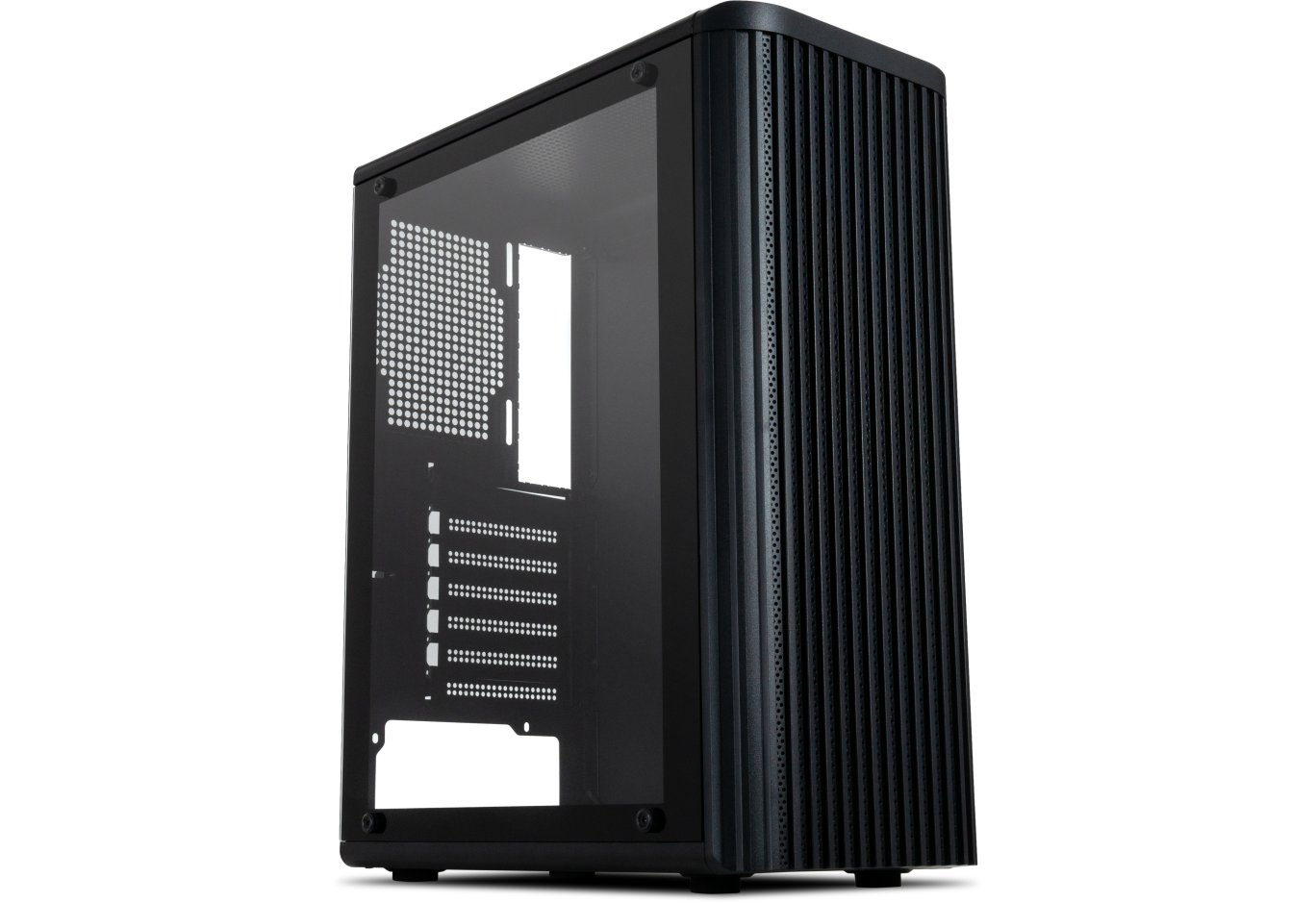
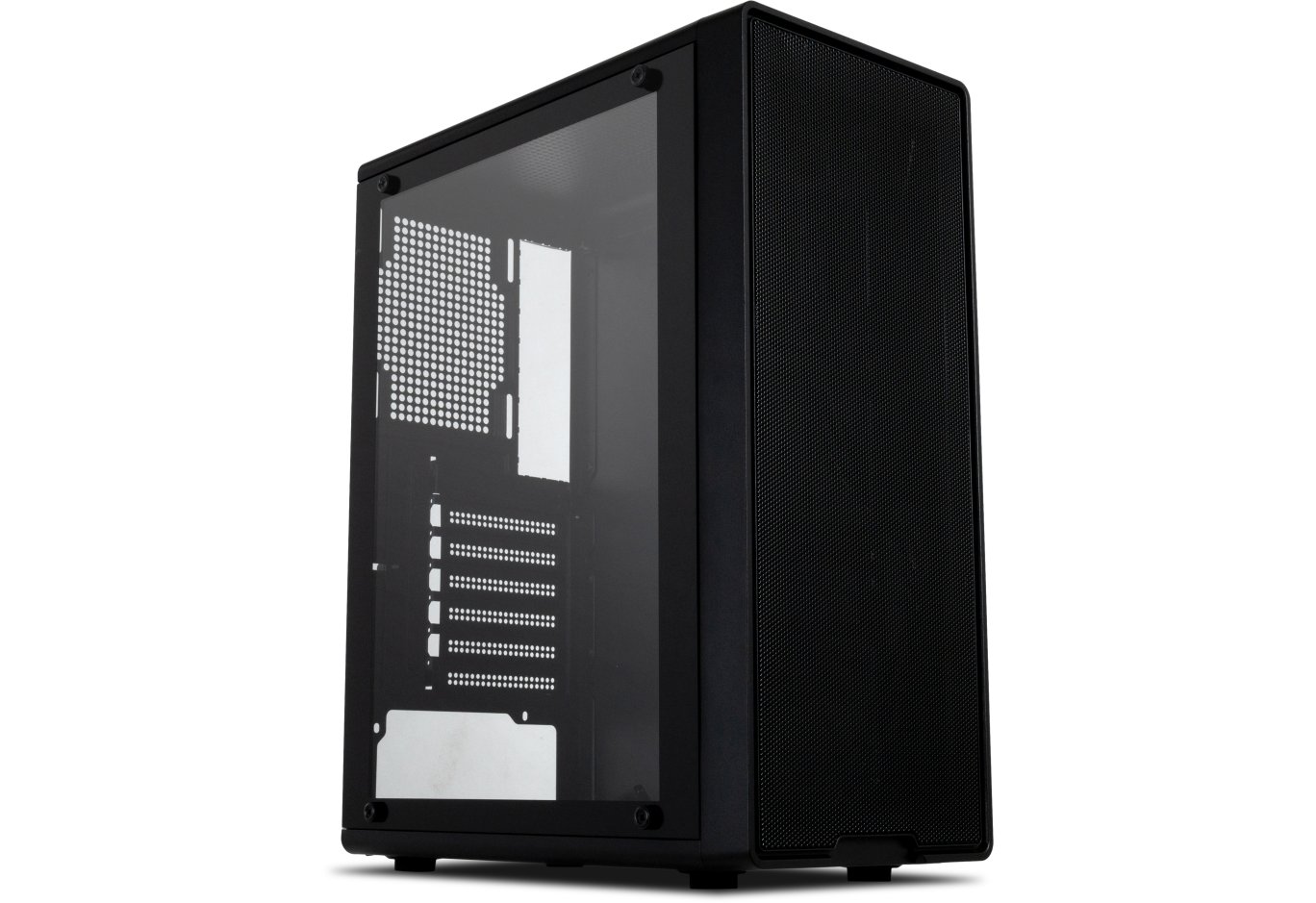
I really liked the good airflow of the Vinga Gaia's front panel. This was made possible by the metal mesh that occupies most of its area. It is slightly shifted to the right, adding a slight asymmetry. So slight that we didn't even notice it at first. The plastic edging handles fingerprints a bit better than glossy surfaces.
The appearance that slightly resembles a speaker causes the most disagreements. Do you like this design? Share your opinion in the comments.
The panel is very easy to remove - there are six usual latches. No dust filters were found underneath, which was expected given the price of the device. The unified chassis allows for the installation of up to three 120-mm fans here.
A width of 205 mm allows for the installation of the rear 120-mm fan. It comes with the case. And the wide openings allow for adjusting its position in height.
Below we have four expansion slots with two types of mounts: individual with screws (all plugs are reusable) and general. The latter is represented by a pressure plate and a pair of exclusively slotted heads. And at the very bottom, the power supply will be housed.
It will be able to breathe without problems: a removable dust filter measuring 147 x 107 mm will take care of the relative cleanliness of the air, and plastic feet 20 mm high will ensure its proper intake. Cushioning pads will also not be superfluous. The main thing is not to lose them during the next system unit relocation.
The top panel of Vinga Gaia also boasts a mesh covering most of the surface. However, here it is even easier to remove thanks to the magnetic mount. If desired, there is enough space for a pair of 120mm or one 140mm fans.
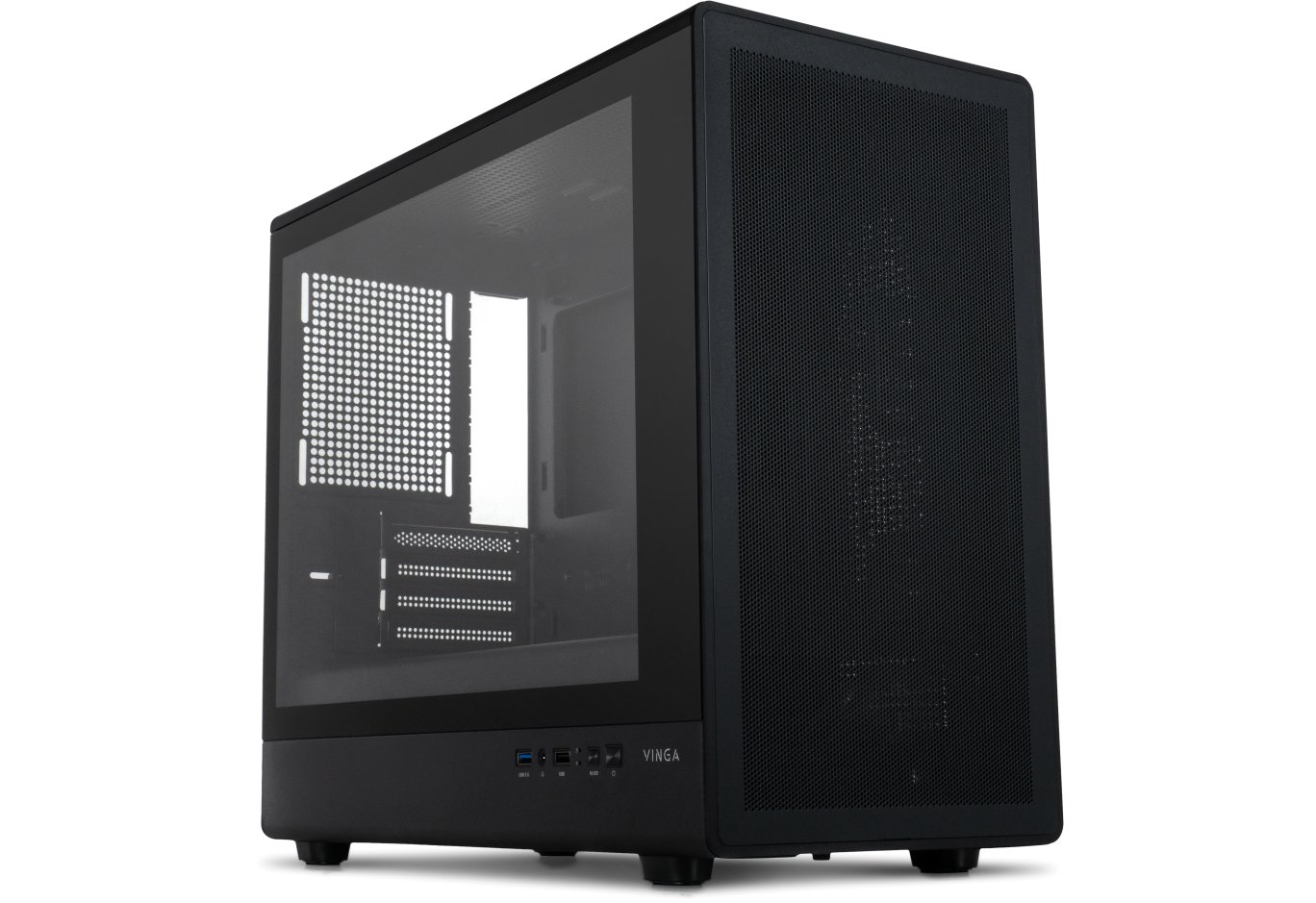
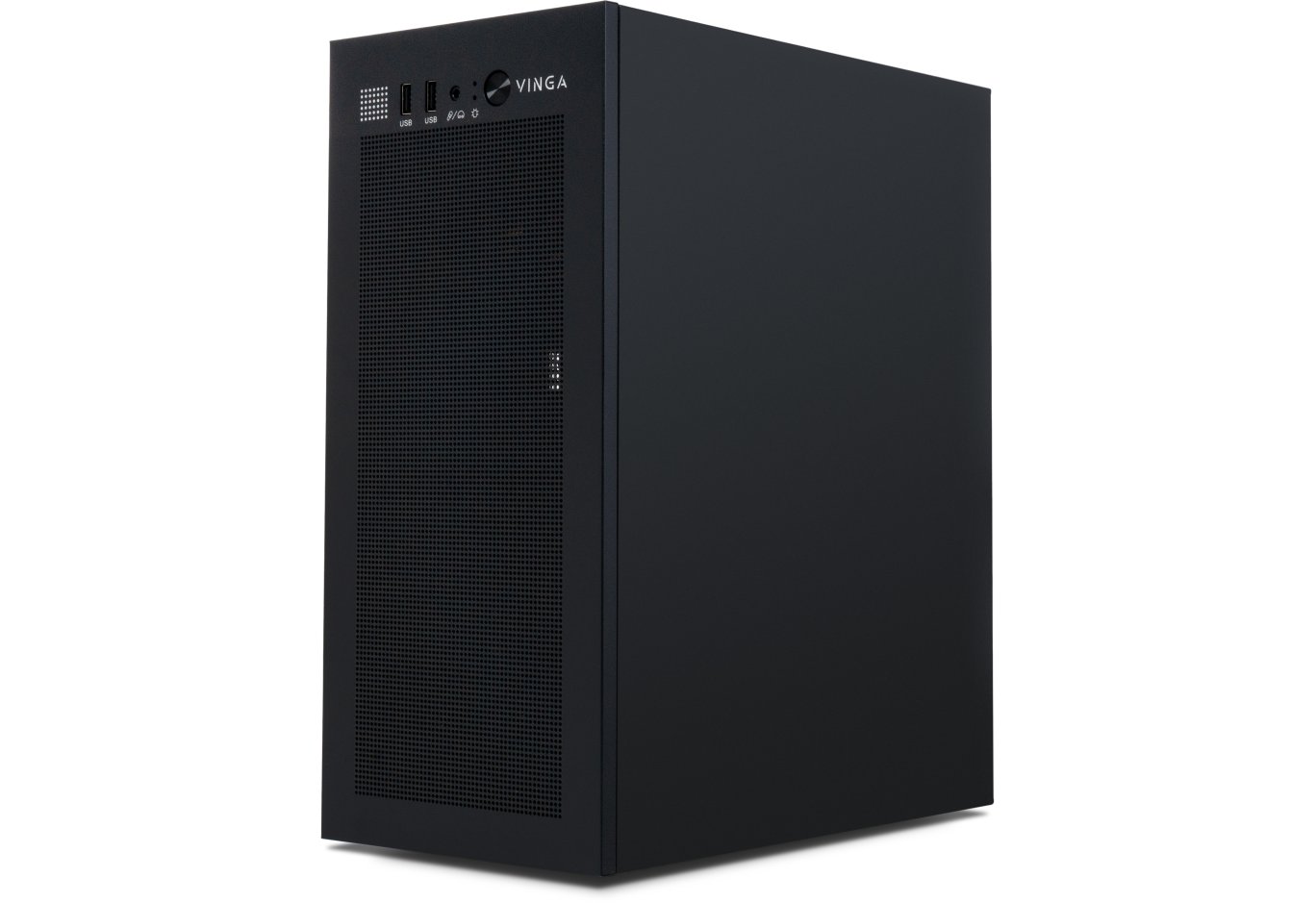
Closer to the front panel are ports, buttons, and connectors. One USB 3.0 is adjacent to an unused placeholder for a similar element. Next to it, we have a switch for the rear fan modes: maximum speed (1150 RPM), off (middle position), and minimum speed (600 RPM). To the left are the power and reset buttons with built-in LED indicators, audio jacks, a pair of USB 2.0, and another placeholder. A button for controlling the LED lighting was supposed to be here.
Access to the ports is convenient, regardless of the system unit's installation location. This is true for both the user and dust.
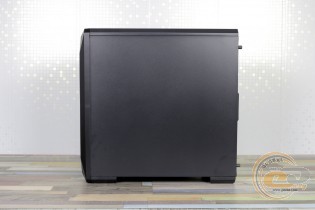
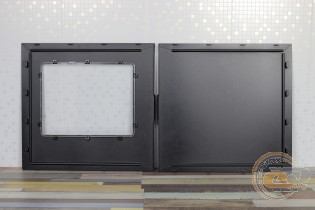
Both side panels are 0.6 mm thick steel sheets with stiffening ribs and rear-mounted screws with knurled heads.
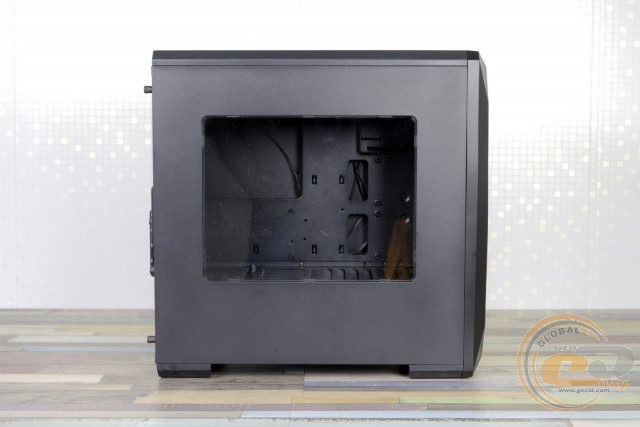
But in the name of modern trends, the left panel received a transparent acrylic window measuring 262 x 205 mm. It's quite enough to view the cooler, RAM, graphics card, and SSD. The main thing is to have something worth looking at.
Internal Structure
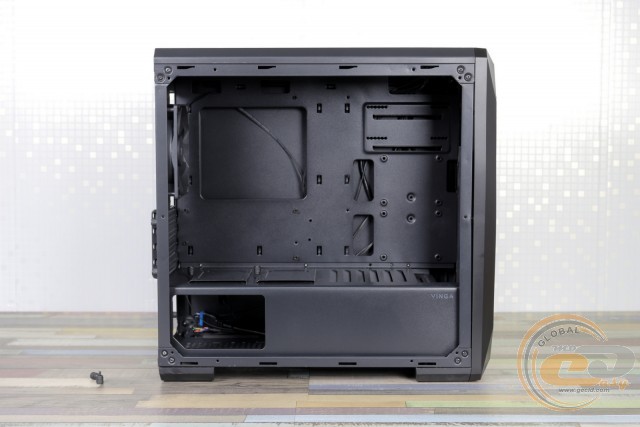
The internal structure of Vinga Gaia is similar to many larger branded cases. The difference lies in the support for motherboards up to the microATX format, as hinted by the presence of only four expansion slots.
Otherwise, it's the same practical two-section design, with no standoffs at the front and a tunnel at the bottom to hide everything without lighting out of sight. Well, almost everything - the manufacturer provided a window for the power supply, but it cannot be seen with the side panel closed.
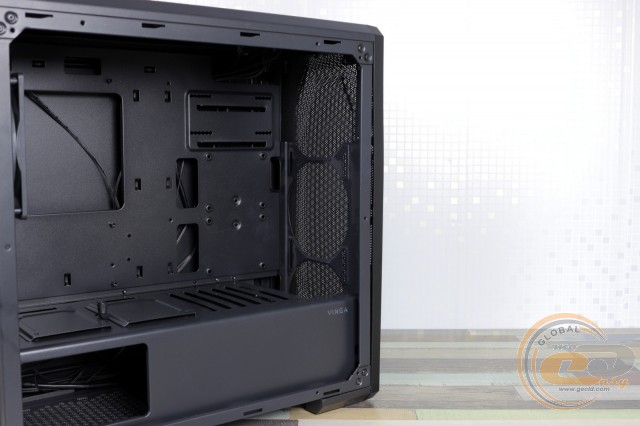
Behind the front panel, a radiator up to 240 mm long can be installed instead of fans. Next to it, on the tray, a pair of 2.5" drives can be mounted, but to perform this procedure, both side panels will need to be removed.
However, most of you won't have a particular need for this, as a pair of SSDs can be placed on the tray. There are two removable brackets for this. The only "but" is that their use may interfere with installing devices in the very bottom expansion slot.
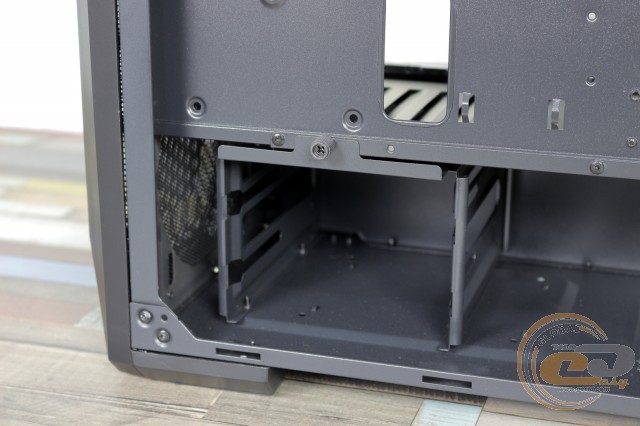
If the system has larger 3.5" drives, you will need to use the included pads and screws, after which the drives can be secured in the cage under the tunnel.
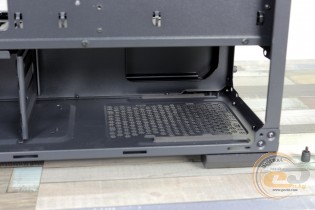
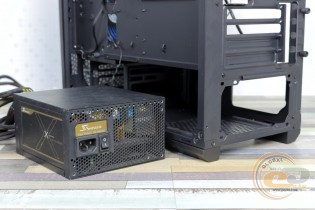
The latter, by the way, is removable. However, we found no need to use this feature. For example, the power supply length can already reach a significant 180 mm. Unless you want to install something even larger.
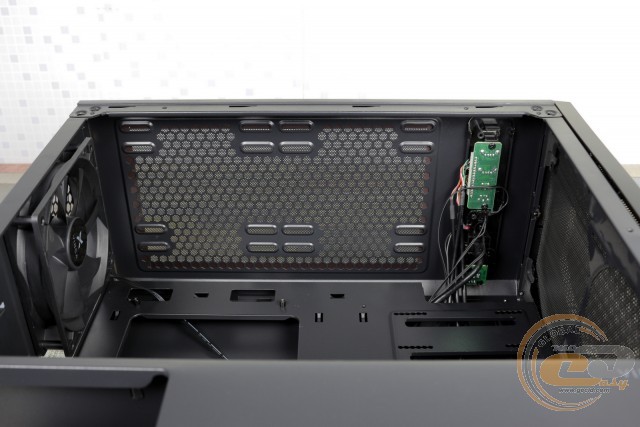
The space under the top panel is not sufficient in height for a radiator - only fans will fit here. And in length, the pair of 140mm fans lacks 10 mm of distance between the holes in the middle. However, a combination of 140mm and 120mm solutions can be installed here without problems.
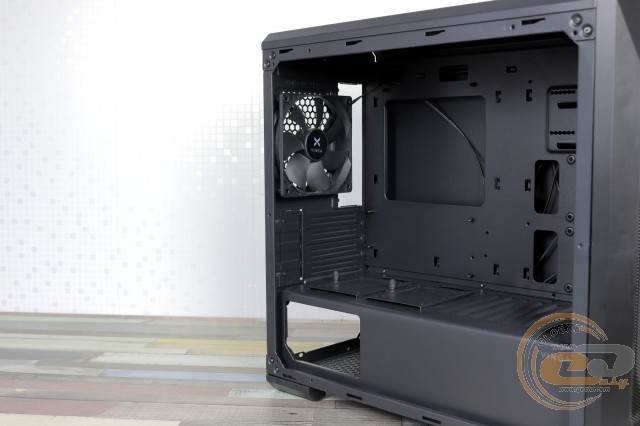
At the back of Vinga Gaia, there is a single fan. By modern standards, this is a very simple solution: no blade optimization, not even a couple of LEDs. It uses a regular sleeve bearing inside.
Next to it on the tray, we have a large cutout - a gift for owners of large CPU coolers, making their replacement as easy as possible.
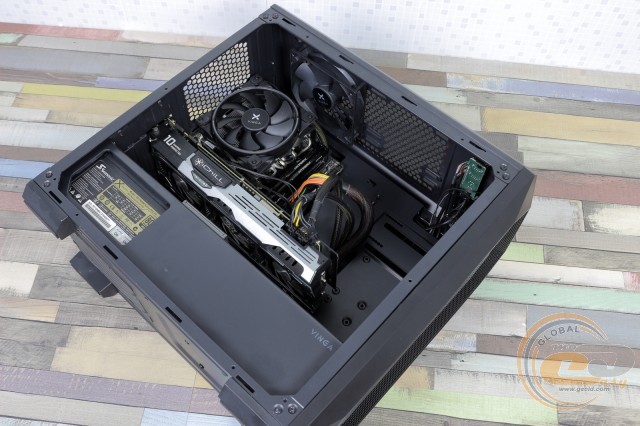
All this is done for a reason - a tower cooler up to 165 mm in height will easily fit here, according to our measurements. The manufacturer advises sticking to 160 mm models, presumably to place the cooler at some distance from the window.
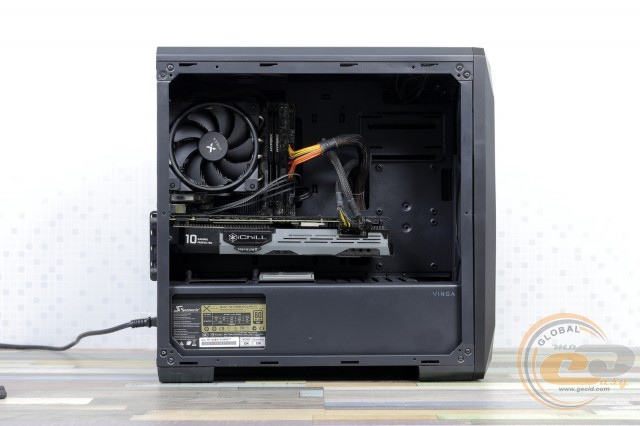
There should be no problems with large graphics cards up to 380 mm in length. Even when installing a front radiator, some "Gulliver" like our 300 mm Inno3D iChill GeForce GTX 1080 X3 will still fit here.
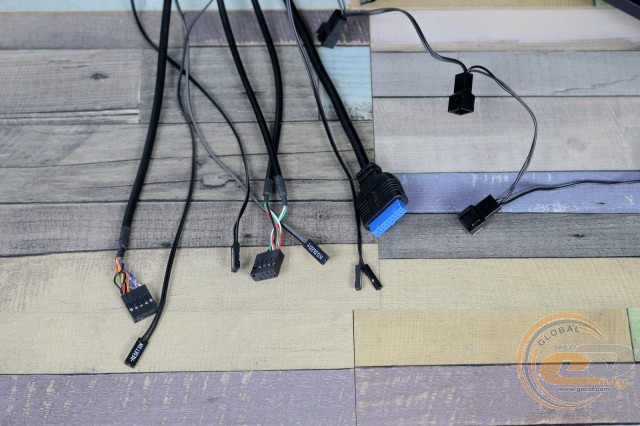
The cables coming from the front panel are long enough, considering the case's dimensions.
|
Name |
Length, cm |
|
USB 3.0 |
65 |
|
USB 2.0 |
65 |
|
HD Audio |
65 |
|
Buttons and Indicators |
65 |
|
PATA |
40 |
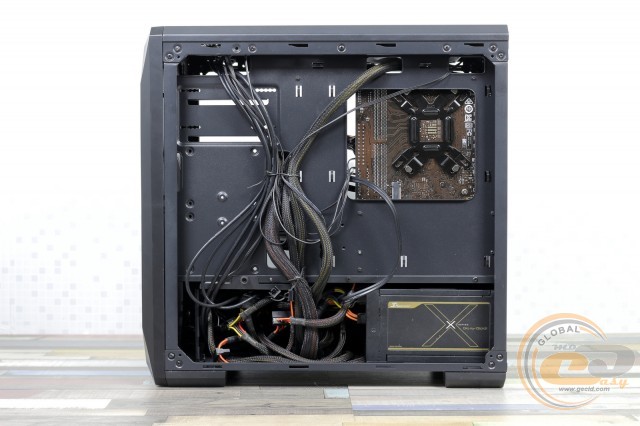
Regarding their placement, there is enough space behind the tray for all of them.
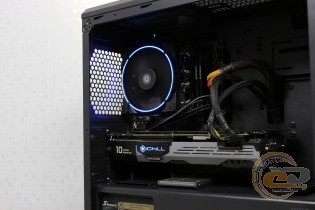
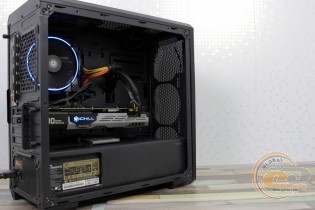
There should be no difficulties with the assembly process. The rigidity of the structure is low, but we did not experience any negative consequences from this.
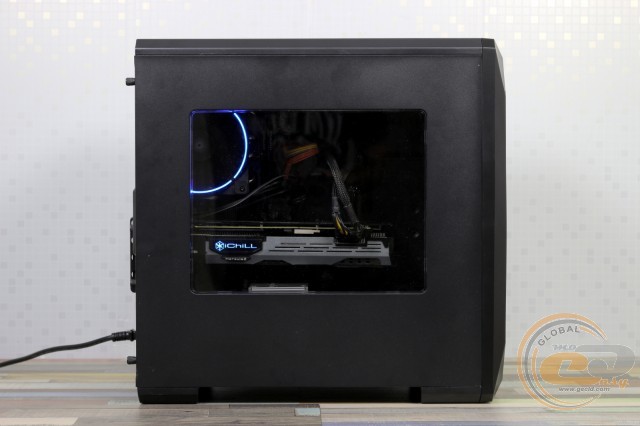
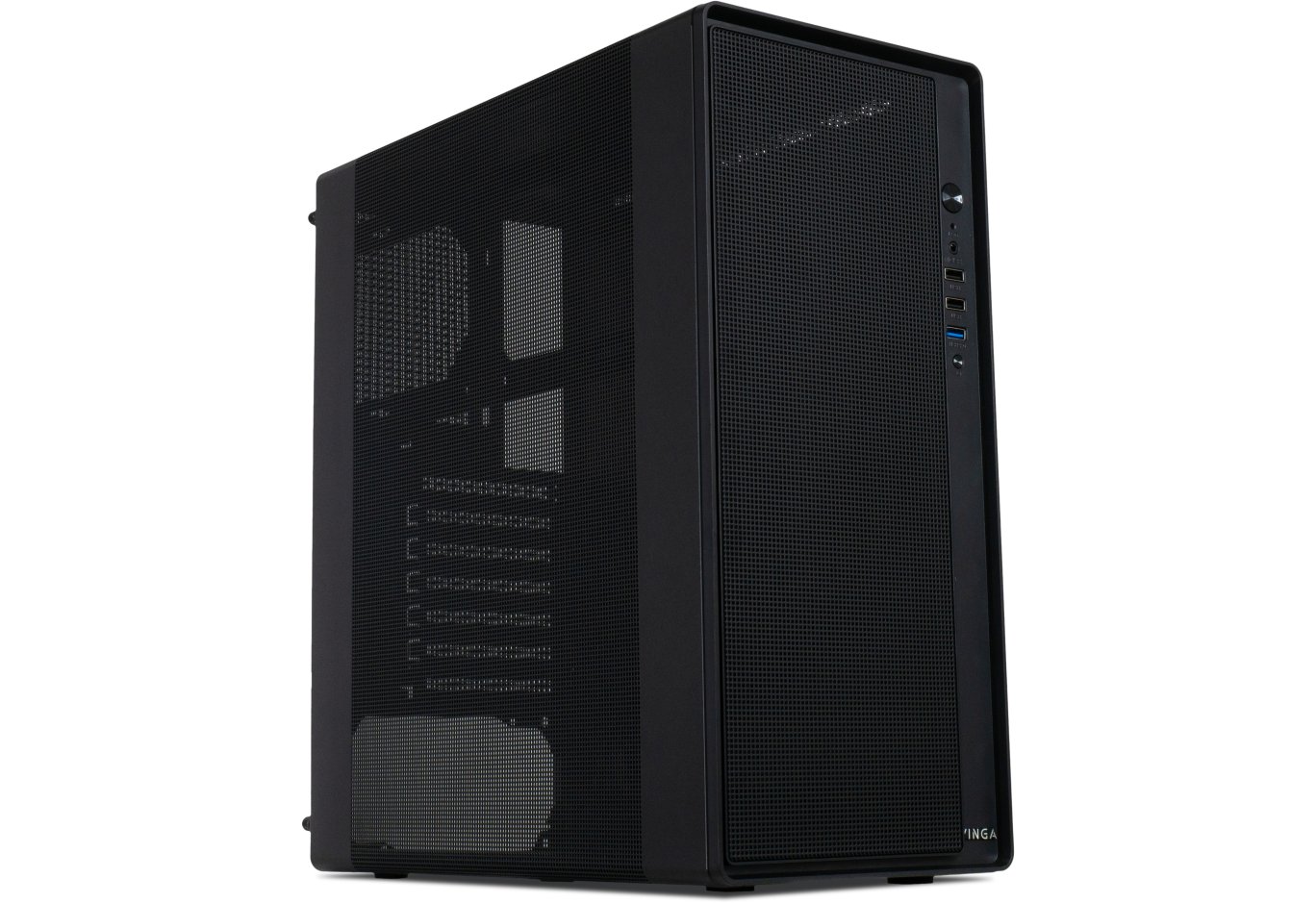
The metal part of the side panel partially hides the beauty and harmony of the assembled system. If the components were chosen with a clear emphasis on design, it is better to look towards more transparent cases.
Testing
|
Processor |
AMD Athlon 200GE (Socket AM4, 3.2 GHz) @ 3.8 GHz, 1.3 V |
|
Cooler |
VINGA CL 3006 |
|
Motherboard |
MSI B350I PRO AC |
|
RAM |
2 x 8 GB DDR4-2400 HyperX Fury HX424C15FBK2/16 |
|
Graphics Card |
Inno3D iChill GeForce GTX 1080 HerculeZ X3 |
|
SSD |
SSD Kingston SUV500/480G |
|
Power Supply |
Seasonic X-760 Gold (SS-760KM Active PFC, ATX, 760W) |
The "All System Load" chart shows the heating of components after 30 minutes of 3DMark Fire Strike in Ultra mode (4K resolution). The "System Component Burn" mode demonstrates temperatures under load with AIDA64 applications (Stress CPU and FPU) and MSI Kombustor for 15 minutes. The room temperature was +25°C.
The Vinga Gaia case was tested in four modes:
- maximum speed of the stock fan (very quiet 1150 RPM);
- minimum speed of the stock fan (almost silent 600 RPM);
- with the fan turned off;
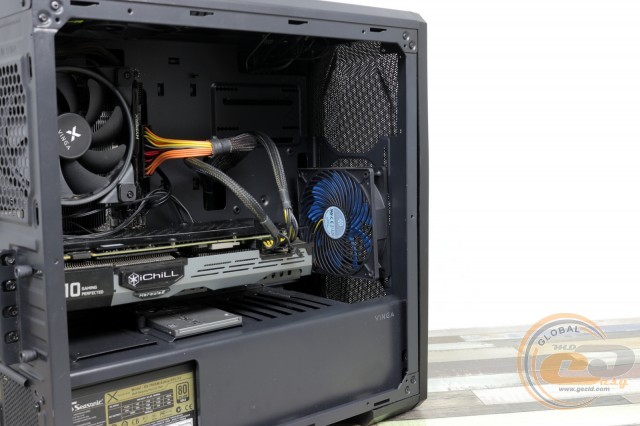
- with an additional fan on the front panel (SiverStone SST-AP123, 120 mm, 1500 RPM), maximum speed of the stock fan, and forced 100% rotation speed of the CPU and GPU fans.
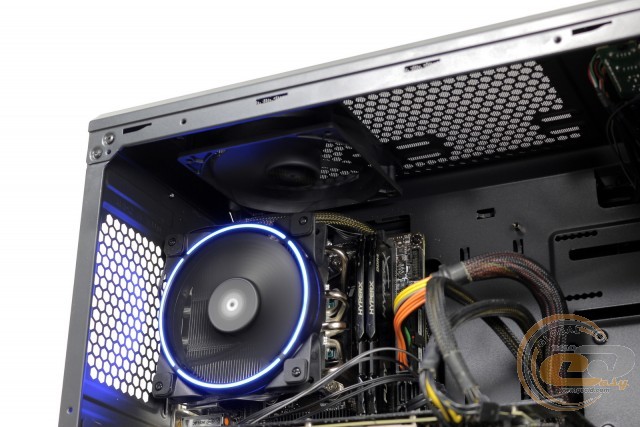
In all cases, the rear fan was installed at the top due to the protruding CPU cooler Vinga CL3006.
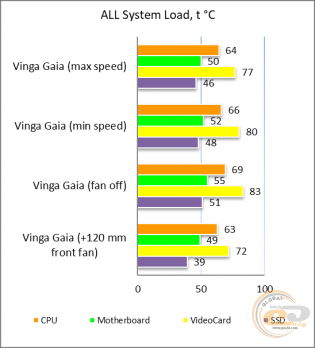
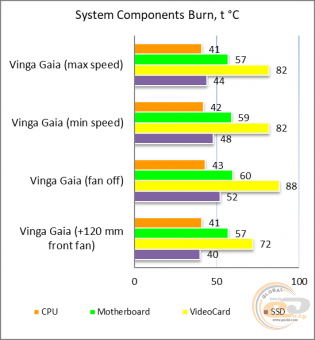
The new test configuration allows only relative comparison. When the installed fan was completely turned off, the heating of two components was most noticeable: the SSD and the graphics card. In both cases, starting the fan helped reduce the temperature by 3° to 8°C, so with discrete graphics, using the stock fan at least at minimum speed is highly recommended. Switching to a higher speed was less noticeable, but under high loads, this usage scenario will be the most optimal. Especially considering the absolutely comfortable noise level.
As for the maximum performance mode of all used cooling systems, it is the most efficient and noisy. However, in the case of the same processor (and we have AMD Athlon 200GE overclocked to 3.8 GHz) under maximum load, the gain is not as significant as with the graphics card or SSD. And in most systems, something noticeably cooler than our GeForce GTX 1080 will be installed, meaning the difference will be even less noticeable. Still, it's best to place the 2.5" drive on the tray, away from the heated open air.
Conclusions
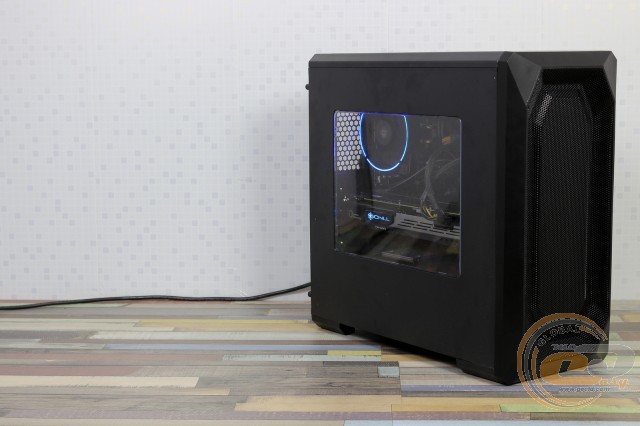
The comparative compactness of the Vinga Gaia case did not prevent it from inheriting a number of advantages of larger solutions. This includes a modern design with support for bulky components (except for the motherboard, of course), a bottom-mounted PSU, an acrylic side window, and a number of pleasant options like top and bottom dust filters, and even excellent airflow thanks to the mesh front panel and pre-installed rear fan.
To reduce the price to $36, besides the size, the thickness of the steel used (0.49-0.74 mm) was reduced, which somewhat affected the rigidity of the structure. Budgetary details like crookedly glued foot pads also give it away. There's only one front USB 3.0. But all of this is present! The same goes for the fan - yes, a simple black 120-mm sleeve bearing solution. But the effect of its presence was immediately felt by the components. The most pleasing was the ability to reduce the fan speed or even turn it off completely using a three-position switch near the front interfaces.
As a result, we liked the Vinga Gaia case because, at a very humane price, it inherits many features of more expensive and renowned solutions. Even a setup with a powerful graphics card (TDP around 180 W) can feel very comfortable here.
Advantages:
- good airflow of the front panel;
- support for 380-mm graphics cards and 160-mm CPU coolers;
- ability to install a radiator up to 240 mm long behind the front panel;
- installed 120-mm fan, which can be controlled from the front panel;
- support for a pair of 3.5" and four 2.5" drives;
- dust filters at the bottom and top, anti-vibration pads under the PSU, and soft feet;
- transparent side window;
- good cable management options.
Features:
- sleeve bearing fan.
Author: Олесь Пахолок
Translation: Лілія Масюк
Related products