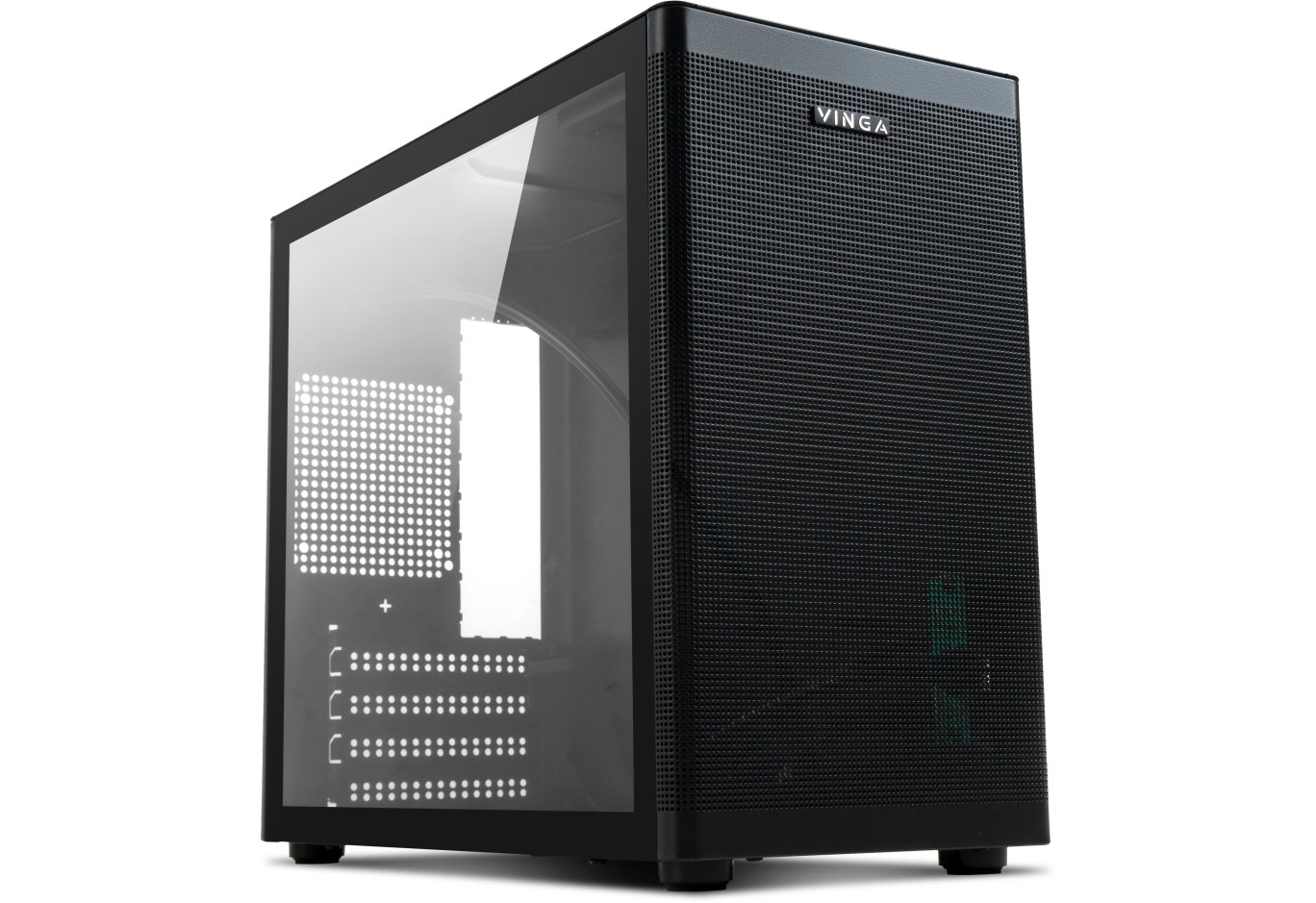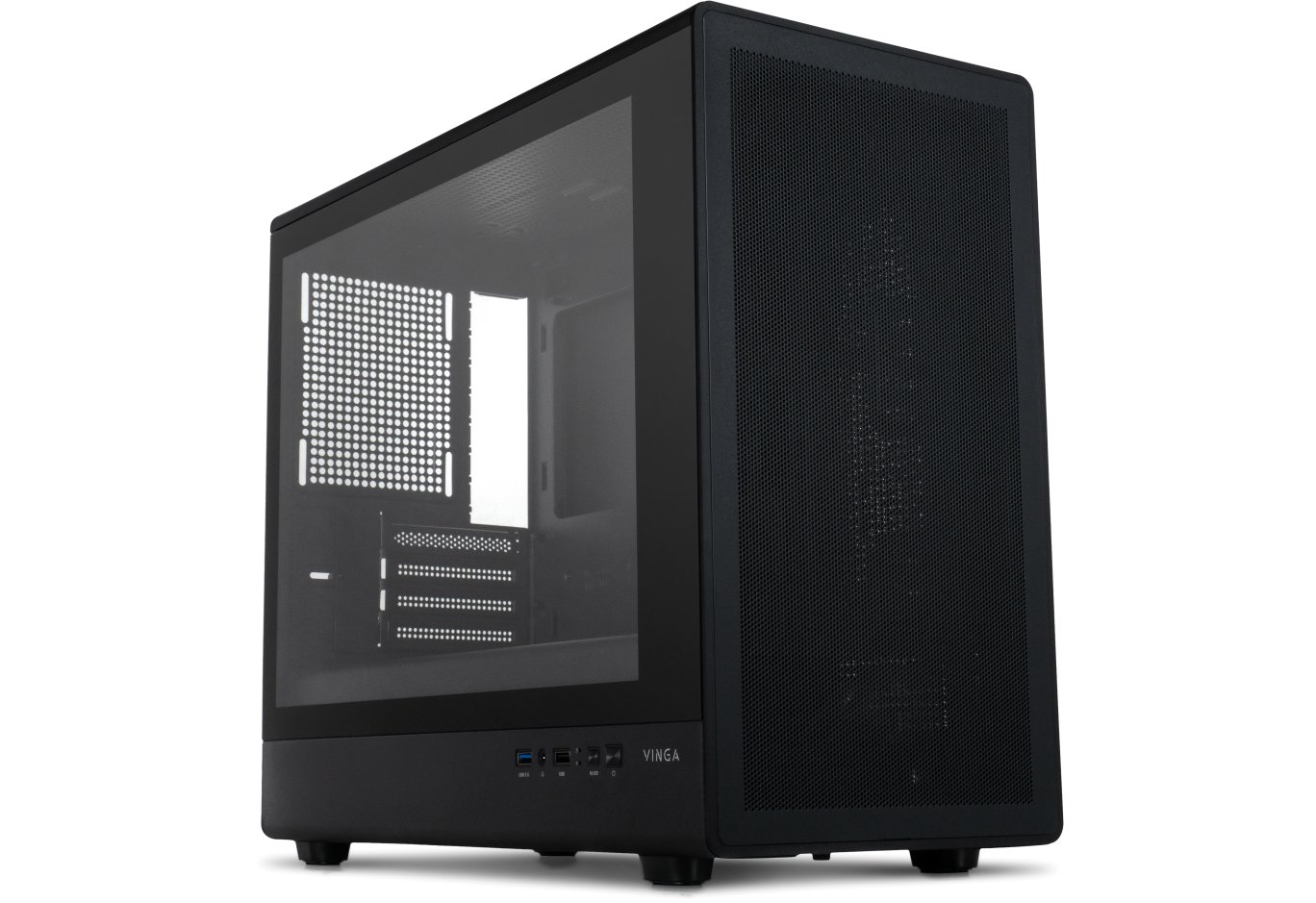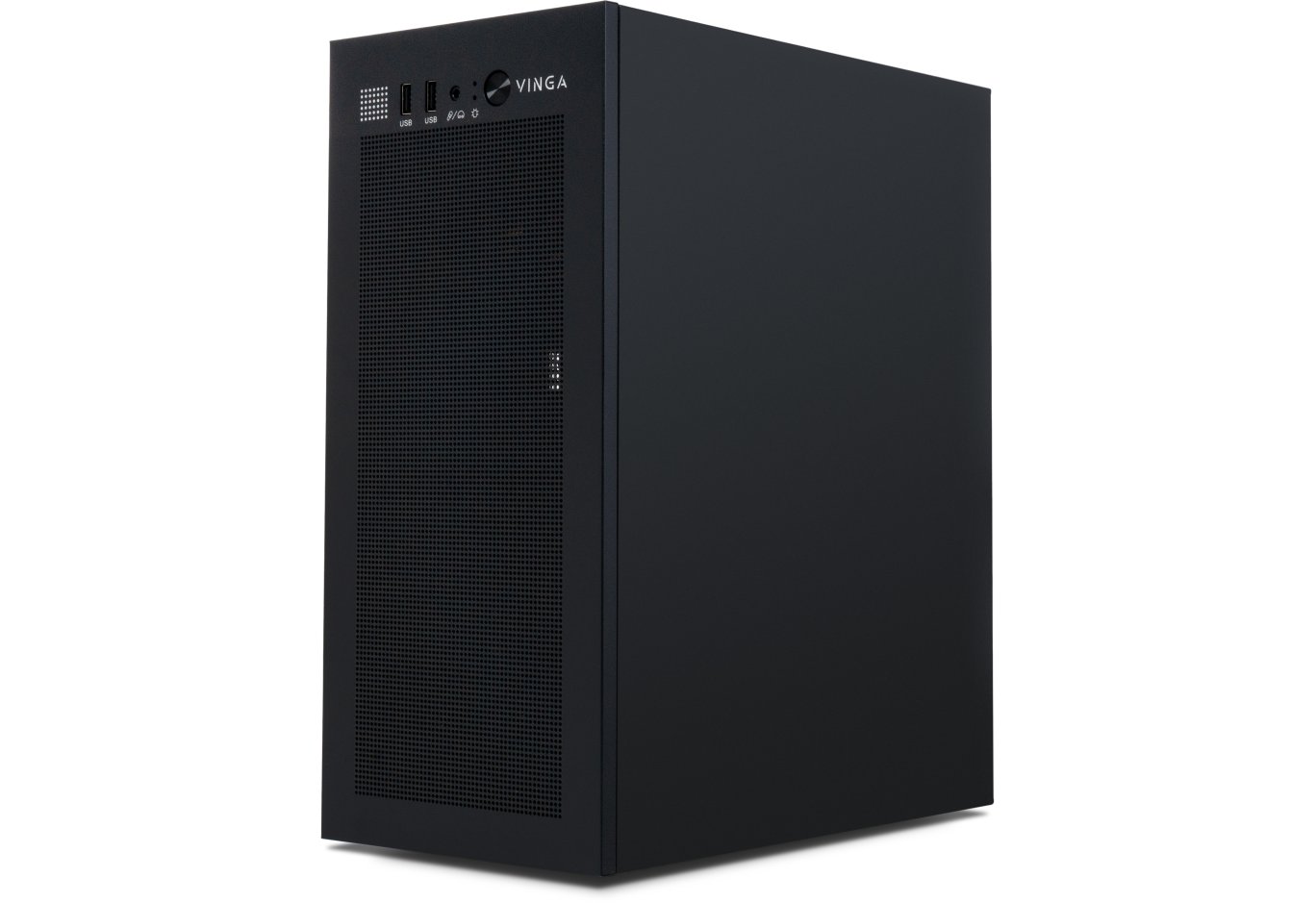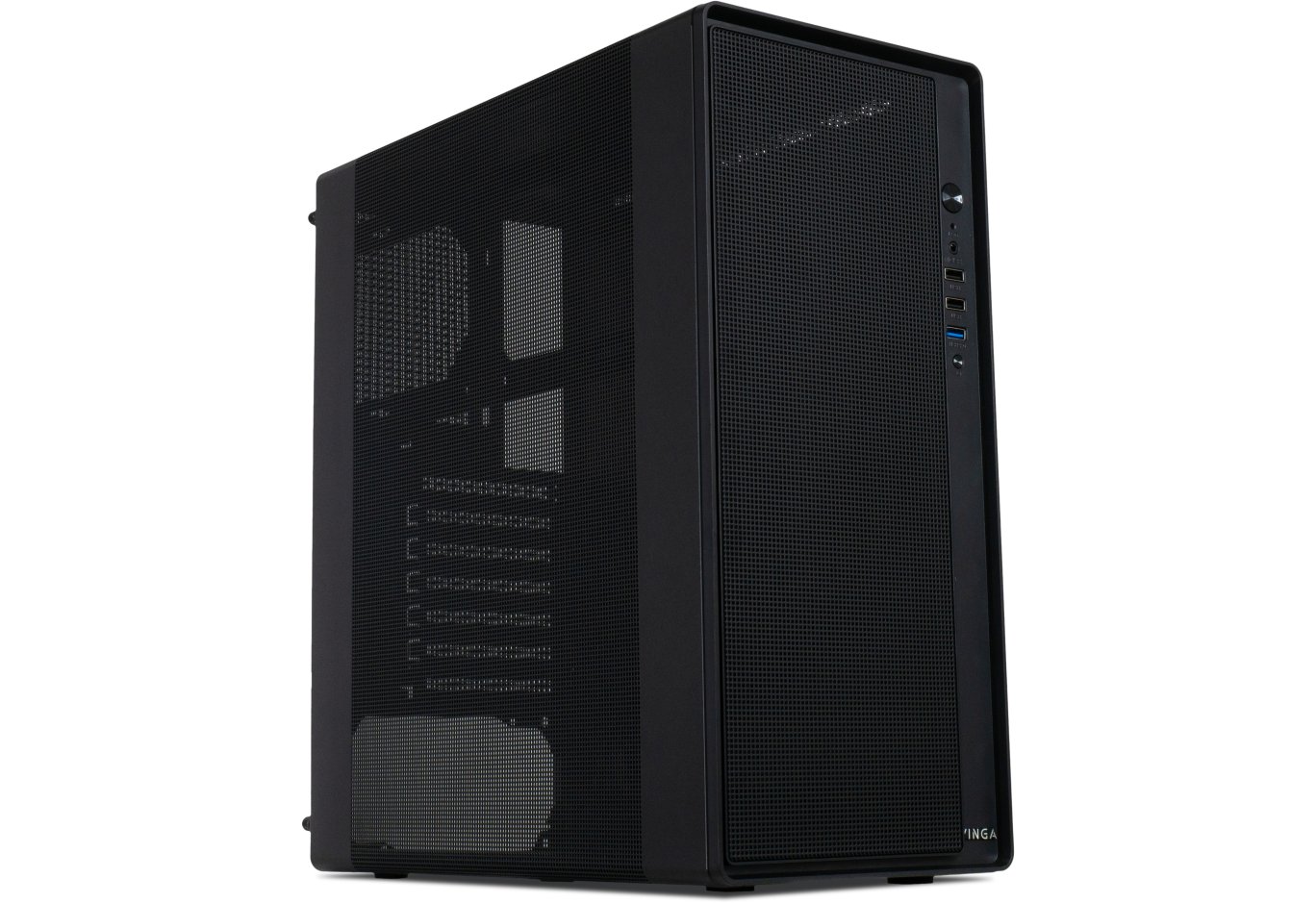
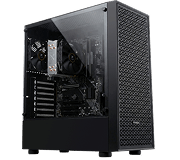


Корпус для ПК Vinga Black Widow
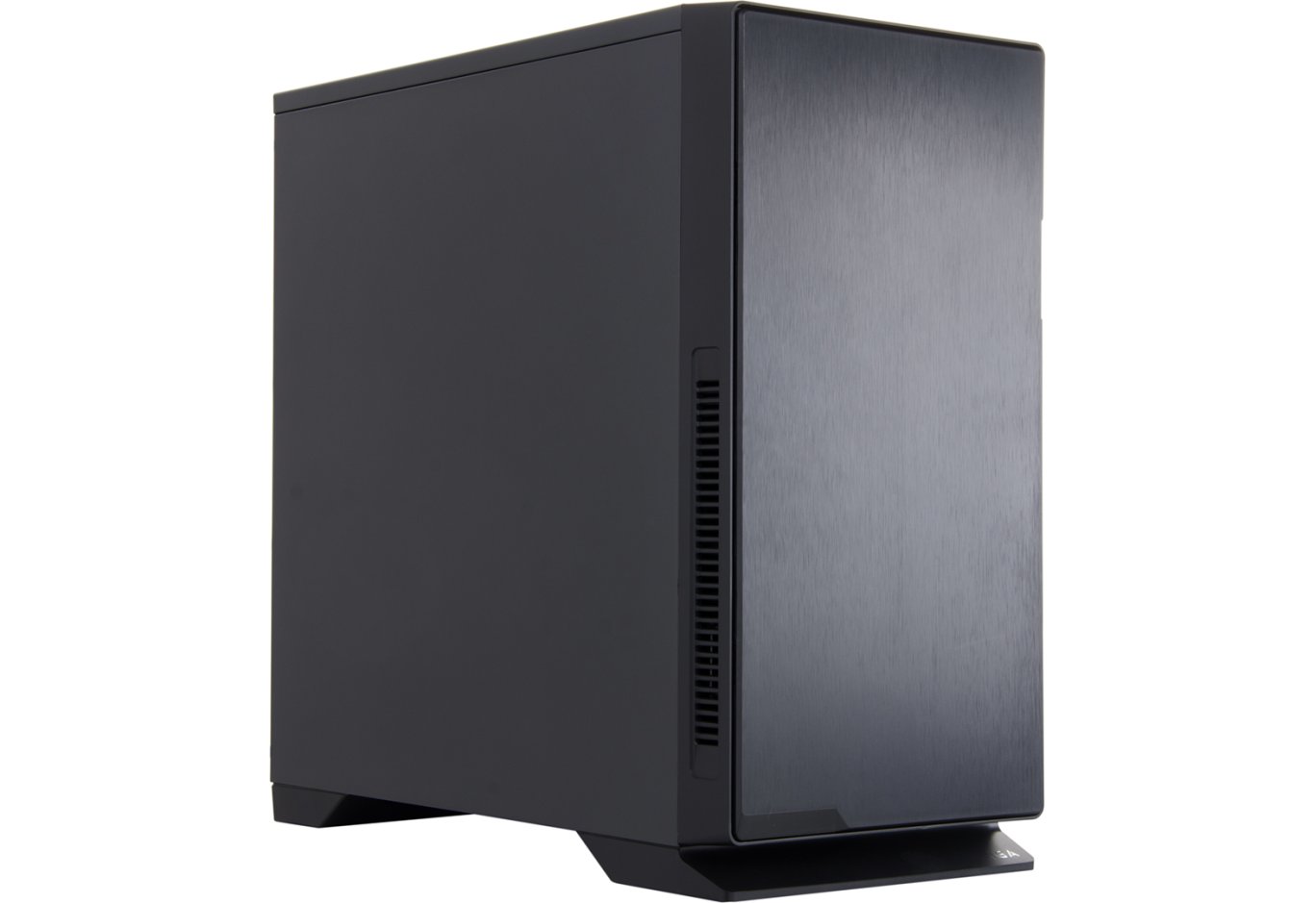
Вибір систем охолодження у бренду Vinga досить скромний, зате кількість моделей корпусів в їх асортименті просто величезна. У нас навряд вистачить сил і часу розповісти про все, тому вирішено було вибрати кілька найбільш цікавих шасі, гідних уваги наших читачів. Першим став Vinga Black Widow - вельми суворий на вигляд корпус, що нагадує як зовні, так і за змістом, популярну серію Define від Fractal Design.

Характеристики
| Модель | Vinga Black Widow |
|---|---|
| Cторінка продукту | vinga.ua |
| Тип корпусу | Midi-Tower |
| Розміри, мм | 468 (В) x 230 (Ш) x 481 (Г) |
| Матеріал | ABS пластик, Сталь (0,7 мм) |
| Вага, кг | 8,6 |
| Колір | Чорний |
| Форм-фактор | ATX, MicroATX, Mini-ITX |
| Пристрої 5,25″ | 2 |
| Пристрої 3,5 "зовнішні | – |
| Пристрої 3,5 "/ 2,5" внутрішні | 2/3 (2,5 "диски можуть бути встановлені замість 3,5") |
| Підтримувана кількість слотів розширення | 7 |
| Вентилятори | передні - 2 х 120/140 мм (опціонально) верхні - 2 х 120/140 мм (опціонально) задні - 1 х 120 мм (опціонально) |
| Інтерфейсні роз'єми | 2 x USB 3.0, 2 х USB 2.0, мікрофонний вхід і вихід на навушники, картрідер для SD / Micro SD карт пам'яті |
| Інше | Шумоізоляція передньої, верхньої і бічних панелей. Два роздільних контролера вентиляторів на два і три канали. Дві змінні магнітні панелі зверху - сіткова металева і суцільний шумоізольований пластик. Легкознімний пиловий фільтр спереду і під блоком живлення. Дверцята на передній панелі. Заглушки проти пилу для виходів передній панелі |
| Рекомендована вартість, $ | 70 |
Упаковка і комплект поставки
Упаковка шасі досить проста і складається зі звичайної картонної коробки з монохромною поліграфією на бортах, і двох пінопластових демпферів і пластикового пакета всередині. На передній і тильній стороні коробки є тільки назва і зображення продукту, а з боків дублюються короткі технічні характеристики виробу, інформація про його виробника і постачальника. Ручок для перенесення, на жаль, немає. А вони б стали в нагоді, адже корпус досить важкий.
Vinga Black Widow - перший корпус за останні роки, у якого я не виявив ніякої інструкції по збірці. Аксесуари до нього зберігаються в акуратній білій картонній коробці, вставленої в кошик 3,5 "накопичувача. Змінний магнітний фільтр просто приліплений ззаду. Комплект поставки шасі включає в себе наступні деталі:
- металевий магнітний фільтр для верхньої панелі;
- вісім кабельних стяжок;
- набір з семи гумових заглушок для зовнішніх портів USB, аудіо та картридера;
- діагностичний динамік;
- три шурупа;
- три латунні стійки материнської плати (інші шість вкручені в корпус за замовчуванням);
- чотири корпусних гвинта з пластиковою накатаною головкою;
- чотири гвинти для блоку живлення;
- вісім гвинтів для фіксації 3,5 "дисків;
- 35 дрібних гвинтиків для материнської плати, 2,5 "накопичувачів і 5,25" пристроїв.

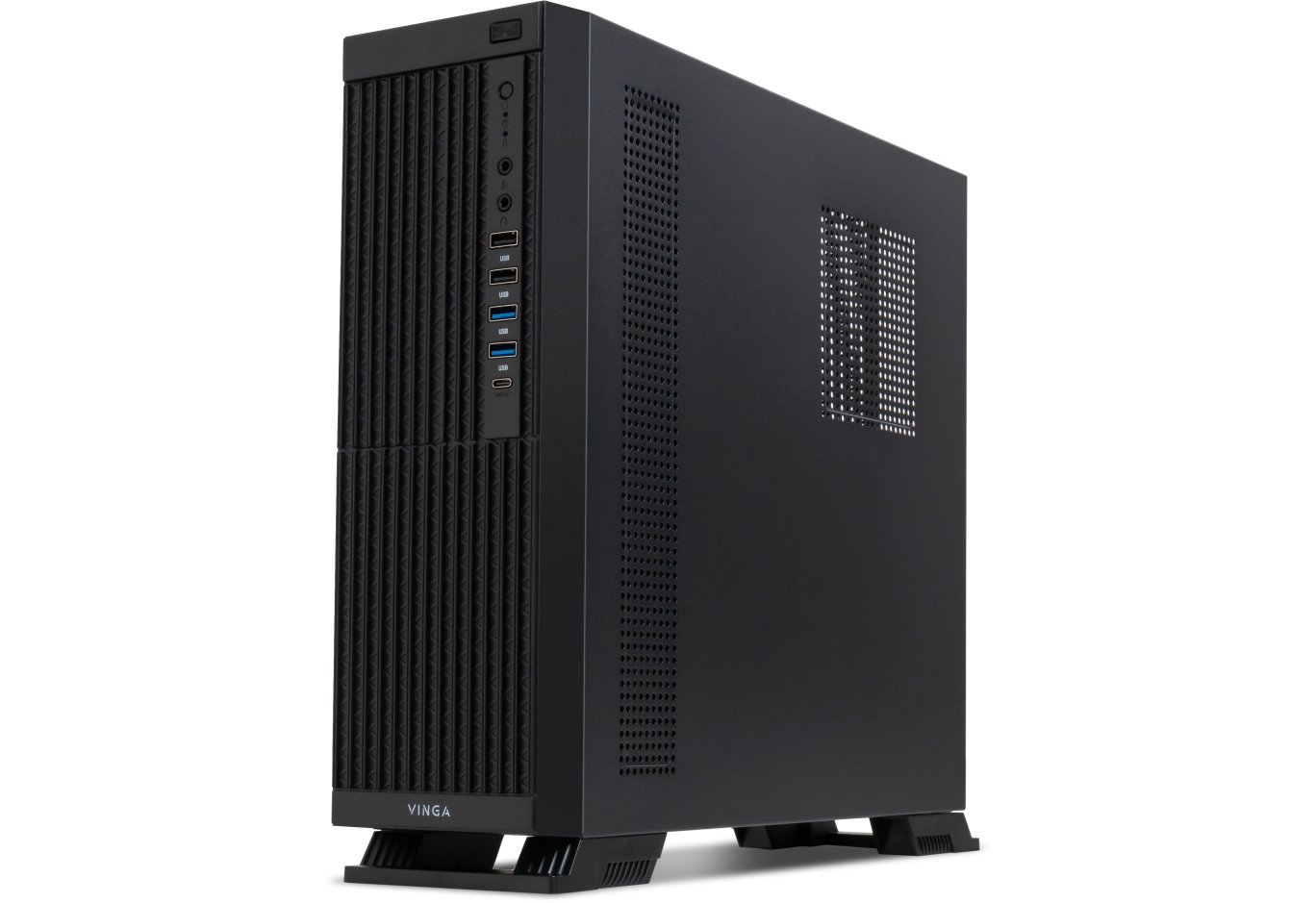
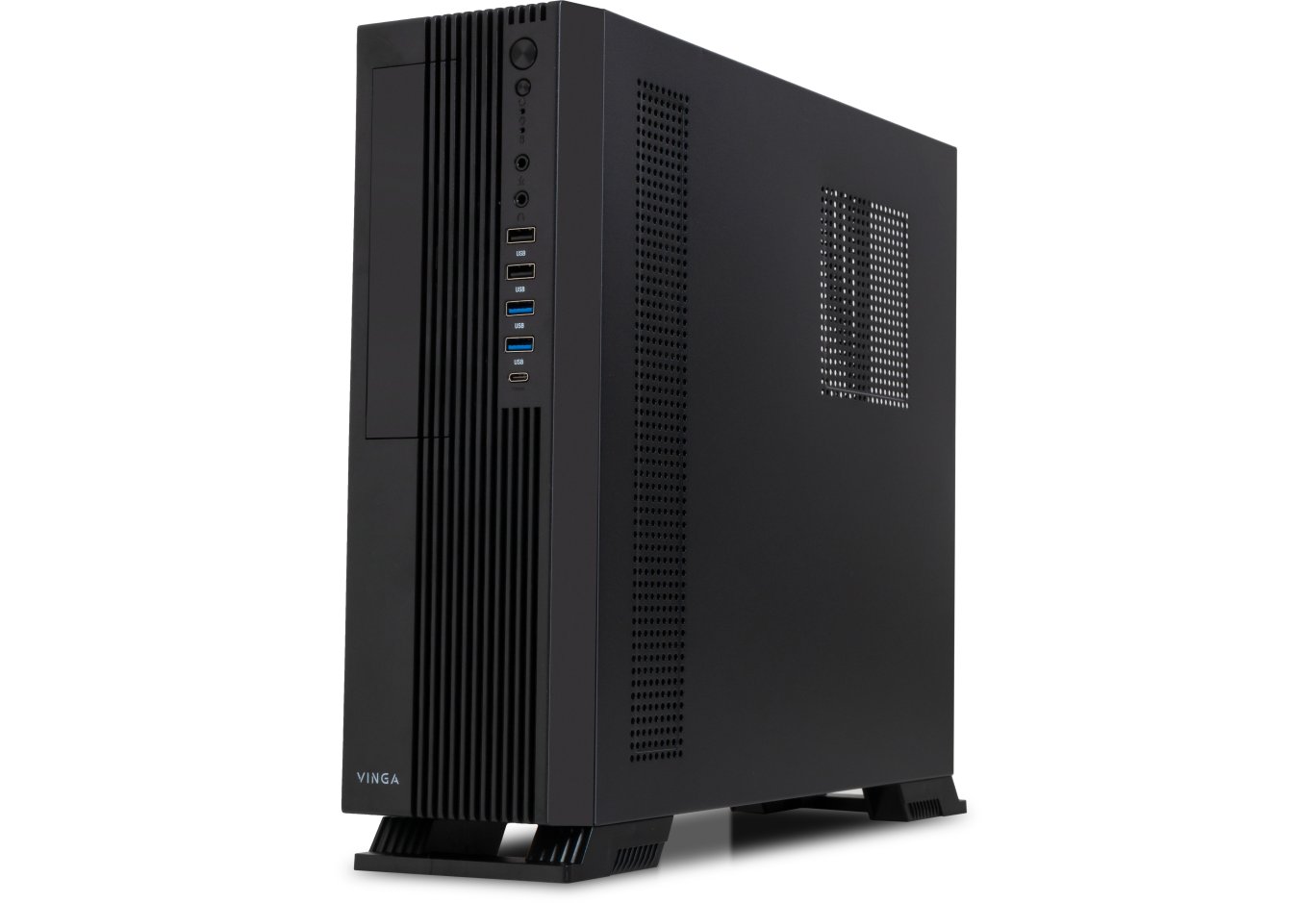
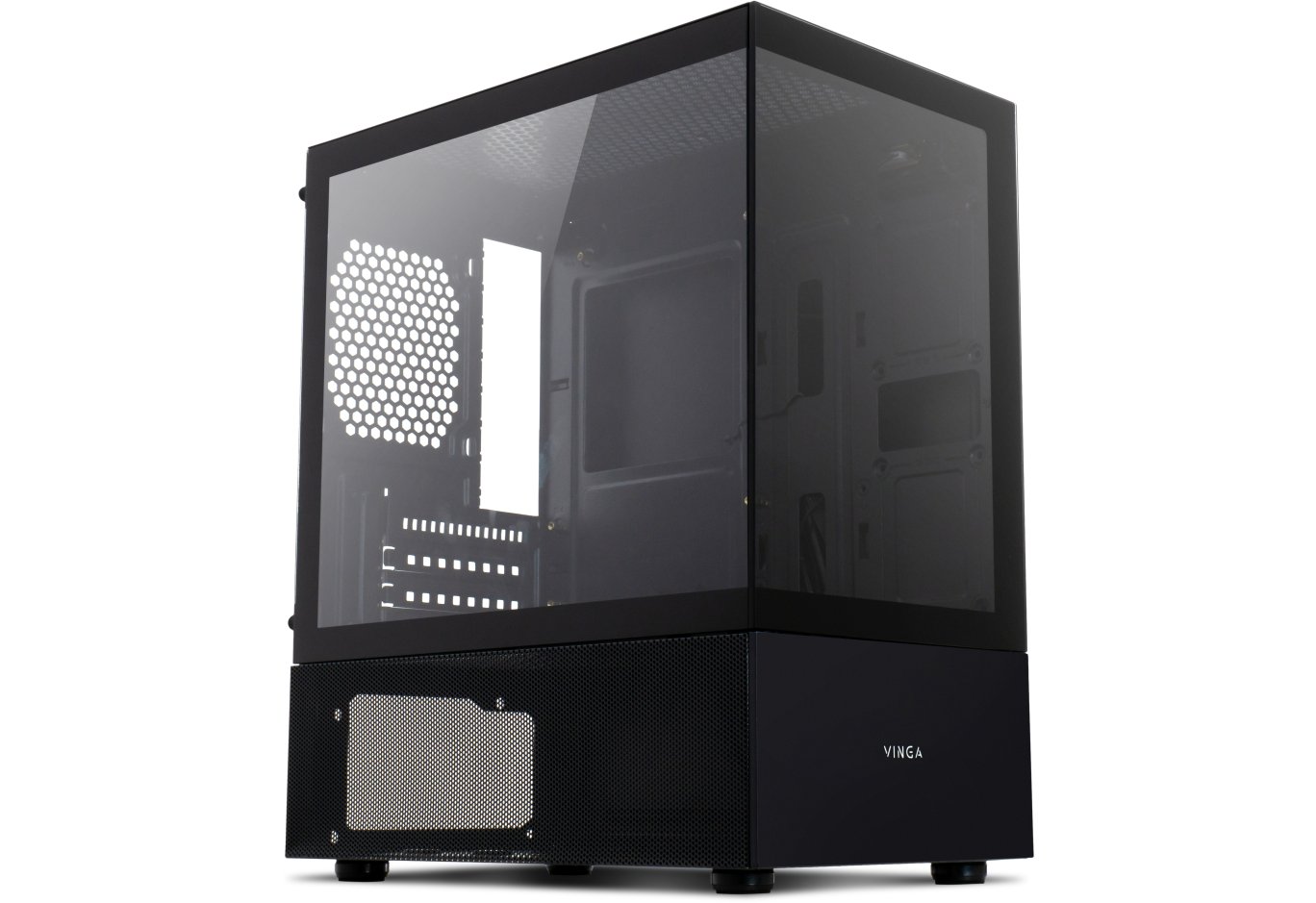
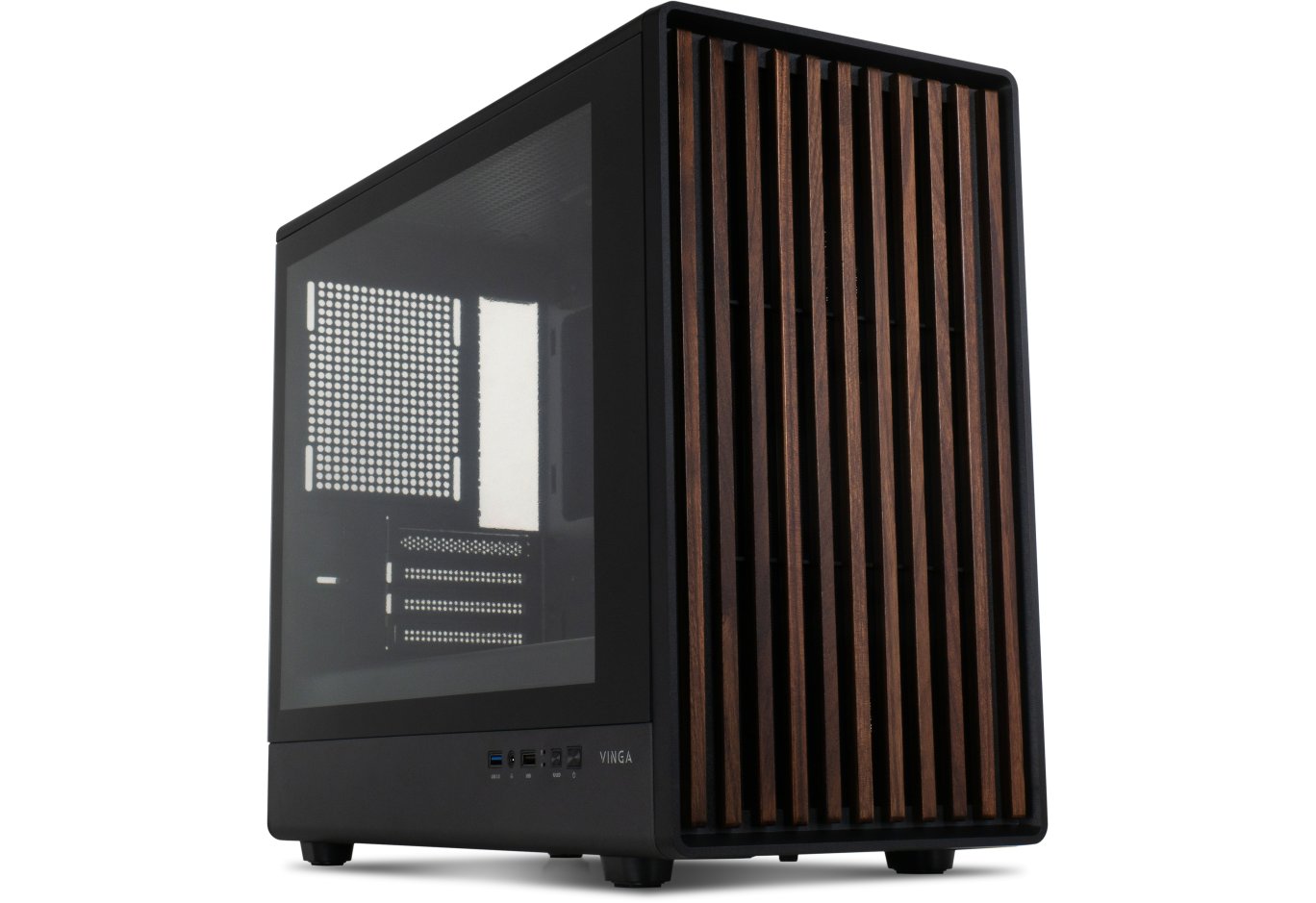
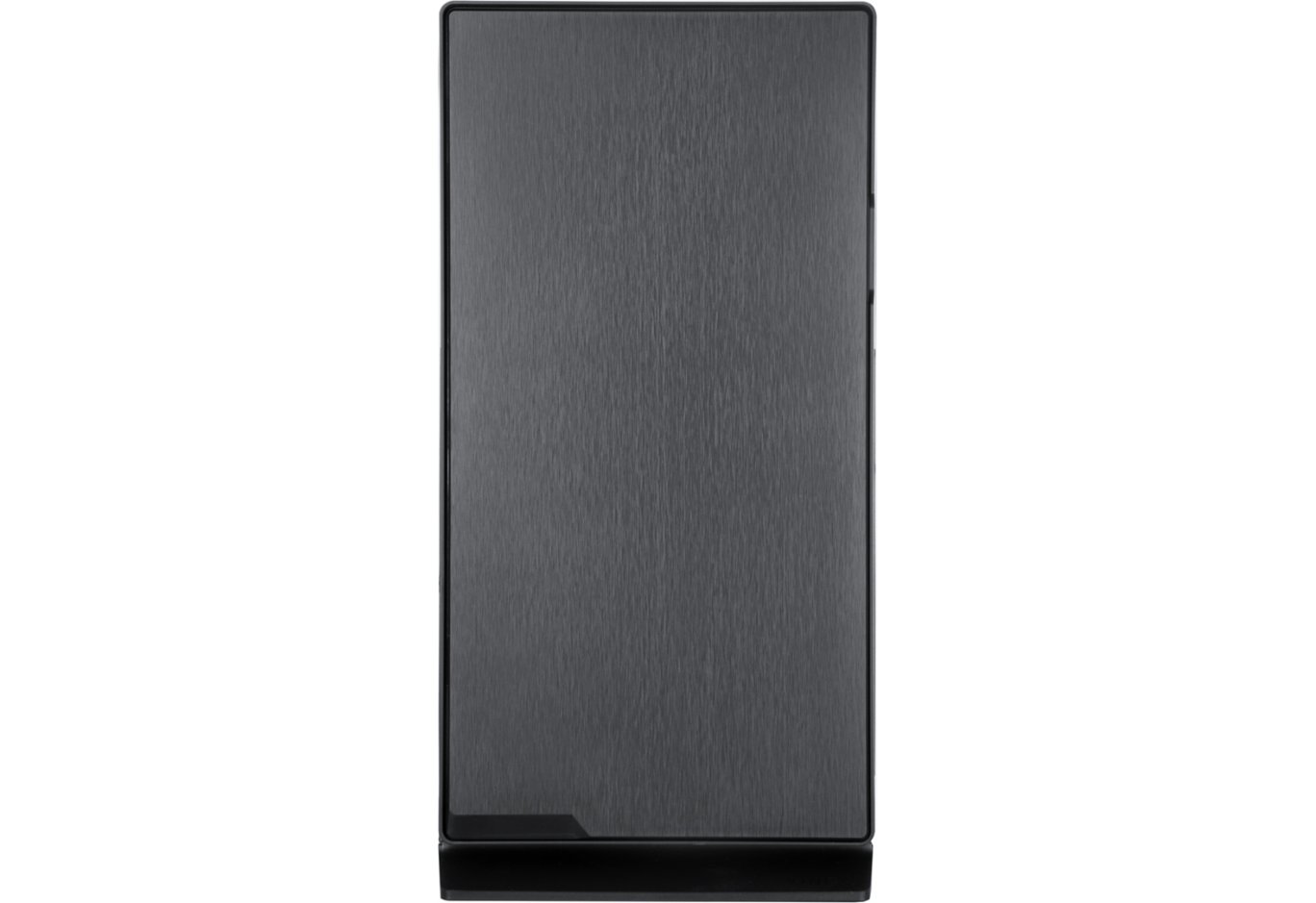
Vinga Black Widow має суворий і солідний зовнішній вигляд. Передня панель зроблена з матової пластмаси, з фактурою, дуже схожою зовні на шліфований алюміній. Ніяких отворів тут немає, якщо не брати до уваги виїмки знизу.

На трикутній передній ніжці внизу корпусу справа знаходиться непримітна, на перший погляд, сріблястий напис Vinga. Його стає видно, тільки коли світло падає на неї під певним кутом.

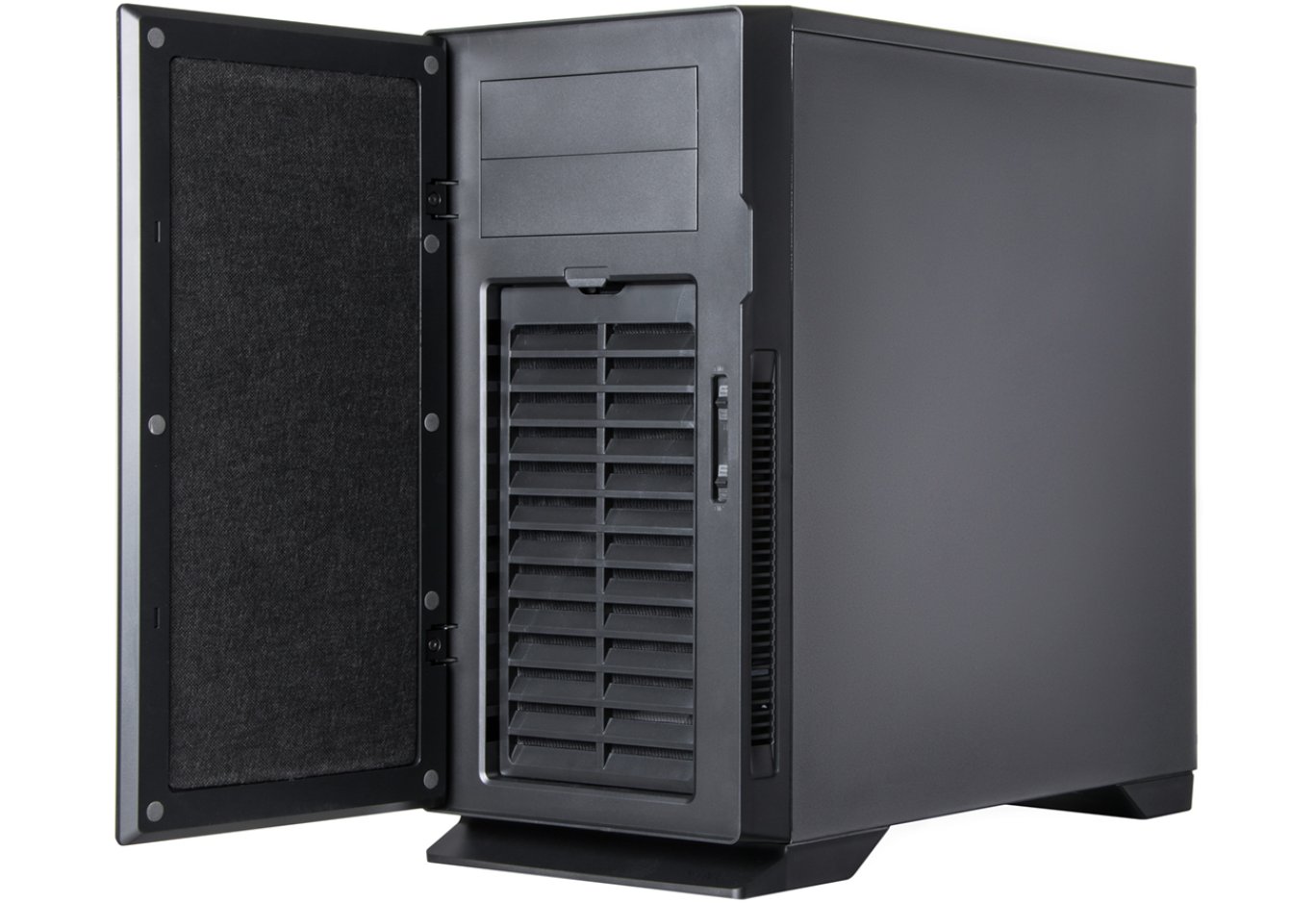
Передня панель є дверцятами, яка розчиняється у напрямку вліво і утримується в закритому положенні двома магнітами. Для її відкриття праворуч є невелике заглиблення. Сама по собі дверцята важка, має товщину близько 10 мм і підбита шаром шумоізолюючого матеріалу з внутрішньої сторони. Петлі незнімні, переважити її на іншу сторону не вийде.

Посередині праворуч знаходиться два трьохпозиційних повзунка регулятора швидкості вентиляторів. Верхній контролює два канали, а нижній - три. Регулювання відбувається за рахунок зміни напруги живлення. Позиція «L» відповідає 5 В, середня позиція - 7 В, а нижня «H» - повним 12 В.

Спереду встановлений якісний пиловий фільтр, що складається з дрібної сітки і похилих пластикових ребер решітки, який легко знімається і чиститься. У місці контакту фільтра з металом корпусу по кутах наклеєні м'які демпфери. Доступ повітря здійснюється через бічні отвори по сторонах передньої панелі. Після демонтажу фільтра відкривається можливість установки двох 120-мм вентиляторів. Однак, для того, щоб прикрутити сюди верхній 140-мм пропелер, передню панель доведеться знімати повністю.

Вгорі є два закритих суцільними заглушками посадочних слота для 5,25 "пристроїв. З урахуванням того, що передні дверцята в закритому стані прилягає до панелі без зазору, ніякого реобаса з випираючими ручками сюди закріпити вийде. Підійдуть тільки пристрої, які можна встановити врівень.

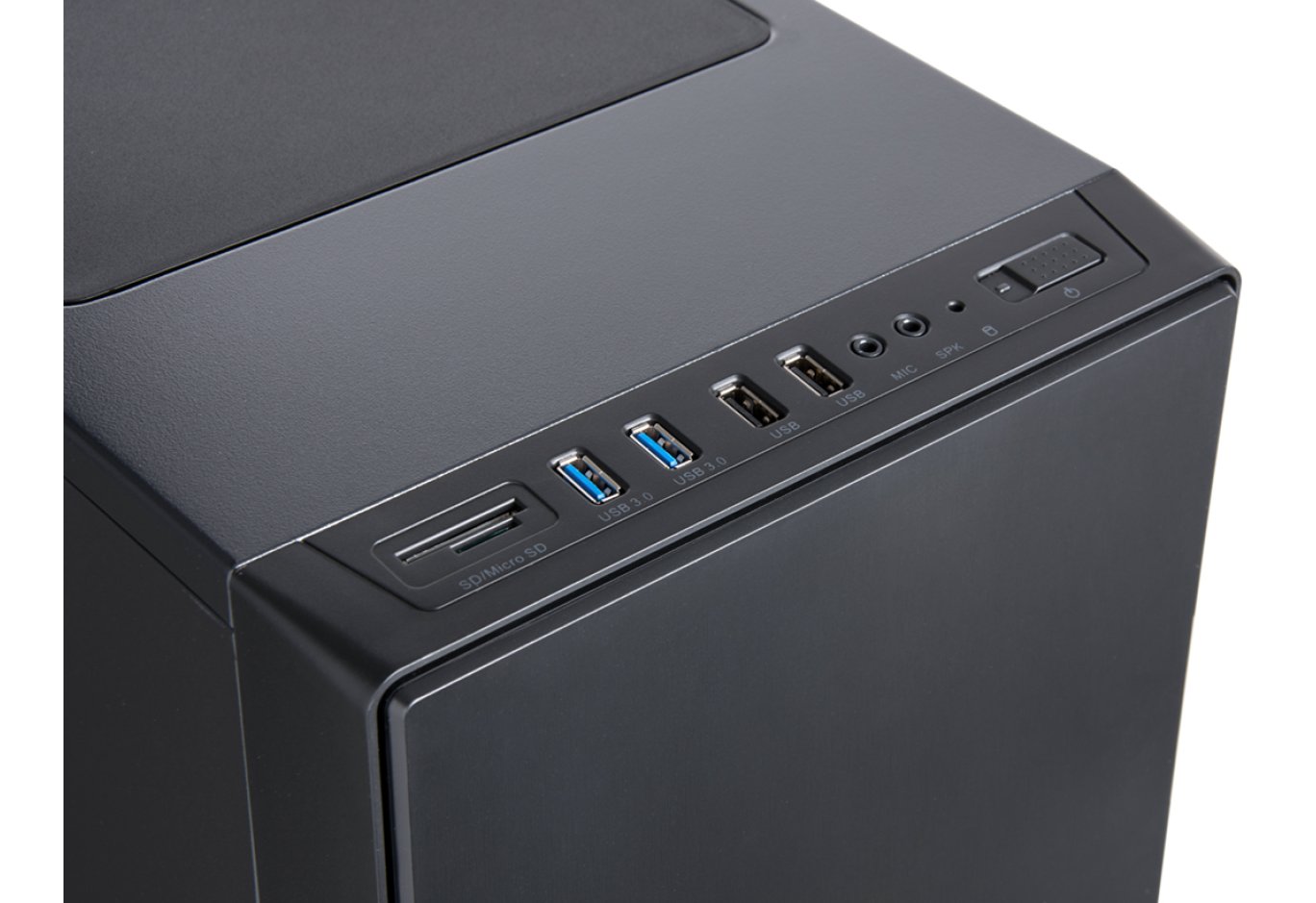
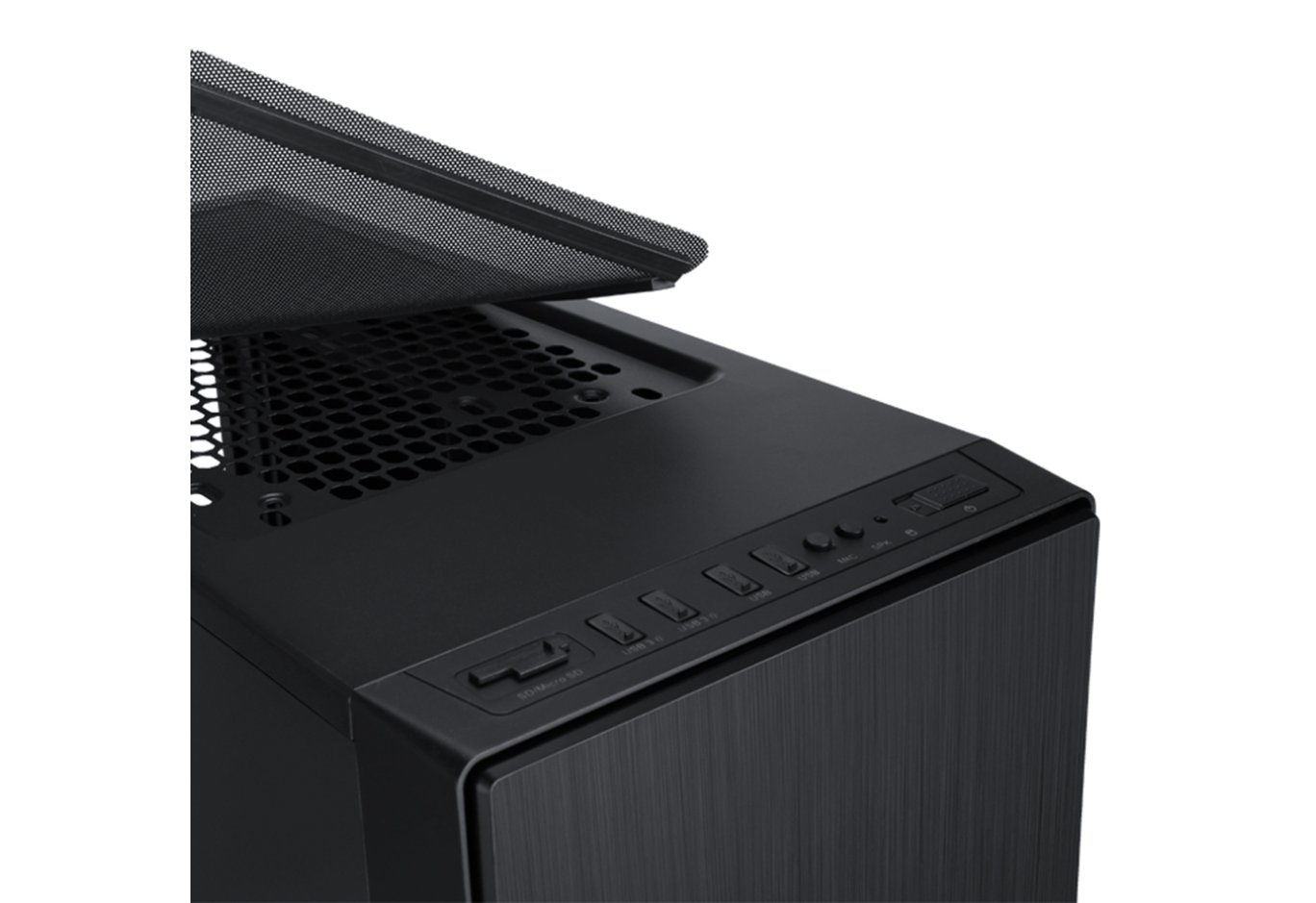
Всі порти і кнопки винесені на верхню межу передньої панелі. Тут є практично все, що може знадобитися сучасному користувачеві: картрідер для карт SD і MicroSD, два порти USB 3.0 і два роз'єми USB 2.0, два 3,5-мм аудіовиходу для мікрофона і навушників, червоний точковий індикатор активності накопичувачів, синій точковий індикатор живлення системи і невелика прямокутна клавіша для запуску системи. Кнопка перезавантаження відсутня.

Права бічна панель цільна і металева, тримається на двох гвинтах з накатаною головкою, має ручку для полегшення демонтажу. Вентиляційні отвори займають по висоті більше половини межі передньої панелі.

Права бічна панель зроблена повністю аналогічно лівій і взаємозамінна з нею.

Обидві бічні панелі мають високу міцність і більшою вагою. У них є хороші ребра жорсткості, а з внутрішньої сторони вони проклеєні солідним шаром шумоізолюючого матеріалу
Верхня панель металева, більшу її частину займає вентиляційна решітка, закрита пластиковою накладкою.

Накладка тримається на шести магнітах, легко демонтується без необхідності відкриття корпусу і проклеєний зі зворотного боку шаром шумоізолюючого матеріалу. Решітка володіє крупними сотами і має два набори посадкових отворів для двох 120- або 140-мм вентиляторів. Причому отвори, на які можна закріпити 240-мм радіатор, зміщені повністю в сторону лівої панелі, що виключає можливість конфлікту з елементами материнської плати при встановленні СВО.

Якщо від корпусу потрібно більше охолодження, ніж тиші, і планується поставити під верхню панель вентилятори, то пластикову накладку можна замінити металевим магнітним пиловим фільтром, який є в комплекті поставки.

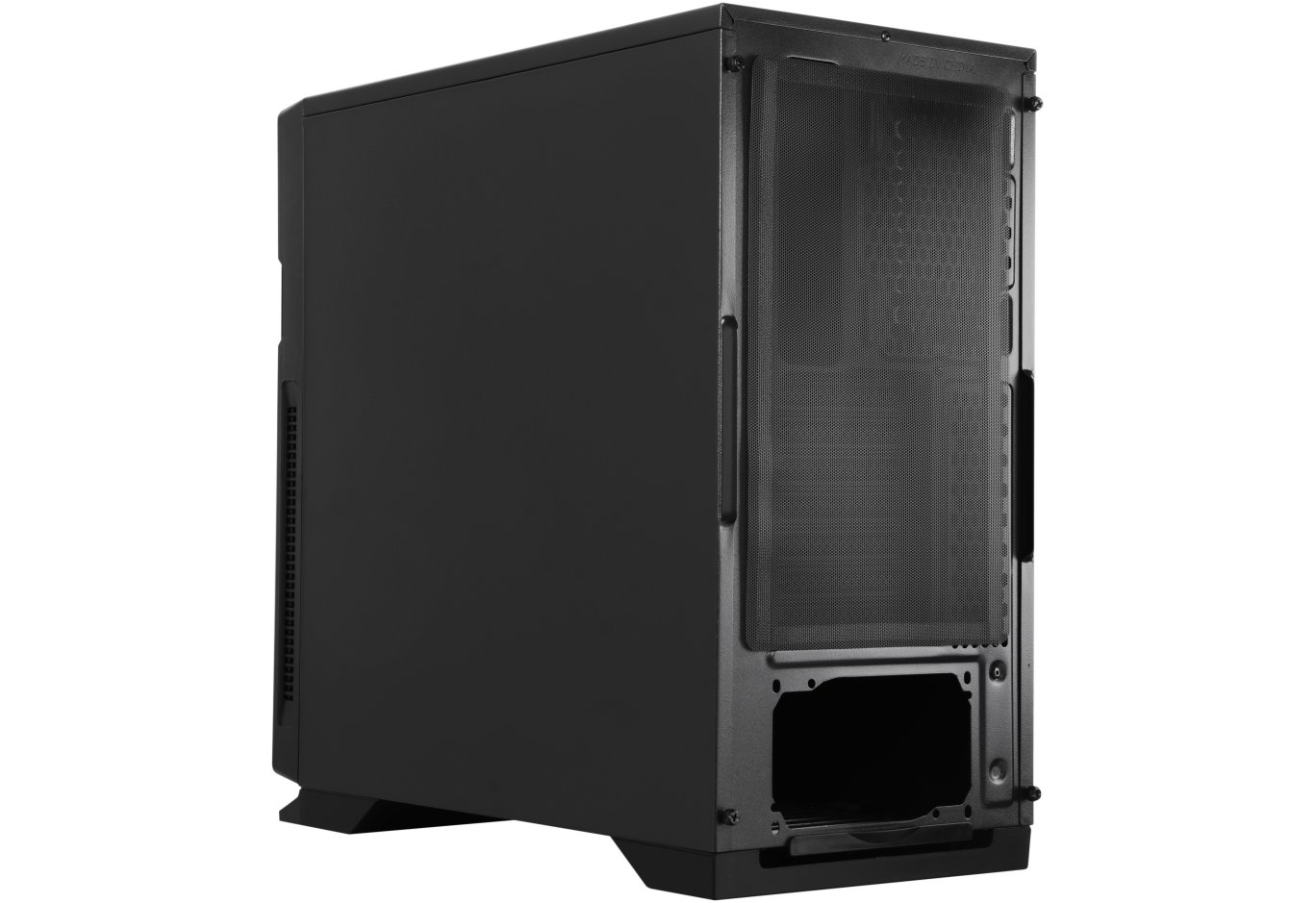
Задня панель корпусу цілком стандартна. Зверху є вентиляційна решітка, на яку можна закріпити 120-мм вентилятор. Посадкові отвори довгасті, довжиною приблизно в 30 мм, що дозволяє регулювати висоту його кріплення. Сім слотів PCI закриті багаторазовими вентильованими заглушками. Праворуч від них є ще одна вентиляційна решітка.

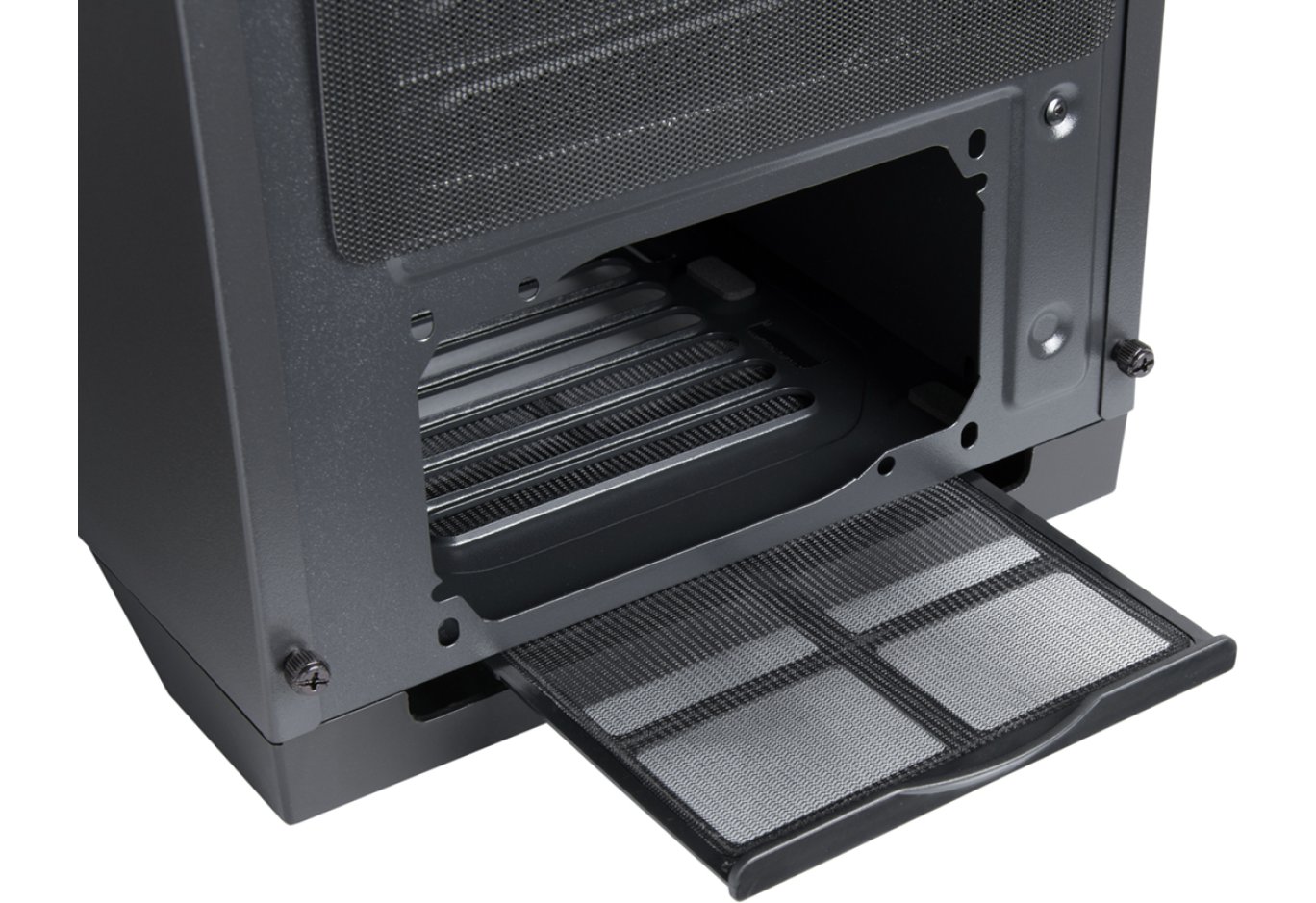
Посадкові отвори БП дозволяють орієнтувати його як вентилятором вгору, так і вниз. Блок живлення захищений від попадання пилу легкознімним пиловим фільтром.

На підставі корпусу є дві великі пластикові ніжки - вперед і ззаду. Причому задня ніжка частково перекриває вентиляційну решітку блоку живлення.

На ніжки наклеєні м'які демпфери, їх загальна висота становить 28 мм.

Подивимося на інтер'єр даного шасі.
Внутрішній пристрій
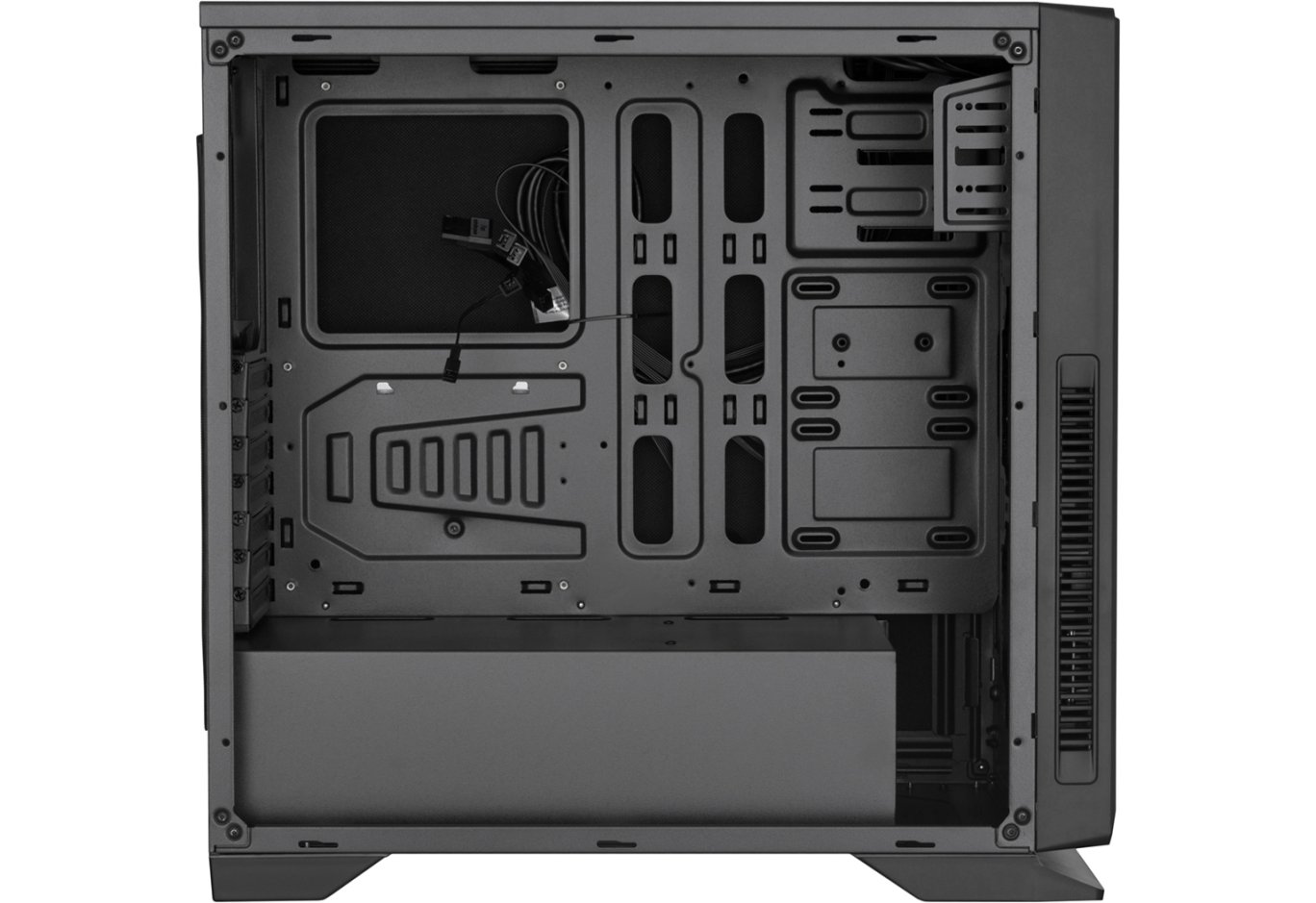
Корпус Vinga Black Widow підтримує установку в вертикальному положенні материнських плат формату ATX, MicroATX і Mini-ITX. У передній частині корпусу є і отвори, які підходять під E-ATX, але різьблення для стійок в них не нарізана. Допустима висота процесорного кулера становить 180 мм. Можлива довжина плат розширення в усіх слотах дорівнює 410 мм, без урахування товщини вентиляторів. У корпус без проблем поміститься блок живлення довжиною до 190 мм включно. Внутрішній об'єм шасі умовно поділений на дві зони незнімним кожухом блоку живлення.

Запас простору під верхньою панеллю до кромки материнської плати становить 25 мм, чого упритул досить для монтажу двох 120- або 140-мм вентиляторів стандартної товщини. Оскільки отвори під 120-мм моделі зміщені вліво, 240-мм радіатор не заважатиме материнської плати. А ось установка сюди 280-мм радіаторів, швидше за все, буде неможлива.

Корпус не має стічних вентиляторів, ймовірно з метою здешевлення продукту в цілому. Добре це тим, що користувач зможе вибрати будь-які їх моделі на свій смак і гаманець. А погано тим, що використовувати це шасі зовсім без вентиляторів не варто, оскільки перегріється навіть найхолодніша система. На задню панель можна встановити один 120-мм пропелер. Сім заглушок слотів PCI тримаються на звичайних корпусних гвинтах, які при бажанні можна замінити комплектними гвинтиками з пластиковою накатаною головкою.

Кожух блоку живлення цілісний і незнімний. З боку піддону материнської плати в ньому є три отвори для протягання проводів, а спереду - вентиляційні отвори, через які провітрюються жорсткі диски. Запас простору від кожуха до передньої панелі становить 70 мм, що дозволяє встановити туди досить великий по товщині радіатор СВО.

На передню панель зсередини можна поставити два 120- або 140-мм вентилятора. Вгорі, на одноразових заглушках є набір отворів для монтажу третього 120-мм вентилятора, але це, швидше за все, атавізм від іншої модифікації шасі.

У передній частині піддона материнської плати передбачені монтажні отвори для двох 2,5 "накопичувачів. Підтримуюча планка зверху, для двох 5,25 "пристроїв, утримується двома гвинтами і може бути демонтована в разі потреби.

Зі зворотного боку піддону материнської плати є виріз під підсилювальну пластину процесорного кулера, шість отворів для протягання проводів посередині і ще два отвори зверху. 15 вушок для кріплення кабельних стяжок розташовані в правильних місцях. У правій нижній частині піддона закріплений металевий лоток білого кольору, куди можна встановити один 2,5 "накопичувач. Запас простору для укладання кабелів за піддоном (до бічної кришки) становить рекордні для цього класу шасі 32 мм


Лотки можуть вміщати по одному 3,5 "або 2,5" диску. На жорсткий диск санчата просто одягаються знизу, а 2,5 "накопичувач доведеться прикручувати. Демпферів вібрації тут не передбачено. Однак є отвори, до яких можна пригвинтити 80- або 92-мм вентилятор. Ймовірно, що це теж атавізм від іншої модифікації шасі, адже місця для них в кошику практично немає.

У задній частині кожуха знаходиться посадочне місце для блоку живлення. Для нього на нижній панелі корпусу наклеєні чотири м'яких демпфера. Максимальний розмір БП по довжині, який увійде в цей простір без проблем, становить 190 мм.

Передня панель тримається на восьми пластикових кріпленнях типу «тюльпан». Знімати її, швидше за все, не знадобиться, але якщо виникне така необхідність, то тягнути її слід за виїмку знизу, по черзі звільняючи кріплення. На панелі зафіксовані всі дроти від зовнішніх роз'ємів і контролера вентиляторів, тому, перед демонтажем їх слід відключити і звільнити.

А так виглядає передня панель без пластикового обважування:

Від передньої панелі йдуть шнури кнопки запуску системи, індикаторів живлення і роботи накопичувачів, колодок USB 2.0, картридера, HDAudio і USB 3.0. Всі вони чорного кольору і мають достатню для нормального підключення до материнської плати довжину.

Контролер вентиляторів живиться від наскрізного роз'єму типу «молекс» і має п'ять маркованих колодок (FAN1 і FAN2) для підключення триконтактних вентиляторів.

Перейдемо до збірки системи і тепловому тесту.
Збірка
Збірка системи в корпусі Vinga Black Widow здійснюється досить просто і не викликає зайвих питань. Особливо добре робити в ньому укладку проводів, оскільки запас простору за піддоном величезний, і дверці закриваються без проблем, незважаючи на джгути кабелів будь-якої товщини.

Індикатор активності накопичувачів яскравий і його червоний колір може зліпити, якщо дивитися на нього прямо. Синій індикатор живлення навпаки, вельми приглушений і не викликає ніякого роздратування.

Тестовий стенд
Для тестування ефективності охолодження компонентів в корпусі Vinga Black Widow використовувалася наступна конфігурація:
- процесор: Intel Core i5-6600K (3,5 @ 4,2 ГГц, 1,300 В, скальпована);
- кулер: Zalman CNPS10X Performa;
- материнська плата: ASUS STRIX Z270G GAMING (Intel Z270);
- відеокарта: MSI N770 TF 2GD5/OC (Nvidia GeForce GTX 770);
- пам'ять: HyperX Savage HX424C12SBK2/16 (2x4 ГБ, DDR4-2133, 15-15-15-36-2Т, 1,20 В);
- твердотільний накопичувач: Crucial M4 CT064M4SSD2 (64 ГБ, SATA 6Gb/s);
- жорсткий диск: Western Digital WD2000JS-00MHB0 (200 ГБ, SATA 3Gb/s, 7200 об/мин);
- блок живлення: be quiet! Dark Power Pro 10 (550 Вт);
- термоінтерфейс: Noctua NT-H1;
- додаткові вентилятори: 2 x Fractal Design Dynamic X2 GP-12, 120 мм, 1200 об/мин; 1 х Noctua NF-P12, 120 мм, 1300 об/мин; 1 x 120 мм — be quiet! Silent Wings USC (BQT T12025–LF), 1500 об/мин.

Методика тестування
Теплове навантаження створювалося за допомогою одночасної роботи стрес-тестів LinX 0.6.5 з 2048 МБ виділеної пам'яті і MSI Кombustor 3.5.1.0 протягом 10 хвилин після стабілізації температури. Навантаження на жорсткий диск проводилася програмою Crystal Disk Mark 5.2.2 х64. В кінці циклу тестування система працювала 10 хвилин в холостому режимі для визначення мінімальних теплових показників. Температура навколишнього середовища дорівнювала 23 градусам Цельсія. Швидкості вентиляторів процесорного кулера і відеокарти зафіксовані на максимальних обертах. Пікове енергоспоживання системи склало 411 ват. Тестування проводилося в єдиному режимі порівняння з відкритим стендом. У шасі були встановлені чотири 120-мм вентилятора: два нагнітальних на передню панель, і по одному витяжної ззаду і згори. Всі корпусні вентилятори під час тесту працювали на максимальній швидкості. Верхня панель під час тесту була прикрита магнітним пиловим фільтром.
Результати тестування
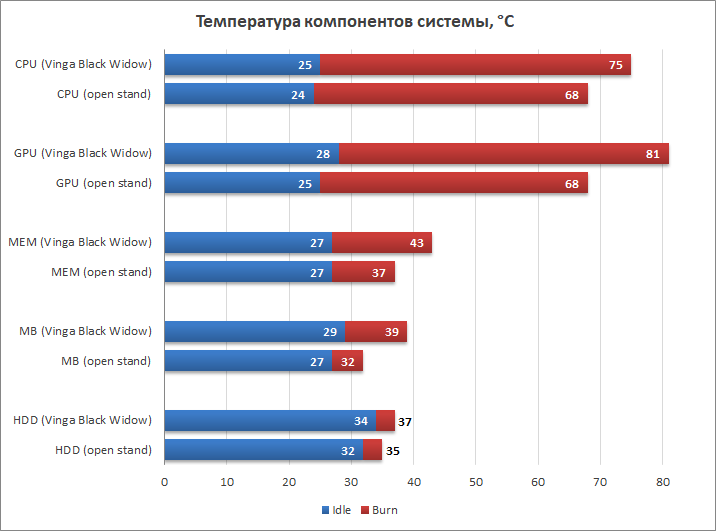
Навіть після установки всього необхідного набору з чотирьох 120-мм вентиляторів, що працюють на повній швидкості, Vinga Black Widow показує далеко не кращі результати по охолодженню і повністю поступається відкритого стенду. Найбільша різниця в 13 градусів помітна по температурі відеокарти, ще 7 градусів відставання є по частині процесора і материнської плати, 5 градусів по нагріванню пам'яті і мінімальна різниця в 2 градуси з охолодження жорсткого диска. Проте, жоден з компонентів не вийшов за рамки стандартного температурного режиму, а це говорить про те, що в умовах звичайної експлуатації, а не стресового навантаження, схему охолодження корпусу можна оцінити як задовільну. Її досить для систем малої і середньої теплової потужності (200-400 ват), але не більше того.
Висновки
Vinga Black Widow - це цілком пристойний корпус середнього цінового сегмента. Він добротно і міцно зроблений, забезпечений шумоізоляцією, має продуману конструкцію, повний набір зовнішніх інтерфейсів, контролер для всіх можливих бортових вентиляторів і володіє широкою габаритною сумісністю з сучасними компонентами ПК, в тому числі і відмінними можливостями з укладання кабелів.
Схема вентиляції тут далека від ідеалу, і це його основний мінус, проте для закритого типу корпусу, розрахованого на придушення шуму, результати непогані. Справедливості заради нагадаємо, що шумоізоляція рятує лише від паразитних призвуків електронних компонентів і не здатна заглушити, наприклад, виття відеокарти з вентиляторами, що працюють на повних обертах. В результаті Vinga Black Widow може бути рекомендований для збірки тихих систем із середнім або низьким рівнем тепловиділення.
Схожі товари