

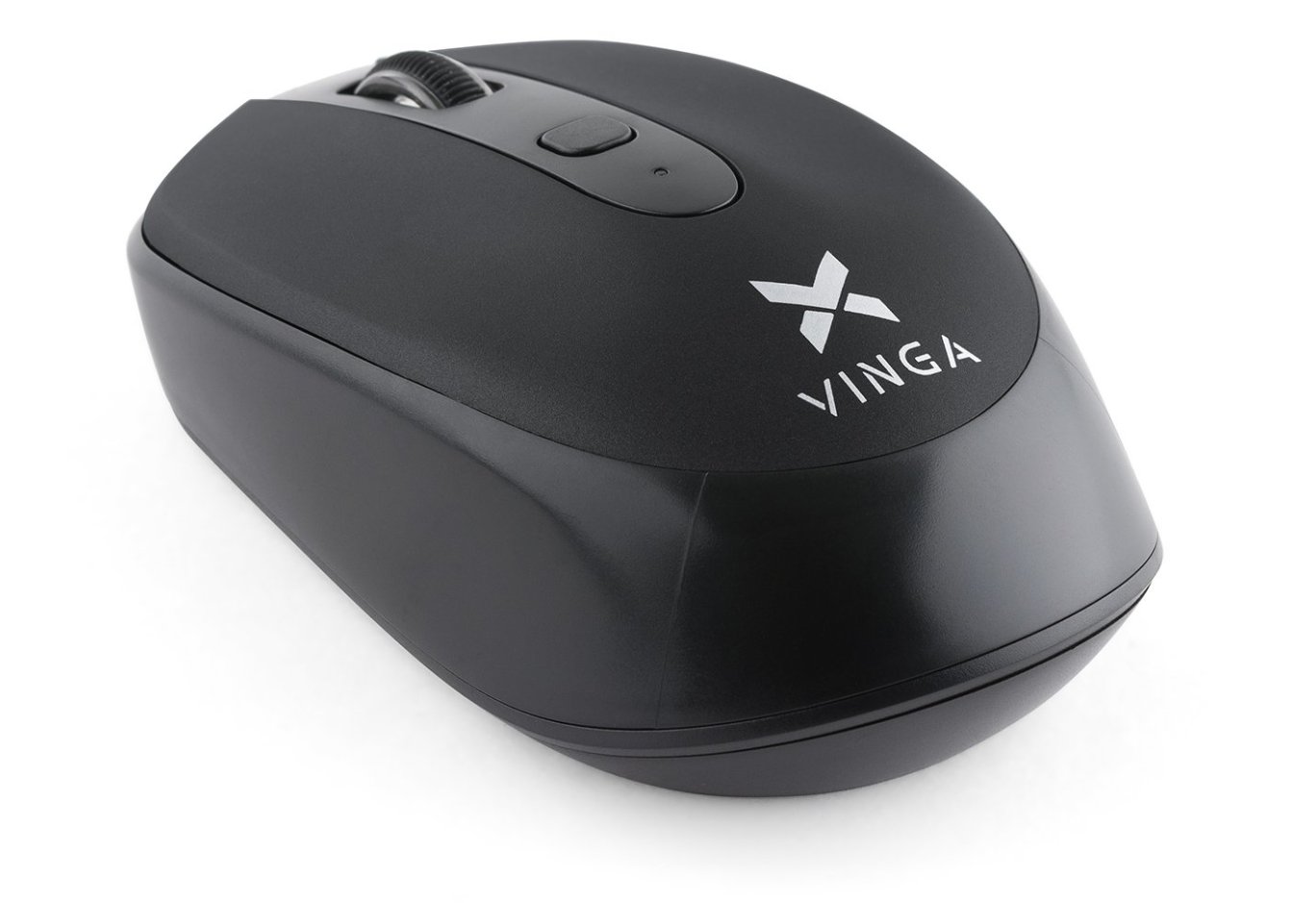
Мишка Vinga MSW-908 Silent Click black
Передісторія
Скажу відразу - я ніколи не любив ноутбучні мишки. Все своє комп'ютерне життя у мене були великі мишки довжиною 12-14 см симетричного дизайну, тому що мишок для лівшів в природі майже не існує або вартість їх невиправдано висока. Відповідно, розділ "Миші" на сайті Vinga я зазвичай не дивився через їх форм-фактора і (здебільшого) портативної спрямованості. І коли я брав на огляд [корпус Vinga Limpid] , на пропозицію взяти ще мишку MSW- 908, спочатку я відповів відмовою. Але, коли у відповідь послідувала геніальна фраза: "Так може бути Ваша нелюбов до ноутбучним мишам і буде темою?))", Цікавість узяла верх і тепер я готовий розповісти про цю мишку цікаві деталі.
Комплектація і зовнішній вигляд
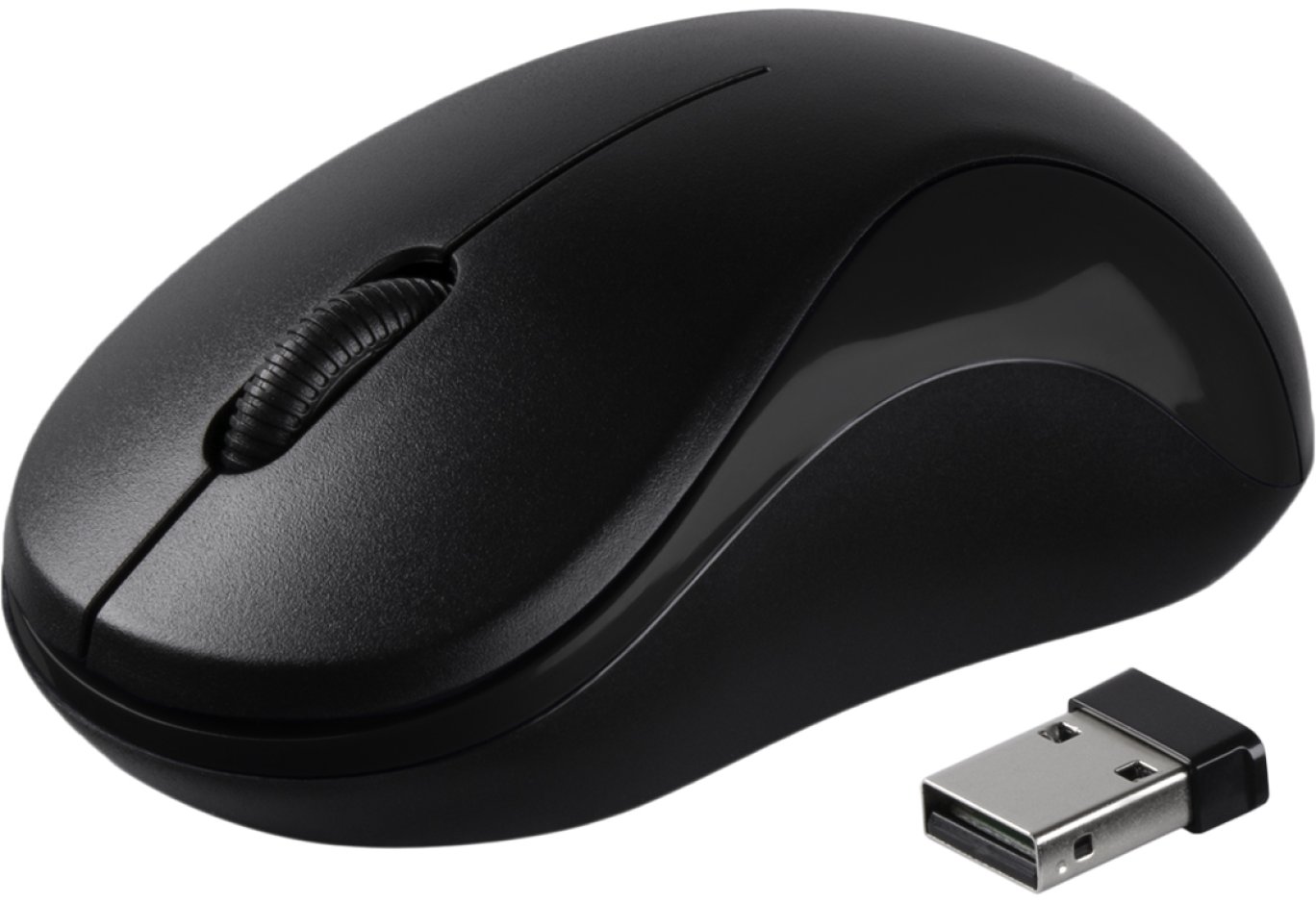
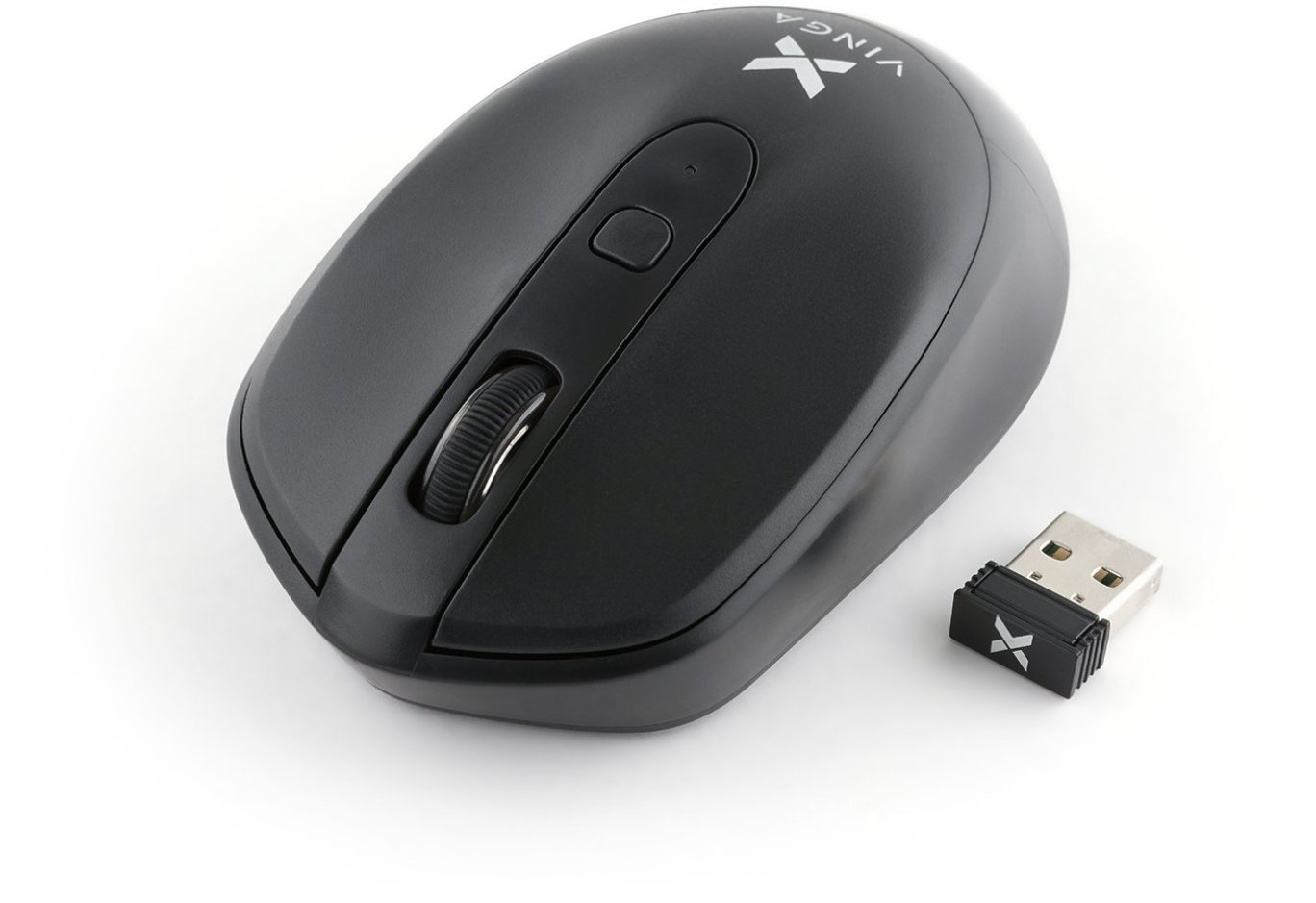
У комплект поставки входить мишка, бездротовий приймач і одна пальчикова батарея типу АА.
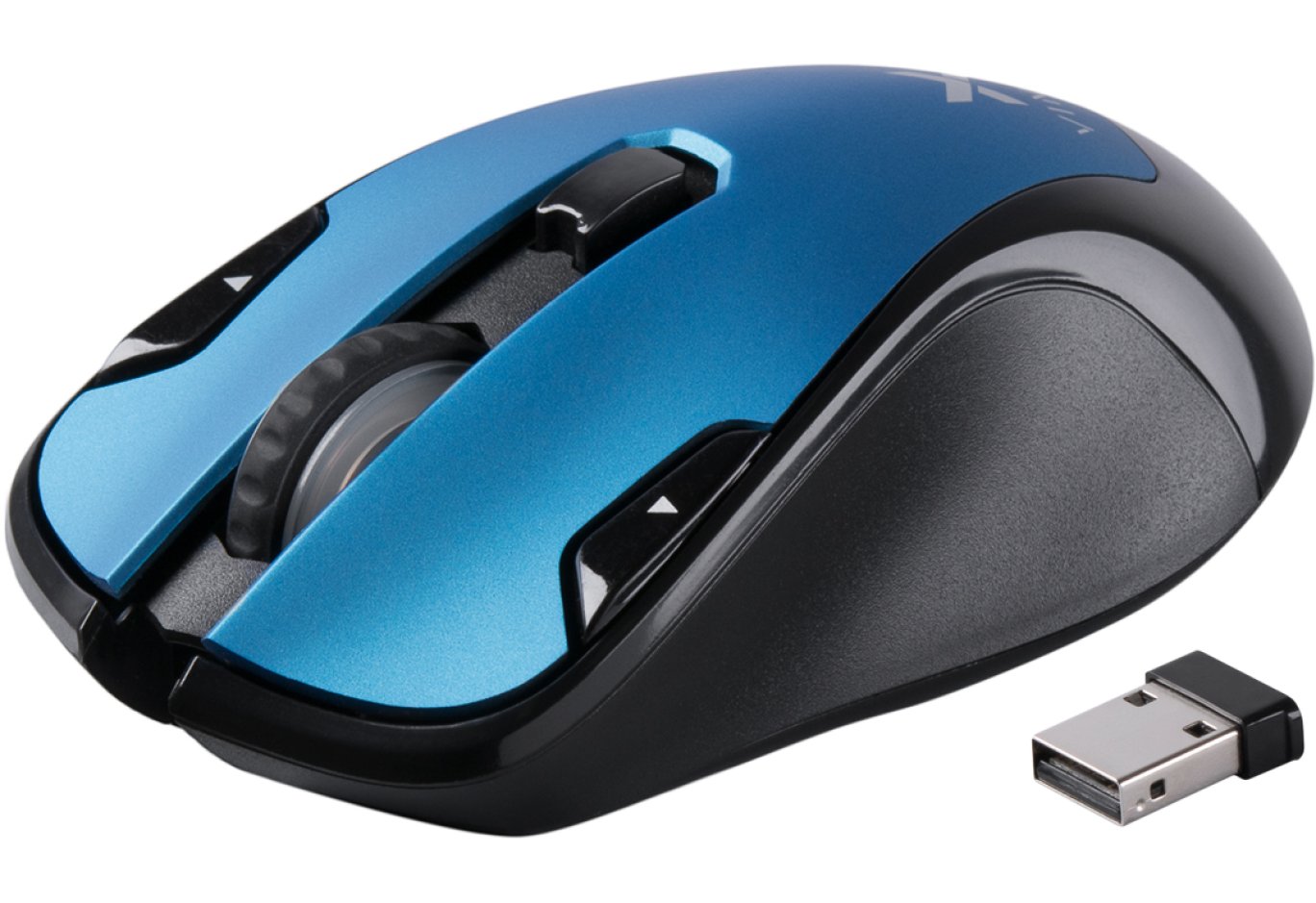
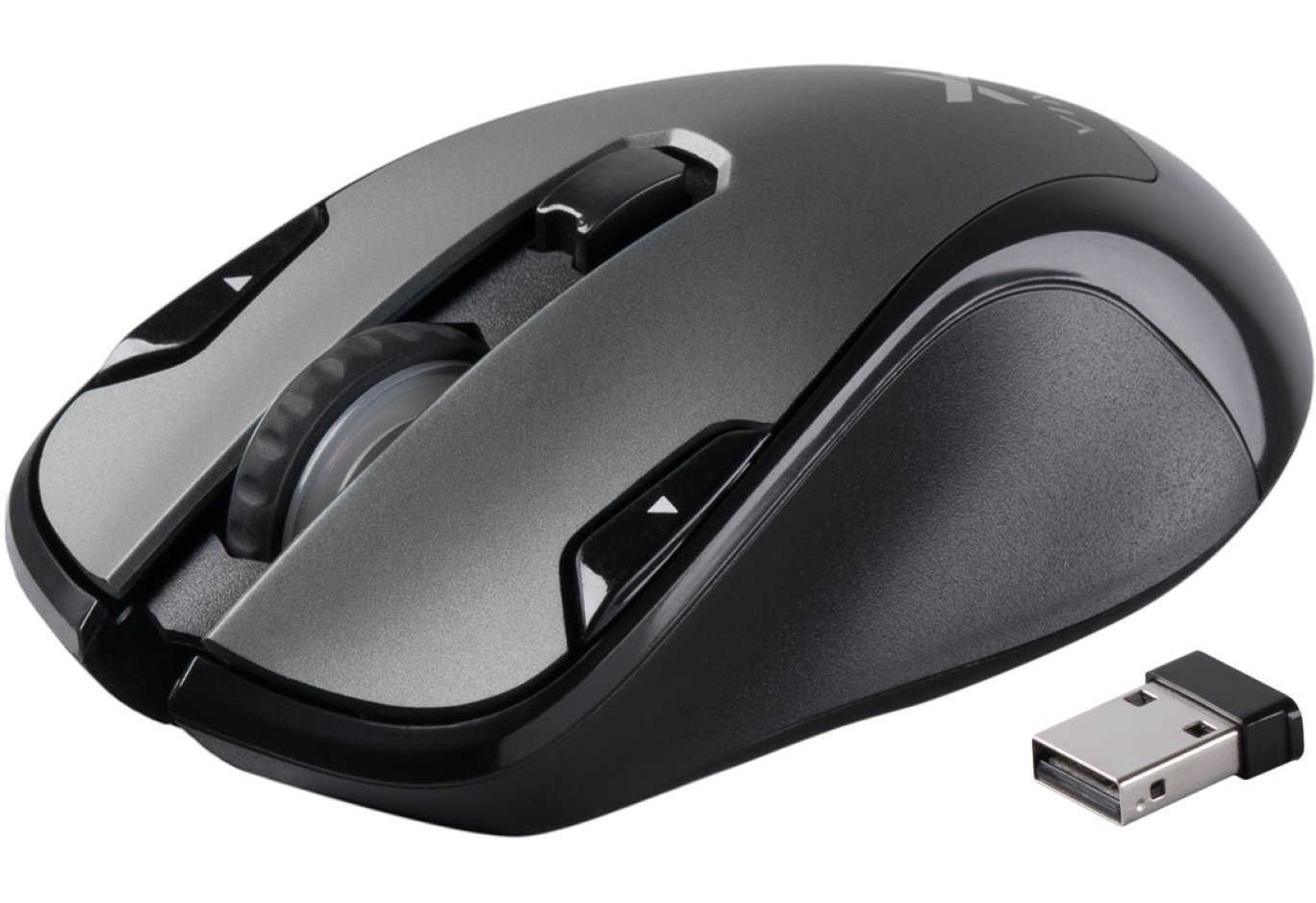
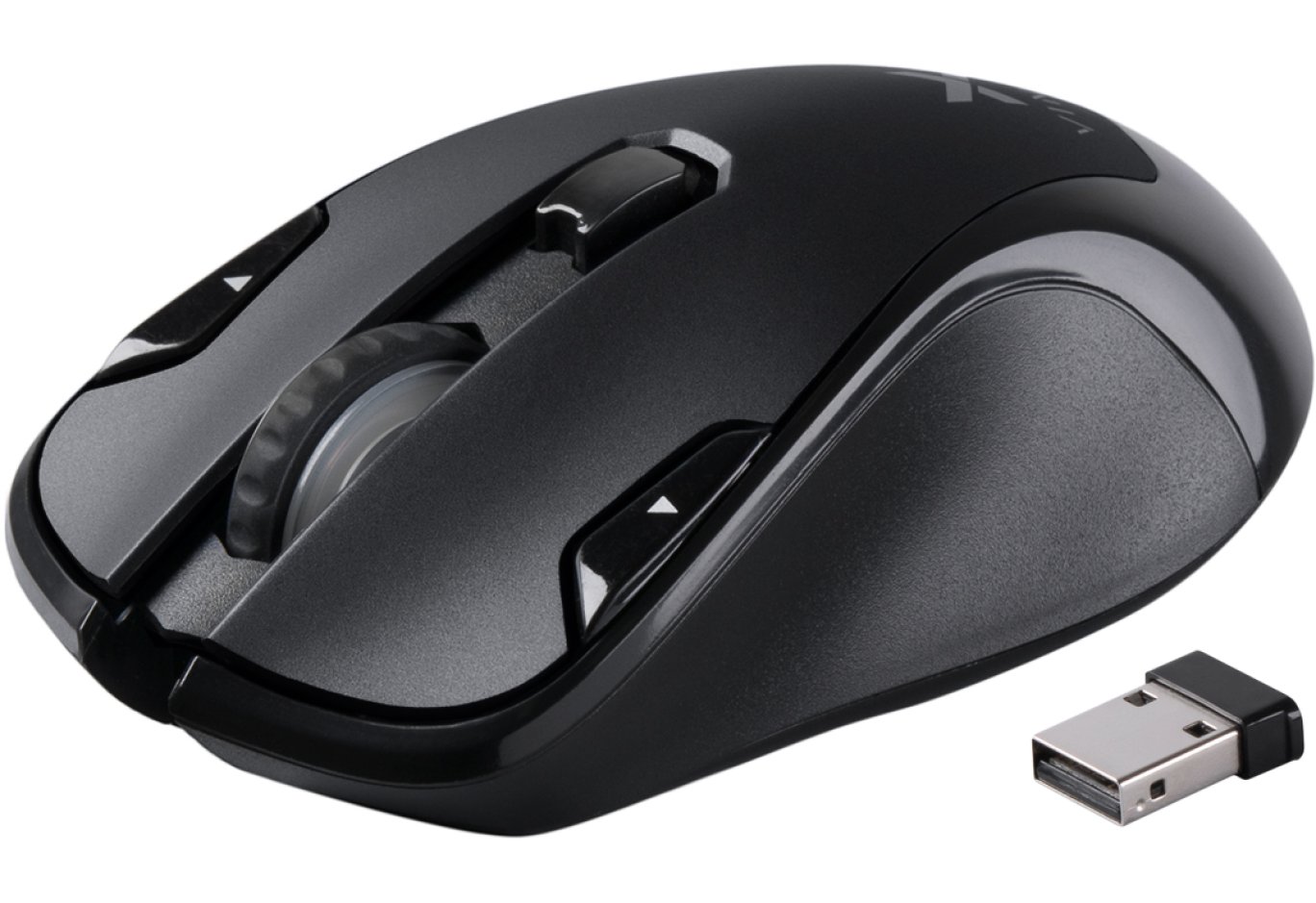
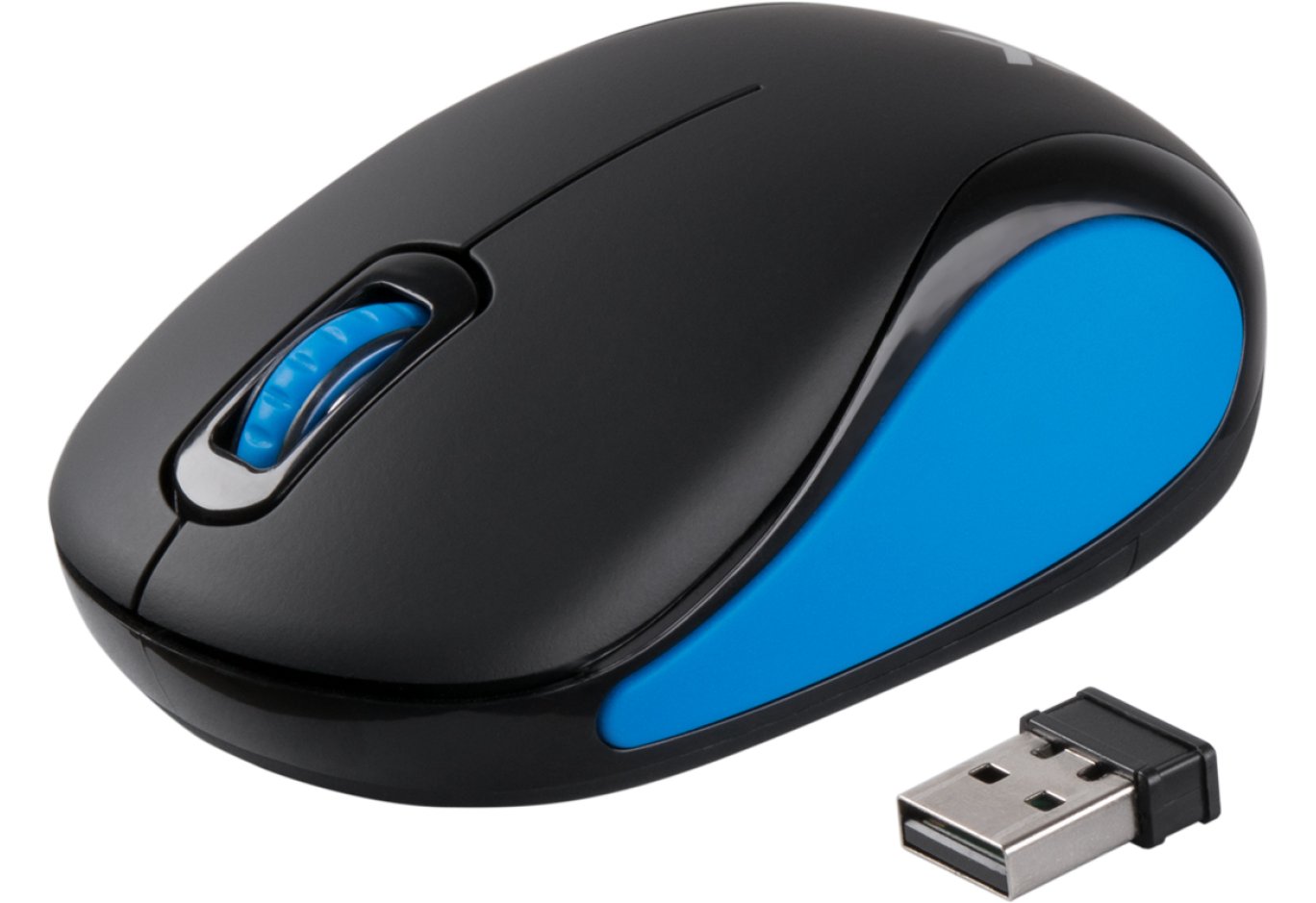
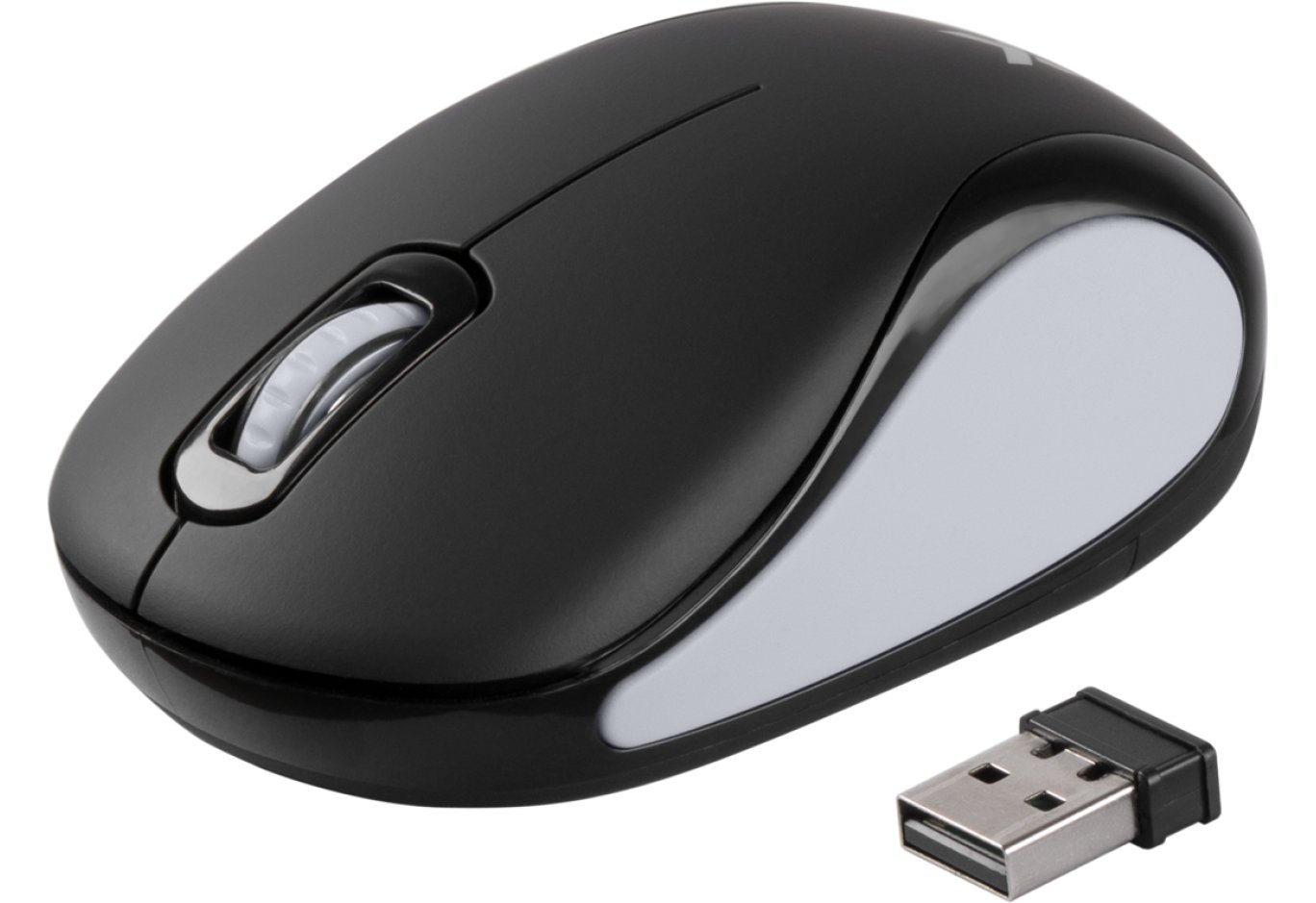
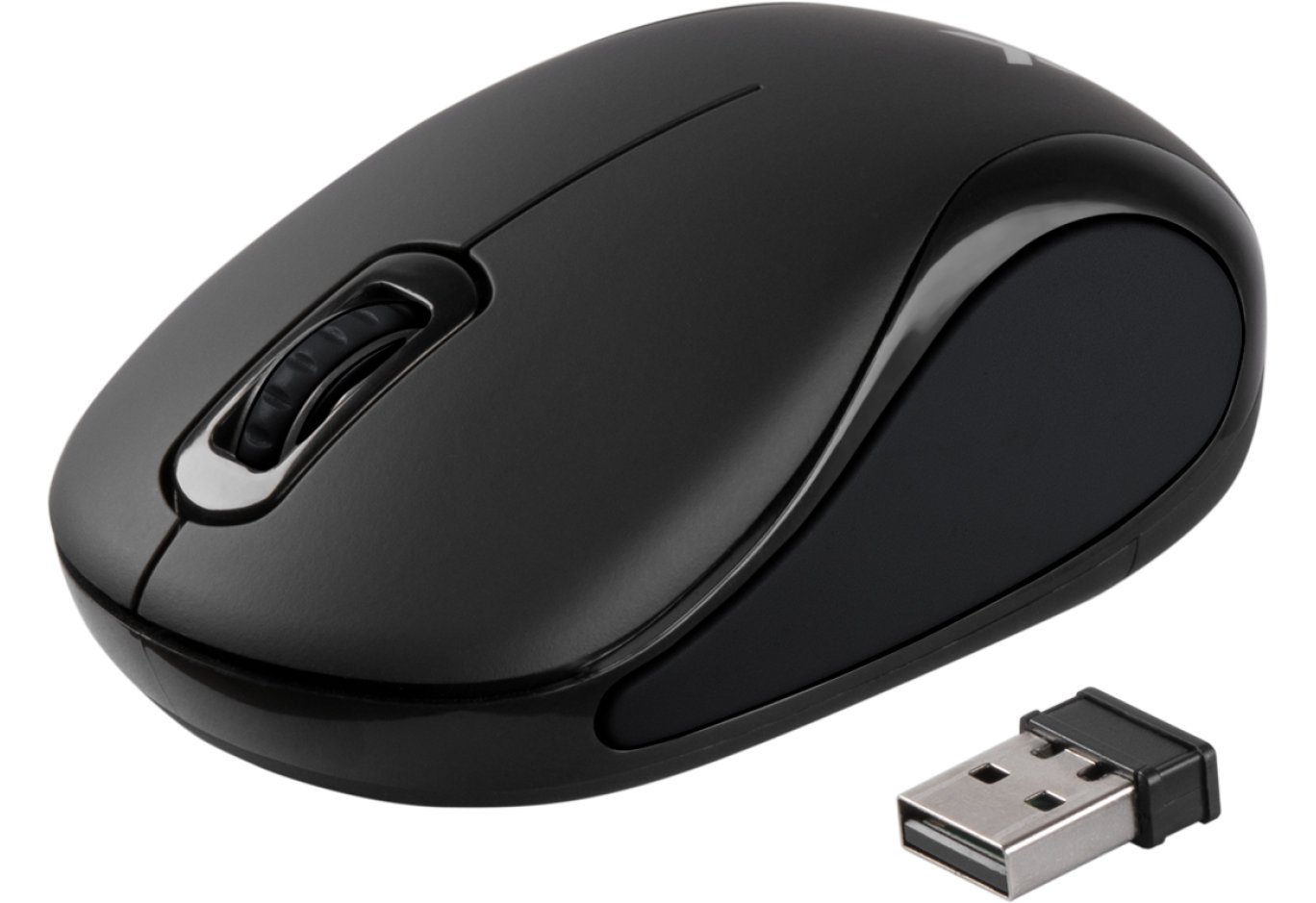
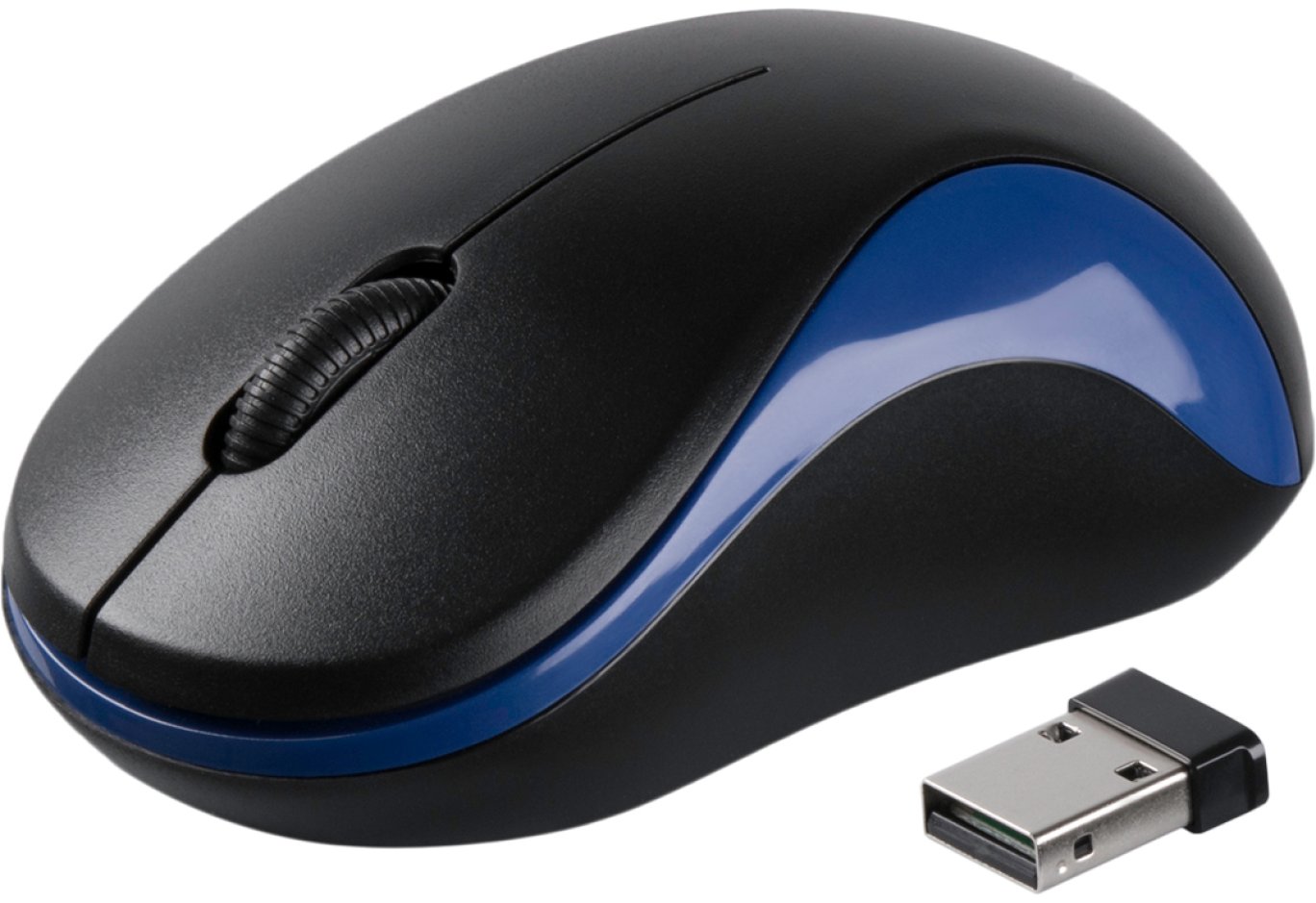
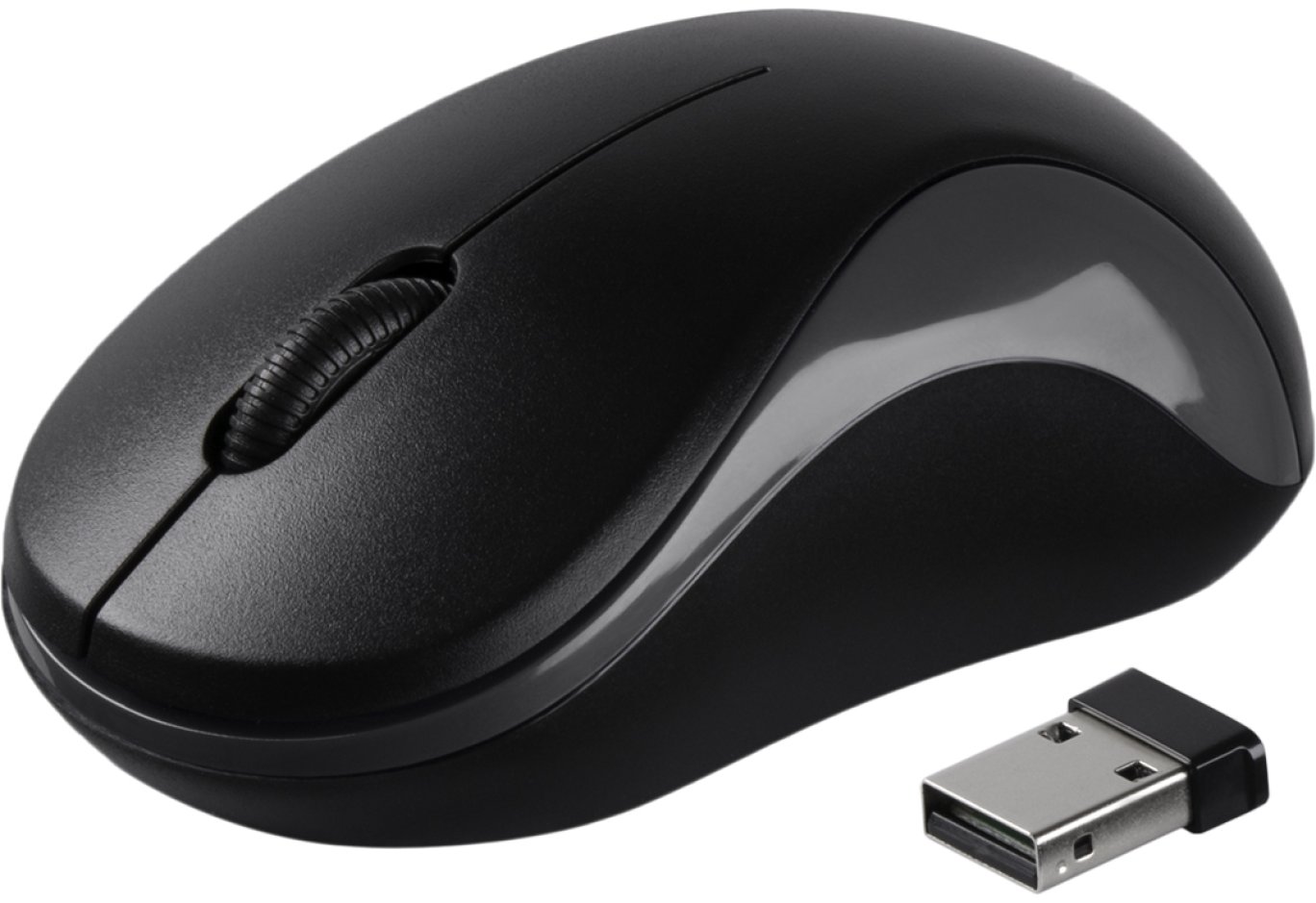
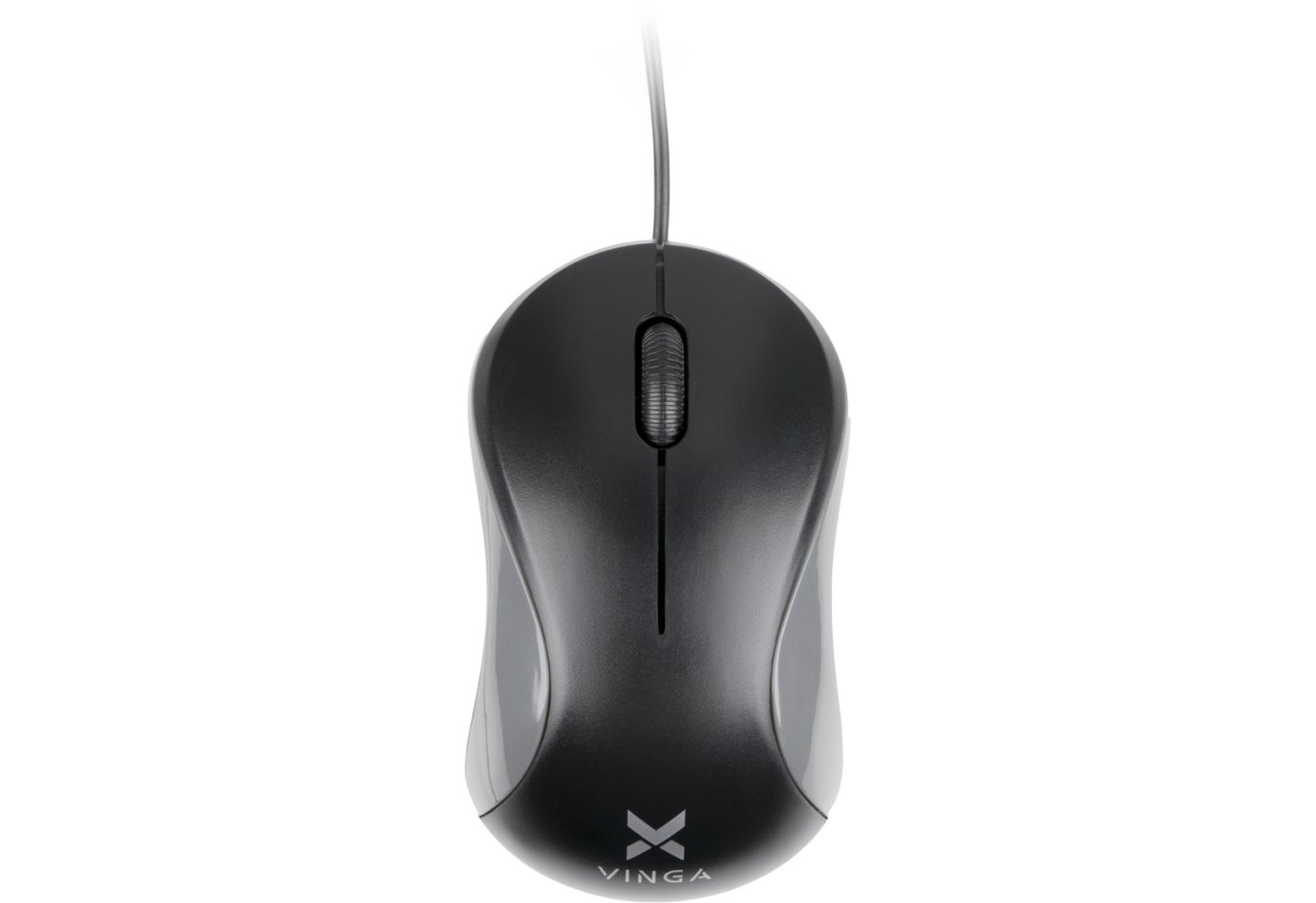
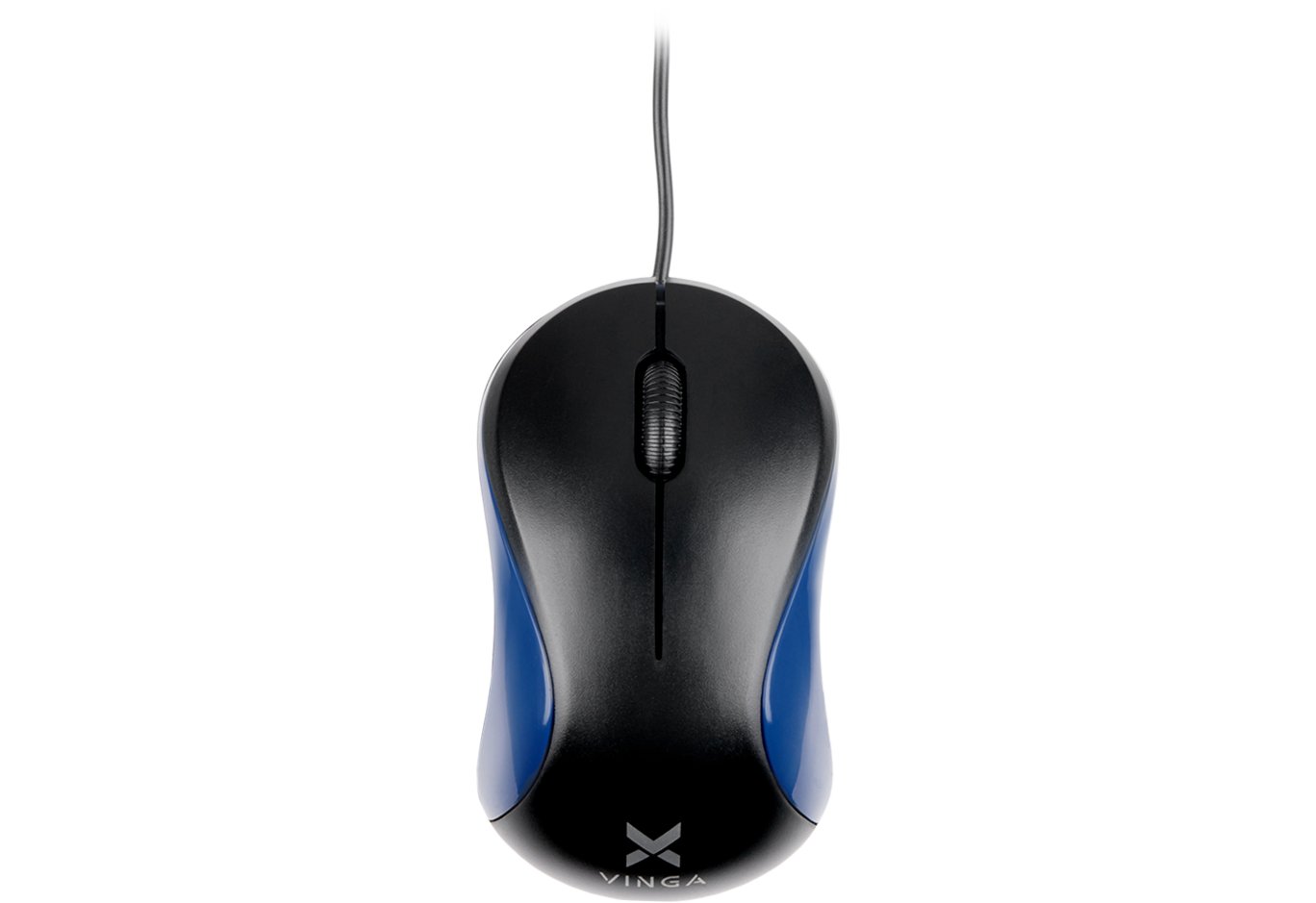
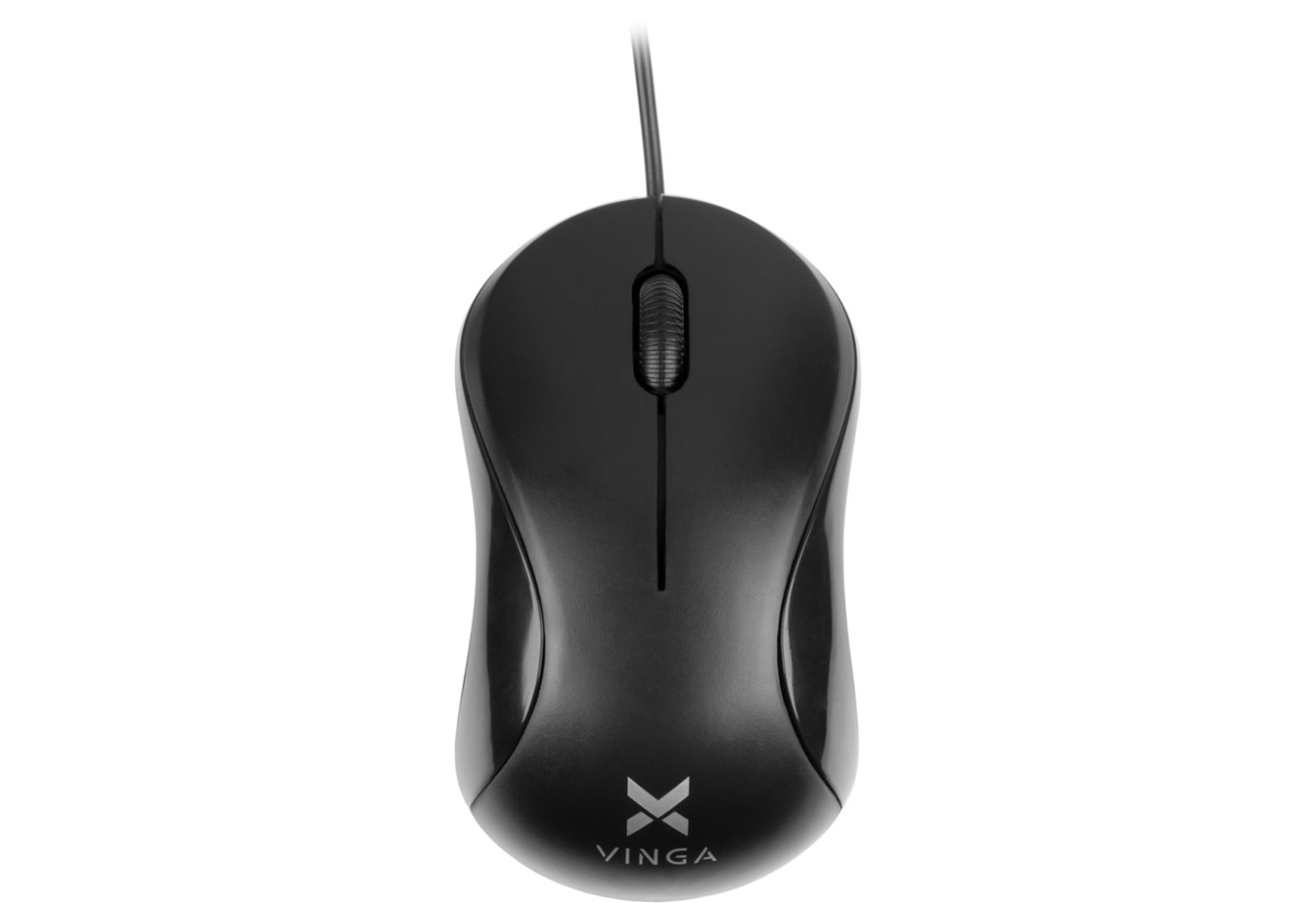
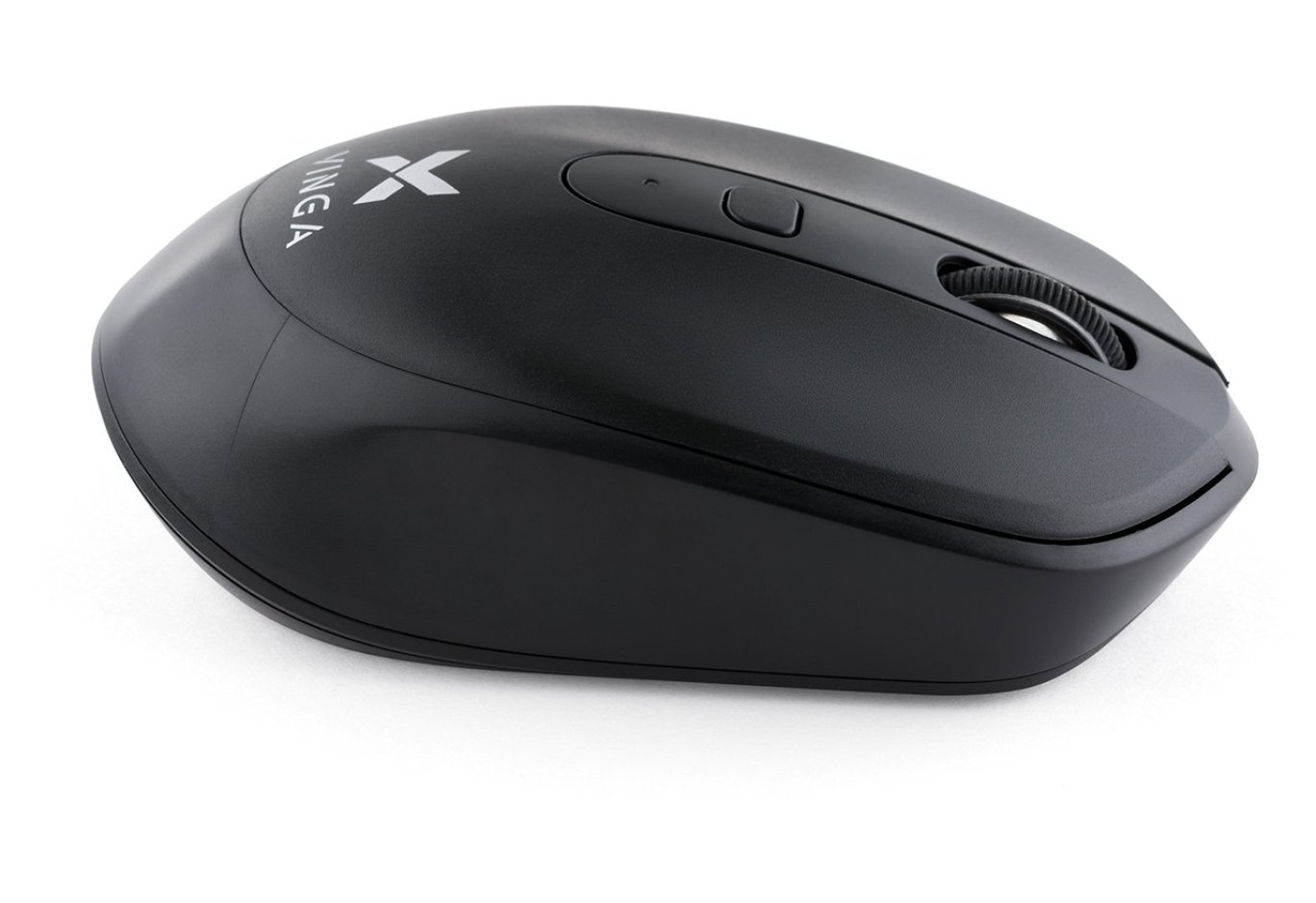
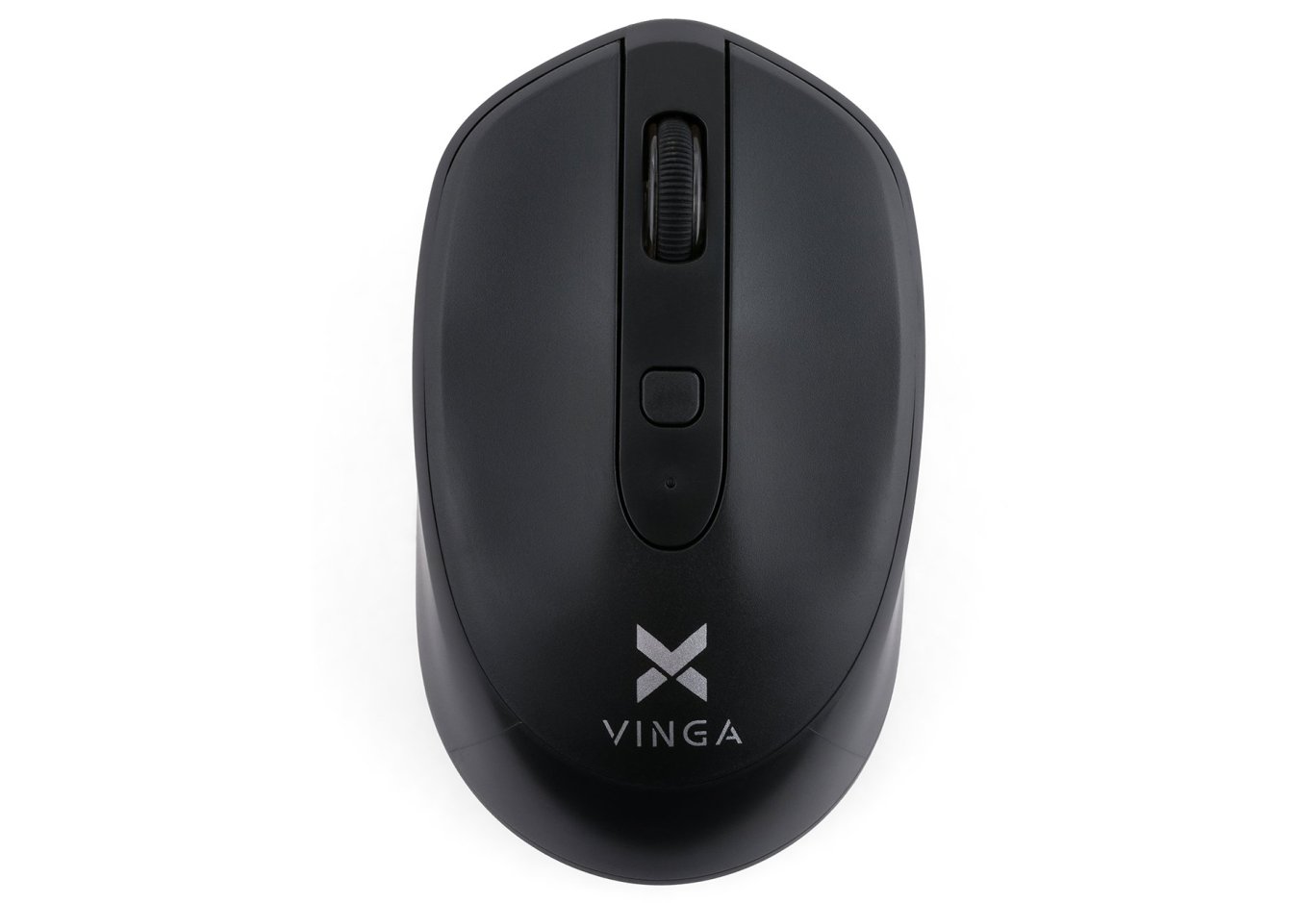
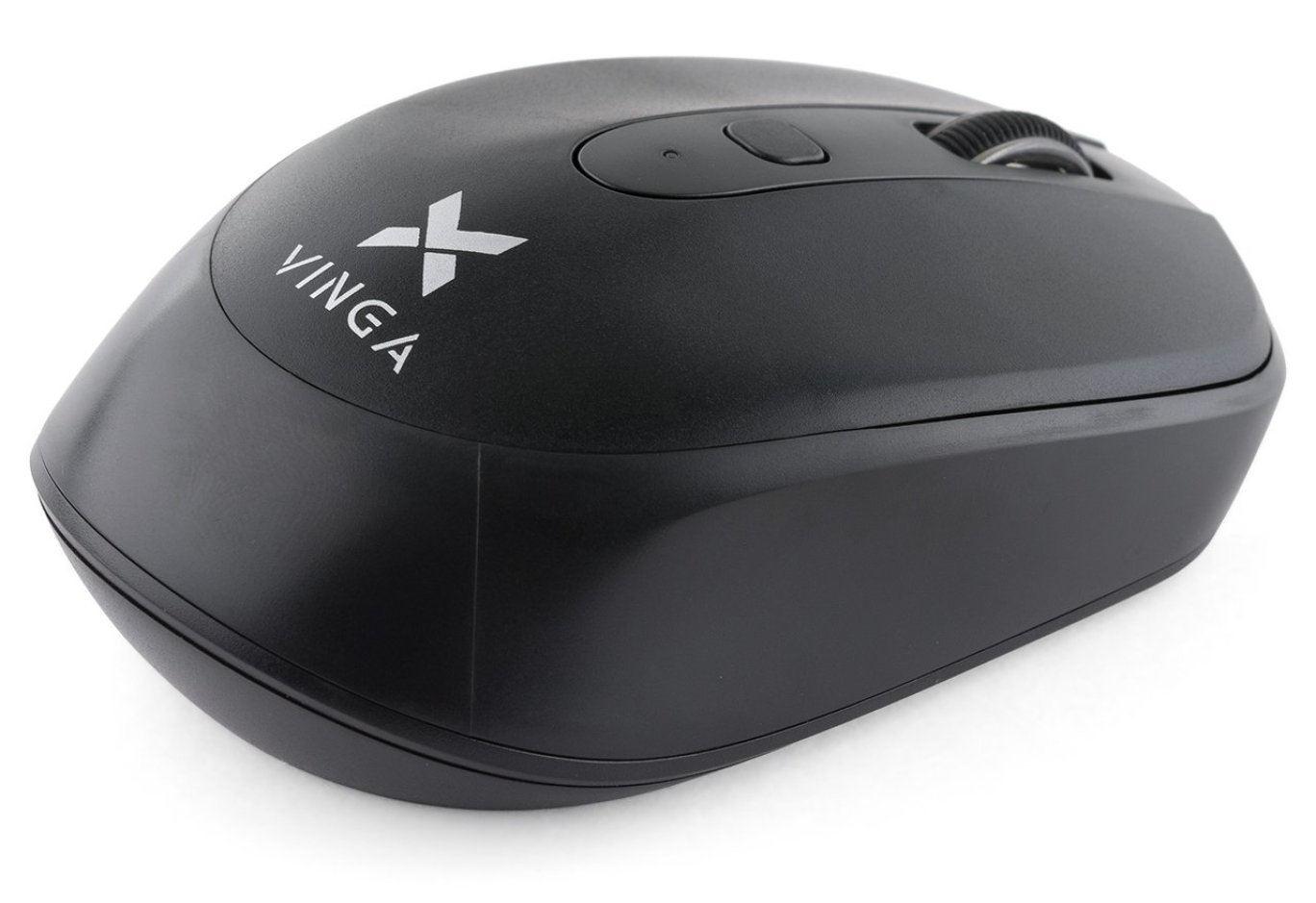
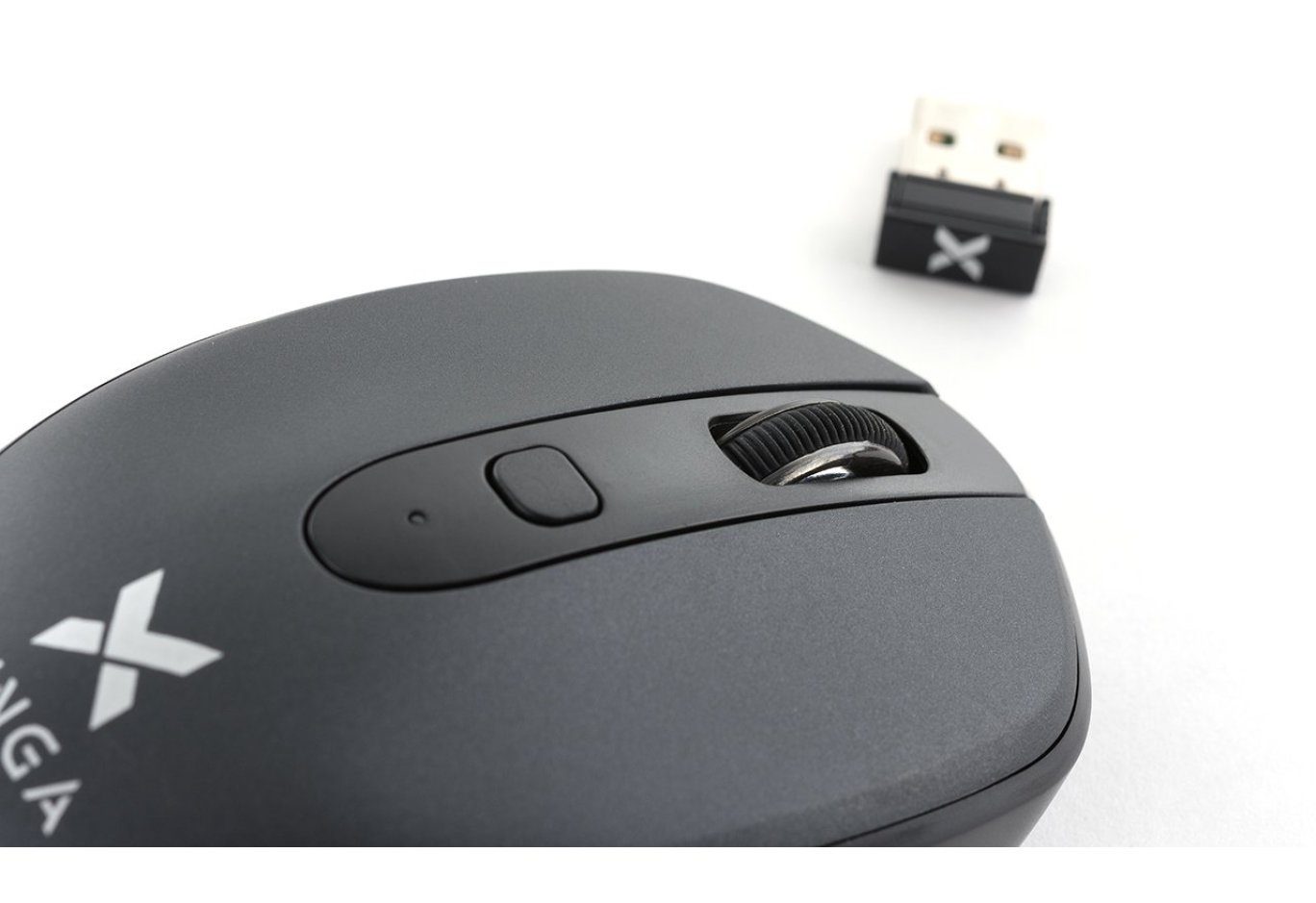
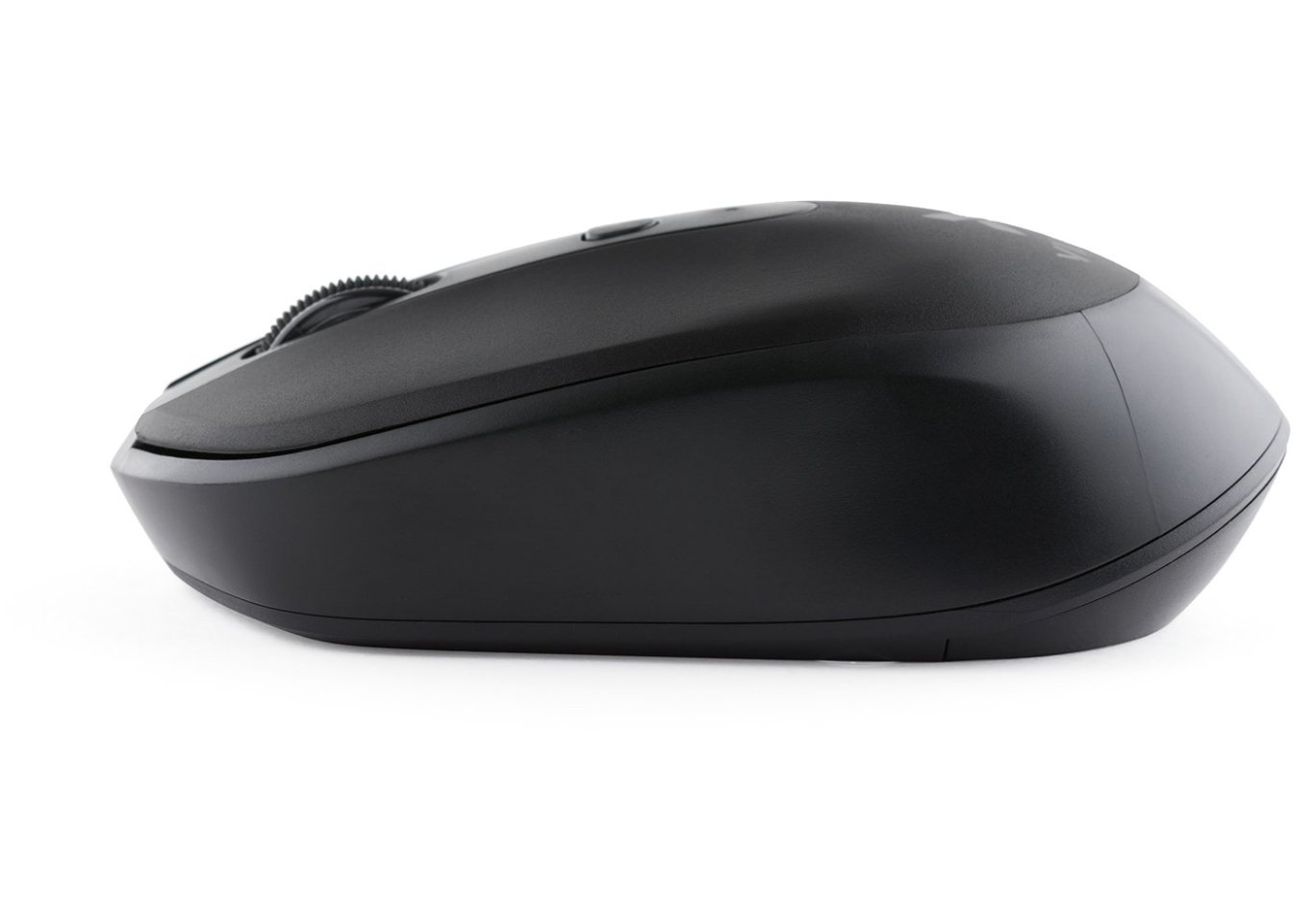
Мені попався варіант в чорному кольорі, але, є ще графітно-сірий і блакитний. Мишка настільки компактна, що легко вміщається в долоні, навіть не доходячи до пальців. За формою нагадує маленький моторний човен: спереду невеликий "хвилеріз", який розходиться по бічних лініях, а потім ефектно завершується напливом на кормі з емблемою Vinga. Спереду знаходиться вузьке гумове колесо прокрутки, за ним - кнопка зміни роздільної здатності і індикатор поточного значення dpi. Колесо прокрутки не має вільного ходу і працює подібно шестерні, прокручуючи чітко на певний кут. Причому ці повороти чітко відчуваються при повільному скролінку. Таке рішення мені подобається більше, ніж якби колесо ніяк не фіксувалося.


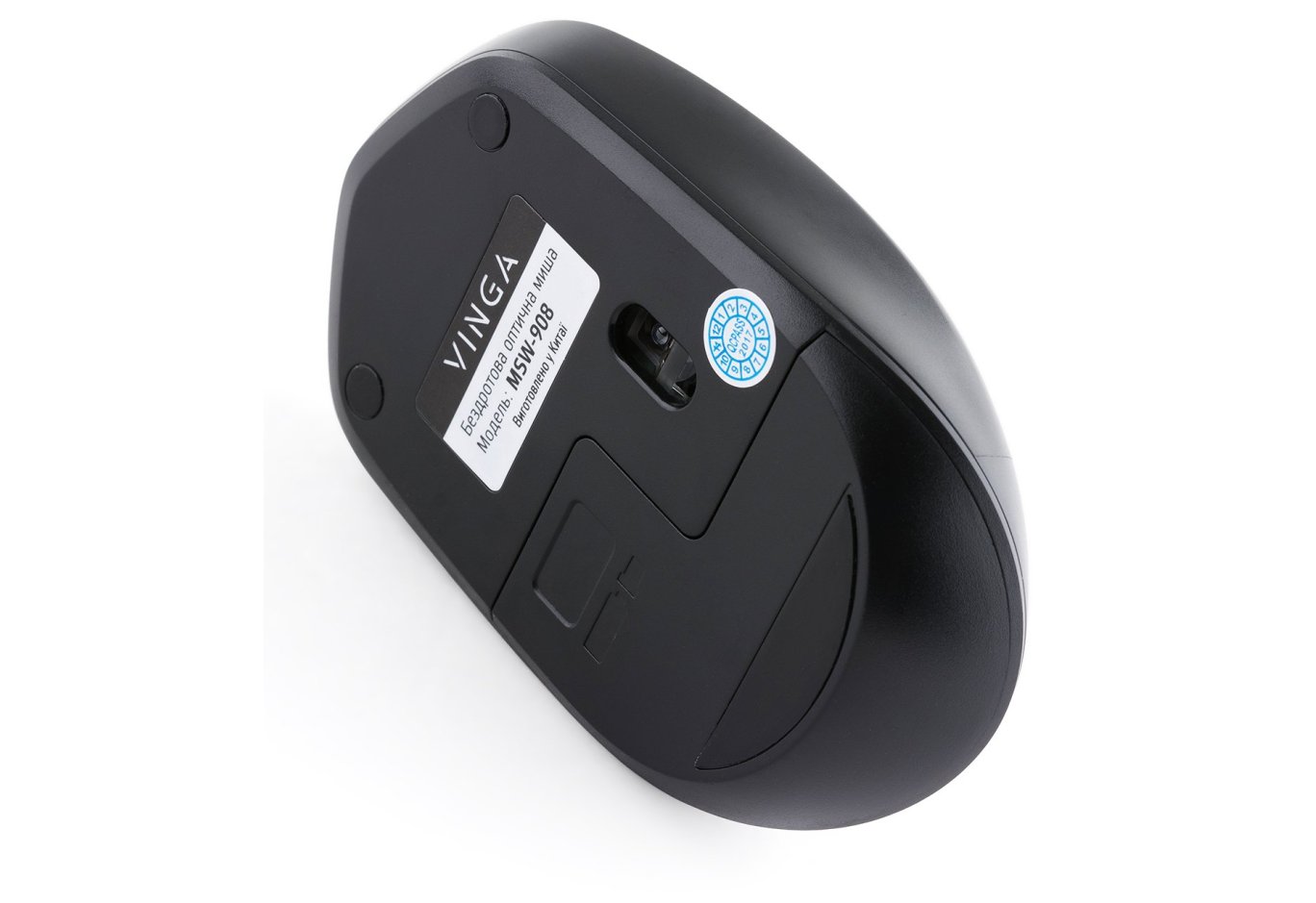
Знизу у мишки знаходиться зрушений вправо сенсор, нижче - відсік з кришкою для установки батареї і відсік для зберігання ресивера. Є також протиковзкі наклейки. В цілому, зовнішній вигляд мишки багато в чому перегукується з Logitech M335 і M535: форма, кнопки, колесо прокрутки, кнопка зміни dpi. Навіть нижня частина виконана однаково - фігурний батарейний відсік у вигляді букви "Г" і зміщений сенсор. Єдина помітна візуальна відмінність - у Logitech є тумблер включення / відключення сенсора. У Vinga це реалізовано трохи інакше. Розповім про це трохи пізніше.

Бездротовий ресивер забезпечує роботу мишки по радіоканалу на частоті 2.4 ГГц. На ньому є емблема Vinga, що само по собі добре, тому що якщо в гніздах USB виявиться кілька однакових ресиверів, шансів їх переплутати вже не буде. А можливість заховати ресивер в мишку явно припаде до смаку власникам ноутбуків, тому що незважаючи на свої мініатюрні розміри, ймовірність обламати роз'єм при невдалій постановці ноутбука на стіл або перенесенні в рюкзаку все ж існує. До речі, з приводу емблеми і внутрішнього відсіку для ресивера: на просторах AliExpress я періодично натикався на відгуки розчарованих покупців, які ставили одну зірку (найгірша оцінка) і лаялися, що мишка прийшла без ресивера. Якого ж було їх здивування, коли продавці відповідали їм, що ресивер знаходився всередині мишки в тому самому спеціальному відсіку. Біда була в тому, що у ресивера не було ніяких розпізнавальних знаків і будучи вставленим в відсік, його можна було легко прийняти за частину конструкції. Так що рішення про нанесення емблеми на ресивер було правильним.
Характеристики
| Характеристики | Значення |
| Тип | Бездротова миша |
| Тип сенсора | Оптичний |
| Роздільна здатність(dpi) | Змінна: 800/1200/1600 dpi |
| інтерфейс підключення | радіо (USB-ресивер) |
| число кнопок | 3 + колесо прокрутки... |
| Особливості конструкції | Безшумні кнопки, симетричність |
| Розміри | 104х60х35 мм |
| Батарея | 1хAA (в комплекті) |
| Вага | 59,8 гр |
Враження від роботи
Вставивши в відсік комплектну батарею і підключив ресивер до комп'ютера, система швидко визначила драйвера, і курсор ожив. Перший же запуск звичних додатків викликав моє здивування - я не чув подвійного кліка, немов ліва кнопка миші не натискається. Однак, моїй радості не було меж, коли обрані додатки успішно показали свої вікна. Тільки після цього я підніс мишку до вуха і прислухався. Звук був дуже м'який і нагадував натискання по прогумованій поверхні. На ділі, моє припущення виявилося вірним. Невеликий екскурс в теорію. Якщо хтось не знає, то, є два найбільш поширених види кнопок:

Саме ці маленькі електронні компоненти видають характерні звуки, які ми так звикли чути при роботі з мишкою. Так ось, коли я з цікавості, озброївшись пінцетом, підчепив корпус щоб дістатися до кнопки, я побачив, що натискає елемент (в Winga MSW-908 використовуються кнопки, зображені праворуч) виконаний з гуми (або схожого матеріалу) червоного кольору. Саме ця особливість дозволяє гасити звичний клік звуку і робить натискання дуже м'якими.
В роботі мишка виявилася зручною. Незважаючи на незвичний мені хват (мишку я тримав великим пальцем і мізинцем), я цілком комфортно відчував її в руці і без проблем активно маніпулював кнопками і колесом прокрутки. Мишка добре працювала на дерев'яних та пластикових поверхнях, а ось на склі курсор виявився надмірно чутливим, через що доводилося робити багато "підрулюючих" рухів.
До речі, про чутливості: мишка забезпечена сенсором з можливістю зміни dpi "на льоту" з кроком в 400 пунктів: 800 dpi - 1200 dpi - 1600 dpi. Навіщо це потрібно? Оскільки мишка - це "універсальний солдат", різні режими dpi можуть стати в нагоді в різних умовах роботи. Наприклад, для серфінгу в Інтернеті для мене комфортними були режими 2 і 3 (1200 і 1600 dpi відповідно), тому що курсор рухався швидко і досягти краю екрану можна мінімальним рухом мишки. Якщо ж необхідна більша точність, наприклад, при роботі в графічних редакторах або з файлами, можна встановити менше значення dpi. Курсор буде пересуватися повільніше, але, точніше, без ривків. Що ще класно - при натисканні на кнопку зміни режимів dpi індикатор, розташований за нею, вказує обраний режим: одноразове миготіння - 800 dpi, дворазове - 1200 dpi, триразове - 1600 dpi. Дуже зручно.
Як я вже зазначав раніше, мишка працює на радіоканалі в 2.4 ГГц. Однак, це не дає ніякої ясності про те, на основі чого побудований цей радіоканал, оскільки і Bluetooth і Wi-Fi прекрасно працюють на вищевказаній частоті. Я, як цікавий до технічних аспектів людина, вирішив провести експеримент. Його результат показав, що мишка спокійно посилає сигнал на відстань трохи більше 10 метрів через 2 (!) Цегляні стіни. З одного боку, це теж не вносить ясність, однак, якщо почитати специфікації Bluetooth, то, можна знайти приблизно наступну фразу: "Офіційно, Class 2, найбільш часто використовуваний в мобільних пристроях, має діапазон дії 10 метрів. Однак, Bluetooth Marketing кваліфікує, що діапазон Class 2 в більшості випадків становить 5-10 метрів. " Спираючись на результати недавнього огляду гарнітур, я можу зробити висновок, що радіоканал в мишці все ж більше тяжіє до Wi-Fi, оскільки у Bluetooth на тестовану відстань вже починалися проблеми. По радіоканалу представники Vinga дали невелику додаткову інформацію: частота 2.4 ГГц зашита апаратно на рівні ресивера, тобто мишка працює тільки в цьому діапазоні і лише з цим ресивером. Звідси випливає те, що в разі поломки, замінити мишку або ресивер аналогами швидше за все не вийде і буде потрібно покупка нового комплекту. З іншого боку, бездротові компоненти, як правило, дуже надійні і набагато перевищують звичний життєвий цикл навіть найулюбленішої мишки.
Оскільки мишка безпровідна, мене також хвилювало питання автономності девайса, і наскільки добре (або погано) сама мишка економить заряд батареї. Природно, повністю розрядити мишку за весь період тестування (близько 3.5 тижнів) мені не вдалося, але, можна зробити деякі висновки про можливу автономності виходячи з особливостей роботи. Так, наприклад, якщо мишка знаходиться в стані спокою, через 15 секунд сенсор починає "режим пошуку", переривчасто кліпаючи і якщо протягом 15 хвилин руху мишкою так і не відбулося, сенсор автоматично відключається для економії заряду батареї. Для повернення його в «бойовий» стан достатньо клікнути кнопкою або колесом прокрутки. До речі, якщо мишка відключена (комп'ютер вимкнений або з USB-порту витягнутий бездротової ресивер), то, за допомогою кліка сенсор все одно можна розбудити на секунду в "режим пошуку". Чому я про це говорю? Коли я помітив таку особливість роботи сенсора, буквально перша ж думка, яка прийшла мені в голову була "А що буде при довгому кліці?" Відповідь: в відключеному режимі мишка сприймає тільки уривчасті кліки, тобто довге натискання не матиме ефекту і через секунду сенсор все одно відключиться. А тепер уявіть ситуацію, коли мишка лежить десь на столі і чимось завалена (наприклад, зошитом або паперами). Навіть з огляду на її форму, є ненульовий шанс, що паразитні натискання все одно будуть відбуватися. А що, якщо мишку носити в сумці або рюкзаку разом з ноутбуком? До речі, саме це так і було, коли я повертав мишку назад в магазин, після огляду - сенсор весело кліпав і це було видно навіть через блістер упаковки. Зрозуміло, такі натискання не зможуть сильно вплинути на час автономної роботи, тому що сенсор вимикається з таймаут, але, іноді механічне відключення мишки виглядає краще автоматичному. До того ж, досить дивно, що тут його немає, тому що в моделях MSW-527 і MSW-907 такий перемикач є. Що стосується сухих цифр, то, згідно з даними від Vinga, час роботи від однієї батареї може досягати 4-6 місяців. Це хороший результат, але, як показав мій попередній досвід користування бездротовим комплектом, заряд пропадає завжди невчасно, тому, запасна пальчикова батарея буде завжди доречна :)
На офіційному сайті Vinga сказано, що гарантується сумісність мишки з операційними системами Windows і macOS, однак, ні слова не сказано про Linux. Виправляю це непорозуміння - з Linux повний порядок, перевірялося на версіях Ubuntu 16.04.4 LTS і 18.04 LTS.
Висновки
Отже, зникла моя упередженість після цього огляду? Безумовно так. Серед портативних мишок часом зустрічаються гідні варіанти для дійсно комфортної роботи за ноутбуком. На момент написання цього огляду, в арсеналі Vinga було 6 моделей бездротових мишок, з них тільки 2 мали перемикач режимів dpi (в т.ч. MSW-908), але, тільки у MSW-908 була фішка в вигляді безшумних кнопок. Це йде в однозначні плюси. Вечірньої пори, коли хочеться насолодитися тишею під час серфінгу або написання коду, кліки мишкою тепер не будуть дратувати :) Перемикач dpi налаштований на дуже правильні режими: 800 dpi зручно для точкових маніпуляцій, 1600 dpi - для швидкого серфінгу, 1200 - для всього іншого . Все, що вище вже можна розцінювати геймерським замашками (хоча, все це дуже індивідуально).
З невеликих хотелок (традиційно), в місця хвата мишки з боків усе ж просяться прогумовані вставки. А для більшої зручності не завадив би індикатор заряду батареї (або ПО для його відображення в system tray). Хоча, у мене є підозри, що індикатор режимів dpi усі ж просигналізує про низький заряд батареї.
Мене засмутила відсутність тумблера включення мишки. Як я вже зазначав вище, автоматика - це здорово і зручно, але, механічне включення / вимикання теж буває корисно. Такий тумблер був помічений в інших моделях і, як на мене, дивно, чому в старшій за індексом моделі від нього відмовилися.
Купив би я цю мишку собі? Для ноутбука - так, але, тільки для нього. На робочому столі моє серце давно належить Logitech TrackMan Marble Trackball.
Джерело https://mister-gold.pro/
Схожі товари