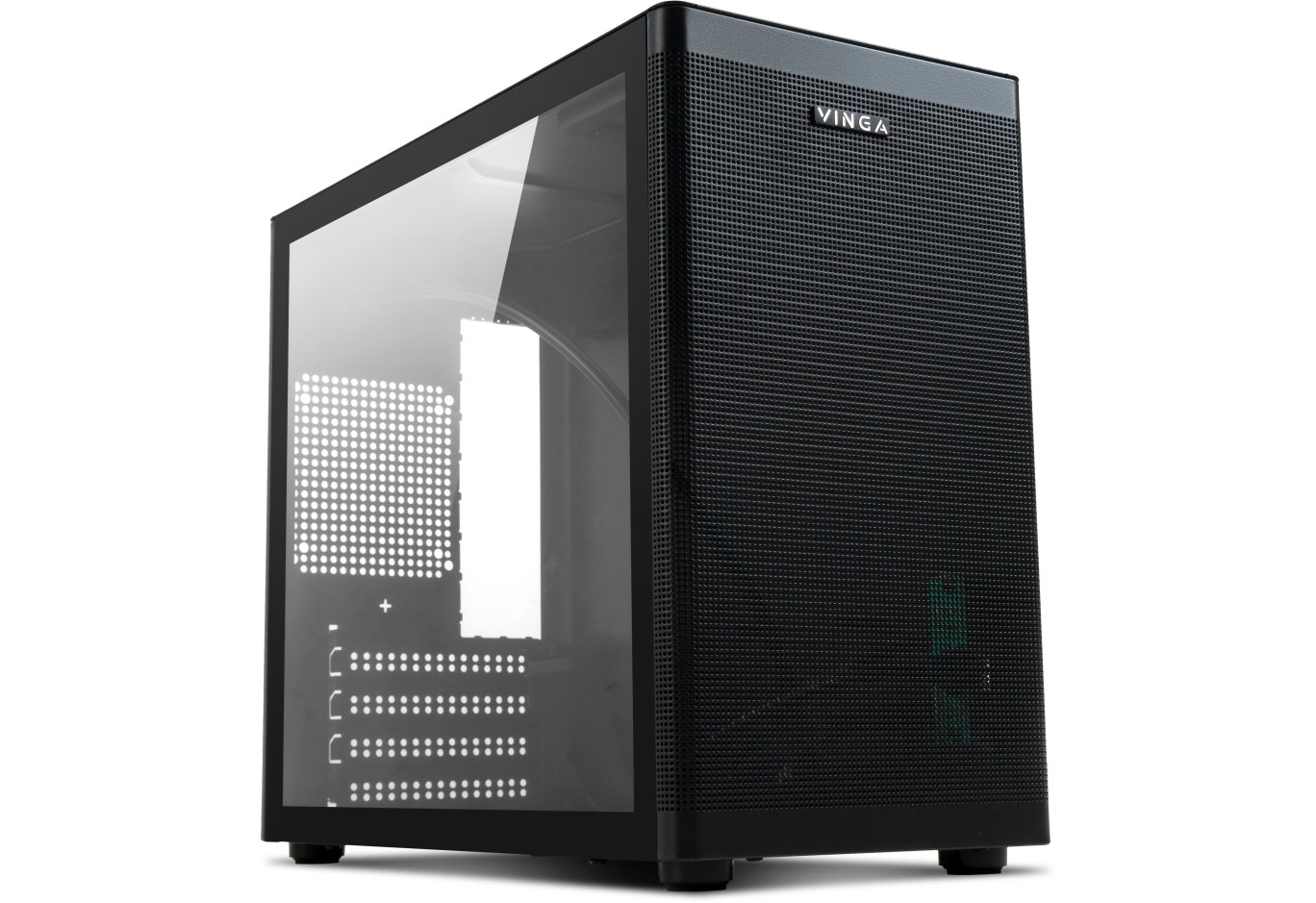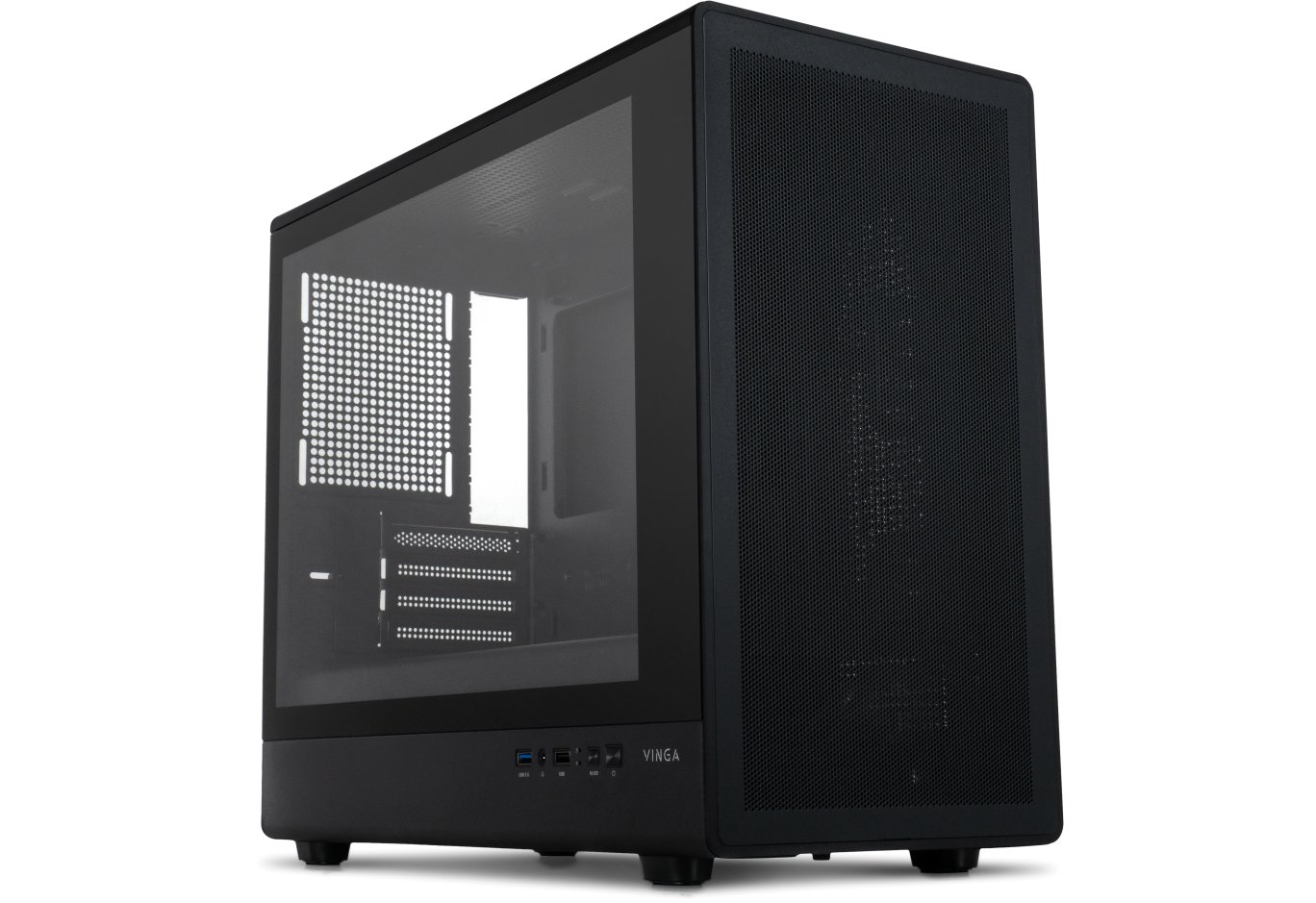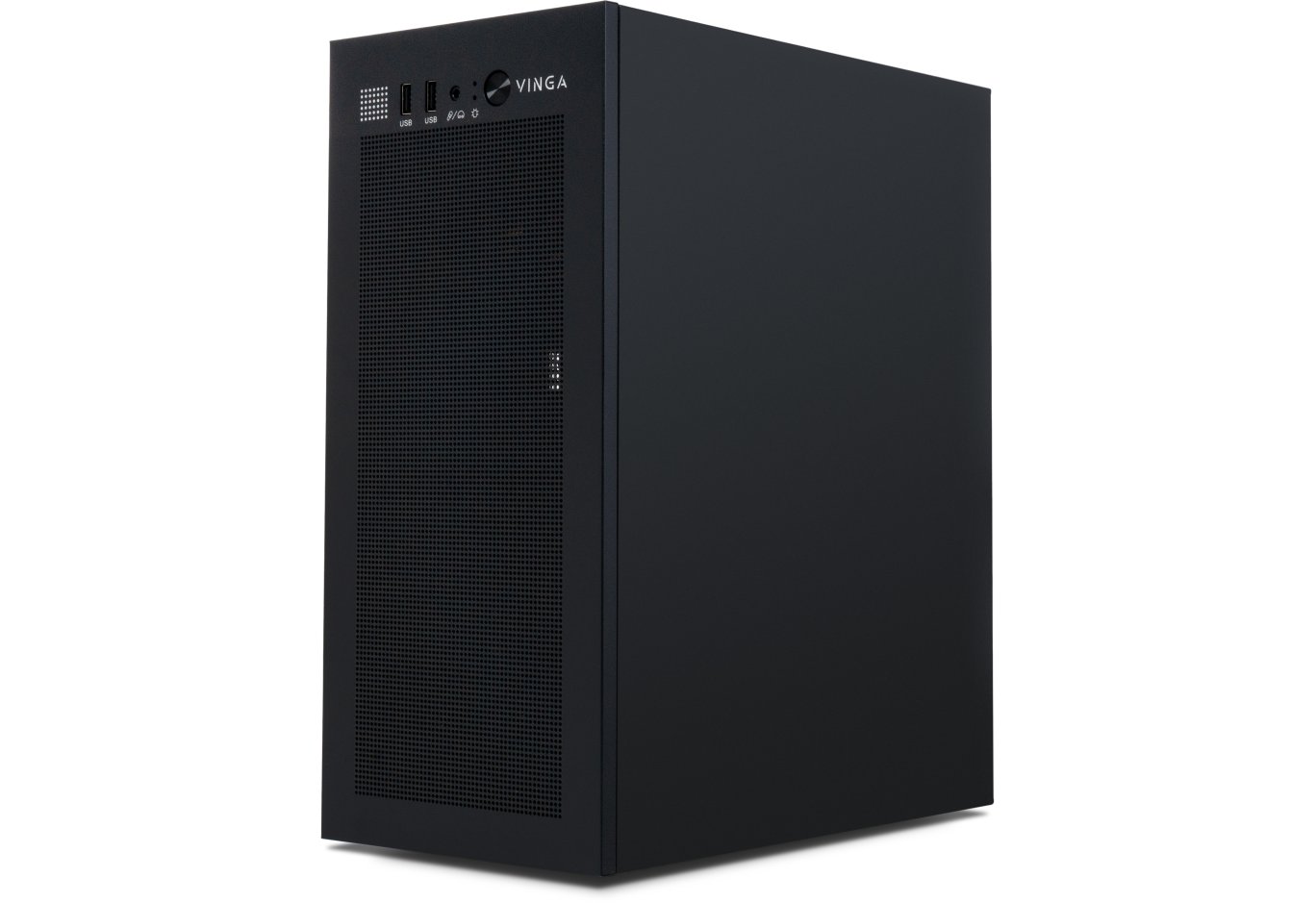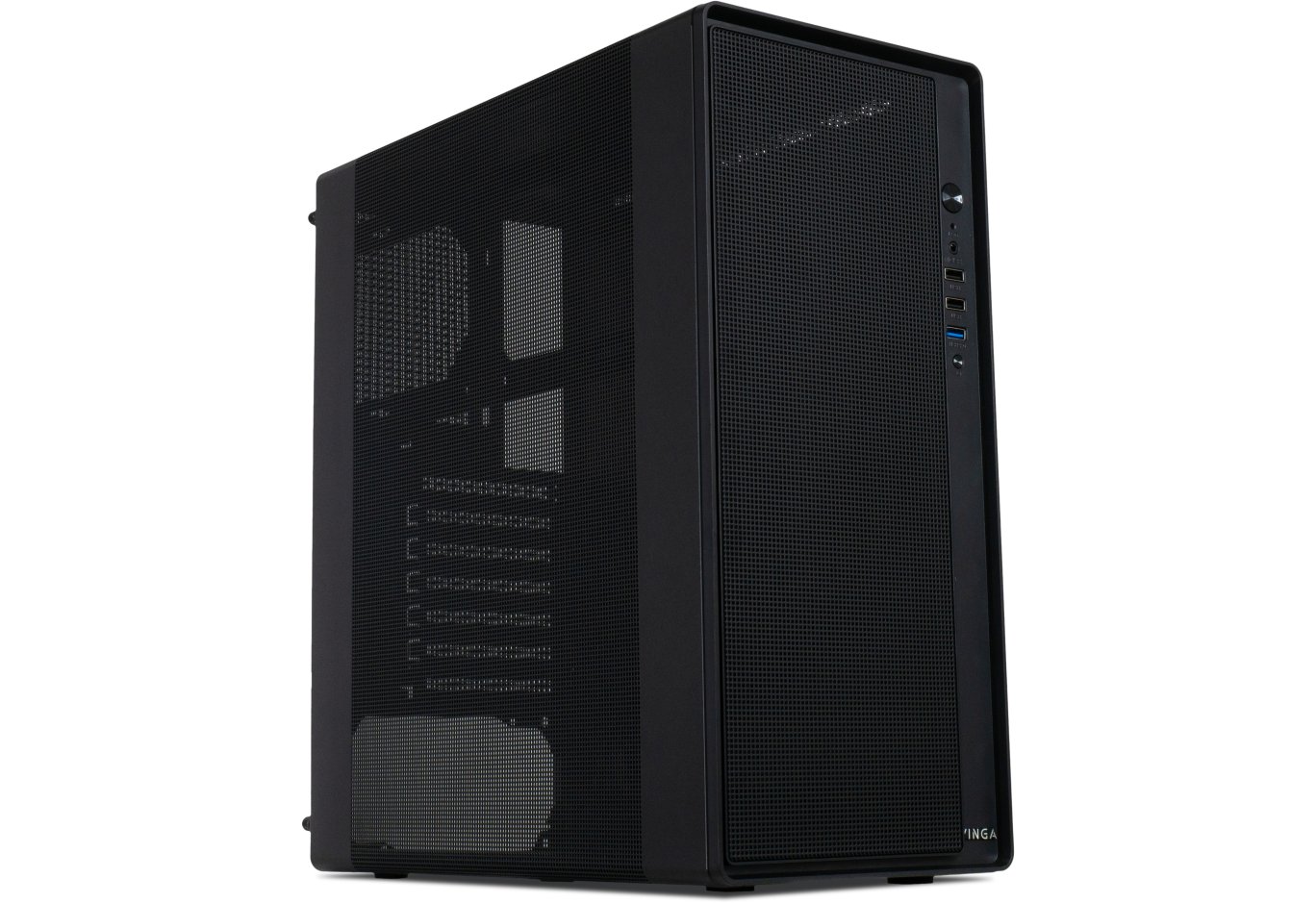
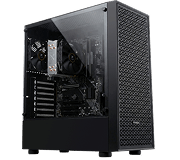


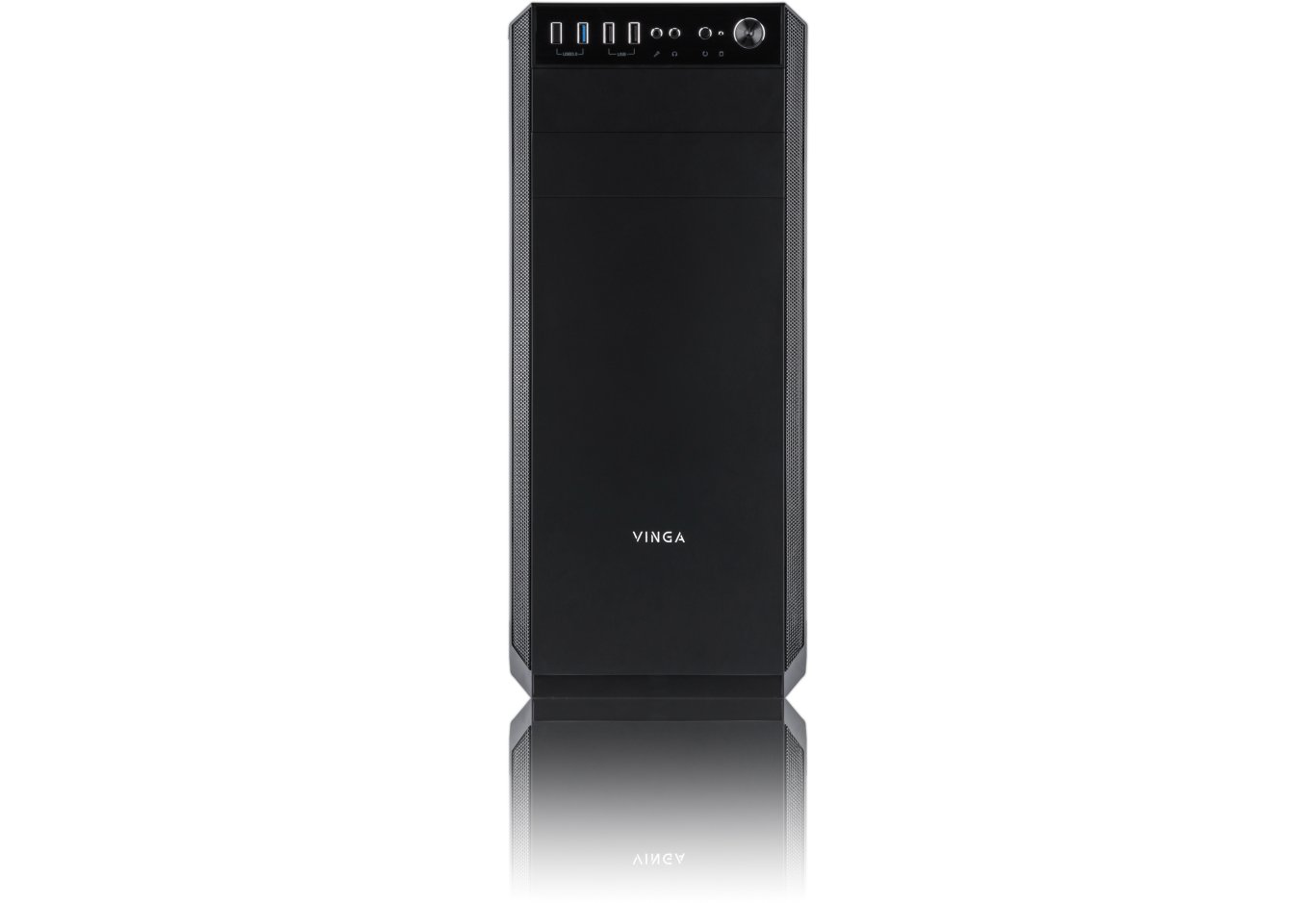
Корпус для ПК Vinga Winston
У багатьох слово «Вінстон» асоціюється з ім'ям відомого політичного діяча, який у 2002 році був названий найвеличнішим британцем в історії. Можливо, саме настільки позитивна репутація зіграла важливу роль при виборі назви для чергового корпуса Vinga, який потрапив до наших рук.
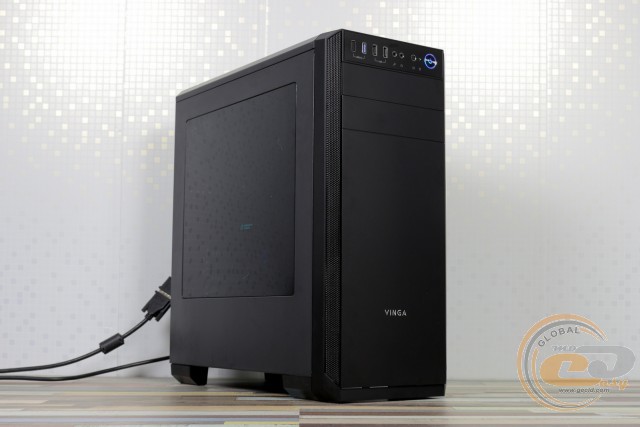
Vinga Winston лежить у ціновому діапазоні до $35, настільки вподобаному виробником. І не дарма – такий бюджет не надто вдарить по гаманцю навіть при складанні недорогої системи, а отримати гарний корпус із сучасним компонуванням хочеться кожному. І в цьому плані новинці безумовно є що запропонувати.
Специфікація
|
Модель |
Vinga Winston |
|||
|
Типорозмір корпуса |
Middle Tower |
|||
|
Підтримка форм-факторів материнських плат |
ATX / microATX / Mini-ITX |
|||
|
Колір |
Чорний |
|||
|
Відсіки |
Зовнішні |
1 х 5,25” |
||
|
Внутрішні |
2 х 3,5” / 2,5” 3 х 2,5” |
|||
|
Слоти для карт розширення |
7 |
|||
|
Максимальна довжина відеокарти (в дужках – власні вимірювання) |
400 мм (390 мм) |
|||
|
Максимальна висота процесорного кулера (в дужках – власні вимірювання) |
163 мм (167 мм) |
|||
|
Роз'єми |
1 x USB 3.0 2 x USB 2.0 2 х аудіопорти |
|||
|
Можливість встановити вентилятори |
На передній панелі |
2 х 140-мм / 120-мм |
||
|
На тиловій панелі |
1 х 120-мм |
|||
|
На верхній панелі |
2 х 120-мм |
|||
|
Блок живлення |
Немає |
|||
|
Матеріали |
Передня панель |
Пластик |
||
|
Шасі |
Сталь завтовшки 0,56 − 0,73 мм |
|||
|
Боковини |
Сталь завтовшки 0,72 мм, ліва доповнена акриловим вікном |
|||
|
Розміри корпуса (в дужках – власні вимірювання) |
445 x 402 x 205 мм (470 х 457 х 207 мм) |
|||
|
Вага |
5 кг |
|||
|
Сайт виробника |
||||
Упаковка і комплект постачання
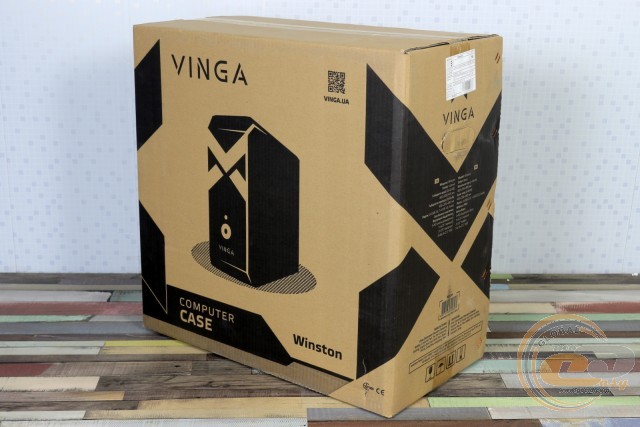
Почнемо традиційно з упаковки. Тут − це проста коробка з короткою таблицею специфікації і вирізаними ручками для полегшення транспортування.
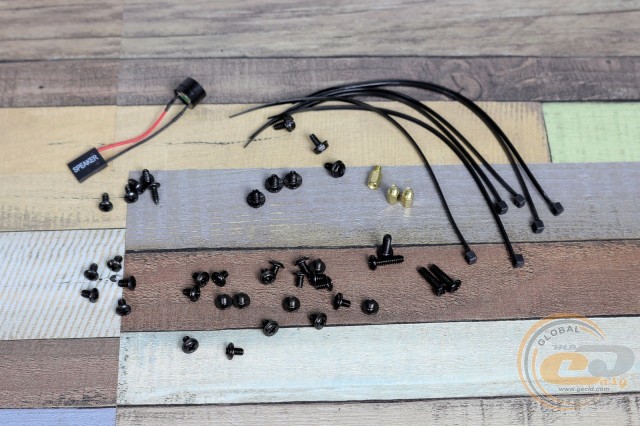
Комплектація цілком звична для недорогих рішень. Вона містить:
- набір гвинтів і стійок для встановлення материнської плати;
- набір гвинтів для фіксації блока живлення і накопичувачів;
- системний динамік;
- стяжки для дротів.
Тішить наявність одноразових стяжок − вони стануть у нагоді в разі бажання зробити збірку максимально привабливою, зафіксувавши всі кабелі на своїх місцях.
Зовнішній вигляд
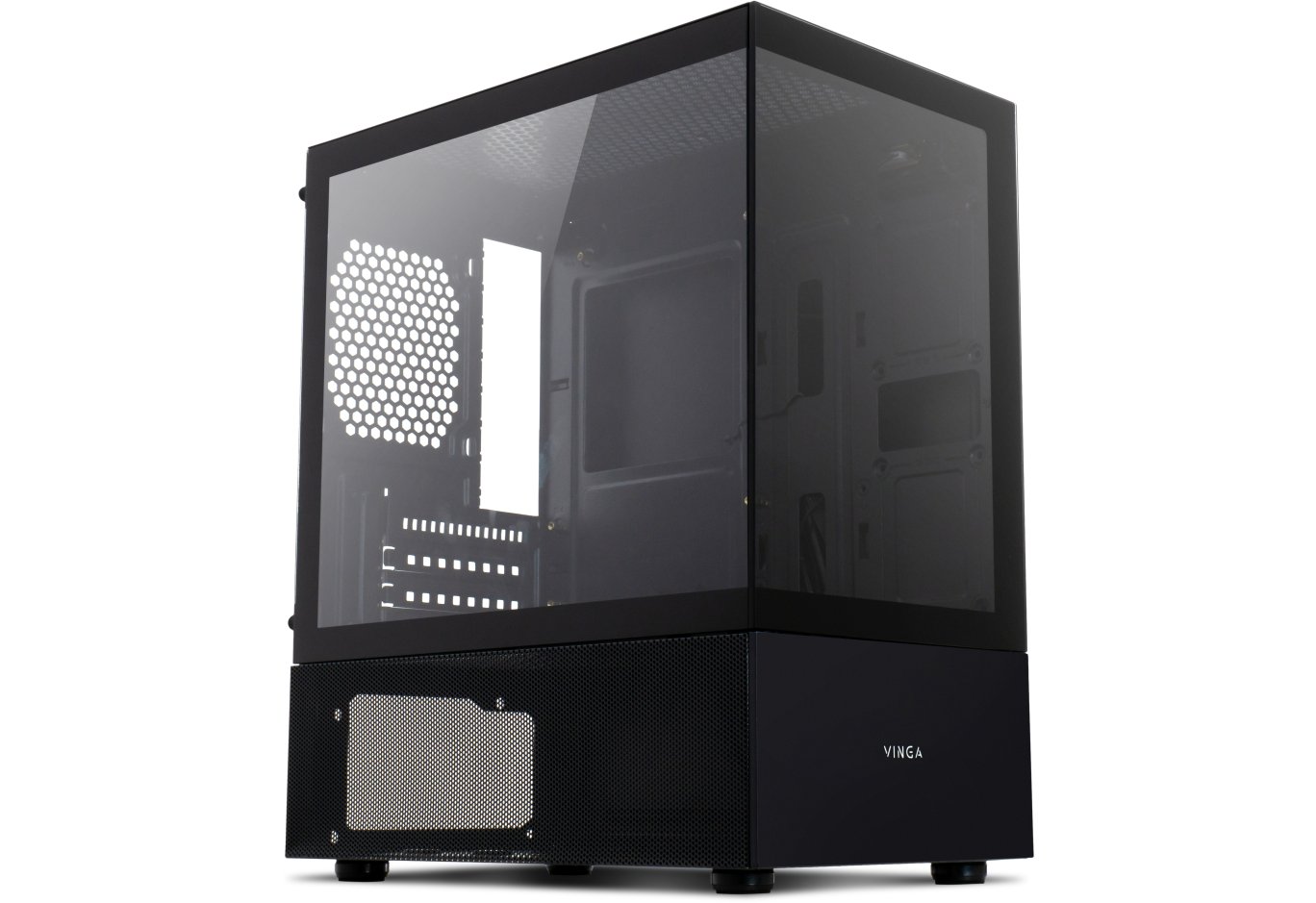
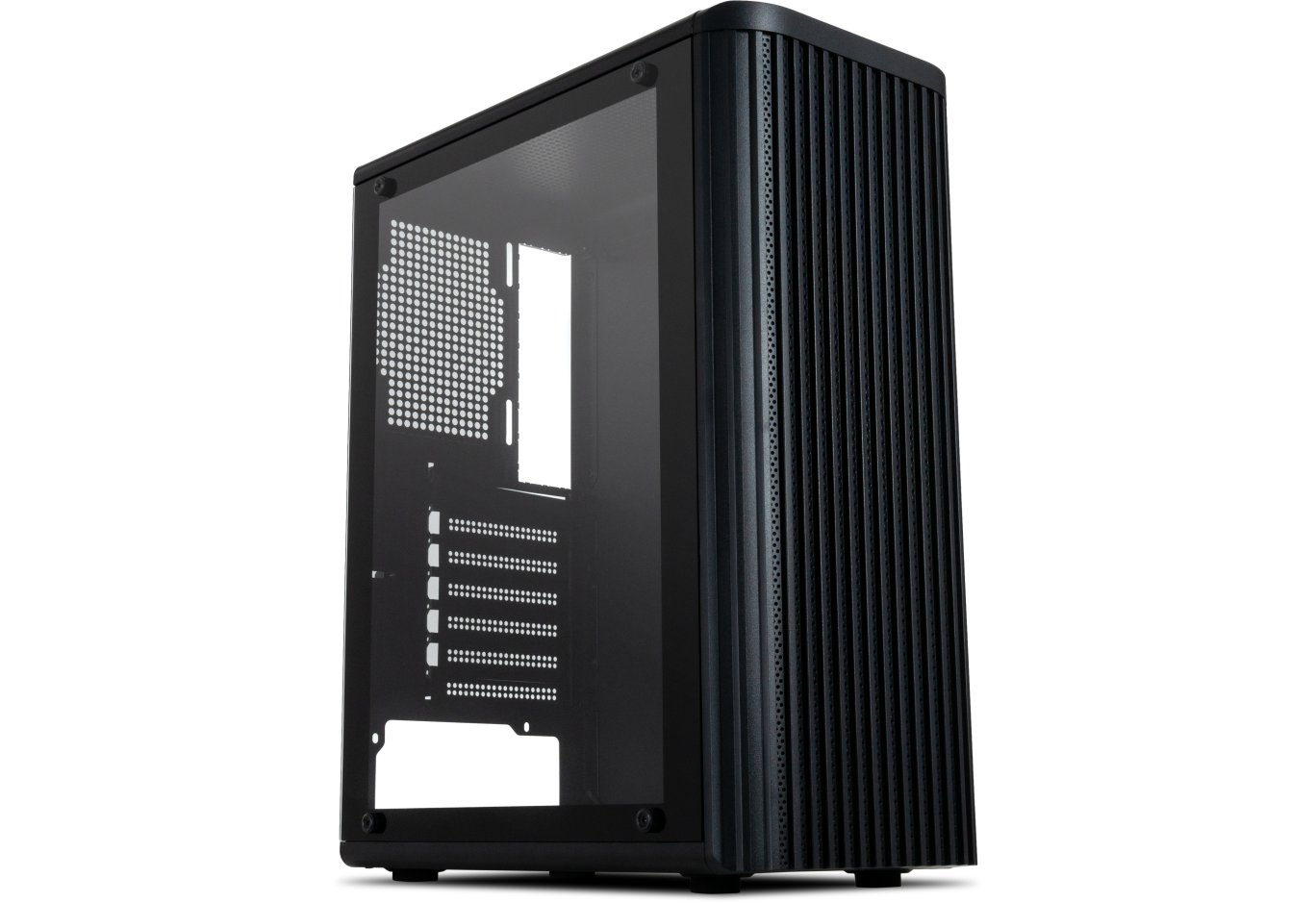
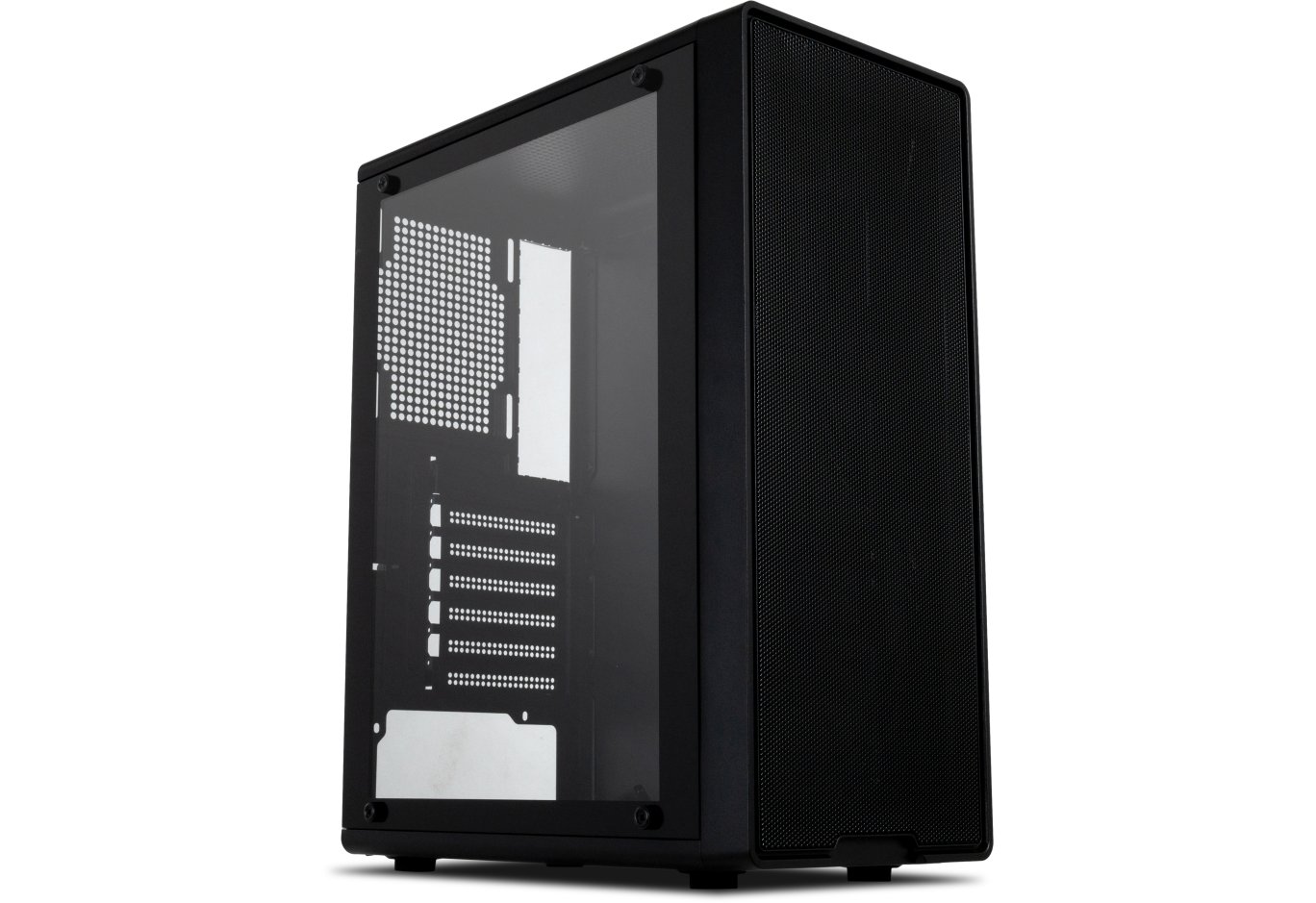
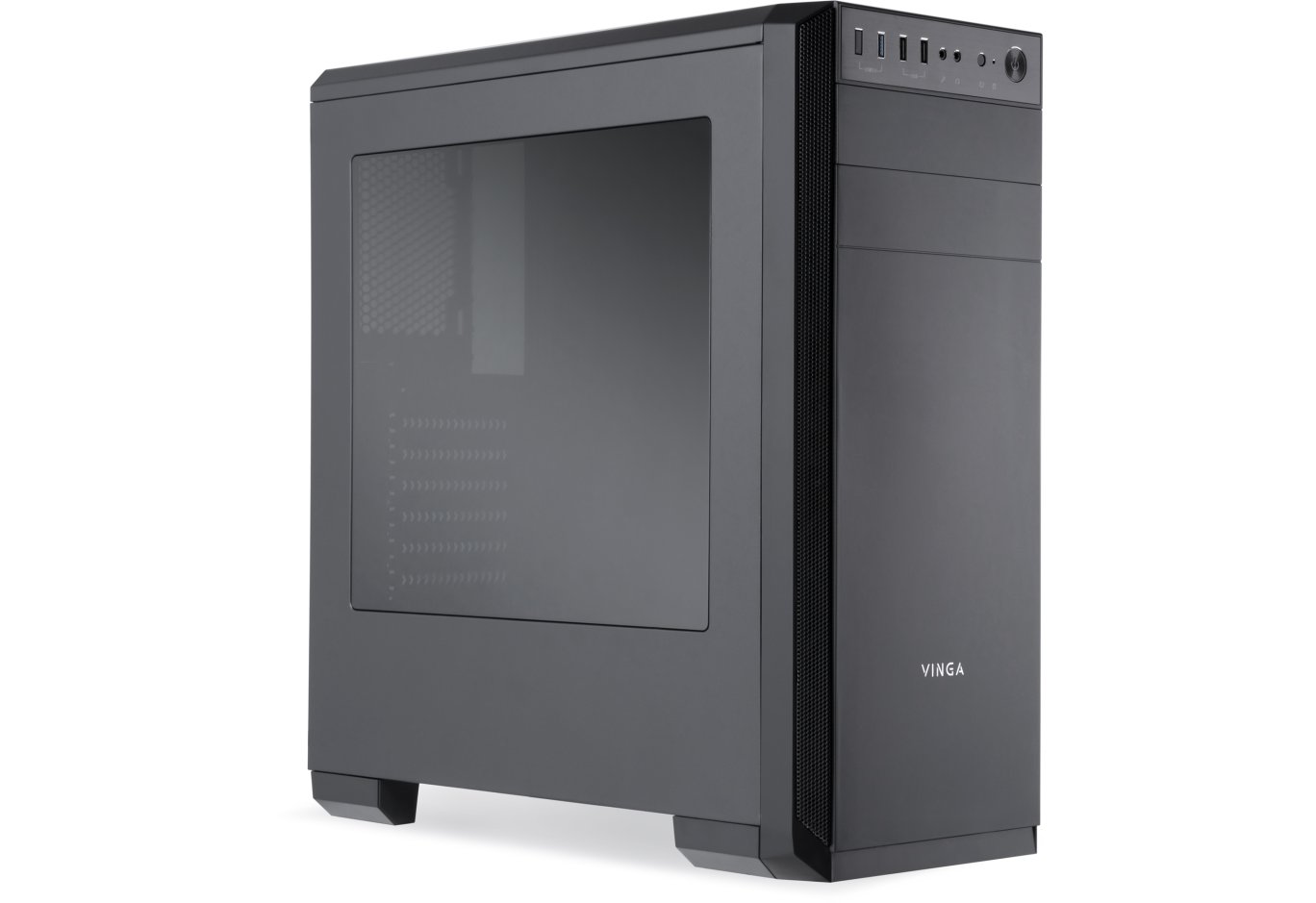
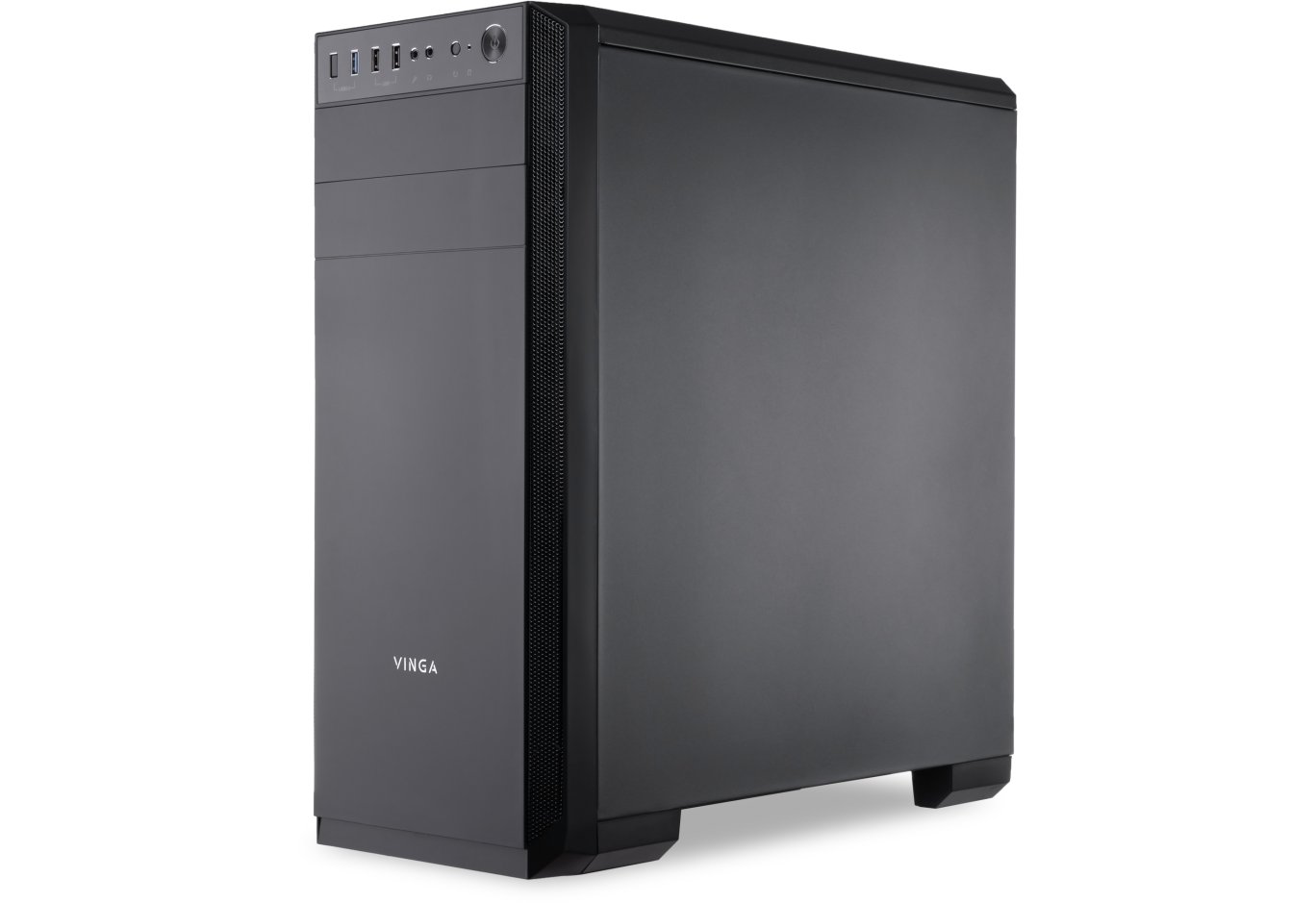
Більшість корпусів під даним брендом (хоч і не без винятків) мають сувору зовнішність, і Vinga Winston у цьому плані цілком відповідає назві: прямі лінії, скоси під кутом 45° і практичний матовий пластик роблять свою справу. Для надходження прохолодного повітря до передніх пропелерів збоку є пара перфорованих металевих сіточок з шириною 18 мм і висотою 442 мм.
Два відсіки для 5,25" пристроїв? Ми теж так подумали, але ж ні. Використовувати можна лише верхній, а нижній насправді є незнімною частиною передньої панелі. Відверто кажучи, дещо дивний підхід, адже навіть шасі дозволяє встановити пару таких пристроїв.
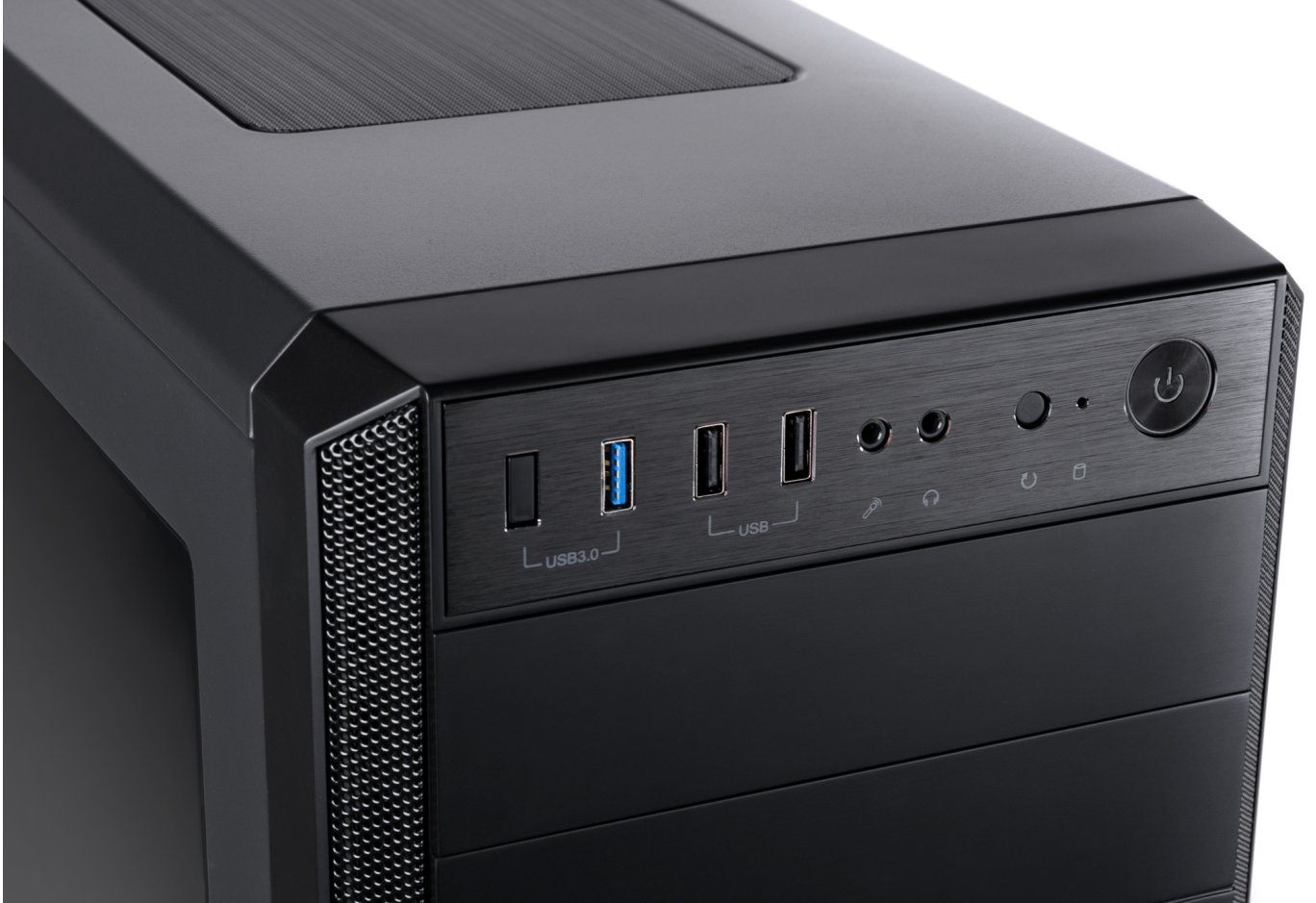
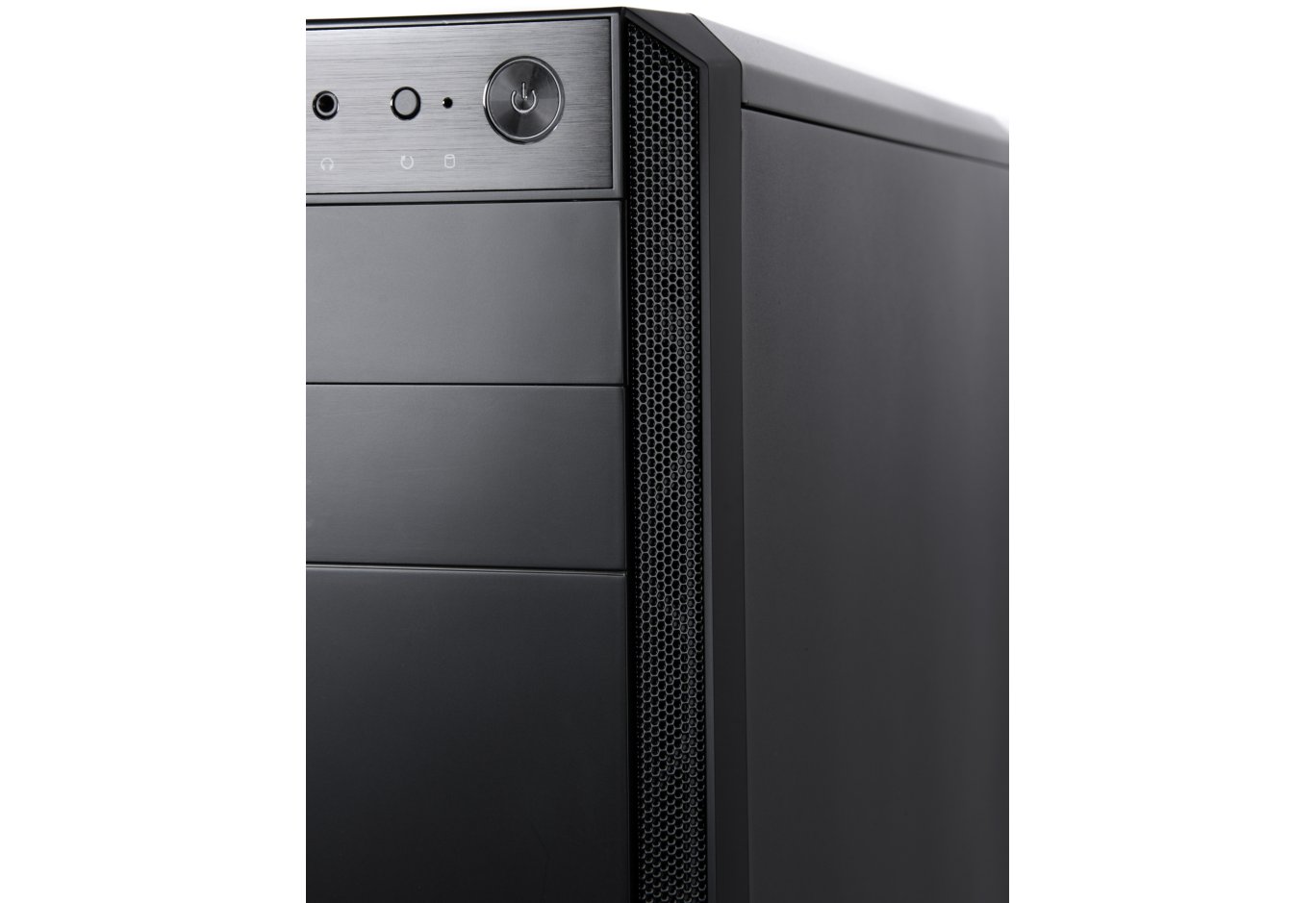
Навколо фронтальних інтерфейсів використовується пластик дещо іншої фактури – під шліфований метал. І знову нас зустрічають «обманки», властиві бюджетним рішенням: хоча напис передбачає наявність пари інтерфейсів USB 3.0, насправді замість першого нас очікує заглушка. Разом маємо один роз'єм третьої ревізії, два USB 2.0, пару аудіоінтерфейсів, кнопки перезавантаження і ввімкнення, а також два індикатори помірної яскравості. Останній інтегрований у кнопку і через її чималі габарити може трохи відволікати в темний час доби. Вихід у такому випадку простий – не під’єднуйте відповідну LED-колодку до системної плати.
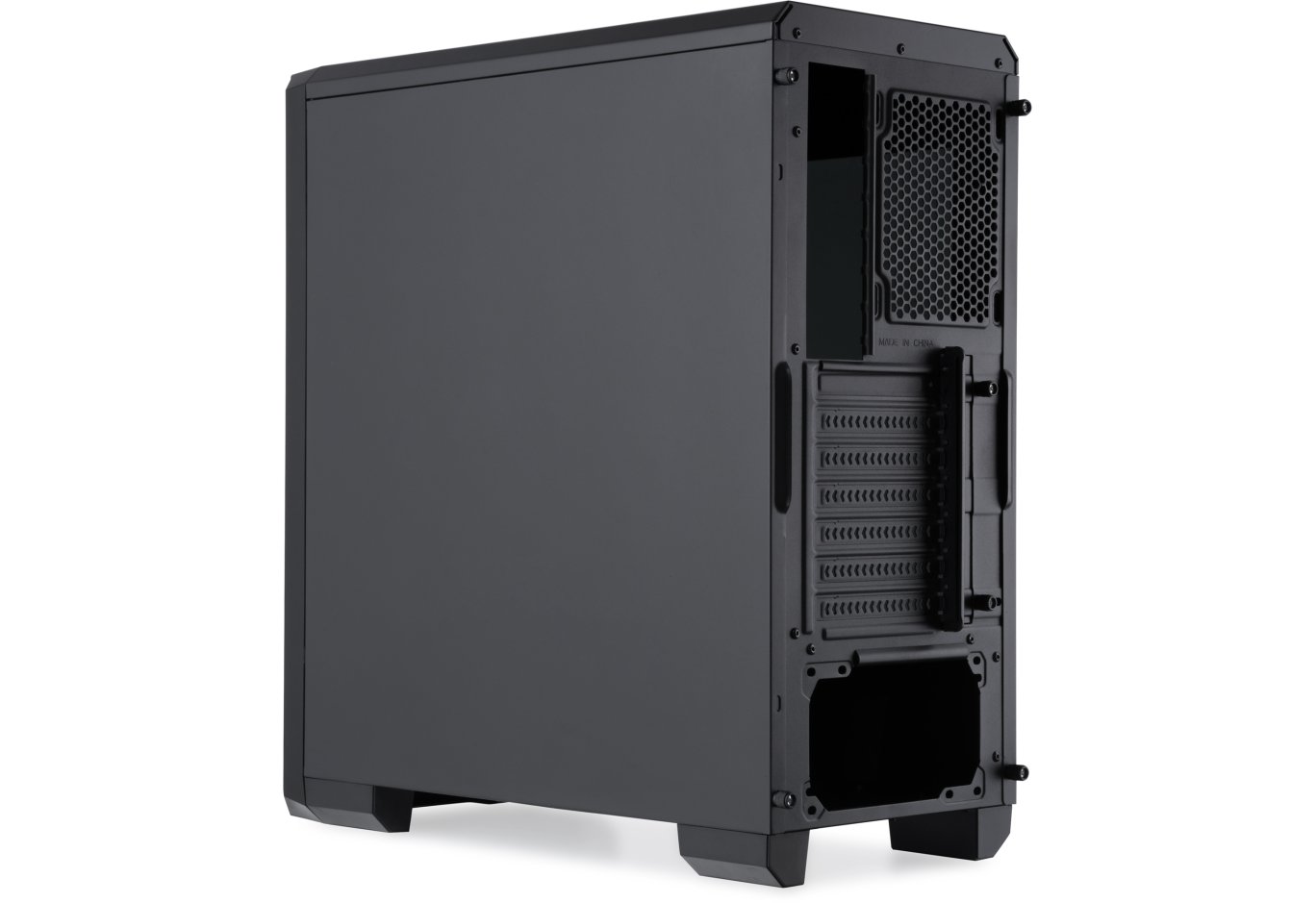
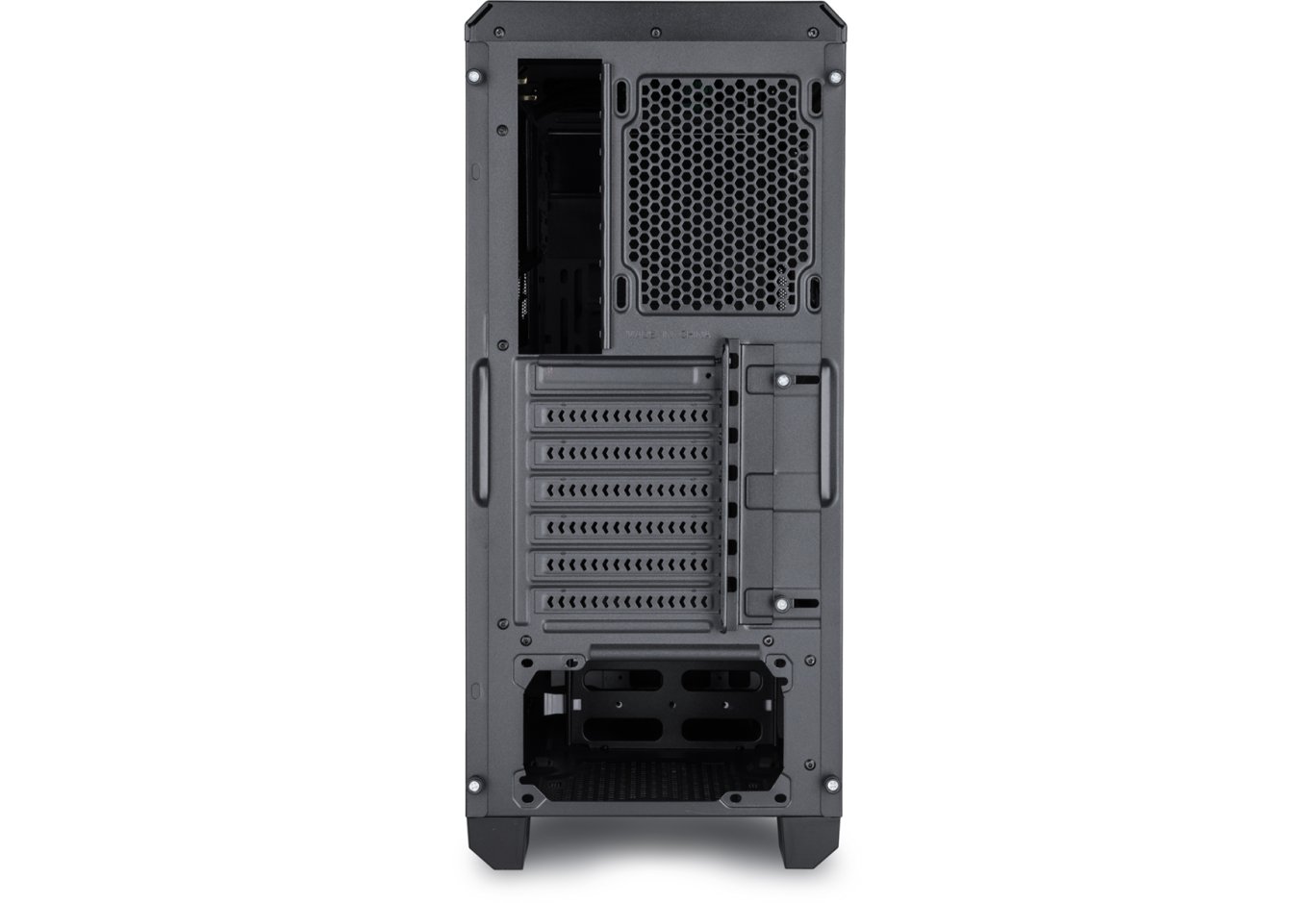
Пофарбована в чорний колір тильна панель радує можливістю встановлення 120-мм пропелера з невеликим регулюванням по висоті. Нижче знаходяться сім слотів розширення, фіксацію пристроїв у яких допомагає виконати зовнішня притискна планка. Блок живлення притулиться на дні корпуса.
Виробник зробив усе можливе для його максимально комфортної роботи. По-перше, на місці пиловий фільтр, який дуже легко знімається для чищення. По-друге, пластикові ніжки заввишки 32 мм забезпечують належне надходження прохолодного повітря. А зберегти поверхню в початковому вигляді, зменшити вібрації й звести до мінімуму ковзання системника допоможуть м'які накладки завтовшки 1,7 мм.
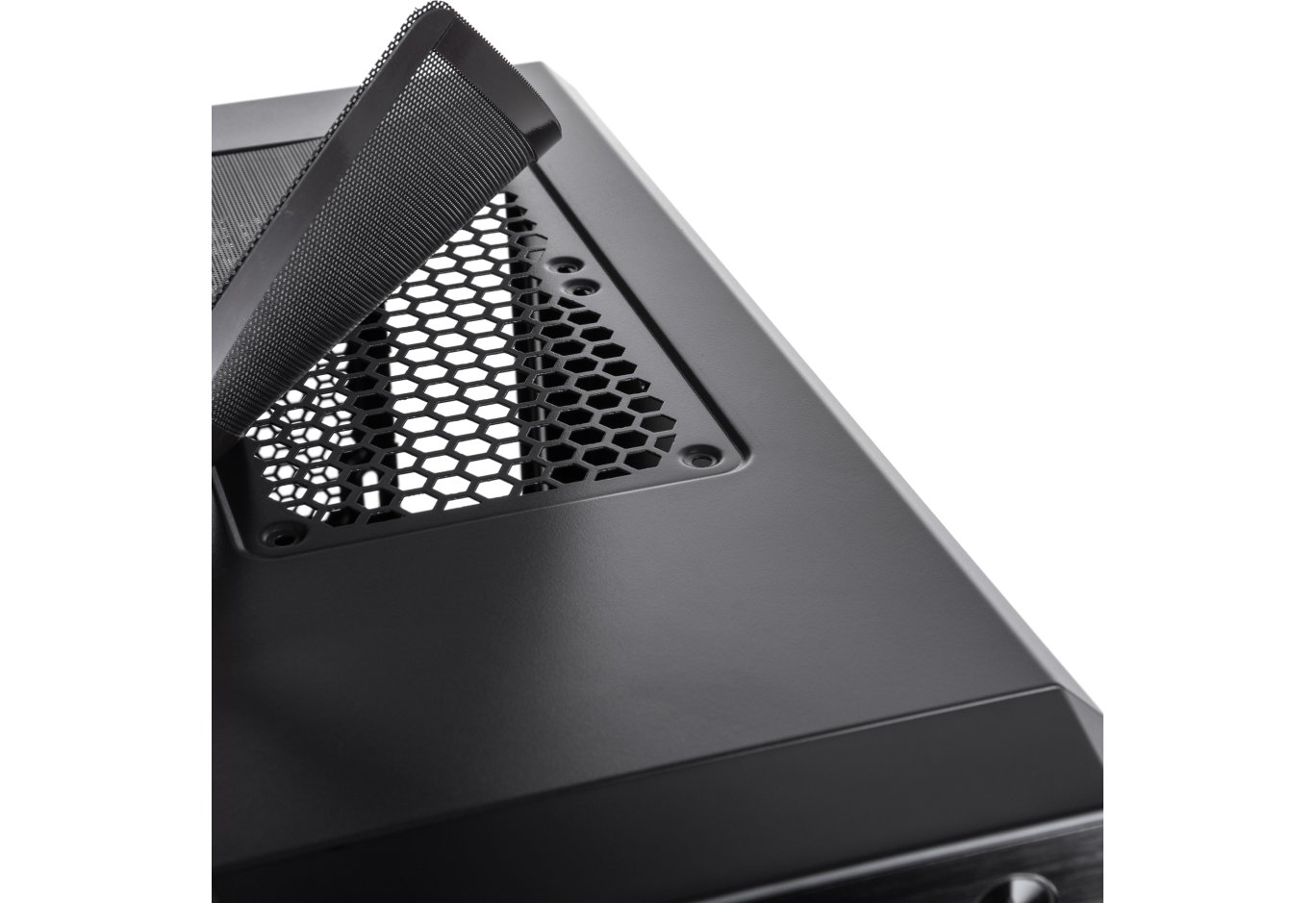
Верхня панель Vinga Winston також цікава. На ній розташована металева сітка-фільтр з магнітним кріпленням по периметру. Завдяки цьому вона легко знімається, відкриваючи доступ до отворів для монтажу 120-мм вентиляторів.
Що стосується практичності застосованих матеріалів, то на металевих і пластикових елементах легко залишити відбитки пальців, незважаючи на матовість покриття. А ось видалити їх буде набагато простіше, ніж із глянсових поверхонь, тим більше без ризику подряпати.
Обидві боковини мають хорошу жорсткість завдяки товщині 0,72 мм і ребрах по периметру. Права − суцільний лист стали, тоді як більшу площу лівої займає затемнене акрилове вікно розміром 330 х 292 мм, явно розраховане на застосування комплектуючих з LED-підсвічуванням. Обидві боковини кріпляться за допомогою гвинтів з фігурними голівками, а знімаються зсувом до тильної частини.
Внутрішня будова
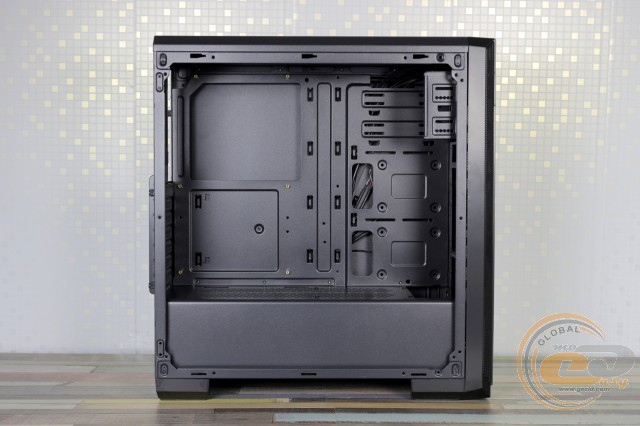
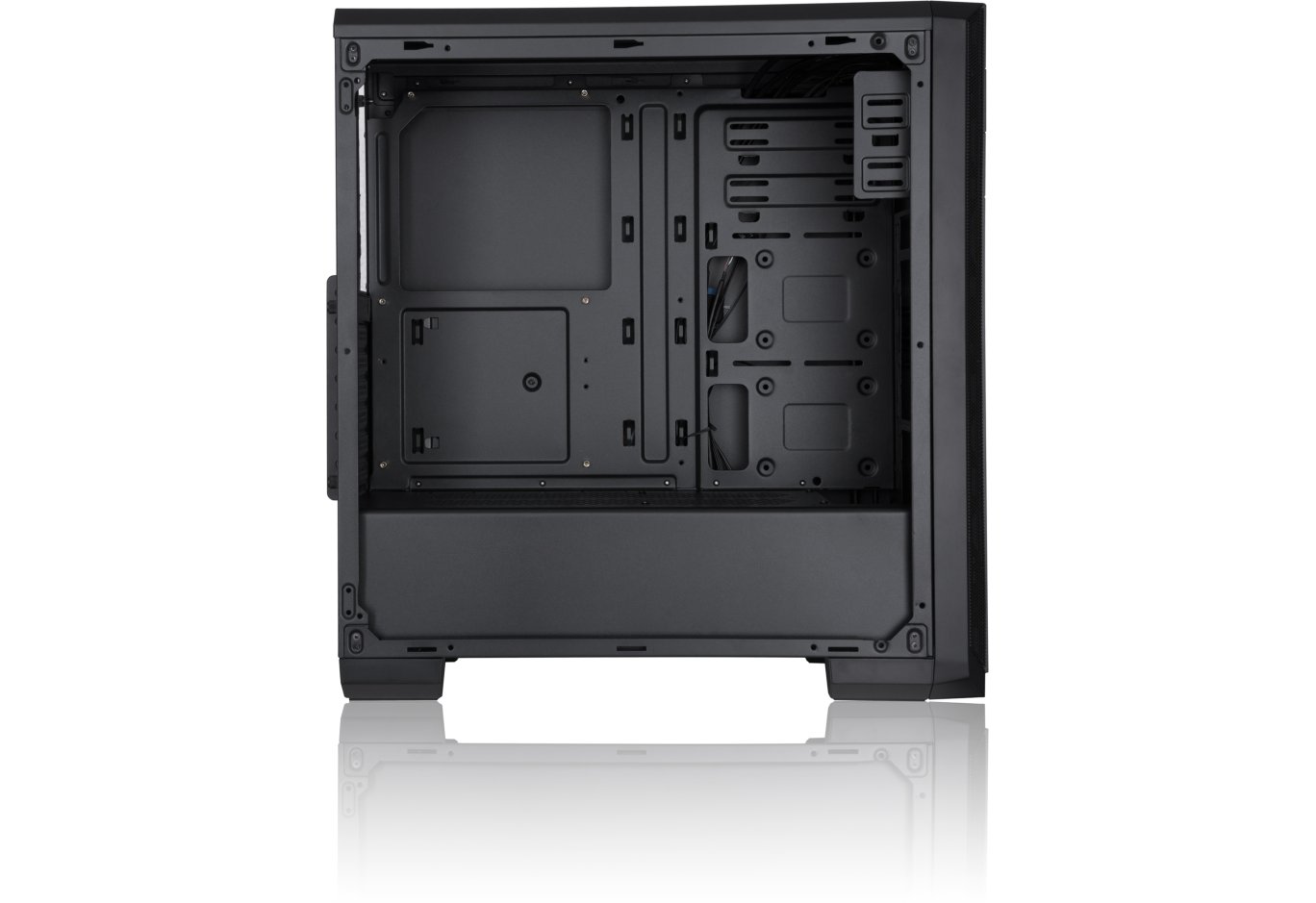
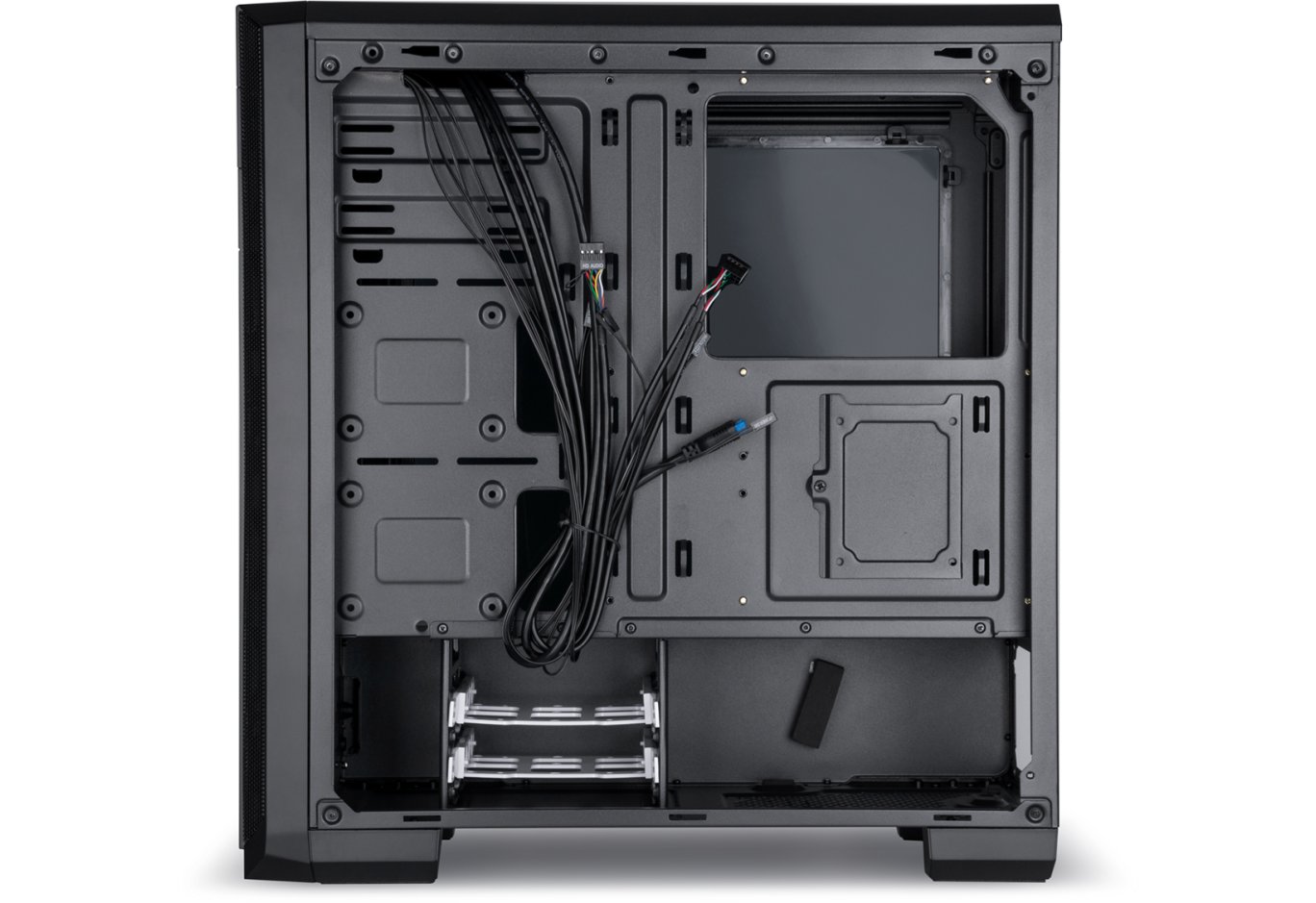
У Vinga Winston є звичний для дорожчих рішень поділ корпуса на верхню і нижню частини. Сюди можна встановити материнські плати форматів ATX, microATX і Mini-ITX, для монтажу яких вже встановлені відповідні стійки. Радує наявність пари отворів для кабель-менеджменту і великого вирізу в піддоні для заміни габаритного процесорного кулера без зняття системної плати.
Шасі дозволяє встановити пару 5,25" пристроїв, але, нагадаємо, передня панель розрахована на реалізацію лише верхнього з них. Традиційно для корпусів Vinga ліва частина кріплення має невелику довжину, тому найкраще забезпечити й фіксацію праворуч.
Нижче за передньою панеллю можна встановити пару вентиляторів з діаметром 140 або 120 мм, або навіть 240-мм радіатор СВО, якщо його товщина не перевищує 35 мм.
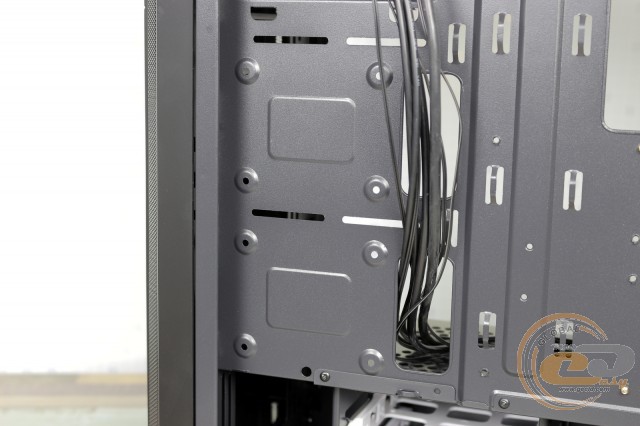
Прийшов час поговорити і про накопичувачі. На піддоні біля передньої панелі є два посадкові місця для SSD. Зафіксувати їх необхідно зі зворотного боку, використовуючи комплектні гвинти.
Ще один 2,5" носій можна встановити за материнською платою, зі зворотного боку піддону, для чого є відповідний кронштейн.
Ну а пара 3,5" жорстких дисків за допомогою вельми гнучких лотків встановлюється в незнімний кошику, який і обдуватиме нижній вентилятор фронтальної панелі в разі його встановлення. Накопичувачі монтуються тут без інструментів, а ось в разі бажання помістити сюди 2,5" SSD доведеться скористатися комплектними гвинтами.
Кошик знаходиться на певній відстані від передньої панелі, тим самим обмежуючи довжину джерела живлення. Проте сюди без проблем помістилася 160-мм модель Seasonic X-560 Gold з модульною конструкцією кабелів. Як і личить зразковому рішенню, місце встановлення БЖ дбайливо оснащене антивібраційними елементами на дні й боковій стінці.
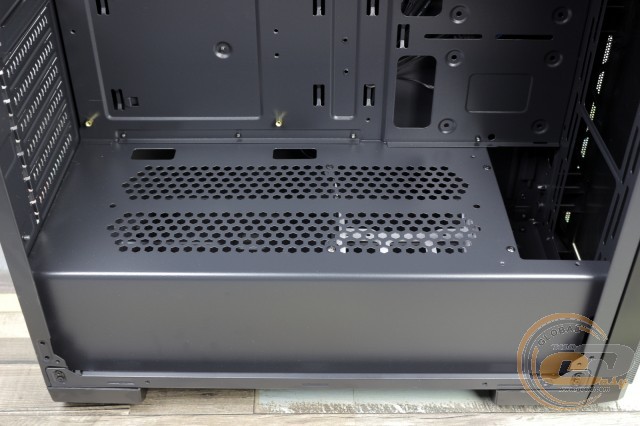
Як джерело, так і накопичувачі в кошику додатково охолоджуватимуться завдяки наявності низки отворів на тунелі. Також прямокутні вирізи з більшим розміром дозволять непомітно підвести кабелі до нижньої частини системної плати.
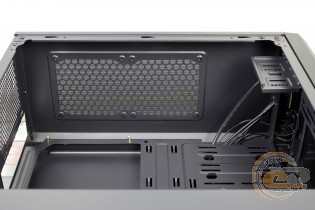
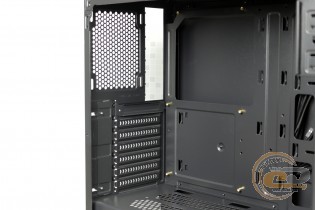
Зсередини верхня панель виглядає ефектно, однак встановити тут габаритний радіатор СВО не вийде через нестачу простору. А ось на заглушках для слотів розширення видно економію: з них лише верхня є знімною, а всі інші просто виламуються.
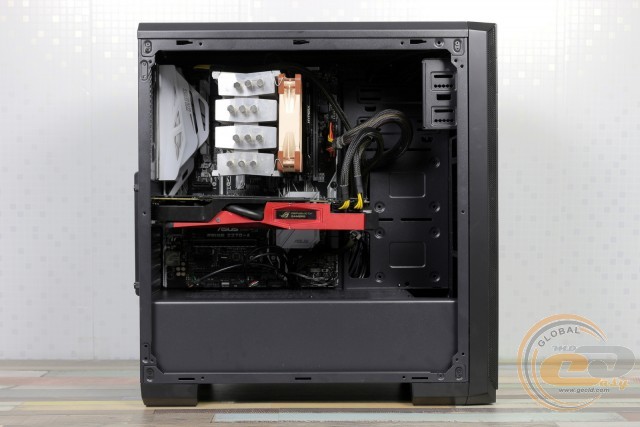
До процесу складання в нас немає жодних претензій. Вільного простору більш ніж достатньо, тому труднощів не буде. На місці доволі якісна підгонка деталей, без загострених країв і вібрацій під час роботи.
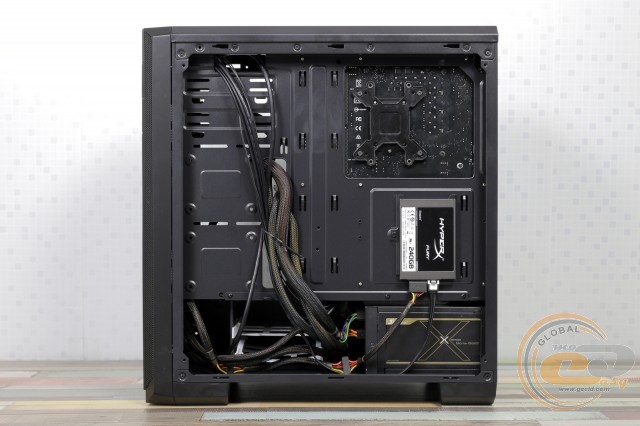
Наявність вільного простору за піддоном дозволить навести красу, навіть якщо використовується недорогий БЖ з немодульною системою підключення кабелів.
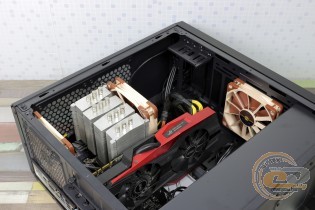
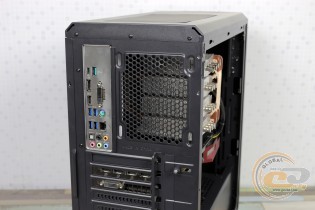
Тепер про сумісні комплектуючі. В цьому плані корпуси Vinga, що побували в нас на тестуванні, зазвичай на висоті, не підвела й дана новинка. Довжина відеокарти може сягати вражаючих 390 мм, однак при встановленому радіаторі СВО даний показник буде трохи меншим − 338 мм.
Хочете встановити великий процесорний кулер? Не питання! Згідно з нашими вимірюваннями, сюди поміститься будь-яке рішення заввишки до 167 мм, тобто абсолютна більшість представлених на ринку моделей.
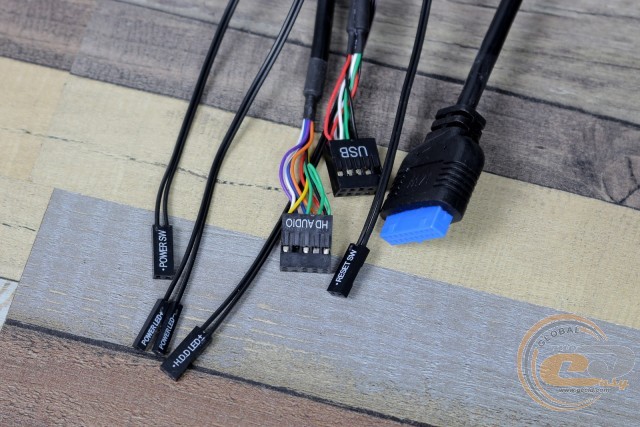
Кабелі, що йдуть від передньої панелі, мають велику довжину, а отвори в піддоні й тунелі дозволять якомога непомітніше підвести їх до материнської плати.
|
Найменування |
Довжина, см |
|
USB 3.0 |
70 |
|
USB 2.0 |
70 |
|
HD Audio |
70 |
|
Кнопки й індикатори |
65 |
Тестування
|
Процесор |
Intel Core i7-7700K (Socket LGA1151, 4,2 ГГц, L3 8 МБ) |
|
Кулер |
Scythe Mugen 3 |
|
Материнська плата |
ASUS PRIME Z270-A (Socket LGA1151) |
|
Оперативна пам’ять |
2 x 8 ГБ DDR4-2400 HyperX Fury HX424C15FBK2/16 |
|
Відеокарта |
ASUS GeForce GTX 980 MATRIX PLATINUM 4GB GDDR5 |
|
SSD-накопичувач |
SSD KINGMAX SME35 Xvalue |
|
Блок живлення |
Seasonic X-560 Gold (SS-560KM Active PFC, ATX, 560W) |
|
Термопаста |
Noctua NT-H1 |
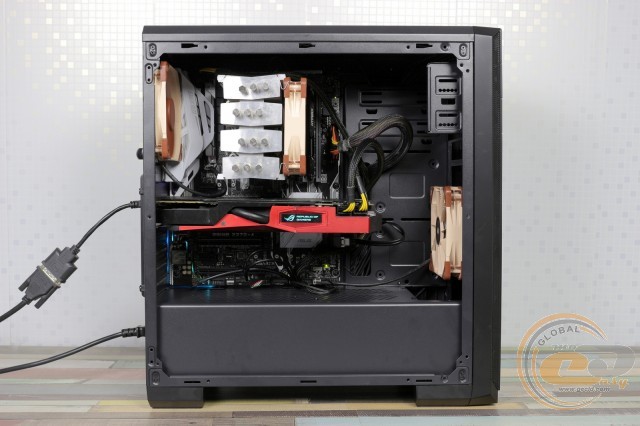
Оскільки ми тестуємо далеко не офісну систему, то всередину Vinga Winston була встановлена ще пара пропелерів Noctua NF-F12 PWM на вдув і видув (1500 об/хв). Температура в приміщенні сягала +25°C.
Діаграма «All System Load» показує нагрівання компонентів після 30 хвилин 3DMark Fire Strike у режимі Ultra (роздільність 4K). А режим «System Component Burn» демонструє температури при навантаженні додатками AIDA64 (Stress CPU і FPU) і MSI Kombustor протягом 15 хвилин.
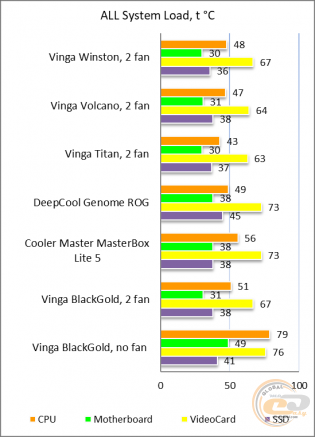
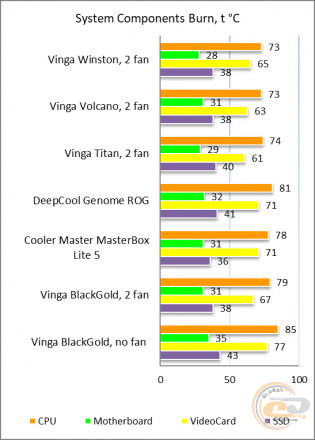
Суцільна передня панель з невеликими вентиляційними сіточками з боків − здавалося б, чи варто очікувати хороших температурних показників всередині новинки? Проте, як показала практика, вона лише трошки відстала від дорожчого й помітно більше перфорованого Vinga Volcano. Вдячність отворам на верхній панелі й встановленим вентиляторам. Їх ми радимо обов'язково придбати в разі використання дискретної відеокарти − принаймні один, на тильну панель.
Підсумки
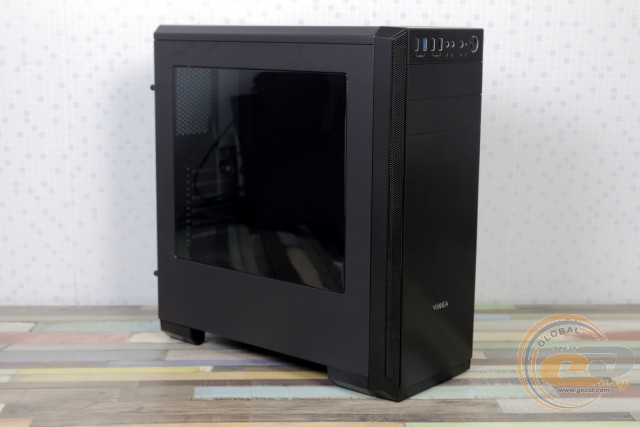
Суб'єктивно, Vinga Winston є одним з найкрасивіших корпусів лінійки в ціновому діапазоні до $35. Строгі лінії передньої панелі доповнені затемненим акриловим вікном на боковині, що спонукає власника до покупки внутрішніх компонентів з підсвічуванням.
До того ж зовнішню привабливість доповнює сучасне компонування з нижнім розташуванням БЖ, підтримкою габаритних відеокарт і кулерів, можливістю прихованого укладання дротів, трьома посадковими місцями для SSD і можливістю розміщення радіатора СВО. Радує також наявність п'яти посадкових місць для вентиляторів, у тому числі й на верхній панелі, прикритих пиловим фільтром з магнітним кріпленням. Завдяки цьому можна розраховувати на невисоке нагрівання комплектуючих, проте один-два пропелери все ж варто придбати.
Не сподобалася в корпусі Vinga Winston лише характерна для бюджетних рішень бутафорія у вигляді подоби нижнього відсіку формату 5,25" і відсутність другого USB 3.0 при наявності відповідного місця. Але це дрібниці, адже якщо брати до уваги цінник, то «Вінстон» взагалі не підлягає критиці.
Переваги:
- красивий, строгий дизайн передньої панелі й повна відсутність глянсових елементів;
- наявність на лівій боковині затемненого акрилового вікна;
- хороша якість збірки;
- підтримка 390-мм відеокарт і 167-мм процесорних кулерів;
- можливість монтажу до п'яти пропелерів і 240-мм радіатора СВО;
- можливість встановлення одного 5,25" пристрою, двох 3,5" і трьох 2,5" накопичувачів;
- наявність пилових фільтрів на дні й верхній панелі, м'яких ніжок, а також вібропоглинальних елементів у місці встановлення БЖ;
- можливість прихованого укладання кабелів;
- хороші температурні показники компонентів при встановленні пари вентиляторів.
Особливості:
- повна відсутність попередньо встановлених вентиляторів.
Автор: Олесь Пахолок
Переклад: Юрій Коваль
Висловлюємо подяку компанії BRAIN Computers, офіційному представникові Vinga, за наданий для тестування корпус.
Висловлюємо подяку компаніям ASUS, Intel, Kingston, Noctua і Sea Sonic Electronics за надане для тестового стенда обладнання.
Схожі товари