


Media players Media players
Media players

Media player Vinga 043 (VMP-043-324)

Article: VMP-043-324
EAN code: 4823093310018
|
(19)
Warranty, month
12
Media player Vinga 043 (VMP-043-324)

IMPORTANT!
The manufacturer recommends updating to the latest version of the operating system via System Update, which is located in the application folder.

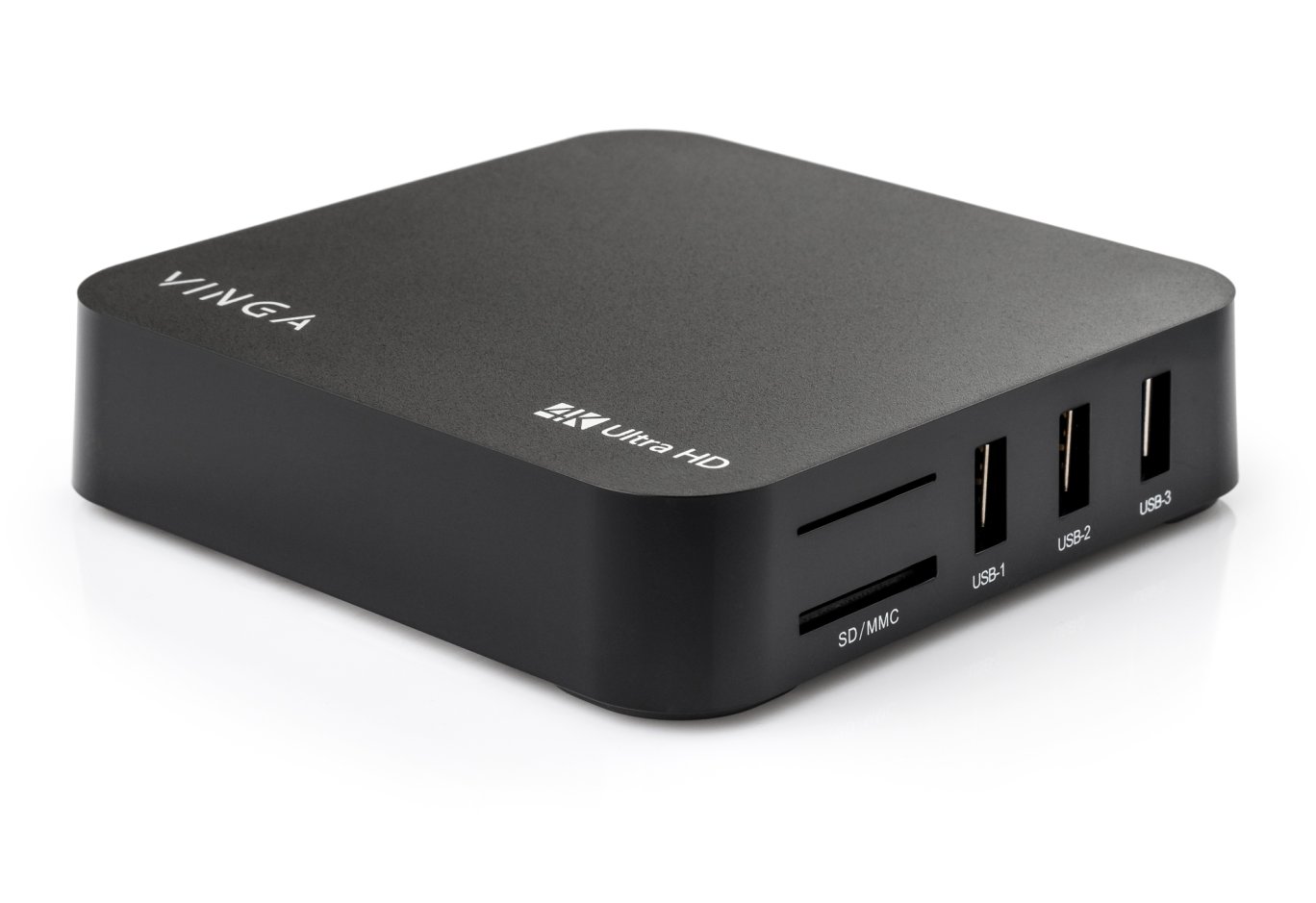
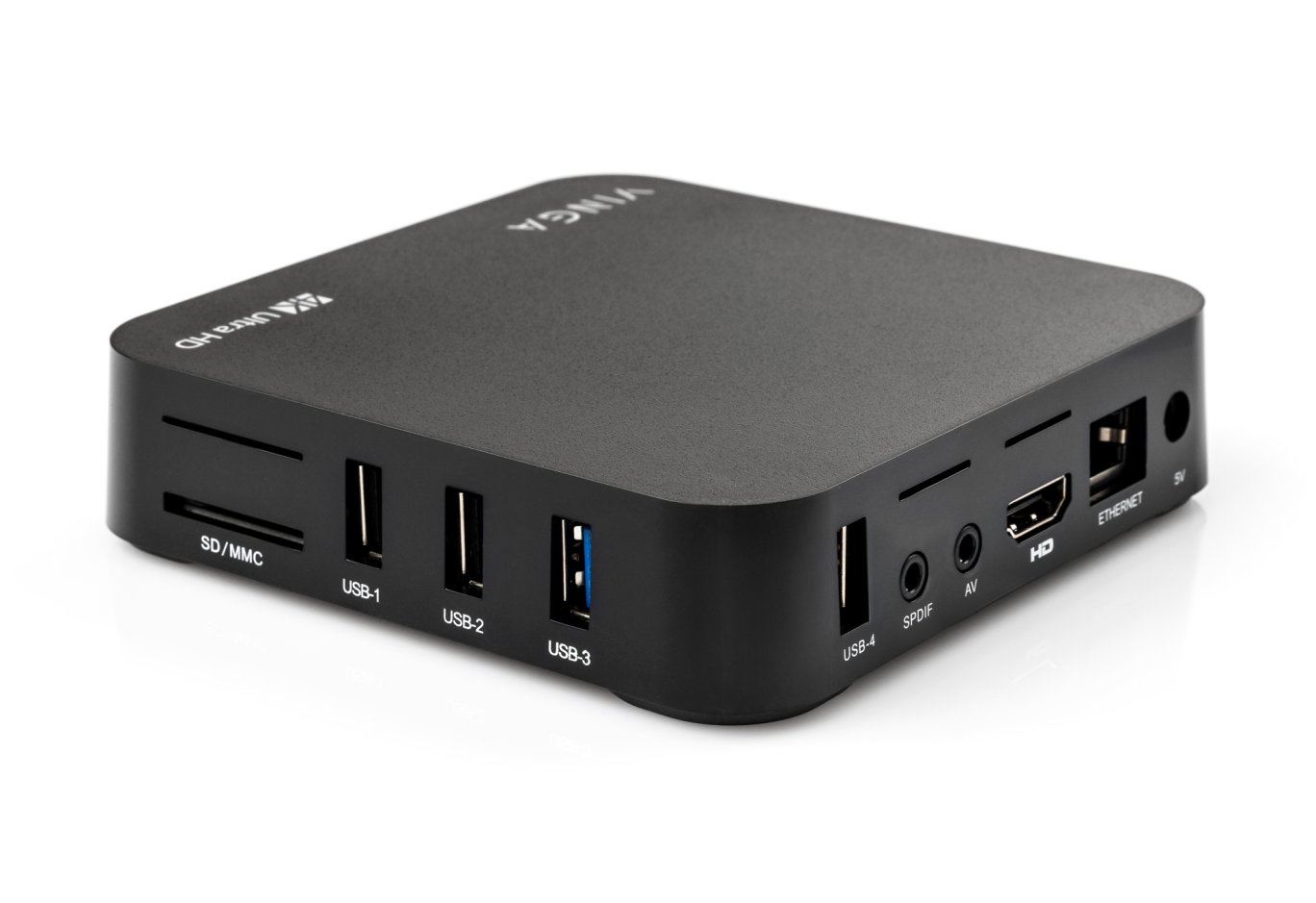
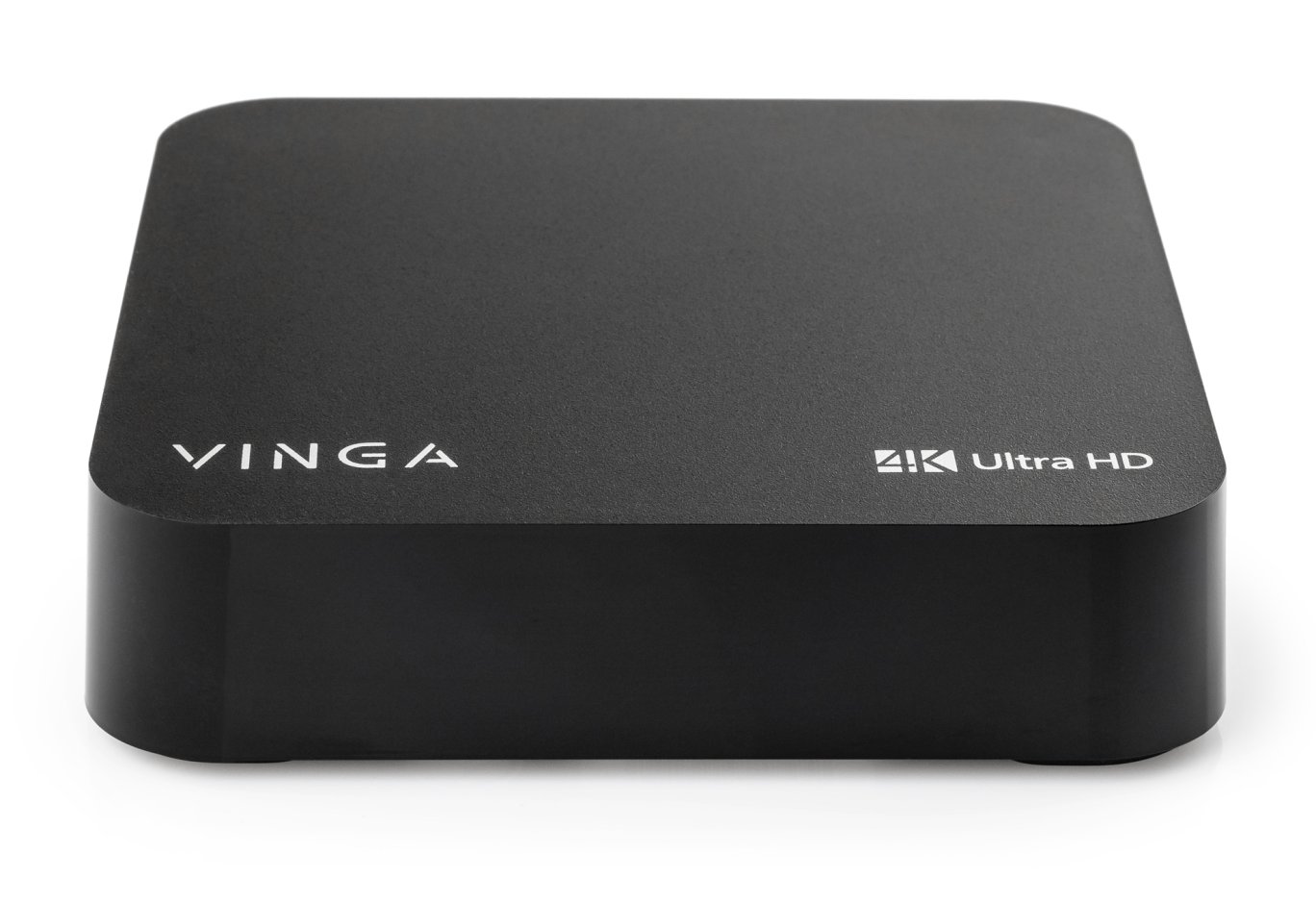
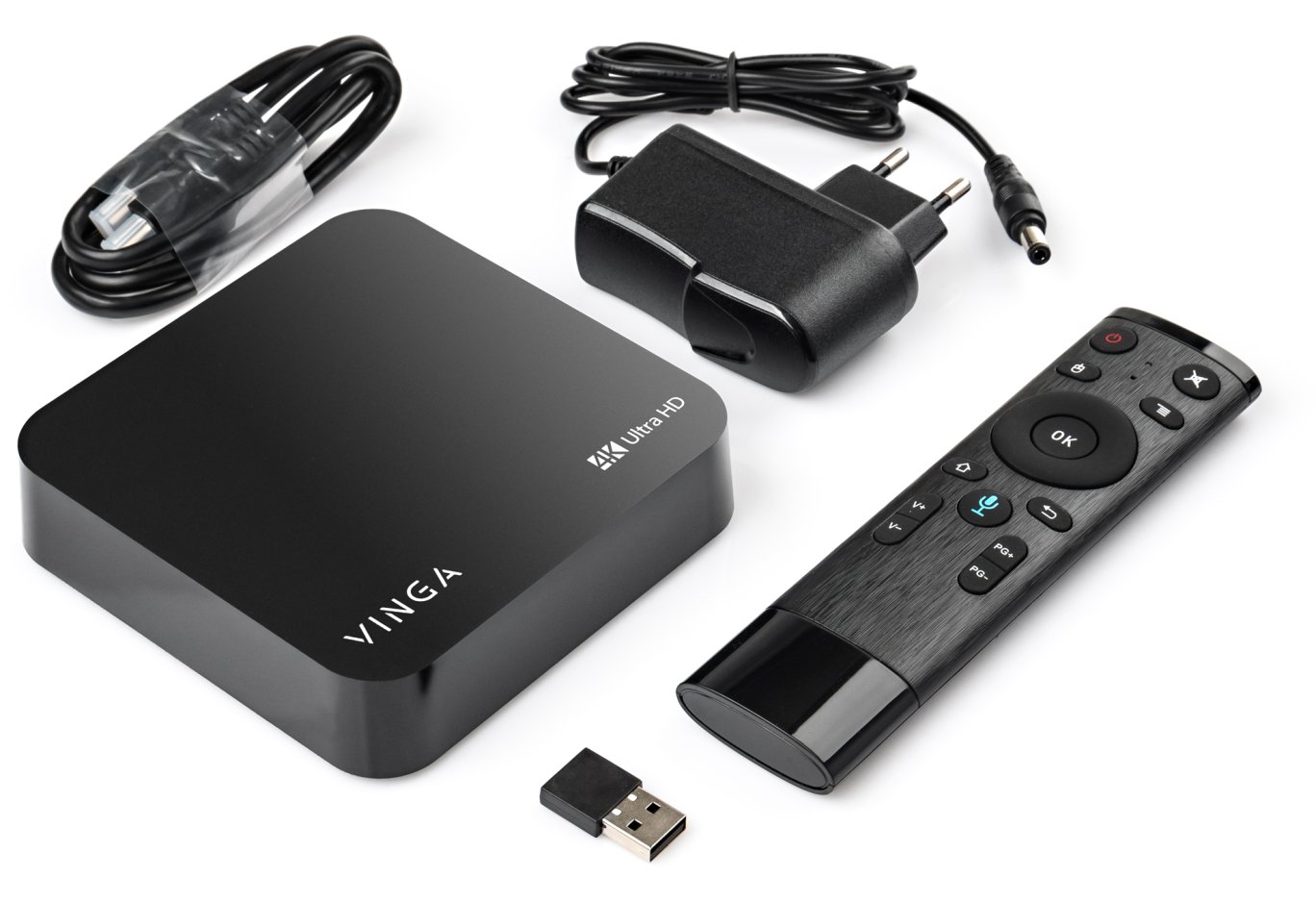
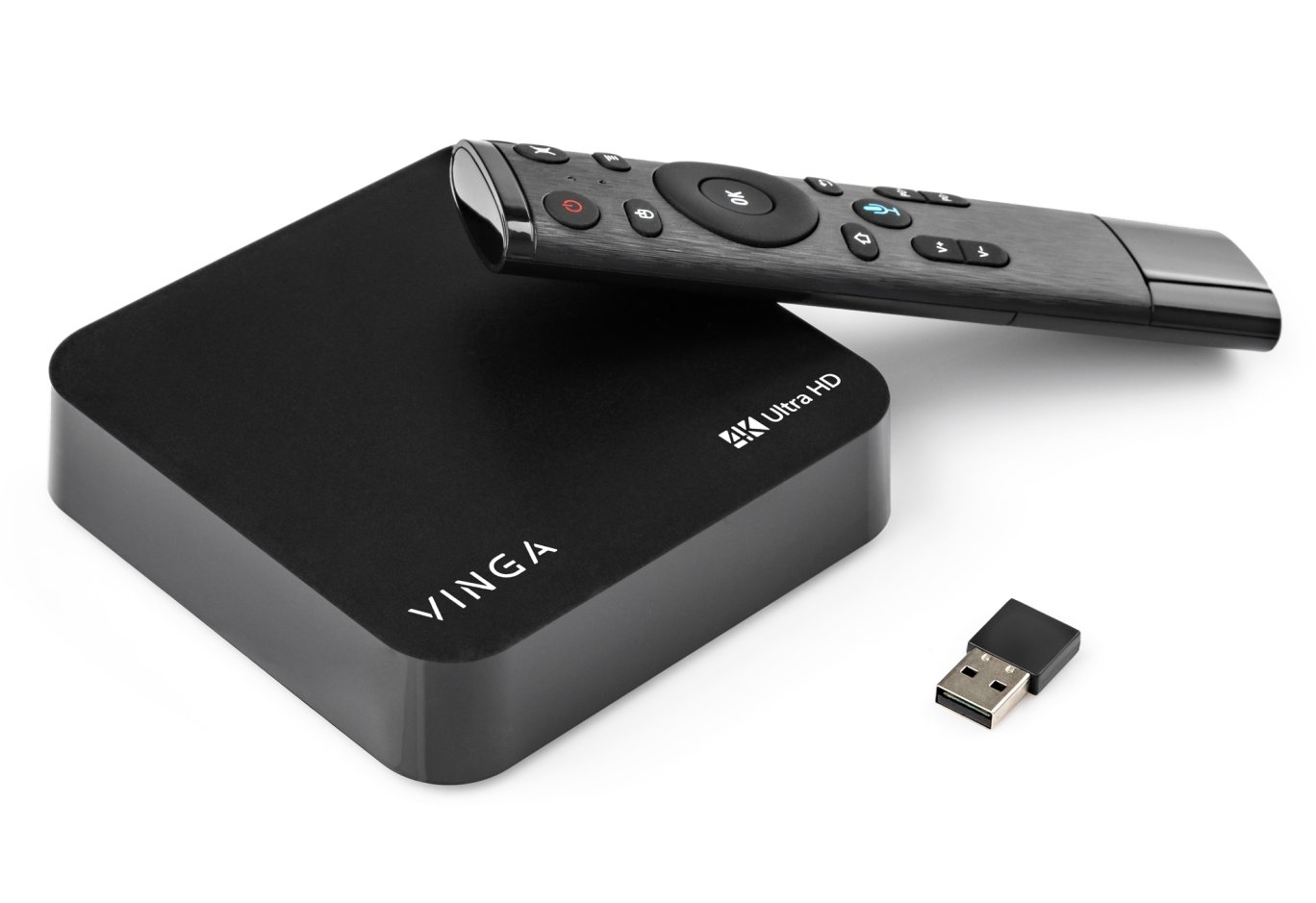
Vinga VMP-043-324 is a compact multifunctional Ultra HD multimedia player capable of playing video with Ultra HD 4K resolution. High performance and multitasking are ensured by the 4-core 64-bit RK3328 processor. The Penta-Core Mali-450 graphics processor with a clock speed of 750 MHz.

VMP-043-324 supports a wide range of video formats, from the most common MPG, MOV, AVI, WMV to more demanding and high-quality MKV, ISO, TS, FLV.

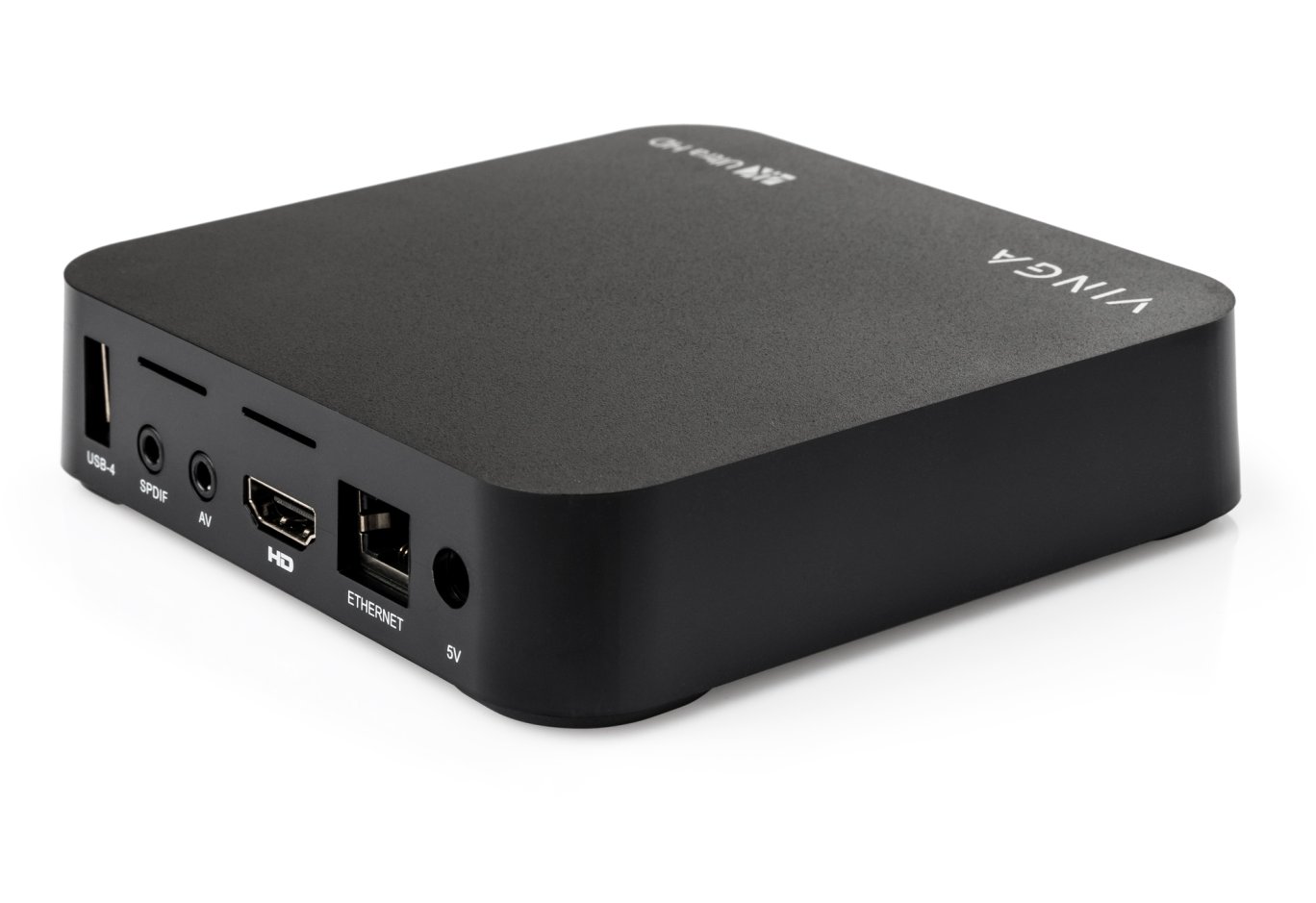
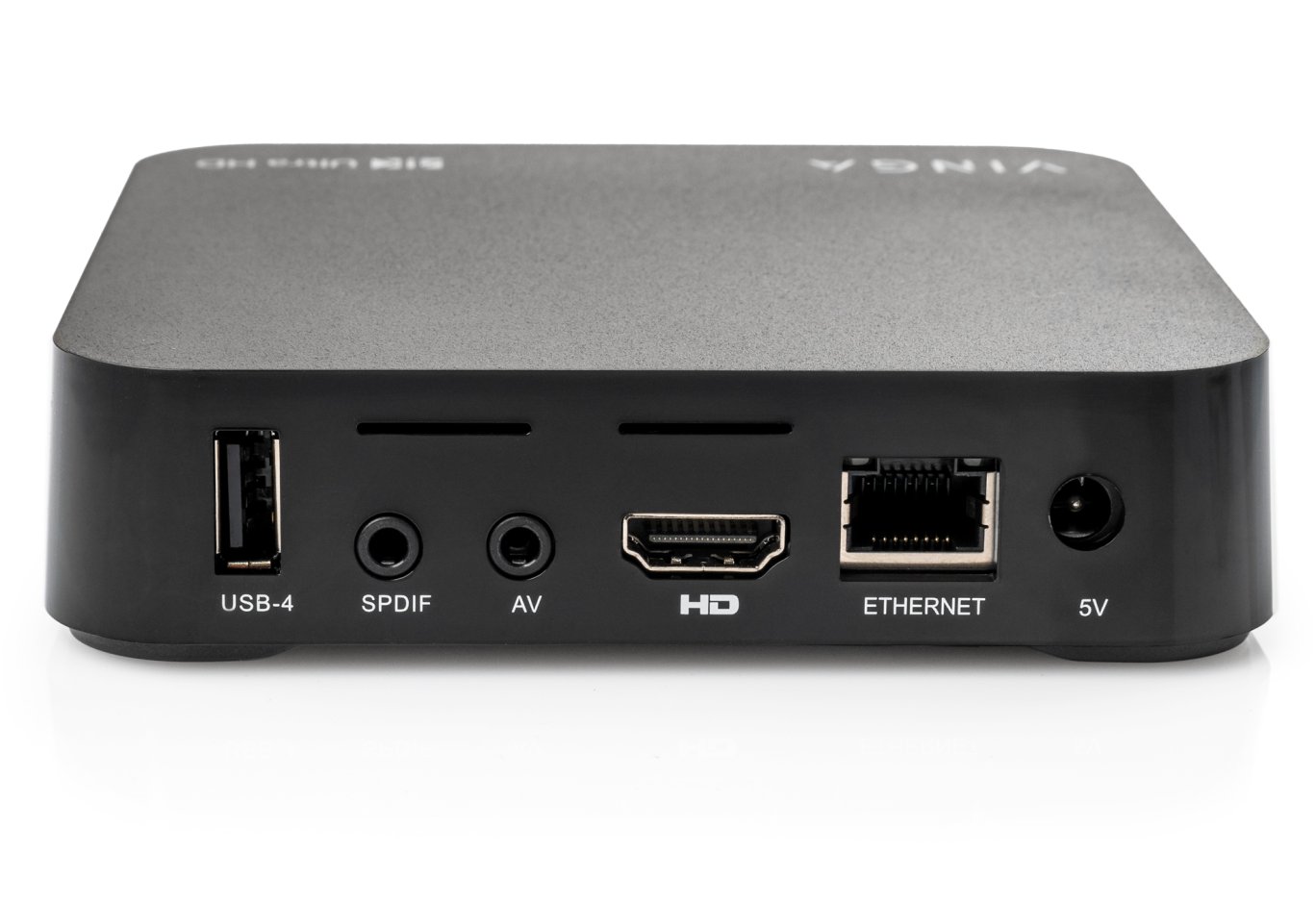
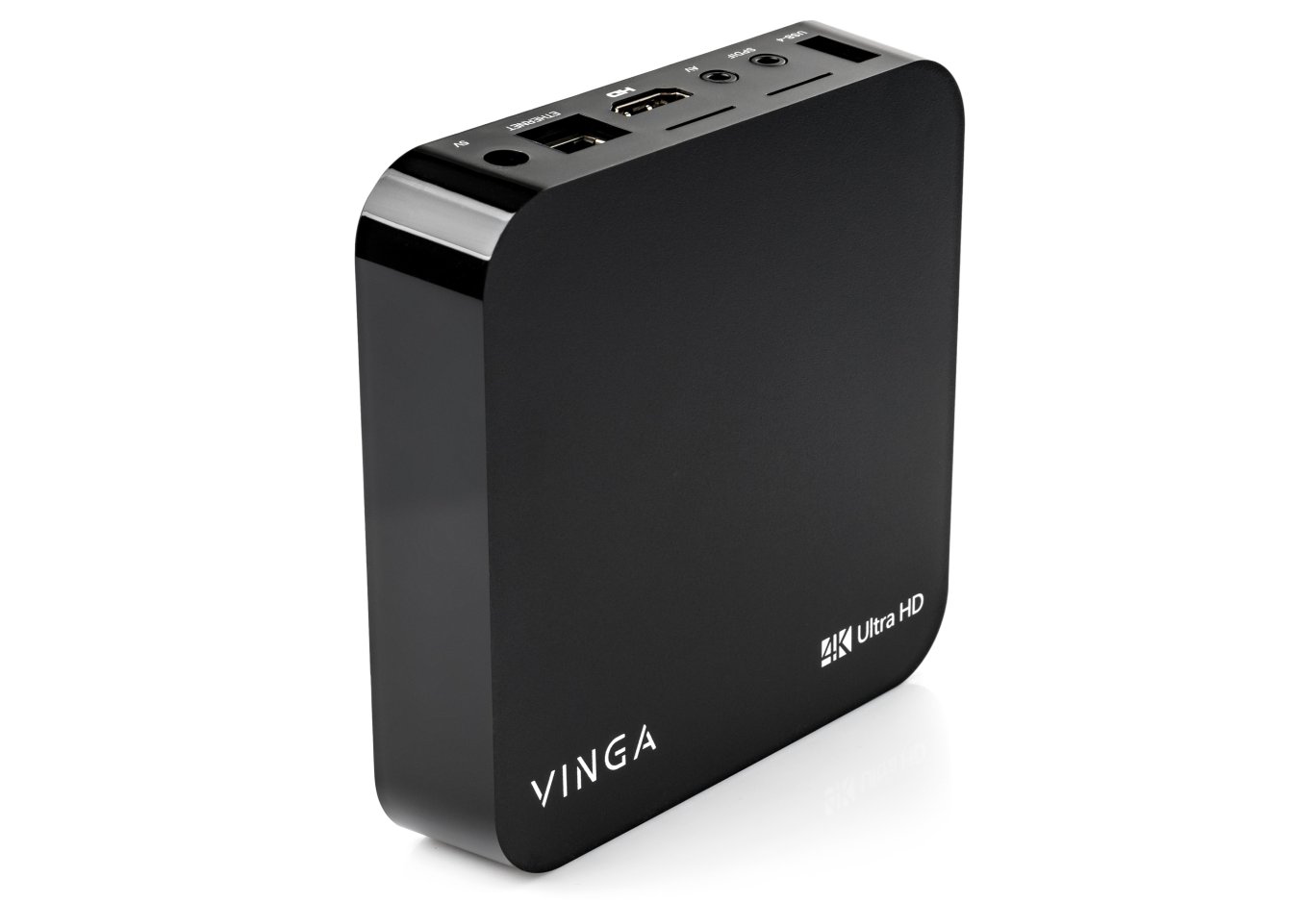
Connection to TVs is via HDMI 2.0. The VMP-043-324 firmware features a user-friendly interface developed based on the Android 9.0 operating system, which is simple, user-friendly, and at the same time quite functional. Internet connection is made via a LAN cable with speeds up to 100 Mbps or through the built-in Wi-Fi module. It is equipped with an internal antenna capable of receiving a signal even when your router is at a considerable distance. For connecting peripheral or mobile devices, the VMP-043-324 is equipped with Bluetooth.

The KODI program, version 18.1, allows easy management of video files, photos, and music located on a computer, flash drive, internet, or local network. The KODI 18.1 interface is intuitive. Even a user who has just entered the world of digital technology will easily master it.

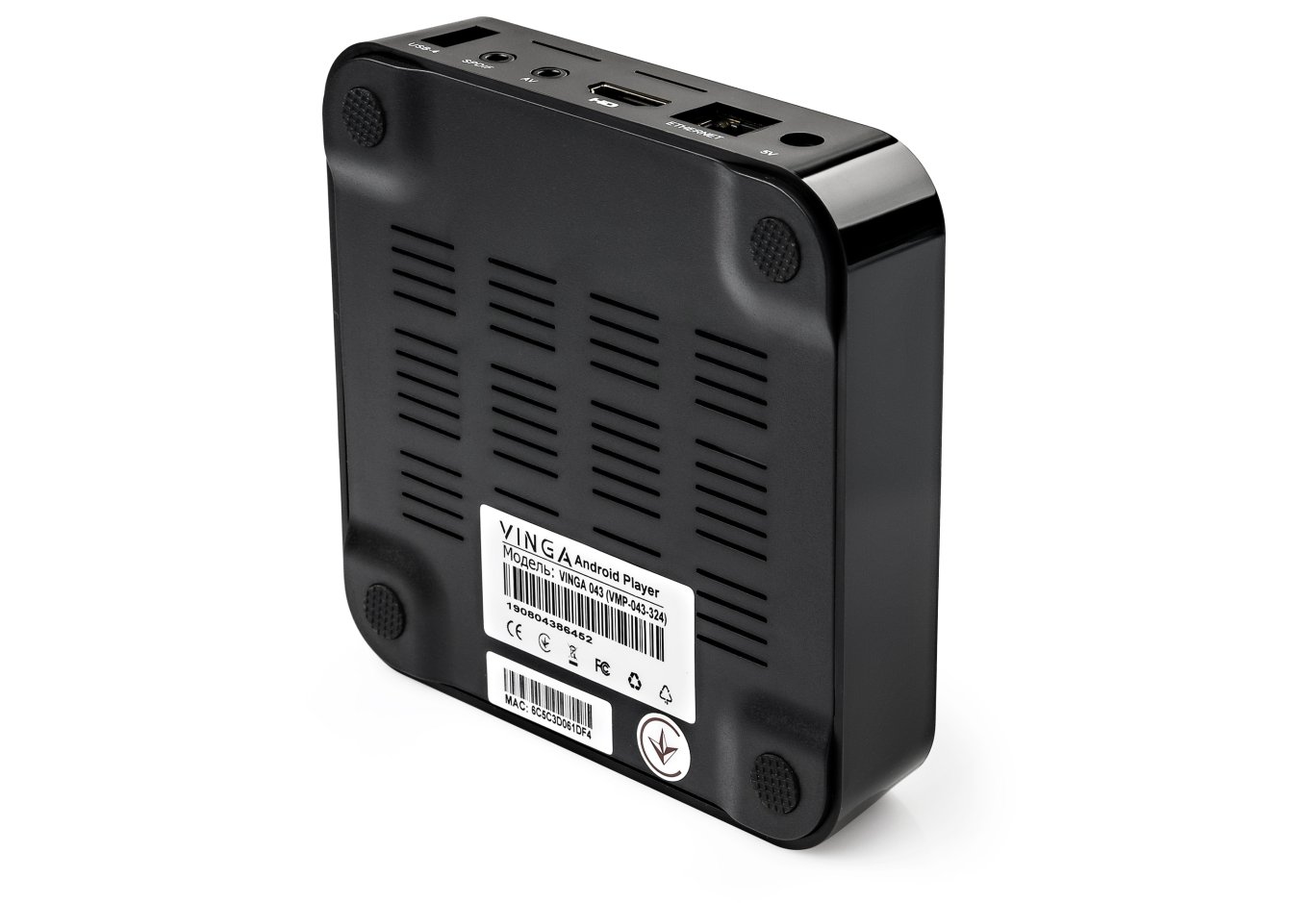
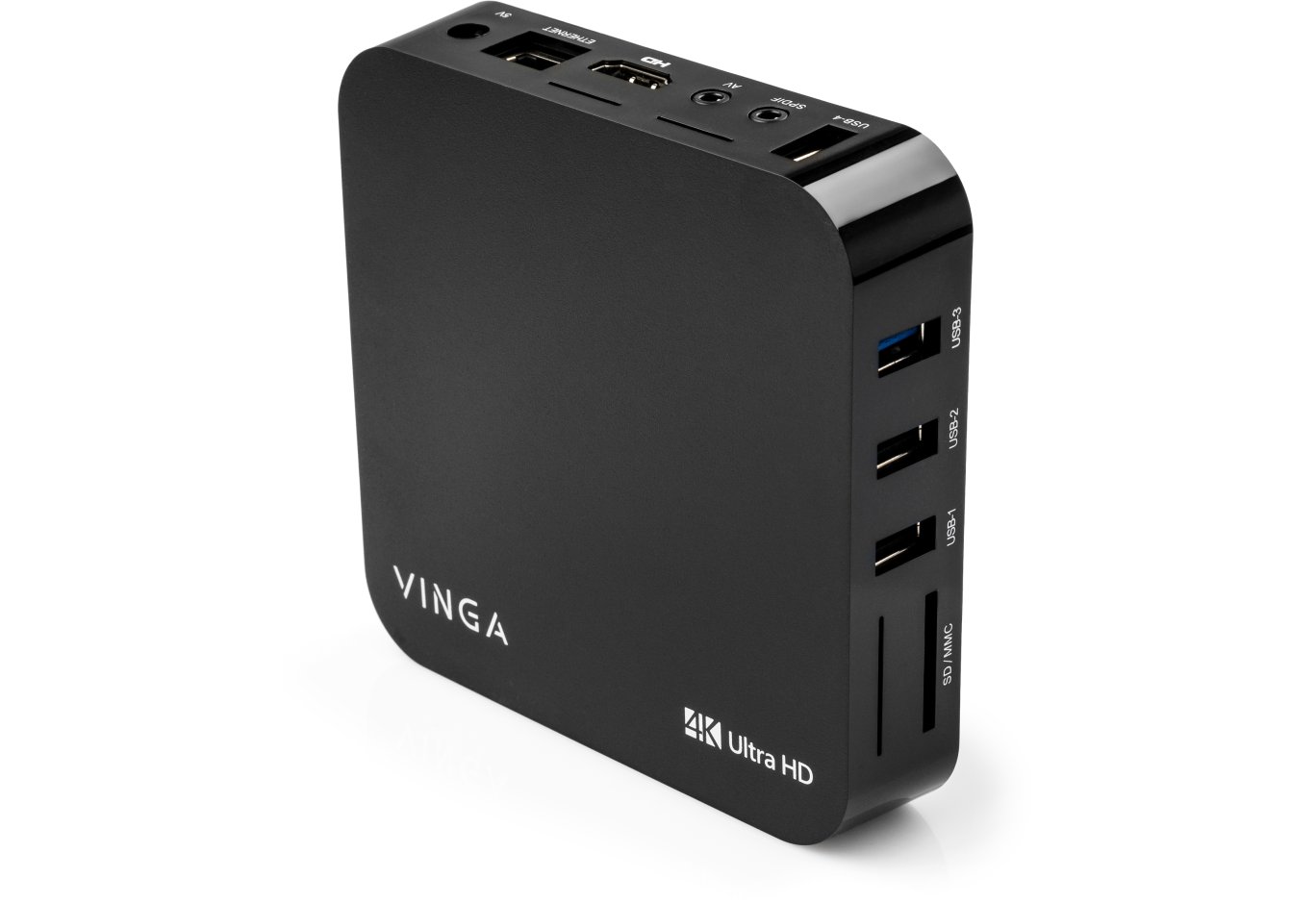
The powerful processor and graphics card are complemented by a significant amount of up to 4 GB of RAM and 32 GB of internal memory. It is worth noting the presence of 4 USB ports, 3xUSB 2.0, and 1xUSB 3.0 for connecting external devices. There is also a built-in SD/MMC card reader.

It is also worth noting that this player is equipped with a voice, gyroscopic remote control with Google Assistant functionality. The built-in Google Assistant answers questions, manages installed apps, and helps find interesting content. This means there is no longer a need to type text manually. To activate the voice search function, simply select the voice search app on the TV remote screen and then press and hold the microphone button on the remote while saying the movie or any other content of interest for viewing. You only need to select the appropriate search result.


Also included with the Vinga VMP-043-324 is a power supply with a current strength of 3 amps. Thanks to this, the player has a power reserve transmitted to the USB ports. Now you can connect a power-hungry external hard drive with a capacity of more than 3 TB.

Additionally, Vinga VMP-043-324 supports HLG and HDR10. These standards are designed to significantly expand dynamic contrast, thereby making the image more realistic and creating a presence effect.

Miracast allows any owner of a modern smartphone, tablet, or laptop that supports this technology to play video or display gaming content on compatible devices. This can be done almost with a single touch. Miracast allows you to mirror everything happening on your mobile device's screen to a large TV screen. Today, most major global manufacturers equip their devices with Miracast support. Simply put, it's like connecting a device to a TV via an HDMI cable, but in this case, everything happens wirelessly, over the air, and without a router.

The Vinga VMP-043-324 player gives you the ability to make any TV Smart by simply connecting it via HDMI. Just a few minutes and you can watch popular TV channels, thousands of movies, series, and cartoons in Ultra HD quality.
Characteristics
General
Type
Media player
Brand
Vinga
Model
043
Article
VMP-043-324
Warranty, month
12
Main technical specifications
Type
stationary
Graphics processor
Penta-Core Mali-450 Up to 750Mhz+
Processor
RK3328 Quad-Core 64bit Cortex-A53
Number of cores
4
Installed RAM capacity
4GB
FLASH memory
32GB
Operating system
Android 9.0
Video resolution
Ultra HD 4K (4096x2160)
Playback functions
Video Format Support
ASF, AVI, DAT, FLV, ISO, MKV, MOV, MPEG, MPG, TS, VOB, WMV
Image Format Support
BMP, GIF, JPEG, PNG, TIFF
Audio Format Support
AAC, DDP, FLAC, MONKEY, MP3, OGG, WAV, WMA
Subtitle Format Support
IDX+USB, SMI, SRT, SSA, SUB
Data storage
Supported File Systems
FAT16, FAT32, NTFS
Communications
Supported interfaces
1 x USB 3.0, 3 x USB 2.0, HDMI 2.0a, RJ45 (LAN)
Built-in card reader
SD cards
Wireless connections
2.4/5GHz WiFi, Bluetooth 4.1
Remote Control
gyroscopic remote, voice-controlled
Power
5V/3A
Physical parameters
Width
155 mm
Height
21 mm
Depth
95 mm
Weight
430 g
Reviews
e-mail is hidden to all users
Виталий
18.02.2021
Pros: Удобная, голосовой помощник в пульте, можно подключить мишку
Cons: Перестала нормально работать после года использования
Здравствуйте, после года использования приставки начались некоторые проблемы: в плэй маркете приложение скачать не получается, ошибки кидает 403 и 192 Некоторые программы вообще перестали работать Кеш чистил, до заводских скидывал, обновление последнее стоит, что подскажете делать
VingaCommunity
26.06.2021
Пожалуйста, обратитесь в сервисный центр для диагностики - https://vinga.ua/ru/servis-i-garantiya.html
Михаил
01.02.2021
Pros: никаких
Cons: плохое программное обеспечение
После обновления прошивки перестал запускаться Play Market и Youtube. перед этим перестали скачиваться приложения
Анна
16.12.2020
Здравствуйте, медиаплеер не выключается с пульта и в приложениях он не всегда срабатывает. Что это может быть? Только сегодня купили и расстроились
VingaCommunity
18.12.2020
Здравствуйте, Анна! Батарейки свежие? Сигналу ничего не препятствует?
Валерий
18.09.2020
Вы писали "для того что бы активировать функцию голосового поиска необходимо всего лишь выбрать приложение указателем пульта на экране телевизора "Поиск голосом" и после на пульте нажать и удерживать кнопку "микрофон", произнеся "фильм" или любой другой контент". У меня нет такого приложения, его нужно самому устанавливать ?
VingaCommunity
21.09.2020
Валерий, в приложениях Вы выбираете пиктограмму "Микрофон" (она обозначает активацию голосового поиска) и уже пультом и кнопкой с микрофоном включаете непосредственно сам микрофон для поиска.
Евгений
10.09.2020
Здравствуйте обновил плеер до стандартных настроек пропал звук что делать
VingaCommunity
11.09.2020
Евгений, уровень громкости при проверке изменяли? Пожалуйста, обратитесь в сервисный центр - https://vinga.ua/ua/servis-ta-garantiya.html
Руслан
17.08.2020
не работает голосовой поиск нажимаешь на кнопку и ничего не происходит хотя купил ради голосового поиска
VingaCommunity
18.08.2020
Руслан, для того что бы активировать функцию голосового поиска необходимо всего лишь выбрать приложение указателем пульта на экране телевизора "Поиск голосом" и после на пульте нажать и удерживать кнопку "микрофон", произнеся "фильм" или любой другой контент, интересный для просмотра. Вам останется лишь выбрать подходящий результат поиска. Если пульт не отзывается, проверьте заряд батареек, попробуйте их заменить на свежие, также убедитесь, что сигналу с пульта до приставки ничего не препятствует. Если останутся неполадки - пожалуйста, обратитесь в один из сервисных центров https://vinga.ua/ua/servis-ta-garantiya.html
Валентин
07.07.2020
Здравствуйте. Будьте добры, а есть ли тут IPTV?
VingaCommunity
22.07.2020
Добрый день! Да, в данной модели есть поддержка IPTV - Вы можете установить желаемое приложение для работы с Вашим плейлистом каналов.
Дмитрий
17.06.2020
Добрый день! Укажите, пожалуйста, канал (телефон, емэйл и т.п.) по которому можно проконсультироваться по техническим вопросам. Медиаплеер Vinga 043 приобрел 4 дня назад.
VingaCommunity
18.06.2020
Здравствуйте, Дмитрий! Получили Ваш вопрос через нашу страницу на Фейсбуке - передан специалистам, сообщим сразу же, как только будет готов ответ.