


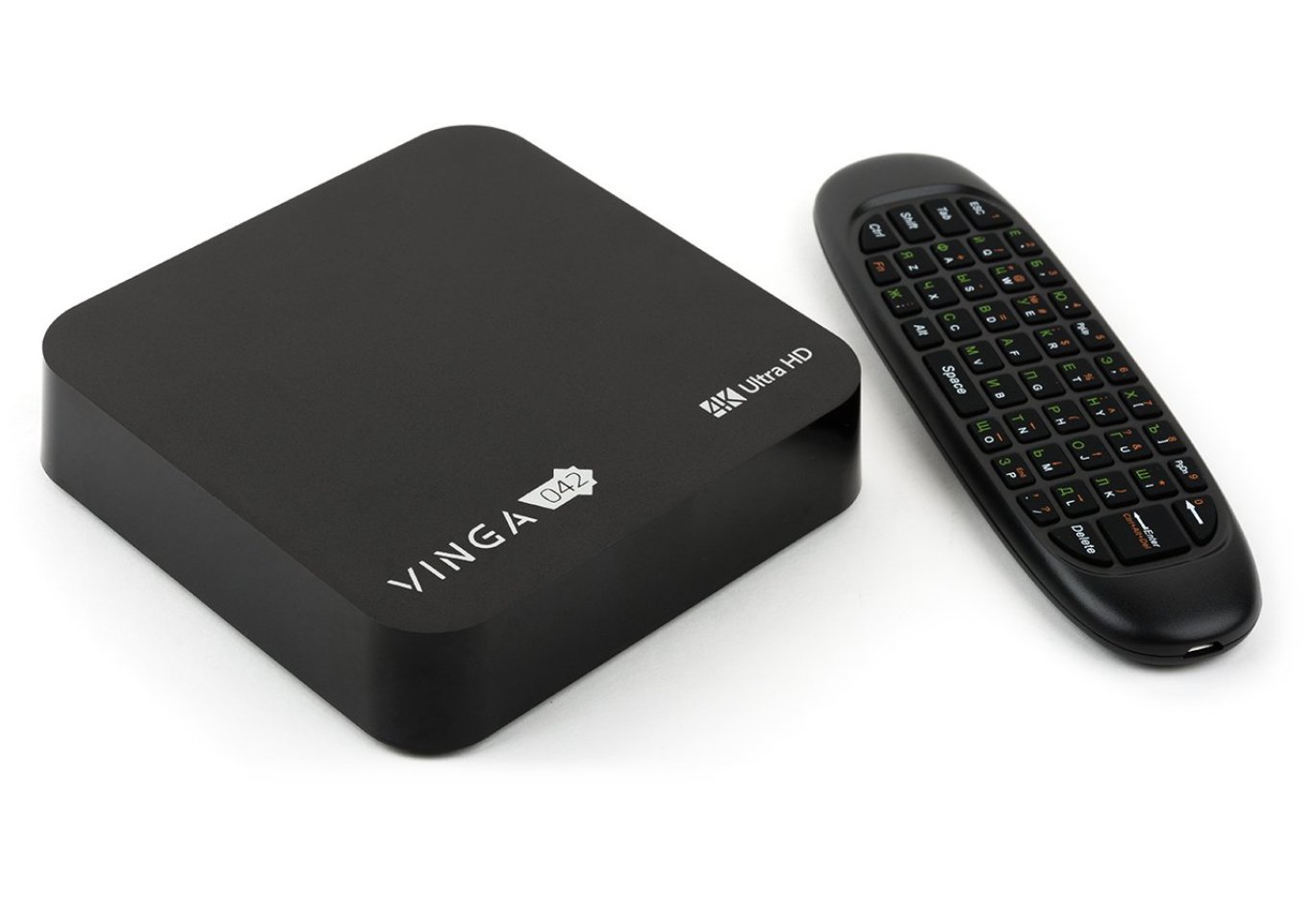
Media player Vinga 042 (VINGA-042-324)
We continue to explore Vinga media players, which endow regular TVs with SmartTV functionality. After the younger Vinga 012 and Vinga 022, it's time to talk about the top representative of the lineup - Vinga 042.

It is based on the Rockchip RK3328 processor presented at CES 2017, but has received a number of improvements, which we will discuss during the review. Let's figure out whether it's worth paying extra for the flagship model or if it's better to choose more affordable options in the lineup.
Specification
|
Model |
Vinga 042 (VMP-042-324) |
|
Processor |
Rockchip RK3328 (4 x ARM Cortex-A53 @ 1.5 GHz) |
|
Graphics Adapter |
ARM Mali-450 @ 750 MHz |
|
RAM |
4 GB LPDDR3 (Micron 4FE77) |
|
Internal Storage |
32 GB eMMC (SanDisk SDIN9DW4-32G) |
|
External Interfaces |
1 x HDMI 2.0a 3 x USB 2.0 1 x USB 3.0 1 x RJ45 2 x audio ports (S/PDIF and AV) 1 x power connector |
|
Card Reader |
SD / SDHC / SDXC / MMC |
|
Network Capabilities |
Wi-Fi 802.11b/g/n (2.4 / 5 GHz) and Bluetooth 4.0 (AMPAK AP6330) |
|
Power Supply |
Input: 100~240 V AC at 50/60 Hz Output: 5 V DC, 3 A |
|
Color |
Black |
|
Dimensions |
115 x 115 x 25 mm |
|
Operating System |
Android 7.1.2 Nougat |
|
Manufacturer's Website |
Packaging and Delivery Set


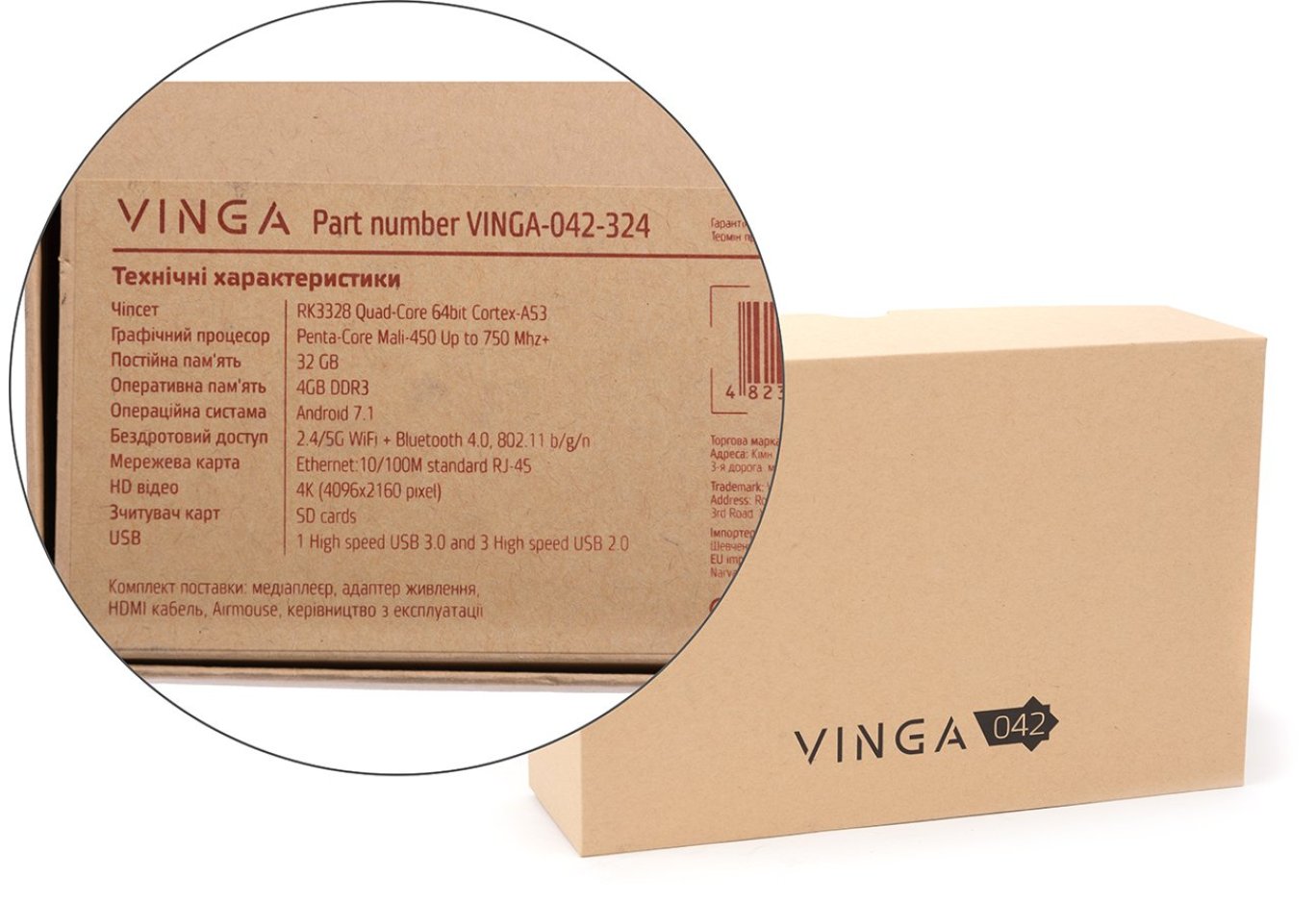
The media player comes in a small cardboard box without printing. On the back, there is a sticker with a description of the main technical characteristics and a list of the delivery set.

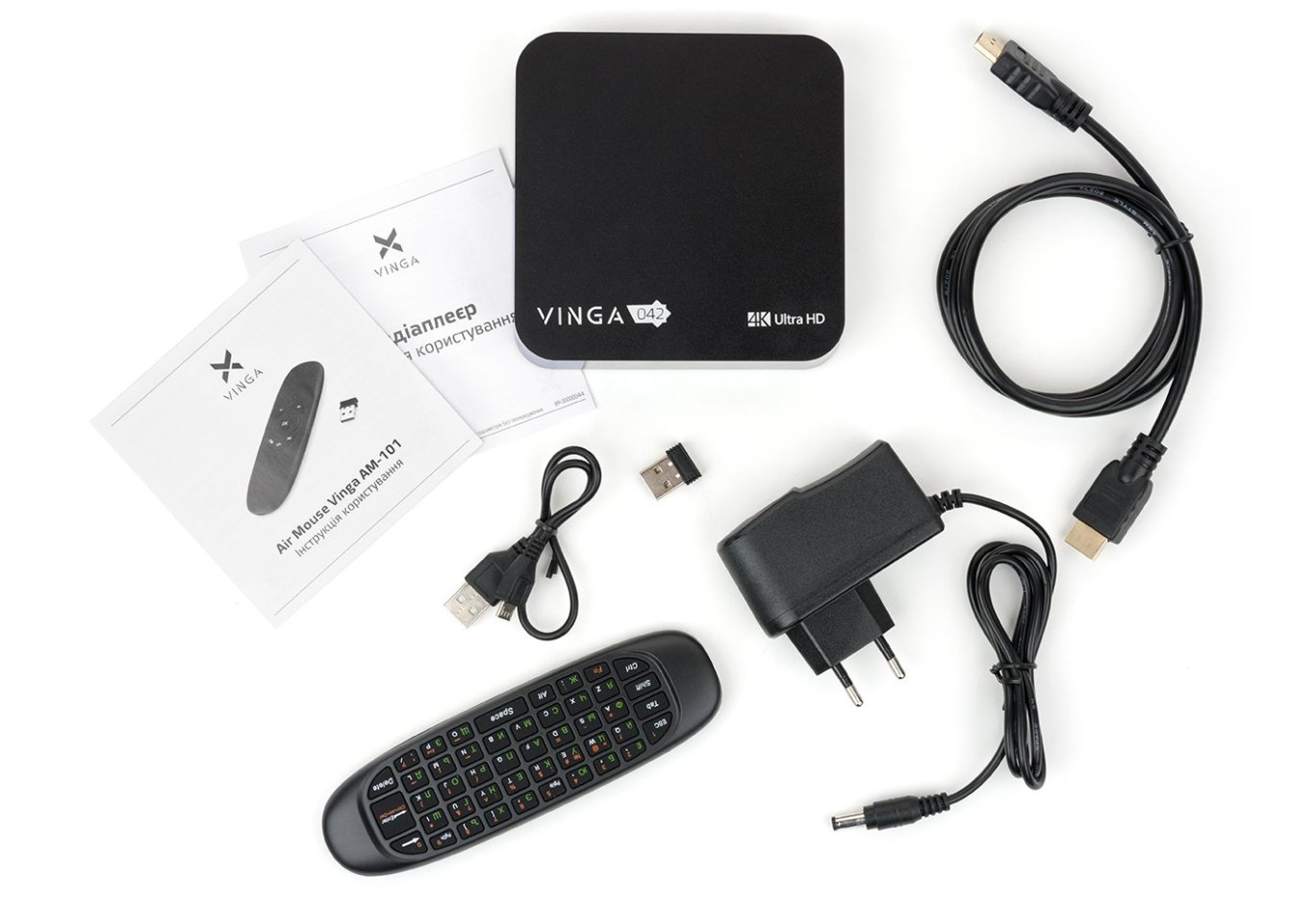
In the box, we found a short manual, a power supply, an HDMI cable, a remote control with a USB receiver, and a charging cable.
Appearance

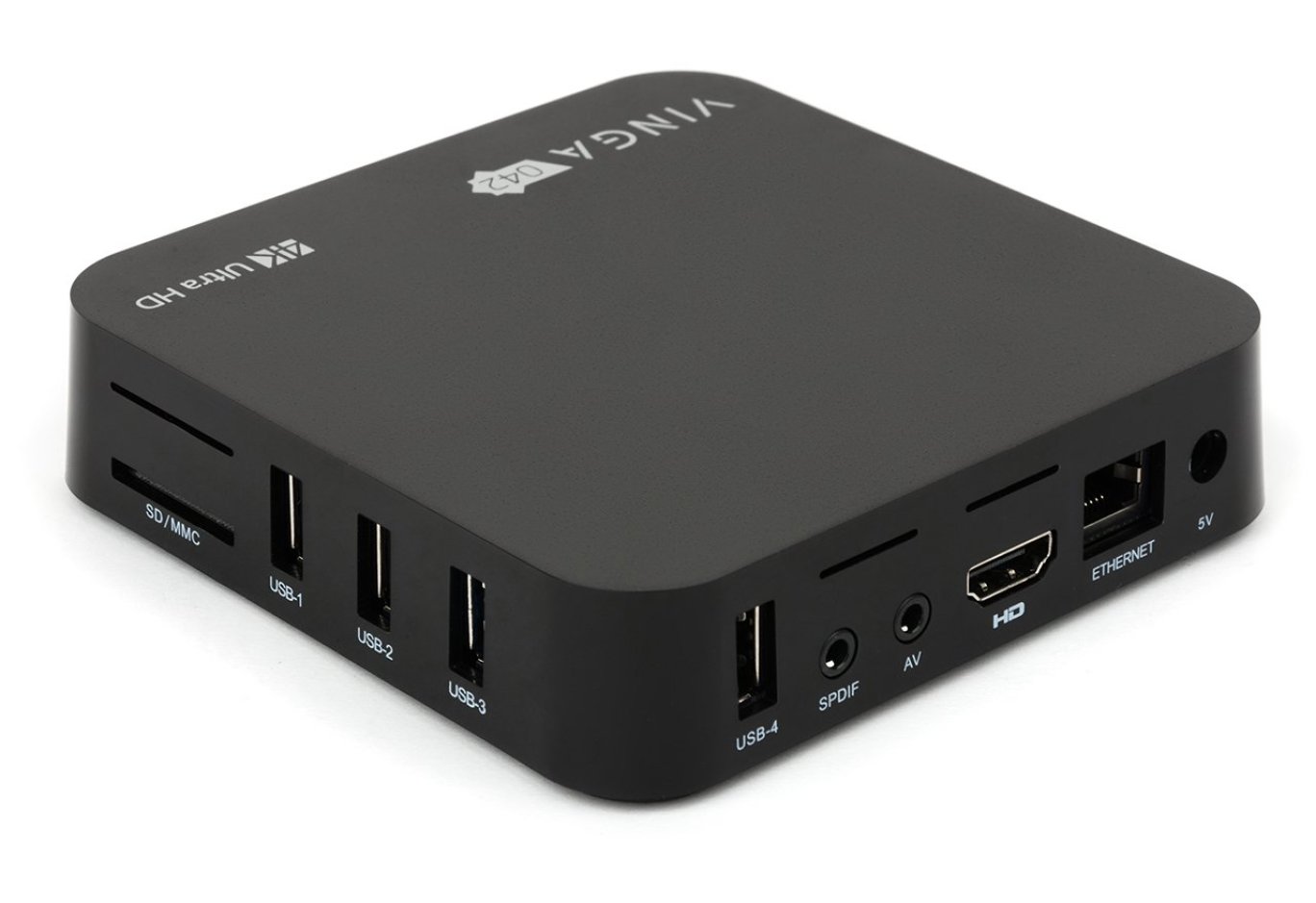
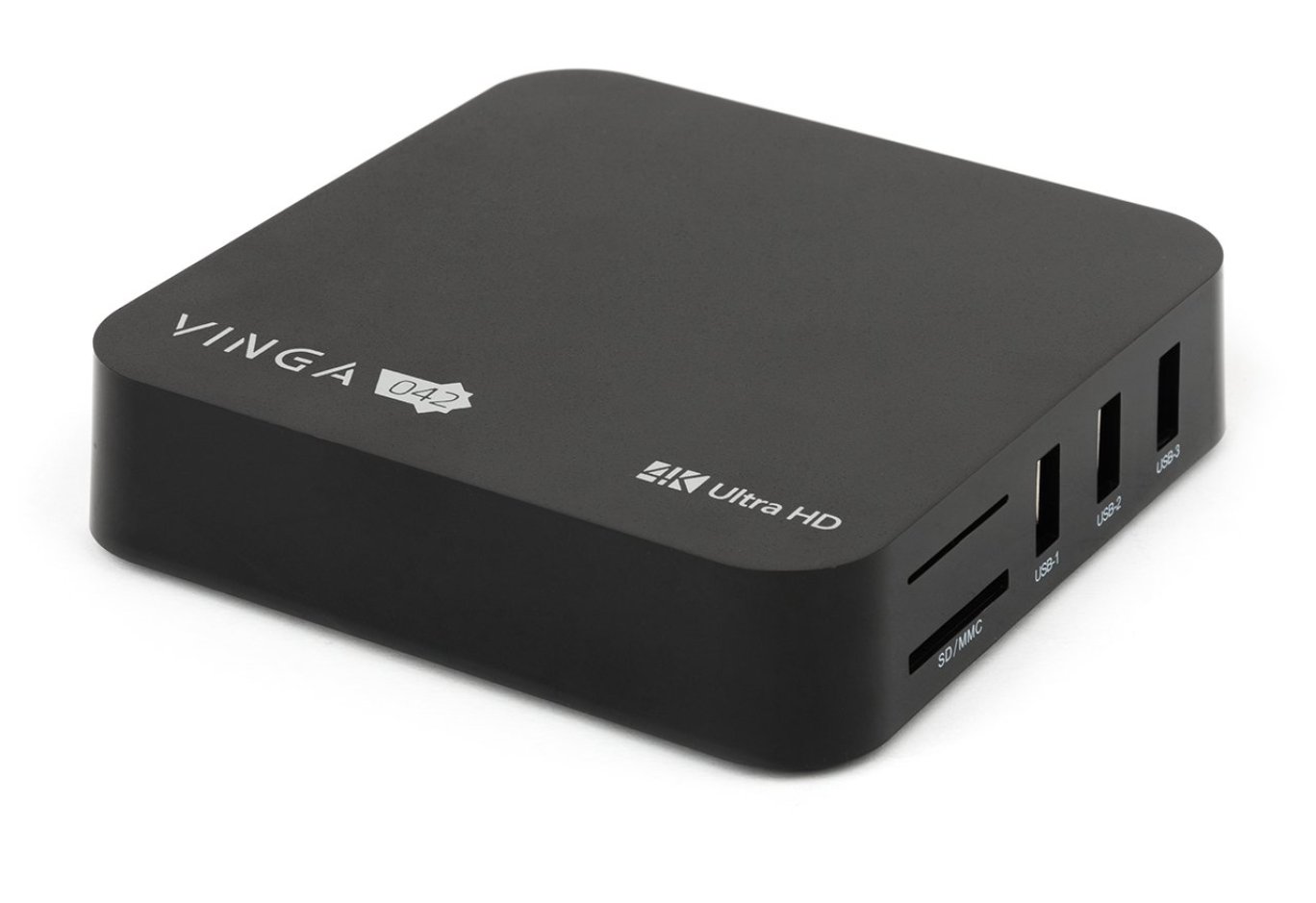
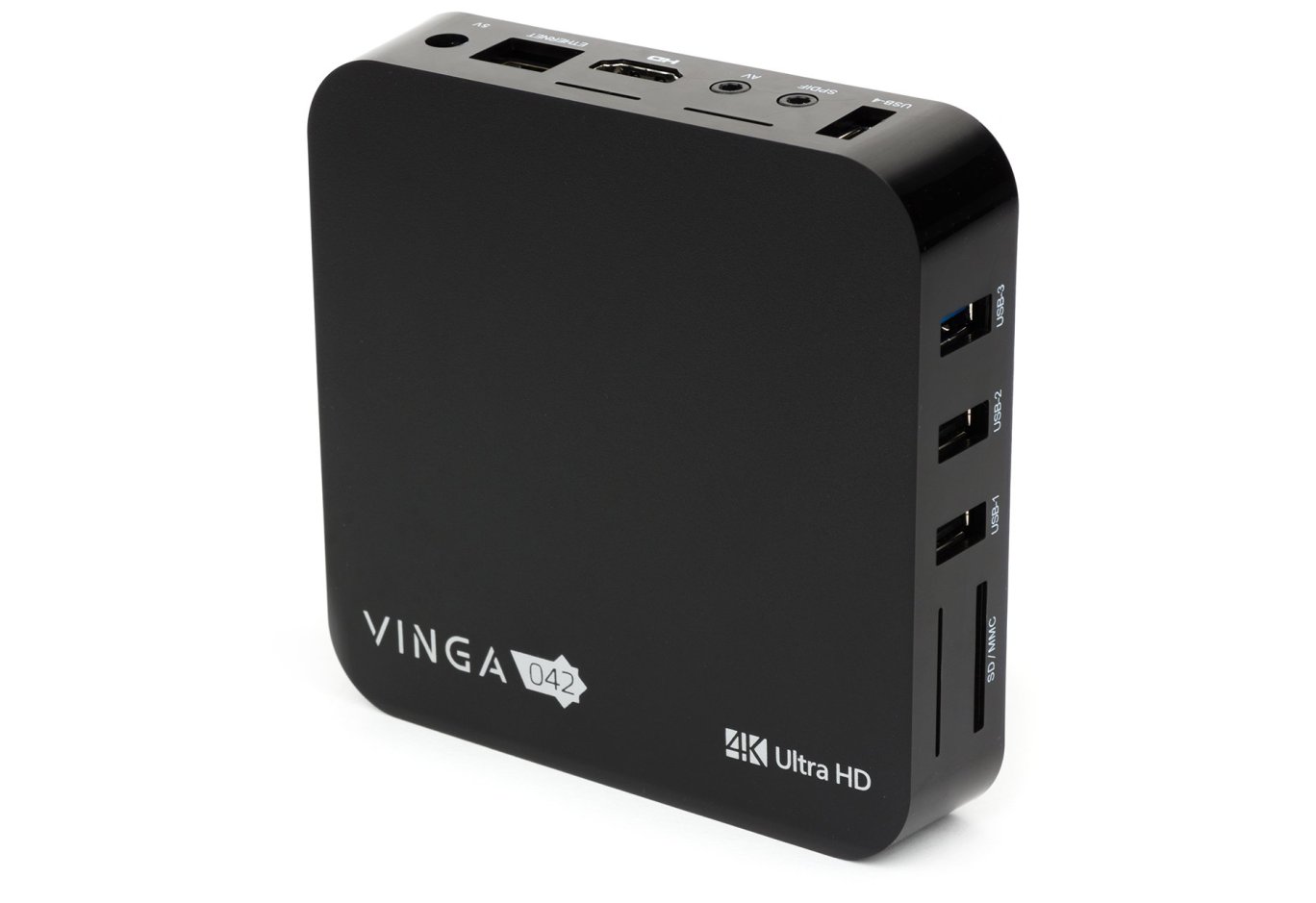
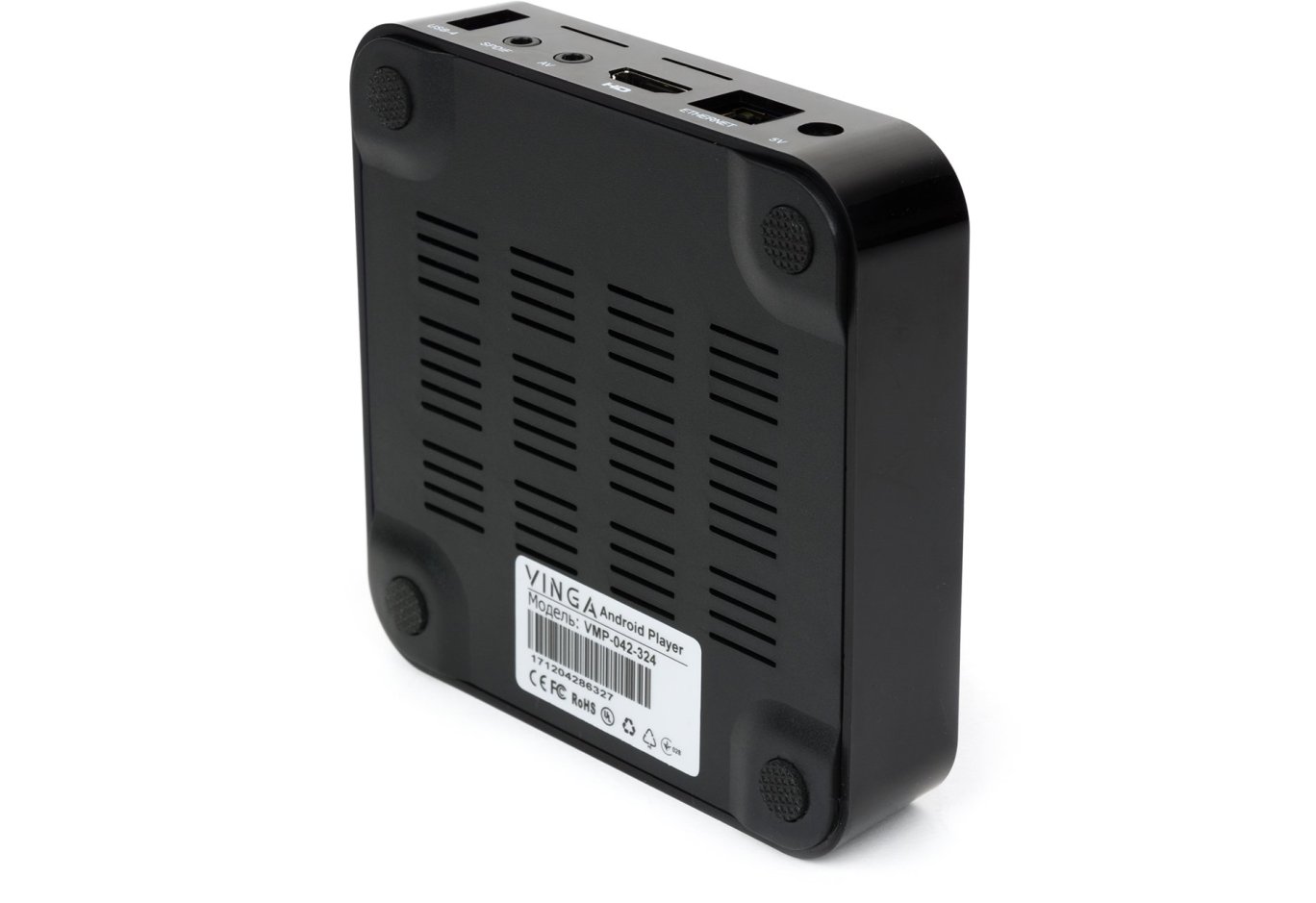
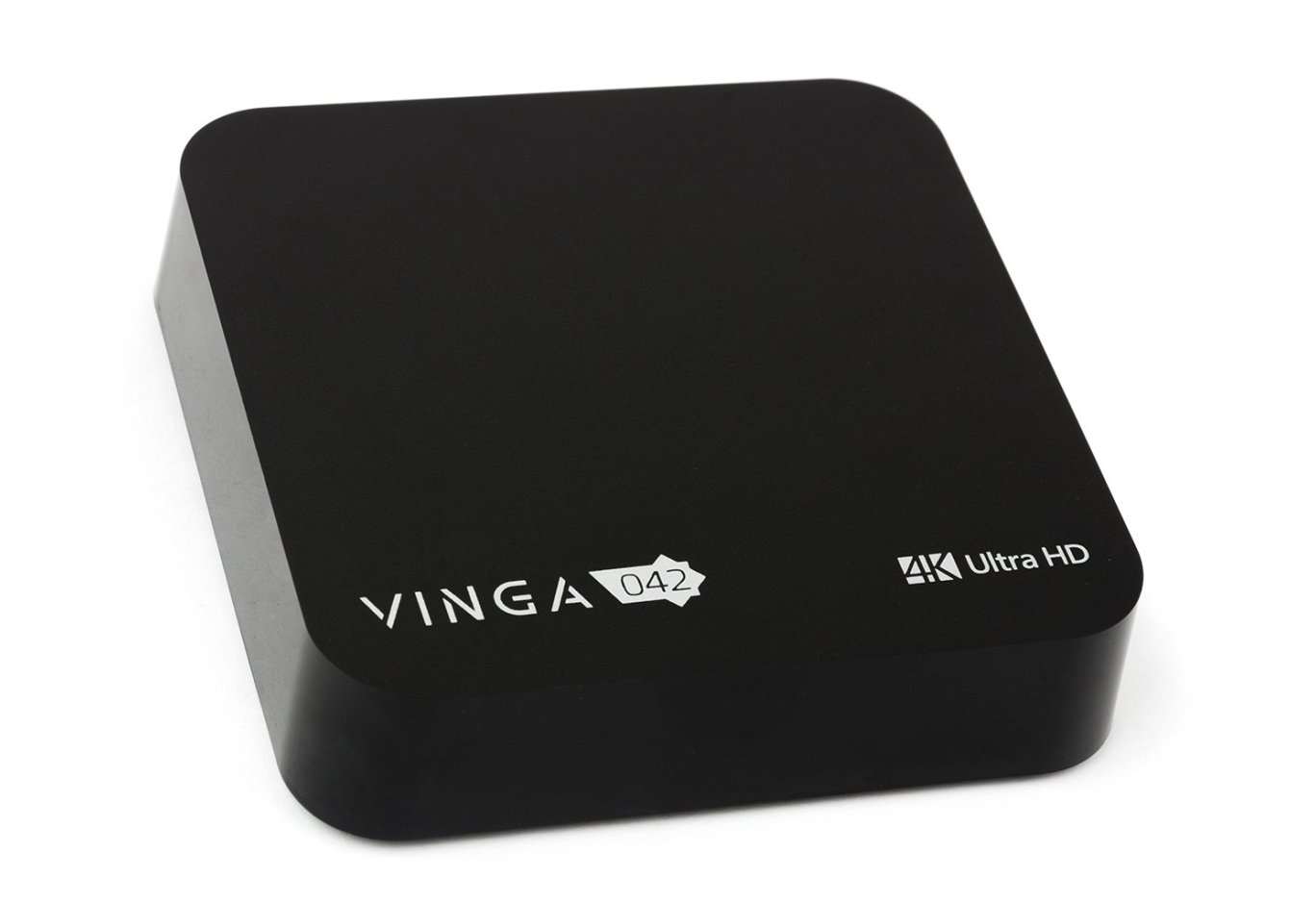
The design of the Vinga 042 case is almost completely identical to that of the youngest model Vinga 012, except for the dimensions, which are larger for the flagship: 2 cm wider and deeper, and 5 mm taller. If not for these differences, the two devices could only be distinguished by the markings on the case, as the flagship features not only a similar design but also identical case materials, namely glossy plastic on the sides and textured on the top and bottom. Accordingly, the mentioned drawback during the Vinga 012 test - susceptibility to scratches when connecting USB devices and cables to the case - has not disappeared. As for the positive aspects, during the review, we did not find any casting defects on the plastic, which are common in more affordable solutions. There were also no complaints about the build quality: the system board does not wobble, and the bottom removable panel does not creak.

The front side and one of the sides are completely devoid of any elements.

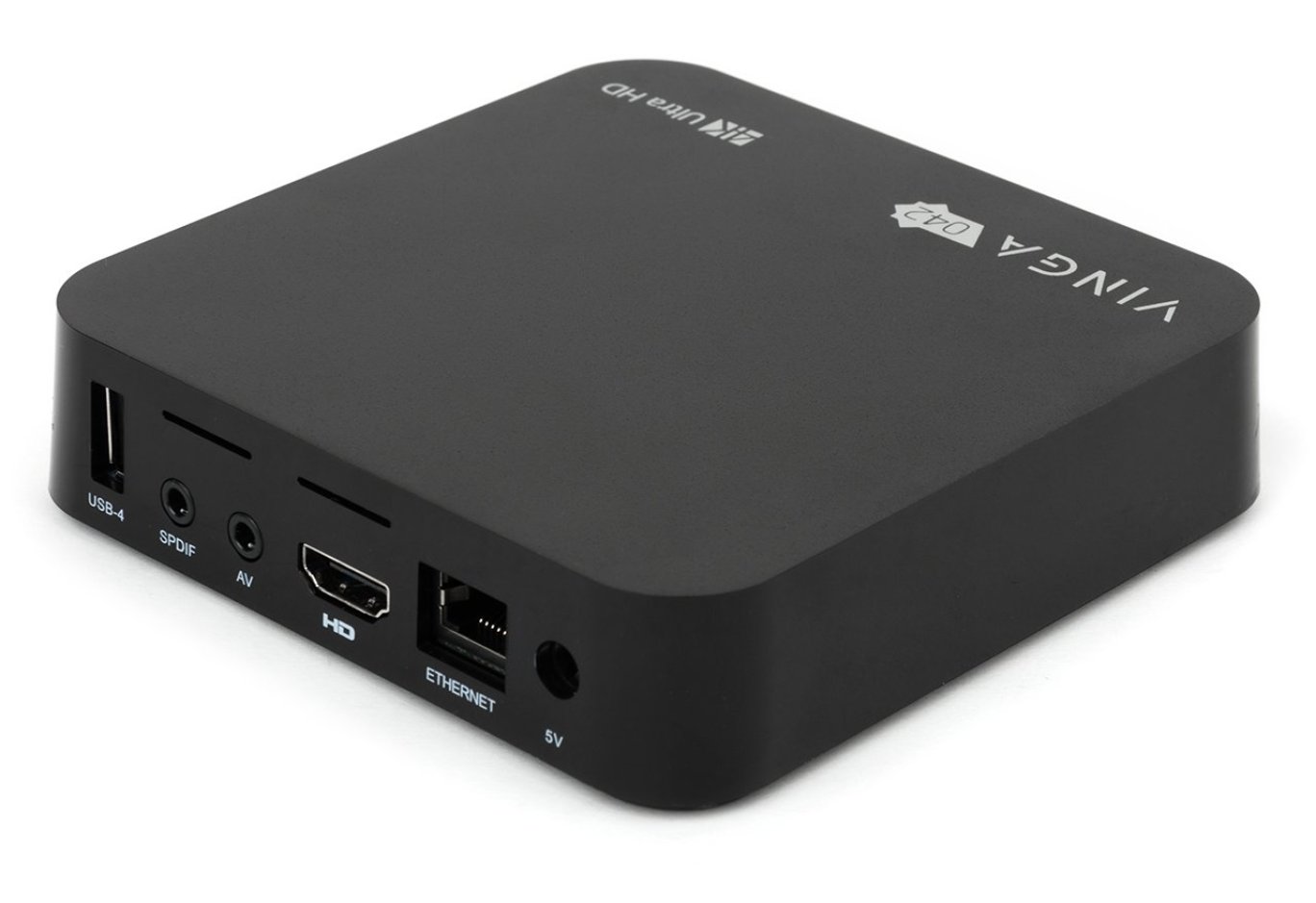
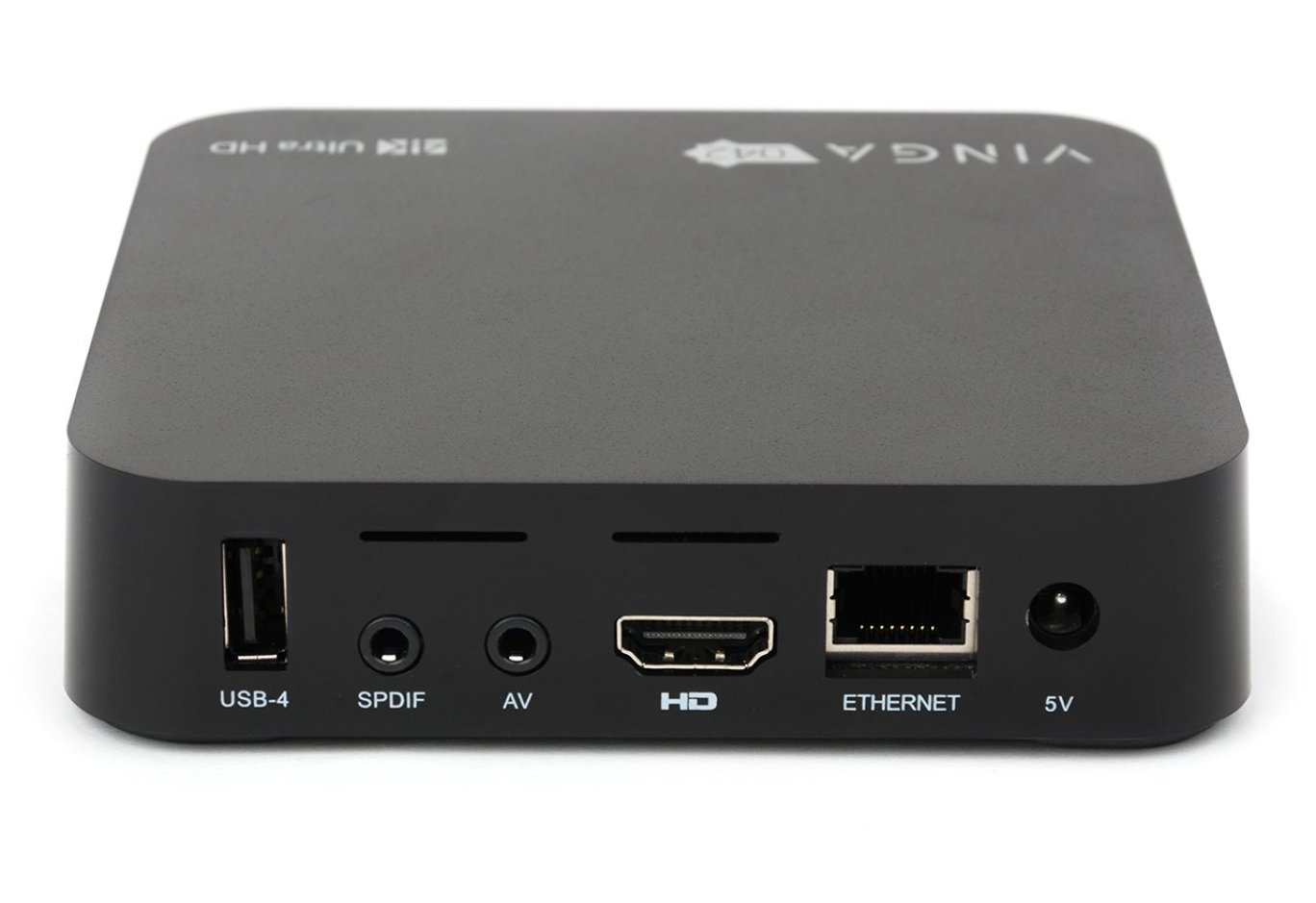
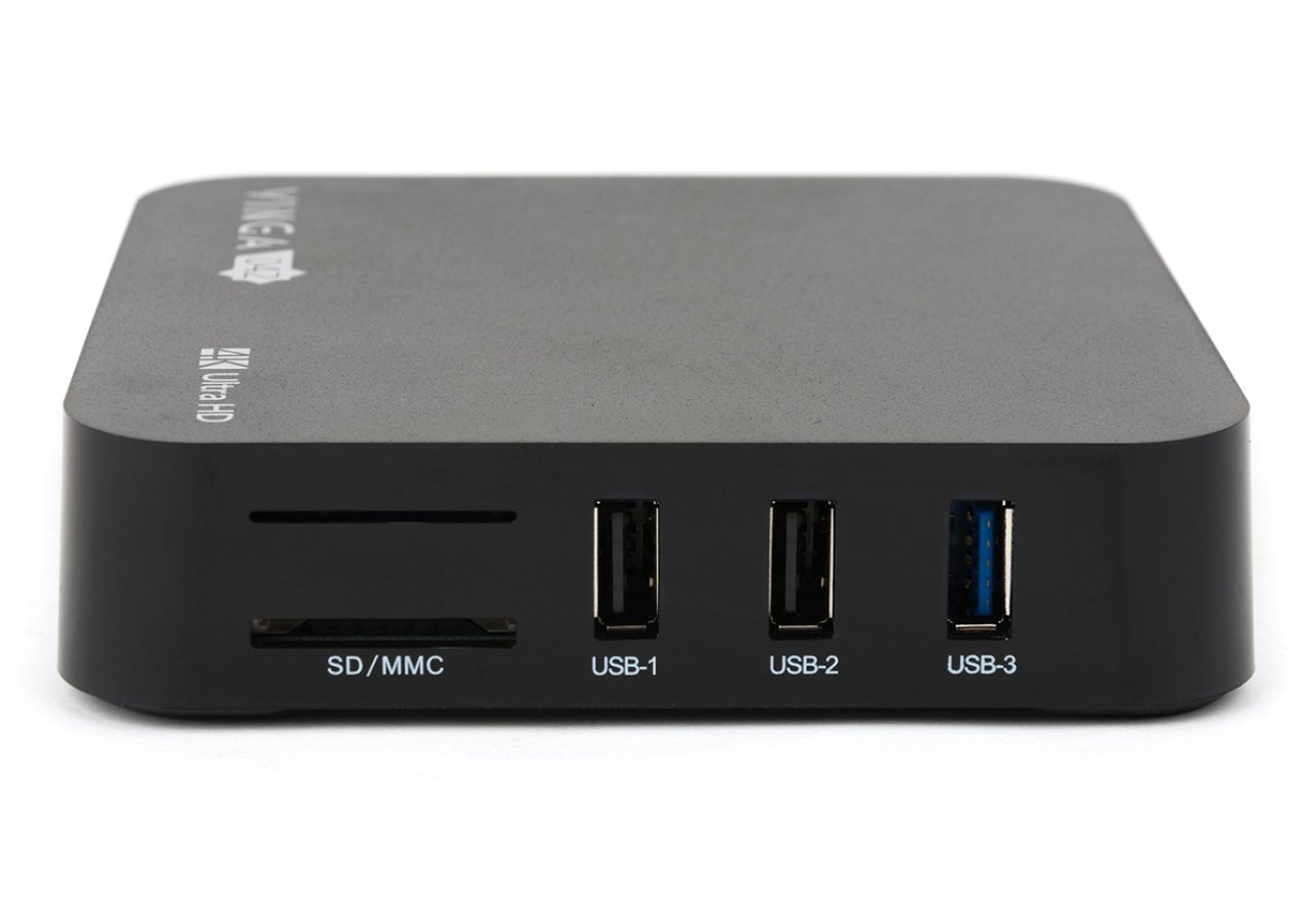
On the back side, there is a USB 2.0 port, two audio outputs, an HDMI video output, an RJ45 network socket, and a power connector. On the left side, there is a card reader that supports SD / SDHC / SDXC / MMC formats, two USB 2.0 ports, and one USB 3.0 port.

We separately note the presence of a light indicator that lights up blue during device operation or red in standby mode.

The bottom side is notable for ventilation holes, a sticker with the device's serial number, and four rubber feet under which the screws for disassembling the case are hidden.

Underneath it hides a blue printed circuit board on which all the key components of the media player are soldered.

Flipping it over, we first notice a small aluminum heatsink responsible for cooling the 4-core Rockchip RK3328 processor.

Support for wireless interfaces Wi-Fi 802.11b/g/n (2.4 and 5 GHz) and Bluetooth 4.0 is implemented using the AMPAK AP6330 adapter.

The storage is a 32 GB chip SanDisk SDIN9DW4-32G.

The 4 GB RAM is based on Micron 4FE77 chips.

The power subsystem is implemented using Rockchip RK805.
Player Connection and Control

To connect Vinga 042 (VMP-042-324) to a TV or monitor, simply connect the power and HDMI cable. Since there is no power on/off button on the case, these functions can only be performed using the remote control.

Another undeniable advantage of Vinga 042 is the functional remote control included, which connects to the player via a USB receiver. We have encountered similar ones before in models Vinga 021, Vinga 022, Vinga 031, and Vinga 041. It is equipped with a battery, and a suitable charging cable is included.

Regarding its functional capabilities, the remote is equipped with a Qwerty keyboard with a Cyrillic layout, as well as a mouse emulation function (gyro mouse), which significantly simplifies the process of controlling the player, especially in optimized applications. A separate button on the front of the remote is designated to activate this mode.
Hardware Platform and Functionality
Vinga 042 is built on the SoC processor Rockchip RK3328, although the CPU-Z program mistakenly indicates the use of Rockchip RK3066. It combines four ARM Cortex-A53 cores operating at a frequency of up to 1.5 GHz. The graphics are handled by Mali-450 with support for OpenGL ES 1.1/2.0.
The media player easily recognizes external drives connected to it, whether it's a regular flash drive, memory card, or external hard drive. The platform supports many modern codecs, including H.265, and allows playing video with a resolution of 4K. Additionally, there is support for HDMI and hardware decoding of multichannel sound.
The operating system used is Android 7.1.2 Nougat with a custom launcher installed. The menu is quite convenient and functional. A pleasant bonus is the presence of Russian and Ukrainian localization, although there are minor translation flaws in places.
As usual, there are a number of pre-installed programs. For example, right out of the box, there are several services for watching online videos: Divan.TV, OLL.TV, MEGOGO.NET, Lanet.TV, and applications for IP-TV. MX Player is traditionally used for viewing video files. For audio, there is only a basic AOSP application, so if necessary, additional players should be installed.
As with other previously reviewed Vinga solutions, there is a pre-installed multimedia shell KODI. Additional software can be easily downloaded from Google Play or APK files from external devices or the network.
The settings menu is completely standard, and anyone who has ever used a smartphone or other Android device will have no trouble understanding it.
Performance
The only difference in the hardware platform of Vinga VMP-042-324 from more affordable models Vinga 012 and Vinga 022 is the increased RAM to 4 GB and ROM to 32 GB. Thanks to this, you will get comfortable performance and smooth operation of the interface. However, for comfortable gaming capabilities, this is not enough - the low computing power of the processor itself is a factor. As a result, the player handles its direct duties excellently, but gaming should not even be considered, except for simple platformers with 2D graphics.
Vinga 042 handles video and audio playback from external sources quite confidently:
- MPEG4 Video (H264); 2048 x 858; 23.97 FPS; 20.1 Mbps - no problems;
- MPEG4 Video (H264); 1920 x 1080; 29.97 FPS; 55.3 Mbps - no problems;
- MPEG4 Video (H264); 1920 x 1080; 59.94 FPS; 50.5 Mbps - no problems;
- MPEG4 Video (H264); 3840 x 2160; 59.94 FPS; 47.05 Mbps - no problems;
- HVC1 (HEVC, 10 bit); 3840 x 2160; 29.97 FPS; 139.4 Mbps - slideshow;
- HVC1 (HEVC); 1920 x 816; 23.976 FPS; 7.5 Mbps - no problems.

Regarding Wi-Fi performance, the reception speed reached 11.39 Mbps, and the transmission speed was 24 Mbps. This is sufficient for surfing the web, but if more stable connection quality is needed, a wired connection should be used.
Conclusions

Currently, the media player Vinga 042 (VMP-042-324) is the flagship of the updated line on the Rockchip RK3328 processor and is offered at an average price of $108. If considered separately from previously tested products, it looks quite interesting due to its 4 GB of RAM and 32 GB of permanent memory, a large number of USB ports, and a functional remote control included.
However, for those looking to save money, we remind you of the Vinga 022 model. It costs $28 less and offers only 2 GB of RAM, which affects the comfort of working with the interface. Additionally, it lacks 16 GB of permanent memory (which can be easily compensated with a memory card or external storage) and two USB ports.
If these aspects are not critical for you, you can save money. But if comfort in work is important to you and you plan to connect a number of peripheral USB devices, then the extra cost will not be significant, especially considering the cost of RAM in modern realities.
Advantages:
- 4 GB of RAM and 32 GB of permanent memory;
- support for full-size SD/MMC memory cards;
- functional remote control included with built-in QWERTY keyboard and gyro mouse;
- support for USB 3.0 and HDMI 2.0a;
- decent appearance (if not scratched);
- possibility to connect external hard drives;
- support for most popular formats and codecs;
- support for 4K video;
- support for Micracast;
- functional OS Android 7.1.2 shell;
- pre-installed popular online broadcasting services for our region;
- multimedia shell KODI.
Features:
- minor localization issues;
- low performance in games.
Author: Kostyantyn Shorokhov
Translation: Liliya Masyuk


