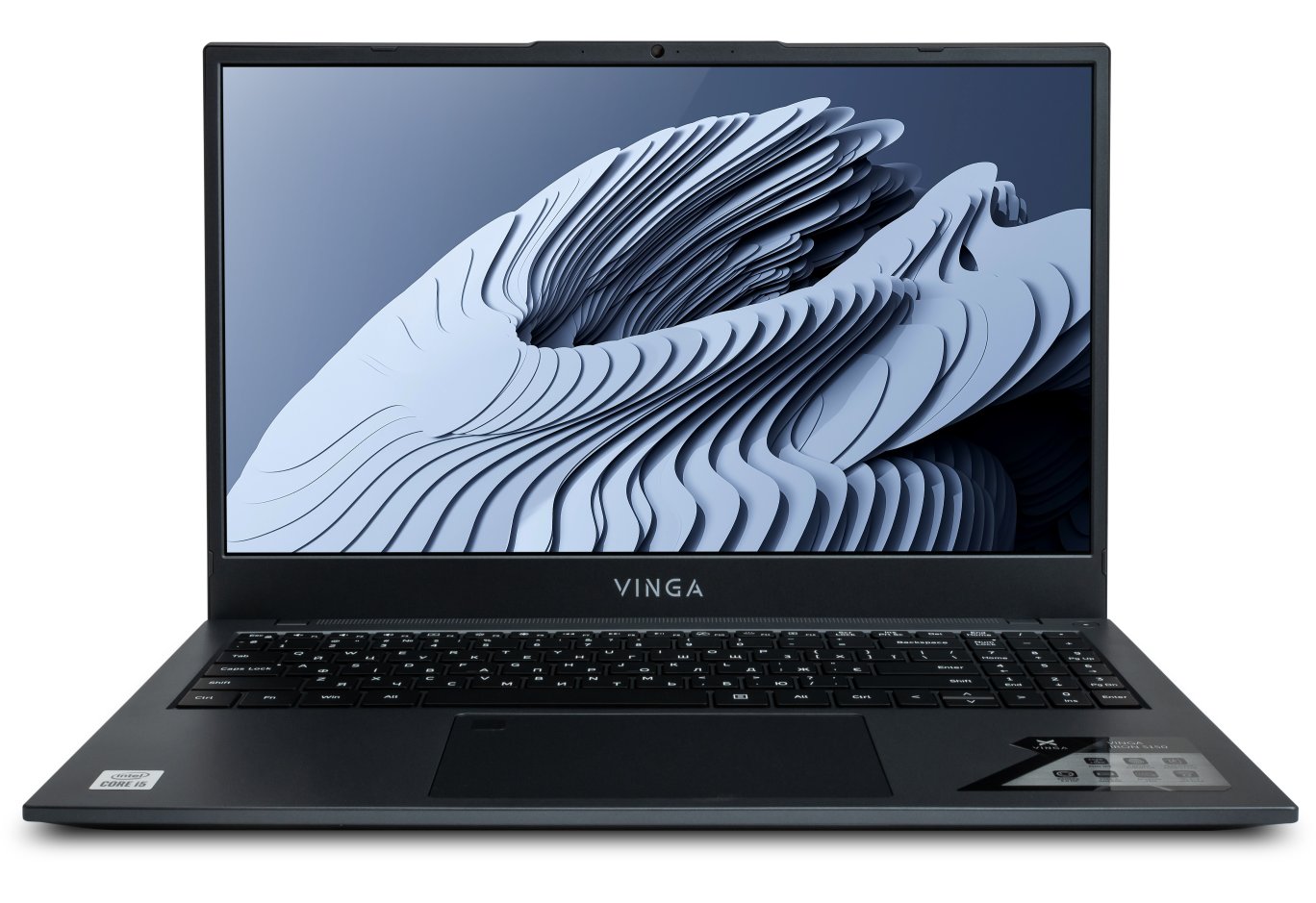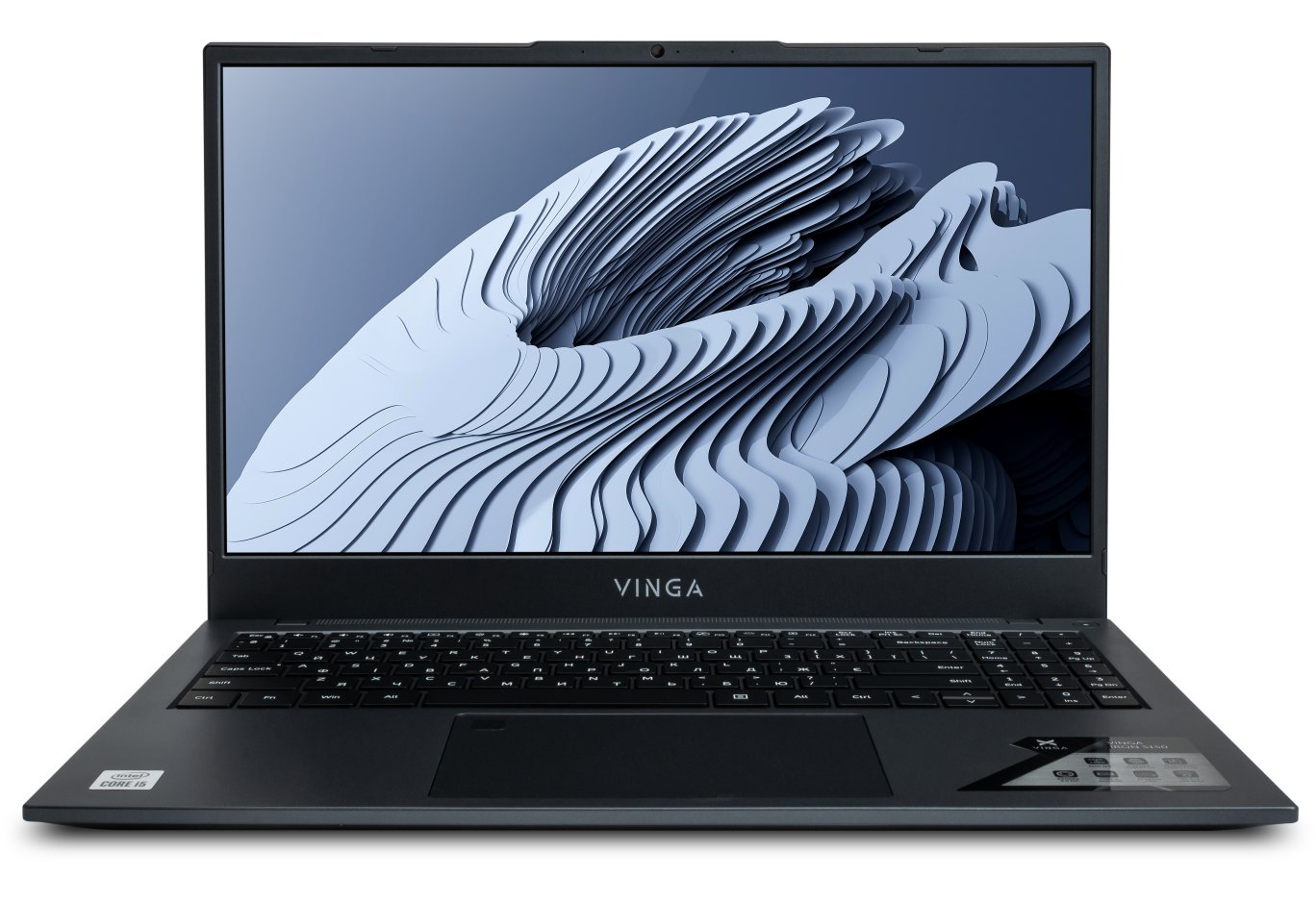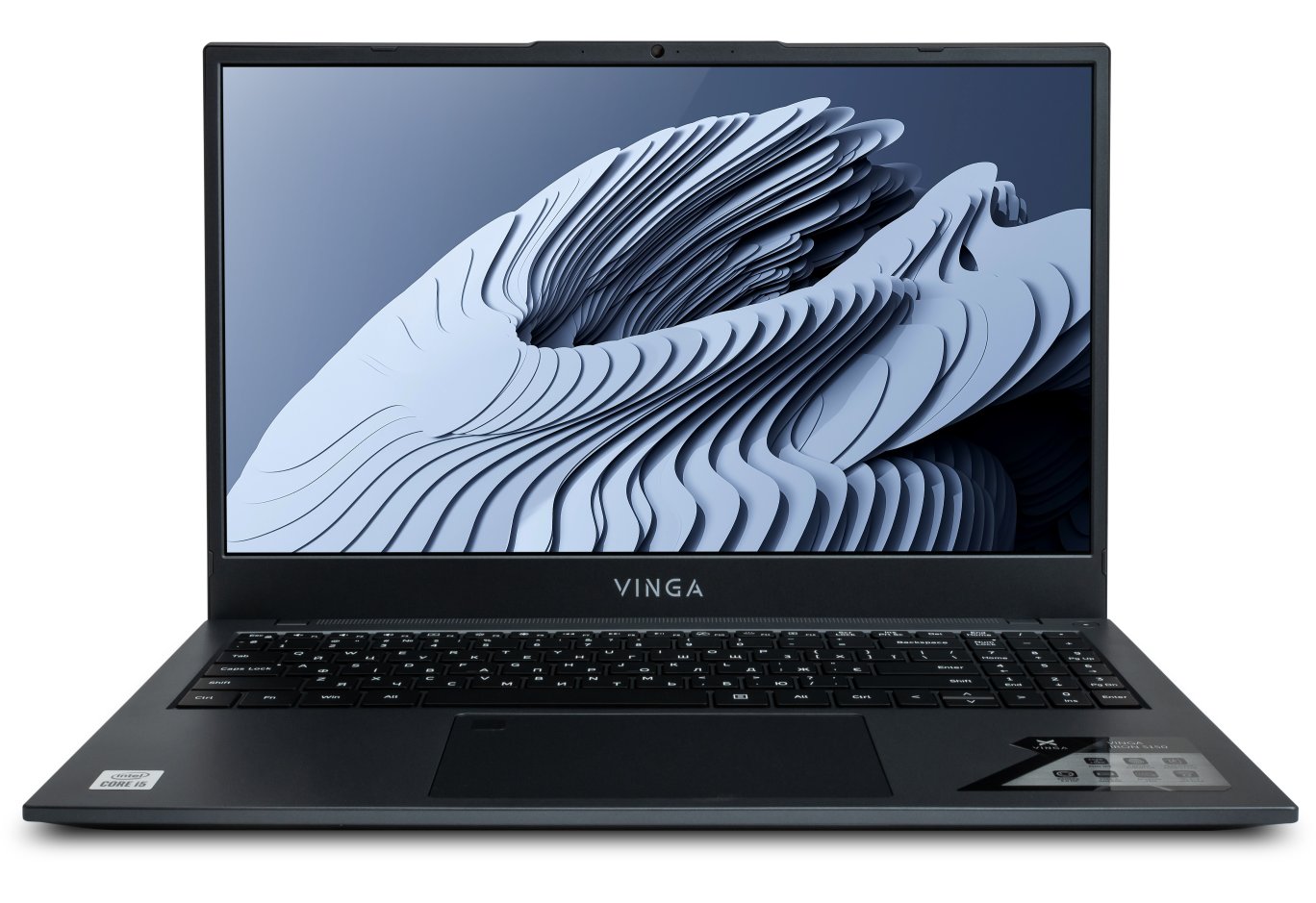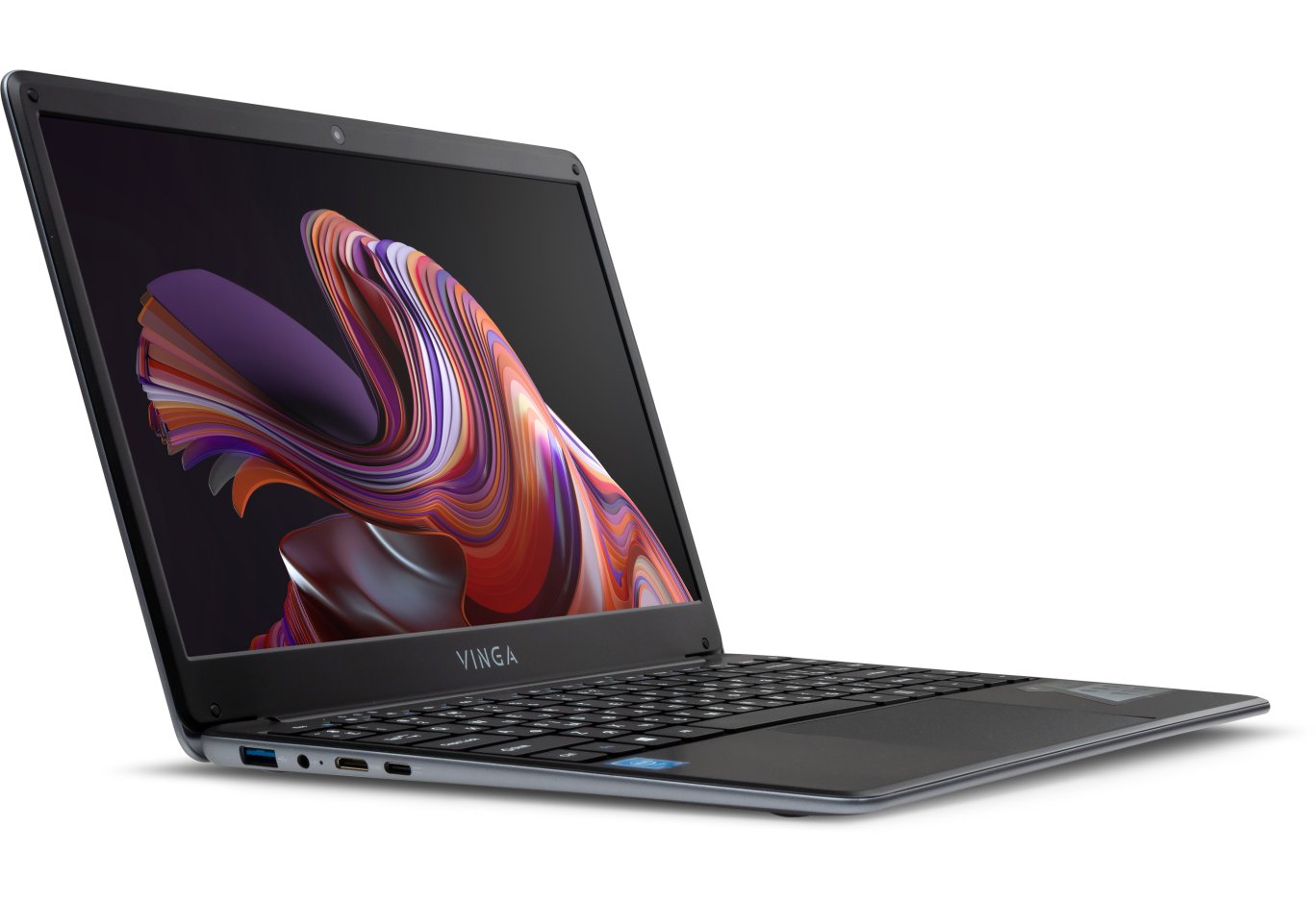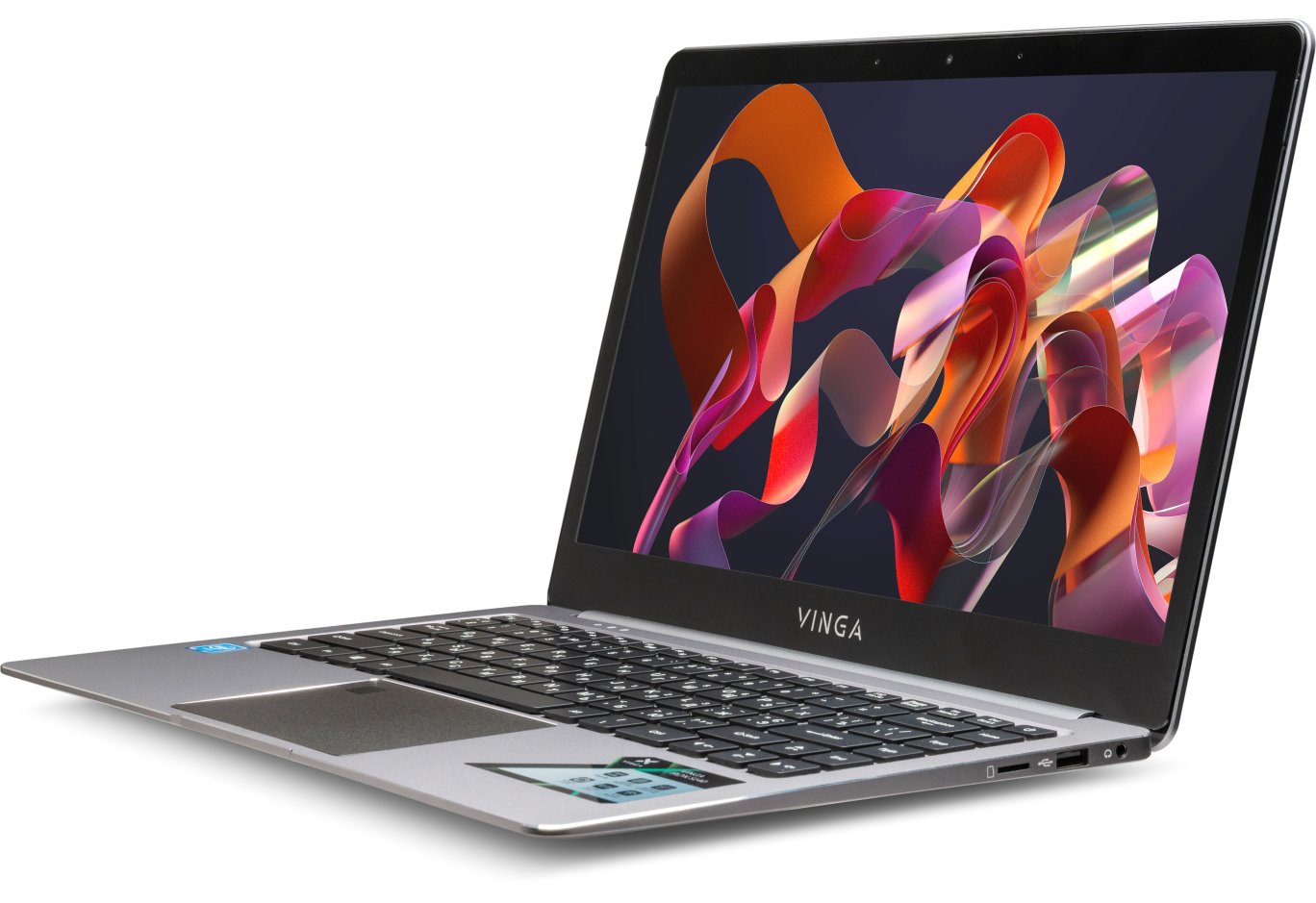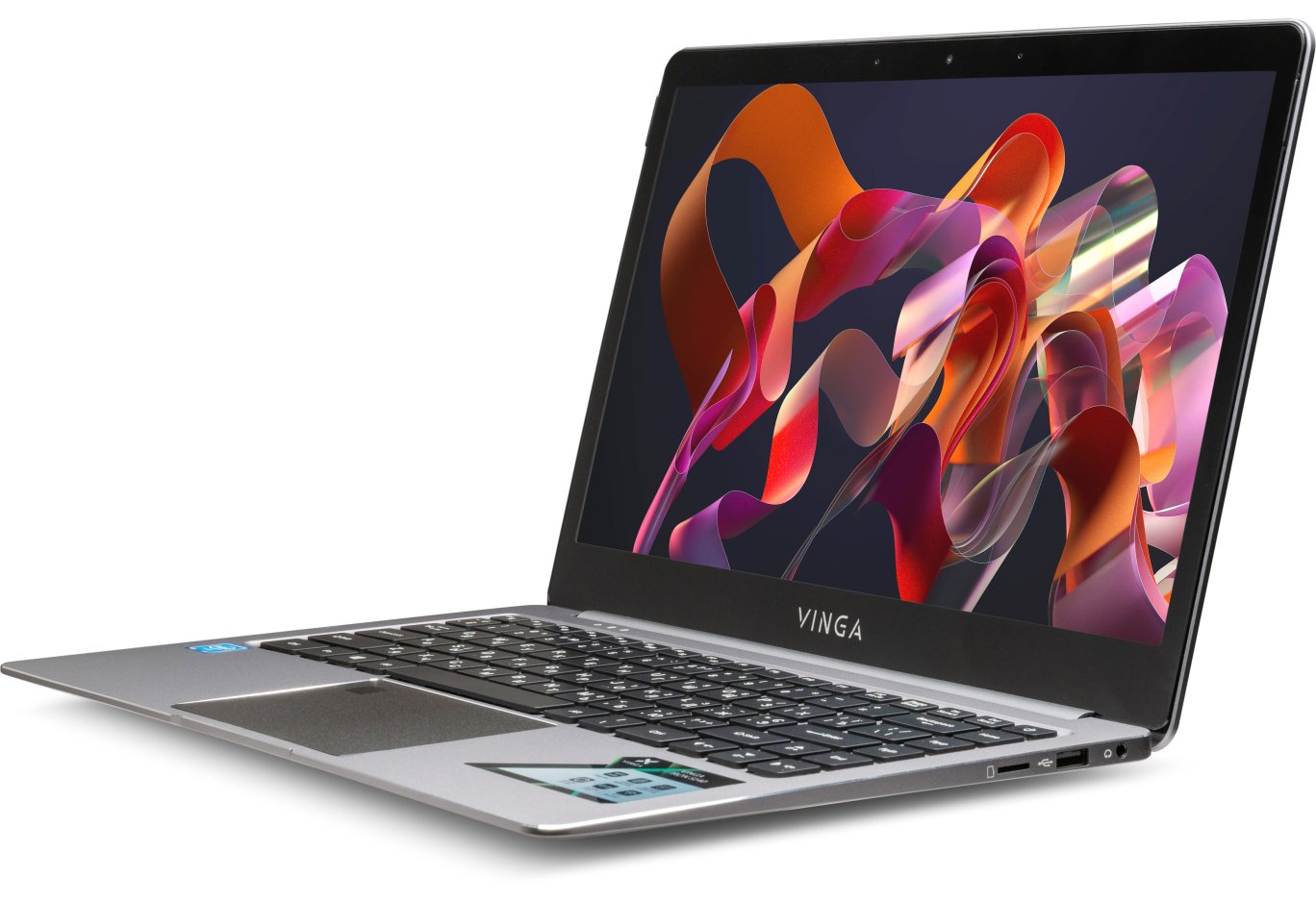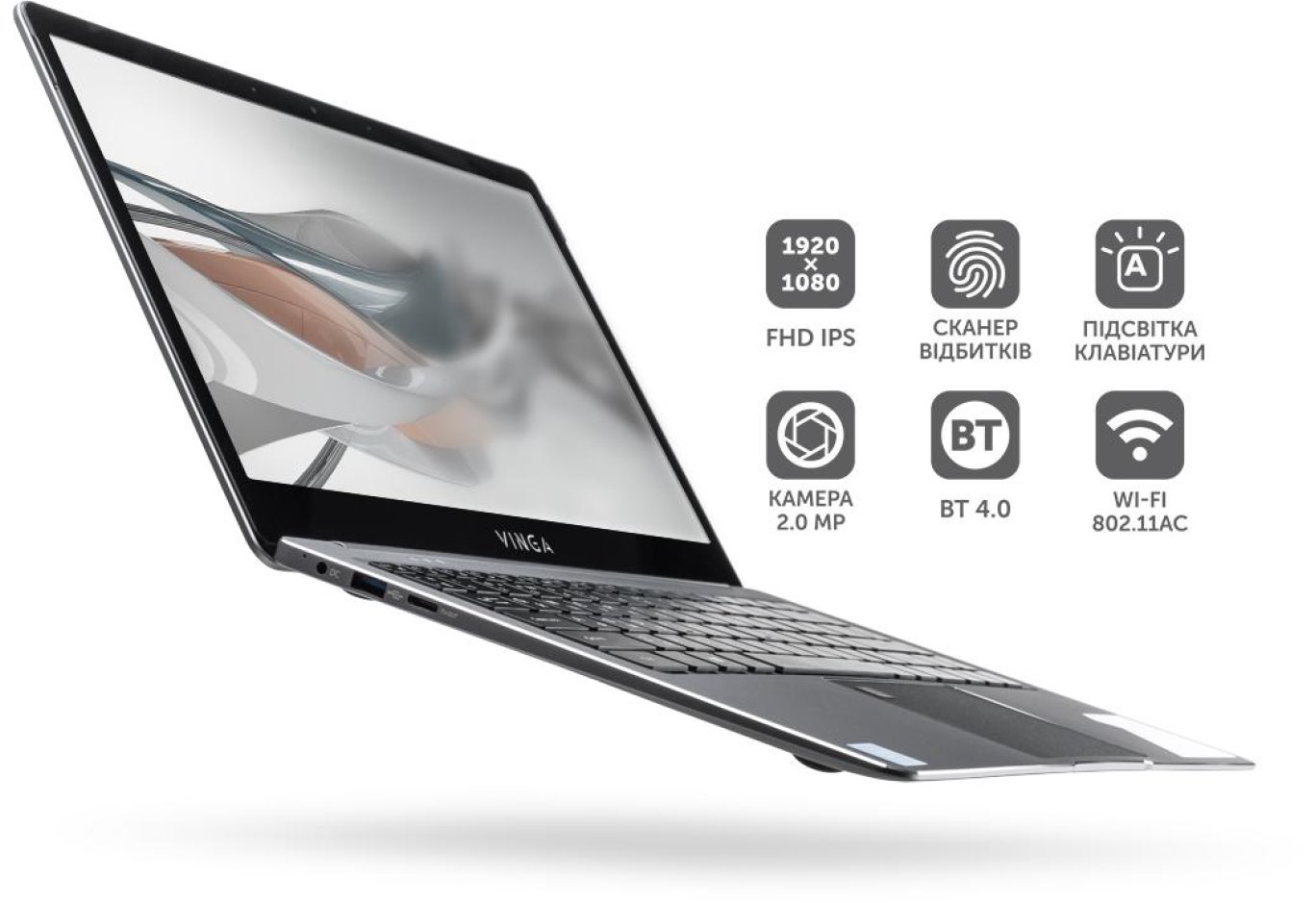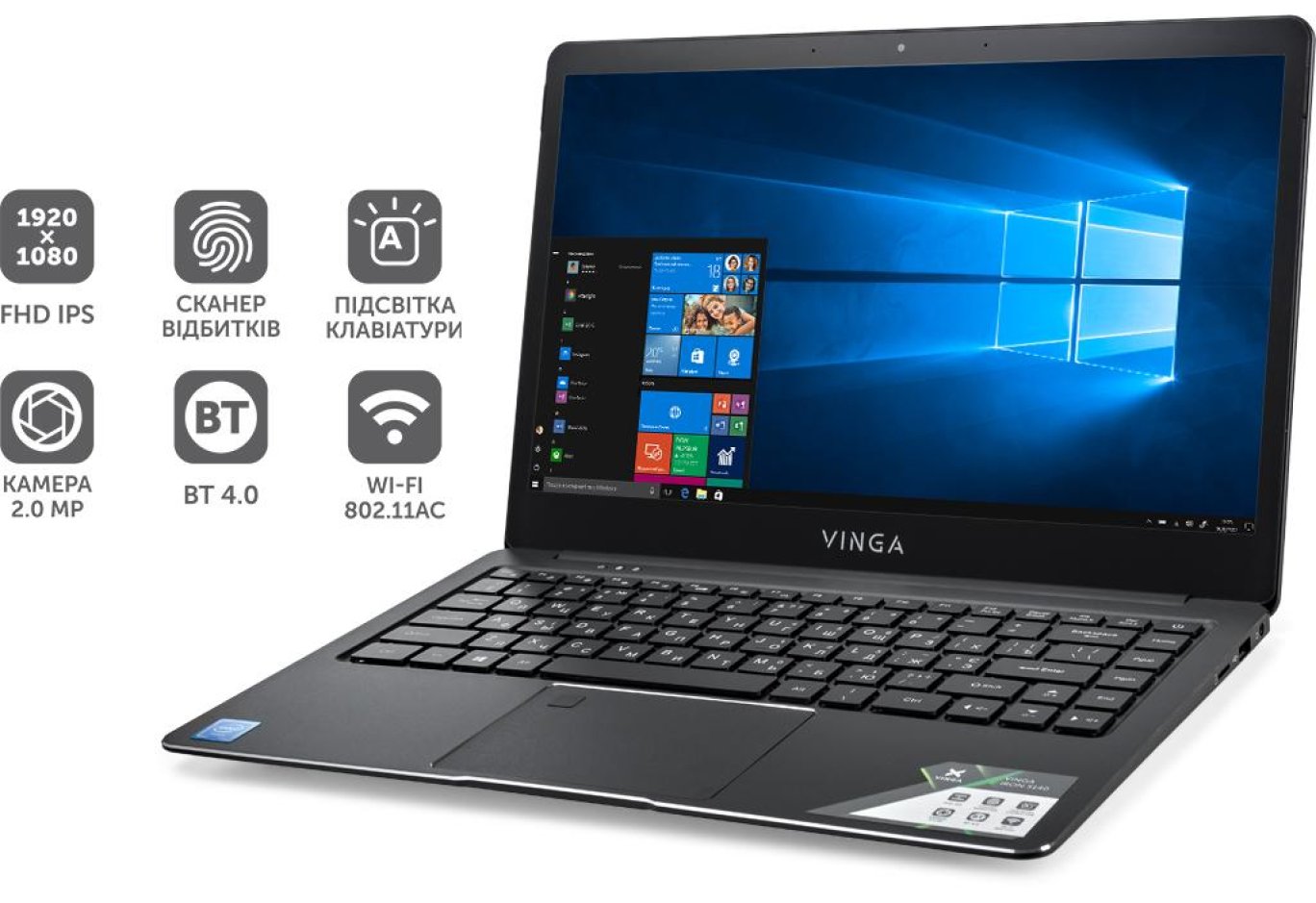


Laptop Vinga Twizzle Pen J133 (J133-P42464PDG)
Recently, TM Vinga introduced an interesting series that combines hybrid construction and relatively affordable pricing.

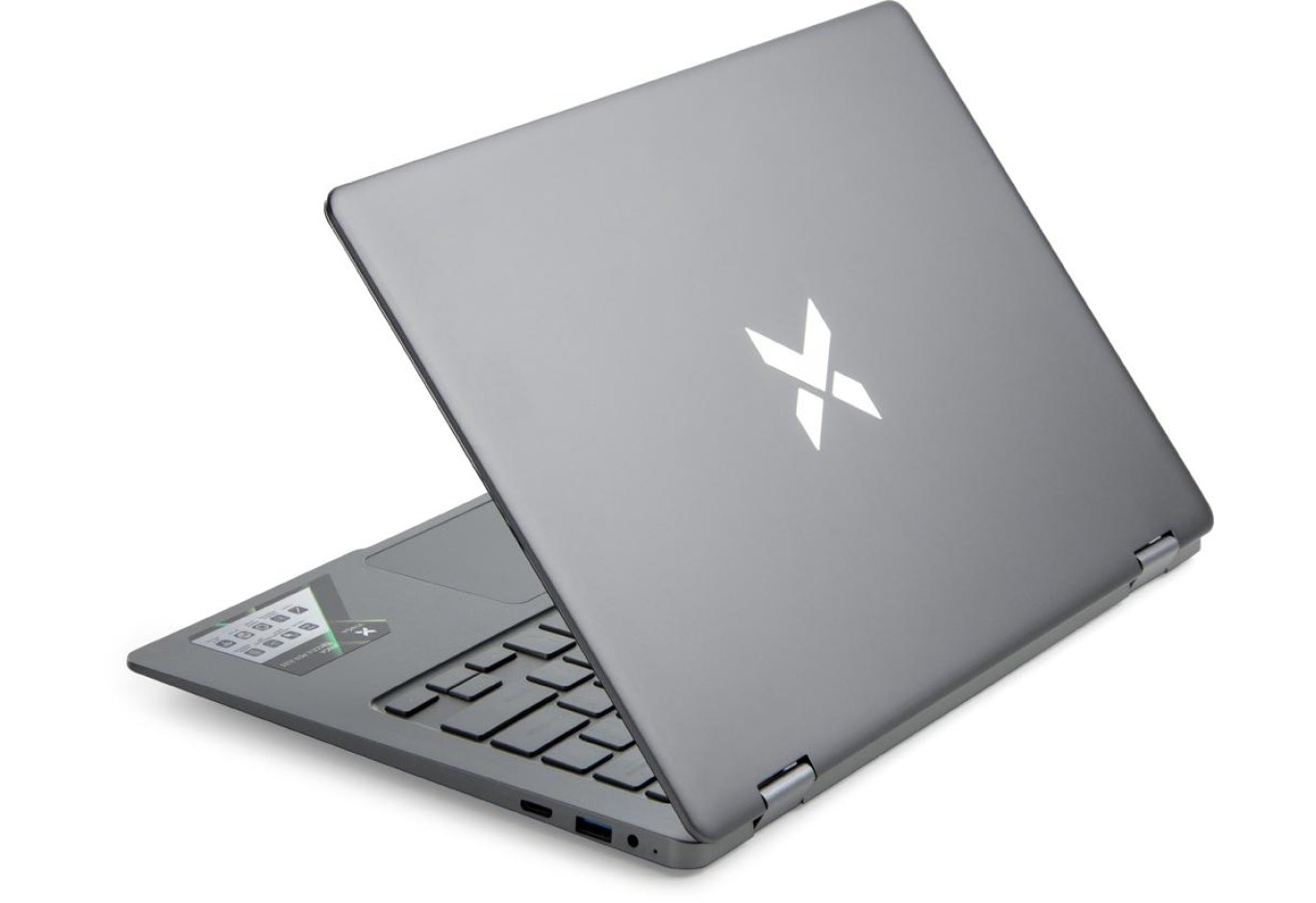
The laptop lid is adorned with a Vinga logo made of shiny metal
According to analysts, the future lies with transformers that allow performing tasks typical of traditional laptops and serving as tablets when needed. However, the relatively high cost of such platforms currently prevents them from capturing a significant market share. Therefore, we were intrigued by the news of the arrival of Vinga Twizzle family transformer laptops that meet ultrabook requirements but are not comparable in price. Let's explore their capabilities.
Getting to Know the Equipment
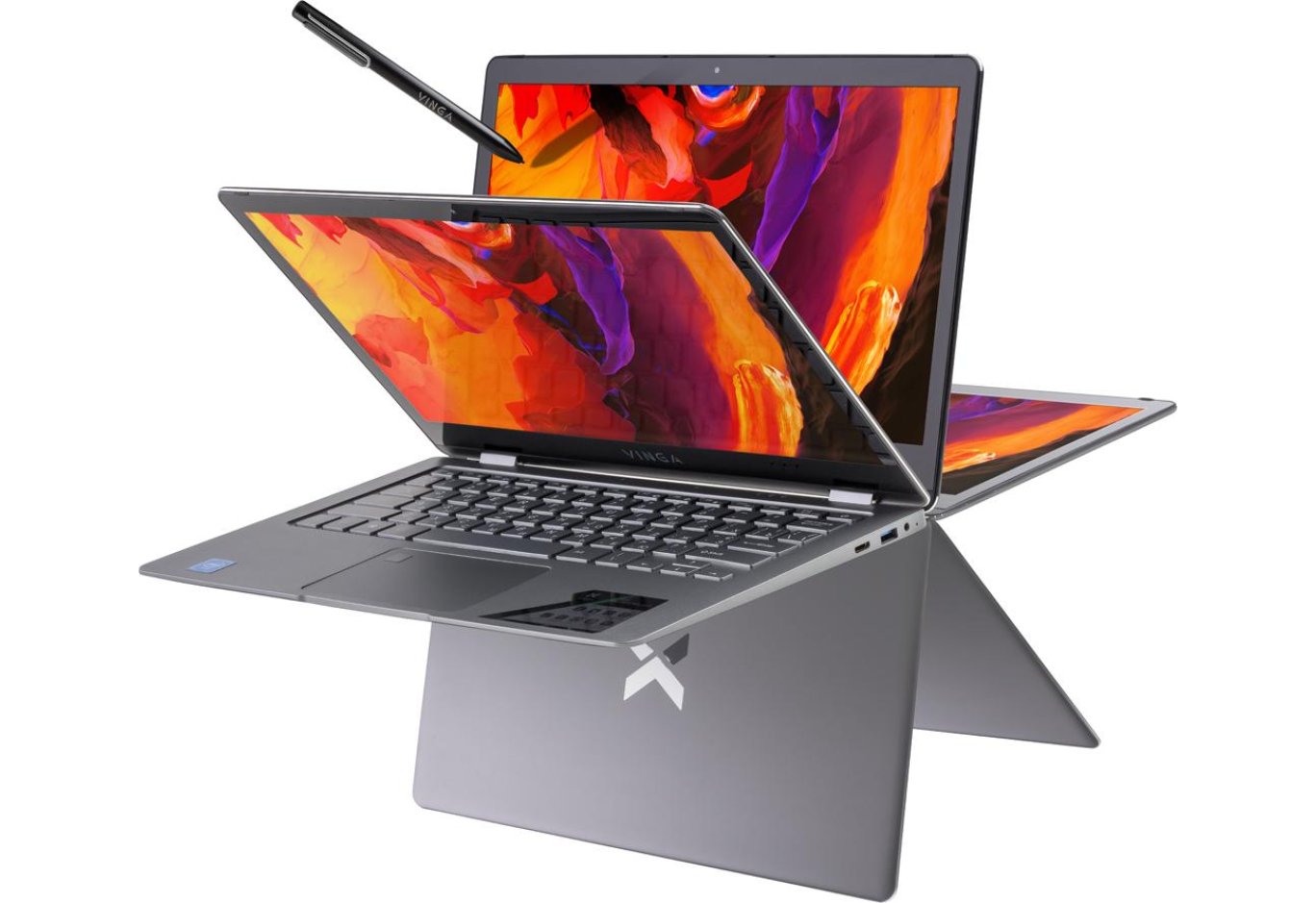
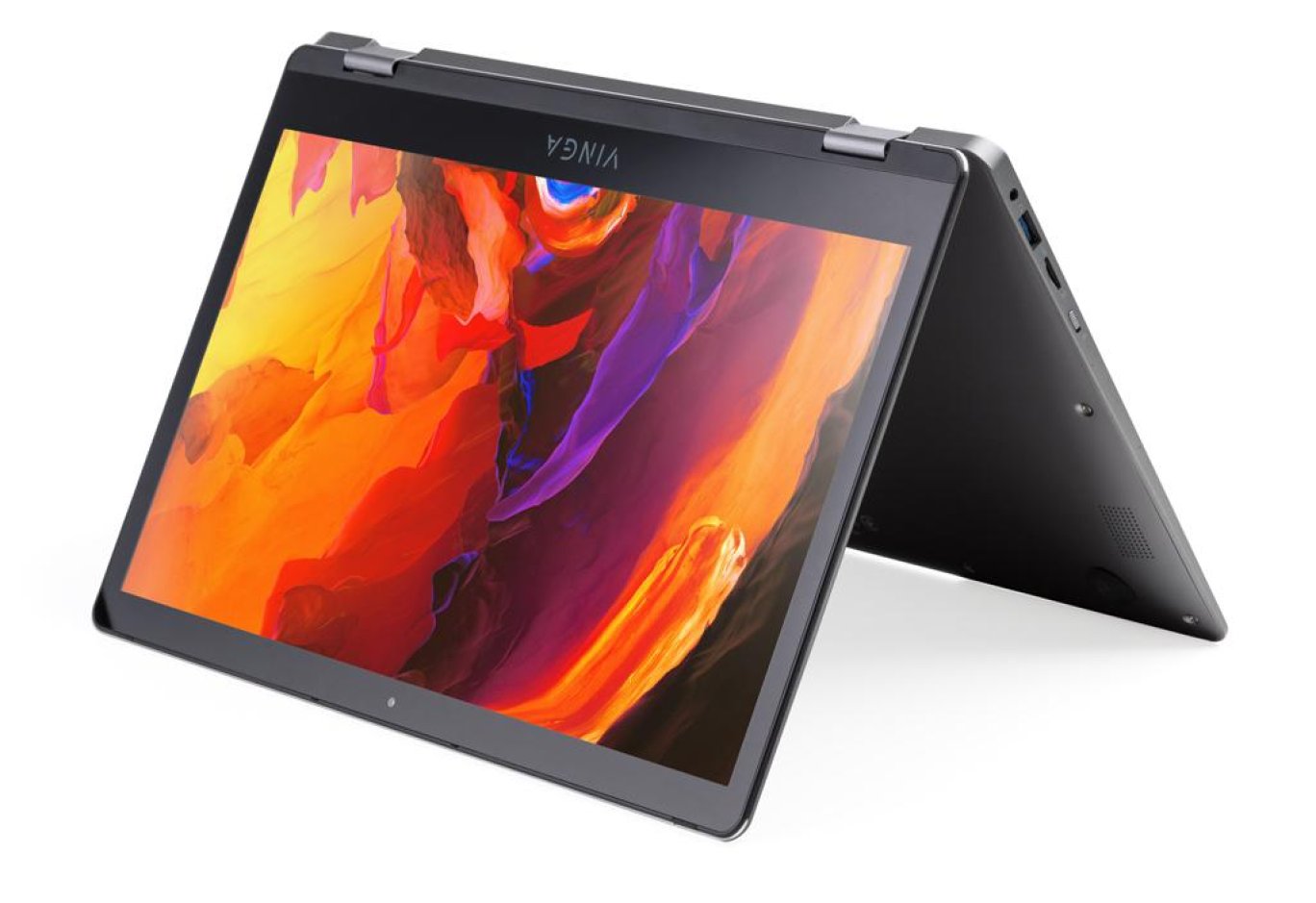
The Vinga Twizzle series includes two models with screen diagonals of 11.6" and 13.3". Our testing involved the modification with the larger display size. As expected from transformers, the Twizzle Pen J133 laptop allows the screen to rotate 360 degrees, supporting four usage modes: traditional laptop, stand, tent, and tablet. This is achieved through special hinges that allow the display module to rotate at any angle, with auto-alignment working when reaching tablet mode and when closing the lid. Note that while you can't open the laptop with one hand, the front cutout on the system part allows for easy lid gripping. The laptop's construction is well-balanced, allowing the screen to tilt at a large angle without losing stability. To avoid accidental key presses in tablet mode, there's a switch on the left side of the device.

Stereo speakers are located on the bottom of the laptop on its sides
The laptop's body is made of aluminum and painted in gray. The lid features a noticeable Vinga logo made of shiny metal. Thanks to this material, the 13.3-inch laptop weighs 1.44 kg, and its thickness is 17.5 mm.
One of the secrets to the affordability of this laptop is the use of an Intel Pentium N4200 processor with integrated Intel HD Graphics 505, whereas more powerful chips are usually installed. According to the developers, this platform is quite suitable for most common office tasks and the education sector. Importantly, the thermal package of the installed processor allows for a passive cooling system: heat dissipation occurs through the metal body. Notably, even during maximum load testing, when the chip temperature occasionally exceeded 80 degrees, the body only slightly warmed up. Therefore, even when performing the most resource-intensive tasks, the laptop can be safely left on your lap.

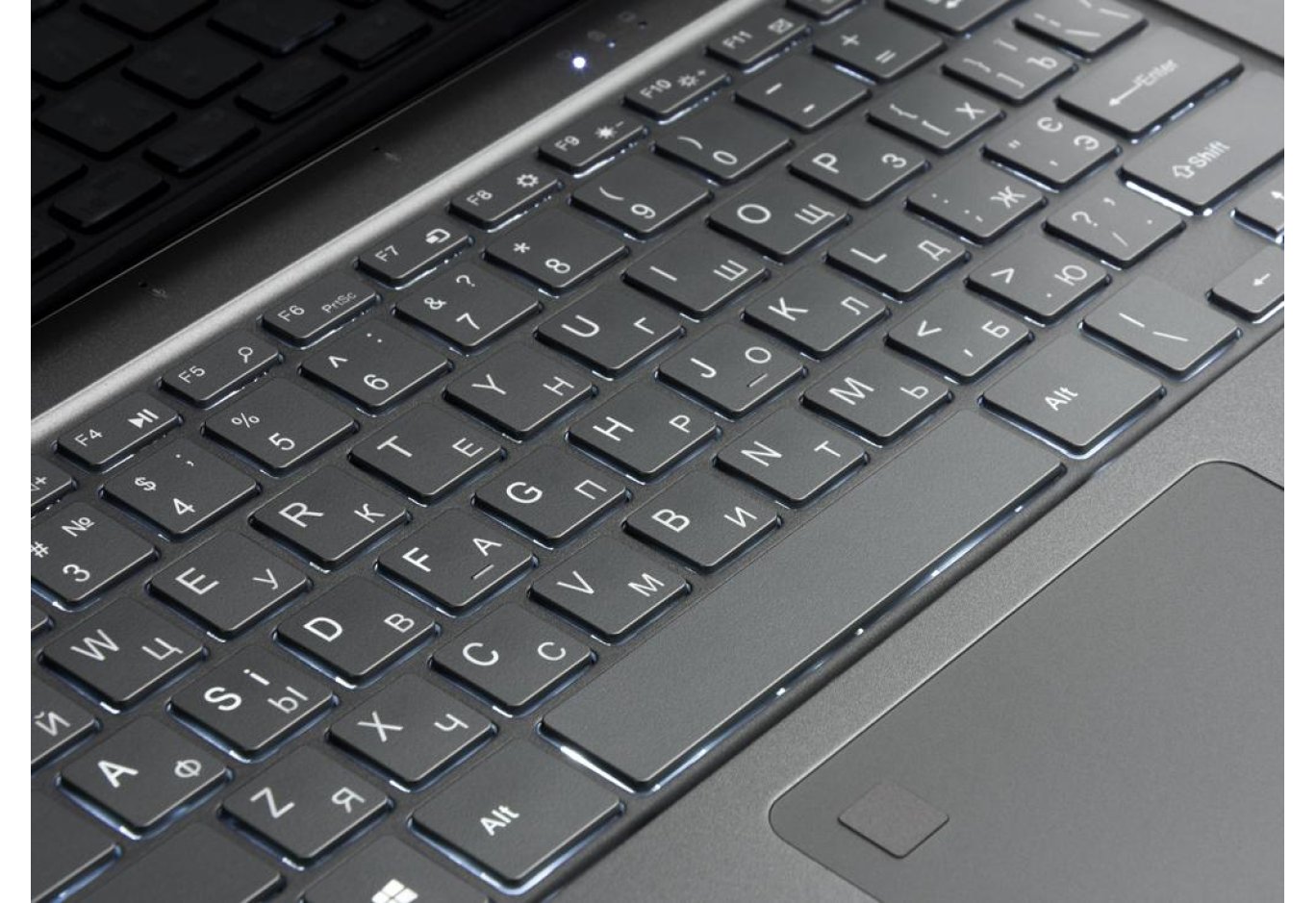
The keyboard layout includes a power button instead of the Del key
The hardware platform also includes 4 GB of DDR4 RAM and a 64 GB eMMC solid-state drive. The manufacturer has provided the possibility of expanding only the built-in storage system using an M.2 SATA SSD (2242) form factor, which is installed in a slot under the bottom cover. To do this, you only need to unscrew one screw, and warranty obligations are not lost.
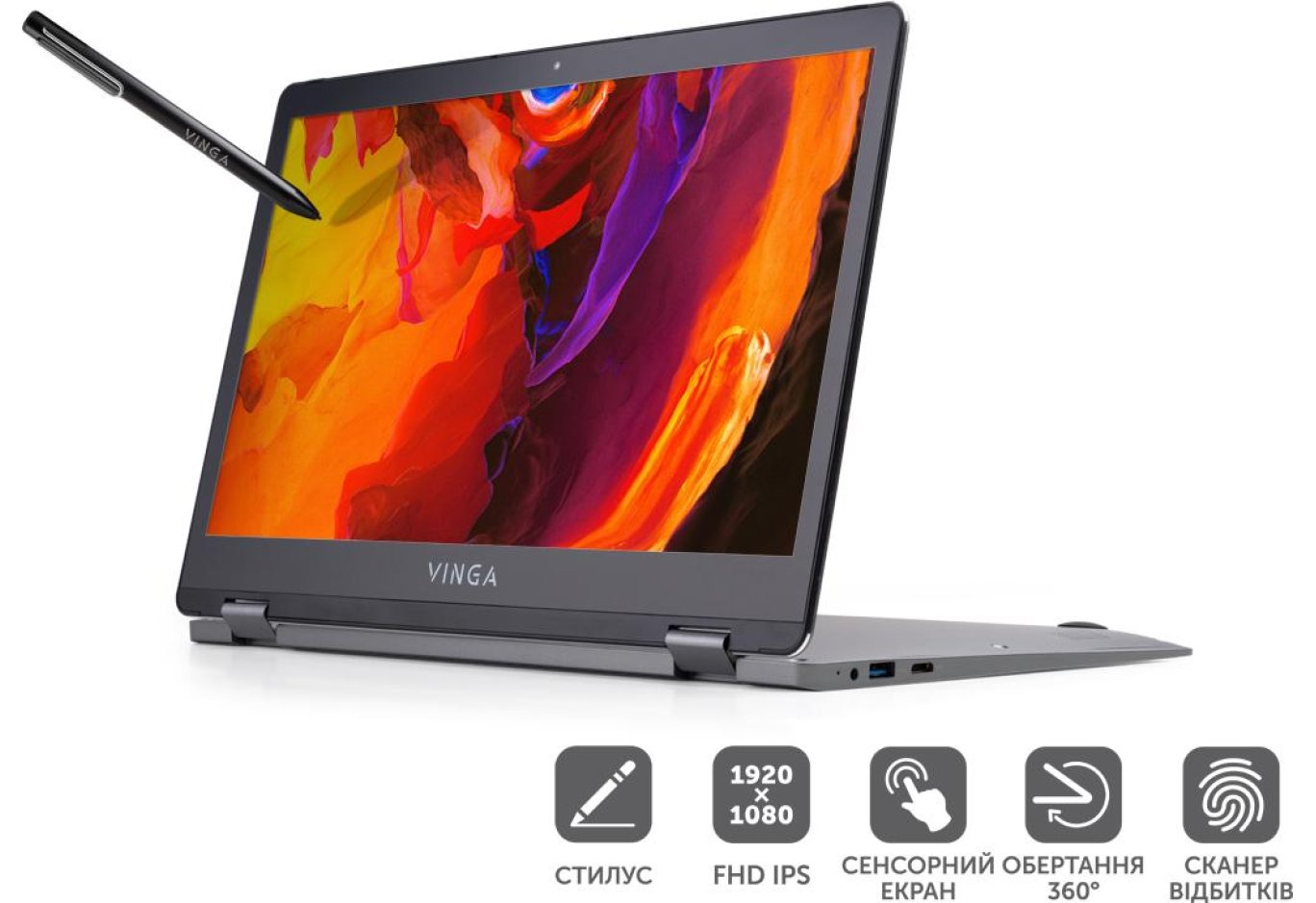
Among similar solutions in the same price category, the Twizzle Pen J133 model stands out for using an IPS-type LCD panel, while other manufacturers install TN matrices. The 13.3-inch Full HD (1920 × 1080) display is protected by durable glass and supports touch control.

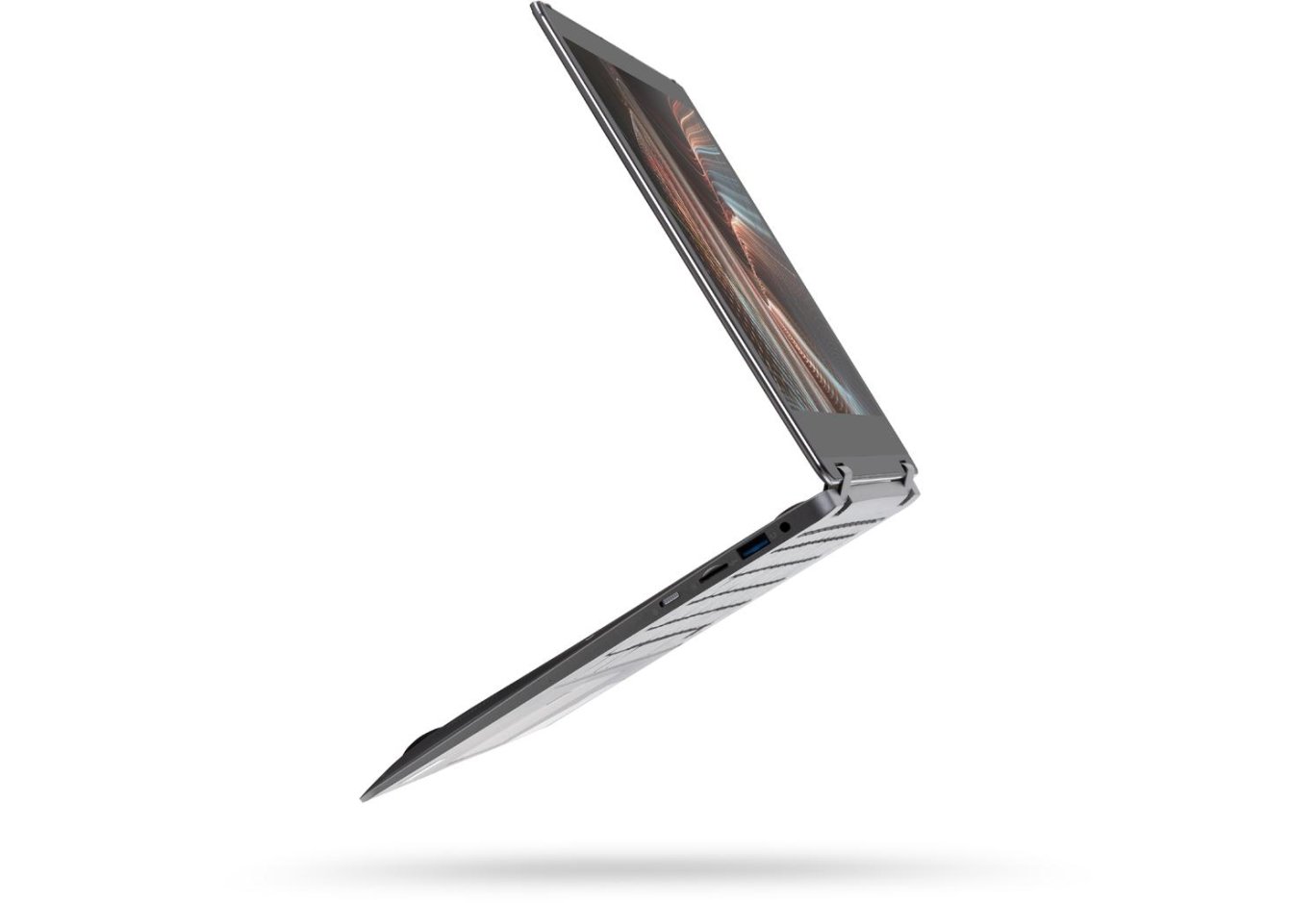
On the left side of the body, there's a keyboard lock switch, a microSD card reader slot, a USB port, and a universal audio jack
Notably, the device package includes a stylus. That's why the model name features the word Pen. All the advantages of using a stylus can be experienced with the Windows Ink touch input program suite included in the Windows 10 operating system.
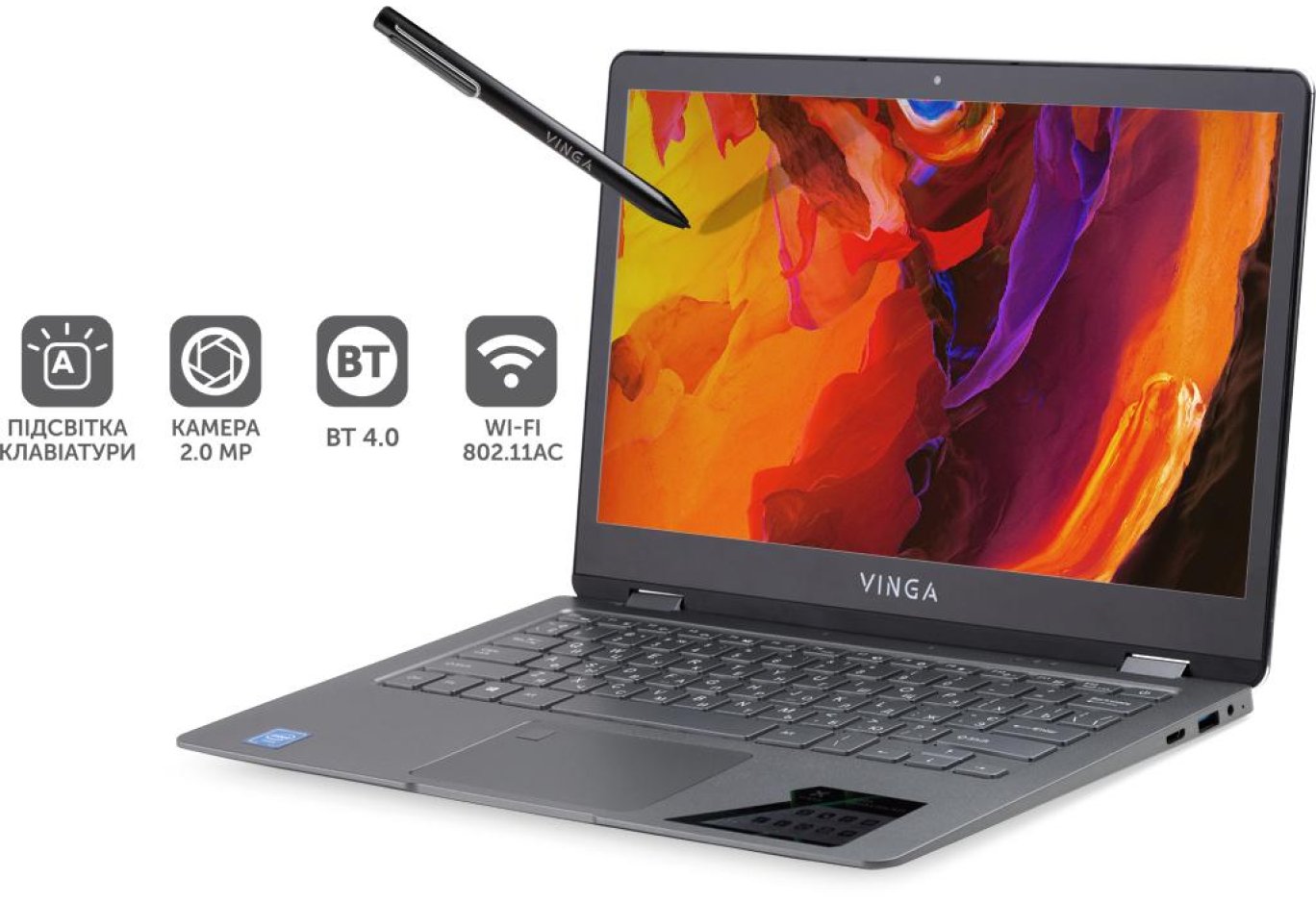
Above the screen is a 2 MP webcam, with an LED indicating its activation. Stereo microphones are installed on the system block above the keyboard, which may cause inconvenience during video conferencing in tablet mode, as they will be facing away from the user. Stereo speakers are located on the bottom of the laptop.
On the right side, there are miniHDMI and USB ports, as well as a power connector
The set of communication ports includes USB 3.0 and USB 2.0 (one on the right and left sides), a miniHDMI and power connector on the right, and a microSD card reader slot and a combined 3.5 mm audio jack on the left. Wireless interfaces are based on Intel Wireless-AC 3165, allowing operation according to the 802.11ac Wi-Fi and Bluetooth 4.2 standards.
The keyboard is full-sized with backlighting, for which two brightness levels can be set. The layout is such that the power button is located in the upper right corner, which may not be immediately noticeable. The placement of this button is related to the following feature of the model's operation in tablet mode: the keyboard lock switch does not affect this key, so there is a risk of accidentally pressing it when the tablet is placed, for example, on your lap.
In the upper left corner of the touchpad is a fingerprint scanner
Due to the absence of a physical [Del] key, its function is performed by the [Ctrl] + [D] keyboard combination. The model also has an interesting "Easter egg" - pressing the letter N in the Vinga logo under the screen brings up the Start menu. Since there is no [Del] key, the familiar [Ctrl] + [Alt] + [Del] combination can be invoked using [Ctrl] + [Fn] + [Alt] + [Backspace]. The touchpad includes a fingerprint scanner, allowing for quick OS login.
Testing
The set of test programs to explore the capabilities of the Twizzle Pen J133 was determined by the model's positioning and equipment. Since the device configuration does not include discrete graphics, we did not separately evaluate the performance of the integrated Intel HD Graphics 505 video. The PCMark 10 package showed an overall score of 1345. In the set of basic tasks, including video conferencing and web browsing, this figure reached 3449. Performance when working with spreadsheets and texts is rated at 1915, while media content creation, covering photo and video editing, as well as rendering and visualization, is only 1002. As we can see, the graphics subsystem in this platform turned out to be the weakest link, so it is not worth relying on it for such tasks. And although modern games on this laptop are out of the question, it works quite normally with office packages.
Just unscrew one screw to install an M.2 SATA SSD (2242) form factor
Since the laptop is primarily oriented towards business tasks, we explored the system's autonomy using the PCMark 8 package, putting it in power-saving mode. It is quite comfortable to work with the display in this mode, even though its brightness is reduced by 50%. It turned out that 80% of the built-in 4500 mAh battery charge lasted for 3 hours and 35 minutes, so the expected battery life is estimated at 4 hours and 16 minutes. During this time, the Intel Pentium N4200 chip operated at a clock speed of 1.1 GHz, achieving a score of 1536 in the test.

With the stylus, you can use Windows Ink applications
The performance of the built-in SanDisk DA4064 solid-state drive was separately studied using PCMark 8. It was found that it reaches 87.22 MB/s.
We also examined the stability of the Twizzle Pen J133 with web browsers when a large number of tabs were open. Even with 20 windows, when almost all the RAM was exhausted, the system behaved quite correctly without freezes and noticeable delays when switching between sessions.
The Twizzle Pen J133 model is available with pre-installed Windows 10 for 10599 UAH
Summing up the review, it can be concluded that the Twizzle Pen J133 model coped with all tasks and can be recommended for work in the business sphere or education, as a solution with an excellent price-performance ratio. The recommended retail price of this laptop is 10599 UAH with a pre-installed Windows 10 operating system. The only feature of the device is the location of the power button on the keyboard, which in tablet mode may lead to accidental pressing even when locked with a special toggle.