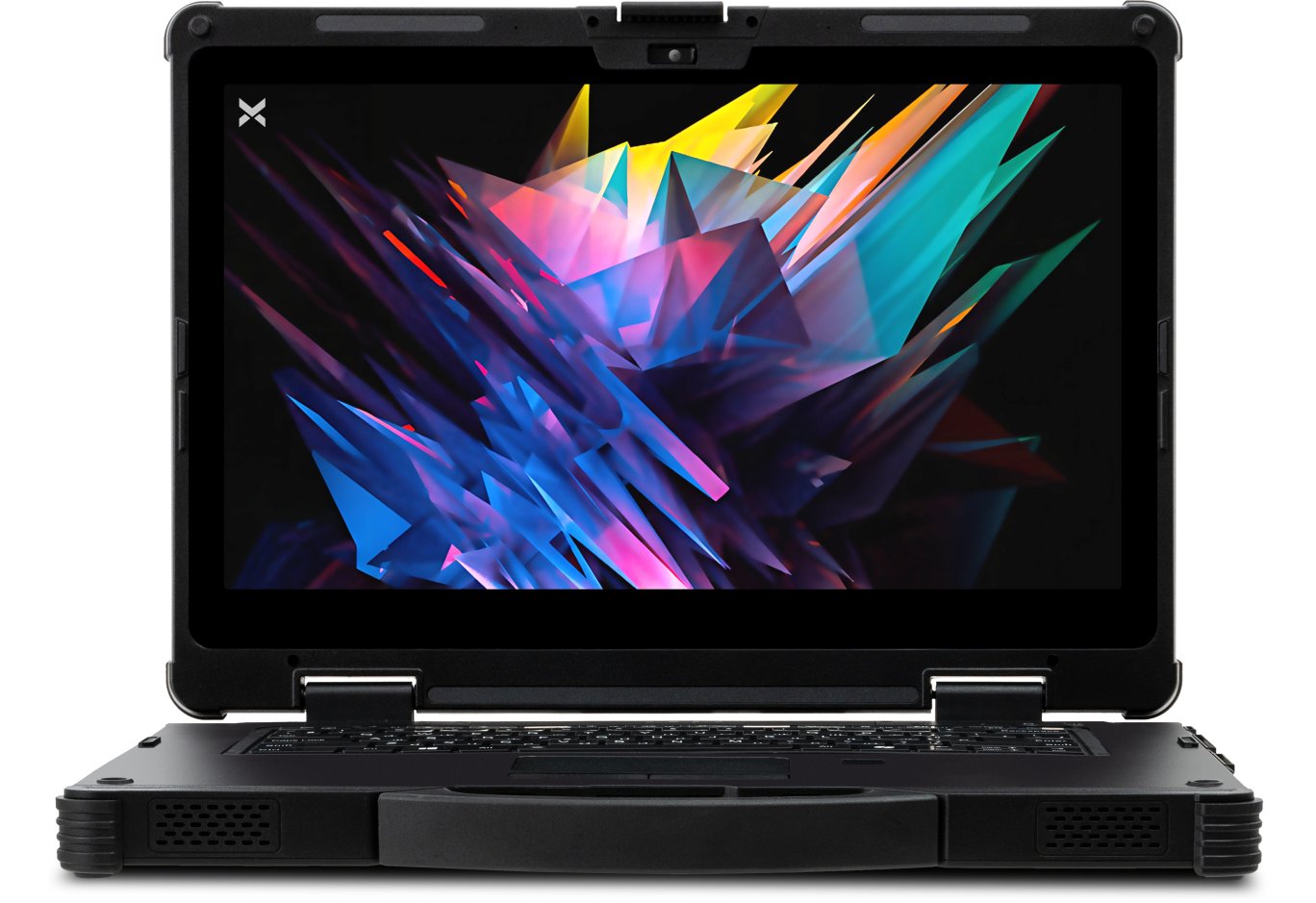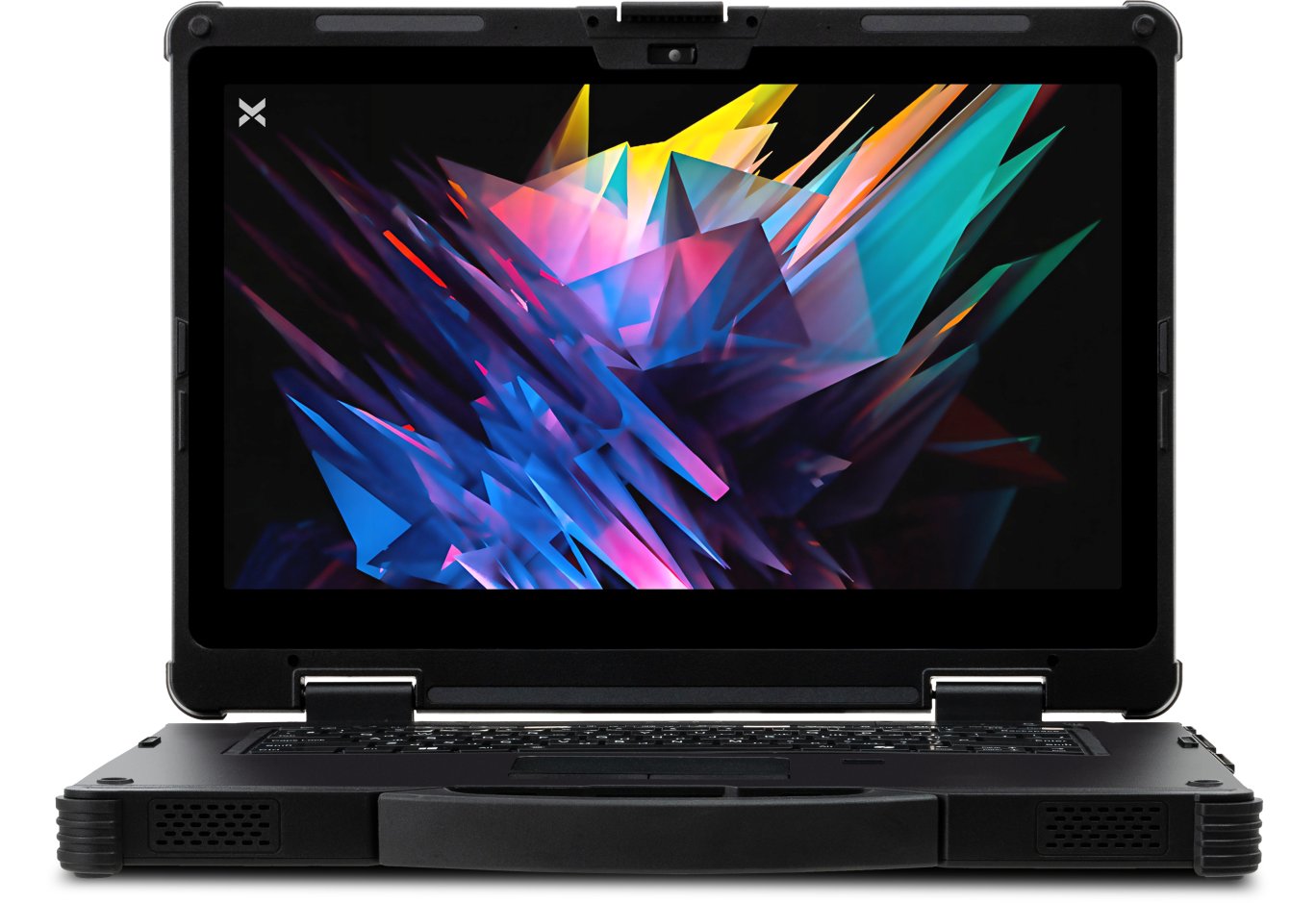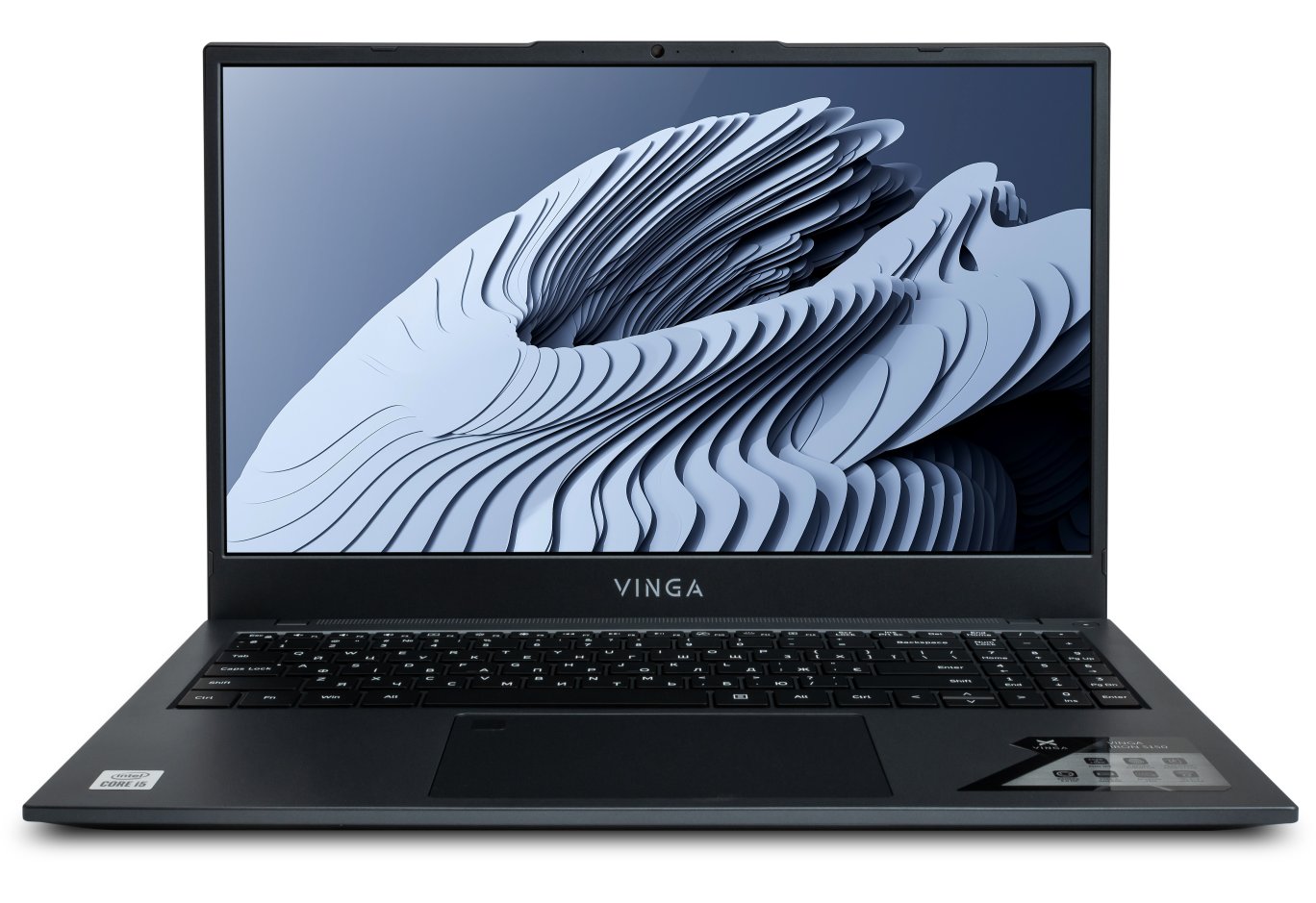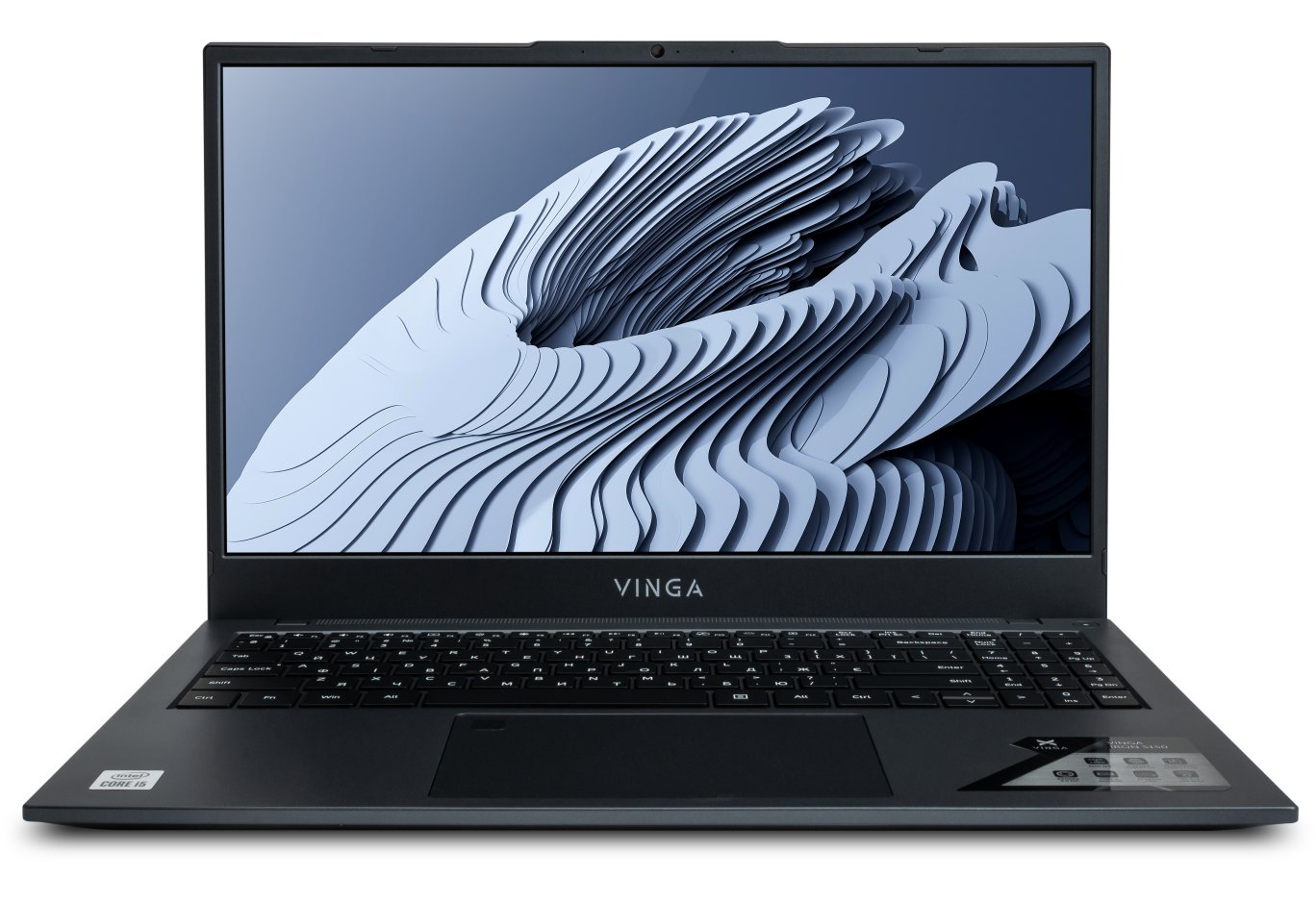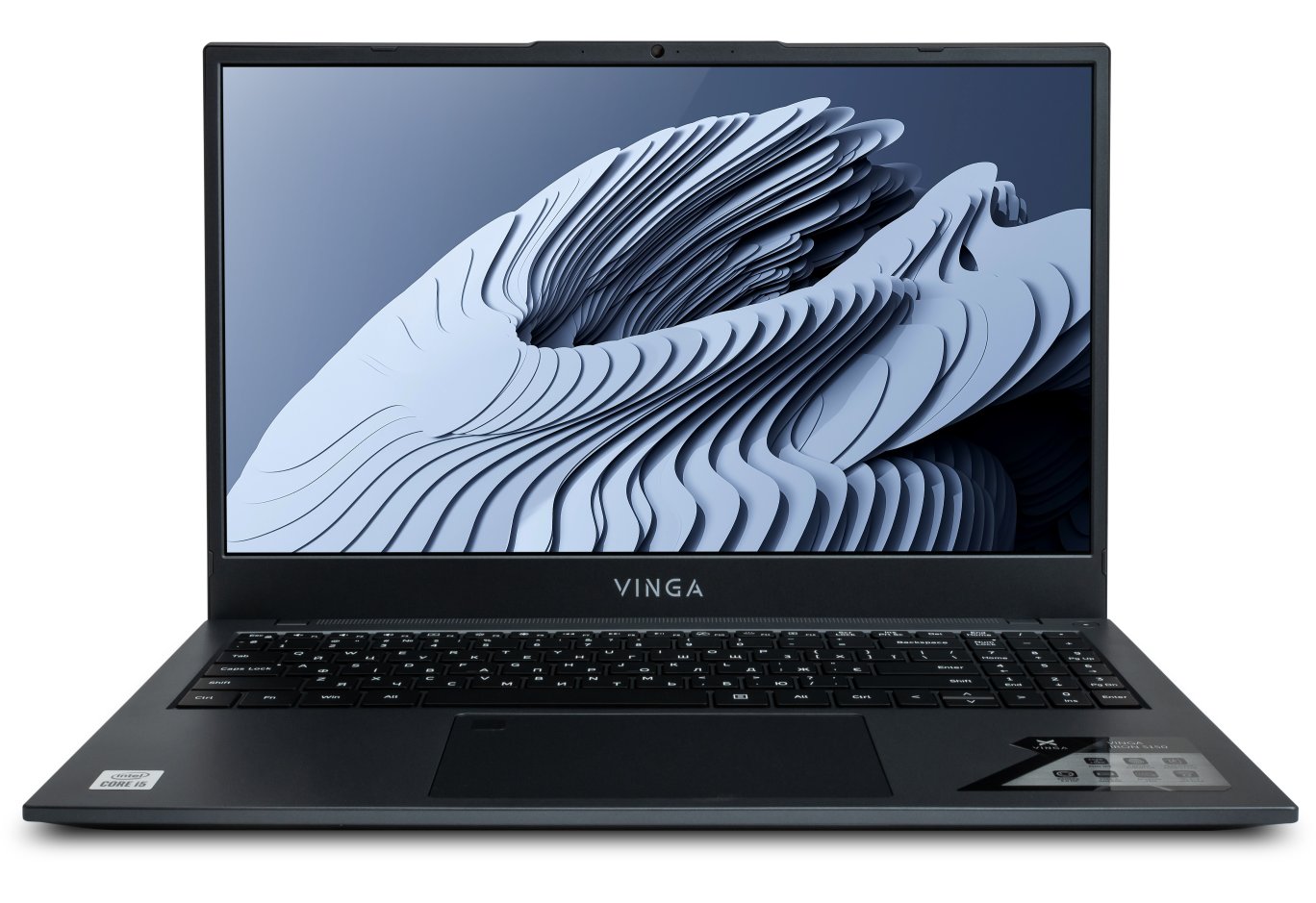


Laptop Vinga Twizzle J116 (J116-P50464GWP)
Usually, we don't need a high-performance laptop for crazy money to perform simple everyday tasks. Entry-level solutions that handle office suites, internet surfing, and multimedia content consumption are sufficient for this. Such a device should be compact, have a minimal set of ports and communications, a comfortable keyboard, a decent screen, a quiet and efficient cooling system, and good battery life. These qualities turn a laptop into a useful mobile assistant.

Potentially, the convertible laptop Vinga Twizzle J116 looks like this. For a modest $355 (₴ 9999), you get an 11.6-inch Full HD IPS display, a 4-core Intel Pentium Silver N5000 processor, 4 GB of RAM, and 64 GB of ROM. Let's see if the novelty can live up to the expectations placed on it.
Specification
|
Model |
Vinga Twizzle J116 (J116-P50464G) |
|
|
Processor |
Intel Pentium Silver N5000 (4 x 1.1 – 2.7 GHz; L2 – 4 MB) |
|
|
Display |
PANDA LC116LF3L03: 11.6", IPS, 1920 x 1080 (190 PPI), LED backlight, touch, capacitive, protective glass |
|
|
Graphics Adapter |
Intel UHD Graphics 605 (18 x 200 – 750 MHz) |
|
|
RAM |
4 GB LPDDR4-2400 MHz |
|
|
Disk Subsystem |
64 GB eMMC |
|
|
Card Reader |
microSD |
|
|
Interfaces |
1 x Mini-HDMI 1 x USB 2.0 1 x USB 3.0 1 x combined audio jack |
|
|
Multimedia |
Acoustics |
Stereo |
|
Microphone |
Stereo |
|
|
Camera |
2 MP |
|
|
Network Capabilities |
802.11a/b/g/n/ac Wi-Fi and Bluetooth 4.2 (Intel Wireless-AC 3165) |
|
|
Sensors |
Accelerometer, gyroscope, and fingerprint scanner |
|
|
Battery |
Lithium-polymer: 7.6 V, 4000 mAh, 30.4 Wh |
|
|
Charger |
Input: 100 ~ 240 V AC at 50/60 Hz Output: 12 V DC, 2 A |
|
|
Dimensions |
277 x 187 x 15 mm |
|
|
Weight |
1200 g |
|
|
Color |
Gray |
|
|
Operating System |
- |
|
|
Official Warranty |
12 months |
|
|
Manufacturer's Website |
||
Supply and Package


Vinga Twizzle J116 is packed in a small box made of dense cardboard. It is designed in black tones and allows you to not only assess the appearance of the product but also its key features.
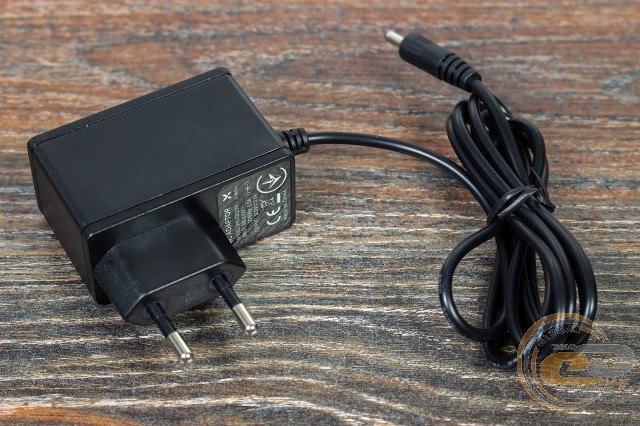
Along with the laptop, we found only a small charger with a fixed cable and user documentation.
Appearance, Element Placement


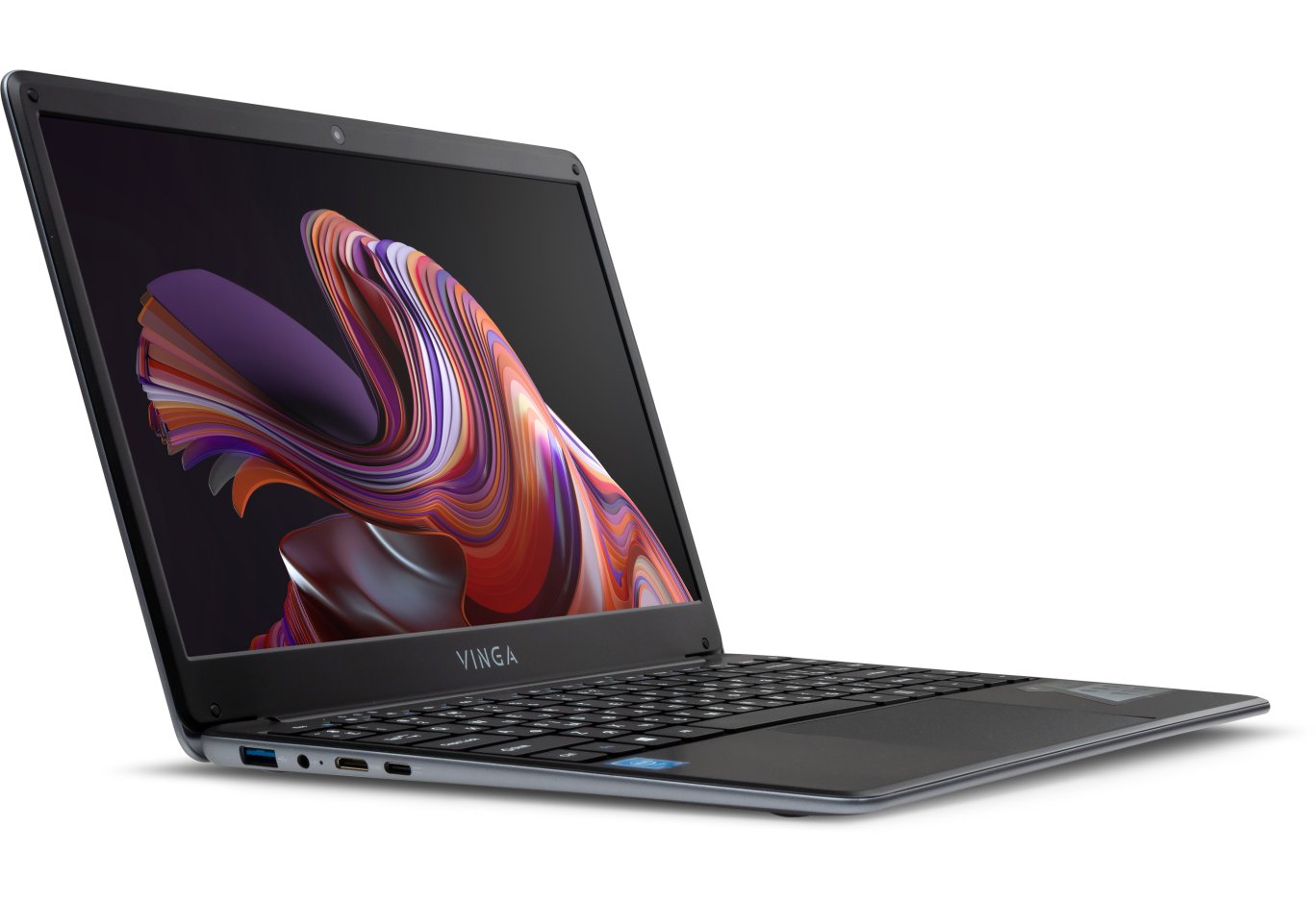
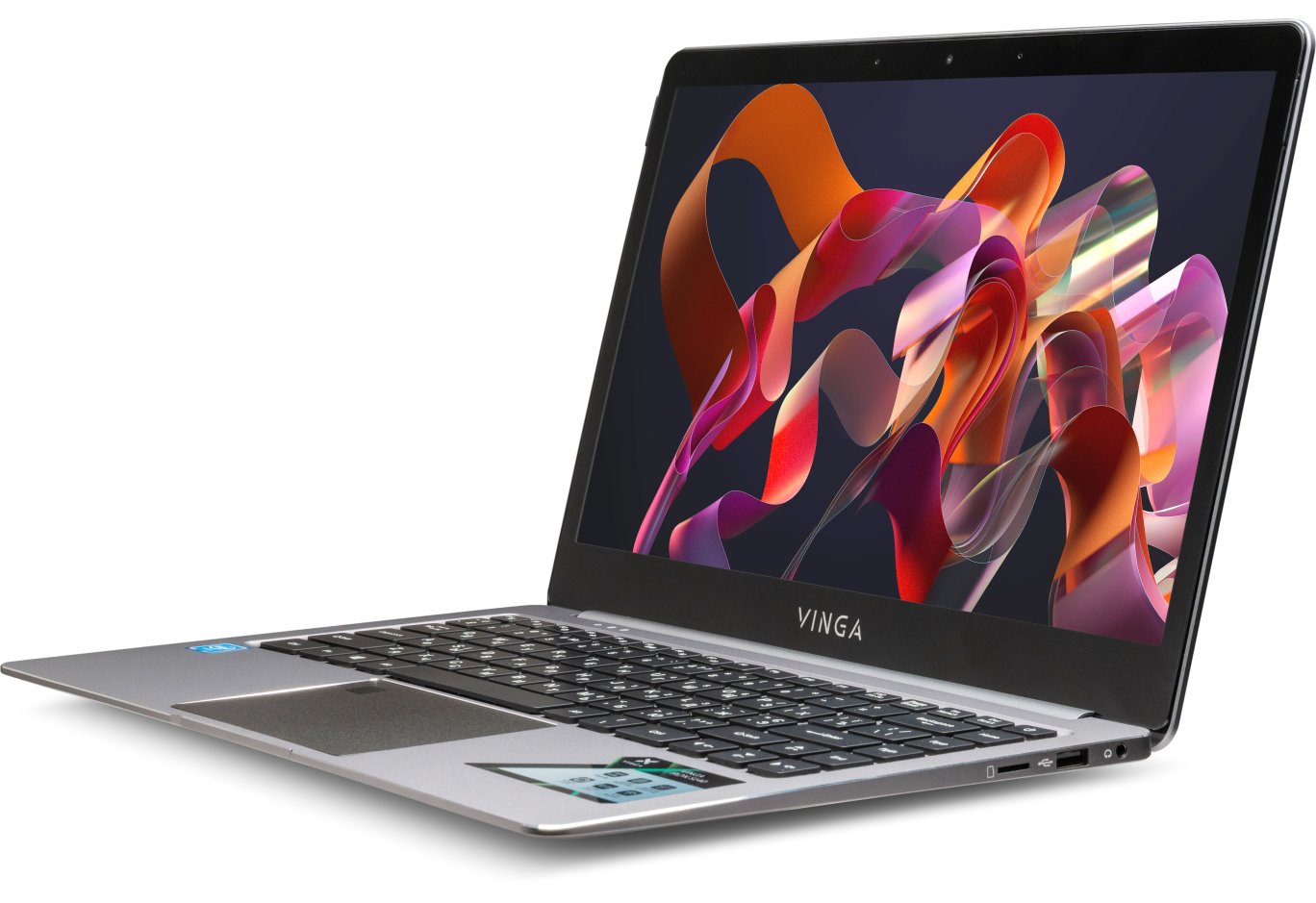
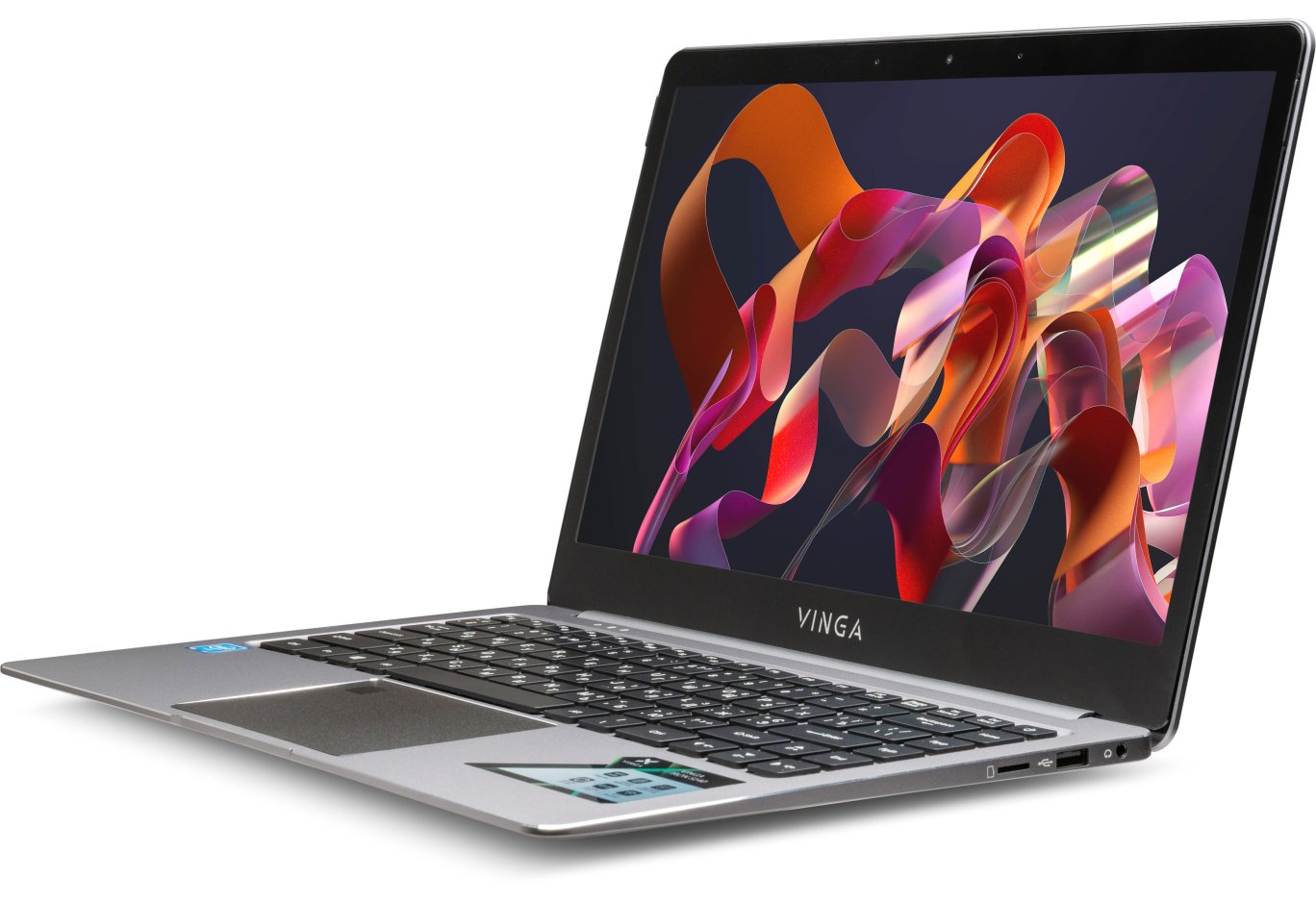
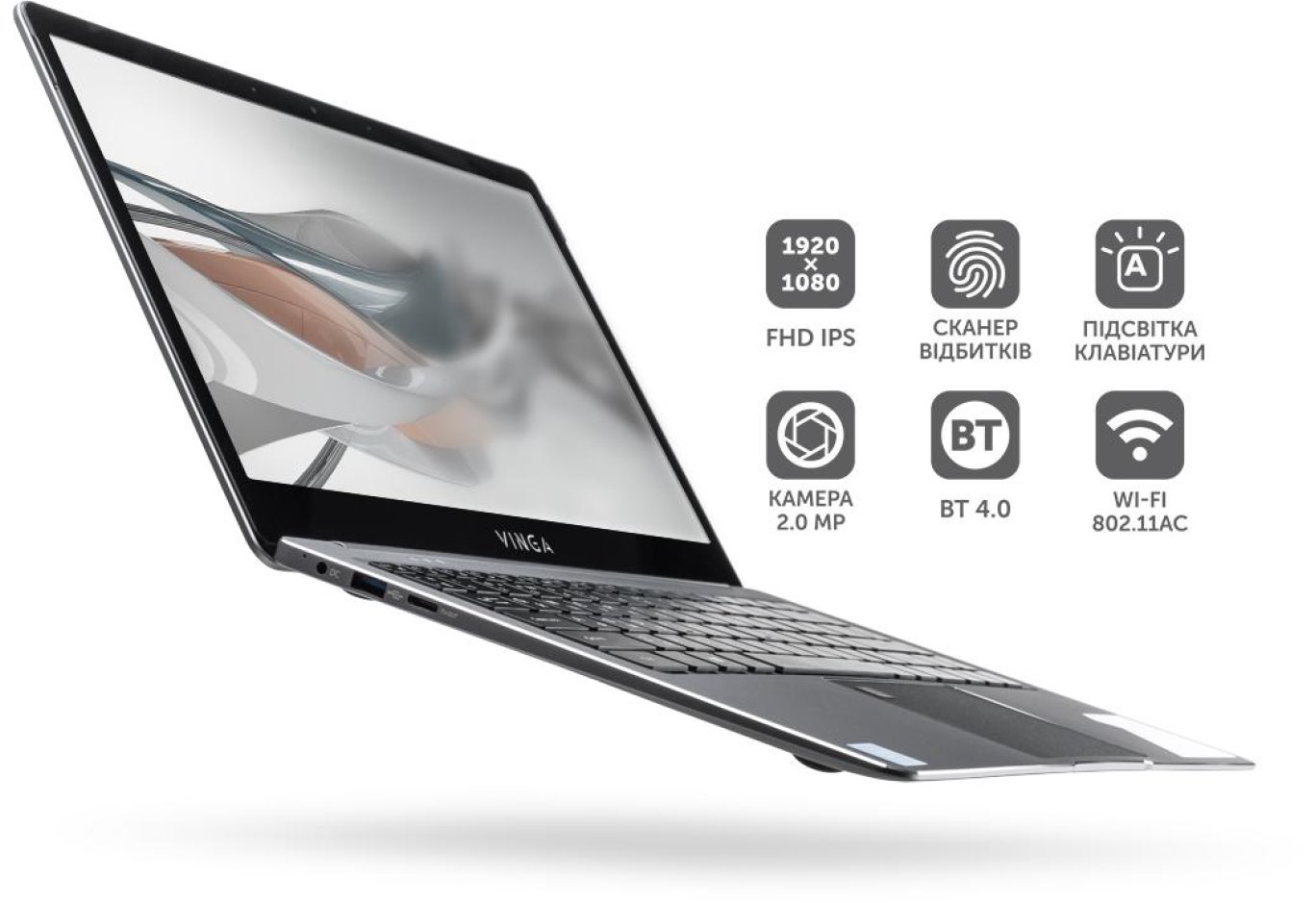
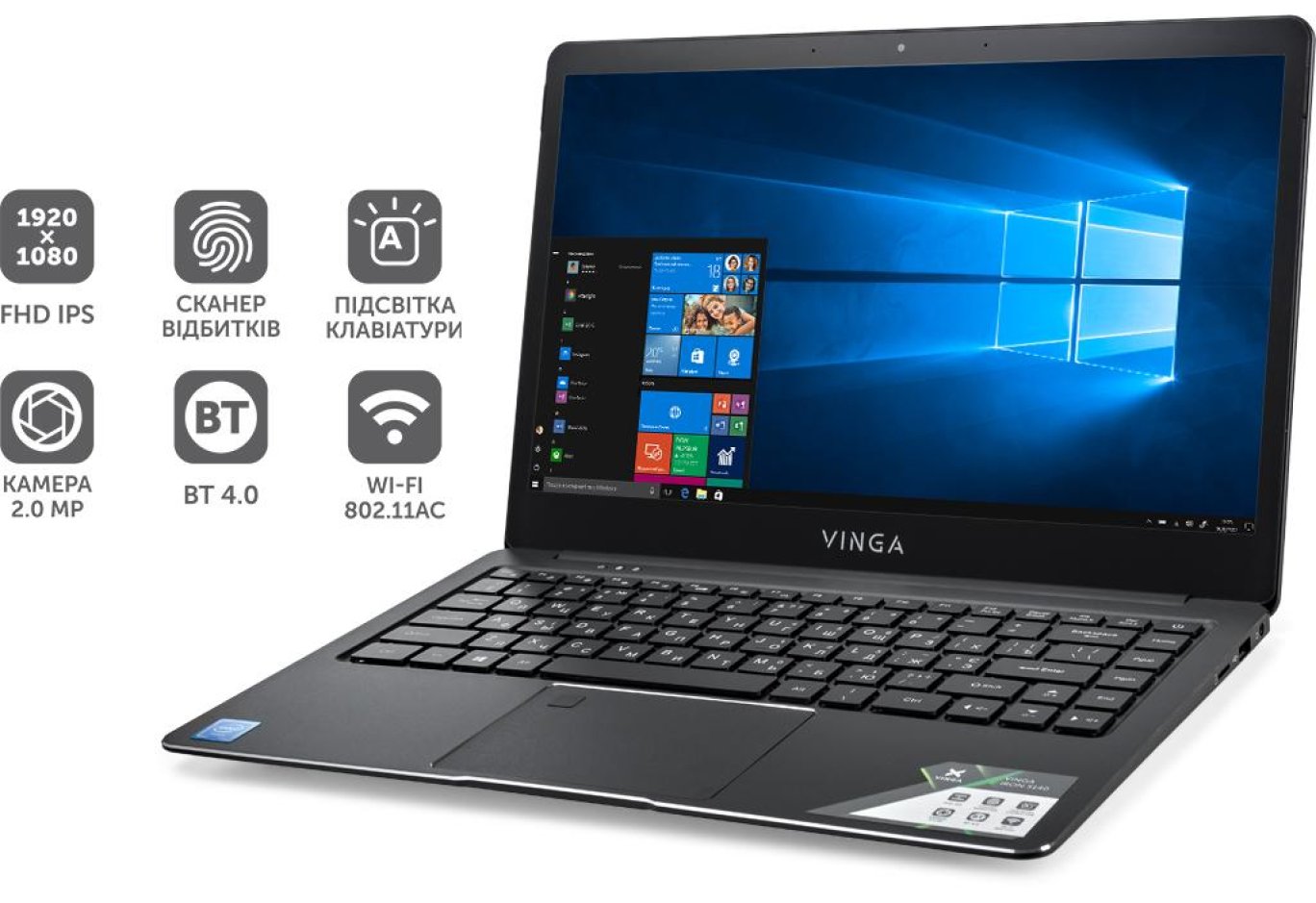
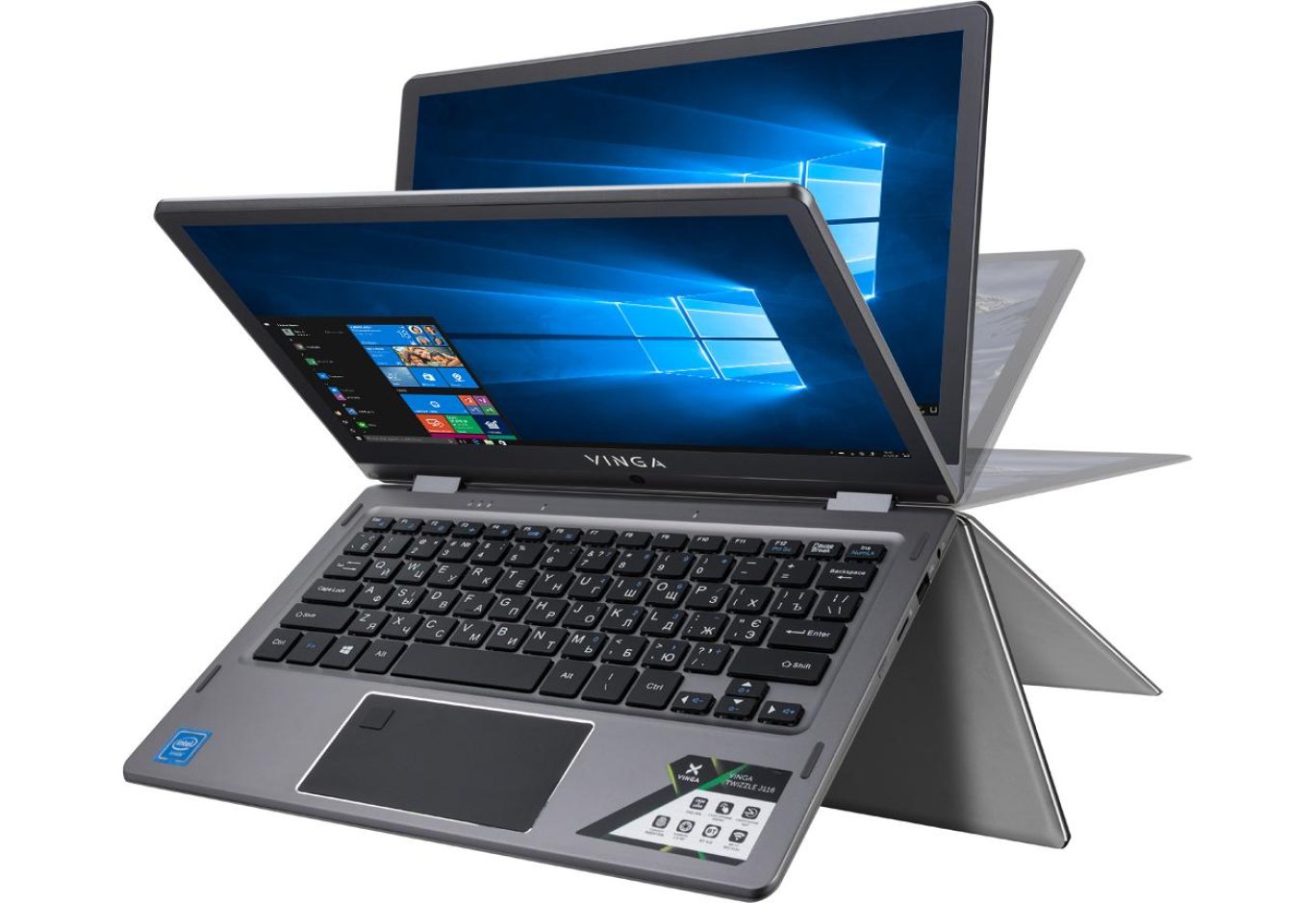
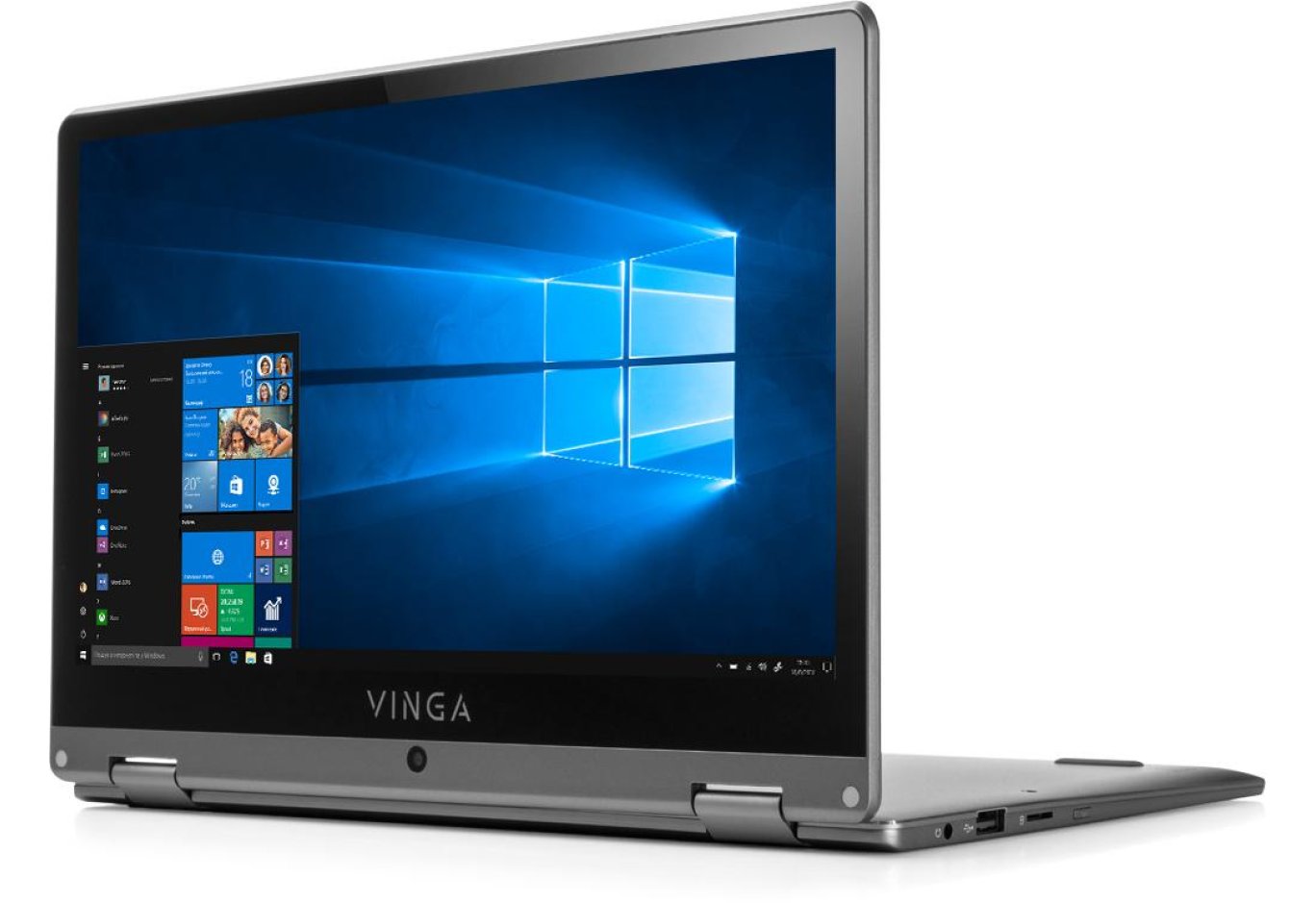
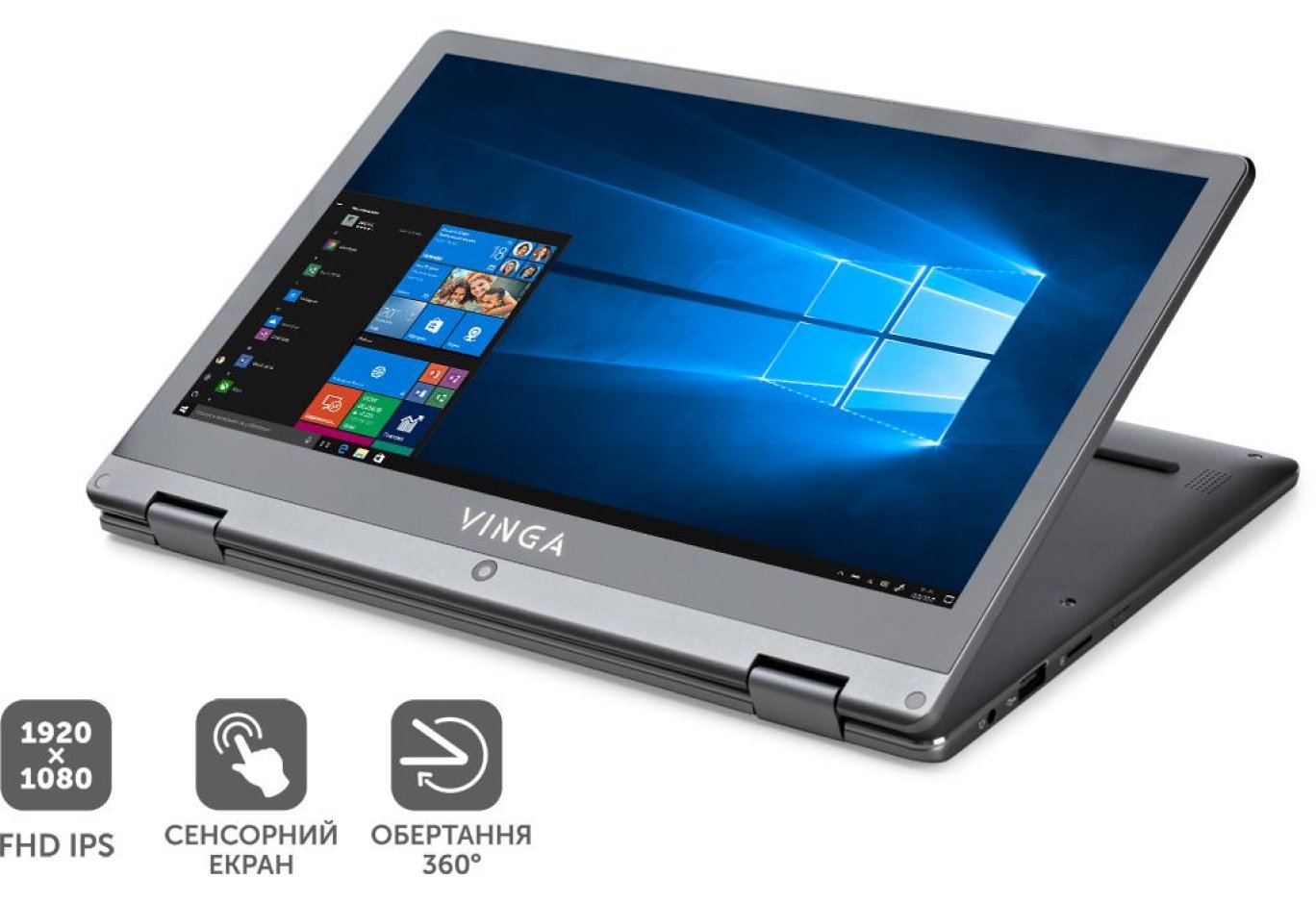
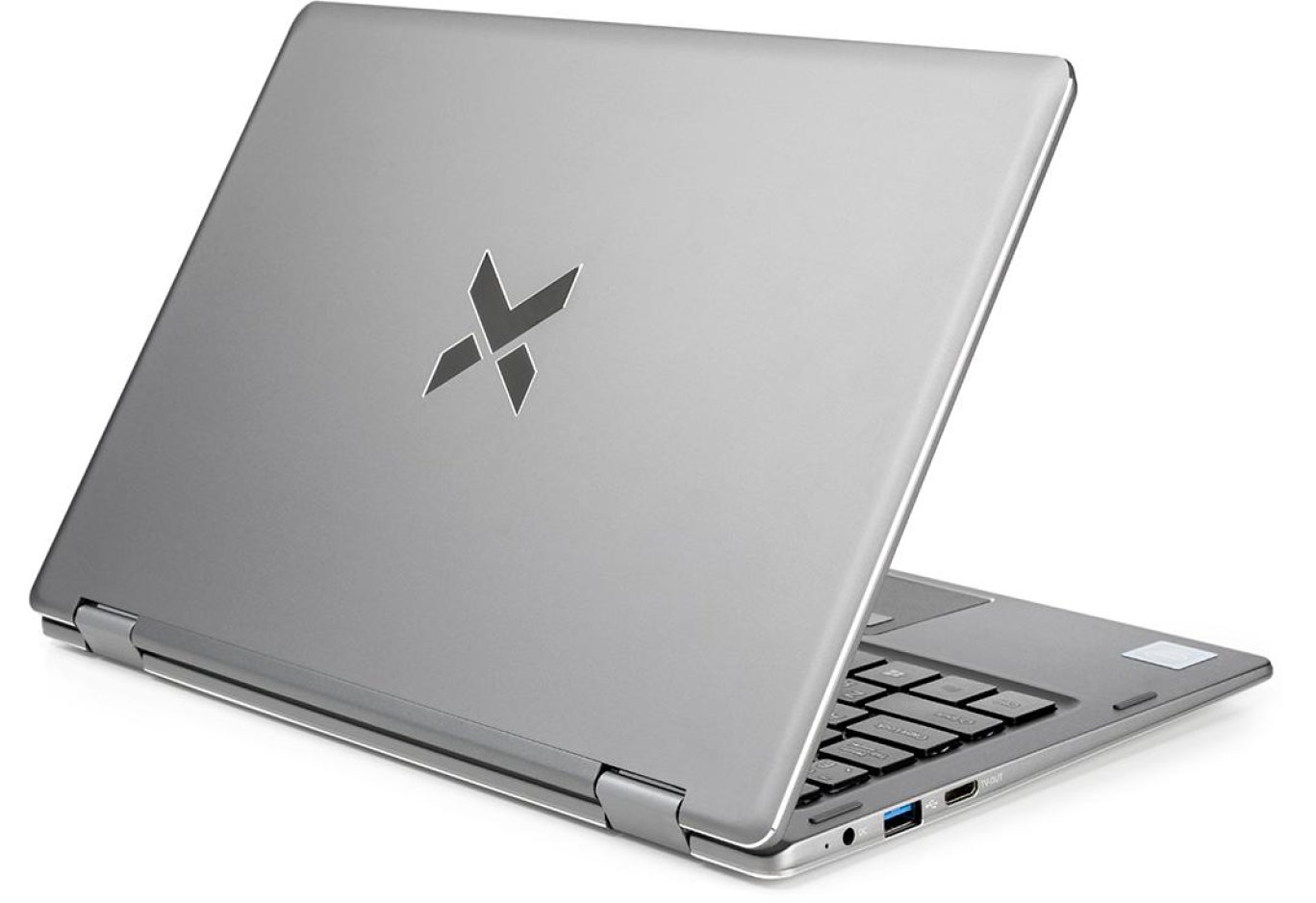
The Vinga Twizzle J116 looks quite strict and attractive. The wedge-shaped body with smooth contours is devoid of any excesses. Among the most noticeable elements are the shiny chamfer around the perimeter and the manufacturer's logo on the display lid.
Unlike most plastic competitors, the novelty is completely metal. The lid and display frame, palm rest area, bottom, frame, and even the hinge trim are made of aluminum. The screen is covered with tempered glass. All surfaces are smooth and matte, making them not only tactilely pleasant but also practical.

The dimensions and weight of the novelty are also pleasing. It's a compact 11.6-inch laptop or a rather thick and heavy tablet. Such a device can be taken with you everywhere without any particular problems.

Moderate bezels around the screen (9.5 mm on the sides, 11 mm on top, and 33 mm at the bottom) do not irritate or distract during use.

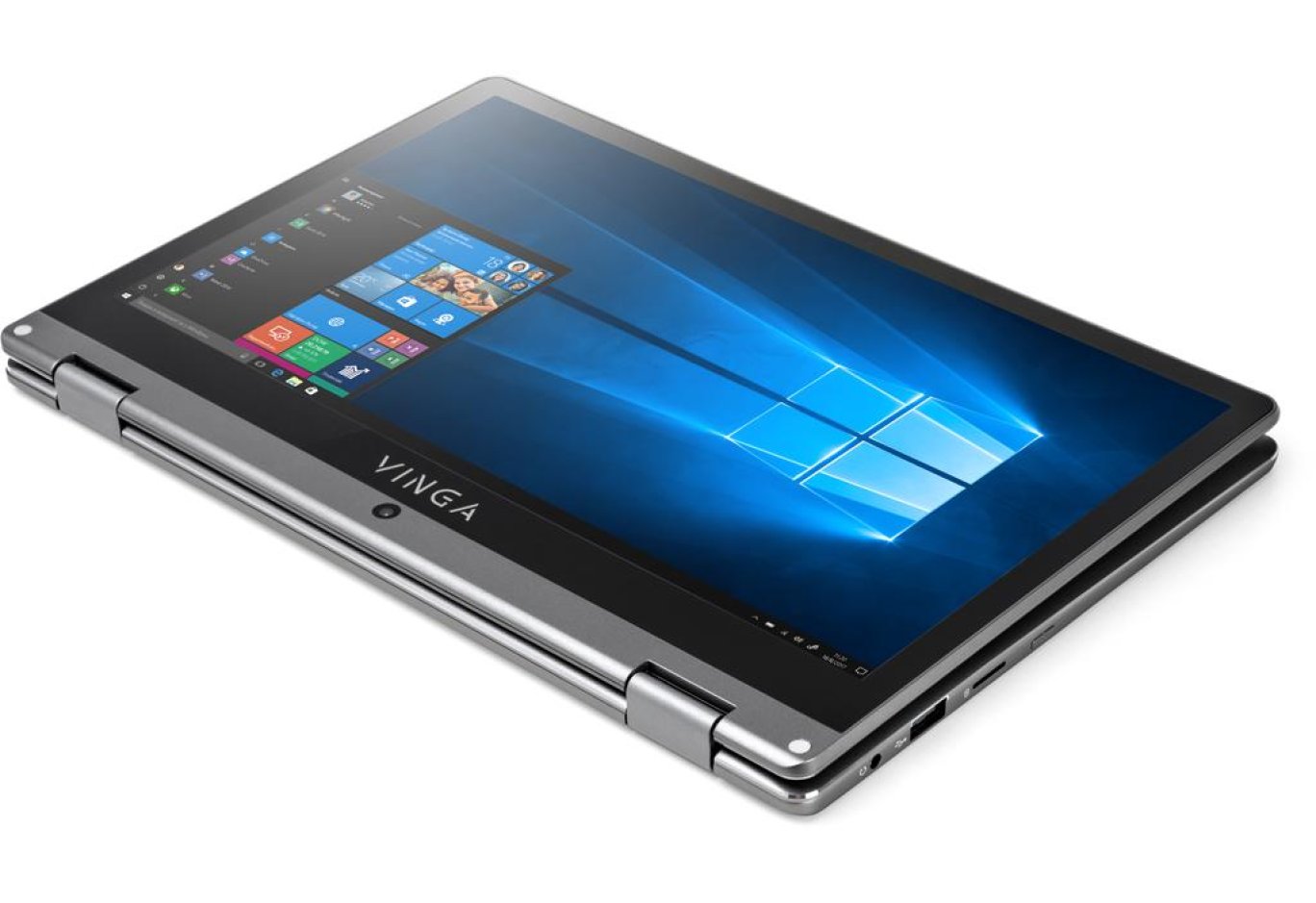
The display unit is attached to the base using two 360-degree hinges, which are spaced at the edges of the case. They are quite tight in the range of 20-25° to 335-340°, and in the extreme positions, the adjustment is done automatically under the weight of the display unit. The position fixation is excellent. However, a full 360° is unattainable because the lid rests against the feet on the base, and there is a slight play. You can't open the laptop with one hand, but there are beveled edges for easy prying.
The gadget can be used in three modes: laptop, console, and tablet. The traditional option is designed for working with text or other office applications. The second mode is suitable for slide presentations, video, or photo viewing. And the third will be an excellent option for surfing the internet while lounging on a cozy couch or reclining in a chair.
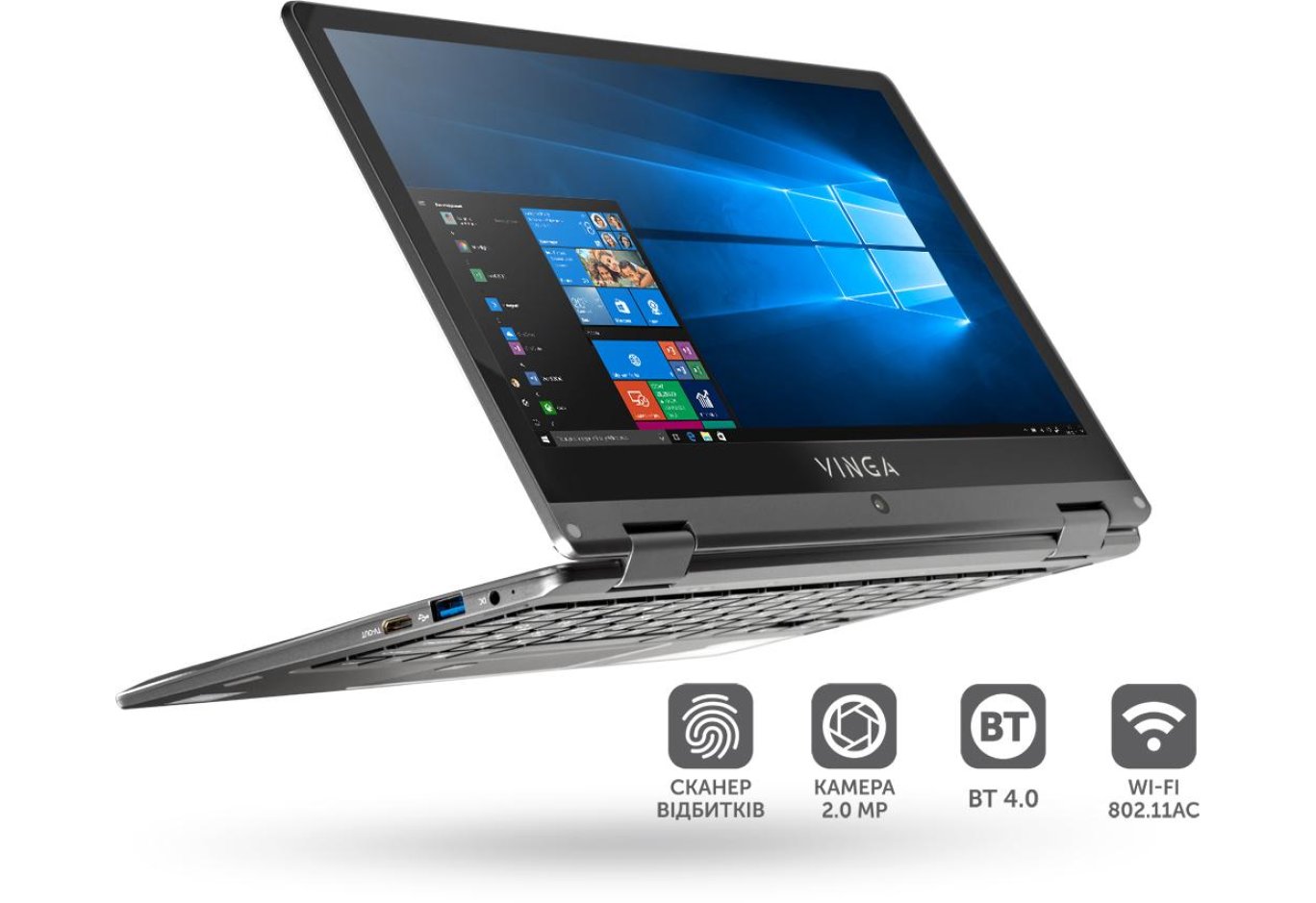
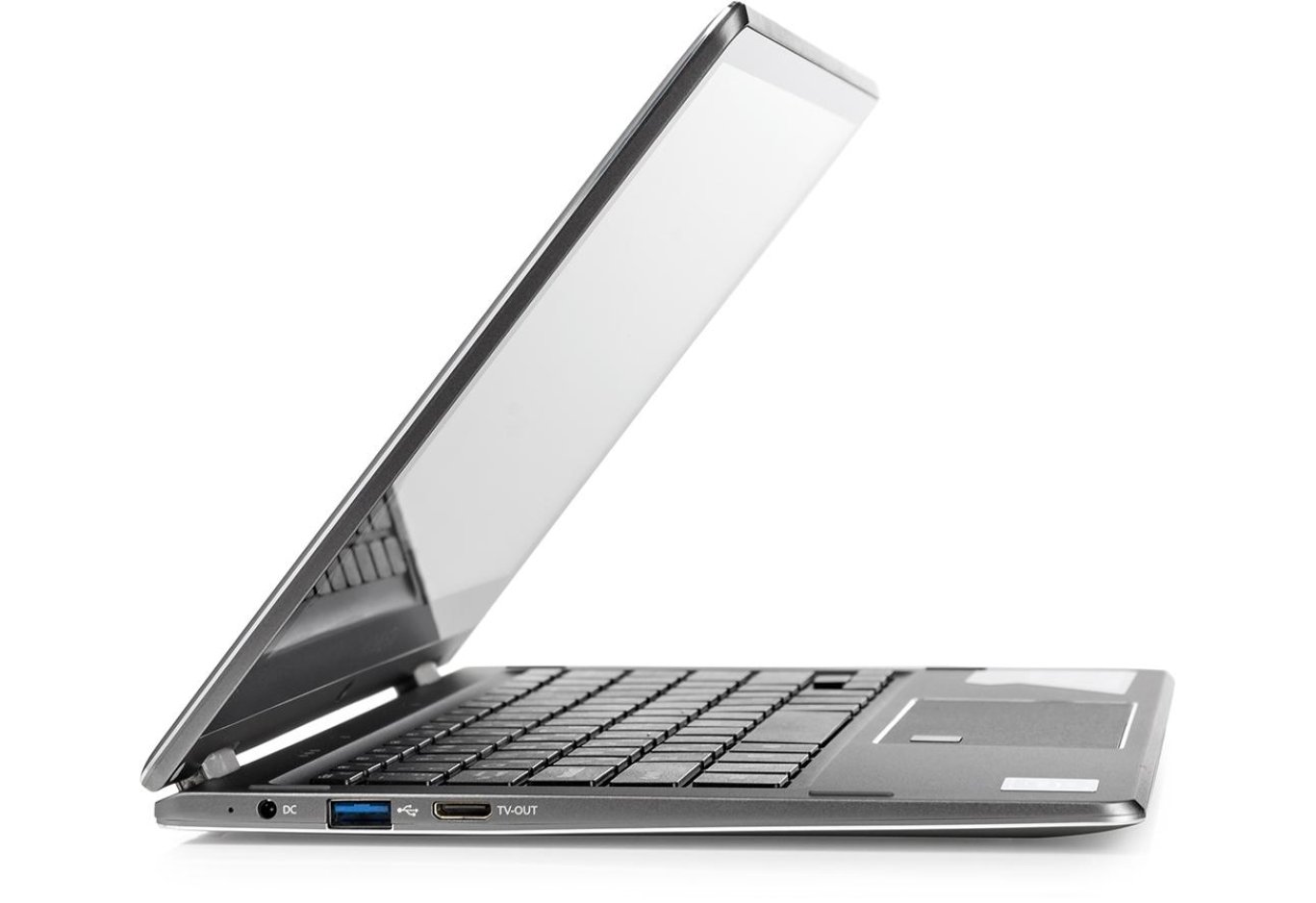
In terms of ports and interfaces, Vinga Twizzle J116 offers the necessary minimum. On the right, there is a power button, a microSD card reader, a USB 2.0 port, and a combined 3.5-mm audio jack. On the left side, there are: Mini-HDMI, USB 3.0, and a power connector. So if necessary, you can connect a manipulator, storage device, external display, or memory card of the most common format.

On the base of the laptop, there is a hatch, four grippy rubber feet, and a pair of speakers.
By unscrewing two screws, we gain access to the installation site for an 80 mm M.2 drive. This can be considered an advantage of the novelty, as most similar devices lack this capability. Moreover, models with 32 GB of onboard permanent memory encounter problems with updating the Windows 10 OS because there is simply not enough space to download the necessary files. But even if such laptops have the option to connect an additional drive, the system folders are still stored on the main disk, and reconfiguration requires time and knowledge of many nuances. Vinga Twizzle J116 is free from such problems, as it comes with 64 GB + the ability to install an additional drive from the start.

If you are not afraid of losing the warranty, by unscrewing 12 cross-head screws and releasing a series of latches, you can access the internal components of the laptop. Only the disk subsystem can be upgraded, while everything else is soldered onto the motherboard.
The build quality of the Vinga Twizzle J116 is good, but there are inaccuracies in the fitting of the case elements, so connecting peripherals requires noticeable effort. Perhaps this is a feature of the test sample. However, the rigidity of the construction is simply excellent - thanks to the rather thick aluminum.
Input Devices

Since we have an 11.6-inch laptop, the keyboard block had to be squeezed into the available width of the case (240 × 92 mm). For this, part of the system keys had to be abandoned, and some were combined with others. For example, the missing [Del] key was replaced with the combination [Ctrl] + [D]. Also, [Fn] is used to activate additional functions.

Under the flat keycaps is a familiar scissor-membrane mechanism with a short travel (1.5 mm), springy pressing, and comfortable tactile feedback. All buttons are reduced, but within reason. The sizes of the letter keys are 13.5 x 13 mm, the numeric block and arrows - 13 x 7.5 mm, the function keys - 13 x 7.5 mm. Initially, there may be false activations, but after a short adaptation, you will be able to work comfortably with text.
The symbolic elements are applied using a printing method in a single color scheme for the main and function keys. There are Ukrainian and Russian letters. Backlighting is not provided.

Given the dimensions of the laptop, the touchpad here is quite large - 100 × 50 mm. It is not the most convenient, but no particular problems have been noticed in its operation. There is a slight inertia when moving the cursor, but touch and multitouch gestures are handled well. Surprisingly, the finger glides easily over the rough surface of the touchpad. It is quite suitable for everyday tasks.

In the upper left part of the touch panel is a fingerprint scanner. It worked quickly and correctly, without any issues.
Display, Webcam, Sound

Vinga Twizzle J116 features an 11.6-inch display. It is based on the IPS matrix PANDA LC116LF3L03 with a Full HD resolution and glossy coating. There is a noticeable air gap between the glass and the matrix. Oleophobic coating is absent.

Considering the price of the device, the display turned out to be very decent. We have the right to expect high detail, perhaps not exemplary, but very pleasant colors, and maximum viewing angles.
The range of manual brightness adjustment is sufficient for indoor work, but outdoors on a bright sunny day, there may be problems with readability. The glass also actively reflects. However, the touch substrate works fine.
The main screen parameters are summarized in the following table:
|
Parameters |
Values |
|
|
sRGB Coverage, % |
88.2 |
|
|
Adobe RGB Coverage, % |
60.8 |
|
|
DCI-P3 Coverage, % |
62.5 |
|
|
Average Deviation dE*94 |
2.85 |
|
|
White Point Color Temperature, K |
9400 |
|
|
Maximum / Minimum Brightness, cd/m2 |
227 / 11 |
|
|
Black Field Brightness, cd/m2 |
Render time, с |
1175 |
|
V-Ray Benchmark 1.0.8 |
CPU, бали |
244 |
|
GPU, бали |
74 |
The Vinga Twizzle J116 is equipped with a 2 MP webcam for video communication, capturing photos and videos with a resolution of 1600 × 1200 pixels. In laptop mode, it is located below the display, and in tablet mode, above it. A pair of microphones is positioned above the keyboard.
Despite good specifications, the camera turned out to be not very impressive. The detail is decent, but there is a miss with the focal length and color reproduction. And in low light conditions, the image lags.
The edges of the base are equipped with a pair of speakers. They have an average volume level and do not stand out in any particular way - there are no low frequencies, the mids are distorted, but the highs are well expressed. They are quite suitable for watching YouTube or series. However, it's better to listen to music with headphones or get additional acoustics.
Hardware Platform and Performance
Under the hood, the Vinga Twizzle J116 features a 4-core 6-watt SoC processor Intel Pentium Silver N5000 (4/4 x 1.1 - 2.7 GHz), built on the 14-nm Intel Goldmont Plus microarchitecture. This is a representative of the new generation Intel Gemini Lake, which replaced the less productive Intel Apollo Lake. These chips are currently in short supply, so it's a bit surprising that the Ukrainian manufacturer managed to get them, as even top companies are experiencing shortages.
The processor integrates an Intel UHD Graphics 605 graphics core with 18 execution units (EU), a base frequency of 200 MHz, and a dynamic speed of 750 MHz. It is characterized by support for API DirectX 12, OpenCL 2.1, OpenGL 4.5, Vulkan 1.0, and the ability to encode/decode H.264, H.265 (HEVC), and VP9 video. The maximum output resolution is stated at 3840 × 2160 with a refresh rate of 60 Hz.
The built-in memory controller supports DDR4/LPDDR4-2400 standard modules in dual-channel mode with a maximum capacity of up to 8 GB. In this case, 4 GB of LPDDR4-2400 standard is soldered on the board in single-channel mode.
The Vinga Twizzle J116's disk subsystem is represented by a 64 GB eMMC 5.1 flash drive. This is twice as much as is usually installed in 2-in-1 devices. It demonstrates typical performance: the sequential read speed of incompressible data reaches 143 MB/s, and write speed - 114 MB/s. The internal space can be expanded with an M.2 drive up to 80 mm in length.
Wireless communication is provided by the Intel Wireless-AC 3165 combined network adapter. It supports 802.11ac Wi-Fi and Bluetooth 4.2 standards with a maximum data transfer rate of 433 Mbps. Typically, slower adapters with 802.11n Wi-Fi support are used in such devices.
Our laptop comes without an OS, but there will be options with a BIOS-embedded activation key available for sale. For testing, we used a 64-bit Windows 10 Pro with the latest updates and the freshest drivers.
|
Benchmark |
Results |
|
|
3DMark |
Ice Storm, points |
30 679 |
|
Cloud Gate, points |
3 727 |
|
|
Night Raid, points |
1 624 |
|
|
Sky Driver, points |
2 031 |
|
|
Fire Strike, points |
524 |
|
|
Time Spy, points |
170 |
|
|
PCMark 10 |
Express, points |
2 171 |
|
Basic, points |
1 895 |
|
|
Extended, points |
1 287 |
|
|
PCMark 8 Storage |
Score, points |
4 413 |
|
Bandwidth, MB/s |
61.79 |
|
|
Geekbench 4 |
Single-Core, points |
1 940 |
|
Multi-Core, points |
5 687 |
|
|
OpenCL, points |
11 393 |
|
|
Cinebench R15 |
OpenGL, FPS |
22.35 |
|
CPU, points |
244 |
|
|
CPU (Single Core), points |
74 |
|
|
Corona 1.3 Benchmark |
Render time, s |
1175 |
|
V-Ray Benchmark 1.0.8 |
CPU, s |
629 |
|
GPU, s |
– |
|
|
7-ZIP |
Total Rating, MIPS |
10 078 |
|
WinRar |
Total Speed, KB/s |
2 204 |
|
x265 HD Benchmark |
Encoding time, s (FPS) |
251 (4.49) |
Vinga Twizzle J116 is hard to call a very fast laptop. It is a typical "typewriter" that handles the unpretentious tasks of an average user well: internet, office, and multimedia. But it should not be heavily loaded, as it may slow down due to the use of an energy-efficient processor and only 4 GB of RAM. A normal scenario is a browser with a couple of tabs open, a messenger, a music player, and a text editor. It should also be understood that loading the same web pages will be slower than on laptops with Intel Core chips and a larger amount of RAM in dual-channel mode, but with moderate loads, the overall system speed will not be annoying.
|
Game |
Graphics Settings (1920 × 1080, no AA, fps) |
||
|
Minimum |
Medium |
Maximum |
|
|
World of Tanks 1.2 |
28 |
– |
– |
|
Heroes of the Storm |
28 |
– |
– |
|
Hearthstone |
27 |
– |
– |
|
Dota 2 |
23 |
– |
– |
|
We Happy Few |
7 |
– |
– |
|
Life is Strange 2 |
3 |
– |
– |
|
Gwent: Homecoming* |
– |
– |
– |
* - The game crashed on launch.
All games were installed on an external hard drive Transcend StoreJet 200, which was pre-formatted in the NTFS file system.
This is clearly a non-gaming solution, but if desired, even at native resolution, you can play projects like World of Tanks, Heroes of the Storm, Hearthstone, and Dota 2 at minimum settings. You can also always lower the resolution to get a higher frame rate in the virtual world.
Cooling system, noise level, and temperature mode

Since we are dealing with very energy-efficient hardware, the laptop operates without an active cooling system. Simply put, it is silent. The air temperature in the test lab at the time of measurement was 22°C.

At idle, the temperature inside the case was at 44°C for the processor and 39°C for the integrated graphics.

In the PCMark 10 Extended test, which simulates a real usage scenario (text, spreadsheets, browser, photo editing, video calls, gaming graphics), the temperature rose to 52°C for the processor cores and 47°C for the integrated graphics. In particularly heavy moments of video encoding, throttling appeared (up to 49%). But given the device's focus, this is not critical. And the frequencies fluctuate within the range declared by Intel.


In games (World of Tanks) or the AIDA64 stress test, the CPU temperature rose to 91°C, and the iGPU to 75°C. In the second case, frequencies drop by 28%, while in the first, nothing similar was observed.
During normal use, the laptop case is at room temperature. Under prolonged maximum load, the base heats up to a warm state, as does the area to the left of the touchpad. So you don't have to be afraid to put the laptop on your lap.
Power supply, battery, and battery life

The laptop comes with a small power supply. The input signal parameters are 100-240 V at 0.5 A and a frequency of 50-60 Hz. The output is 12 V at 2 A. During operation, it heated up to a comfortable 35°C.

Vinga Twizzle J116 is equipped with a non-removable lithium-polymer battery with a capacity of 4000 mAh (30 Wh, 7.6 V). According to the manufacturer, it lasts for 6 hours of work. The results of its testing are summarized in the following table (in all cases, Wi-Fi and Bluetooth are activated):
|
Type of Load |
Battery Life |
|
Maximum Load (Battery Eater, brightness 100%), hours |
2:24 |
|
Full HD Video Playback, brightness 100%, hours |
4:41 |
|
PCMark 8, Home, brightness 50%, hours |
4:05 |
|
Minimum Load, brightness 50%, hours |
9:43 |
|
Recharge Time, hours |
2:39 |
On average, you can expect a standard 4-5 hours of battery life in mixed mode. Charging is typical: 50% in 52 minutes, 75% in 1 hour 24 minutes, and 90% in 1 hour 50 minutes.
Conclusions

Vinga Twizzle J116 is a good solution for users who need a compact laptop and a large Windows tablet for simple tasks at home and on the go. It offers a pleasant appearance, a fully aluminum body, a minimally necessary set of ports and communications, a decent keyboard, a touchpad with a fingerprint scanner, and a solid Full HD IPS display. The hardware platform in the form of a 4-core Intel Pentium Silver N5000 processor, 4 GB of RAM, and 64 GB of ROM does not set performance records but handles video playback, light internet surfing, working with text or spreadsheets, creating presentations, and running casual games. Meanwhile, the laptop is silent and has standard battery life indicators.
What about the competitors? Similar 2-in-1 devices have a lower resolution screen and/or less productive hardware. In the case of traditional laptops, you can find more powerful solutions for the same money, but they may deter with a TN-matrix display.
Advantages:
- pleasant appearance;
- decent construction materials;
- good build quality;
- decent keyboard and touchpad with fingerprint scanner;
- solid 11.6" Full HD IPS screen;
- presence of essential ports and communications;
- sufficient performance for work;
- 64 GB of permanent memory;
- possibility to install an M.2 drive;
- standard battery life;
- silent operation.
Disadvantages:
- mediocre webcam;
- absence of [Del] key (instead, [Ctrl] + [D] is used);
- inertia in touchpad operation.
Author: Victor Yefimenko
Translation: Liliya Masyuk