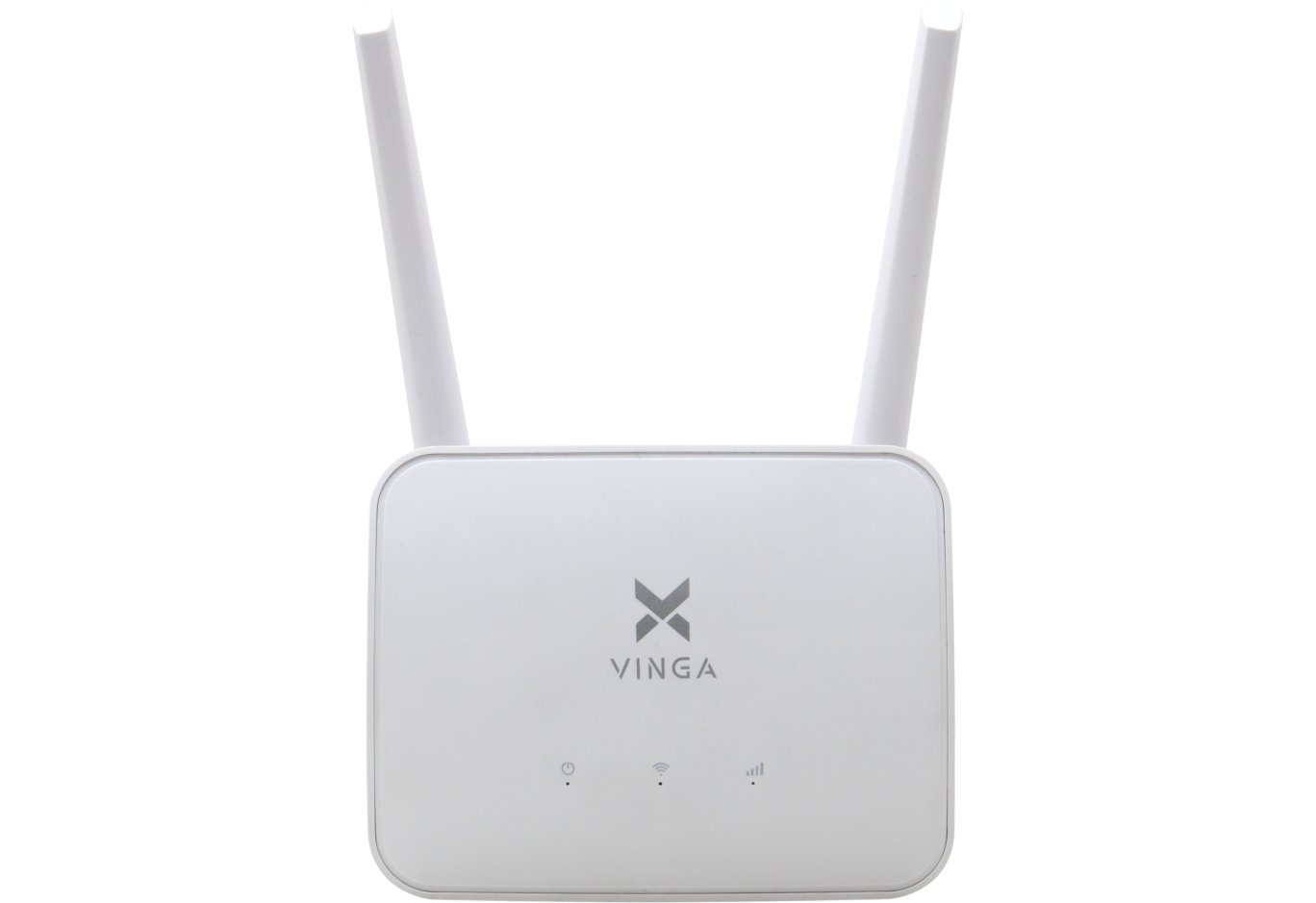


Router Vinga WR-N300
In one of the previous reviews, we got acquainted with the budget router Vinga WR-N300 Long Range (WR-N300-LR), which boasts a nice black case design, three external antennas, and the ability to boost signal power from the standard 100 to 250 mW. It turns out that the Vinga brand has an even more affordable model - Vinga WR-N300 (WR-N300).

It uses a completely different case design, is equipped with two external antennas, and is even built on a different hardware platform. Moreover, this router will definitely not cause any legal issues, as it uses a standard transmitter. Let's take a closer look at this router and evaluate its speed performance, but first, let's get acquainted with the technical specifications.
Specification
|
Model |
Vinga WR-N300 (WR-N300) |
|
Type |
Wireless Router |
|
Device Class |
N300 |
|
Wireless Standards |
IEEE 802.11b/g/n |
|
Frequency Band Support |
2.4 GHz |
|
Maximum Throughput |
up to 300 Mbps |
|
Antennas |
2 x external non-removable |
|
Main Controllers |
Realtek RTL8196E + Realtek RTL8192ER |
|
RAM |
16 MB |
|
Flash Memory |
4 MB |
|
External Interfaces |
4 x RJ45 (LAN, 10/100 Mbps) |
|
Wireless Network Security |
64 / 128-bit WEP, WPA / WPA2 |
|
Operating Modes |
Router, Access Point, Signal Booster |
|
Firewall |
Yes |
|
Dimensions |
180 x 130 x 30 mm |
|
Weight |
250 g |
|
Manufacturer's Website |
|
|
Device Page |
|
|
Purchase Page |
Packaging and Supply Kit


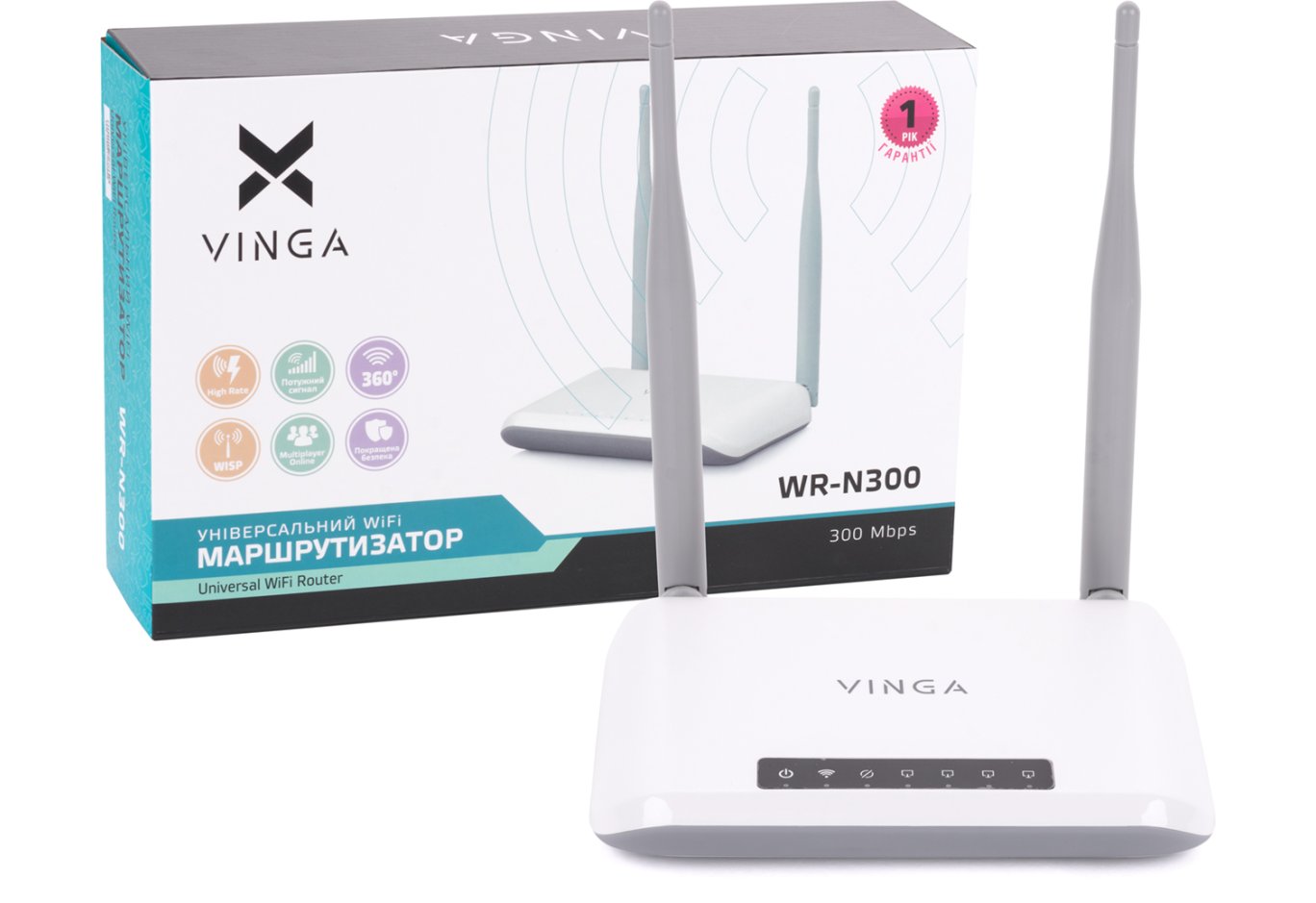
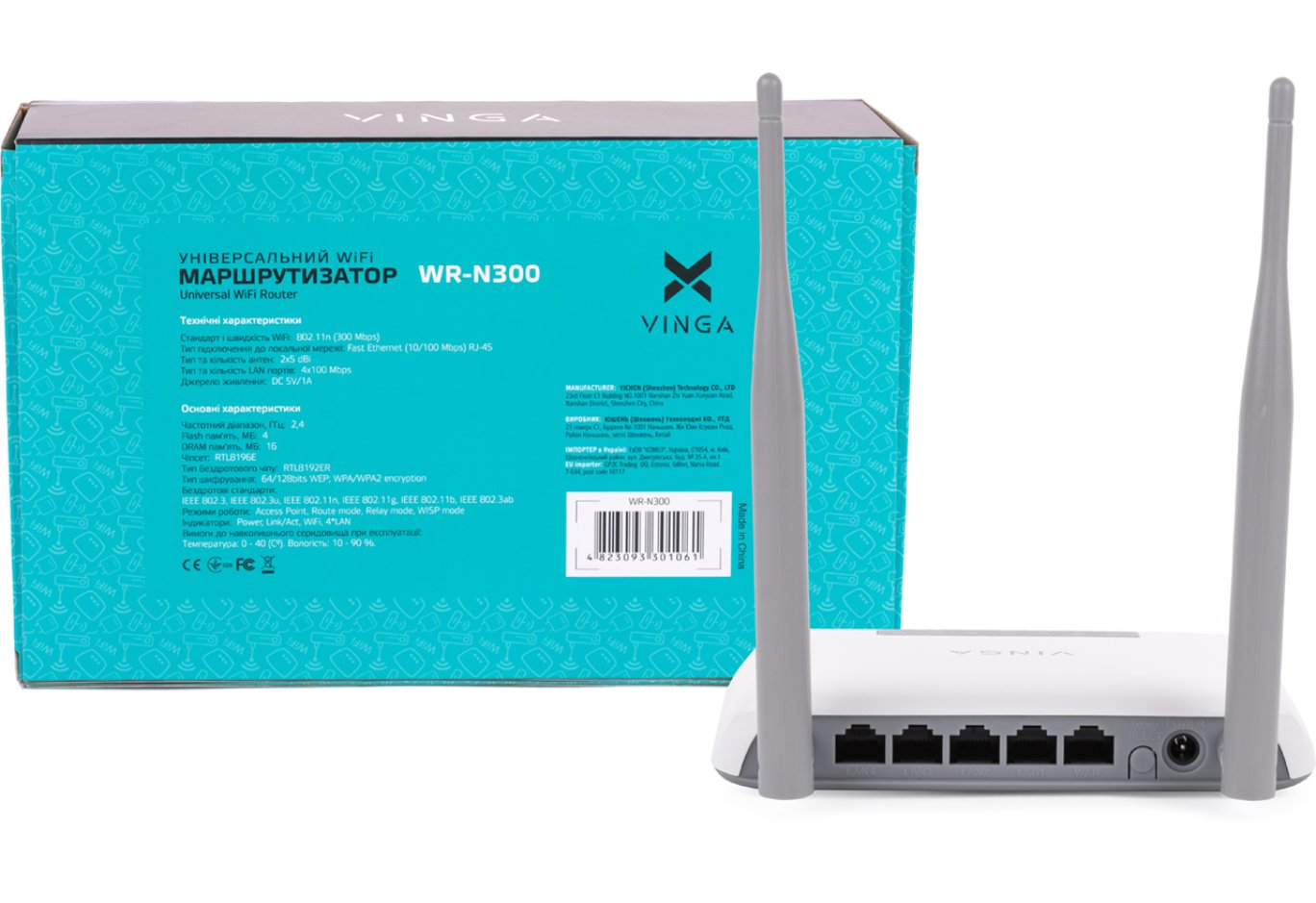
The packaging of the Vinga WR-N300 router has a pleasant and quite informative design. On the front side, you can see the appearance of the device itself and its key advantages in the form of compact icons, while the back features a sticker with detailed technical specifications.

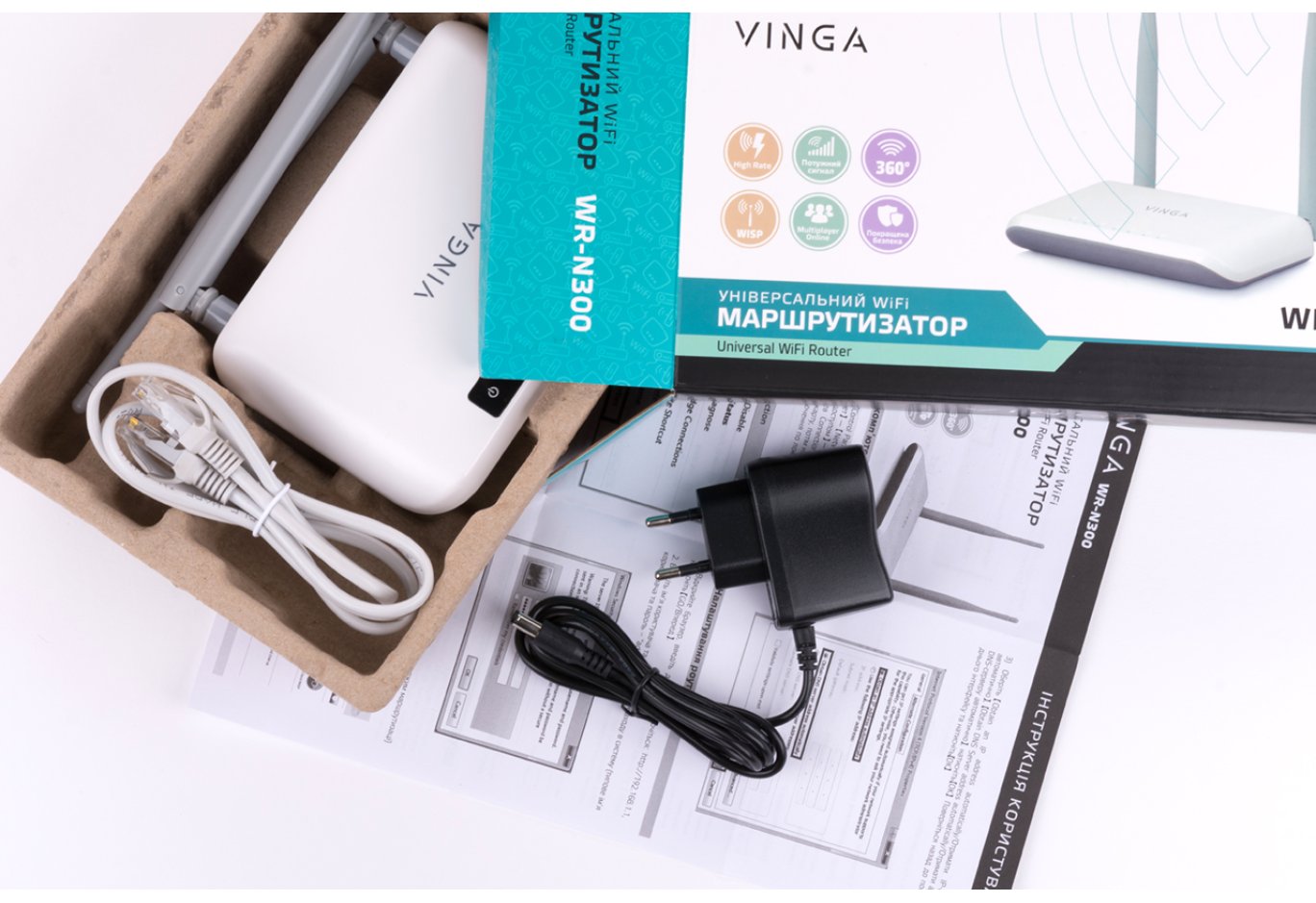
The supply kit includes a user manual, an external power supply unit WT-P1105 (input: 100 – 240 V at 50 / 60 Hz, output: 5 V at 1 A), and an Ethernet cable.
Appearance and Hardware Platform

Vinga WR-N300

Vinga WR-N300 Long Range
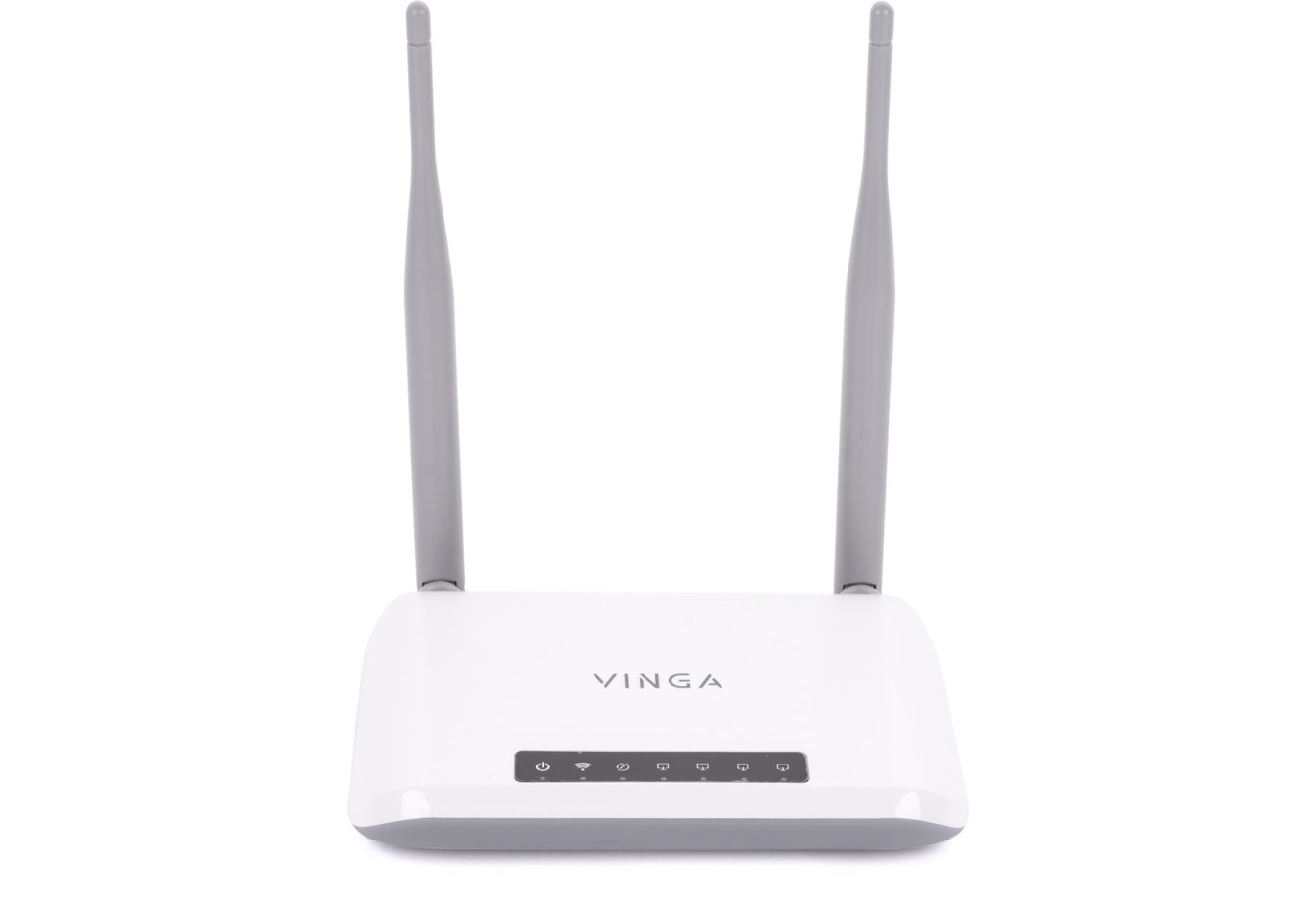
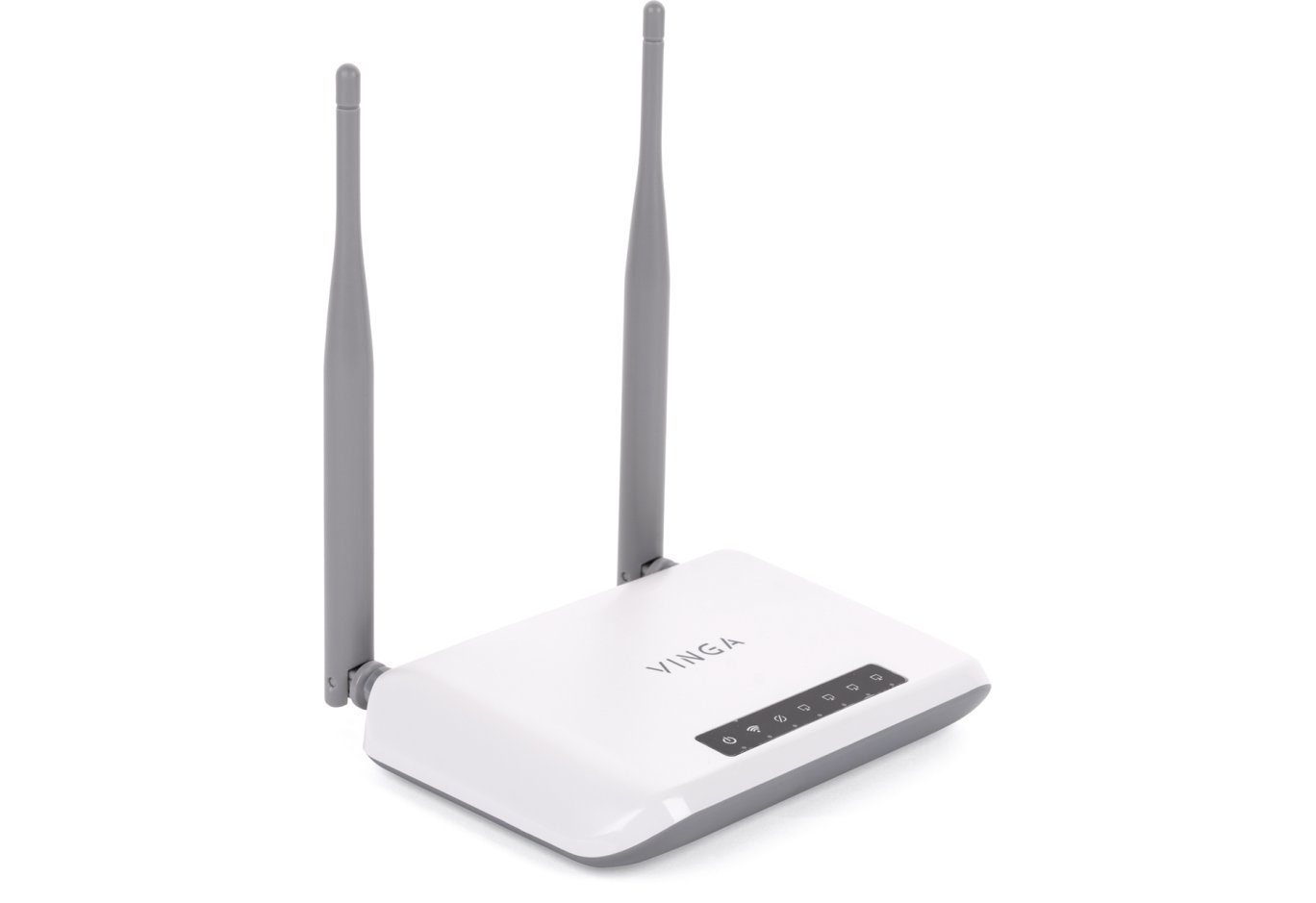
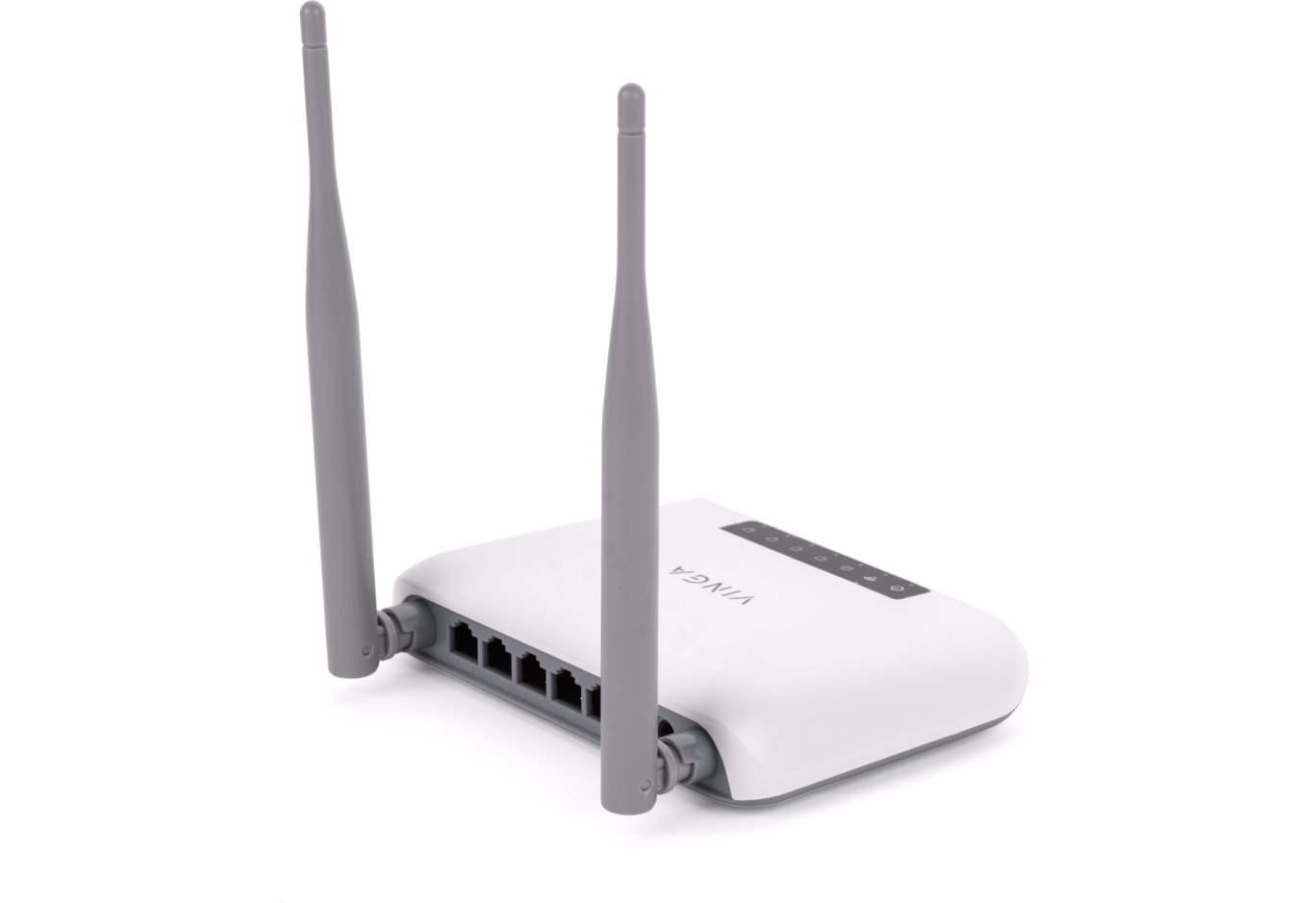
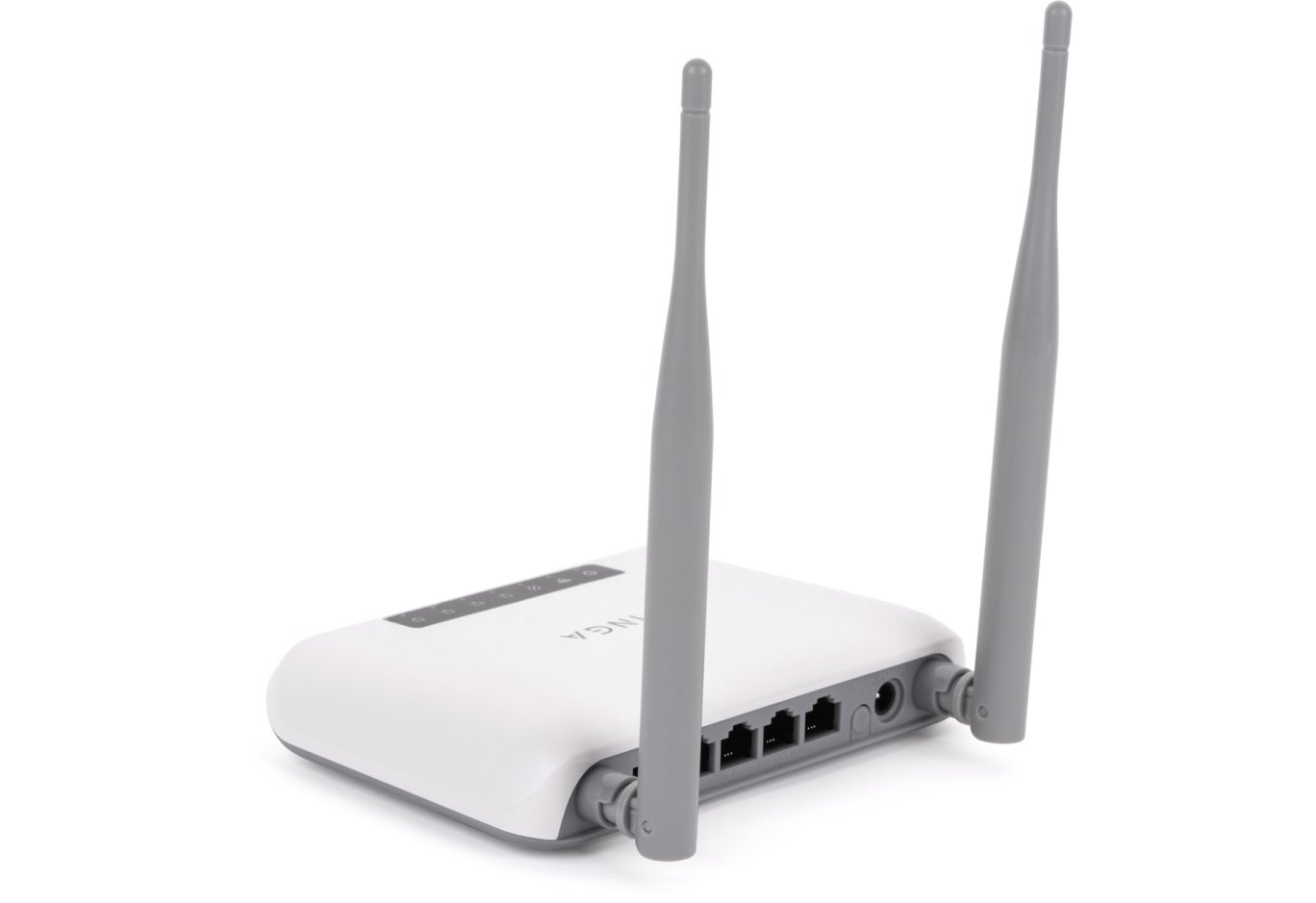
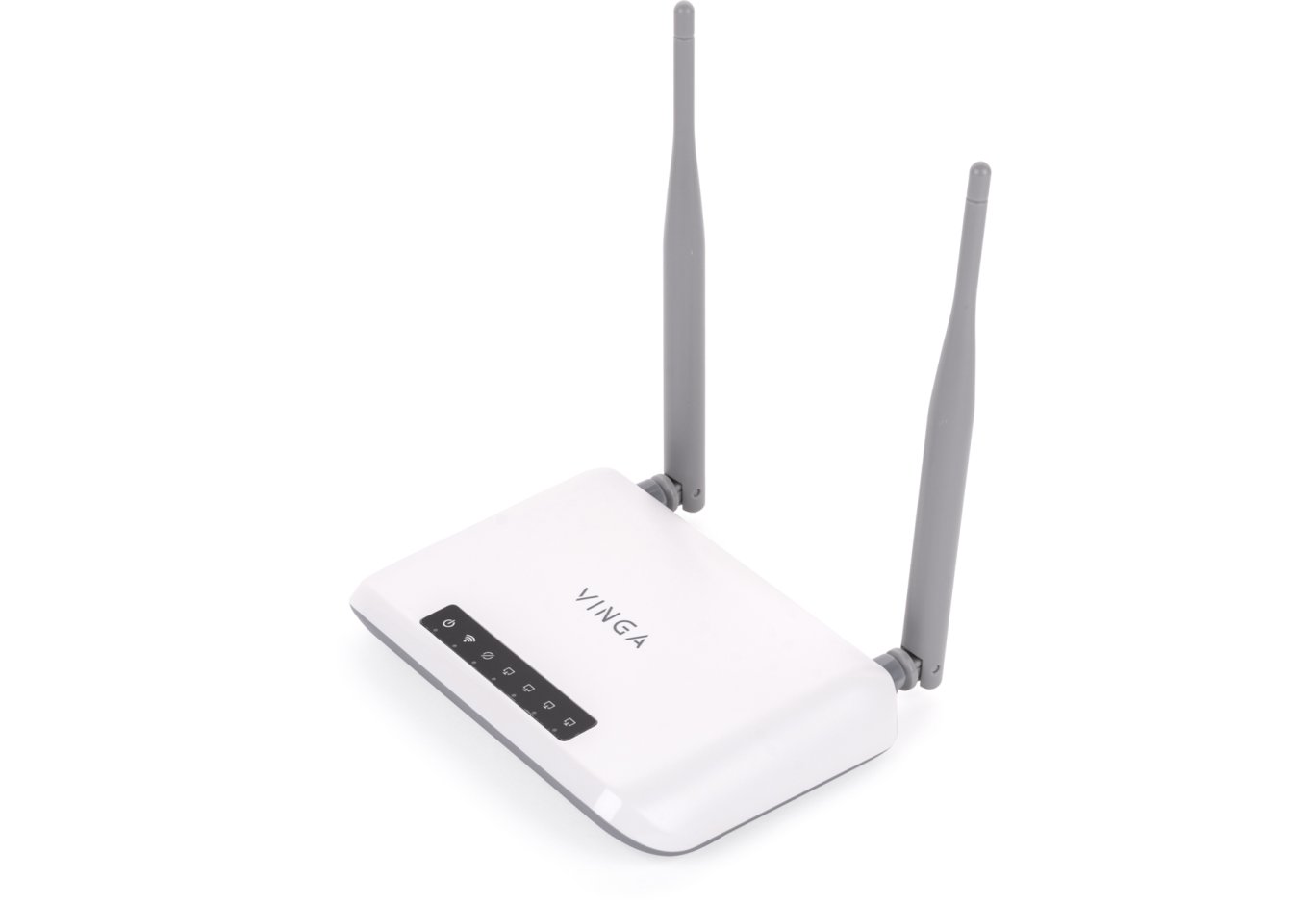
The names of the routers Vinga WR-N300 and Vinga WR-N300 Long Range are very similar, but in appearance, they are completely different models. This device has a simpler case, combining a white top and a gray bottom. Its shape adds a bit of individuality, but overall it looks simple.

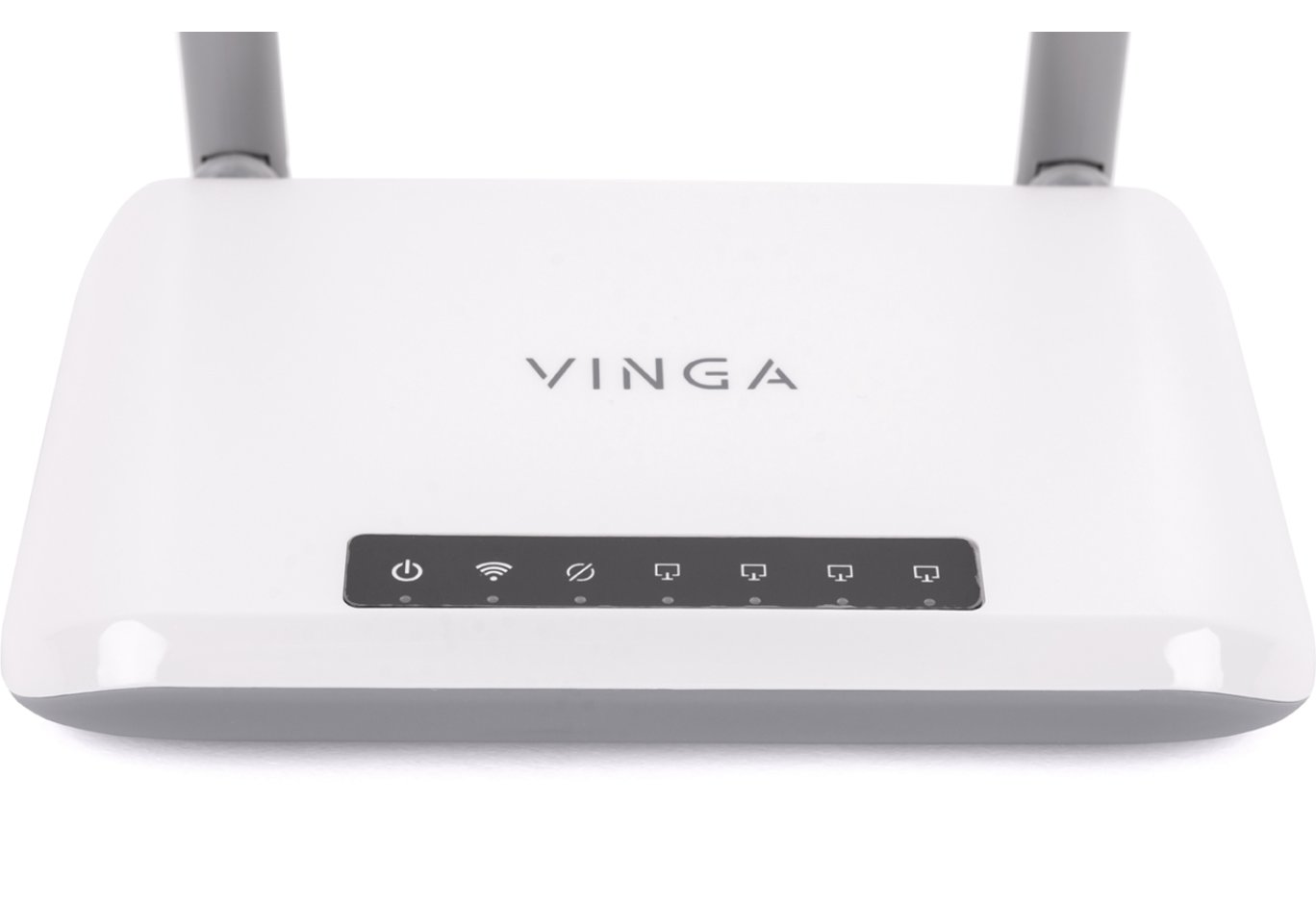
Closer to the front edge are the LED activity indicators. They glow a faint green color, not drawing excessive attention, and small icons are used for designations, which are well readable on the black background.

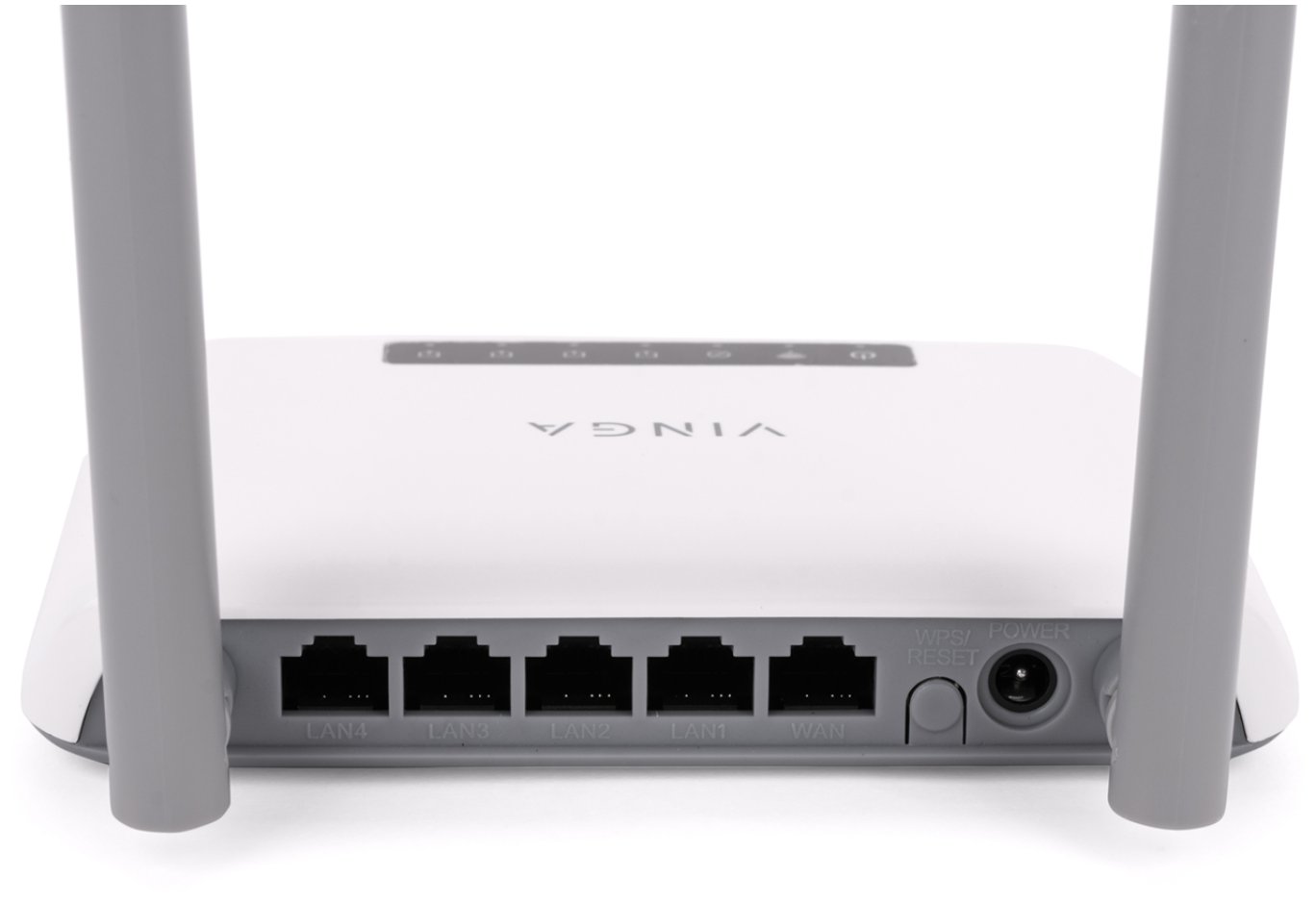
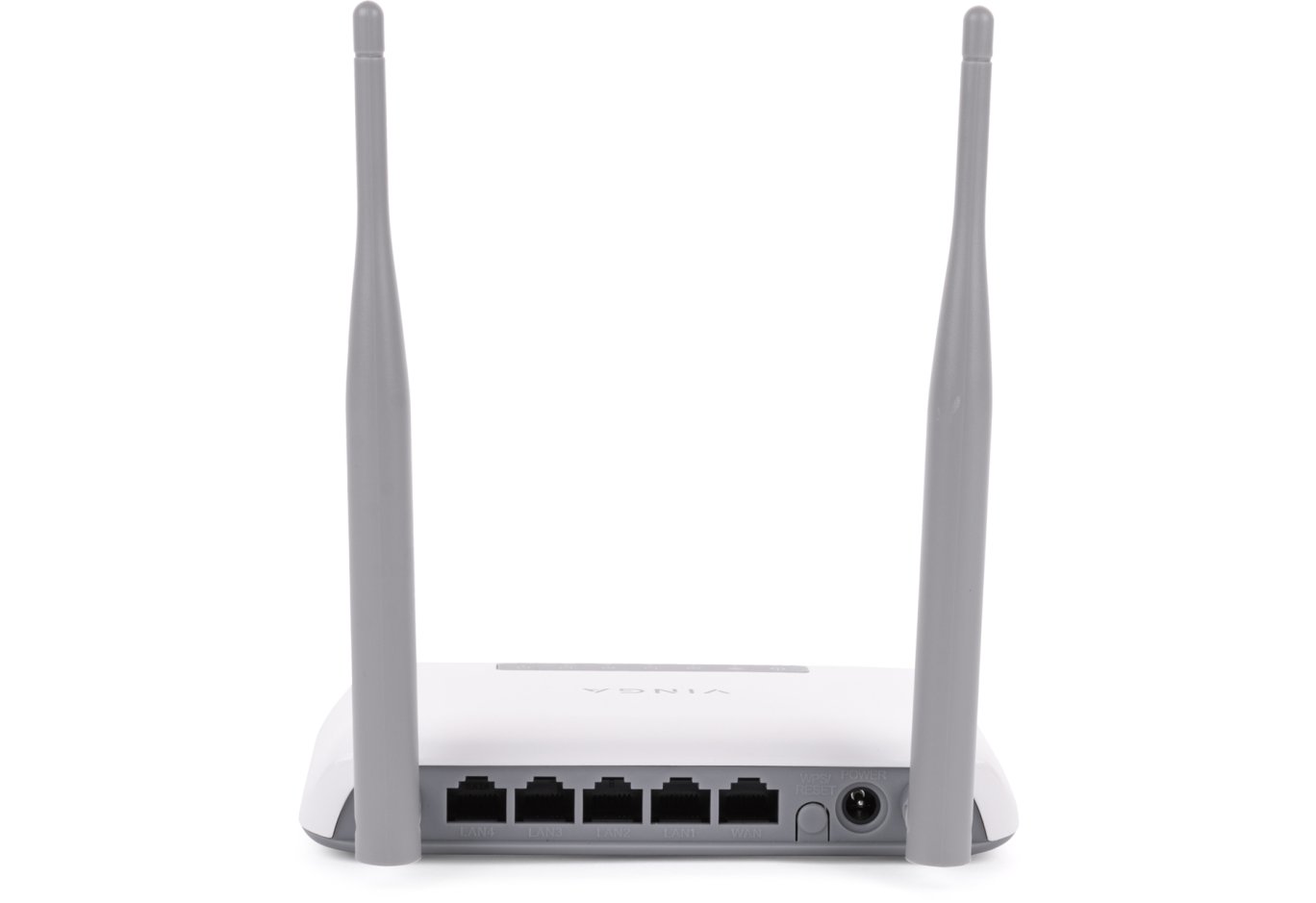
On the back side, there are two non-removable antennas, four RJ45 LAN ports, and one RJ45 WAN port of the Fast Ethernet class (i.e., with a throughput of up to 100 Mbps), a combined "Reset / WPS" button, and a Power connector for an external power source. No additional ports for connecting peripherals are provided.


The upper white panel extends to the sides. No ventilation holes are provided here.

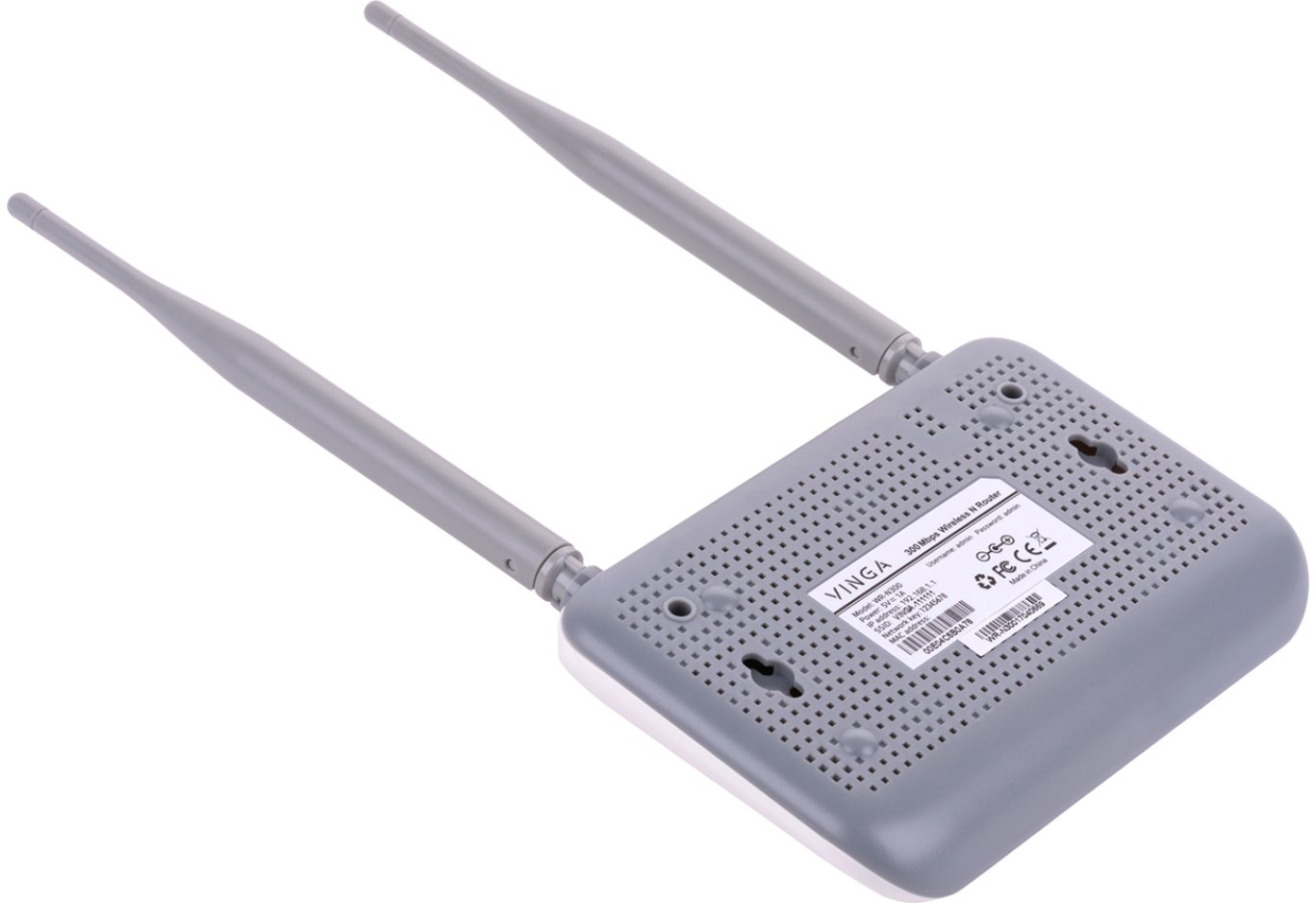
On the bottom side, you can notice ventilation holes to improve the temperature regime inside the router, small plastic feet that raise the case and improve air circulation, holes for wall mounting, and the traditional sticker with technical information. Among other things, it indicates the web address of the setup page and the initial login and password for configuring the router, which is strongly recommended to change later.

The Vinga WR-N300 model is based on the following chips:
- Realtek RTL8196E – a network processor that also serves five RJ45 ports;
- Realtek RTL8192ER – a network controller responsible for implementing 802.11b/g/n Wi-Fi standards at 2.4 GHz;
- EtronTech EM639165TS-6G – 16 MB of RAM.


There are few components on the board, so the quality of assembly is not objectionable, and the quality of soldering fully corresponds to the budget level of the device.
Router Setup

For the initial configuration of the router, you need to go to the address 192.168.1.1 in a web browser, enter the login and password ("admin" / "admin"), and select the basic settings: device operating mode, network name, key, connection type, etc.

After the initial configuration, the main menu with broader parameters is available. In it, you can view the current status of the device, configure wireless and wired access settings, set security parameters, configure the Green AP technology, implement port, IP, or MAC address filtering, select the interface language, or even upload a file with ready settings and much more.

By the way, on the official router page, there is a link to the standard firmware file U700_143.102.1.1638.bin and a modified version VINGA.U700.143.102.2.1718.bin with VPN support (PPTP, L2TP).
Testing
The Vinga WR-N300 wireless router was tested in various data transmission modes. During testing, the following conditions were met:
- the router was tested under ideal wireless network operating conditions, with a distance of no more than two meters between points;
- the Wi-Fi channel bandwidth was measured at a frequency of 2.4 GHz;
- the wired segment bandwidth was measured under conditions of unshielded twisted pair with a bandwidth of up to 1000 Mbps.
Comparative testing of operation in 802.11n mode at 2.4 GHz with WPA2 encryption

Data flow in both directions

Data flow from client to router

The most suitable candidate for comparison is the Vinga WR-N300 Long Range router, which belongs to the same N300 class but is based on the MediaTek MT7628N controller and equipped with 32 MB of RAM instead of 16.
Thus, the average bandwidth for data transmission in both directions for this model was 133.4 Mbps, and the maximum figure reached 83.77 Mbps. The more expensive competitor has a slightly lower average figure (128.16 Mbps), but the maximum is slightly higher (93.68 Mbps).
Comparative testing of packet throughput speed through the LAN interface for another LAN client

Data flow in both directions

Data flow from client to router
The average speed for data transmission in both directions was 139.36 Mbps, and the maximum figure exceeded 87 Mbps. The Vinga WR-N300 Long Range model delivered 169 and 94.56 Mbps, respectively. And although both cases use RJ45 Fast Ethernet ports, the larger RAM size and MediaTek controller provide higher speed of their operation.
Comparative testing of packet throughput speed through the router's NAT service

Data flow in both directions

Data flow from router to client
The NAT service is implemented at the software level. The average speed for data transmission in both directions was 94 Mbps, and the maximum was 48.78 Mbps. The Vinga WR-N300 Long Range has 94.88 and 74.9 Mbps, respectively. Thus, in terms of maximum performance, the internal competitor looks better.
Conclusions

So what do we have in the end? The Vinga WR-N300 router can be purchased for 359 UAH ($13.6). In return, you get a solution with a fairly simple case design and basic functionality, including two external non-removable antennas and five RJ45 ports with a bandwidth of up to 100 Mbps for connecting an internet cable and other devices. The router belongs to the N300 class and operates only at a frequency of 2.4 GHz, so you should not expect high-speed performance: the average bandwidth for data transmission in both directions was 133 Mbps. This is quite enough to support several devices in a home or small office environment, but no more.
As a real alternative in the same price range, you can consider the Vinga WR-N300 Long Range model, which costs only slightly more – 399 UAH ($15). Instead, it offers three antennas instead of two, allowing for a more effective wireless signal coverage area, 32 MB of RAM instead of 16, and a network controller from MediaTek instead of Realtek. If desired, it allows increasing the transmitter power from the standard 100 to 250 mW, although by law, a special license is required for this.
Ultimately, the choice is yours: if you need to save money, you can look towards the Vinga WR-N300, but if the extra cost is insignificant for you, it's better to choose the Vinga WR-N300 Long Range.
Advantages:
- simple yet attractive case design;
- high-quality assembly;
- convenient and functional web interface for configuration;
- presence of two powerful external antennas for stable coverage;
- support for multiple operating modes;
- presence of a firewall;
- support for Green AP function to control the power of the wireless transmitter.
Features:
- use of Fast Ethernet ports;
- absence of USB ports.
Author: Сергій Буділовський
Translation: Юрій Коваль