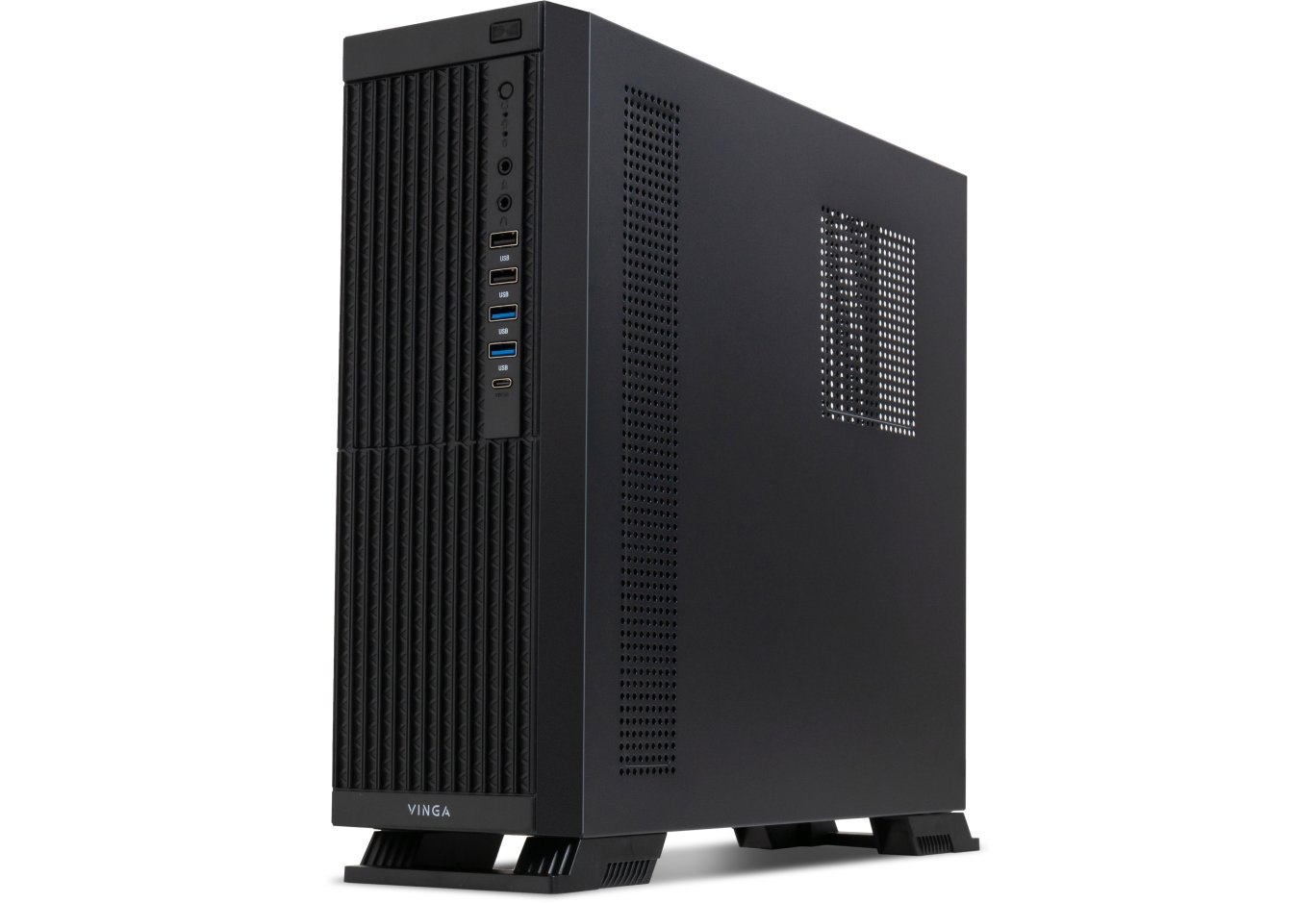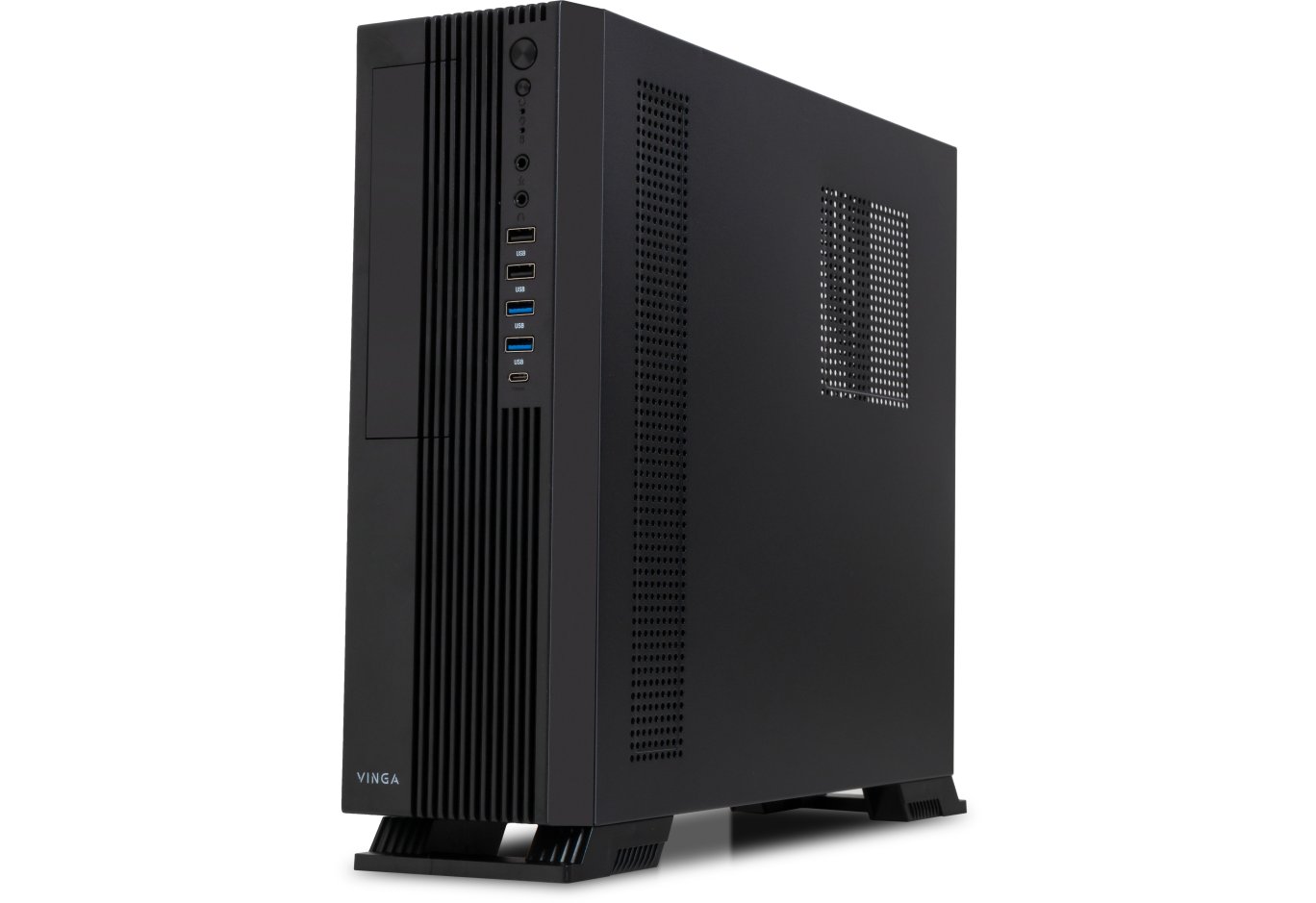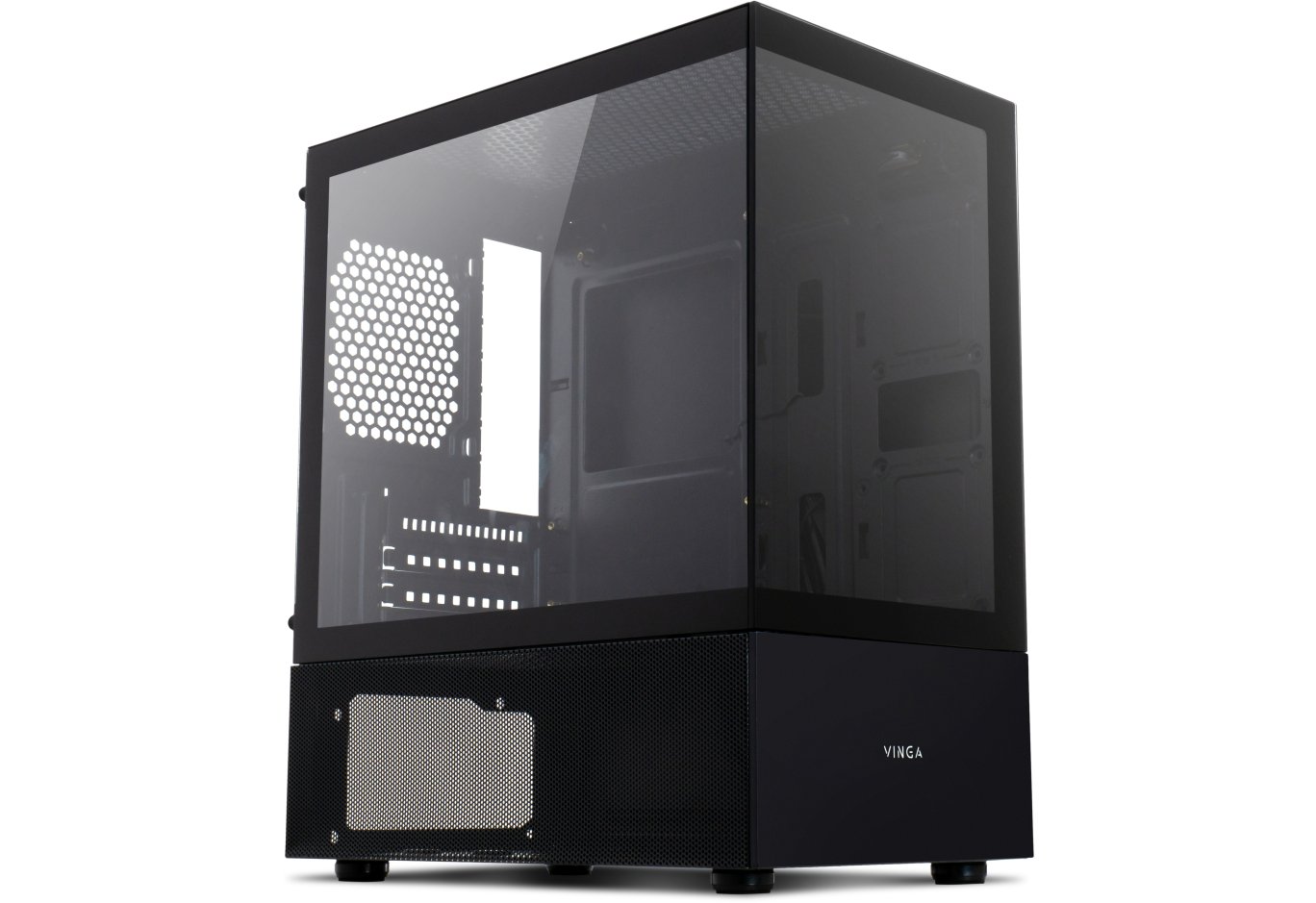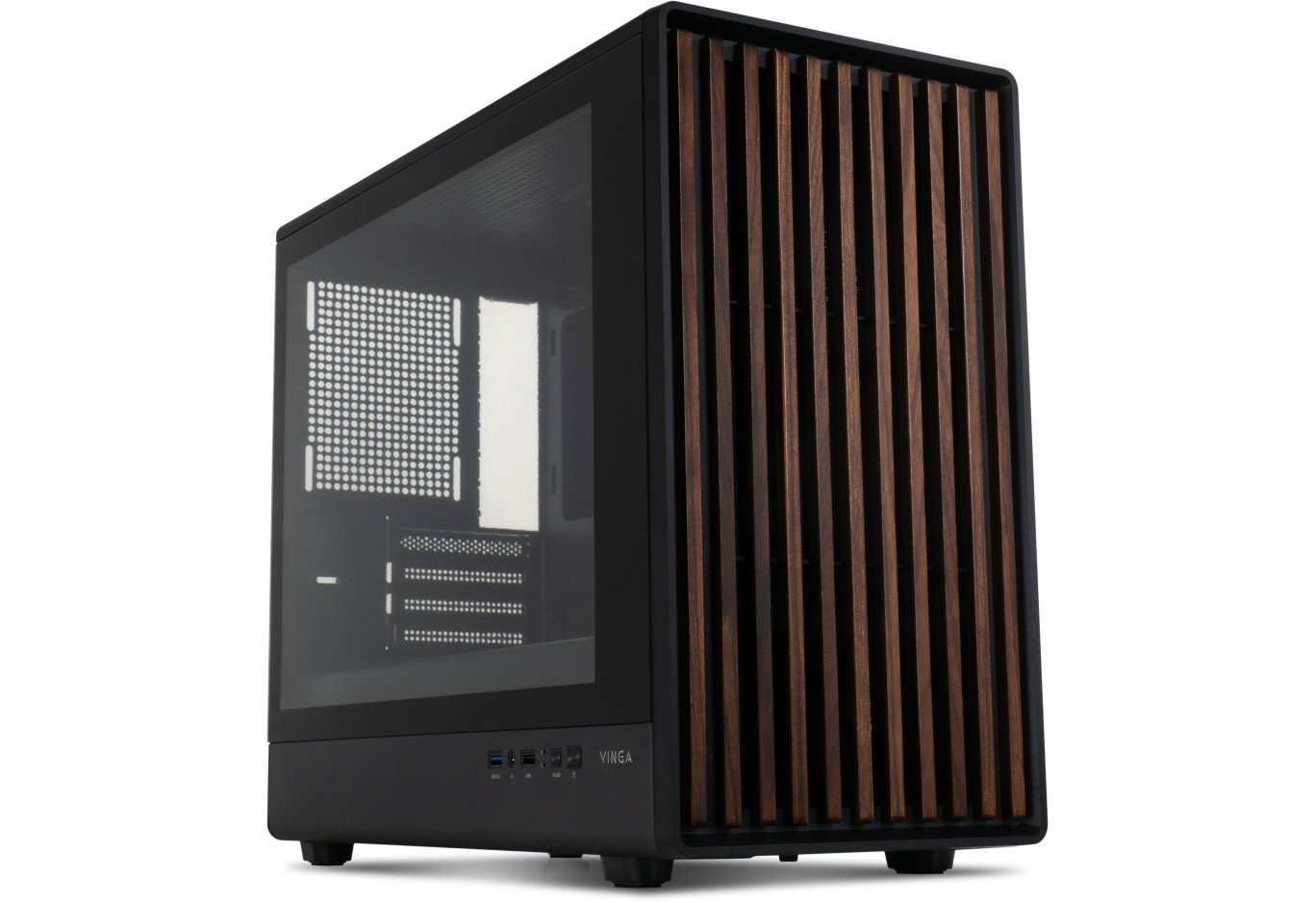



PC Case Vinga Starkad
We continue our introduction to Vinga Full Tower cases. If the previously reviewed Vinga Cobalt, priced around $70, is a relatively affordable solution, we will now discuss a model of a completely different level. At least, this is indicated by the much higher price of $175.

So, what is notable about Vinga Starkad? At least twelve (yes, that's not a mistake) expansion slots, ten mounting points for 3.5" drives, two external 5.25" bays (finally, long time no see!), a weight of about 17 kg, and a whole range of other options. We will try not to miss any element that deserves even the slightest attention to find all the pros and cons of purchasing the tested solution.
Specification
|
Model |
Vinga Starkad |
|||
|
Case Size |
Full Tower |
|||
|
Motherboard Form Factor Support |
XL-ATX / ATX / microATX / Mini-ITX |
|||
|
Color |
Black |
|||
|
Bays |
External |
2 x 5.25" |
||
|
Internal |
10 x 3.5" 3 x 2.5" |
|||
|
Expansion Card Slots |
10 + 2 |
|||
|
Maximum GPU Length (in brackets - own measurements) |
472 mm (350 mm) |
|||
|
Maximum CPU Cooler Height (in brackets - own measurements) |
186 mm (186 mm) |
|||
|
Maximum PSU Height (in brackets - own measurements) |
335 mm (235 mm) |
|||
|
Ports |
2 x USB 3.0 2 x USB 2.0 2 x audio ports |
|||
|
Pre-installed Fans |
On the rear panel |
1 x 140-mm (850 RPM) |
||
|
Installation Capability |
On the front panel |
3 x 140-mm / 3 x 120-mm |
||
|
On the top panel |
2 x 140-mm / 3 x 120-mm |
|||
|
On the rear panel |
1 x 140-mm / 1 x 120-mm |
|||
|
Power Supply |
None |
|||
|
Materials |
Front and Top Panels |
Plastic with solid aluminum sheets |
||
|
Chassis |
Steel thickness 0.96-1.07 mm |
|||
|
Sides |
Steel thickness 0.9 mm |
|||
|
Case Dimensions (in brackets - own measurements) |
592 x 243 x 567 mm (592 x 243 x 572 mm) |
|||
|
Weight (in brackets - own measurements) |
18.8 kg (16.8 kg) |
|||
|
Manufacturer's Website |
||||
Packaging and Supply Kit


There are still some minor inaccuracies, but overall the information on the box and the official page of the case matches, creating a general idea of the device. Of course, the significant size of the box, fortunately with handles for transportation, primarily contributes to this.

The included screws and stands are accompanied by a whole range of useful little things: a system speaker, disposable cable ties, side panel lock loops, interface plugs, four spare anti-vibration pads for the drive tray, and a fan mounting frame.
Appearance
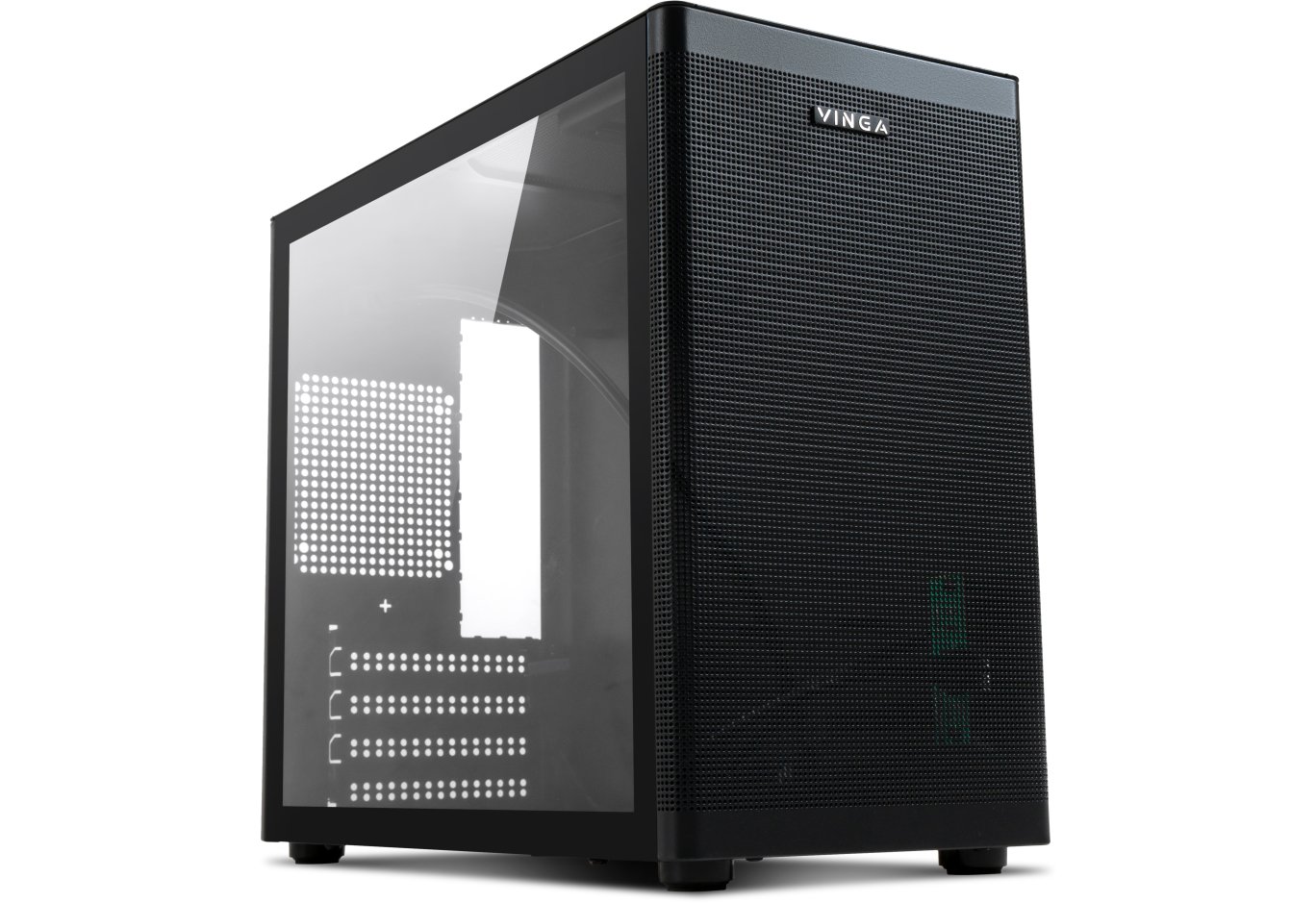
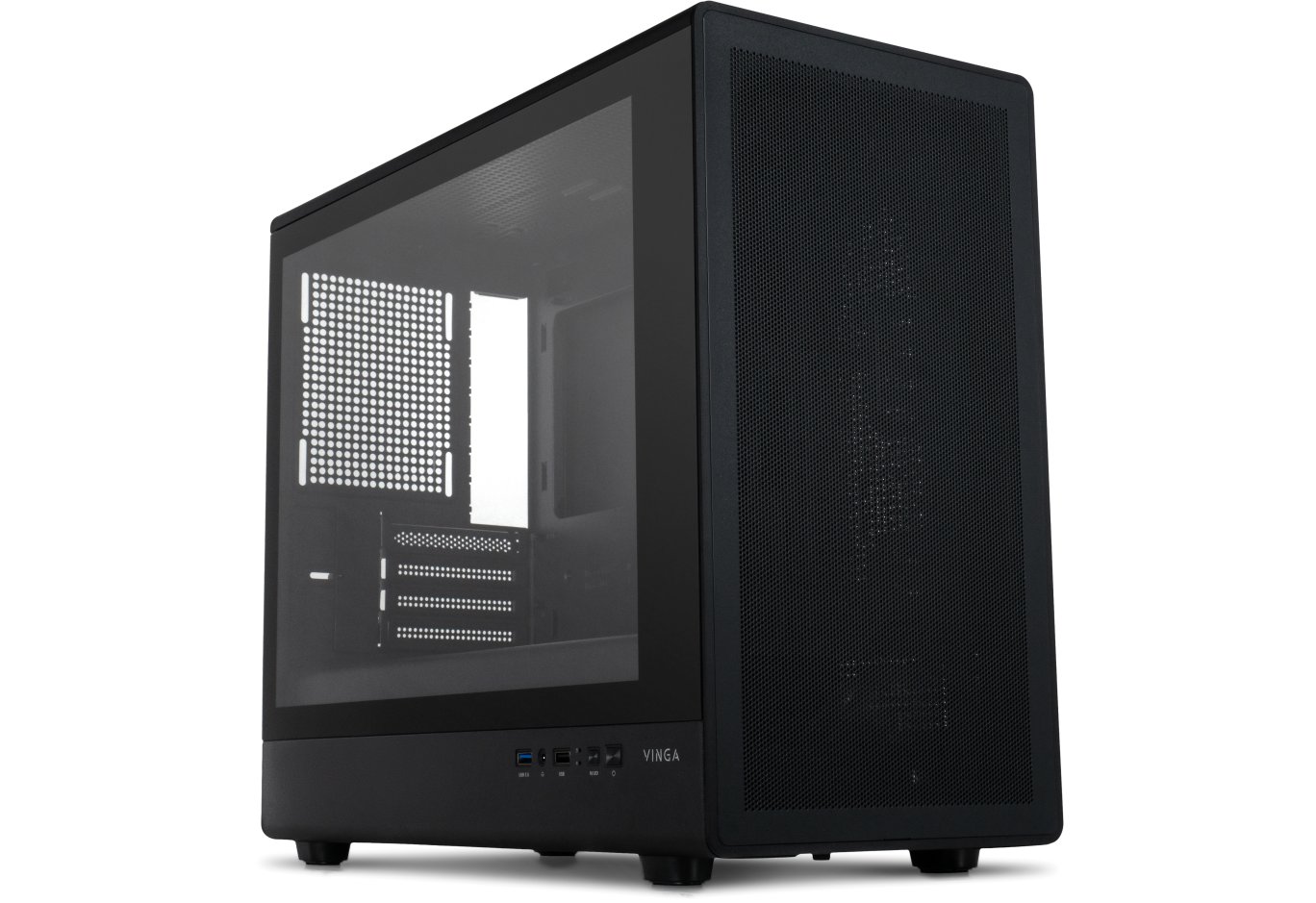
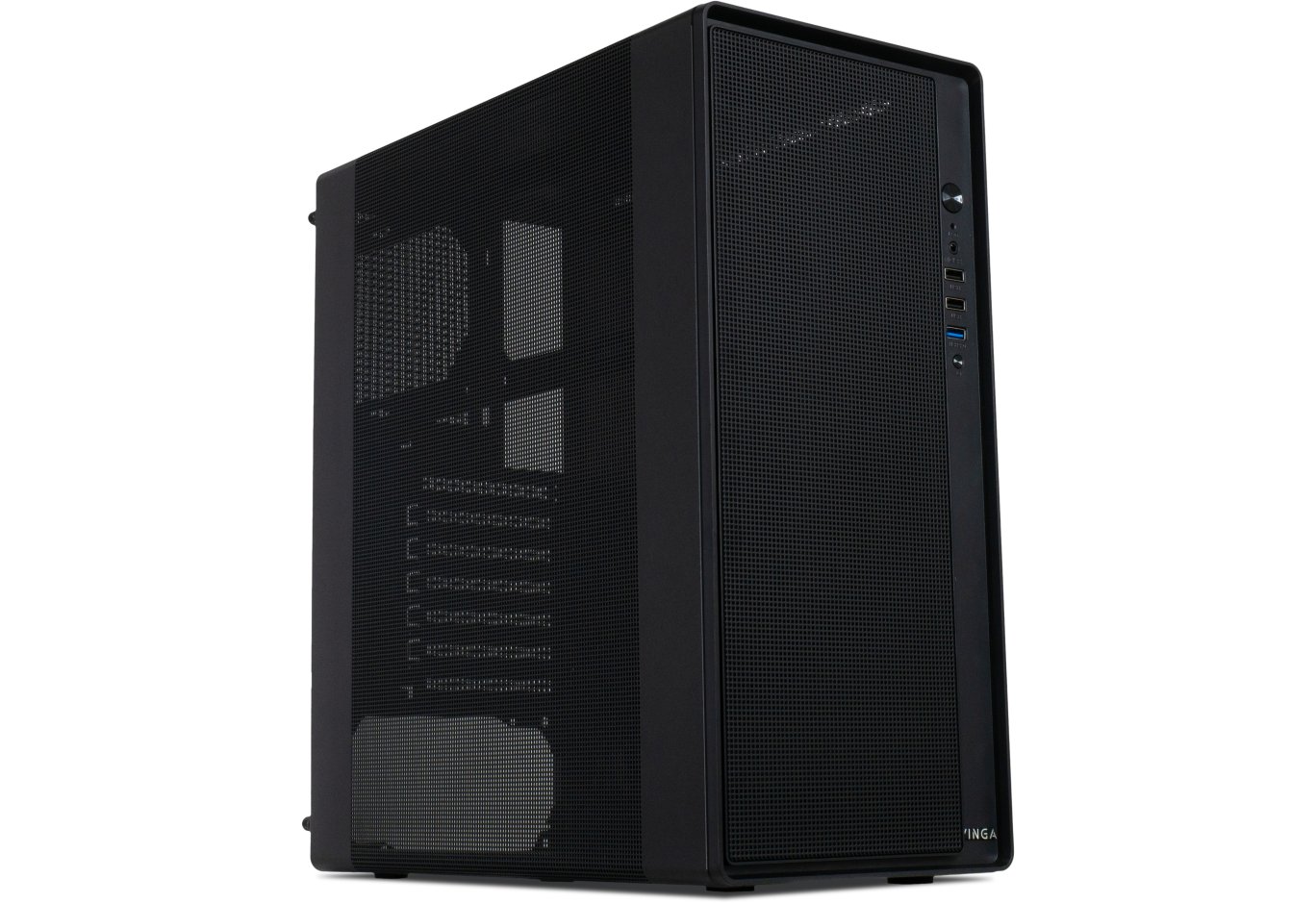
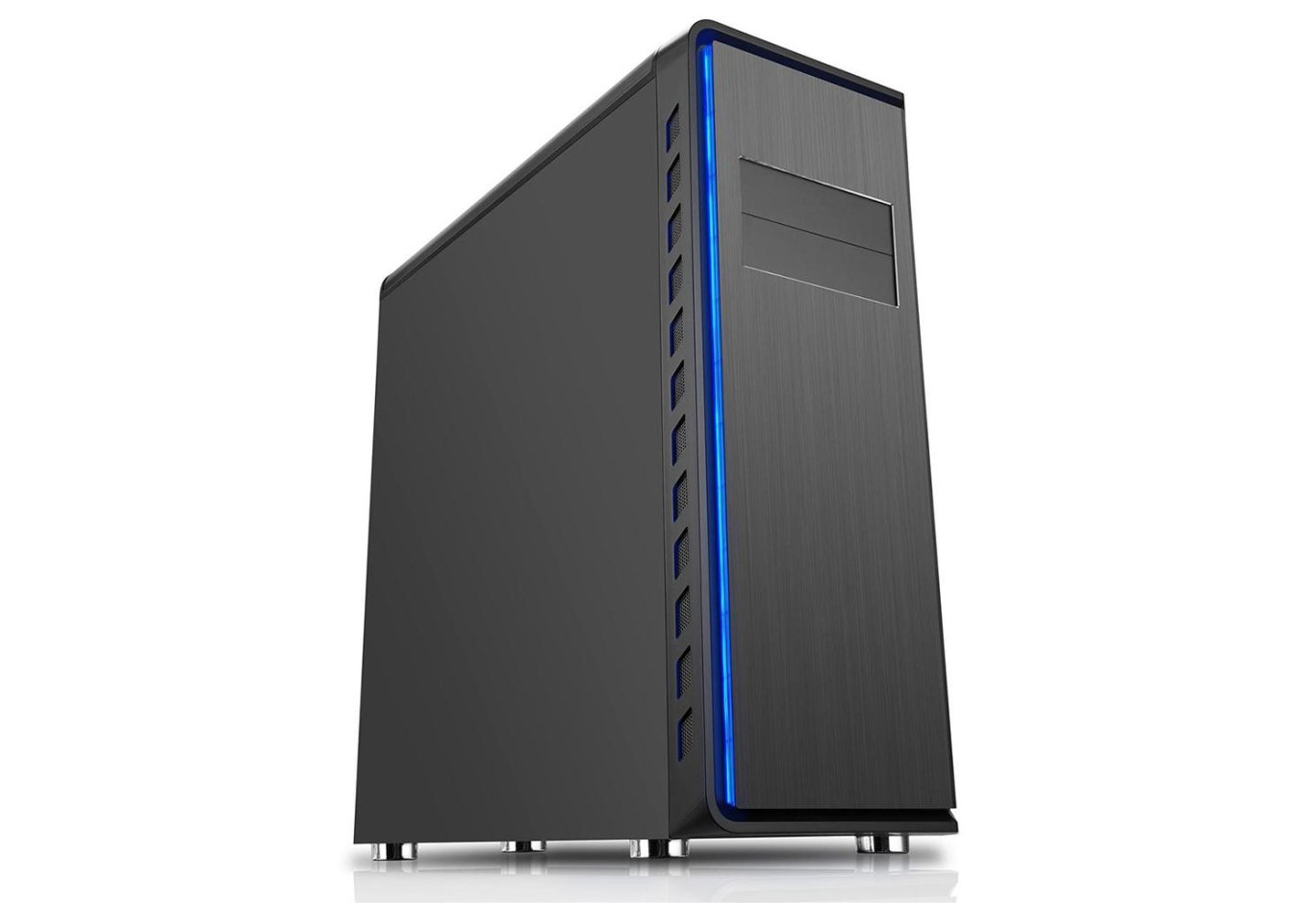
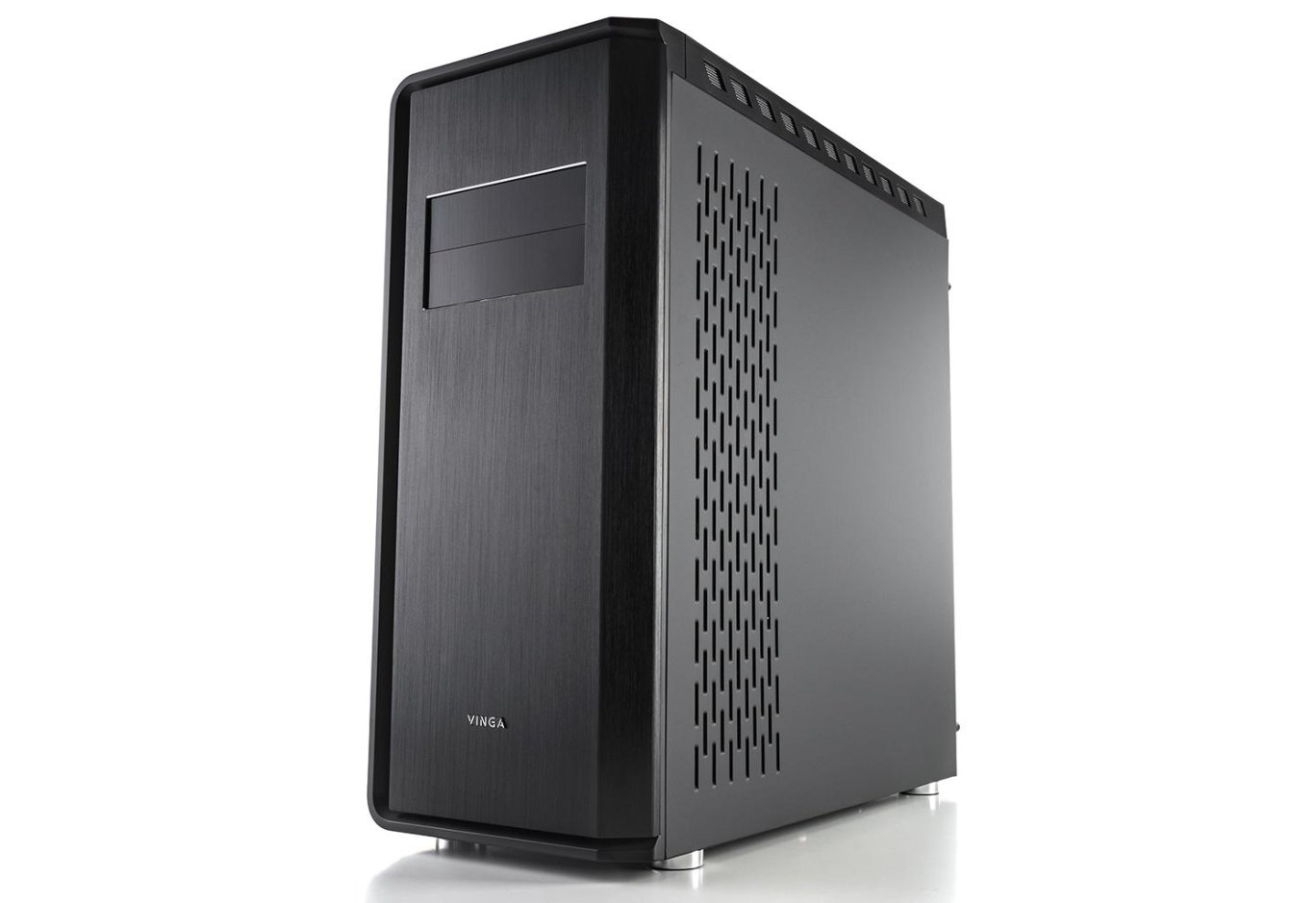
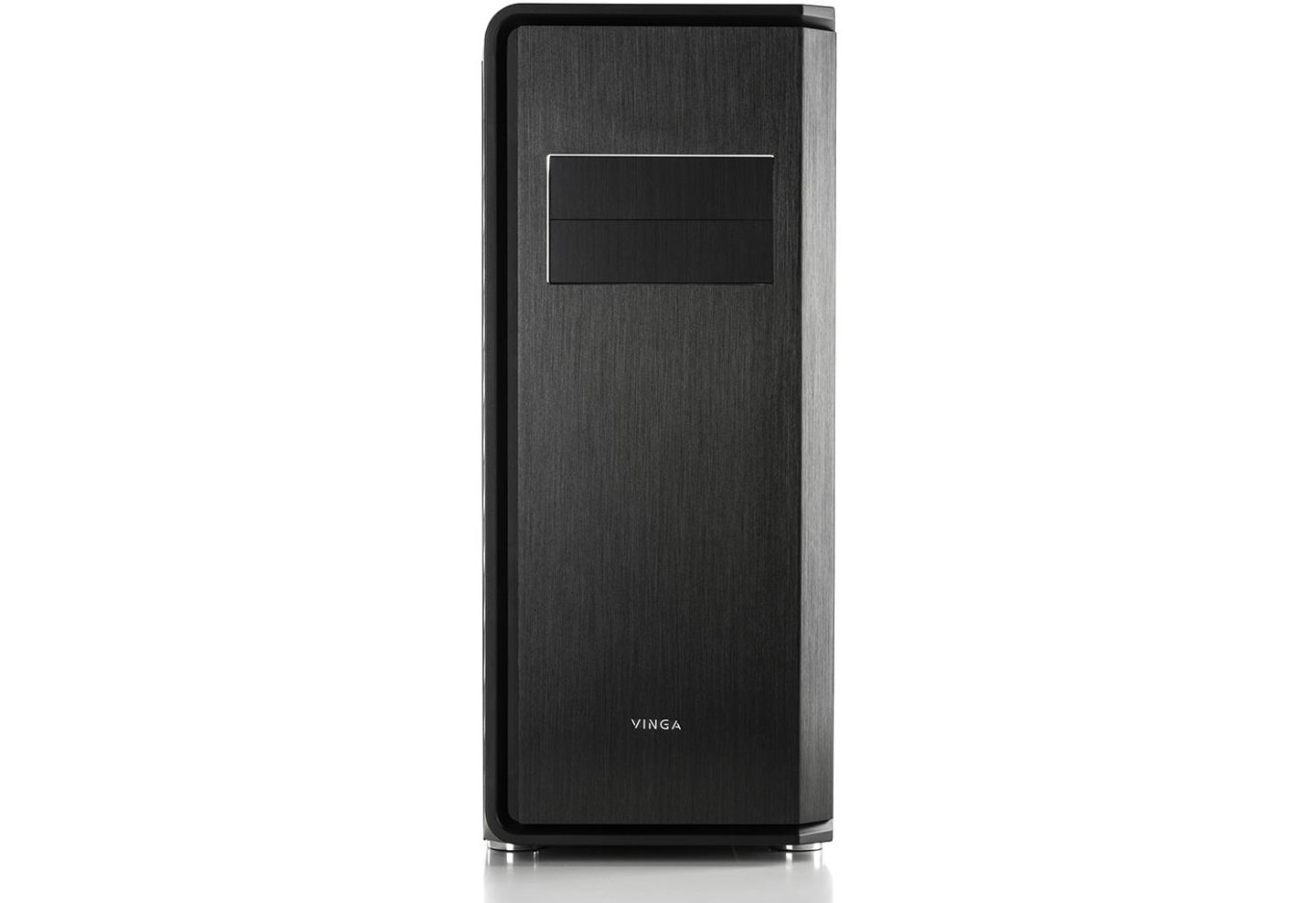
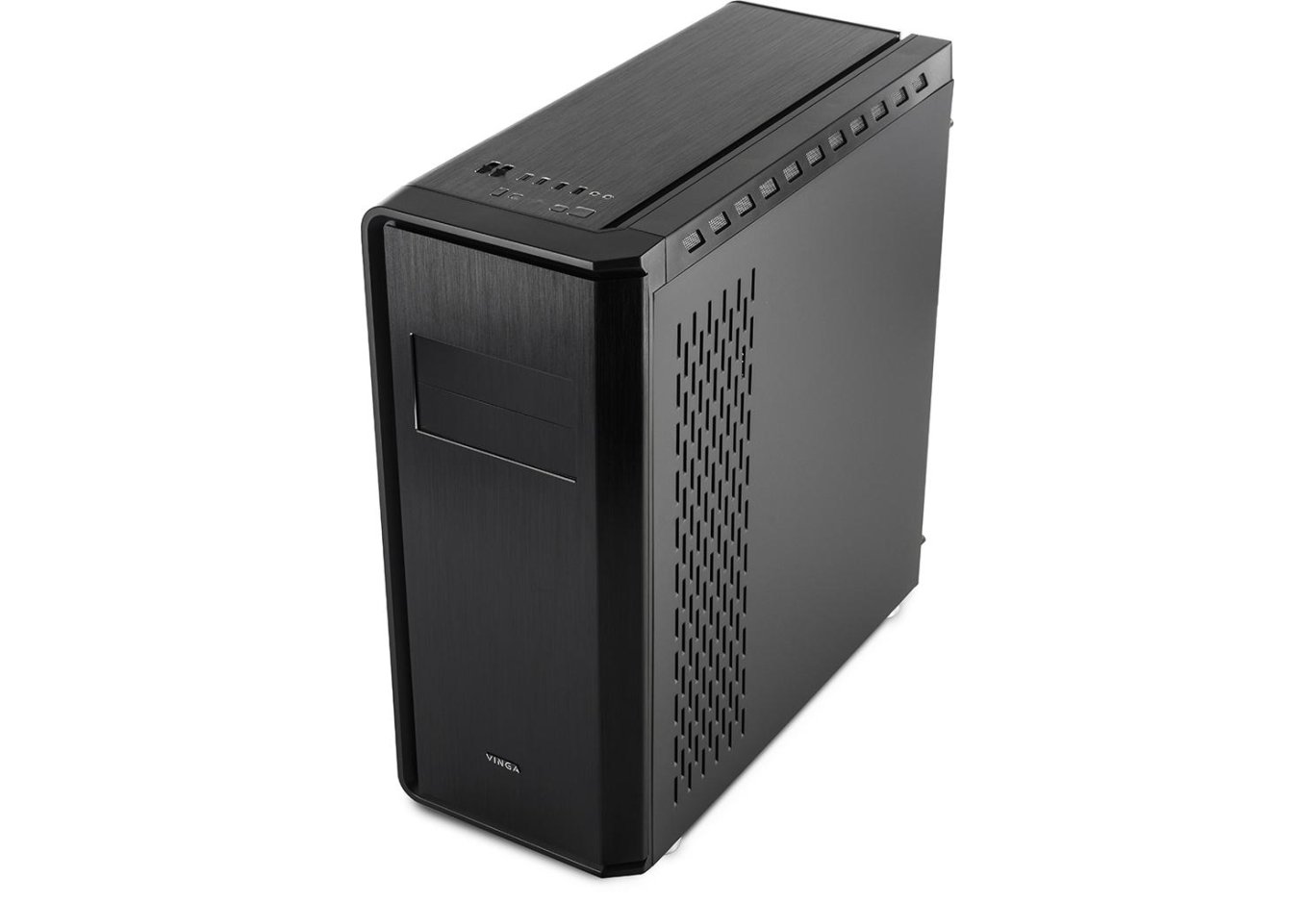
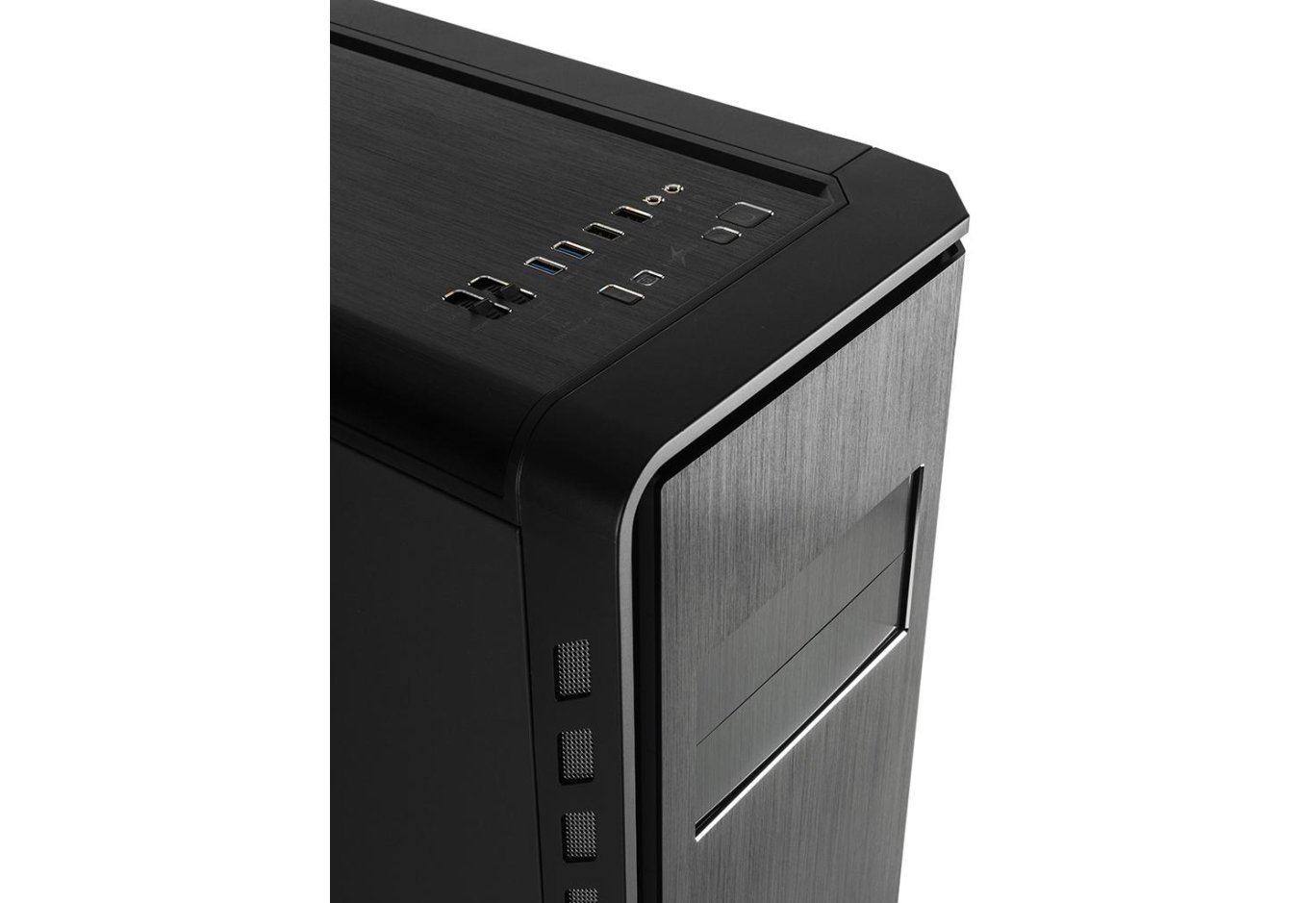
The front panel of the Vinga Starkad fully corresponds to the device's price positioning. The beautiful asymmetrical design is perfectly complemented by brushed aluminum, which covers almost the entire plastic base. The cherries on this cake are two expansion slot covers with light color differentiation and the manufacturer's logo. By the way, the front covers are not just for show. You can place up to two 5.25" devices here if you still use such.
To intake cool air, there are holes with fine metal mesh almost the entire height on the left. The justification for such a small intake area is a clear design emphasis. If you want something more like a sieve, look towards Vinga Cobalt.
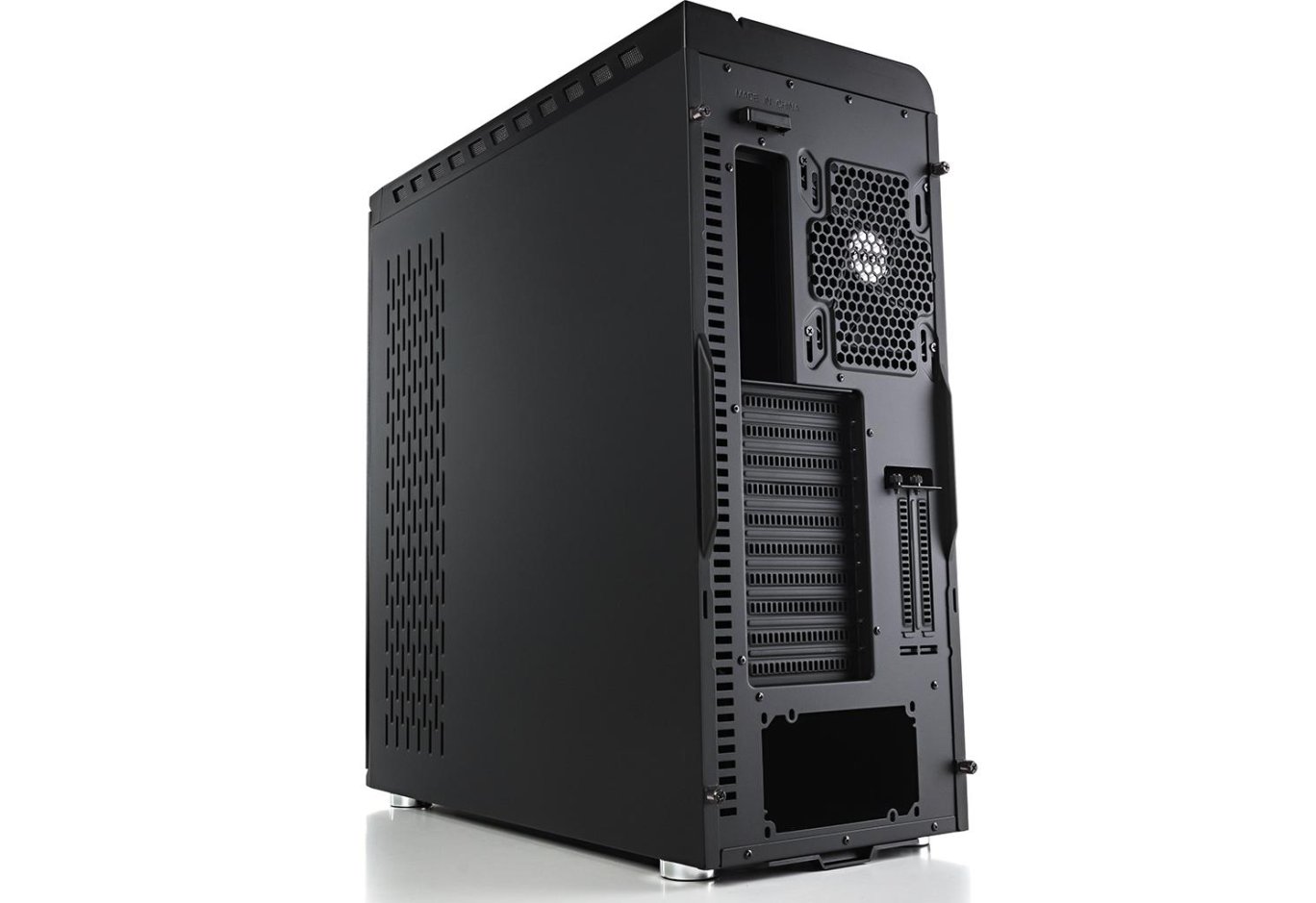
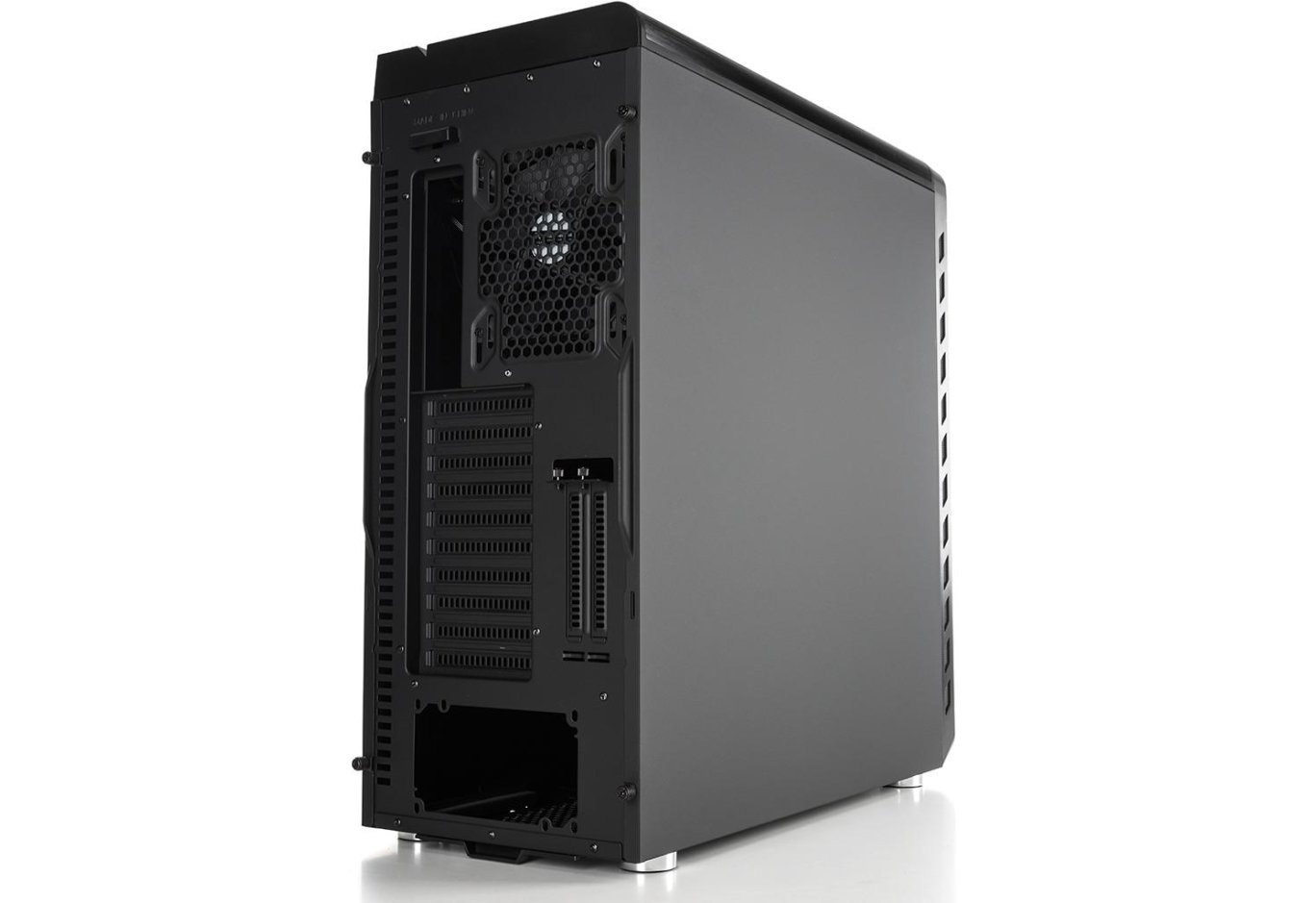
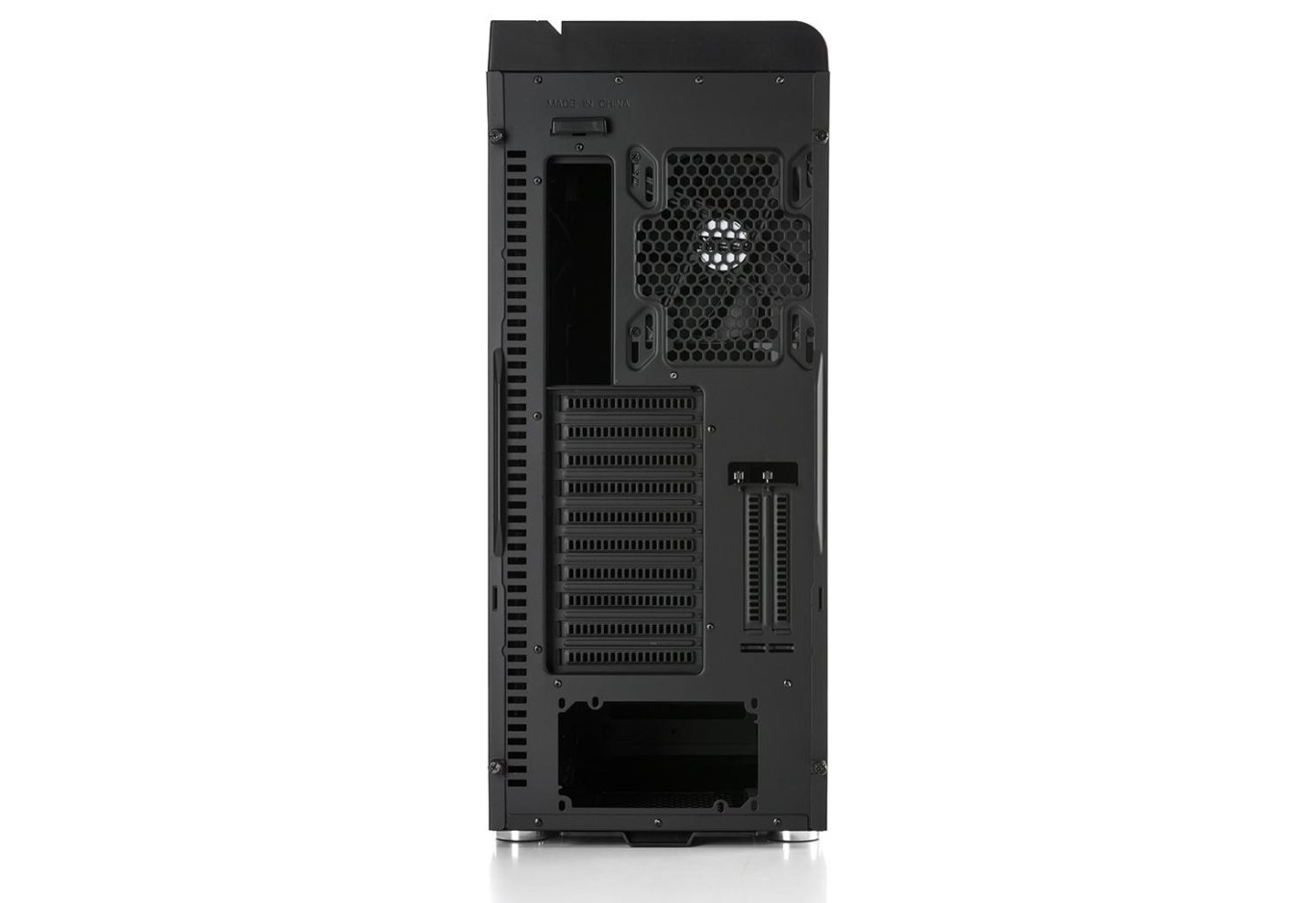
The rear panel immediately reveals the presence of a space at the top of the case for installing a liquid cooling radiator. The large width of the device (243 mm) allowed for the placement of a 140-mm fan with a slight adjustment capability for better cooperation with the CPU cooler. Next to it, there is a cutout for the interface panel, which is illuminated by a pair of yellow LEDs. Agree, such lighting is never superfluous! Although it can be turned off if desired by disconnecting the PATA power connector.
Below, there are as many as 10 horizontal expansion slots, probably for installing an XL-ATX board with 8-9 slots or for mounting a three-slot graphics card in the lowest ATX slot. At the same time, there will still be plenty of space left for air intake. Next to them are two more slots, but in a vertical orientation. Are they needed in a case without a transparent side panel? Be sure to share your opinion in the comments.
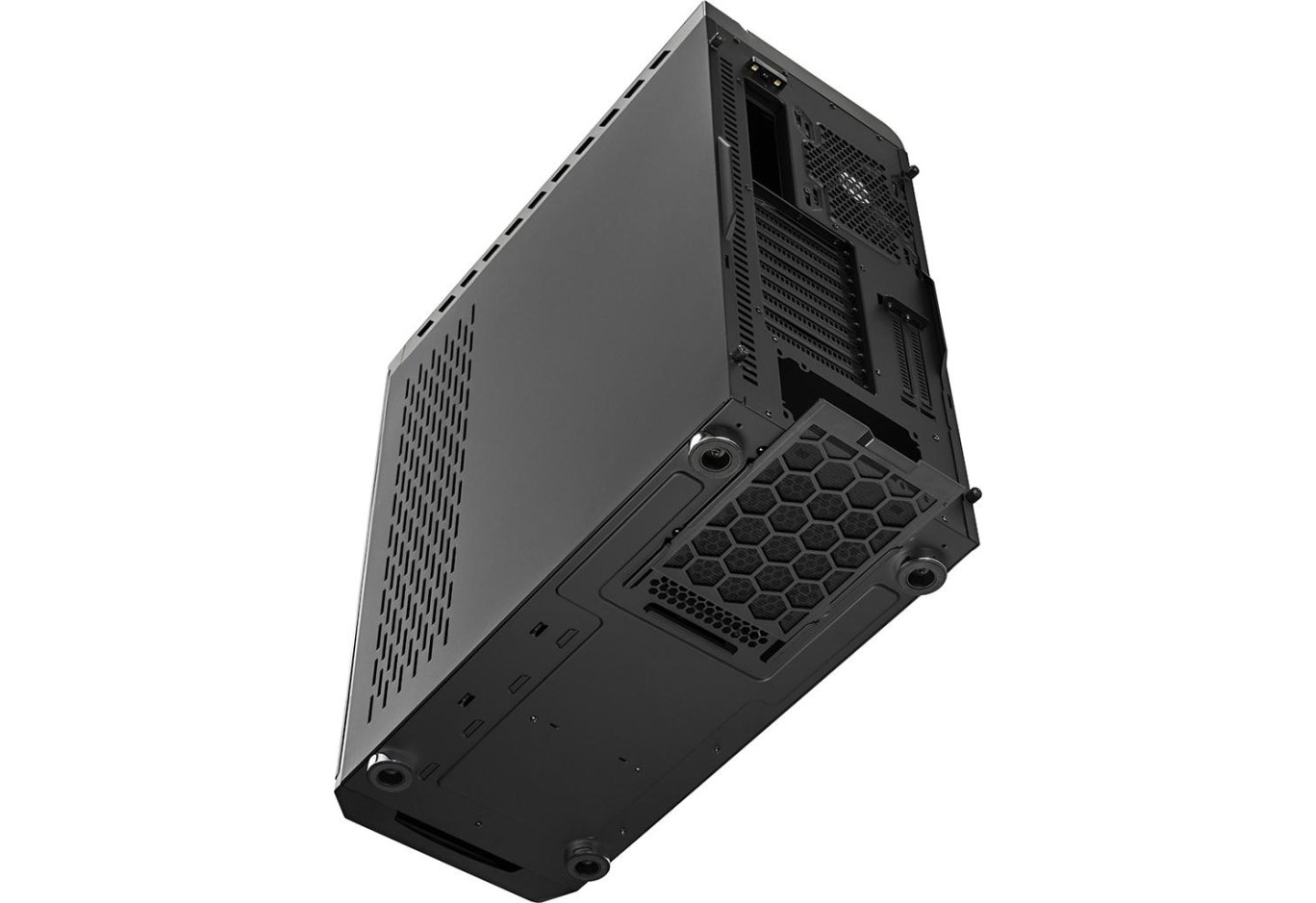
At the bottom is the power supply. What cannot be called trivial is the presence of perforation for the intake of cold air behind the case tray. Also, the list of options includes cutouts for two locks on the sides to restrict access inside the system unit if necessary. The lock ears are removable and are screwed to the case with included screws. However, the locks themselves will need to be purchased separately.
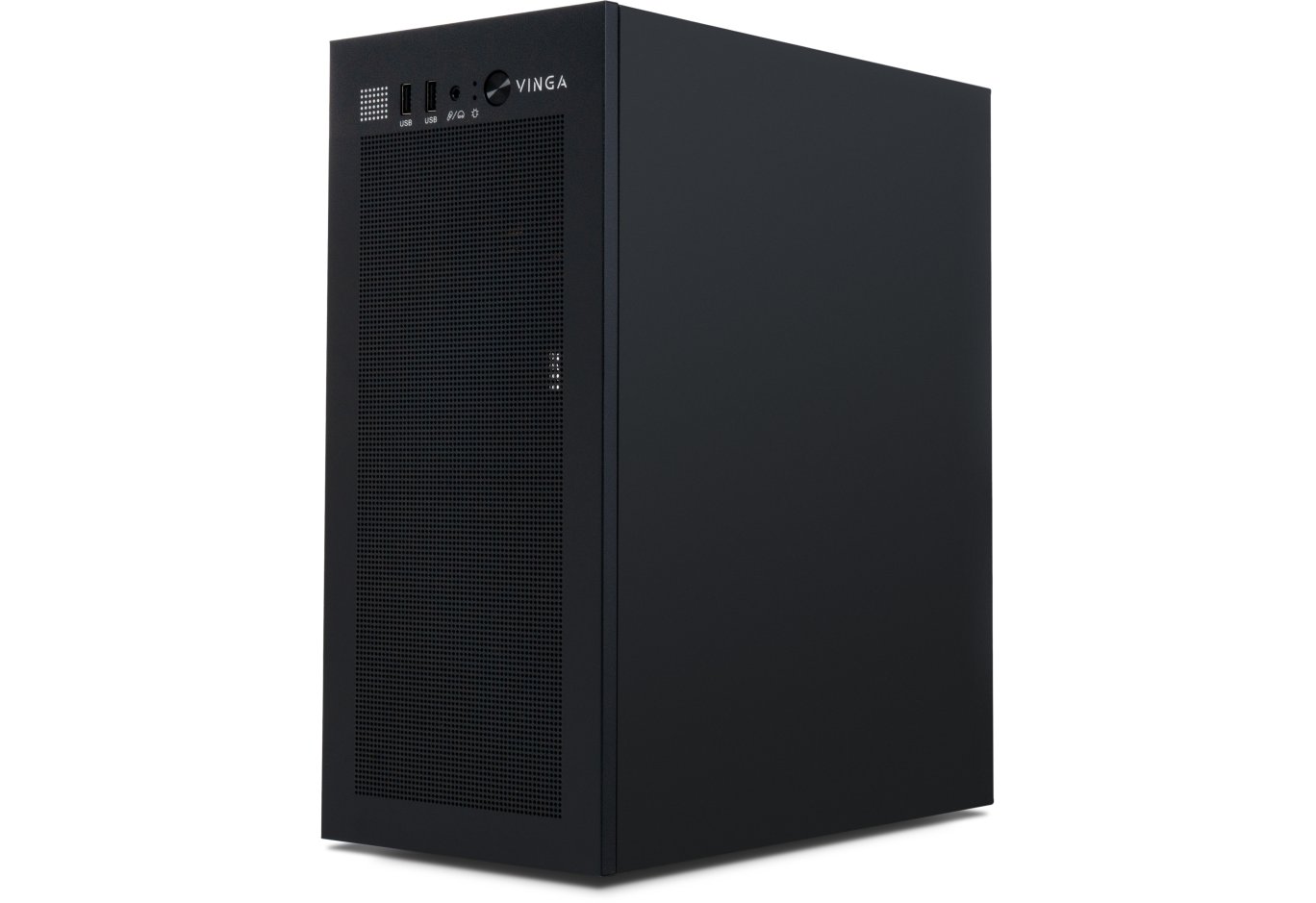
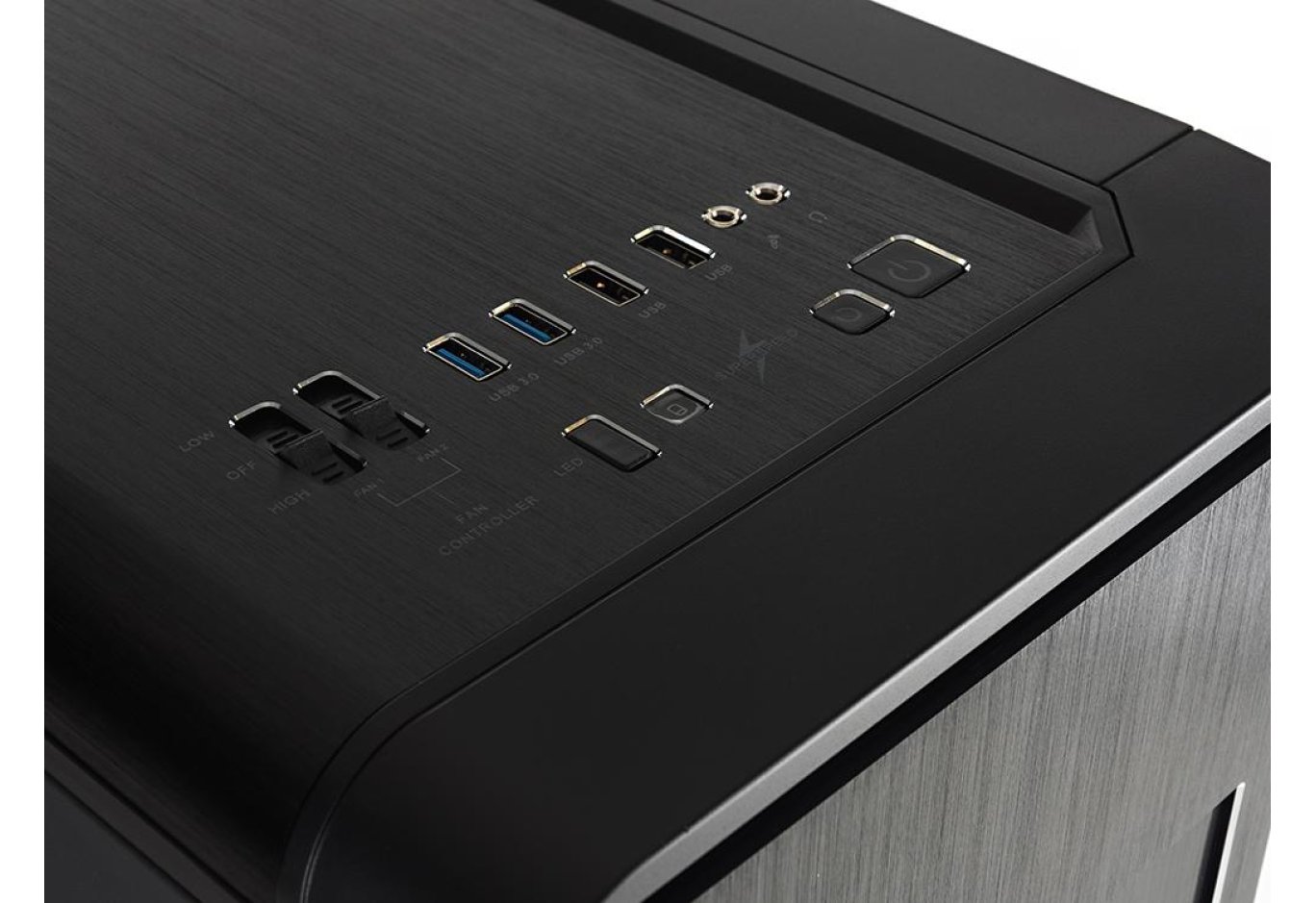
The appearance of the top panel is a logical continuation of the front: we have the same asymmetry and the same manufacturing materials. In addition to decorative features, note the presence of holes for cold air intake or hot air exhaust, as well as a number of interfaces and control elements. The latter are represented by two pairs of USB (versions 3.0 and 2.0), audio ports, power buttons, reset and LED lighting control, an HDD indicator, and a pair of sliders. The latter act as a rheobus with fixed values and are designed to adjust the fan speed. Each slider has three positions: fan off, and operation at high and low speeds. In the case of the included 140-mm fan, the last two modes corresponded to 850 and 430 RPM.
The bottom panel is notable for a removable dust filter under the power supply and four round feet. Despite their beauty, they are low - only 13 mm. Therefore, to ensure the power supply draws in enough cool air, it is better to place the system unit on furniture rather than on a carpet. Especially since small cushioning pads should protect the surface from scratches.
The Vinga Starkad case uses rather thick metal sheets. The manufacturer specifies a thickness of 0.8 mm, while we measured about 1 mm for the chassis and 0.9 mm for the side panels (note that the measurements were taken on painted surfaces). Therefore, there should be no problems with the rigidity of the structure, and we had no questions about the quality of edge processing. Moreover, both side panels are equipped with additional stiffening ribs.
Thus, the left wall is a completely ordinary steel sheet, while the right one stands out with a pattern that slightly participates in overall ventilation. They are removed in the same way - by sliding towards the rear of the case. You won't lose the fastening screws even if you try.
The practicality of the paint coating is satisfactory - it's easy to leave fingerprints, just as easy to erase them. However, the aluminum sheets on the front and top panels excellently hide all unnecessary touches.
Internal Structure

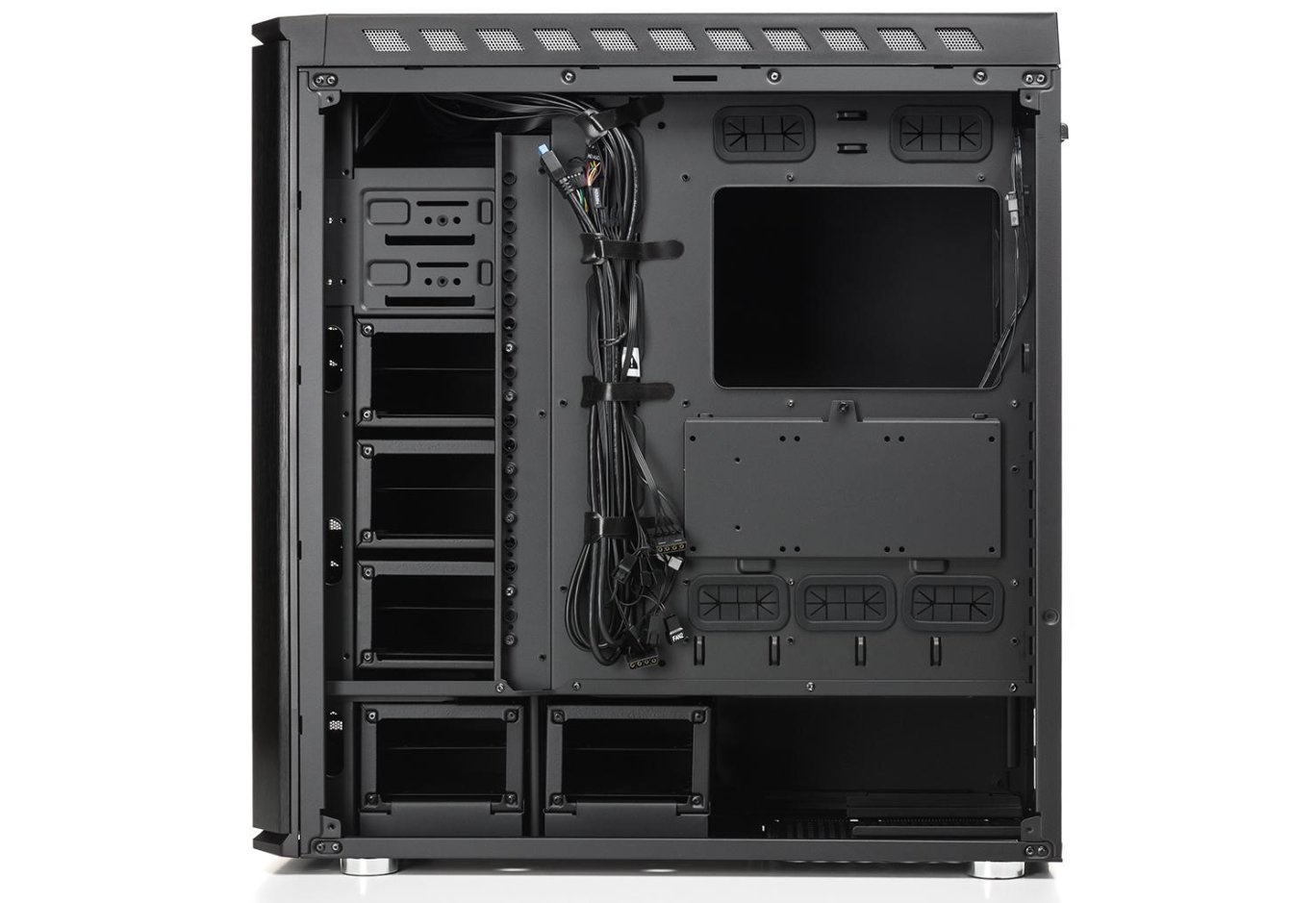
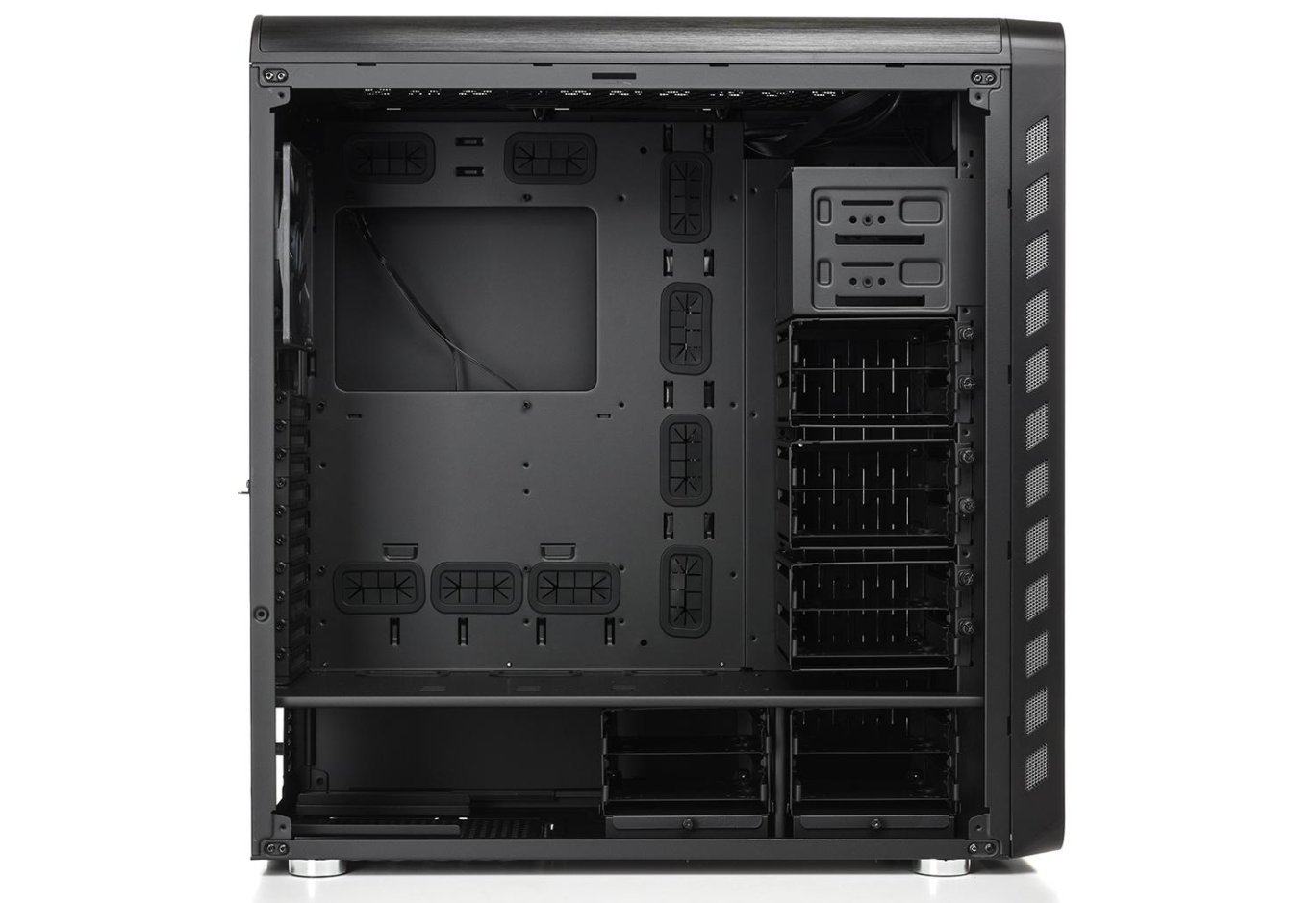
The usual layout with a tunnel at the bottom is complemented by a number of removable elements that provide a golden mean between ample free space and the ability to accommodate the maximum number of devices. The case is primarily clearly oriented towards a full-size ATX board, as indicated by the corresponding placement of cable management holes on the tray.
The front part of the chassis is equipped with two bays for an optical drive, rheobus, or any other 5.25" format device. If they are not needed, and the protruding internal part is in the way, it can be easily unscrewed using a Phillips screwdriver.
Below are three drive cages, each of which can accommodate two 3.5" or 2.5" solutions. Anti-vibration pads for full-size hard drives are included. The cages are removable, but it's not necessary to dismantle everything - you can manage with just one or two that interfere with the installation of a graphics card or liquid cooling radiator. The presence of additional holes allows for flexible height adjustment with a gap of several centimeters.
However, three 140- or 120-mm fans can be installed here without any obstacles. In this case, it's best to place the drives somewhere nearby.

Another pair of cages of the same size is installed in the tunnel. Again, if necessary, any of them can be removed and reinstalled. There are also two guides for the power supply. With the cages installed, there is 235 mm of space allocated for it, meaning a 190-200 mm model will fit along with the output cables. If you wish to use something bulkier (if such a thing can be found), you will need to remove one of the cages. In this case, the manufacturer promises an additional 100 mm of space.

But let's return to the drives. Exclusively for 2.5" format solutions, there are three mounting points behind the motherboard tray. A bracket is used for their fixation, which is attached with a single knurled-head screw, making it quite convenient to install and change SSDs.

The rear fan is straightforward. Yes, it uses an inexpensive and relatively short-lived sleeve bearing. However, the power consumption is only 1.2 W, if the label is to be believed (12 V, 0.1 A). The appearance of the fan is quite ordinary, with no lighting detected.
Now about other compatible components. With the cages installed, the length of the video adapter reaches a "modest" 350 mm. This means most devices will fit without any additional manipulations, as was the case with our native GeForce GTX 980. But if the card still requires more space, removing the cage will allow for the installation of solutions up to 472 mm in length - this is the value indicated by the manufacturer.
There will also be no difficulties with a large tower cooler, even with all the elements together. Its allowable height is 186 mm, and of course, there is a cutout on the tray for easy cooler replacement.

The cables from the front panel are long enough, so there should be no problems with connecting its components. The length of the fan wires and other elements that consume power through the peripheral connector is also quite sufficient.
|
Name |
Length, cm |
|
USB 3.0 |
95 |
|
USB 2.0 |
90 |
|
HD Audio |
90 |
|
Buttons and indicators |
80 |
|
PATA |
40 |
|
FAN |
50 |
The "LED" button on the interface panel is responsible for the lighting of two case elements - the vertical strip at the front and the horizontal one at the top. They light up simultaneously, switching with each press: red, green, blue, purple, lime, turquoise, and light blue colors, shimmering and flickering. One more press of the finger - and the lighting turns off completely. And then - again in a circle. Which option did you like the most?
Testing
|
Processor |
Intel Core i7-7700K (Socket LGA1151, 4.2 GHz, L3 8 MB) |
|
Cooler |
Scythe Mugen 3 |
|
Motherboard |
ASUS PRIME Z270-A (Socket LGA1151) |
|
RAM |
2 x 8 GB DDR4-2400 HyperX Fury HX424C15FBK2/16 |
|
Video card |
ASUS GeForce GTX 980 MATRIX PLATINUM 4GB GDDR5 |
|
SSD |
SSD KINGMAX SME35 Xvalue |
|
Power supply |
Seasonic X-560 Gold (SS-560KM Active PFC, ATX, 560W) |
|
Thermal paste |
Noctua NT-H1 |


The "All System Load" chart shows the heating of components after 30 minutes of 3DMark Fire Strike in Ultra mode (4K resolution). And the "System Component Burn" mode demonstrates temperatures under load with AIDA64 applications (Stress CPU and FPU) and MSI Kombustor for 15 minutes. The case was tested with a single installed fan (850 rpm) at a room temperature of 25°C.
A lot of free space inside should already positively affect the heating of components. And it did - despite the rather modest front and top perforation, the obtained CPU heating results are only slightly inferior to the more ventilated Vinga Cobalt. Moreover, there is a minimal advantage in the case of the video card. As for the comparison with tested cases from other manufacturers, we have approximately average indicators. For a system with a powerful video card, the installed fan will suffice, but a couple of adapters will probably require the purchase of additional intake fans.
Conclusions

Full Tower cases from the same manufacturer can differ drastically from each other, as can be seen in the example of Vinga Cobalt and Vinga Starkad. The latter was created with a focus on the affluent buyer who loves large components and wants space for their installation. The device supports the installation of long video cards (up to 472 mm when removing the drive cage or 350 mm without any sacrifices), huge 186-mm tower coolers, and up to 10 full-sized hard drives. The latter are attached to removable cages, providing flexibility when creating each individual system. This is also observed in the case of the two supported 5.25" devices.
In addition to the aforementioned, "Starkad" boasts many small features that are reflected in its price. The sturdy metal allows you not to worry about the rigidity of the structure, decorative aluminum panels provide a practical and presentable appearance, a simple built-in rheobus allows you to control the rotation of a pair of fans, the lighting of the external panels and rear interfaces will not let you lose sight of the system unit and will increase the convenience of connecting external devices. And this is far from a complete list of advantages. Whether they are worth the $175 that the manufacturer asks for Vinga Starkad is up to you to decide.
We would only add that there are still a couple of details we would like to adjust. Firstly, in a device of this level, it is desirable to see a bundled fan based on a more reliable bearing rather than a budget sleeve. And secondly, the low seating looks elegant but negatively affects the intake of cool air. Therefore, a carpet is clearly contraindicated for the tested device.
Advantages:
- beautiful design with aluminum sheets on the front and top panels;
- high build quality;
- support for 350-mm (472-mm with removed cage) video cards and 186-mm CPU coolers;
- support for XL-ATX format boards;
- support for up to seven fans and radiators up to 360 mm in length;
- quiet rear 140-mm fan;
- ability to control the rotation of a pair of fans from the front panel;
- support for ten 3.5" and three 2.5" drives;
- two bays for 5.25" devices;
- removable cages for drives and 5.25" devices;
- ten horizontal and even two vertical expansion slots;
- dust filter at the bottom, anti-vibration pads in the trays, and soft feet;
- good opportunities for hidden cable management;
- presence of adjustable external LED lighting and rear interface panel illumination;
- ability to install locks on the side panels;
- decent temperature indicators even with one fan.
Features:
- fan on a sleeve bearing;
- due to low feet, it is best not to place the system unit on a carpet.
Author: Олесь Пахолок
Translation: Лілія Масюк
We express our gratitude to ASUS, Intel, Noctua and Sea Sonic Electronics for providing equipment for the test bench.
Related products