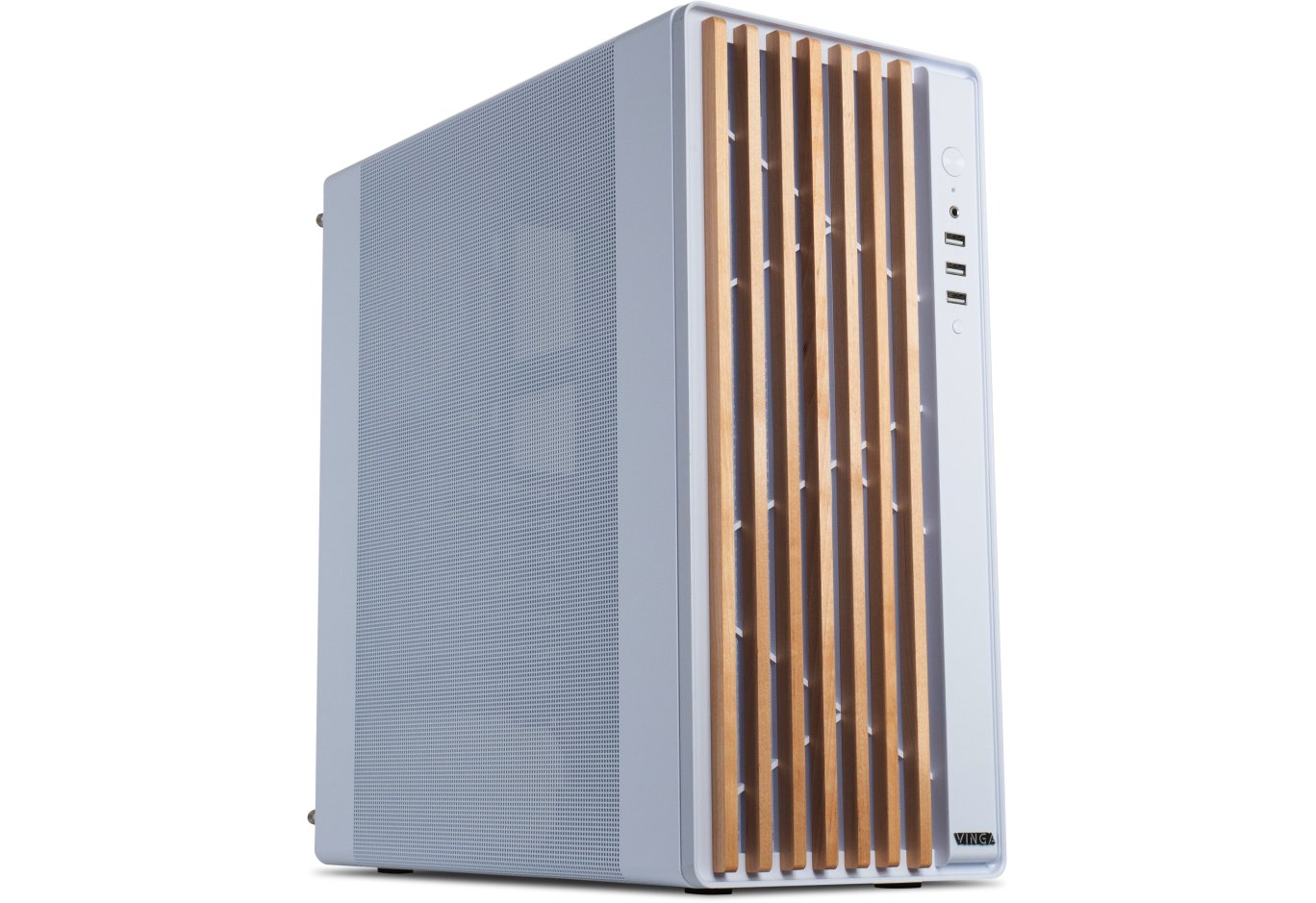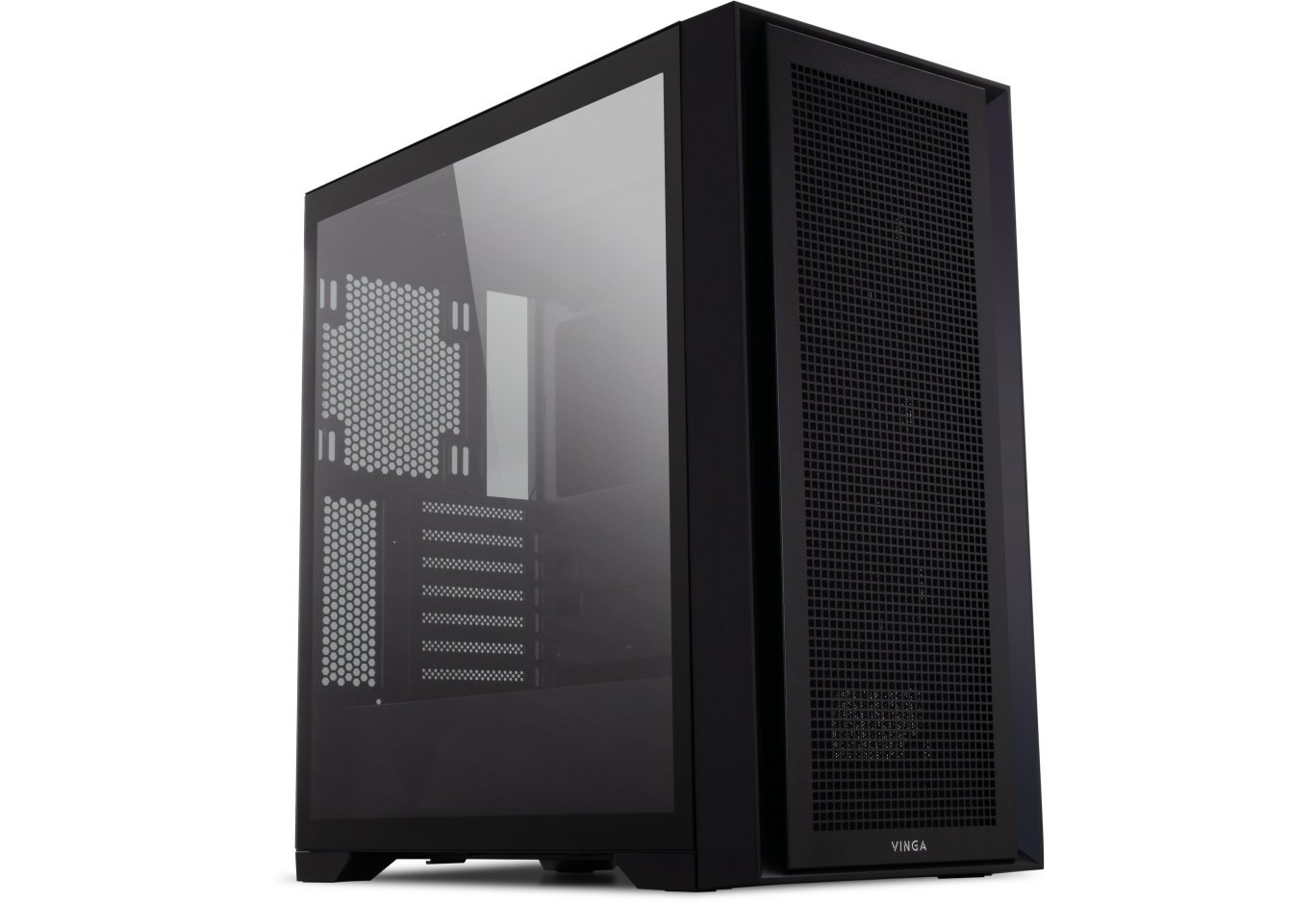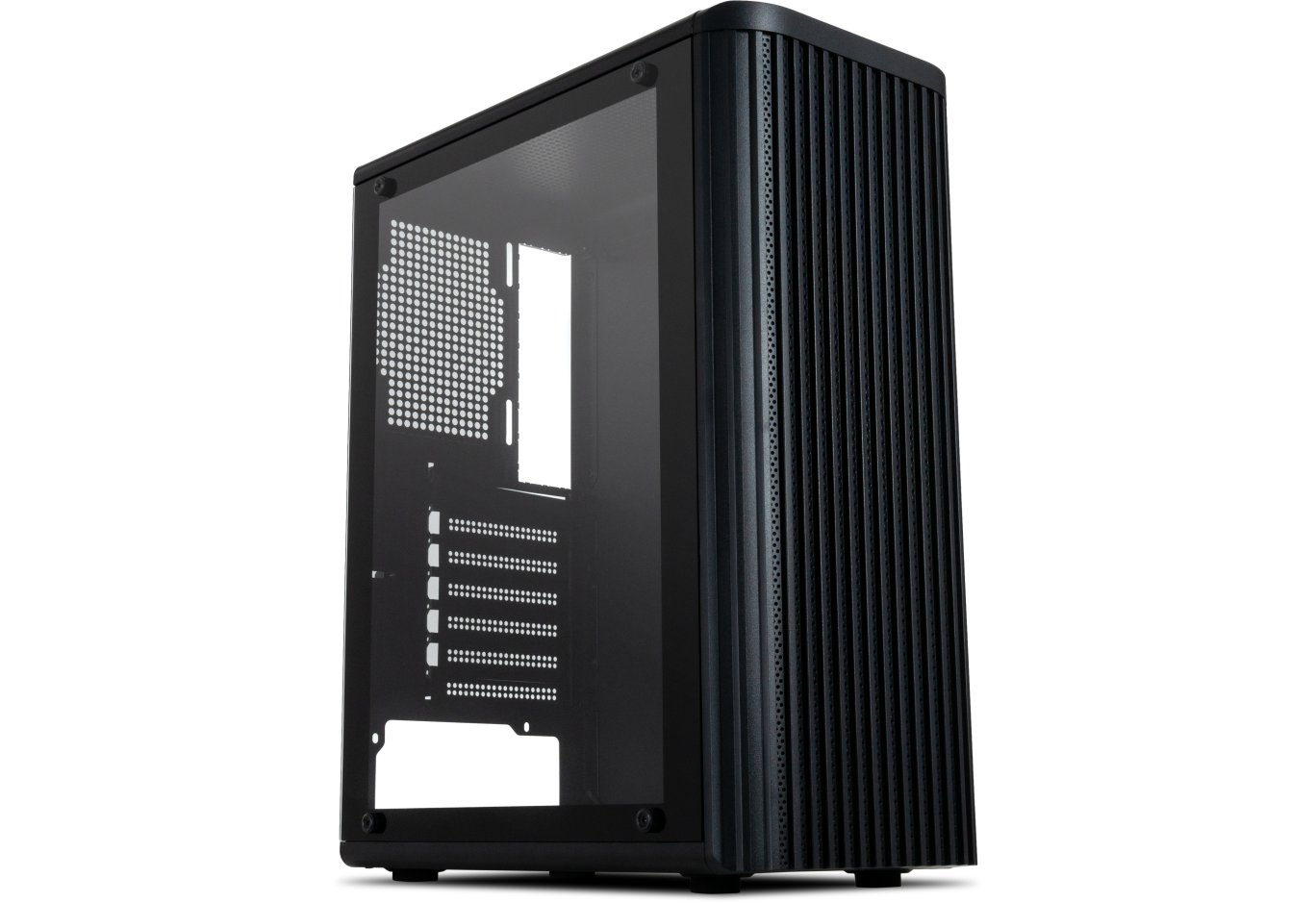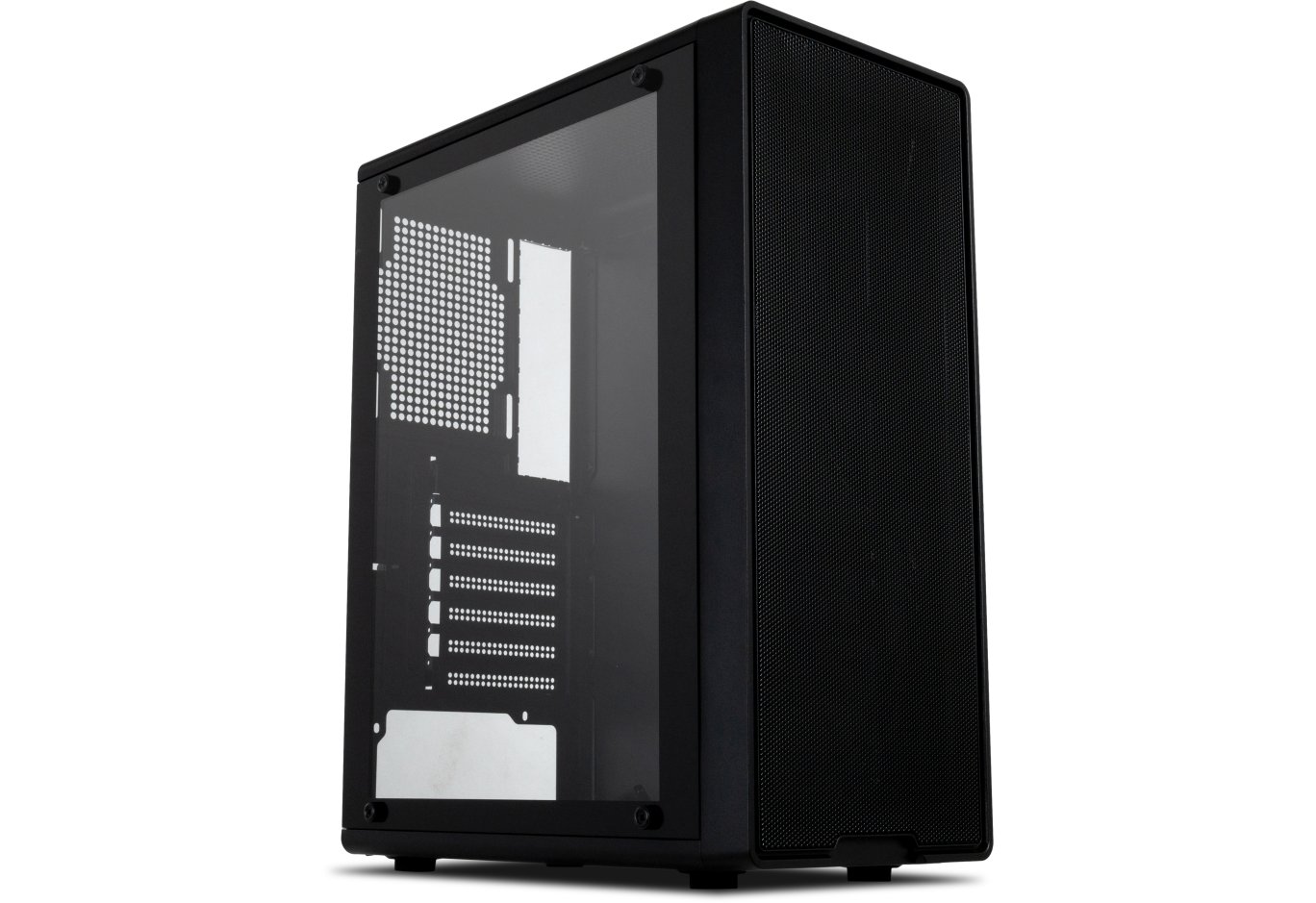


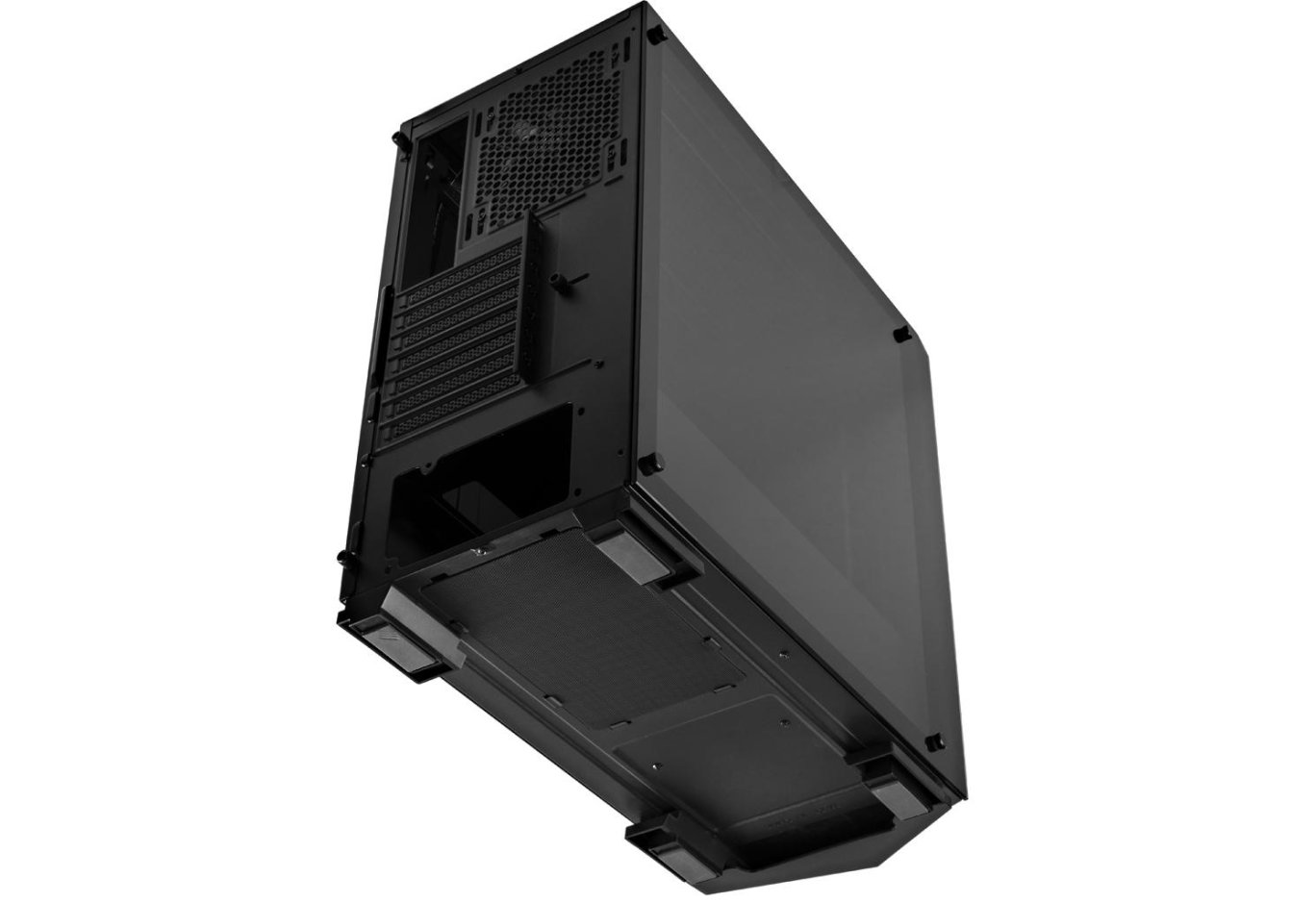
PC Case Vinga Chaos
It's no secret that the main trends in the design of modern cases are the presence of transparent panels and multicolor lighting. Of course, not everyone likes this, but as they say, demand creates supply. And to attract more potential buyers, manufacturers try to offer various variations of such products. In this regard, the domestic brand Vinga has everything in order - the choice is very wide.

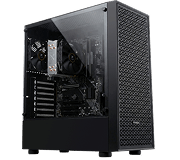
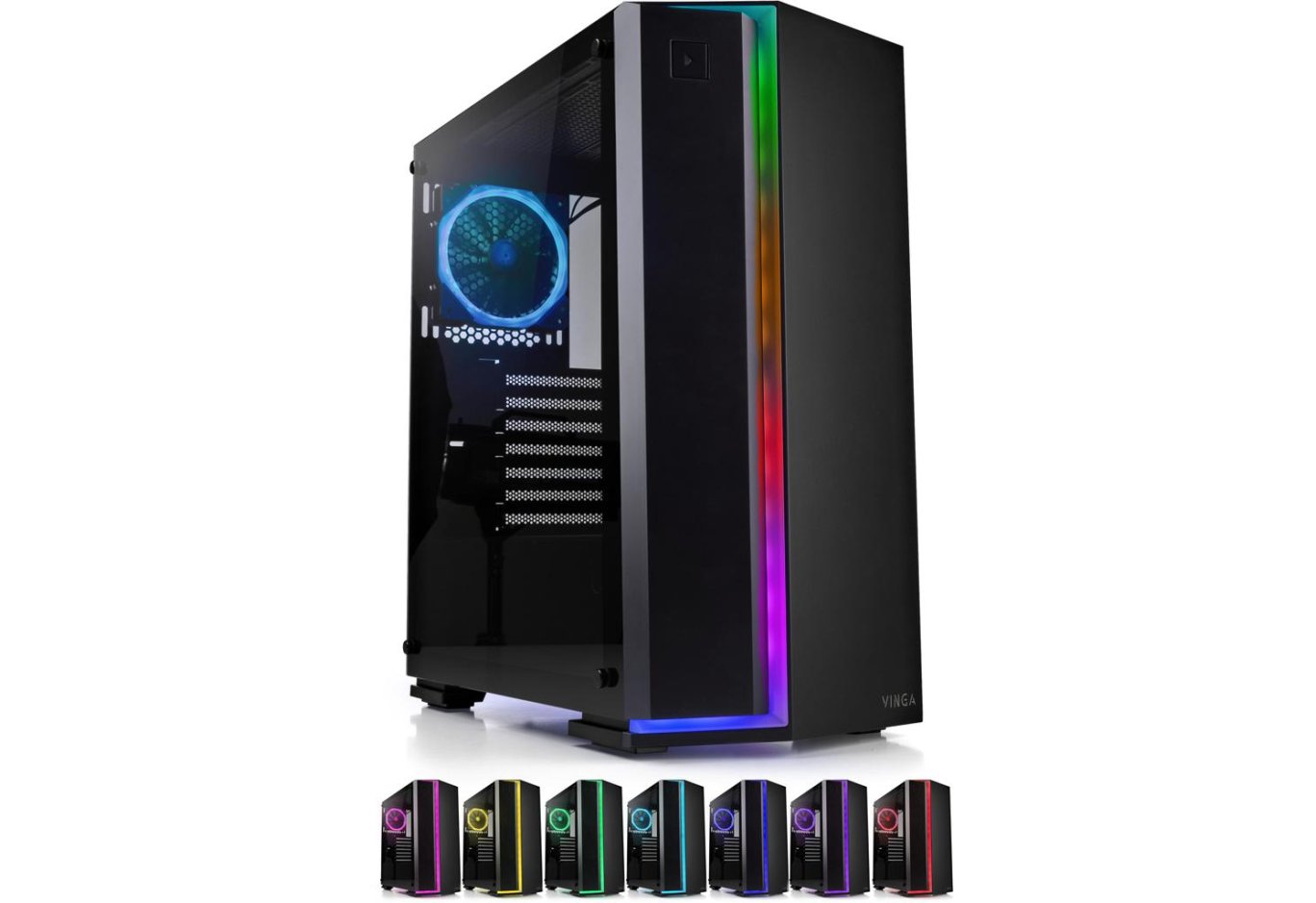
This time we have the Vinga Chaos chassis for review, with a pleasant price of $58. The novelty belongs to the Middle Tower format, has a glass side panel, a fan, and a front panel with RGB lighting, as well as a built-in control controller that allows you to connect a whole bunch of fans and an LED strip.
Specification
|
Model |
Vinga Chaos |
|
|
Case Size |
Middle Tower |
|
|
Motherboard Form Factor Support |
ATX / microATX / Mini-ITX |
|
|
Color |
Black |
|
|
Internal Bays |
2 x 3.5” 2 x 2.5” |
|
|
Expansion Slots |
7 |
|
|
Maximum GPU Length (in brackets - own measurements) |
370 mm (365 mm) |
|
|
Maximum CPU Cooler Height (in brackets - own measurements) |
179 mm (180 mm) |
|
|
Maximum PSU Length (own measurements) |
210 mm |
|
|
Ports |
2 x USB 3.0 2 x USB 2.0 2 x audio ports |
|
|
Pre-installed Fans |
On the rear panel |
1 x 120-mm |
|
Fan Installation Capability |
On the front panel |
3 x 120-mm or 2 x 140-mm |
|
On the rear panel |
1 x 120-mm / 140-mm |
|
|
On the top panel |
2 x 120-mm / 140-mm |
|
|
Liquid Cooling Installation Capability |
On the front panel |
1 x 120 mm / 240 mm |
|
On the rear panel |
1 x 120 mm |
|
|
Power Supply |
None |
|
|
Materials |
Front Panel |
Plastic |
|
Chassis |
Steel thickness 0.6 - 0.62 mm |
|
|
Right Side Panel |
Steel thickness 0.69 mm |
|
|
Left Side Panel |
Steel thickness 4 mm |
|
|
Case Dimensions (W x H x D) (in brackets - own measurements) |
466 x 210 x 435 mm (474 x 220 x 465 mm) |
|
|
Weight (own measurements) |
6.295 kg |
|
|
Manufacturer's Website |
||
Packaging and Supply Kit
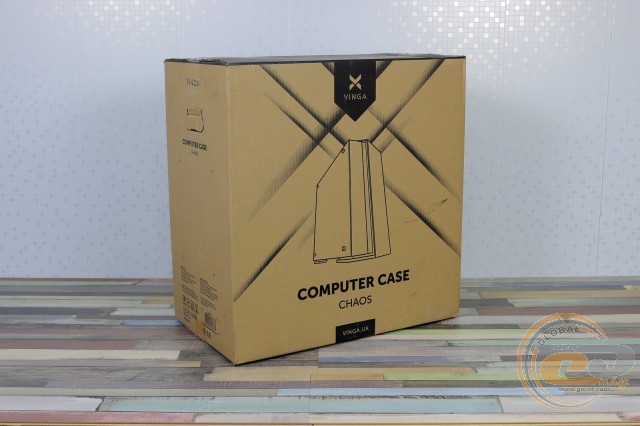
The monochrome box of Vinga Chaos is made of simple corrugated cardboard. In addition to the schematic image of the case, you can find its brief specification in English and Ukrainian. For convenience of transportation, there are cutouts on the ends.
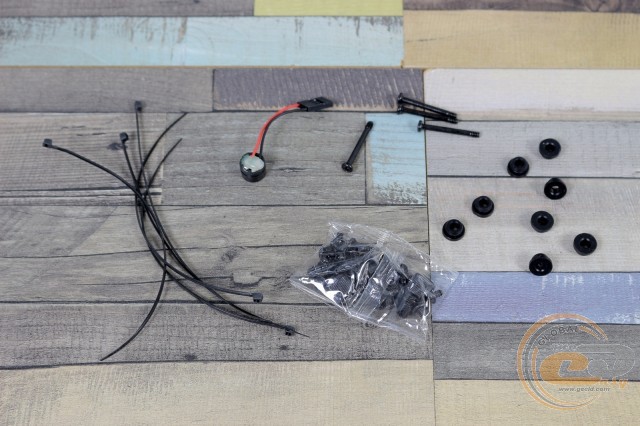
In the kit, we found motherboard standoffs, various screws (for the board, drives, power supply, side panels, and even liquid cooling), rubber grommets for drives, several disposable cable ties, and a system speaker.
Appearance
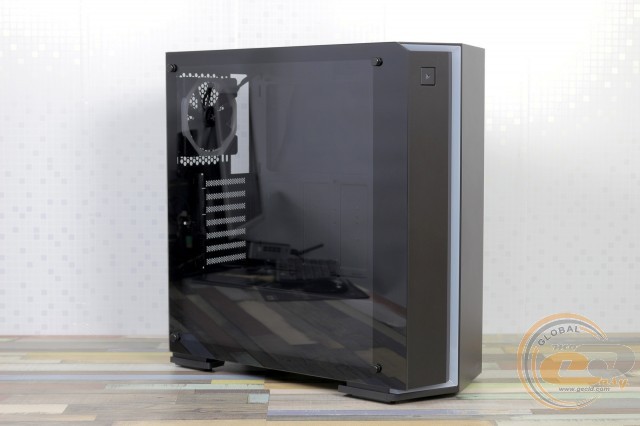
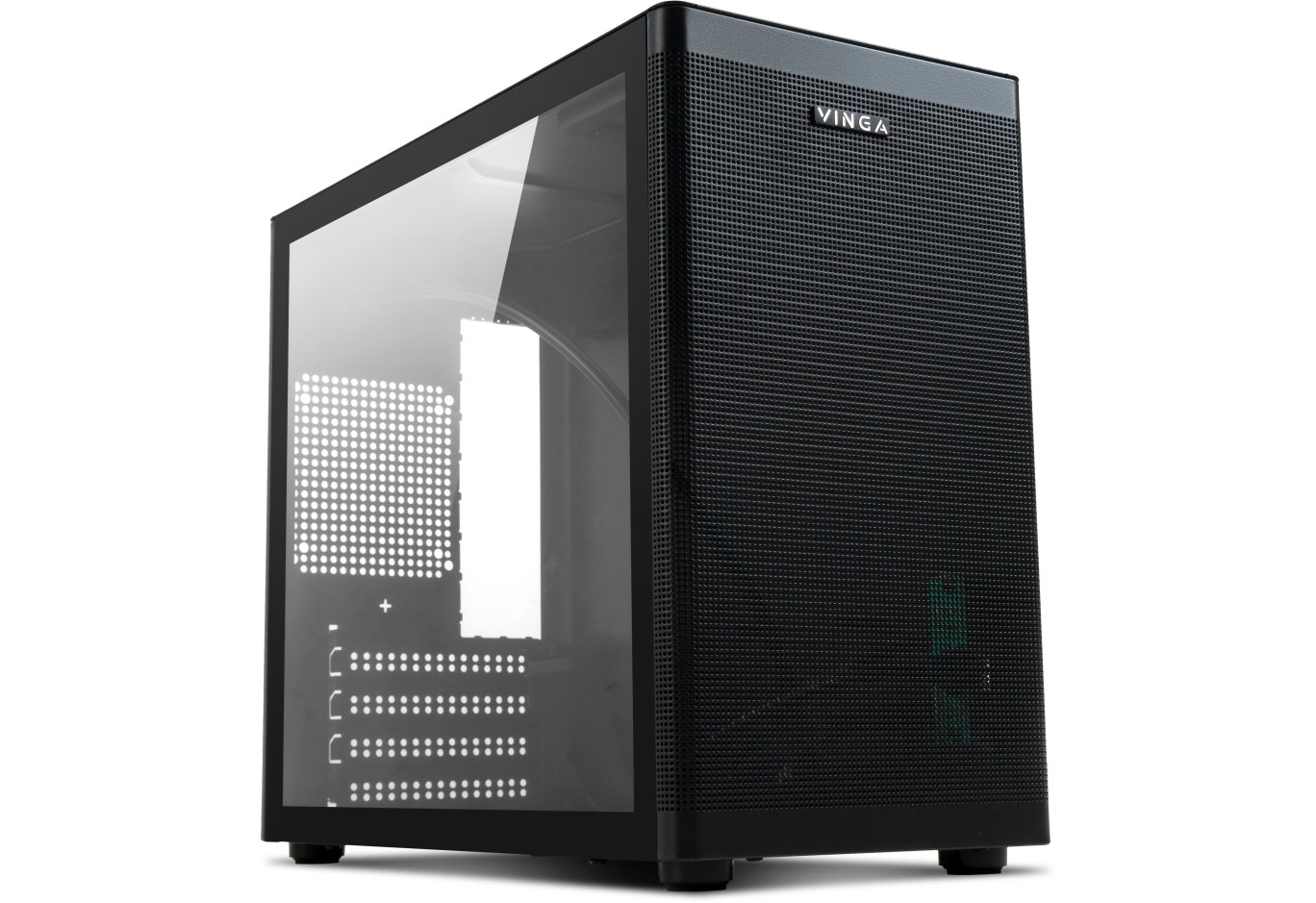
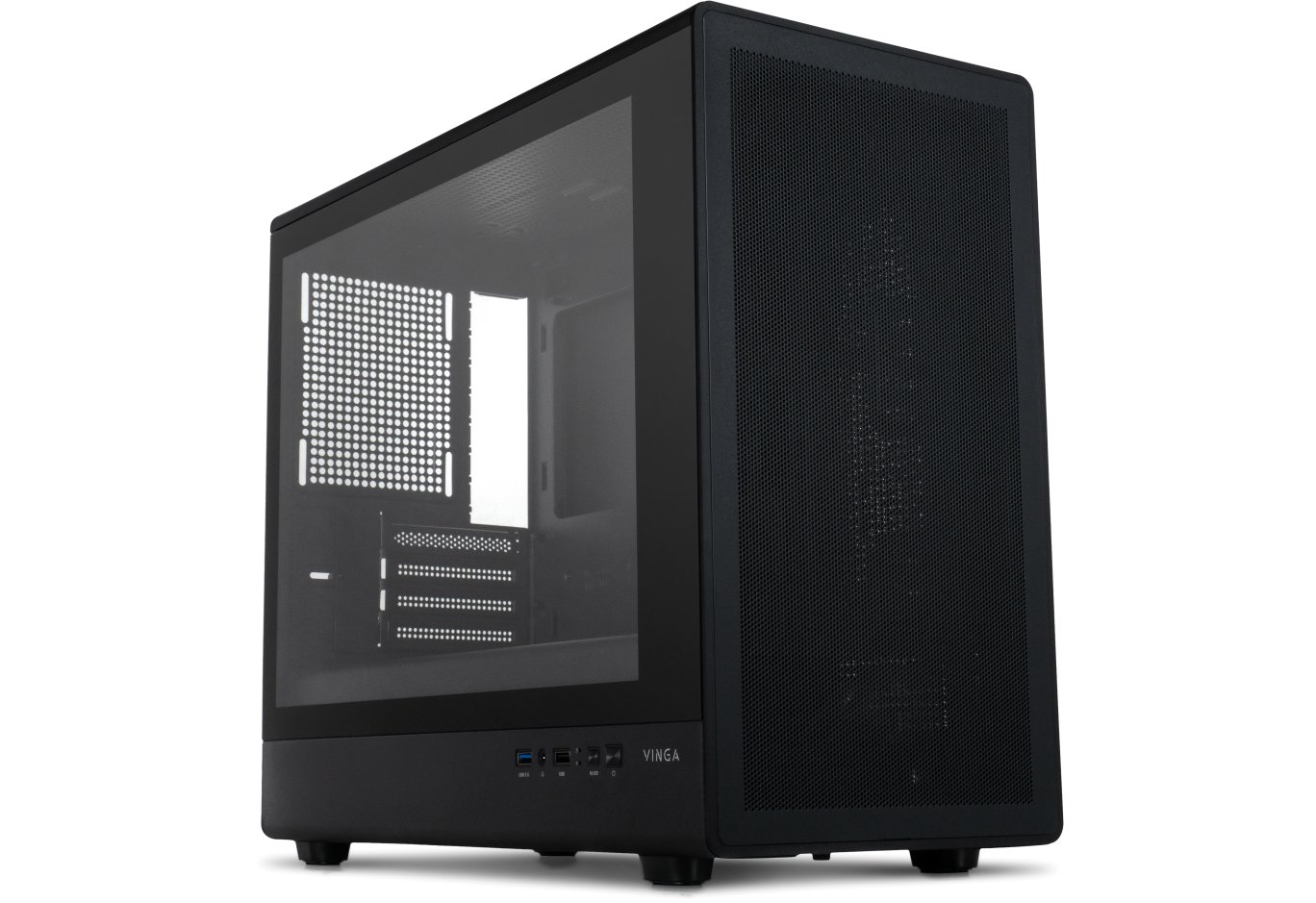
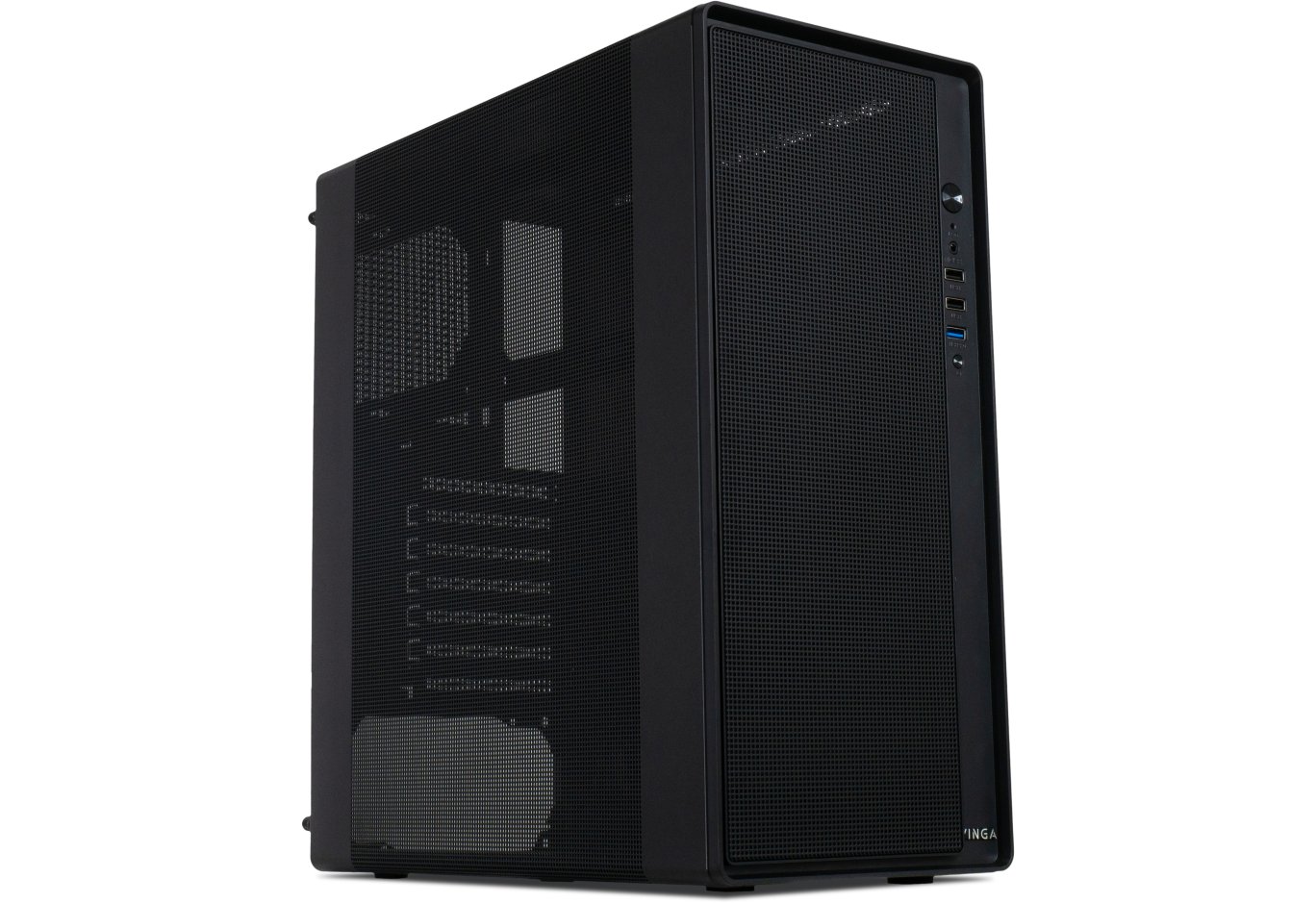
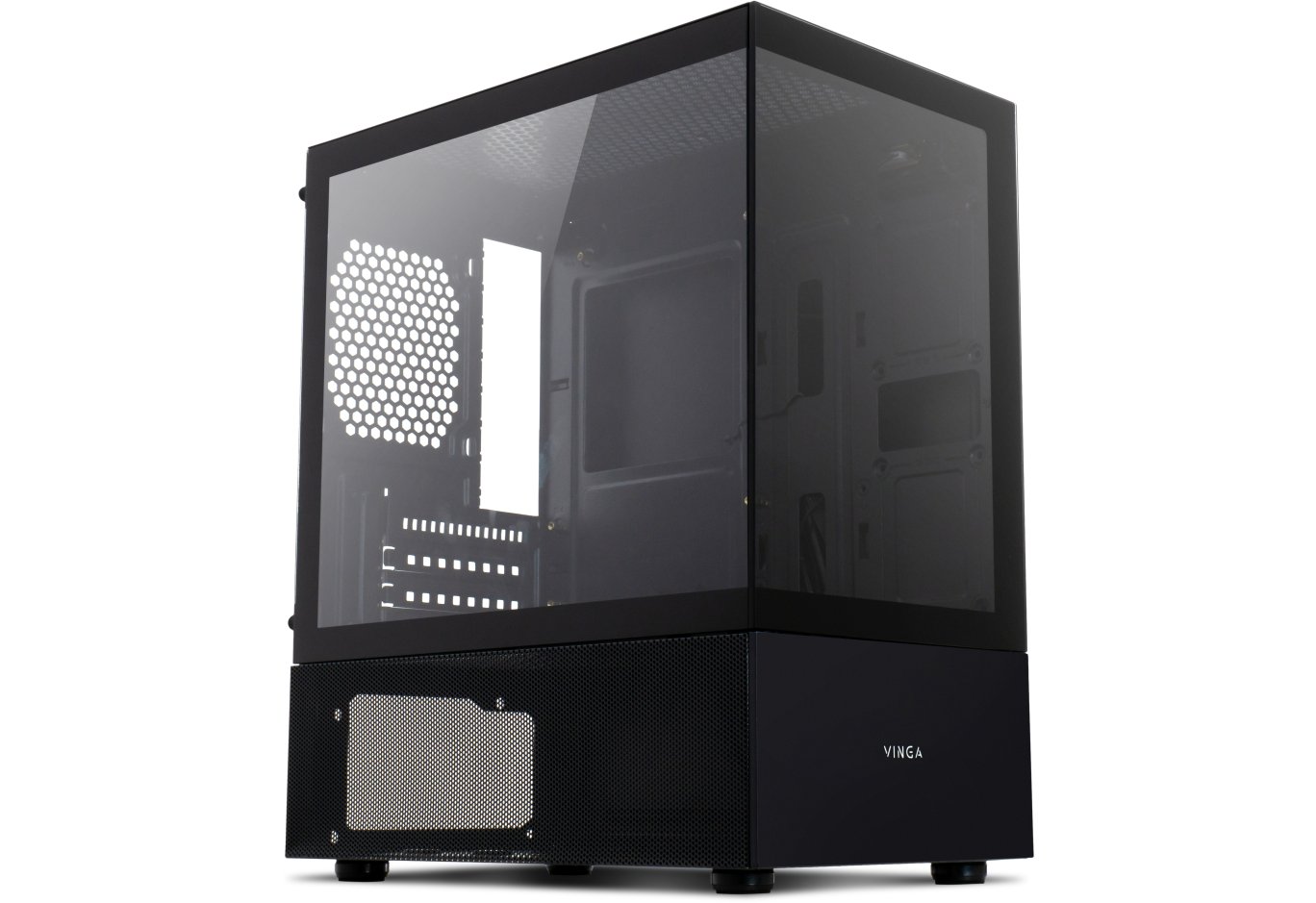
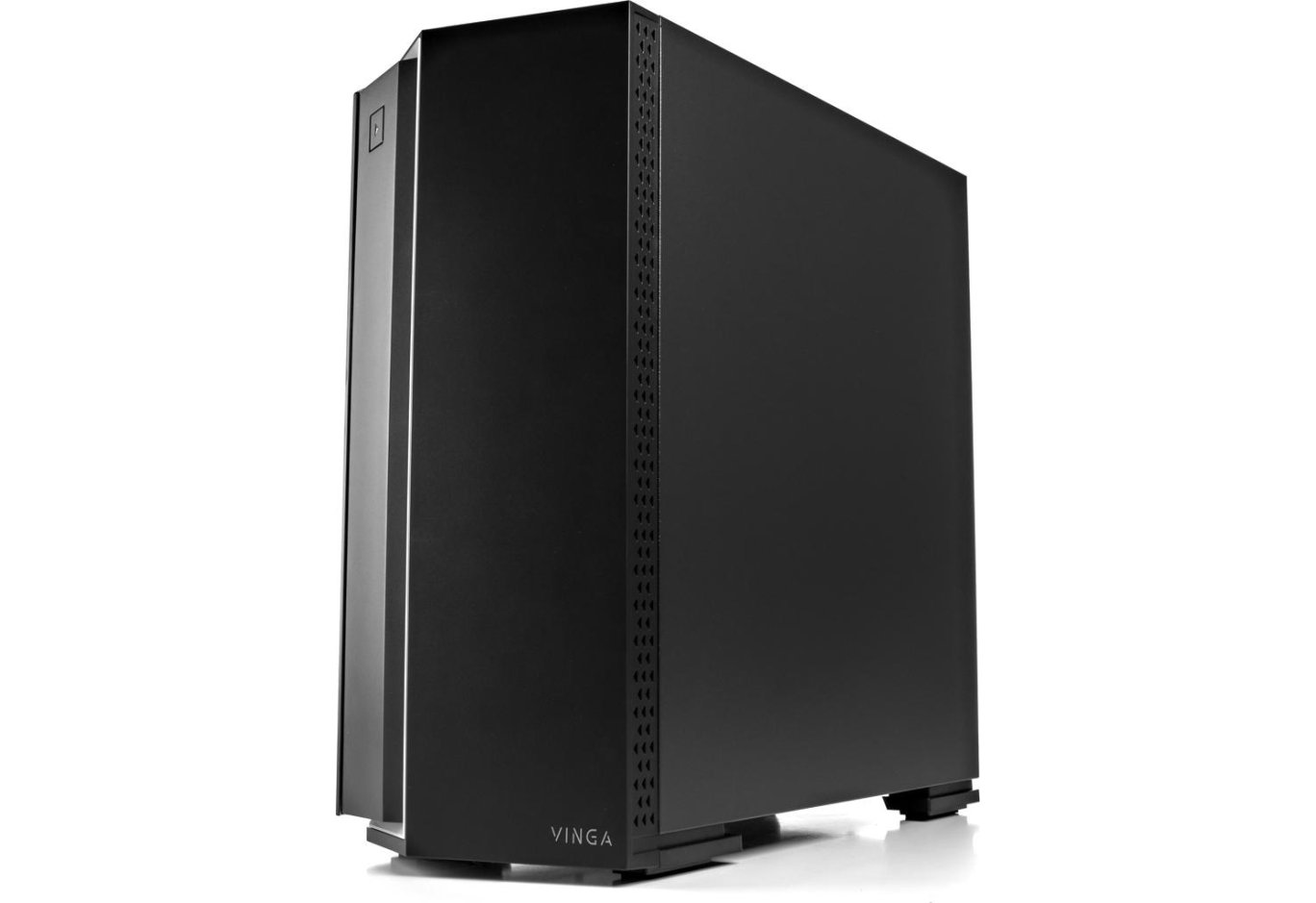
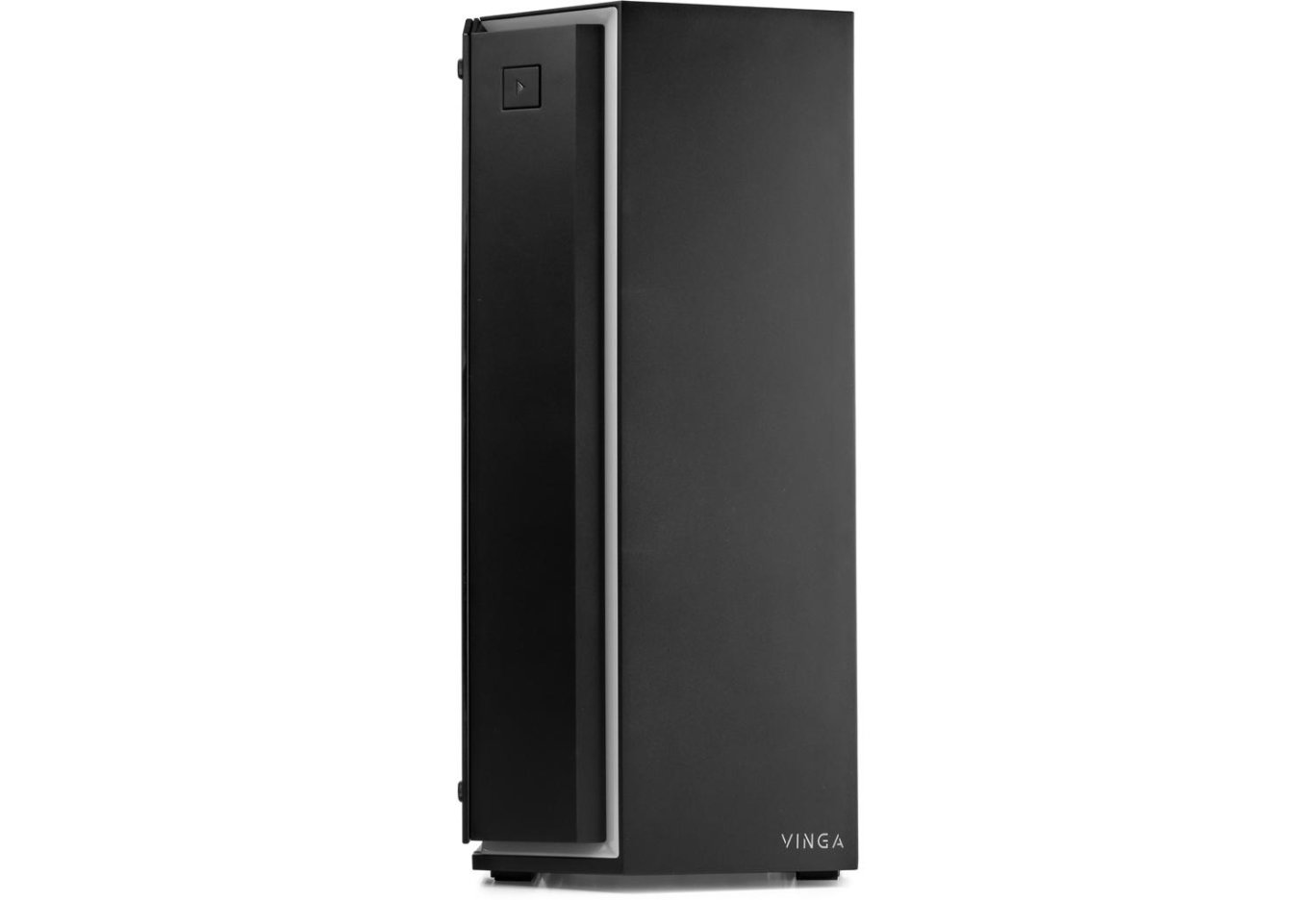
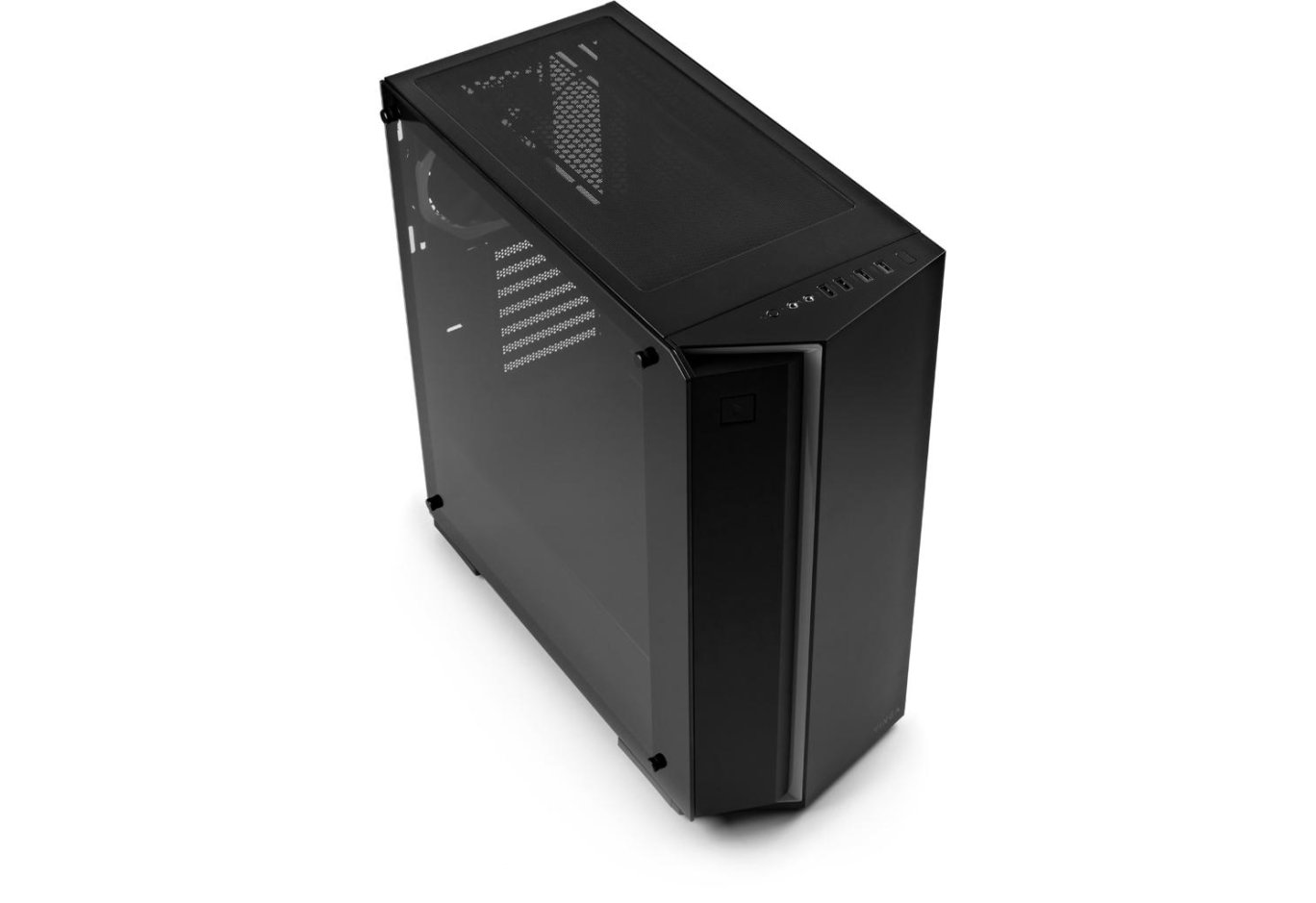
From a visual point of view, Vinga Chaos is a simple and attractive case. The chassis is a steel (0.6-0.62 mm) rectangular box. On the side, there is a full-size glass viewing window, and the front is dressed with a plastic wedge-shaped panel.
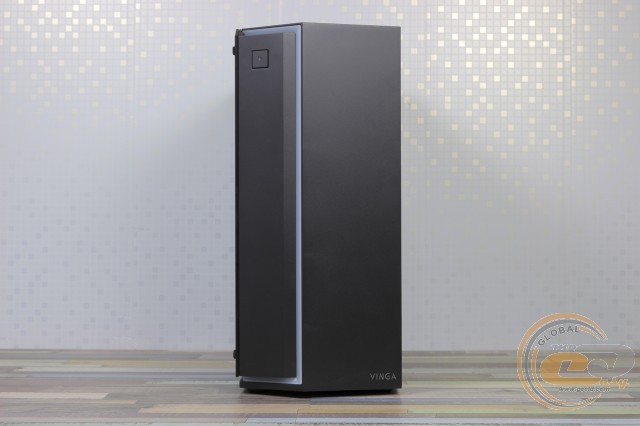
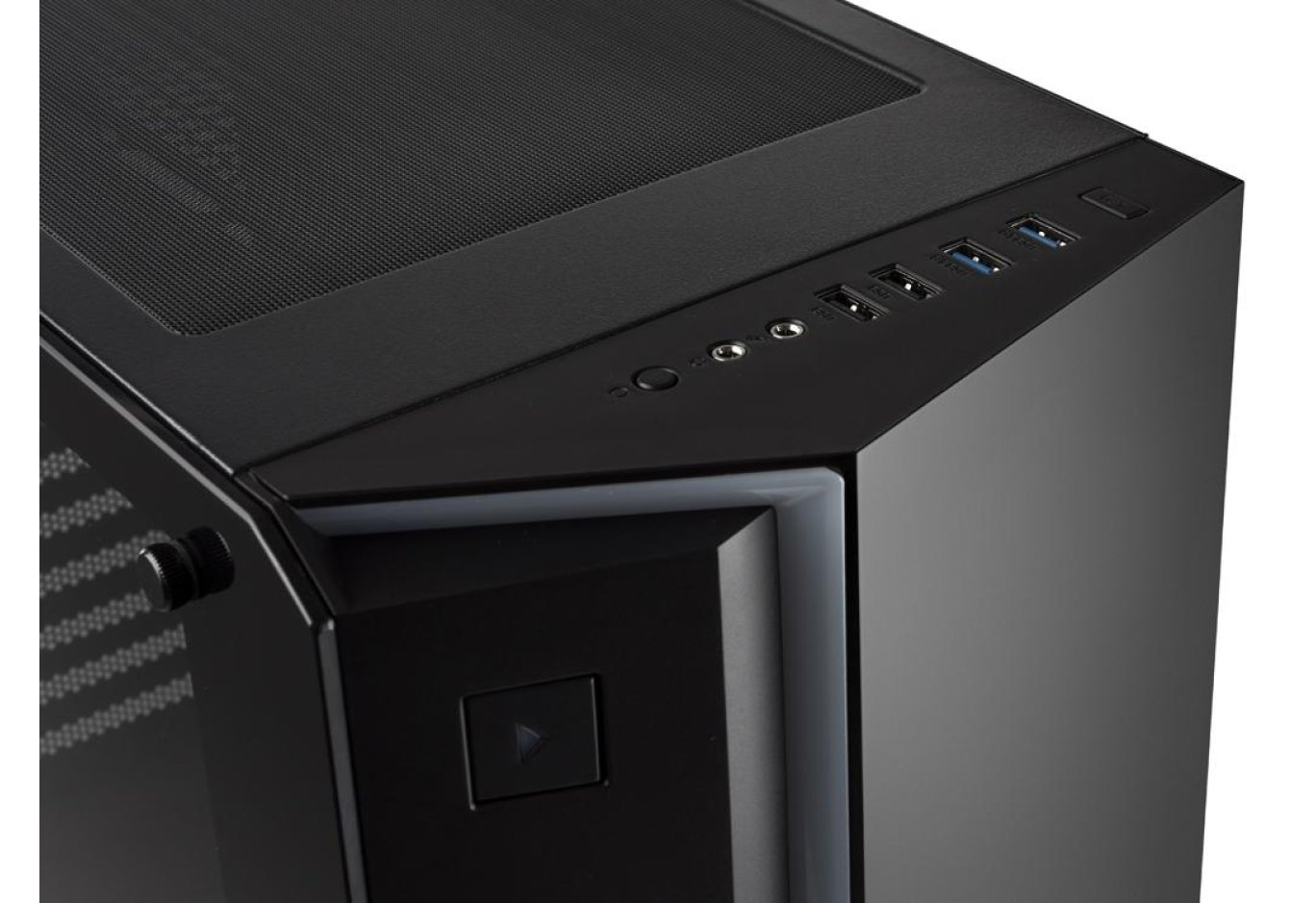
The main highlight of the facade is a fairly wide strip of translucent polycarbonate, under which an RGB strip is hidden. At the top of the left beveled half is the power button with an activity indicator. At the bottom of the right half is the Vinga logo.
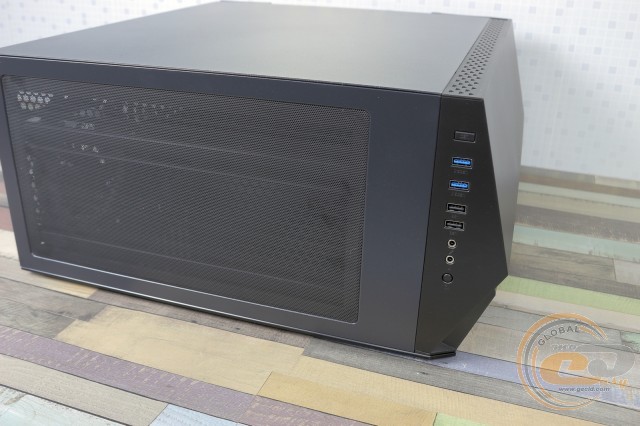
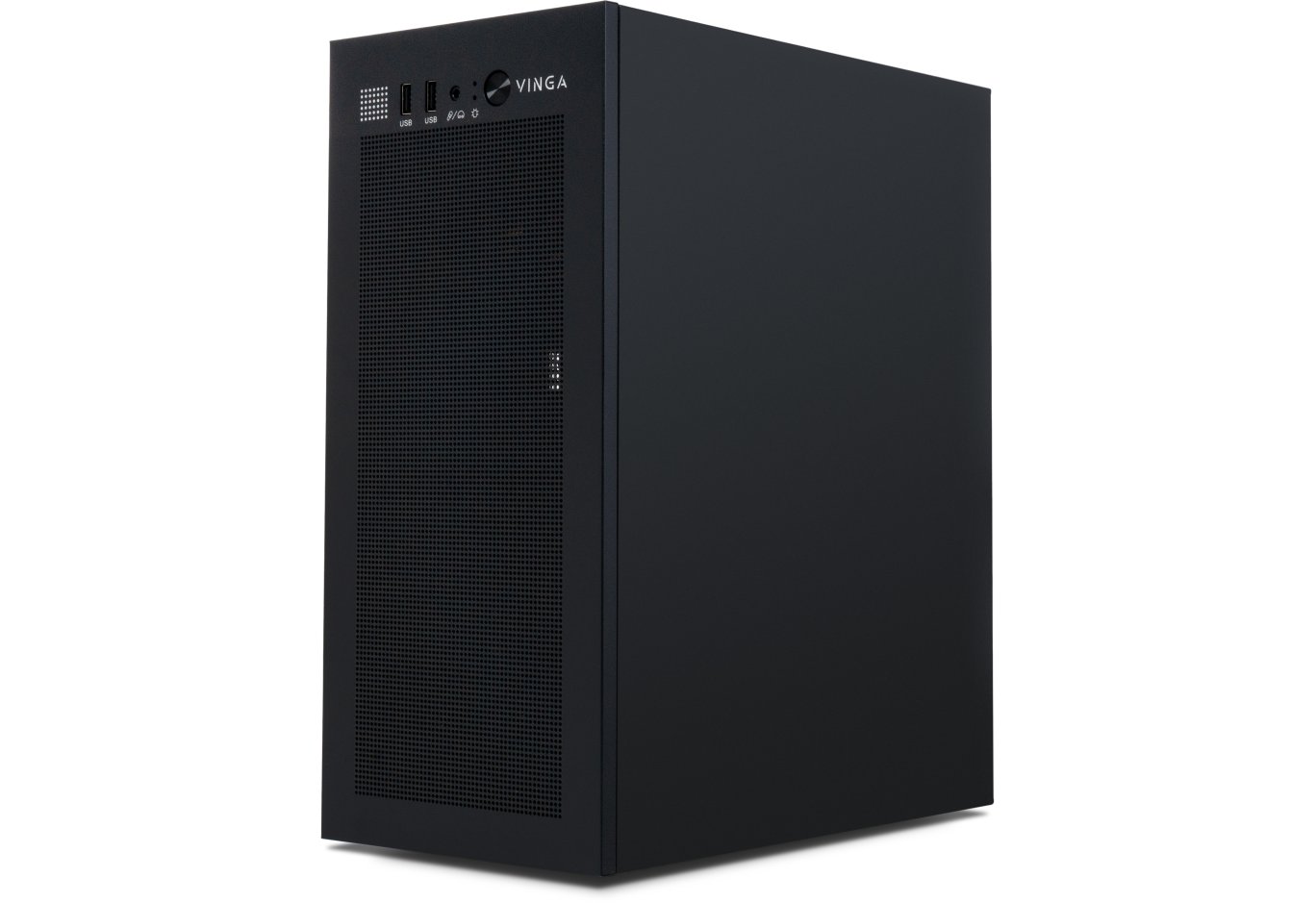
On the top panel are the input-output ports: two USB 3.0, two USB 2.0, and a pair of 3.5-mm jacks for a microphone and headphones. Nearby are the reset and lighting control buttons.
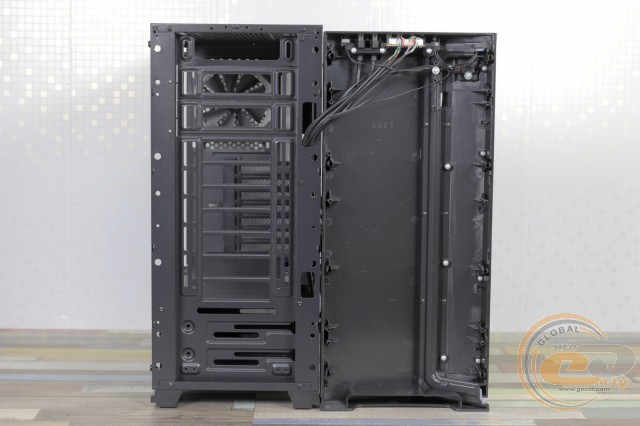
The front part is easily removable as it is attached with conventional latches. After its removal, a view of the unified chassis is revealed: some grids could be broken out for the installation of external devices if the front panel allowed for such a possibility. In this case, they are used for mounting a radiator or fans. However, the efficiency of the latter is limited by the small intake of cool air, considering the presence of ventilation holes only on the right edge of the panel. A mesh insert on the top side would clearly not be out of place.
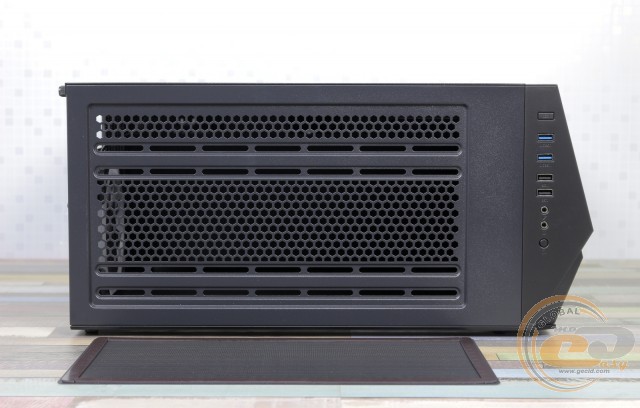
The top part of the Vinga Chaos is fully dedicated to a magnetic, easily removable mesh filter (324 x 175 mm).
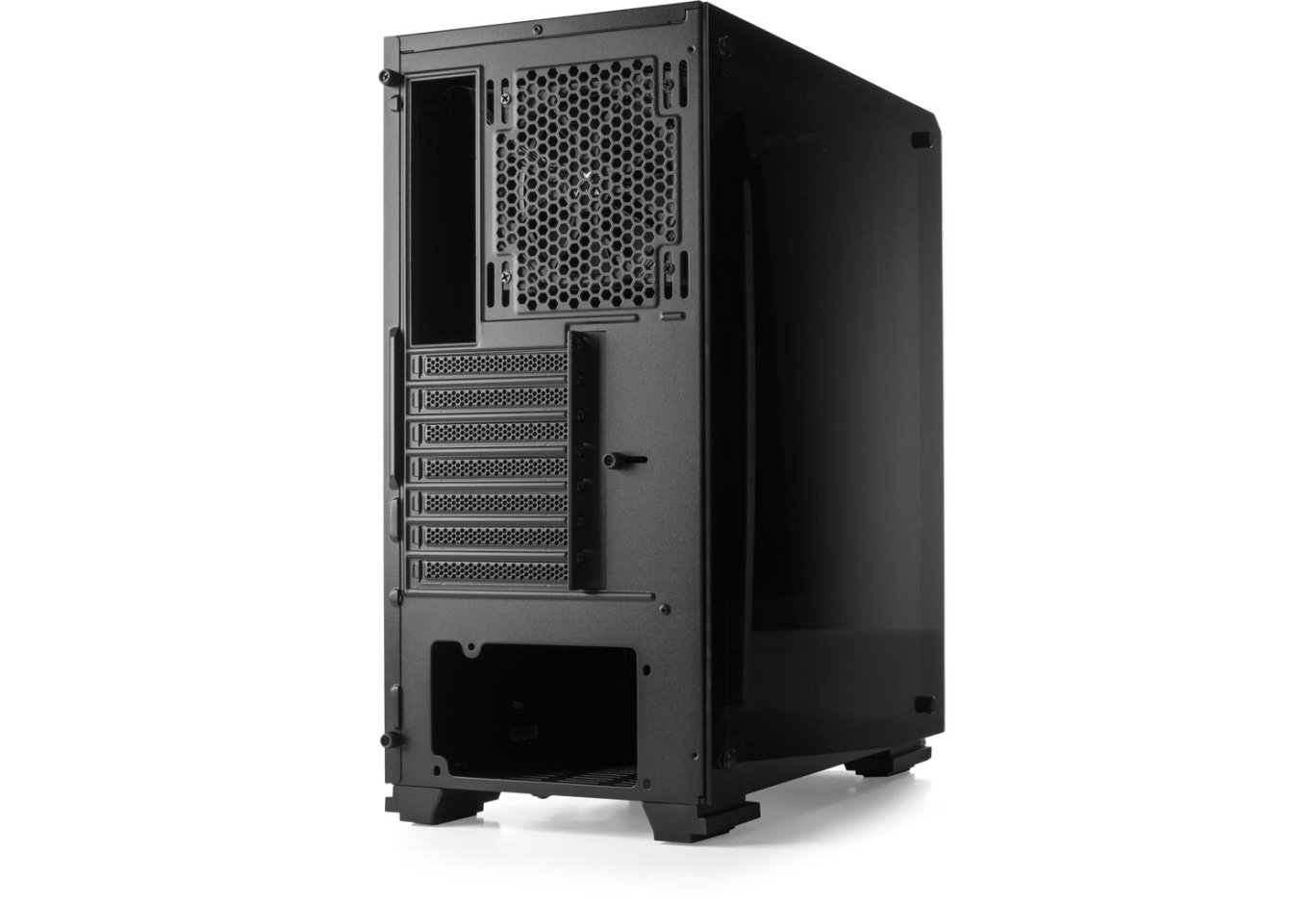
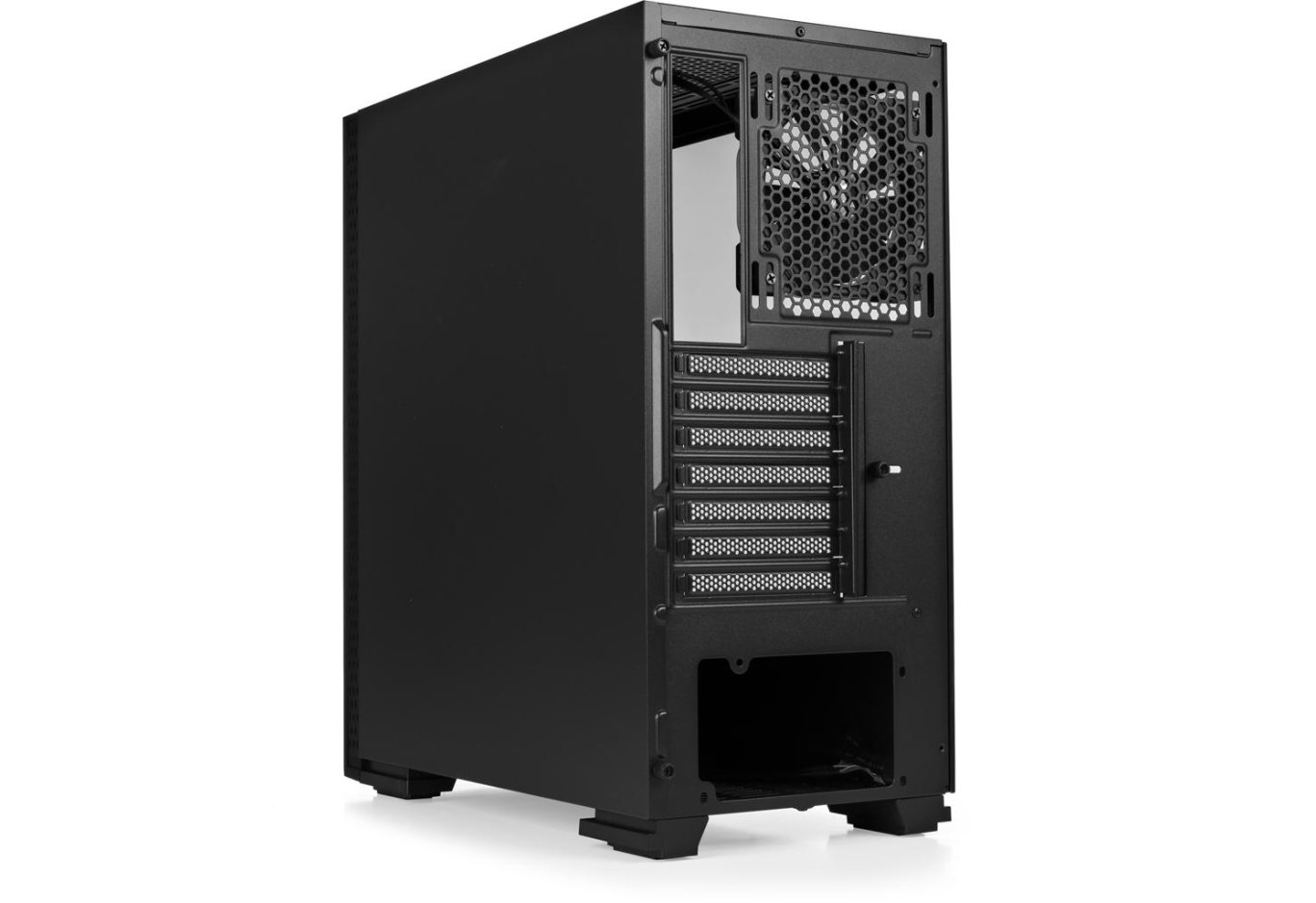
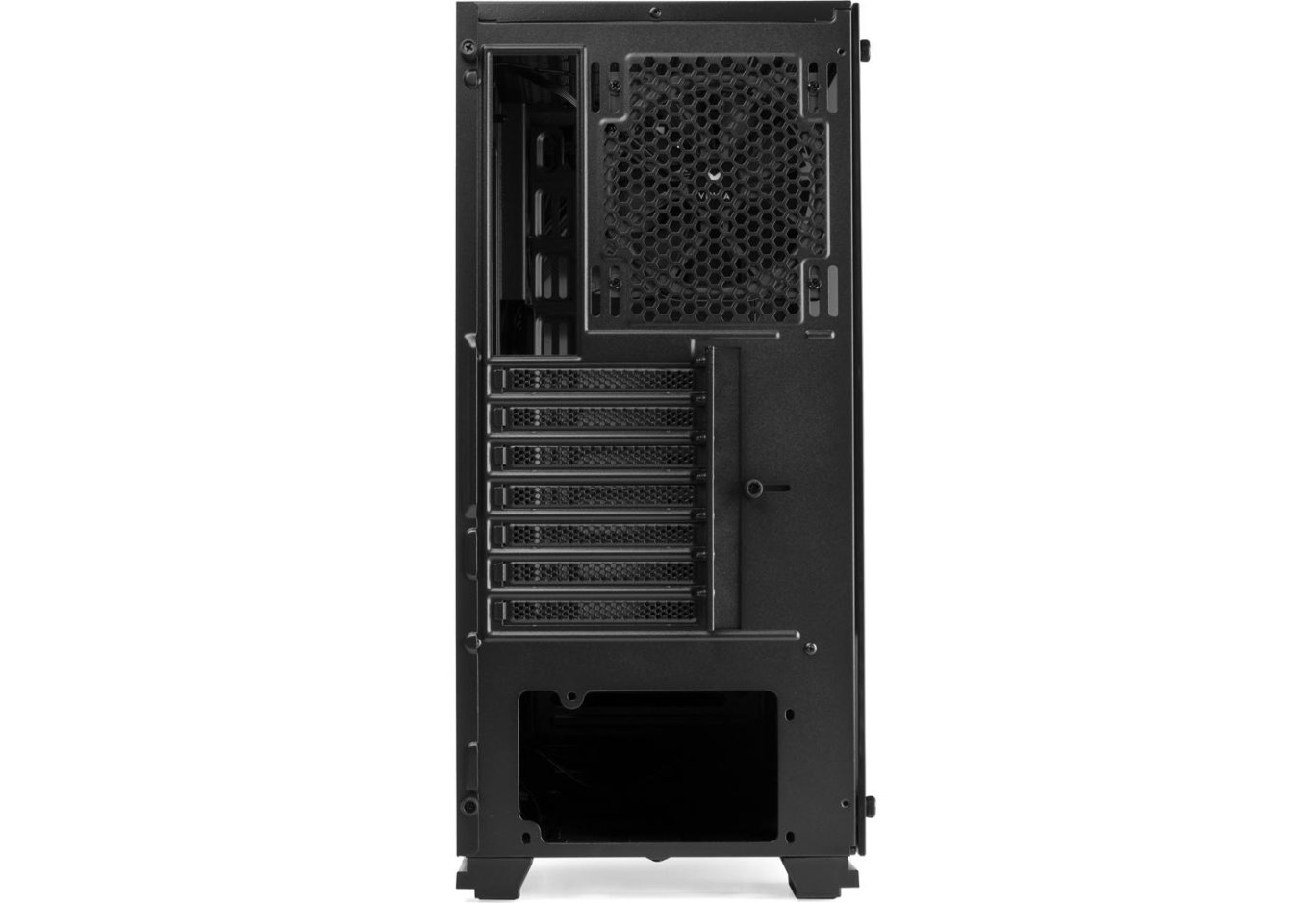
The back of the case has the usual layout with a bottom-mounted power supply unit. Above its mounting place are seven expansion slots, a cutout for the motherboard's interface panel, and an exhaust fan with adjustable height position.
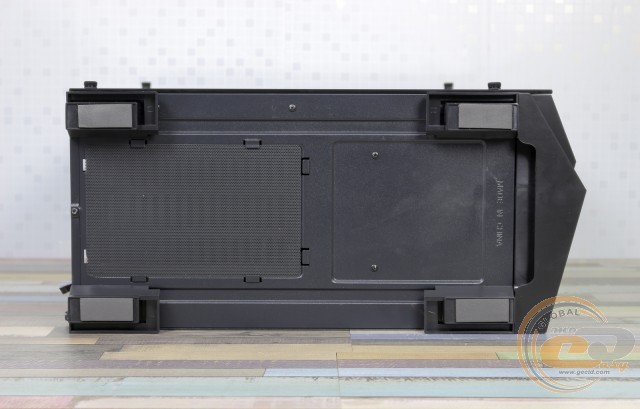
On the bottom of the case, there is a ventilation hole with a dust filter designed for cold air access to the PSU.
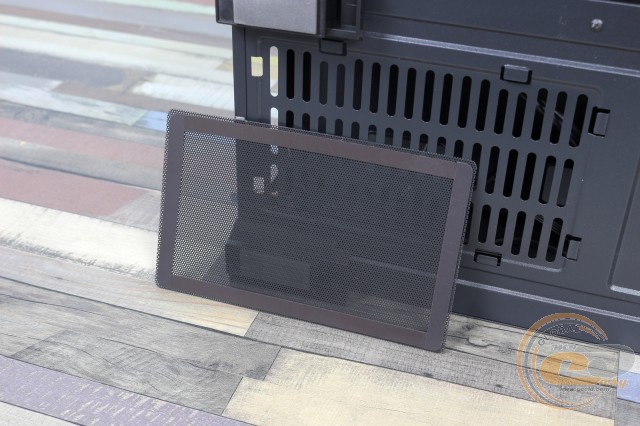
The filter is easy to remove, blow out, and wash. There are two pairs of plastic feet 24 mm high with thin rubber pads that provide good stability on different types of surfaces and sufficient airflow for the power supply.
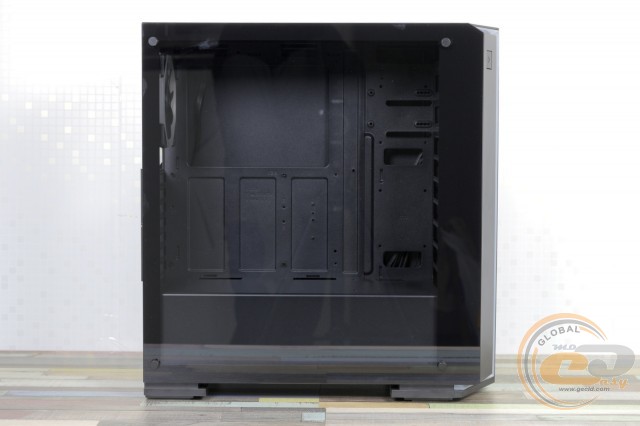
The left side of the Vinga Chaos is represented by a slightly tinted glass panel 4 mm thick, which is much stronger and more reliable than flimsy acrylic. Thanks to this, you can admire the internal components.
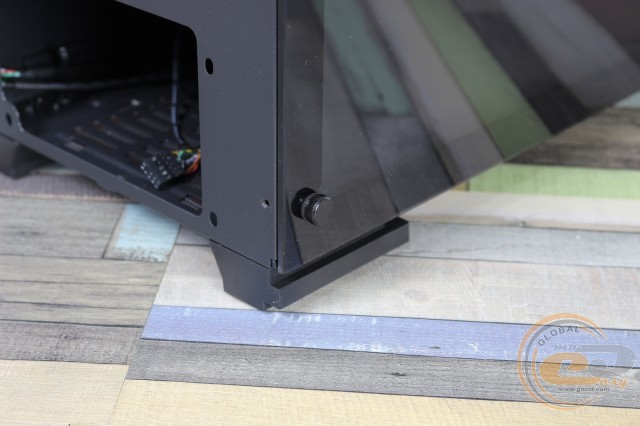
It is held by four metal screws with knurled heads located at the corners. Spare ones are included. Under the cap on all mounting screws are soft stickers. The inner part of the glass is glued around the contour with film, and the mounting holes are equipped with dampers.
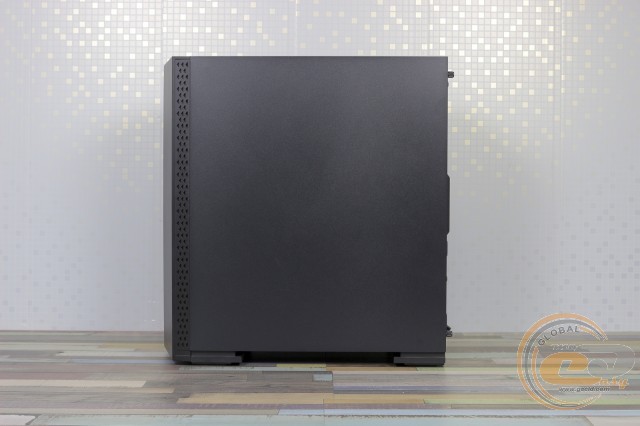
On the opposite side, there is a metal panel 0.69 mm thick. It is held by two screws with plastic knurled heads and equipped with a handle for easy removal. Inside, note the stiffening ribs.
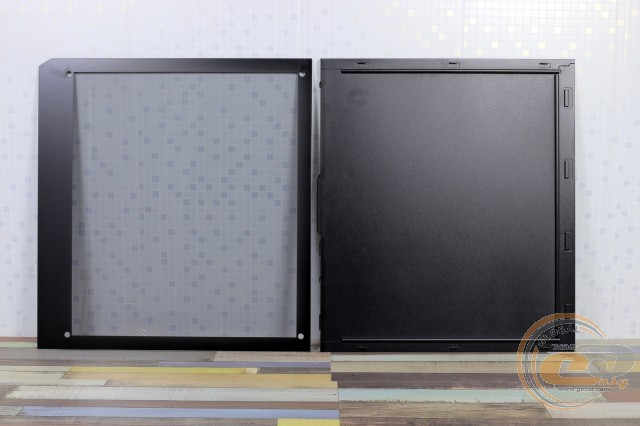
The process of their removal goes without obstacles.
Regarding the practicality of the materials used, matte metal and plastic hide fingerprints well, but the glass requires care to maintain its pristine appearance.
Internal Structure
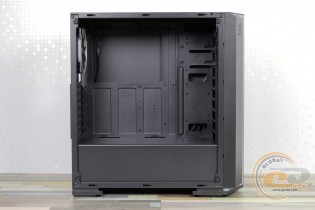
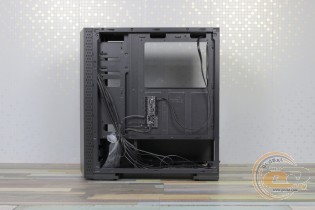
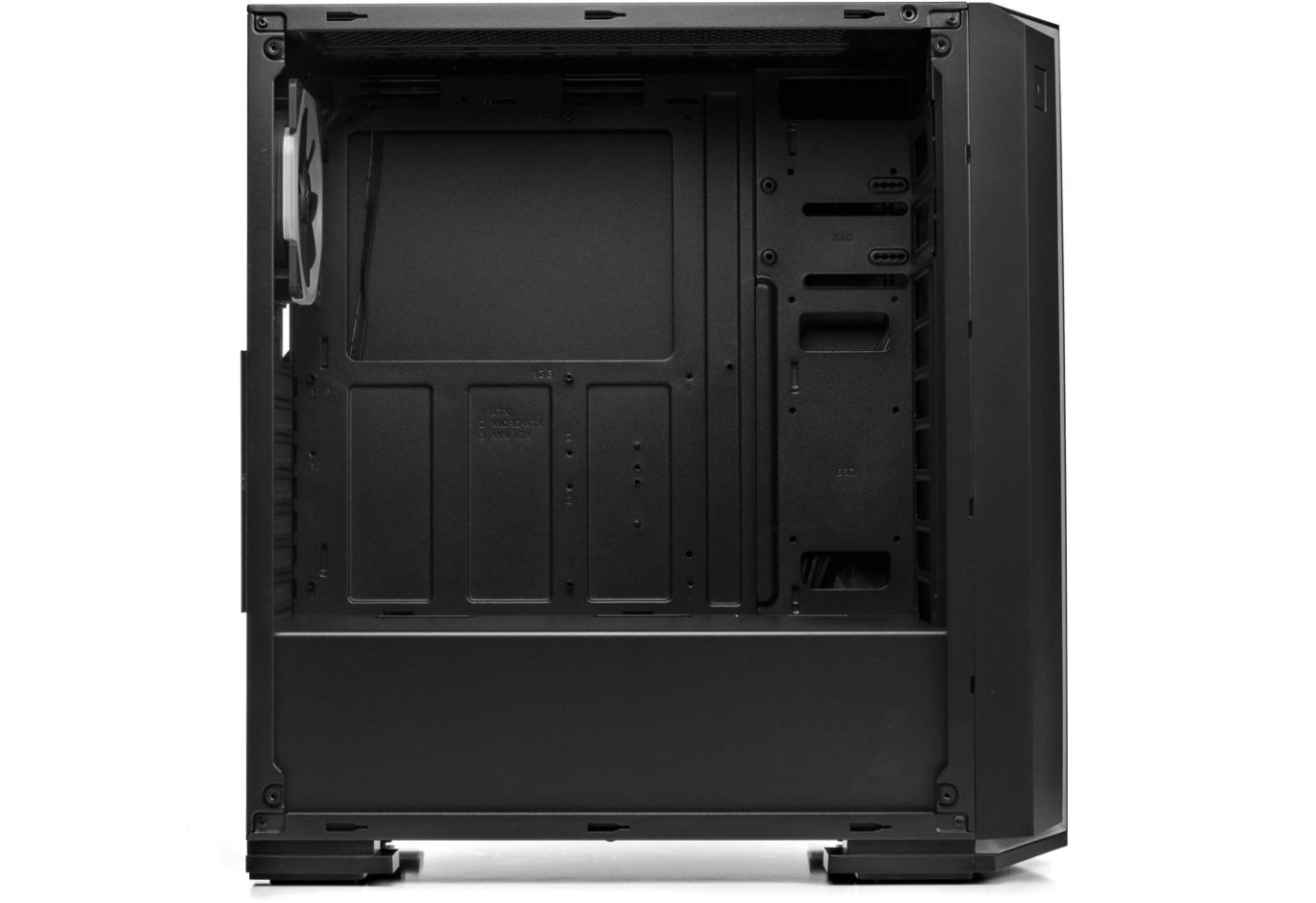
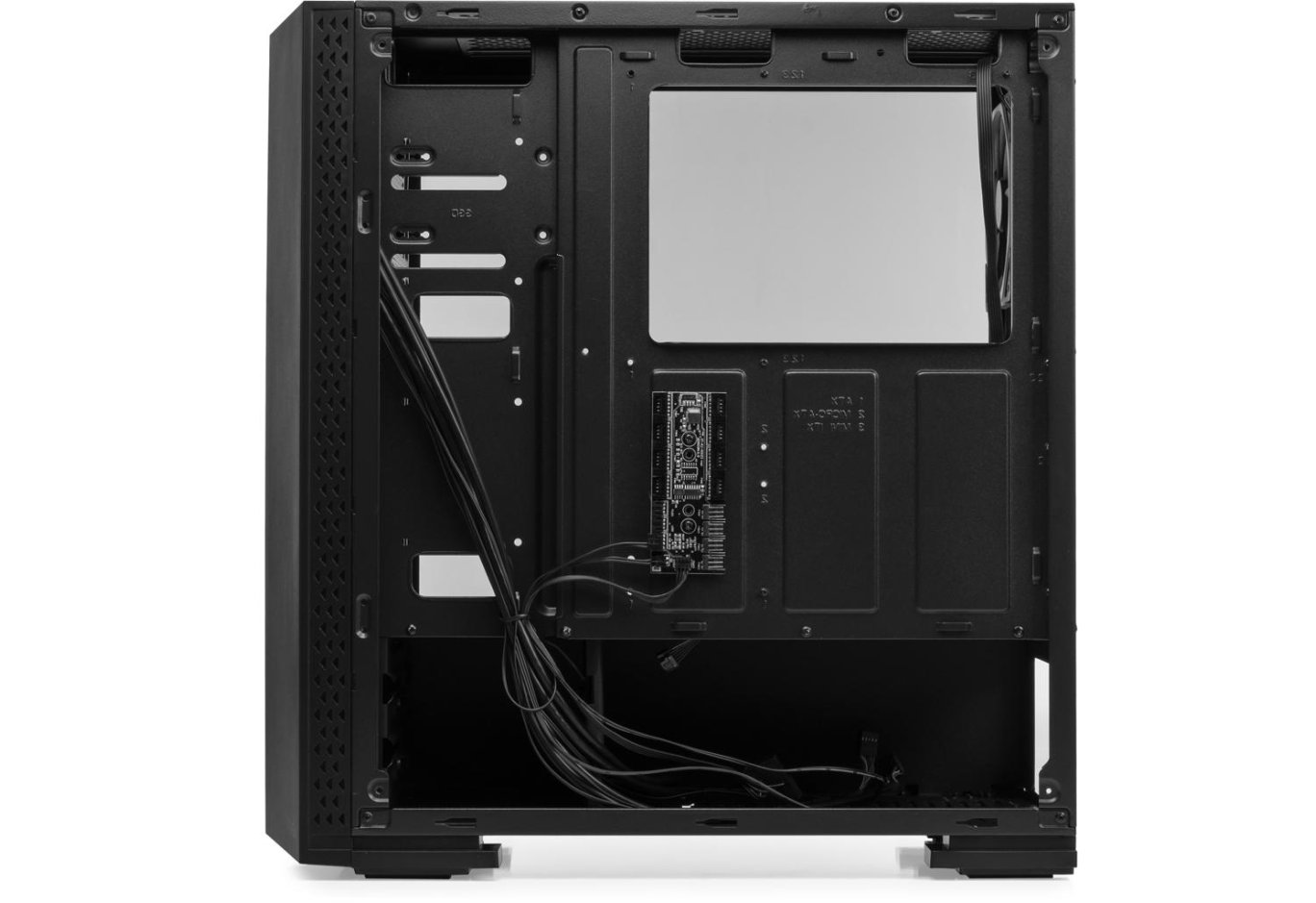
The Vinga Chaos case has a modern two-section design. At the bottom, under a steel shroud, is the power supply unit and a drive cage. The motherboard compartment is located above. There are no racks in the front part, allowing for the installation of large components, simplifying assembly, and improving system airflow due to the free circulation of air currents. In the motherboard tray, there is a cutout for installing CPU cooling systems with a backplate without removing the board itself. For cable management, there are several small holes without silicone grommets, as well as a series of hooks.
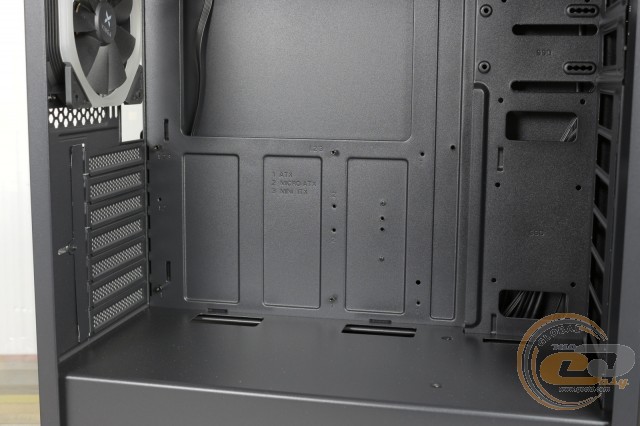
An ATX, microATX, or Mini-ITX motherboard is mounted on standard 6-mm standoffs. For convenience, all holes are marked.
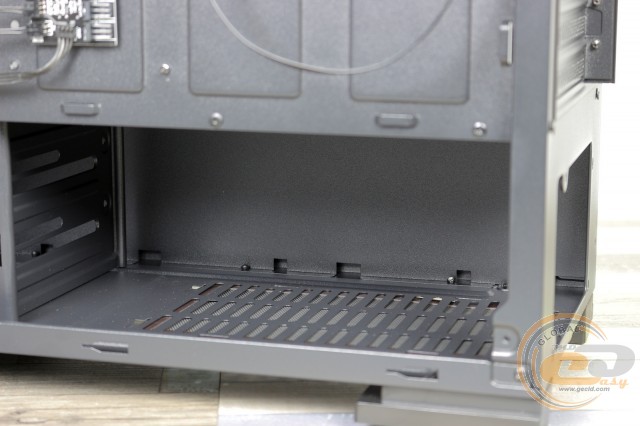
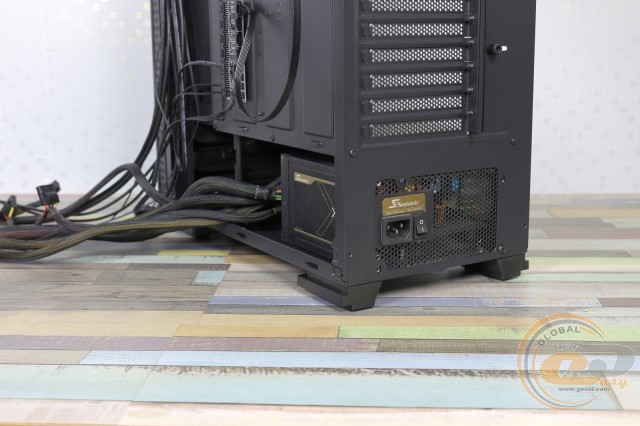
Unfortunately, the mounting place for the power supply is not equipped with anti-vibration pads. Mounting is done with the included screws. According to our measurements, the maximum PSU length is 210 mm. This leaves about 40 mm for cable management.
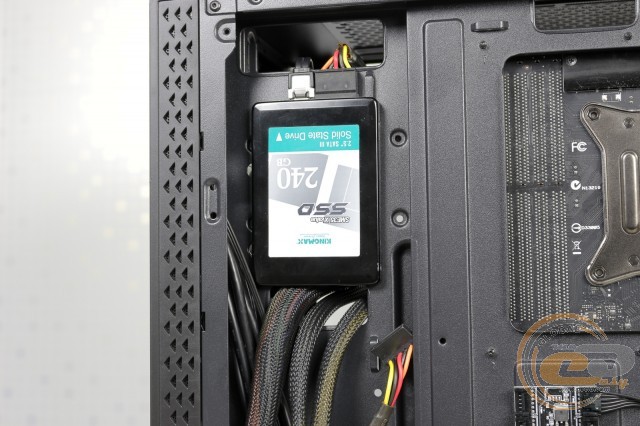
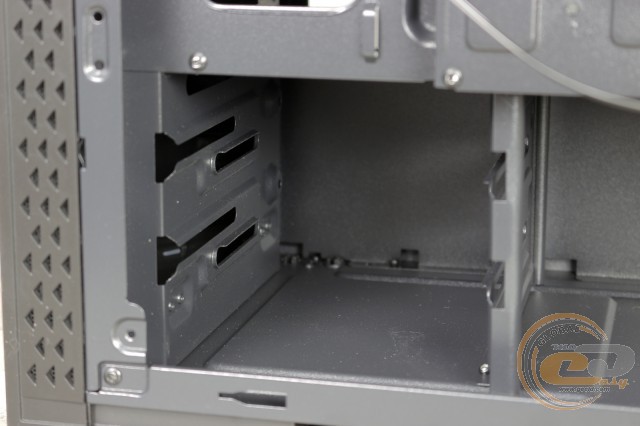
In the Vinga Chaos, you can install a pair of SSDs and HDDs. For 2.5-inch solutions, there is space on the motherboard tray and behind it. Hard drives are located in a transverse cage. Mounting is done with regular screws using the included rubber grommets. However, this solution does not allow for the placement of smaller format drives here.
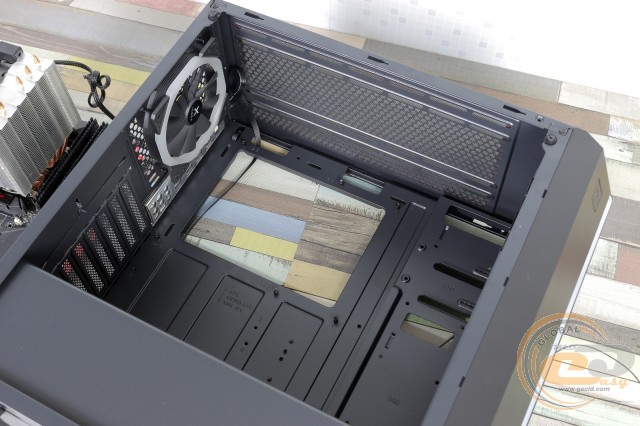
The expansion slot covers are reusable. In addition to regular cross-head screws, there is a clamping bar fixed with a screw with a plastic knurled head.
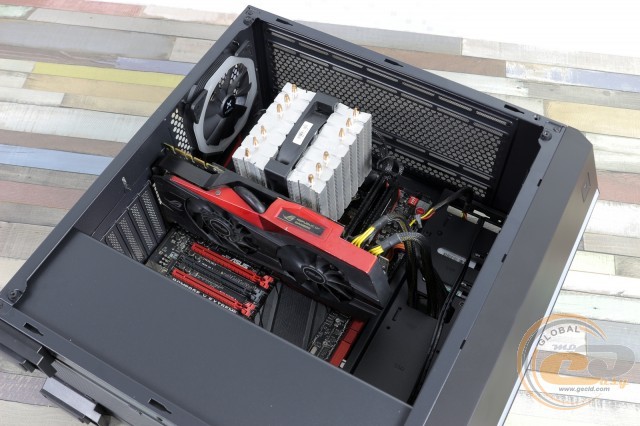
Without any tricks, the case can accommodate graphics cards up to 365 mm long (without fans or radiators on the front panel) and a CPU cooler up to 180 mm high.
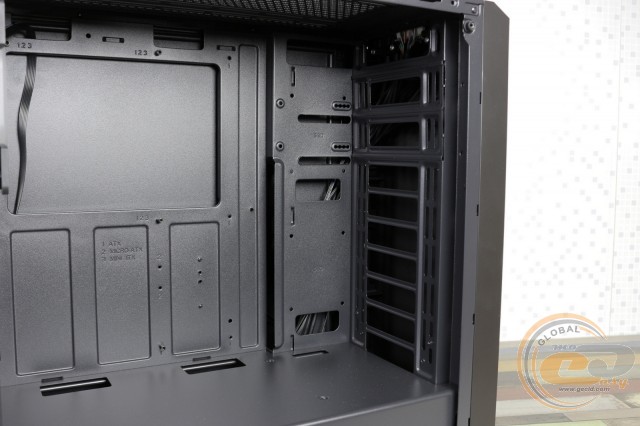
In the front part of the Vinga Chaos, there is space for installing three 120-mm or two 140-mm fans.
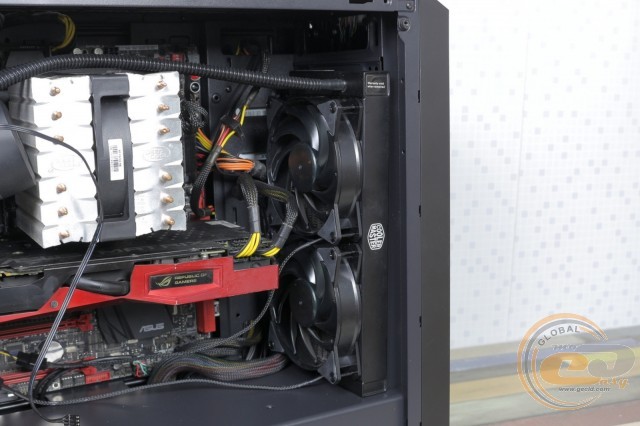
A radiator up to 240 mm in size can also be mounted here.
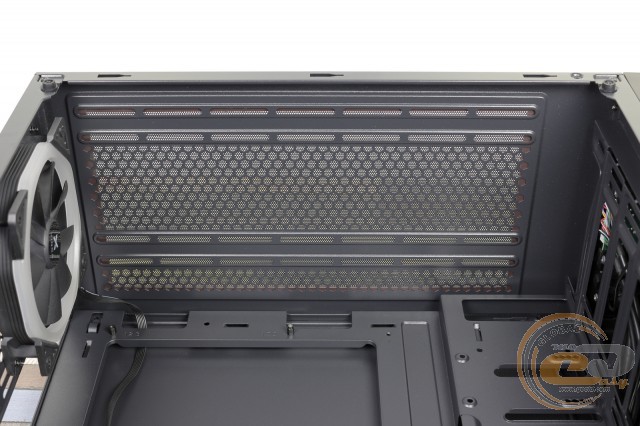
Under the ceiling, there is space for two 120-mm or 140-mm fans. The distance from the edge of the motherboard to the top panel is only 26 mm, so a radiator will not fit.
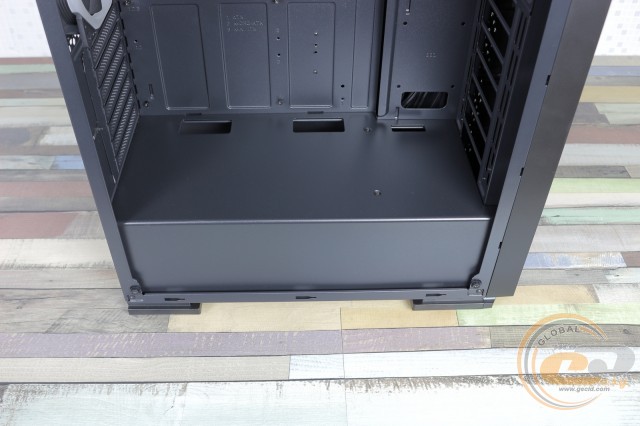
And nothing can be mounted on the partition.
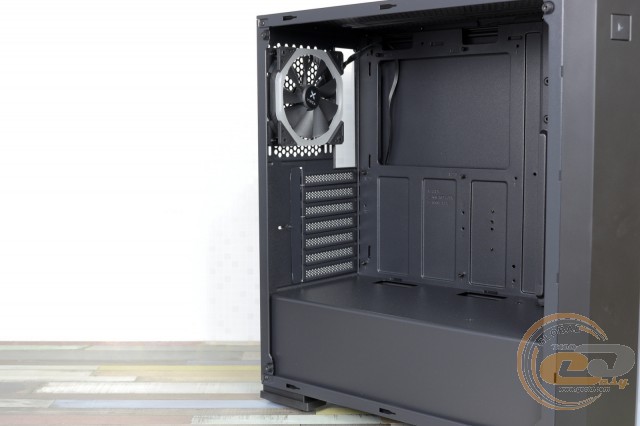
In the rear part, there is a 120-mm fan with RGB lighting. Its impeller rotates at a constant speed of 1400 RPM.
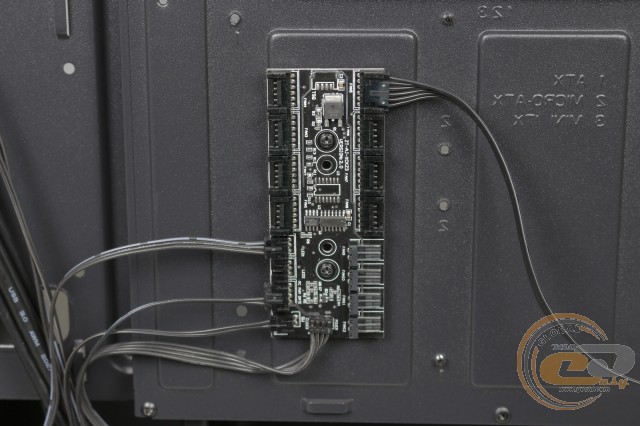
The case includes a standard ZT-AJ-XCK23 control board, to which the included air blower is connected. Up to seven more 4-pin solutions, another LED strip, and four 3-pin fans can be connected here.
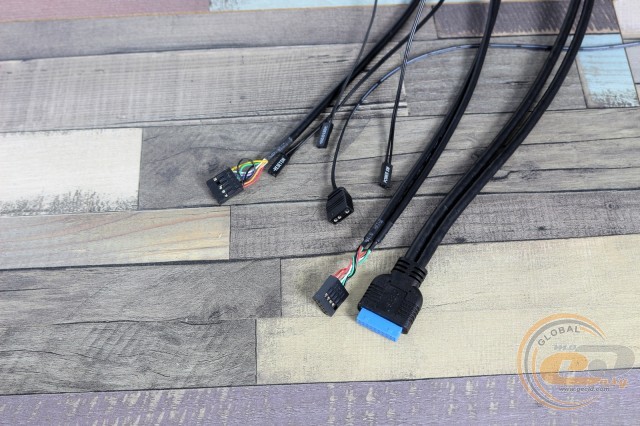
The cables coming from the front panel are long enough to be neatly routed to the motherboard.
|
Name |
Length, cm |
|
USB 2.0 |
70 |
|
USB 3.0 |
70 |
|
HD Audio |
70 |
|
Buttons and indicators |
60 |
|
PATA |
30 |
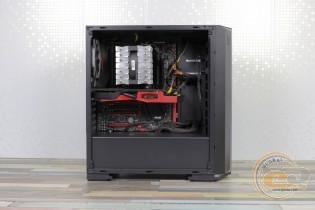
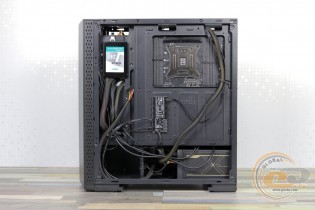
Assembling the system inside the Vinga Chaos proceeds without significant issues. However, cable management will require a bit more time than usual due to the limited space at the top and behind the tray. If you plan to install hard drives, we recommend doing so before mounting the PSU, as accessing the cage with a screwdriver will be difficult afterward.
There were no complaints about the build quality and rigidity of the case - everything is in order here.
Immediately after turning on, the ready PC greets its owner with attractive lighting of the fan and front panel. A "LED" button on the top panel is provided for controlling the illumination: there are nine colors (red, orange, green, blue, purple, green, turquoise, light blue, and white) and several operating modes (static, flowing of one or several colors, and also blinking). To turn off all this riot of colors, just hold the "LED" button for 3-4 seconds.
Testing
|
Processor |
Intel Core i7-5960X (Socket LGA2011-v3, 3.0 GHz, L3 20 MB) @ 4.00 GHz |
|
Cooler |
DEEPCOOL NEPTWIN V2 (1250 RPM) |
|
Motherboard |
ASUS RAMPAGE V EXTREME (E-ATX, Socket LGA2011-v3) |
|
RAM |
4 x 4 GB DDR4-3000 HyperX Predator (HX430C15PBK4/16) |
|
Video card |
ASUS GeForce GTX 980 MATRIX PLATINUM 4GB GDDR5 |
|
HDD |
Seagate Barracuda 7200 500 GB |
|
Power supply |
Seasonic X-560 Gold (SS-560KM Active PFC, ATX, 560W) |
|
Thermal paste |
Noctua NT-H1 |
The Vinga Chaos case was tested both in the standard configuration with one installed 120mm exhaust fan running at its rightful 1400 RPM, and with the addition of another 140mm intake fan at 1500 RPM.
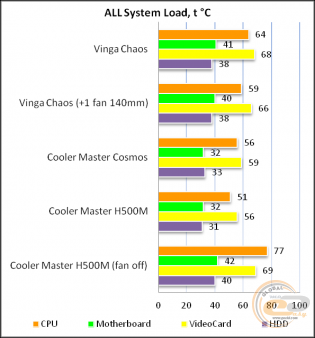
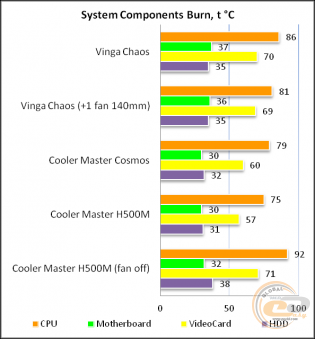
The "All System Load" chart shows the heating of components after 30 minutes of 3DMark Fire Strike in Ultra mode (4K resolution). The "System Component Burn" mode demonstrates temperatures under load with AIDA64 applications (Stress CPU and FPU) and MSI Kombustor for 15 minutes.
Even in the standard configuration, Vinga Chaos provides acceptable temperature indicators and no throttling. This is with the use of an 8-core 16-thread Intel Core i7-5960X overclocked to 4 GHz across all cores. With more energy-efficient modern components, the indicators will be even lower. Adding just one fan to the front panel allows for a reduction of 1°C to 5°C, depending on the mode and system components. Meanwhile, the acoustic background remained at a comfortable level.
Conclusions
Vinga Chaos is a case for those who want to get a relatively inexpensive solution that matches the spirit of modernity. Simply put, if you want a chassis with a large viewing window and RGB lighting, it's right in front of you. Moreover, tempered glass is used here, and the standard fan and LED strip on the facade are illuminated, which are controlled by a controller with the ability to connect a number of additional devices.
Inside, a modern two-section design is used. There is enough space for the most bulky components. Key positions are occupied by easily removable dust filters. And even with one exhaust fan, the components inside the "Chaos" feel quite comfortable. If necessary, you can easily reduce temperatures by adding a couple of fans. Fortunately, there is enough space.
The absence of vibration-damping pads at the PSU installation site and the small number of ventilation holes on the front panel can be easily forgiven and understood, given the price of $58.
In conclusion: Vinga Chaos fully justifies every penny invested. It can be safely recommended for purchase by economical users and undemanding aesthetes. And how do you like the novelty and the widespread use of various "colorful antics" in modern components?
Advantages:
- simple and attractive design;
- left side panel made of dark tempered glass;
- good build quality of the chassis, edge processing of panels, and case painting;
- good structural rigidity;
- two-section design;
- ability to install video cards up to 365 mm long and CPU coolers up to 180 mm high;
- ability to install up to six additional fans;
- ability to install a pair of 3.5" and 2.5" drives;
- decent cable management capabilities;
- RGB lighting of the standard fan and facade;
- built-in controller for lighting control;
- comparatively affordable price.
Disadvantages:
- small number of ventilation holes on the front panel.
Author: Viktor Yefimenko
Translation: Liliya Masyuk
Related products