

PC Case Vinga Ark
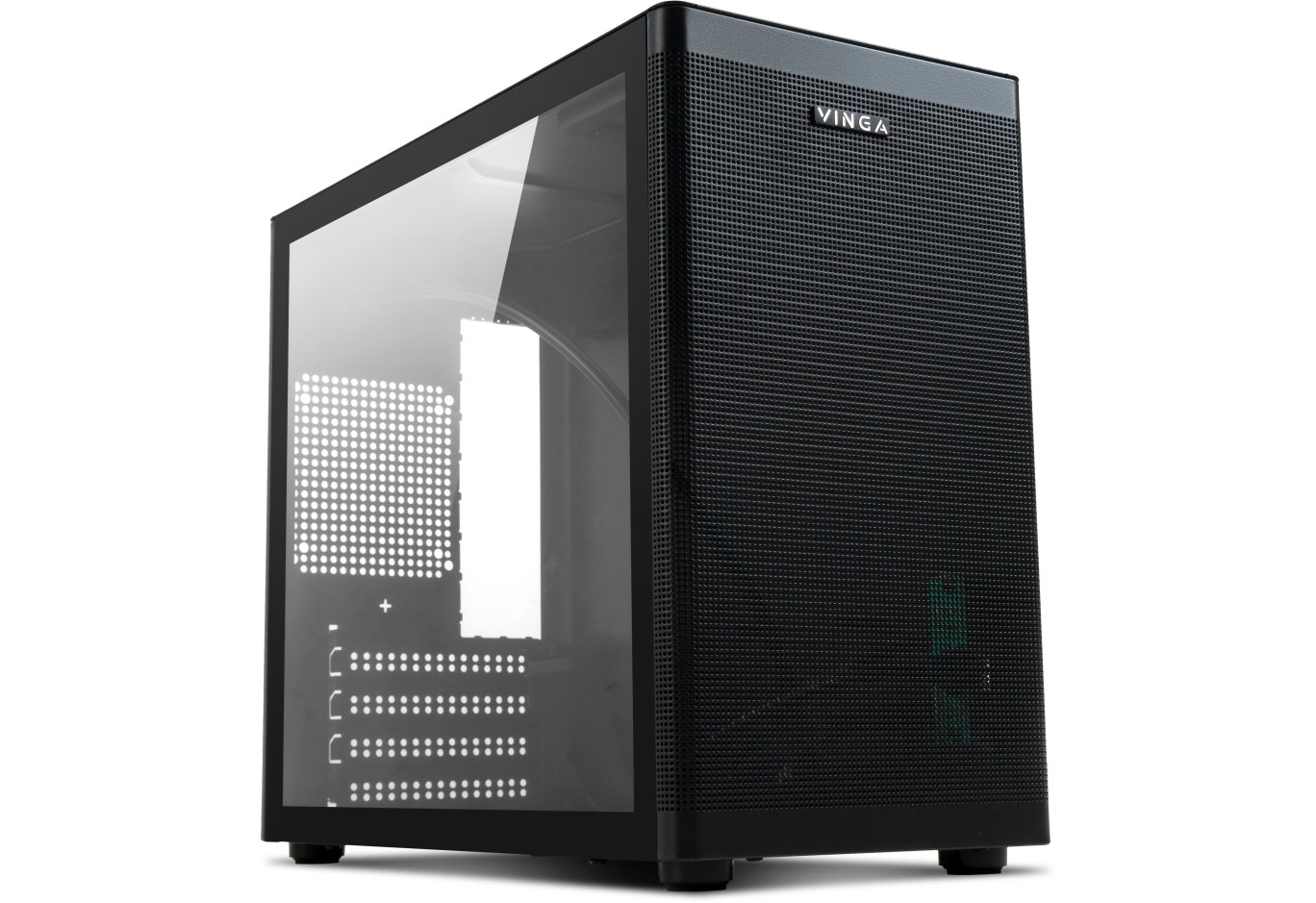
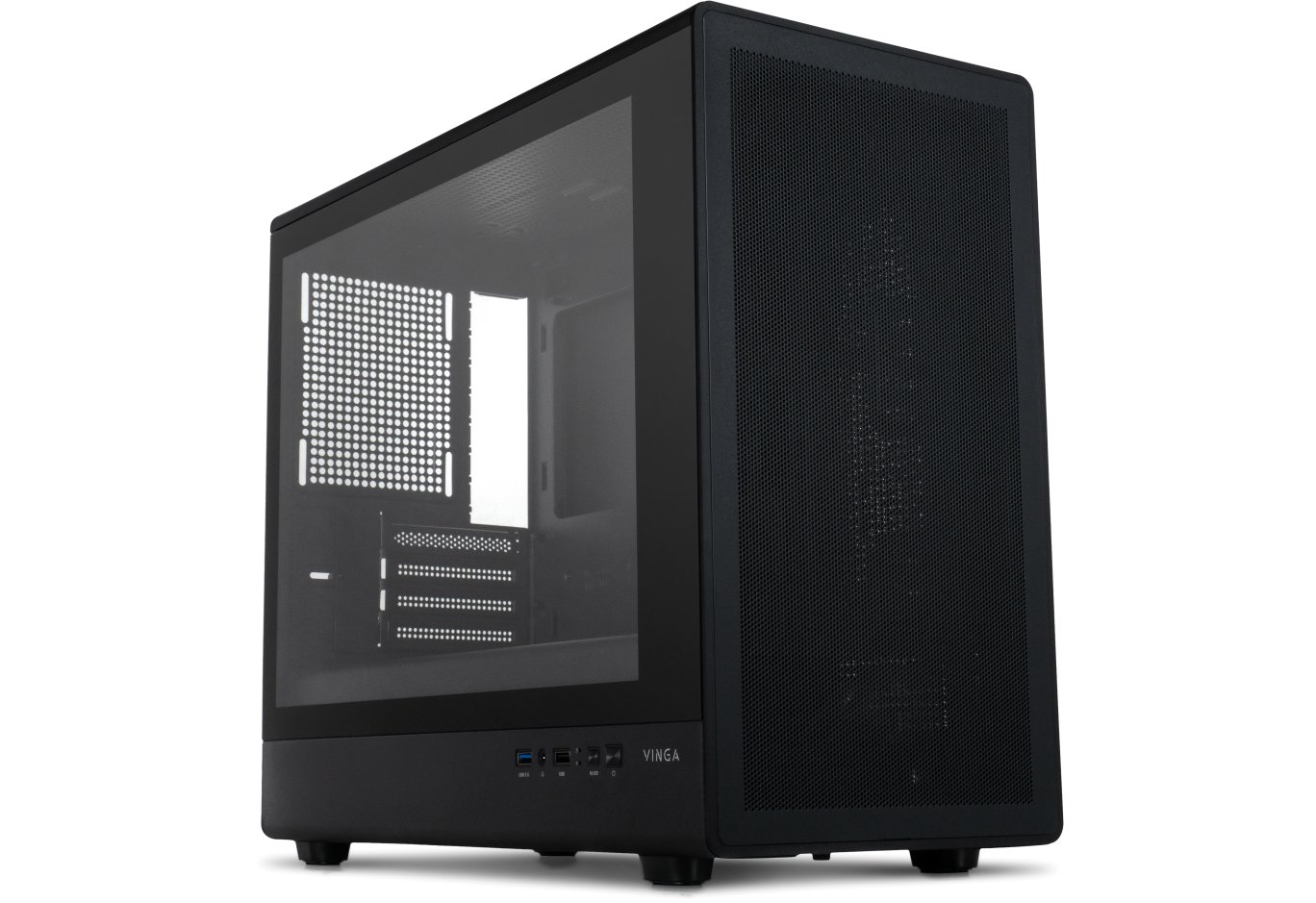
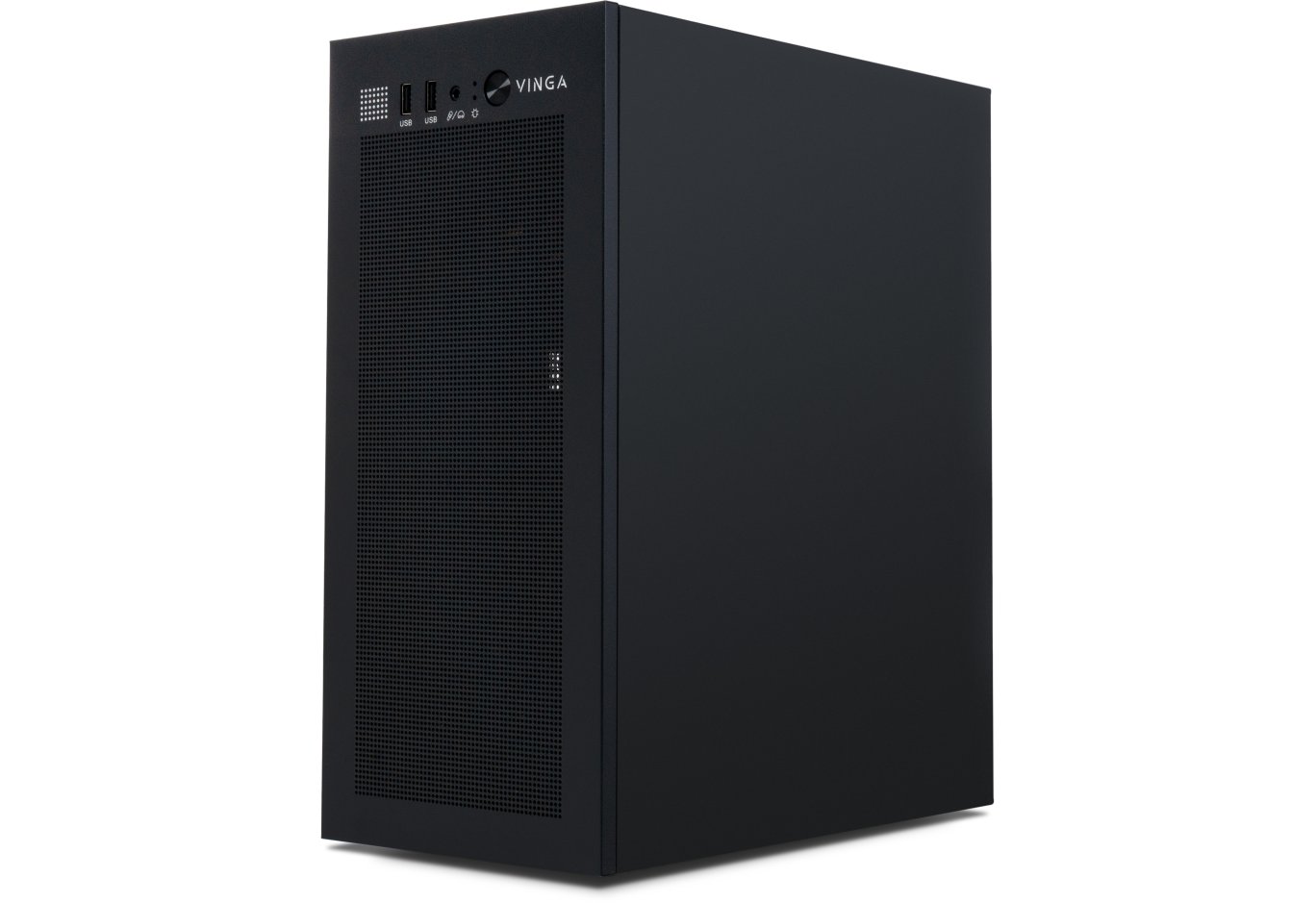
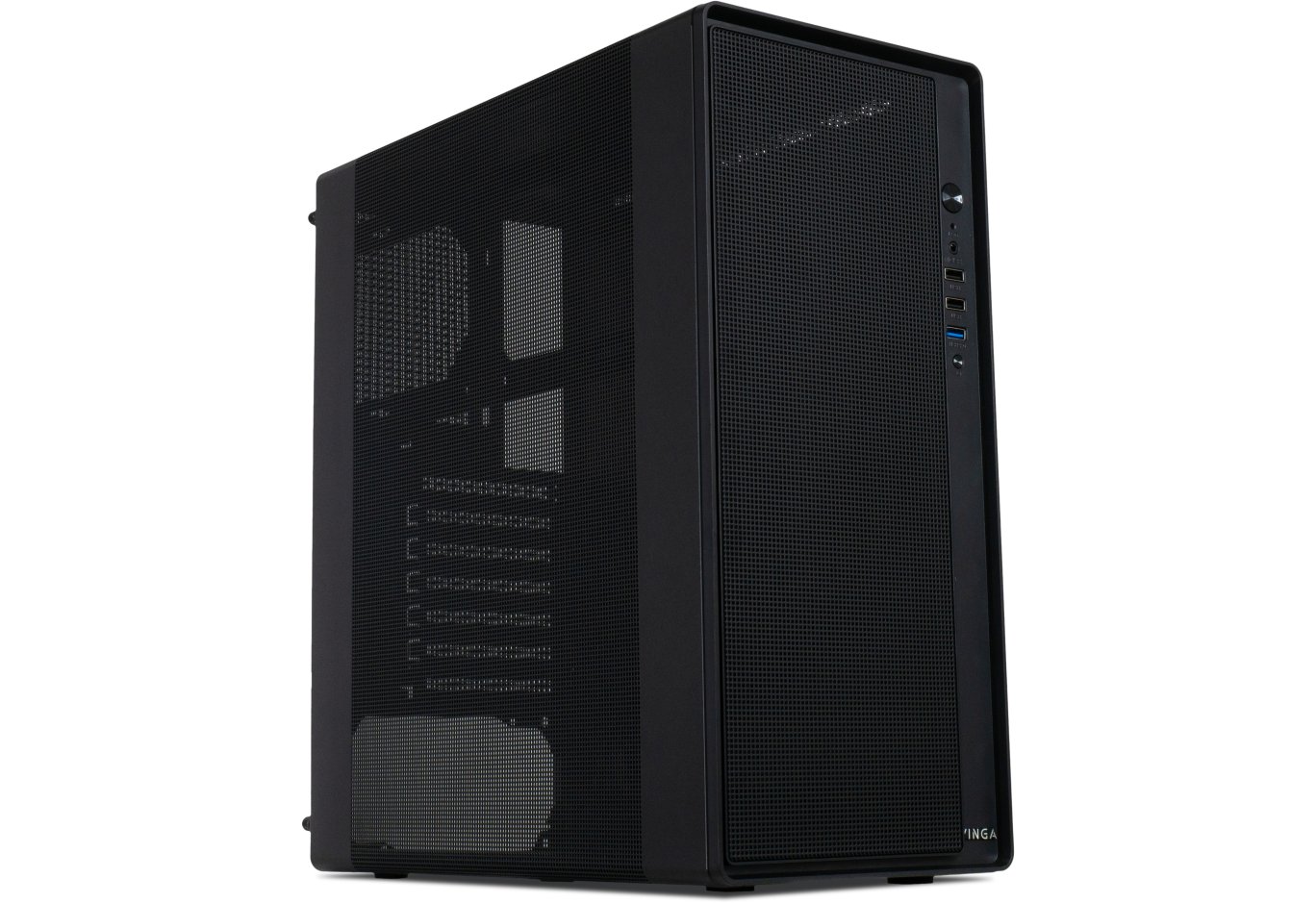
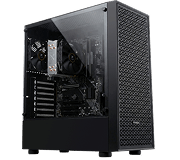
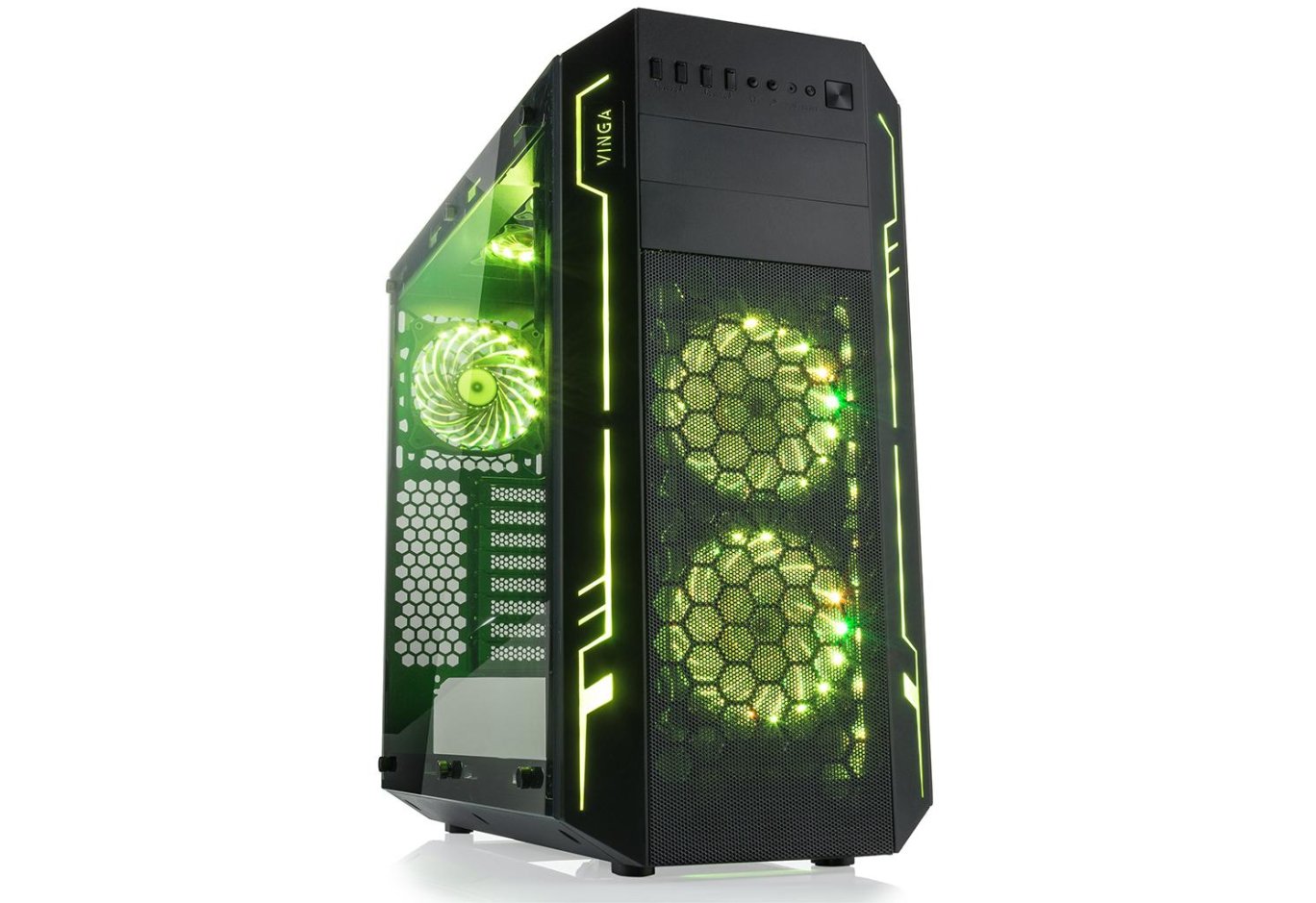
Most modern chassis feature transparent panels and RGB lighting. Vinga strives to stay at the forefront, delighting those around with interesting and trendy products. Among these is the subject of today's material - Vinga Ark.
This is a spacious Full Tower case with acrylic side panels, five pre-installed colored fans, and a hub for controlling their operation. It costs about $92. Now let's discuss all this in more detail.
Specification
|
Model |
Vinga Ark |
|
|
Case Size |
Full Tower |
|
|
Motherboard Form Factor Support |
E-ATX / ATX / microATX / Mini-ITX |
|
|
Color |
Black |
|
|
Bays |
2 x 5.25" (external) 3 x 3.5" (internal) 3 x 2.5" (internal) |
|
|
Expansion Slots |
8 |
|
|
Maximum GPU Length (in brackets - own measurements with/without drive cage) |
465 mm (350 / 460 mm) |
|
|
Maximum CPU Cooler Height (in brackets - own measurements) |
179 mm (182 mm) |
|
|
Maximum PSU Length (in brackets - own measurements without drive cage) |
350 mm (460 mm) |
|
|
Ports |
2 x USB 3.0 2 x USB 2.0 2 x audio ports |
|
|
Additional Features |
Card reader (SD / microSD), fan controller hub supporting 8 fans and 2 LED strips, transparent side panels, and illuminated fans |
|
|
Pre-installed Fans |
Front Panel |
2 x 120-mm (650-1100 RPM) |
|
Rear Panel |
1 x 120-mm (650-1100 RPM) |
|
|
Top Panel |
2 x 120-mm (650-1100 RPM) |
|
|
Fan Installation Options |
Front Panel |
2 x 120-mm / 140-mm |
|
Rear Panel |
1 x 120-mm / 140-mm |
|
|
Top Panel |
2 x 120-mm / 140-mm |
|
|
Liquid Cooling Installation Options |
Front Panel |
1 x 120 mm / 240 mm / 280 mm |
|
Rear Panel |
1 x 120 mm |
|
|
Top Panel |
1 x 120 mm / 240 mm / 280 mm |
|
|
Power Supply |
None |
|
|
Materials |
Front, Top, and Bottom Panels |
Plastic |
|
Chassis |
Steel thickness 1.04 - 1.16 mm |
|
|
Right and Left Side Panels |
Acrylic thickness 3.5 mm |
|
|
Case Dimensions (in brackets - own measurements) |
530 x 248 x 520 mm (530 x 254 x 524 mm) |
|
|
Weight (own measurements) |
9.5 kg (9.09 kg) |
|
|
Manufacturer's Website |
||
Packaging and Delivery Set
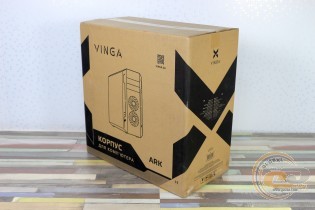
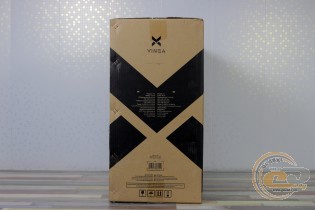
The usual box with monochrome design features an image of the case, its name, logistics information, and brief technical specifications. However, there are inaccuracies in the specification, so it's worth being attentive. There are handles on the sides for carrying.
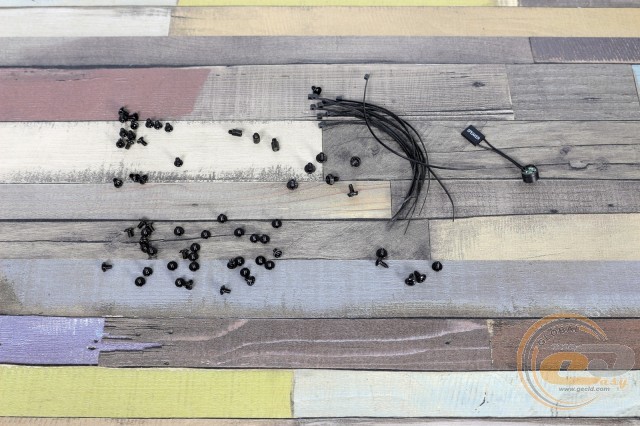
The delivery set includes a set of standoffs and screws for mounting the motherboard, fans, and drives. Additionally, there is a bundle of disposable cable ties and a system speaker.
Appearance
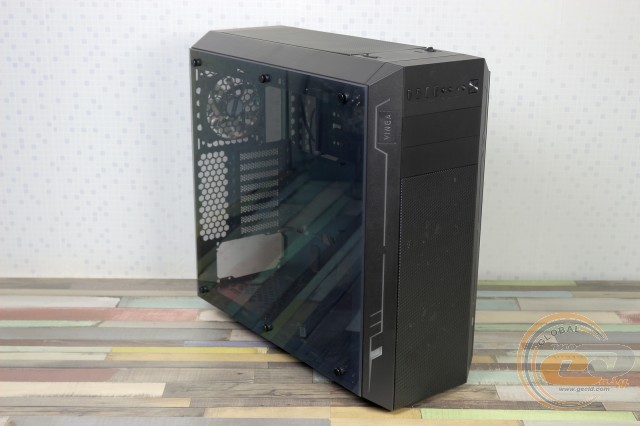
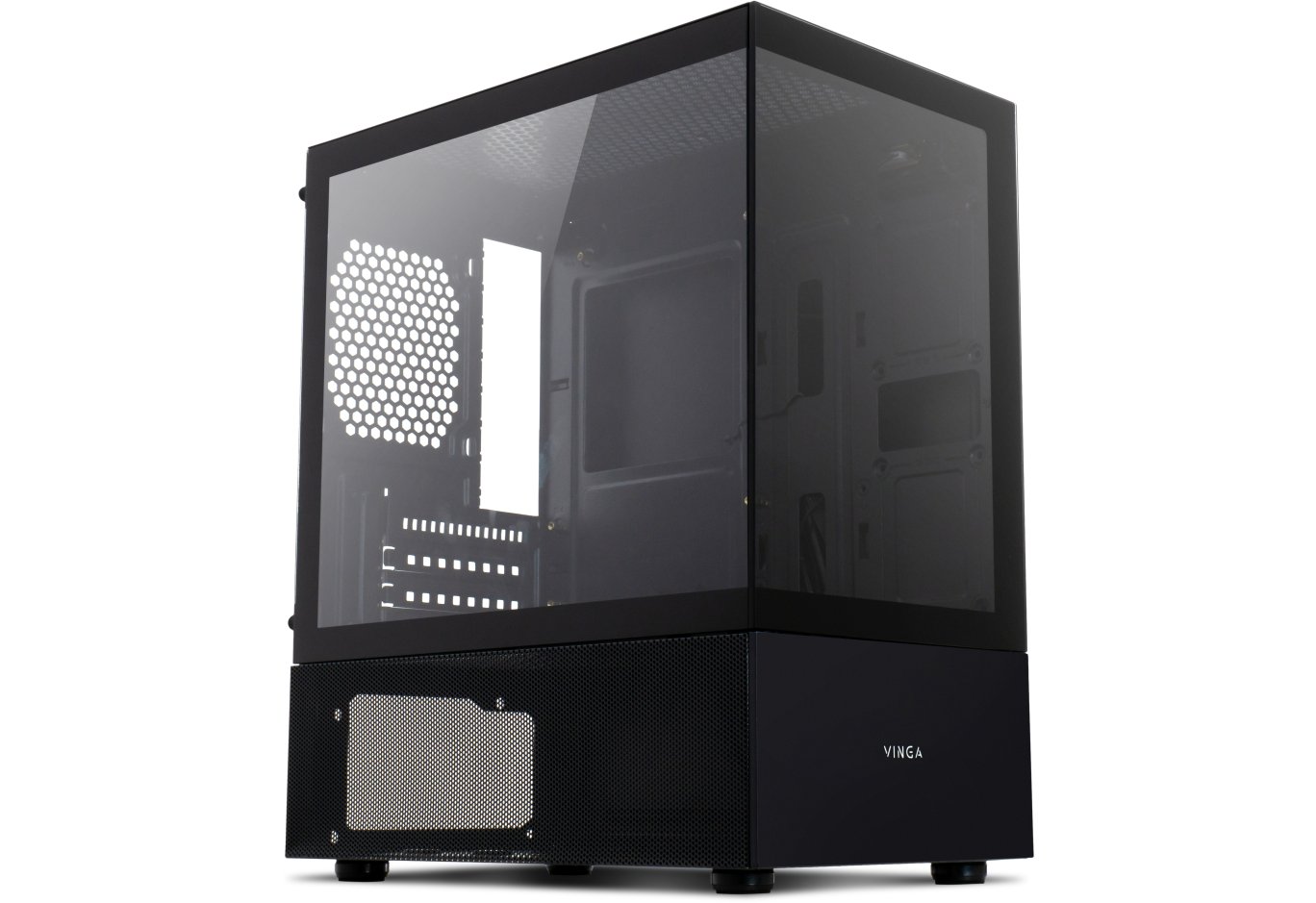
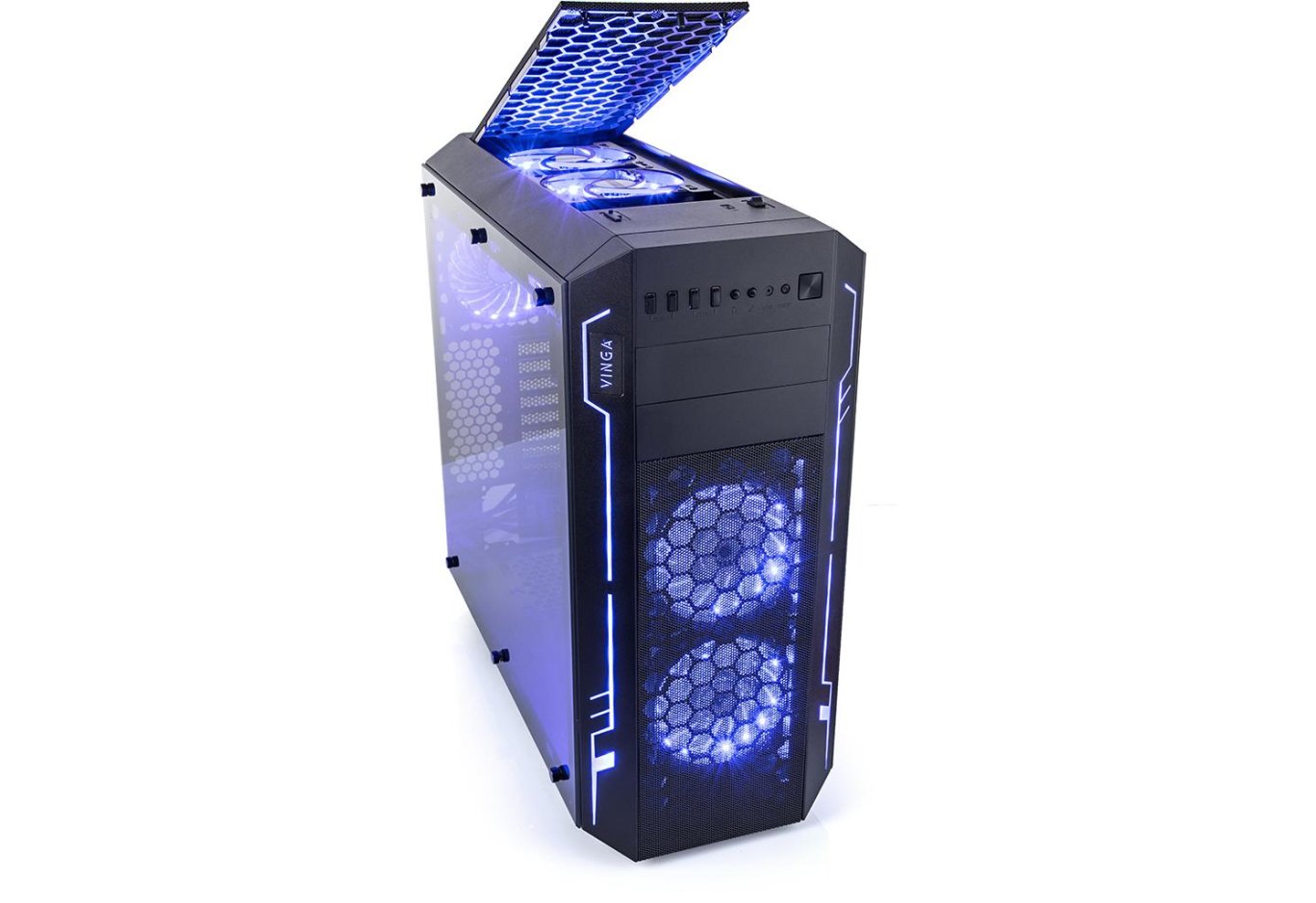
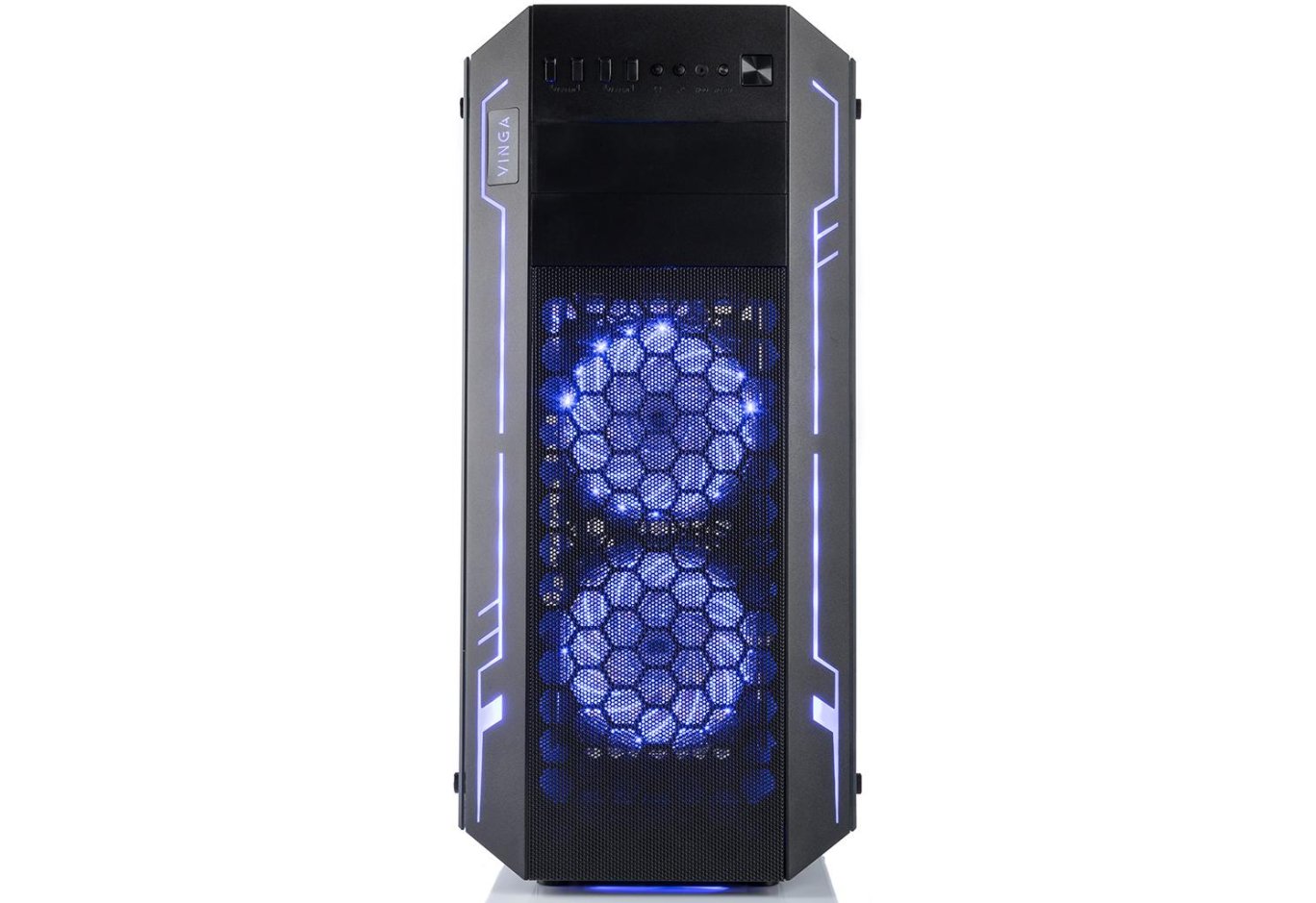
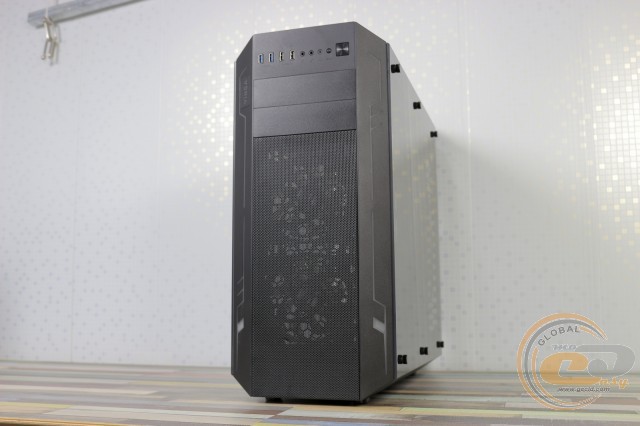
The Vinga Ark looks quite attractive and stylish. The steel chassis is complemented by plastic panels with beveled edges at the bottom, front, and top. The transparent sides are made of 3.5-mm acrylic.
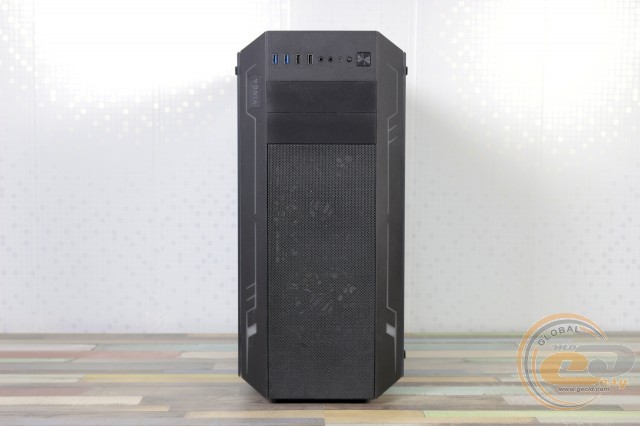
Most of the facade is occupied by a ventilation grid (360 x 150 mm), flanked by rectangular patterns made of translucent plastic. Above are two mounting locations for external 5.25" devices.
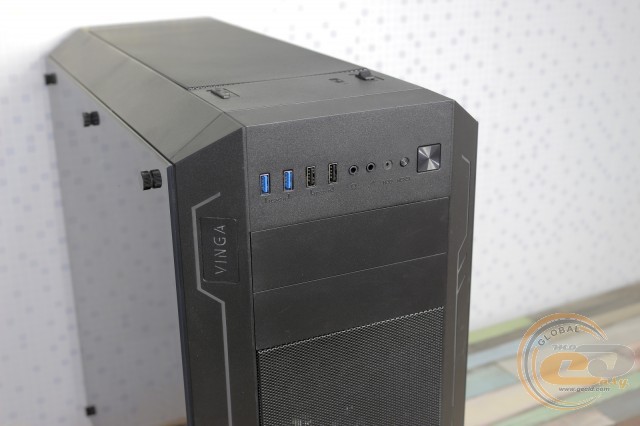
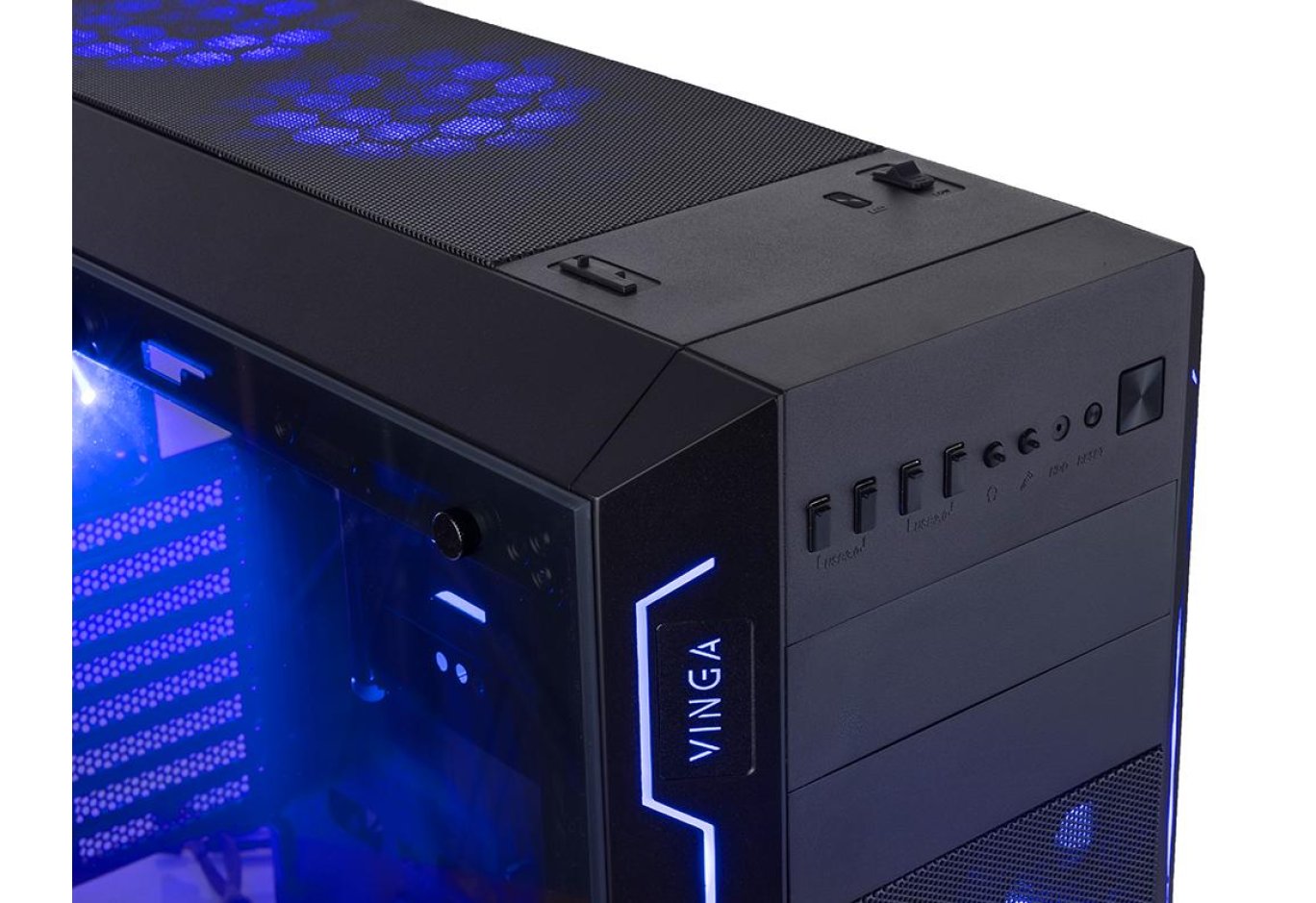
At the very top are the input-output ports: two USB 3.0, two USB 2.0, and a pair of 3.5-mm jacks for a microphone and headphones. Nearby are the power and reset buttons, as well as a pair of LED indicators.
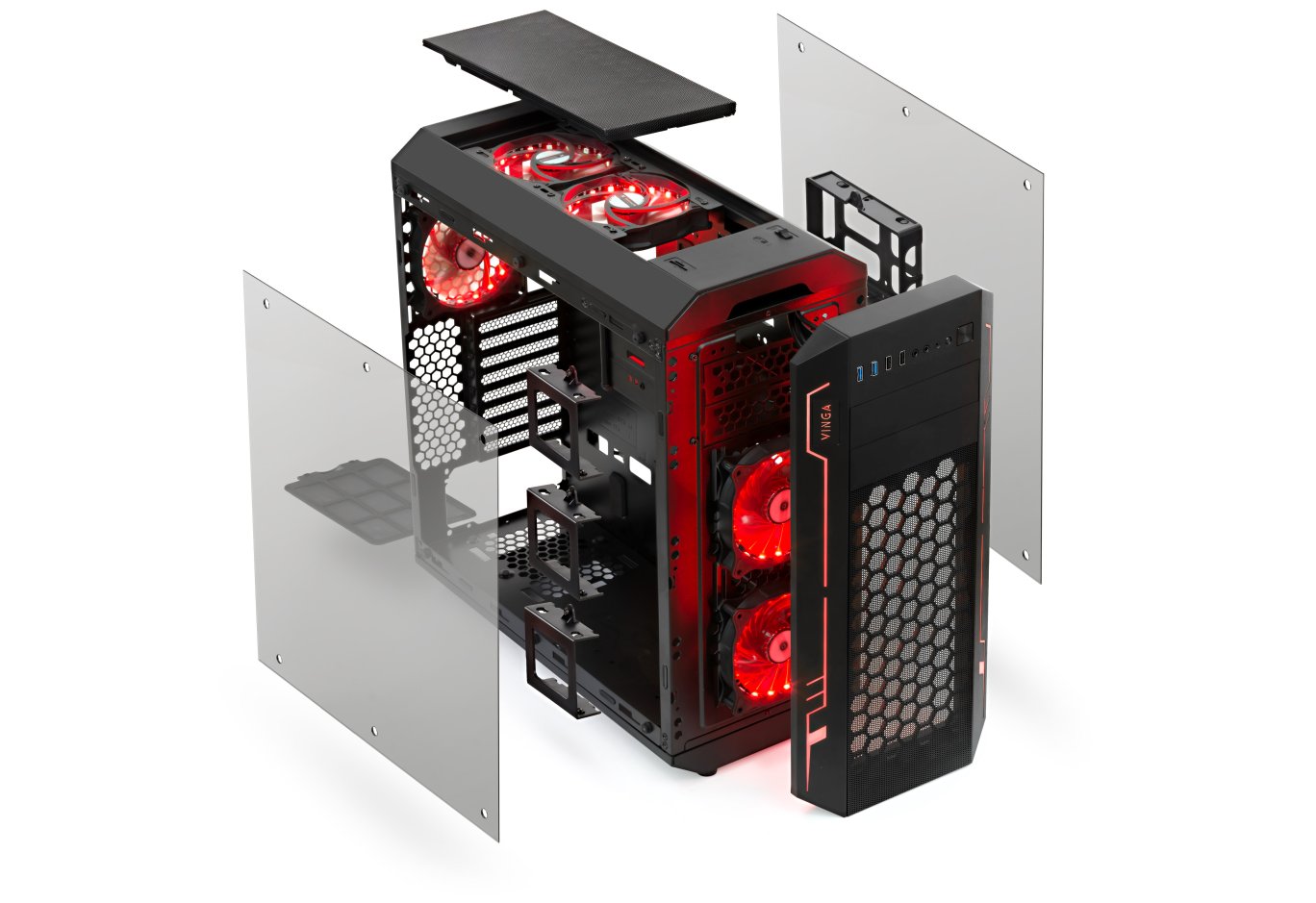
The panel itself is attached with a series of familiar latches. If necessary, for example, for cleaning accumulated dust or other contaminants, it can be completely removed or just the mesh. To do this, you need to press on two latches at the top. This opens up a view of the chassis and installed 120-mm fans with lighting. Also note the LED strip that illuminates the pattern and the Vinga logo on the sides of the panel.
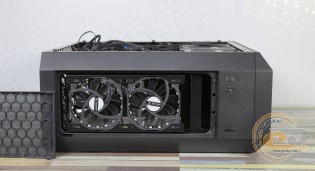
The top part of the Vinga Ark greets us with a familiar removable mesh filter (360 x 150 mm), under which two similar 120-mm fans are hidden. In the front part, there is a two-position fan controller, a lighting control button, and a card reader.
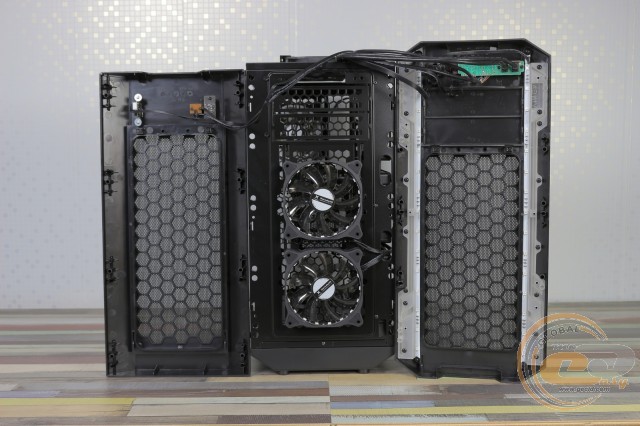
The entire "roof" can be easily removed.
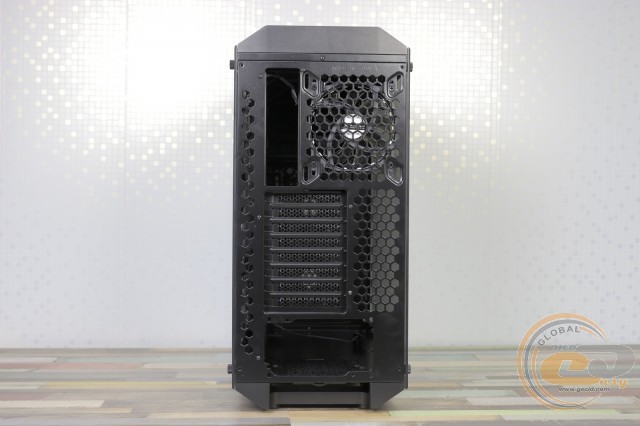
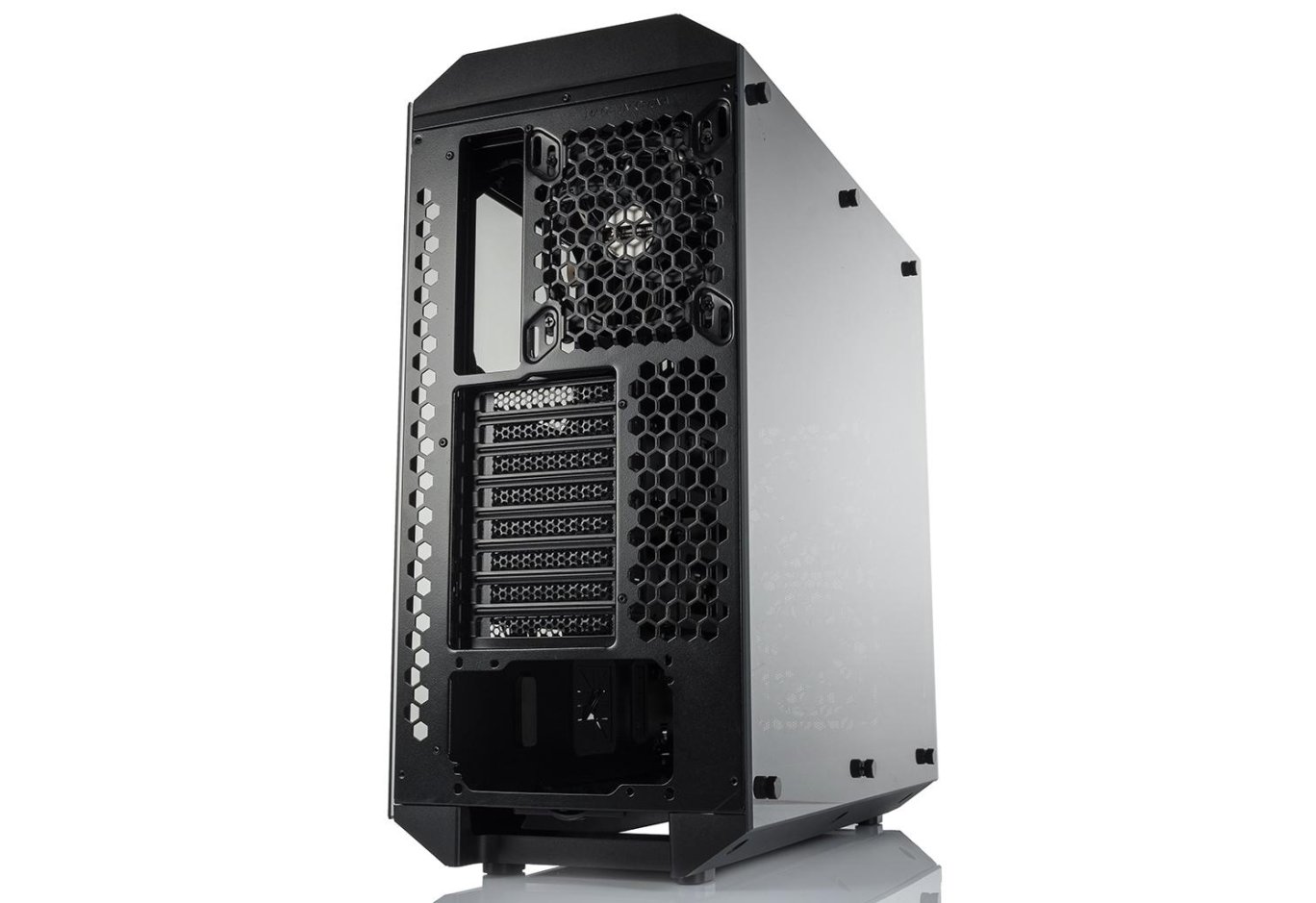
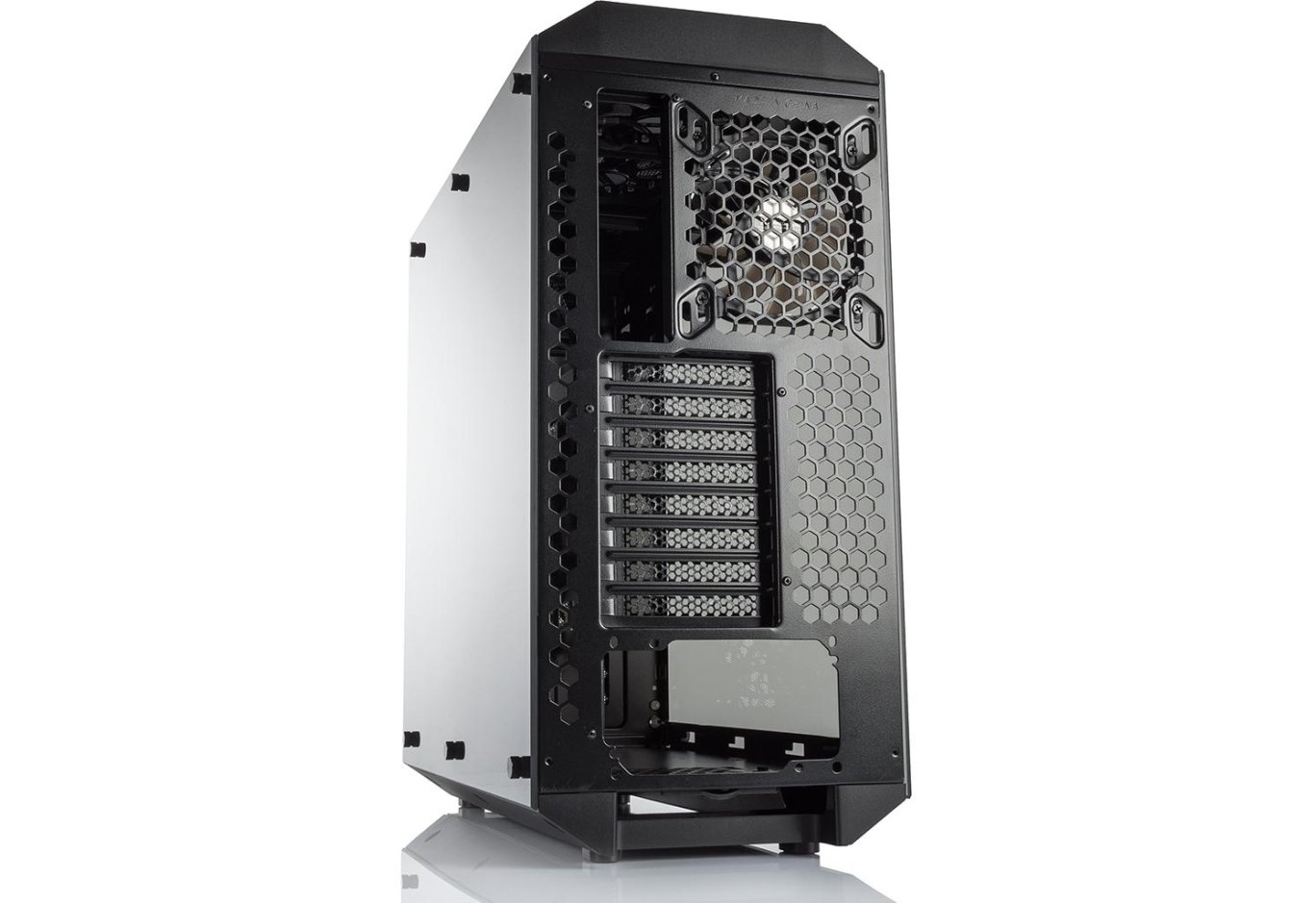
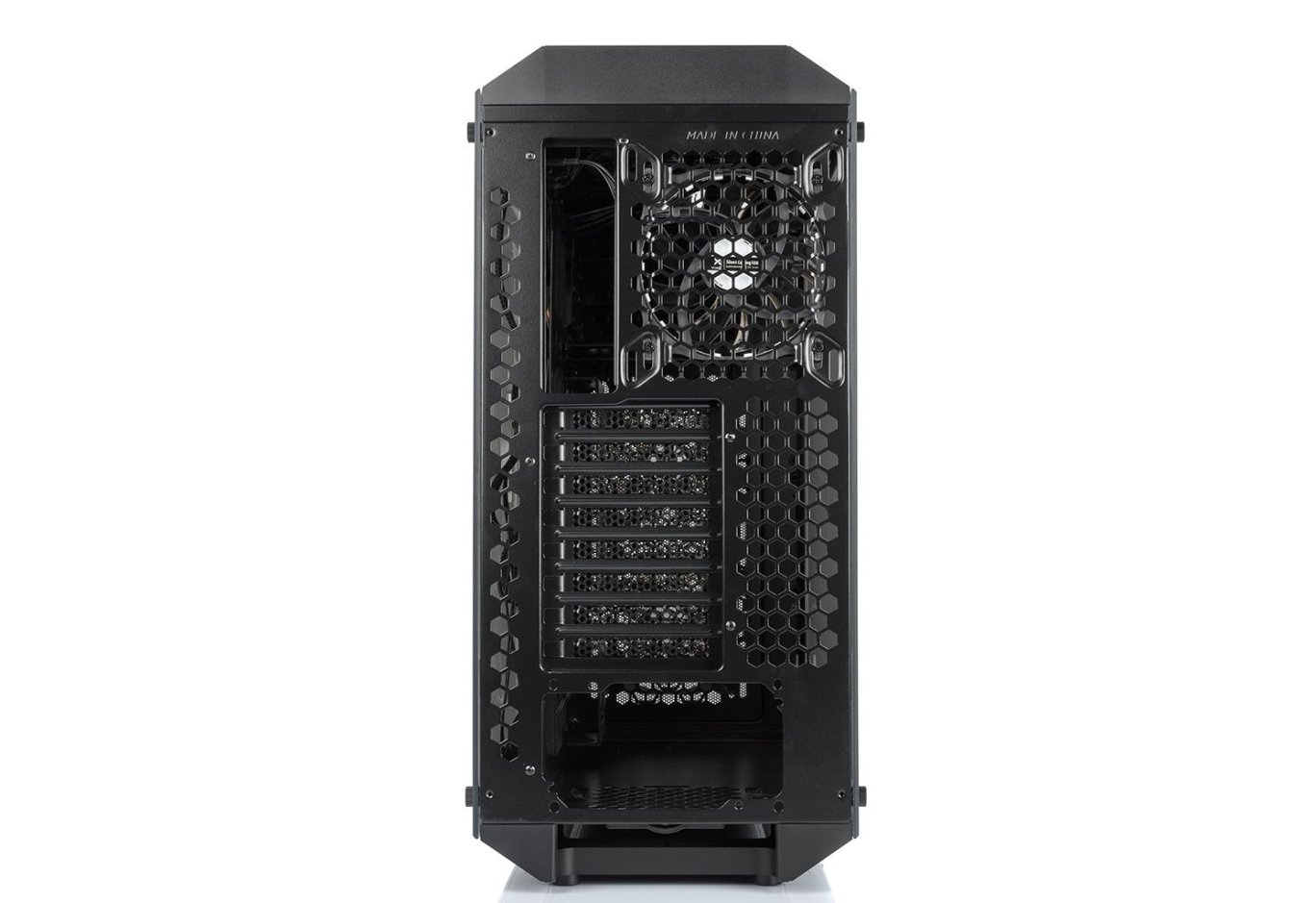
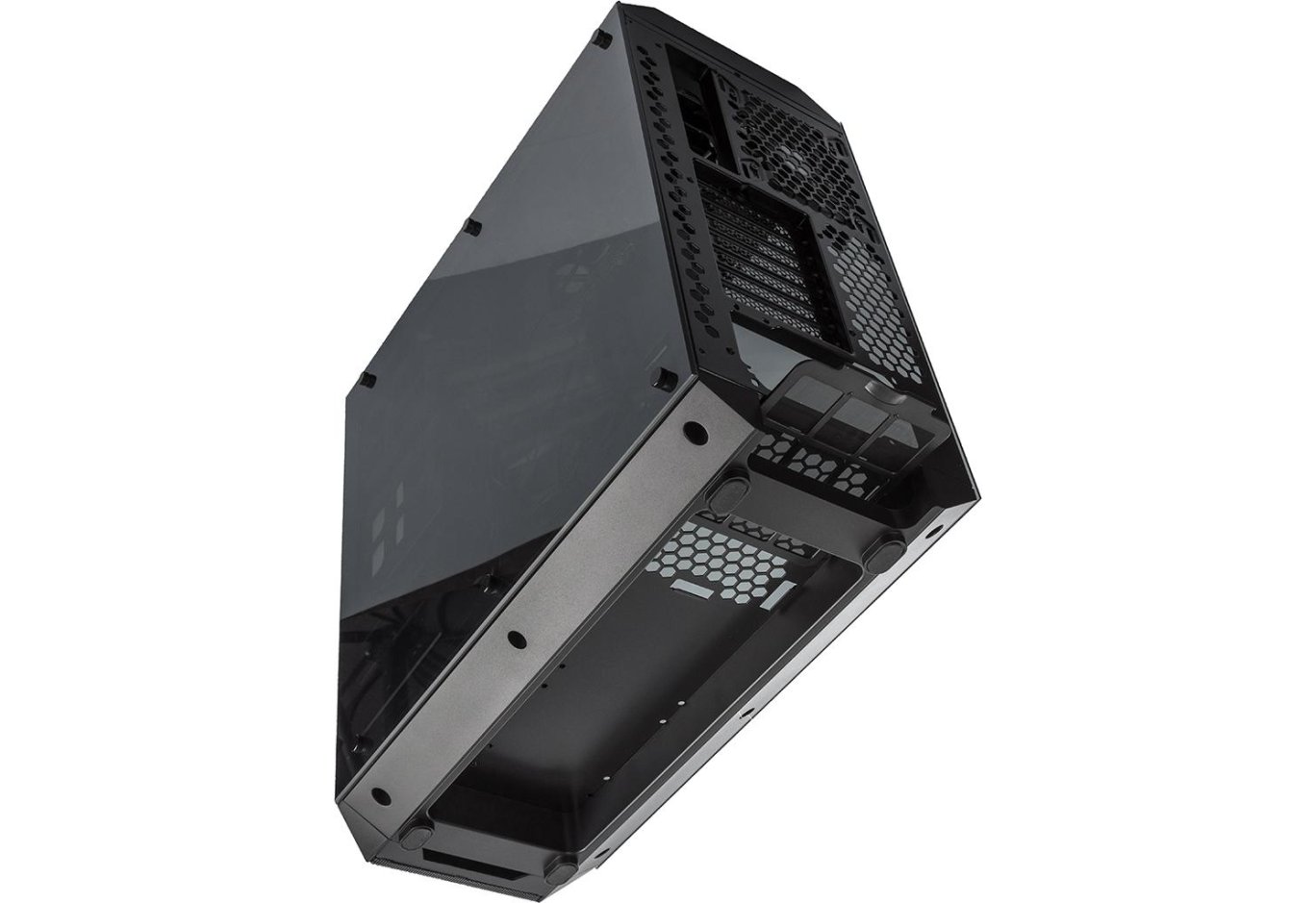
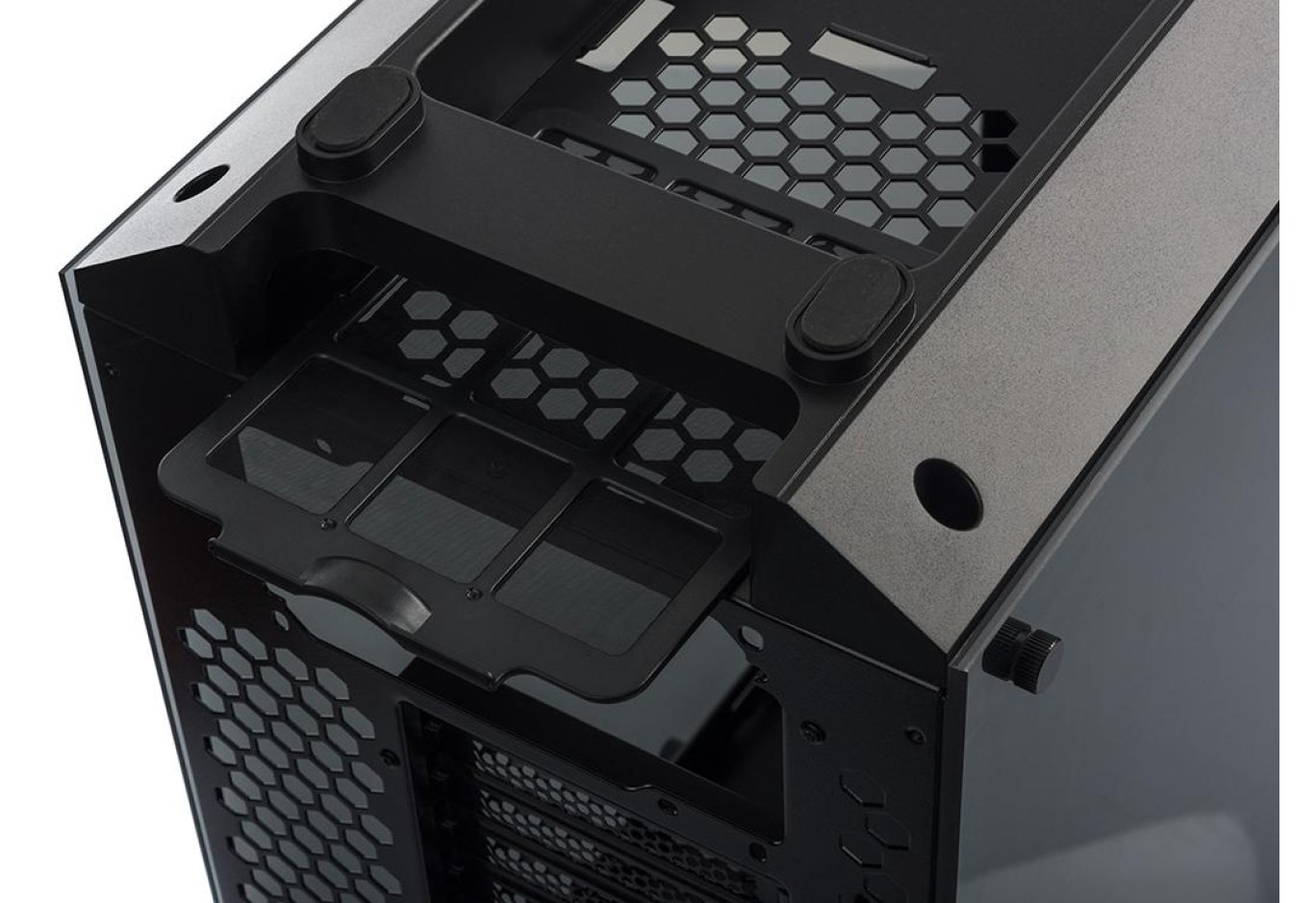
The rear part of the case uses a standard design with a bottom-mounted power supply. Above its mounting location are eight expansion slots, a cutout for the motherboard's I/O panel, and an exhaust fan with adjustable height. There are also numerous ventilation holes in the form of hexagons.
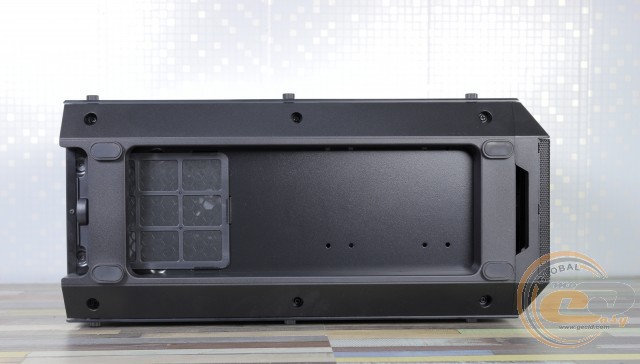
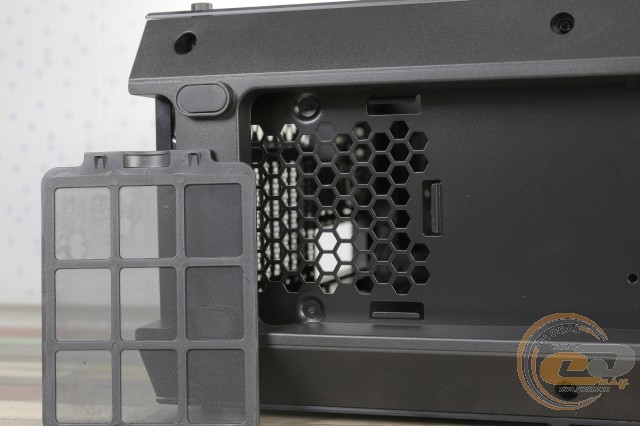
Inside the lower plastic panel, there is a recess for the PSU ventilation grill, which is covered by an easily removable dust filter. Two pairs of plastic feet have soft pads at the bottom. Their total height is 46 mm.
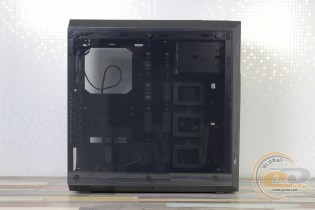
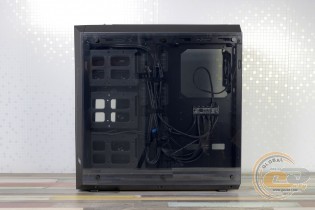
The transparent acrylic side panels of the Vinga Ark are held by six knurled head screws located at the top and bottom of the panels. The contact points with the chassis have cushioning pads, and the inner side of the screws is equipped with rubber gaskets.
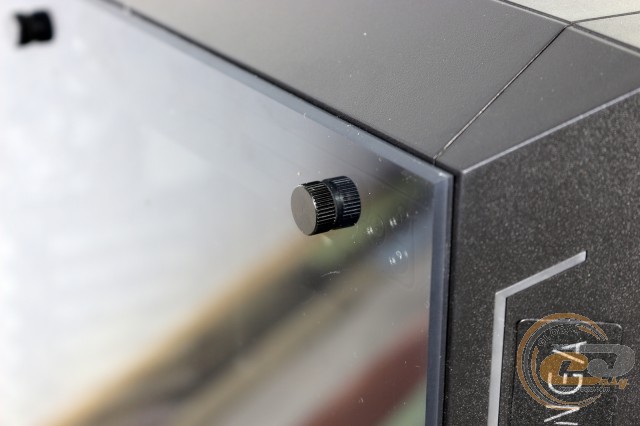
Regarding the practicality of the materials used, fingerprints are barely visible on the black matte paint. However, the acrylic is prone to smudging and scratches easily, requiring careful handling and maintenance.
Internal Structure
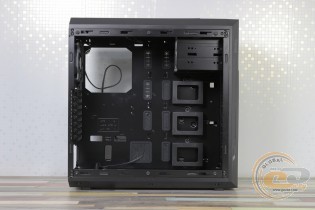
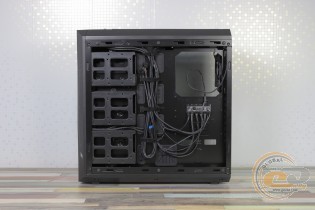
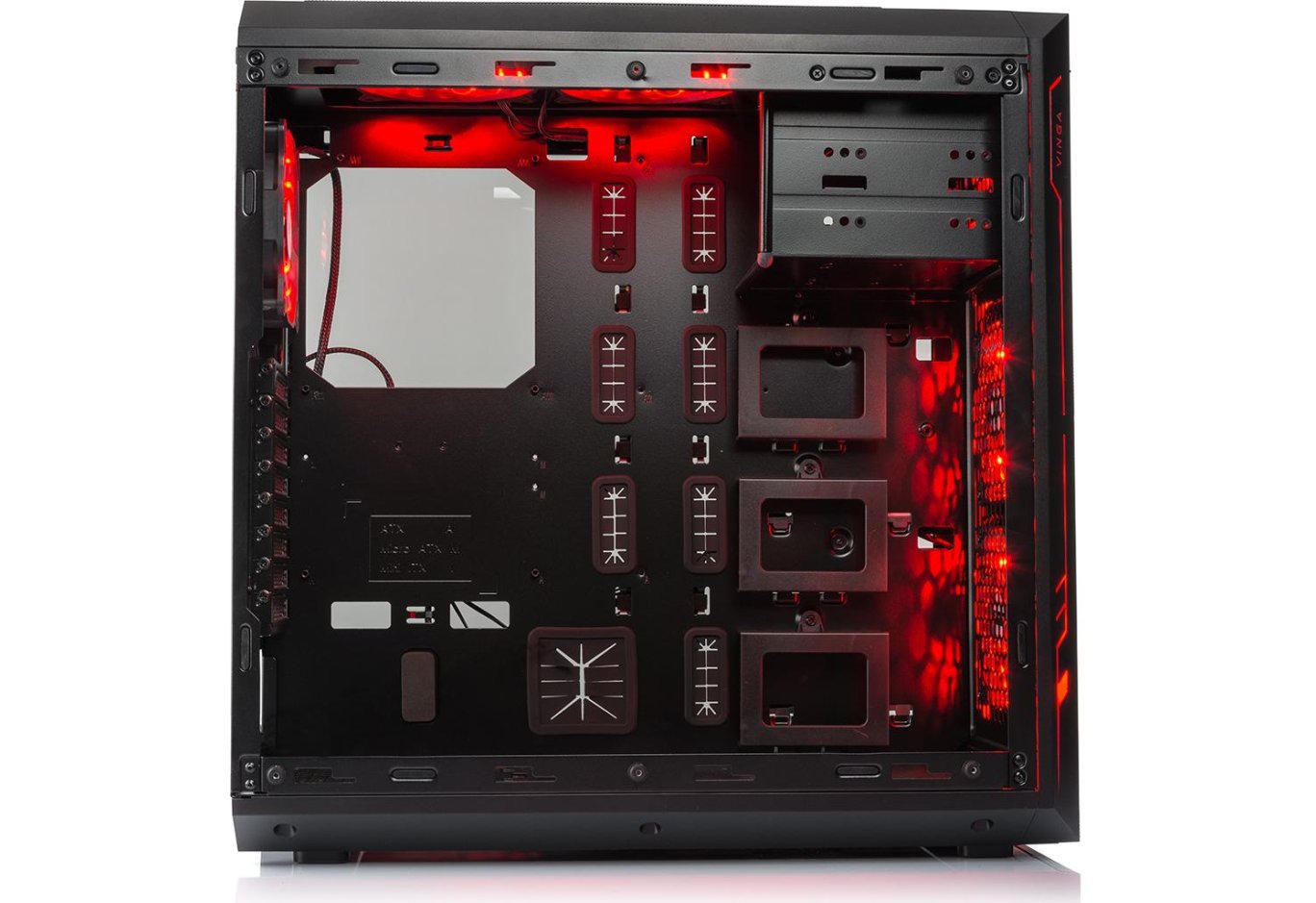
Vinga Ark uses a layout with a bottom-mounted power supply. However, the manufacturer did not separate the internal space with a shroud or partition. The motherboard compartment is located at the top. A cutout in the tray helps install a CPU cooler with a backplate without removing the motherboard itself. There are several openings with silicone grommets for cable management, as well as a number of loops and Velcro straps.
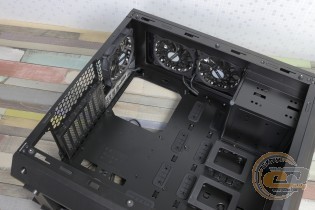
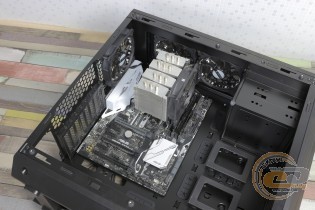
The chassis supports the installation of E-ATX, ATX, microATX, and Mini-ITX motherboards. Standard 6-mm standoffs are used for this, which the manufacturer pre-installed according to the ATX specification.
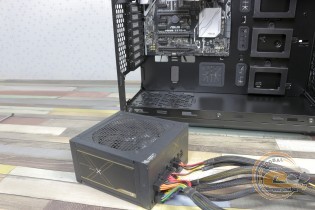
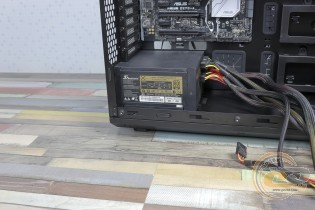
The power supply mounting location is equipped with vibration dampers. The distance to the drive bracket is 350 mm, so any power source will fit without problems.
Vinga Ark can simultaneously accommodate three 2.5-inch and three 3.5-inch drives. For this, there are plastic mounting locations at the front and back of the tray, secured with a single screw. If desired, SSDs can be mounted directly on the tray or in the HDD cage, but screws will be required.
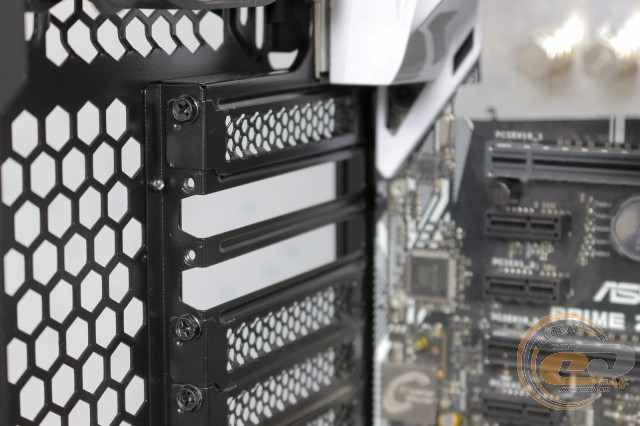
The expansion slot covers are reusable. A tool-free mounting system is not provided - regular screws must be used.
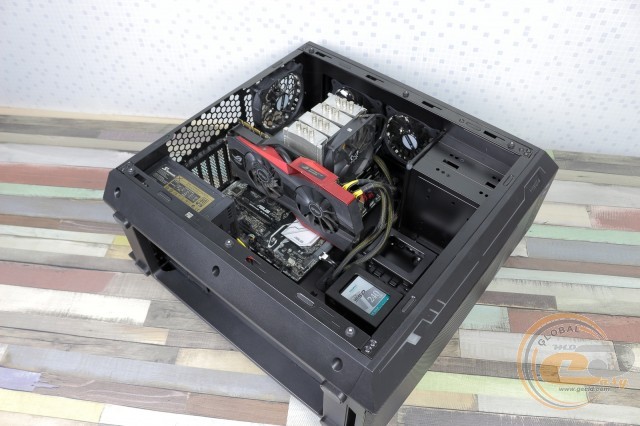
If the drive cage is left in place, there is 350 mm of space for the graphics card. If removed, the distance increases to 460 mm. The case can also accommodate tower coolers up to 180 mm in height.
Inside the Vinga Ark, there are five 120-mm fans with multi-color lighting: two at the front and top, and one at the rear. They are connected using 4-pin connectors. The fans operate at speeds of 650 - 1100 RPM (12 V, 0.1 A). If necessary, you can replace them with 140-mm solutions.
There is space at the front for a 120, 240, or 280-mm radiator. A water cooler up to 280 mm can fit under the ceiling.
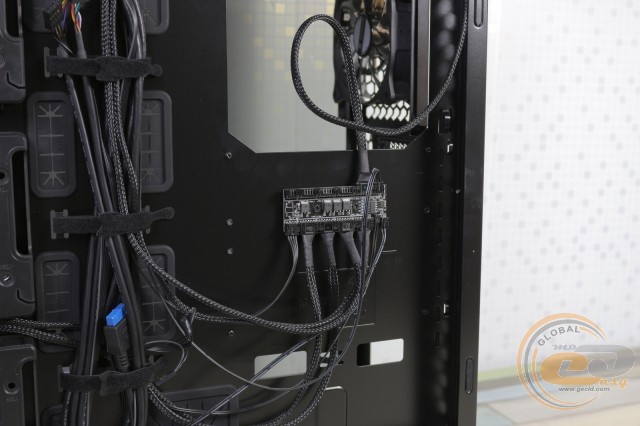
The stock fans and LED strip are connected to a controller board located behind the motherboard tray. There is still space for three RGB fans and one strip.
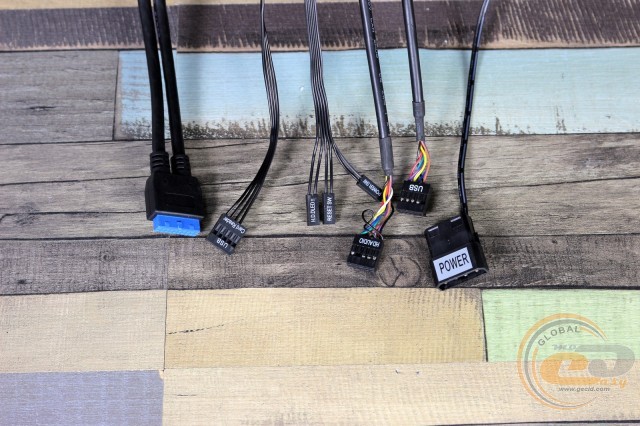
The cable bundle from the front panel has a good length reserve, so there will be no problems with routing them.
|
Name |
Length, cm |
|
USB 3.0 |
70 |
|
USB 2.0 |
95 |
|
HD Audio |
95 |
|
Buttons and indicators |
70 |
|
PATA |
40 |
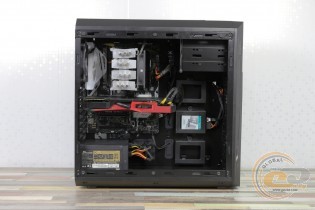
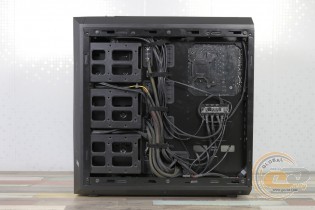
The process of assembling the system inside the Vinga Ark does not cause any complaints, as the design is well thought out. There is plenty of space for bulky components, and everything necessary for neat cable management is available. As for the build quality and chassis rigidity, everything is in order here too: there are no flaws or distortions.
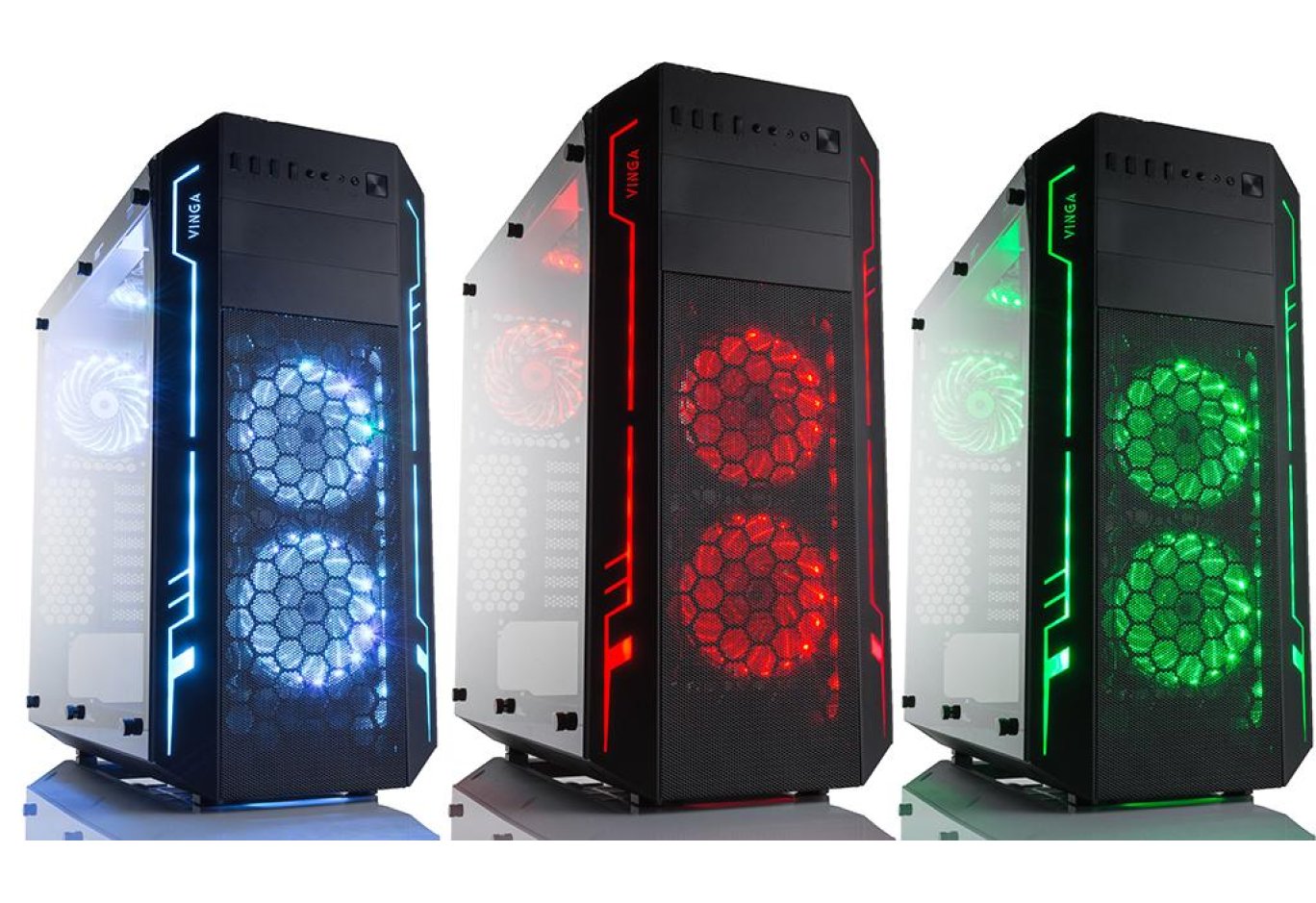
When turned on, the finished PC will definitely attract the attention of those around it thanks to the illumination of the included fans and LED strip. There is a "LED" button on the top panel for controlling the lighting: there are seven colors (red, green, blue, purple, lime, turquoise, and light blue) and three operating modes (color overflow, flickering, and fading). To turn off all this riot of colors, just hold the "LED" button for 3-4 seconds.
Testing
|
Processor |
Intel Core i7-7700K (Socket LGA1151, 4.2 GHz, L3 8 MB) |
|
Cooler |
Scythe Mugen 3 |
|
Motherboard |
ASUS PRIME Z270-A (ATX, Socket LGA1151) |
|
RAM |
2 x 4 GB DDR4-2400 HyperX Fury (HX424C15FBK2/16) |
|
Graphics Card |
ASUS GeForce GTX 980 MATRIX PLATINUM 4GB GDDR5 |
|
SSD |
SSD KINGMAX SME35 HYPERLINK |
|
Power Supply |
Seasonic X-560 Gold (SS-560KM Active PFC, ATX, 560W) Chieftec SFX-250VS, 250W |
|
Thermal Paste |
Noctua NT-H1 |
The Vinga Ark case was tested in a standard configuration with five pre-installed fans. They operated at a speed of 1100 RPM.
The "All System Load" chart shows the heating of components after 30 minutes of 3DMark Fire Strike in Ultra mode (4K). The "System Component Burn" mode demonstrates temperatures under load with AIDA64 applications (Stress CPU and FPU) and MSI Kombustor for 15 minutes.
The components inside the Vinga Ark feel comfortable, as it is a large Full Tower case with a lot of installed fans and good chassis airflow. In terms of noise, we had no complaints: everything is in order here too.
Conclusions
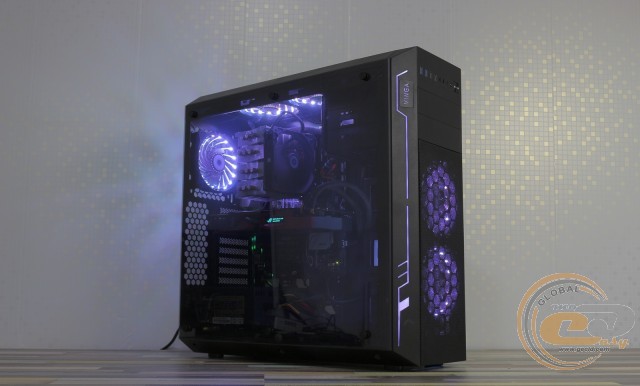
Vinga Ark is a large, trendy case with an attractive design. It allows you to admire your system, highlighting its merits with LED lighting. Inside, there is room for bulky components: 350-mm graphics cards (460-mm with the removal of SSD cages), 180-mm tower coolers, and large power supplies. Water cooling enthusiasts can use a heat exchanger up to 280 mm. Six drives can be accommodated simultaneously: three 2.5-inch and three 3.5-inch. The assembly process is simple and pleasant, thanks in part to the well-thought-out cable management.
Special attention should be paid to the cooling system, which includes five standard 120-mm fans and dust protection in key areas. Thanks to this and the overall good chassis airflow, we get very comfortable component temperatures. The package includes a hub-rheobus for controlling fan speed and lighting. Among the pleasant bonuses, there is also a built-in card reader.
Considering all of the above, for its $92, the Vinga Ark looks like a very interesting offer. It does not require the purchase of additional accessories and allows you to assemble a high-performance and beautiful PC with good cooling right out of the box.
Advantages:
- modern appearance;
- transparent acrylic side panels;
- good quality chassis assembly, edge processing, and case painting;
- good structural rigidity;
- availability of mounting places for two 5.25" devices;
- support for 460-mm graphics cards and 180-mm coolers;
- possibility to install three 3.5" and three 2.5" drives;
- five pre-installed RGB fans;
- support for 280 mm radiator liquid cooling systems;
- eight expansion slots;
- built-in card reader (SD/microSD);
- included hub for connecting and controlling fan speed and lighting;
- good opportunities for hidden cable management;
- presence of dust filters in key places;
- good chassis airflow.
Author: Viktor Yefimenko
Translation: Liliya Masyuk
We express our gratitude to the companies ASUS, Intel, Noctua, Sea Sonic Electronics and the brand HyperX for providing the equipment for the test bench.
Related products