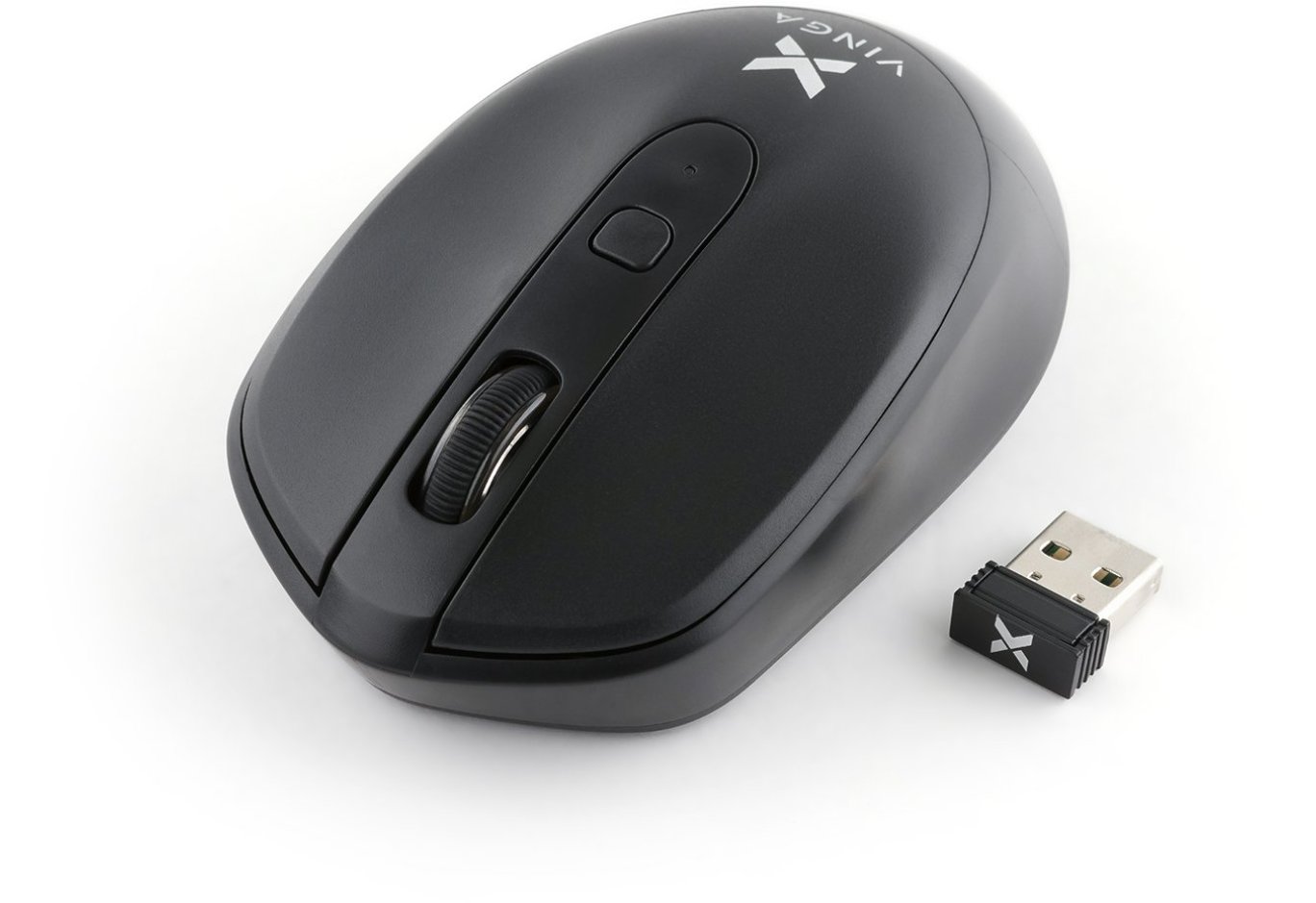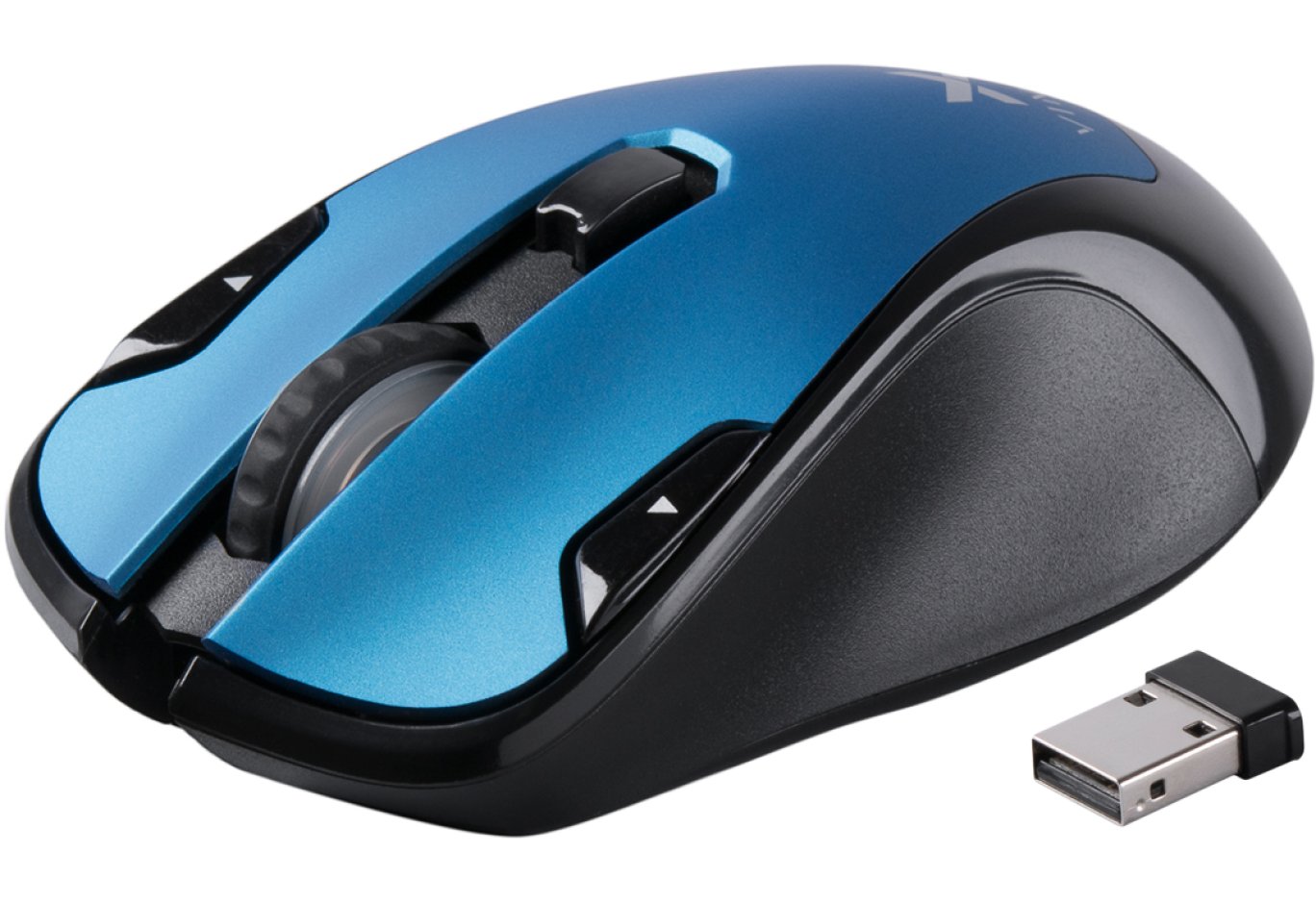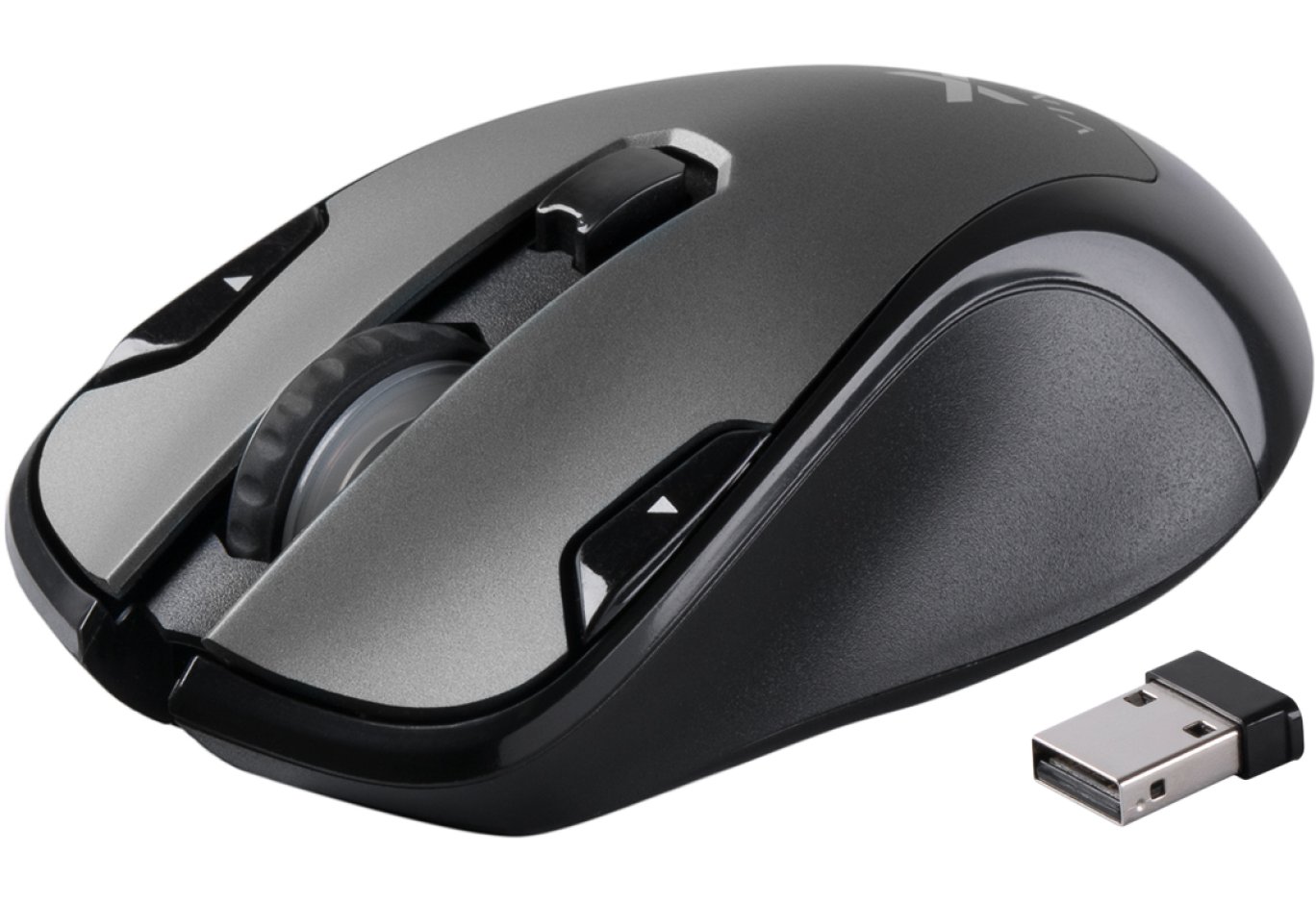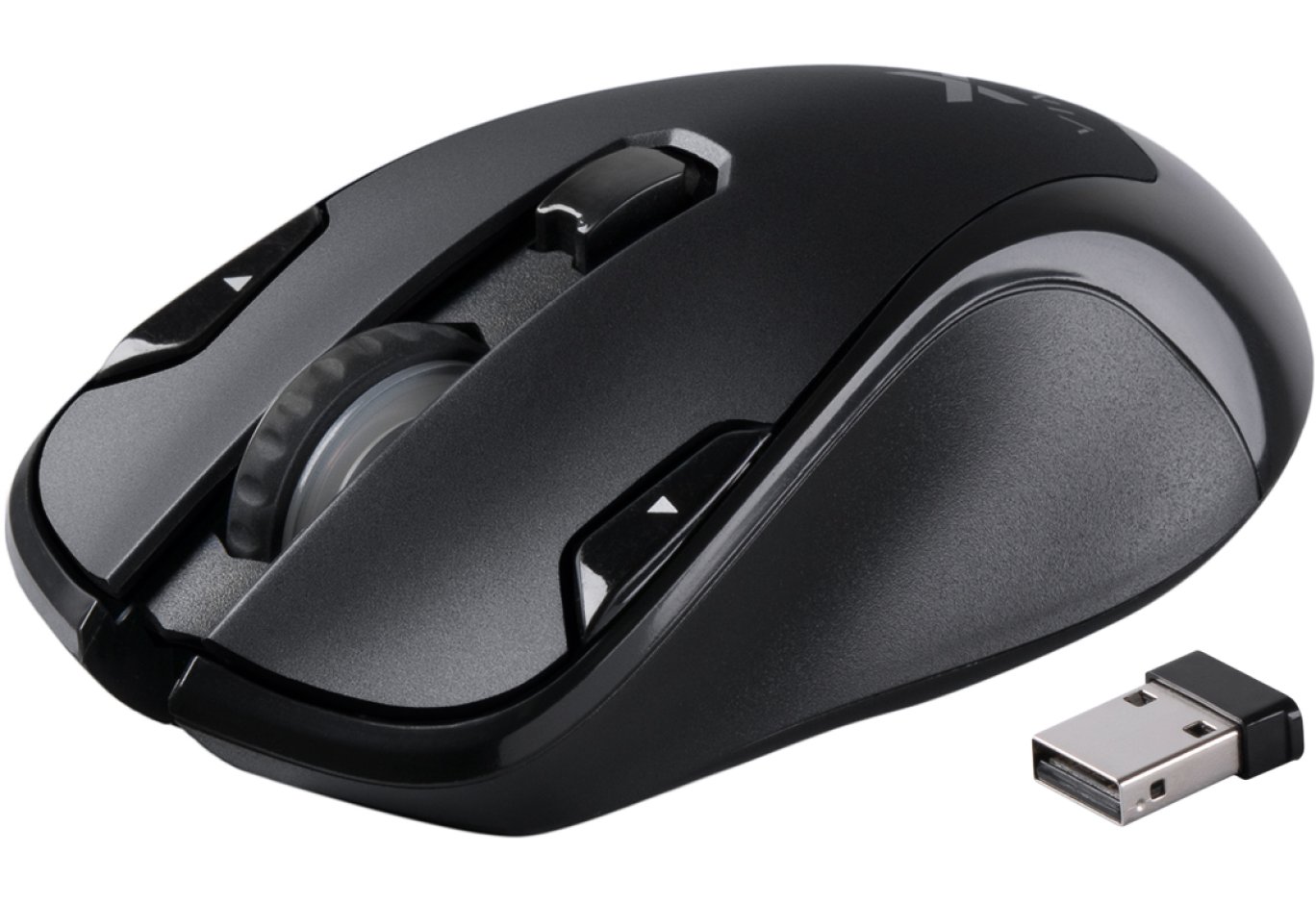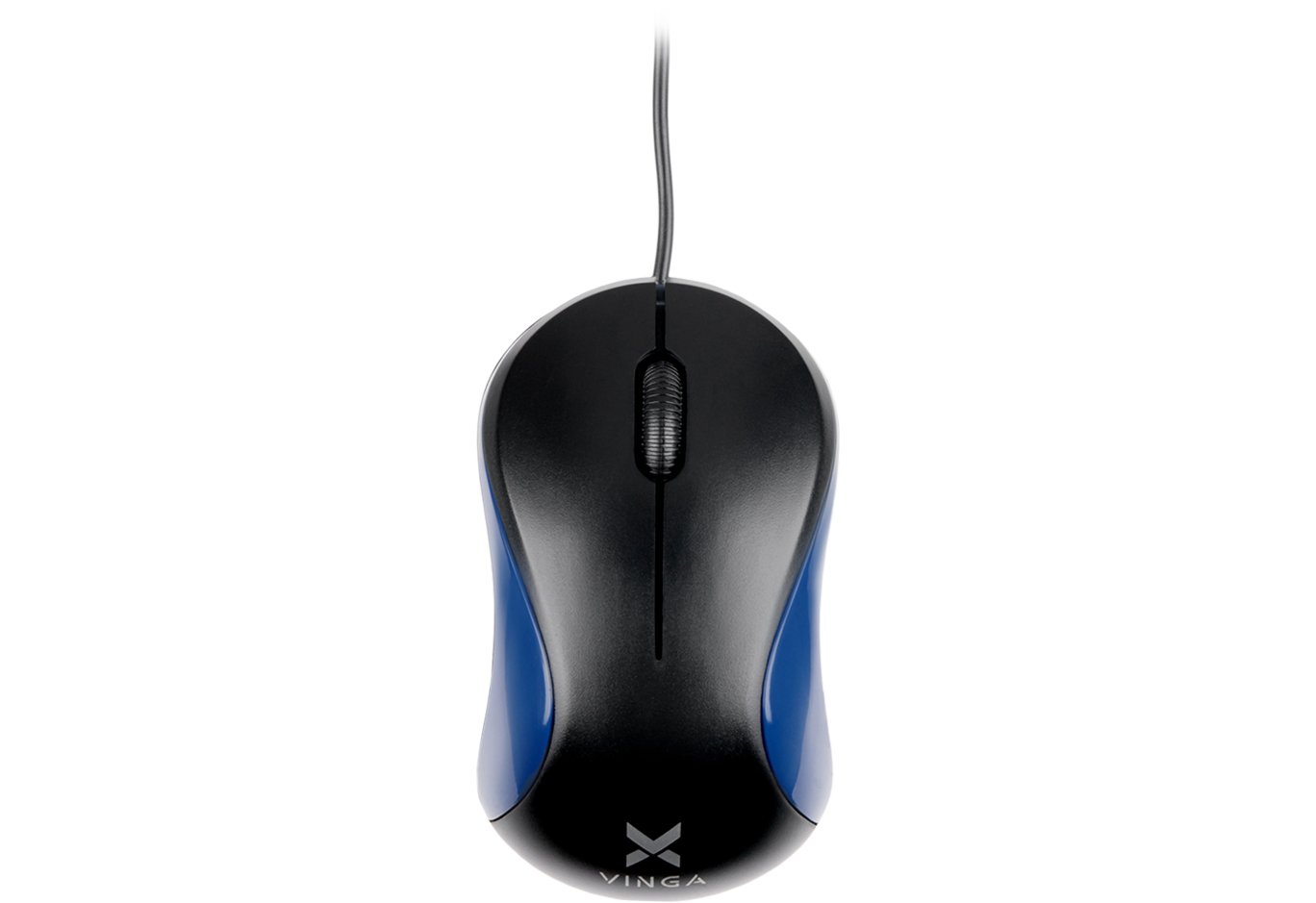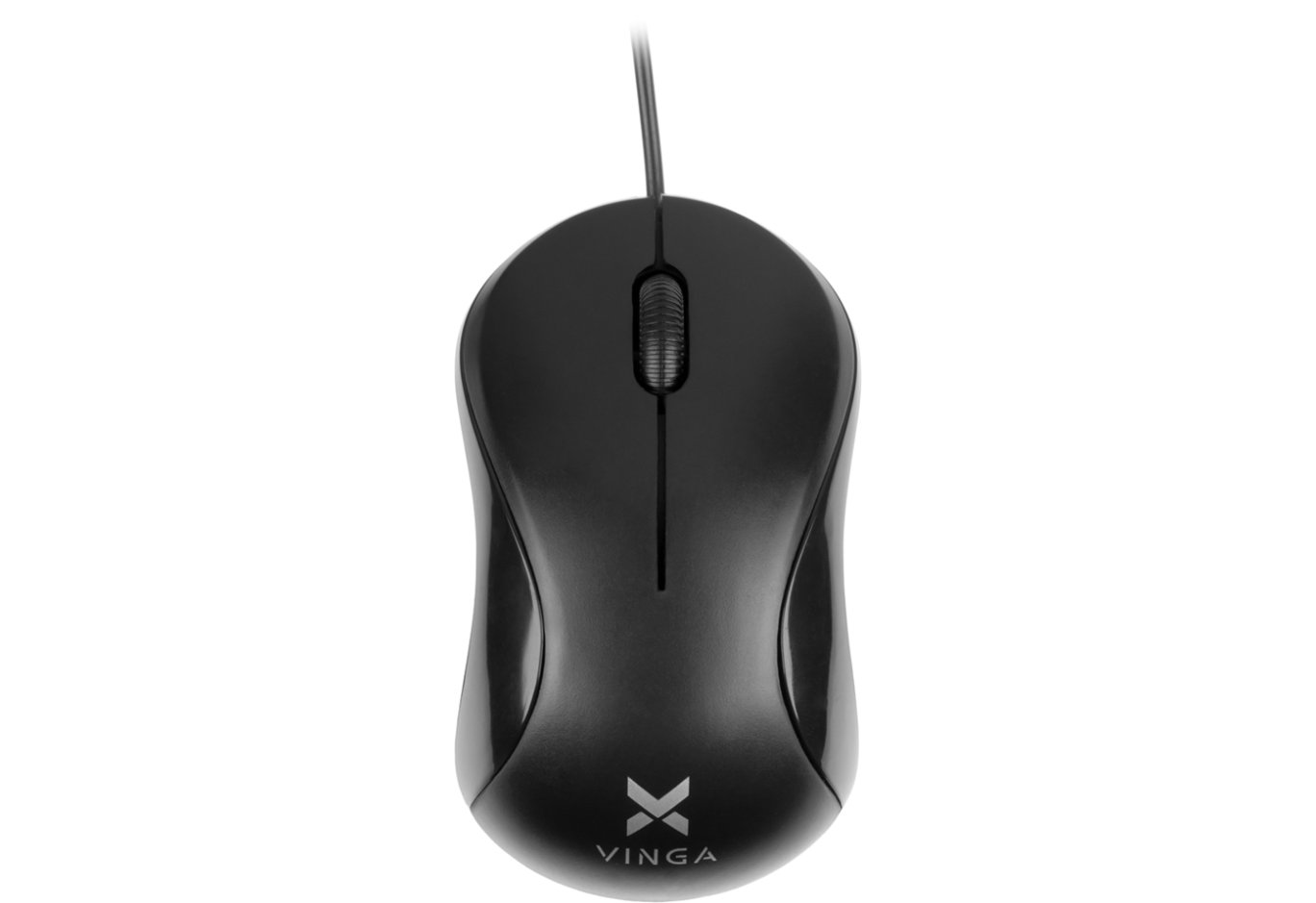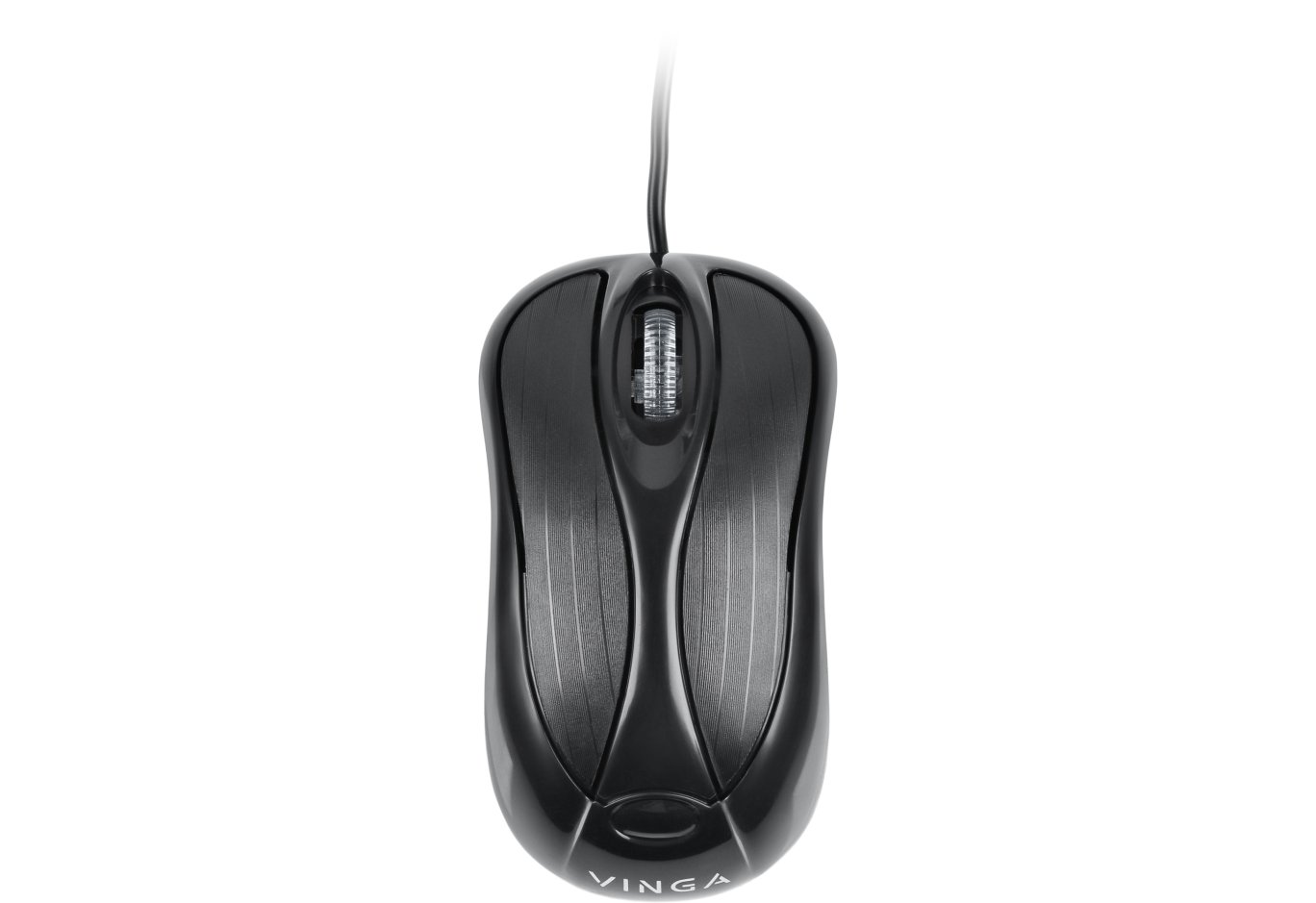



Mouse Vinga MSG-869 black
It was with mice in 2017 that we began our acquaintance with the products of the domestic brand Vinga. However, since then, peripherals have not been frequent guests in our lab. It seems the situation is gradually improving. Not long ago, we reviewed a very interesting mechanical keyboard Vinga KBGM160, and today we have the gaming manipulator Vinga MSG-869 on the agenda.
This is a symmetrical model with trendy RGB lighting, eight programmable buttons, and an optical sensor with a resolution of up to 7000 DPI. And all this for a modest $18 or 499 UAH. Let's see how successful the new product turned out to be.
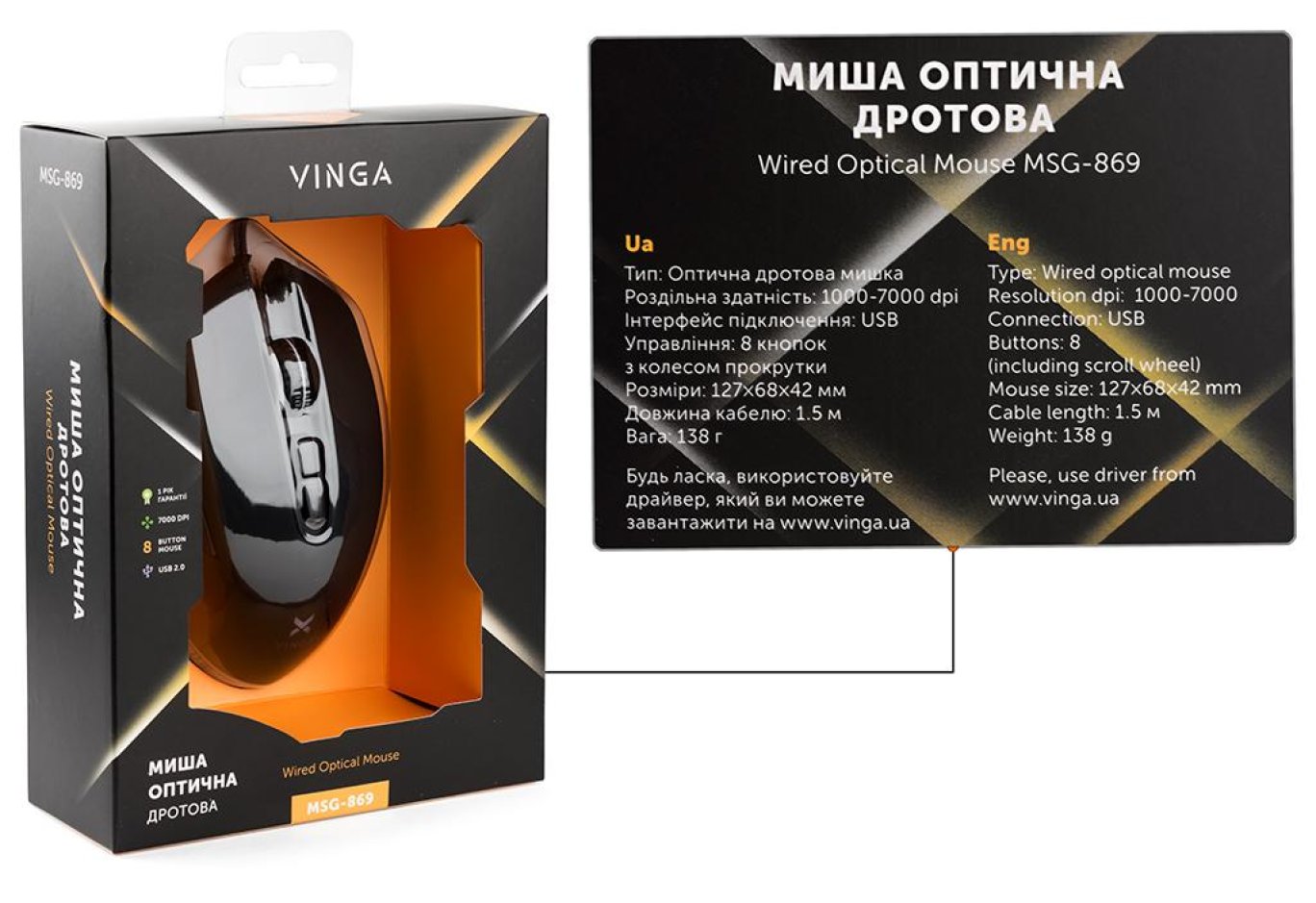
Specification
|
Model |
Vinga MSG-869 |
|
Connection |
Wired (USB) |
|
Sensor Type |
Optical (IC3320) |
|
Maximum Resolution, DPI |
7000 |
|
Pre-set Modes, DPI |
1000 / 2000 / 3000 / 4000 / 5000 / 6000 / 7000 |
|
Number of Buttons |
8 |
|
Sole Type |
Plastic / Teflon |
|
Cable Length, m |
1.5 |
|
Additional Features |
Ergonomic symmetrical design (except for buttons on the left side); customizable zonal RGB lighting (16.7 million colors); on-the-fly sensitivity adjustment; braided cable with gold-plated USB plug and ferrite filter |
|
Color |
Black |
|
Dimensions, mm |
127 x 78 x 38.5 |
|
Weight, g |
138 |
|
Software |
|
|
Supported OS |
Windows 7 / 8 / 10 |
|
Manufacturer's Website |
Packaging and Completeness
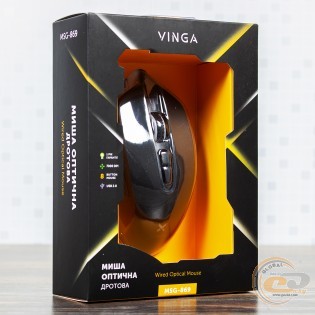
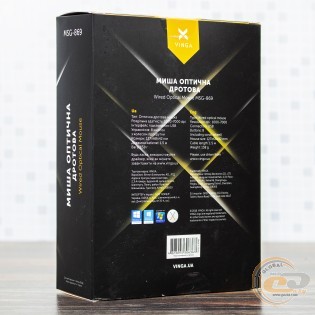
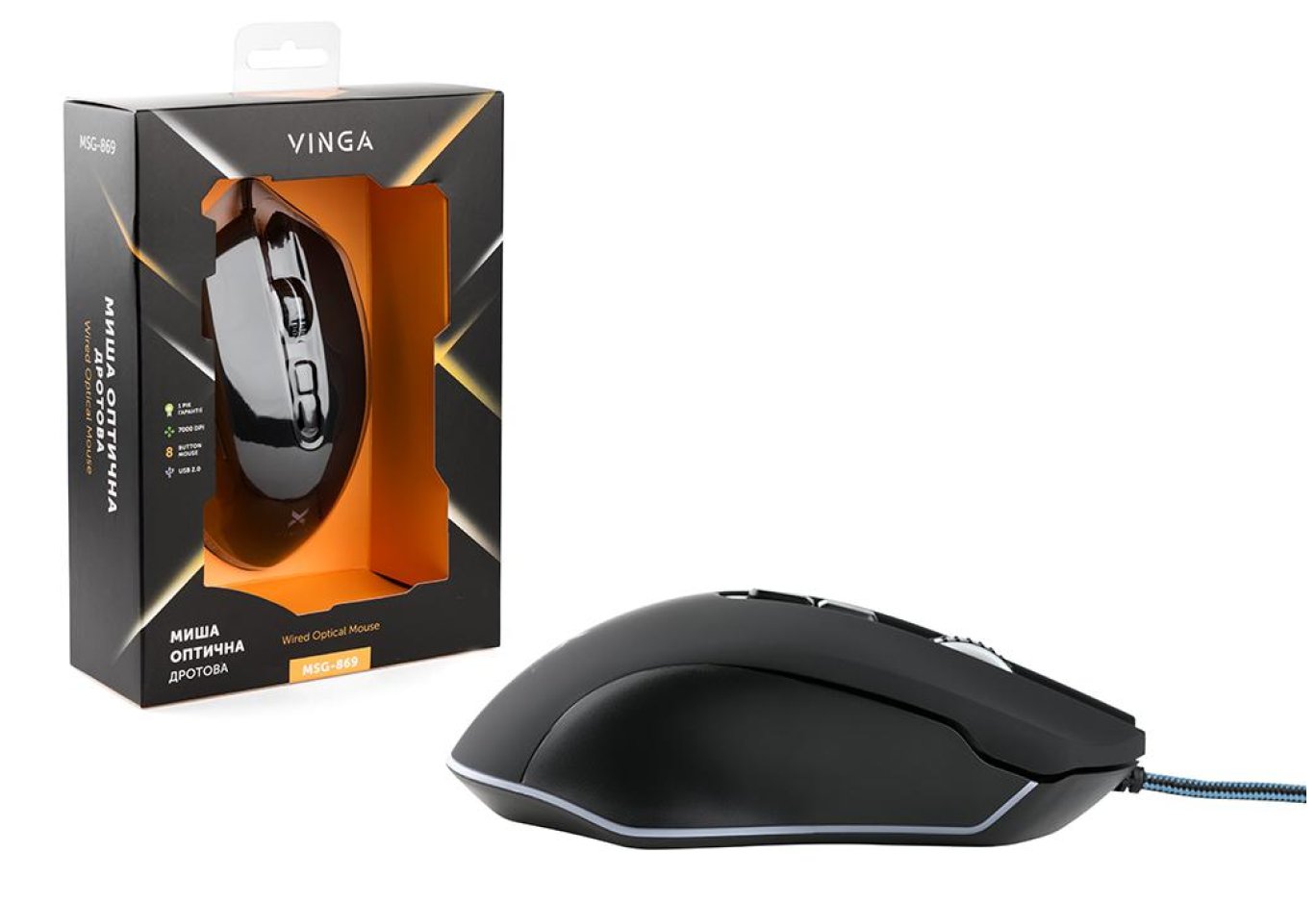
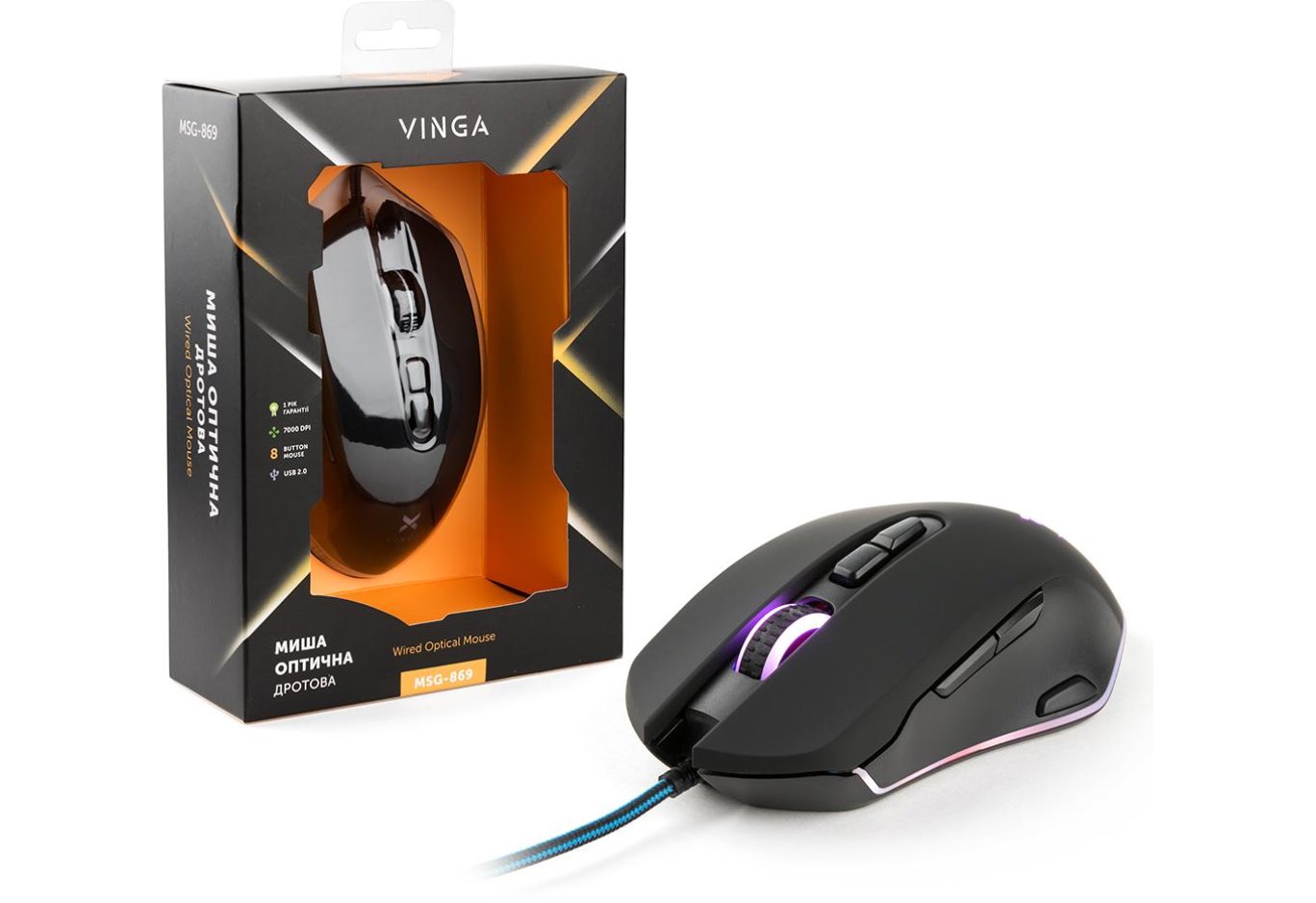
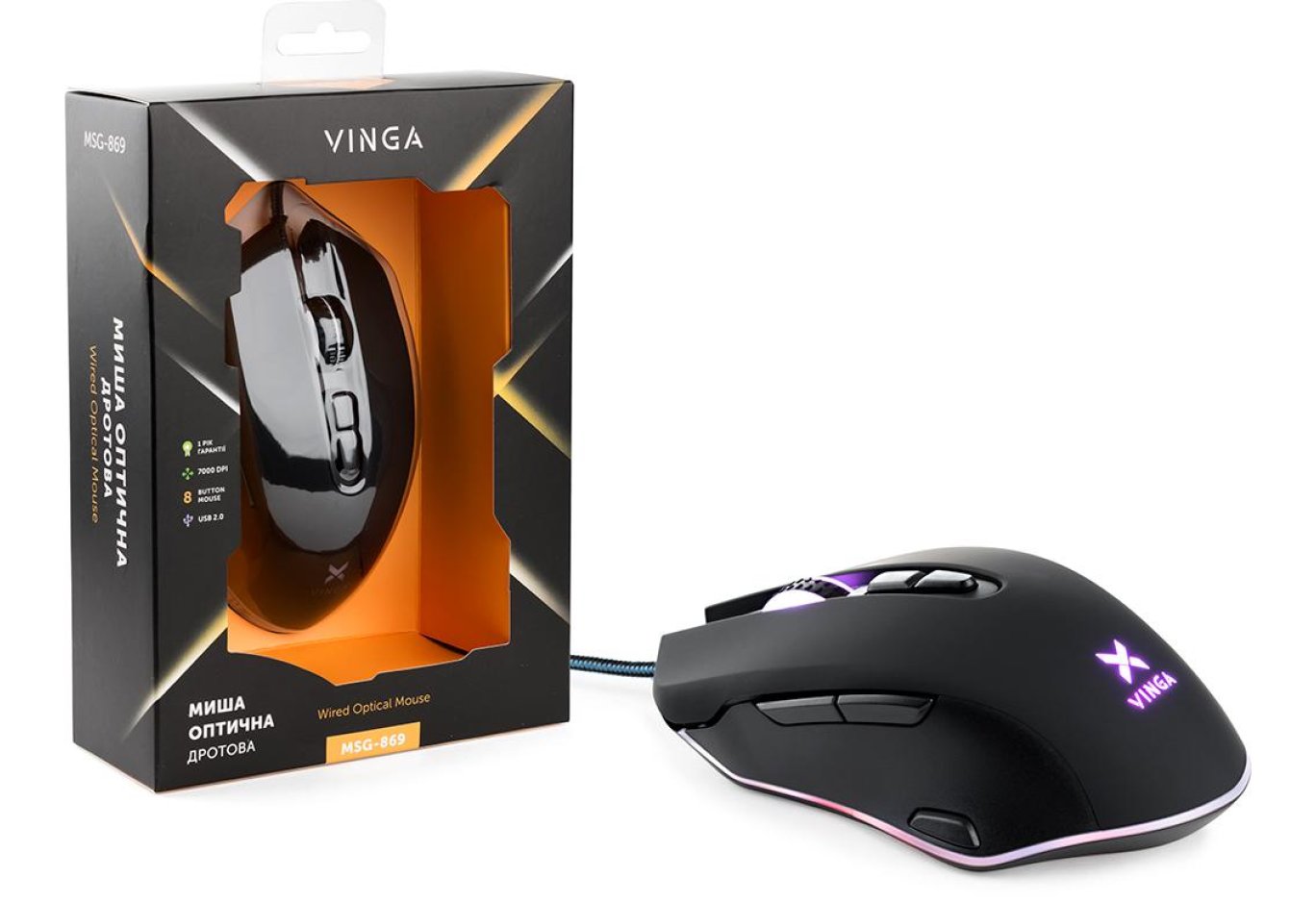
The device comes in a compact box made of thin cardboard. The design is done in black and yellow tones. It features good informational content. Thanks to the transparent window, you can examine the appearance and assess the ergonomics. The package includes nothing but the mouse itself.
Appearance, Element Placement, and Work Impressions
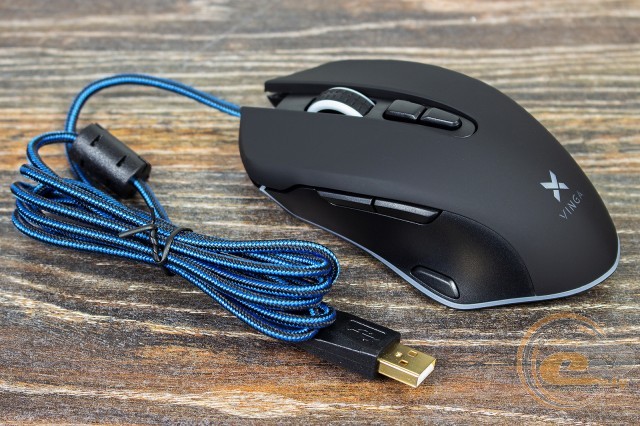
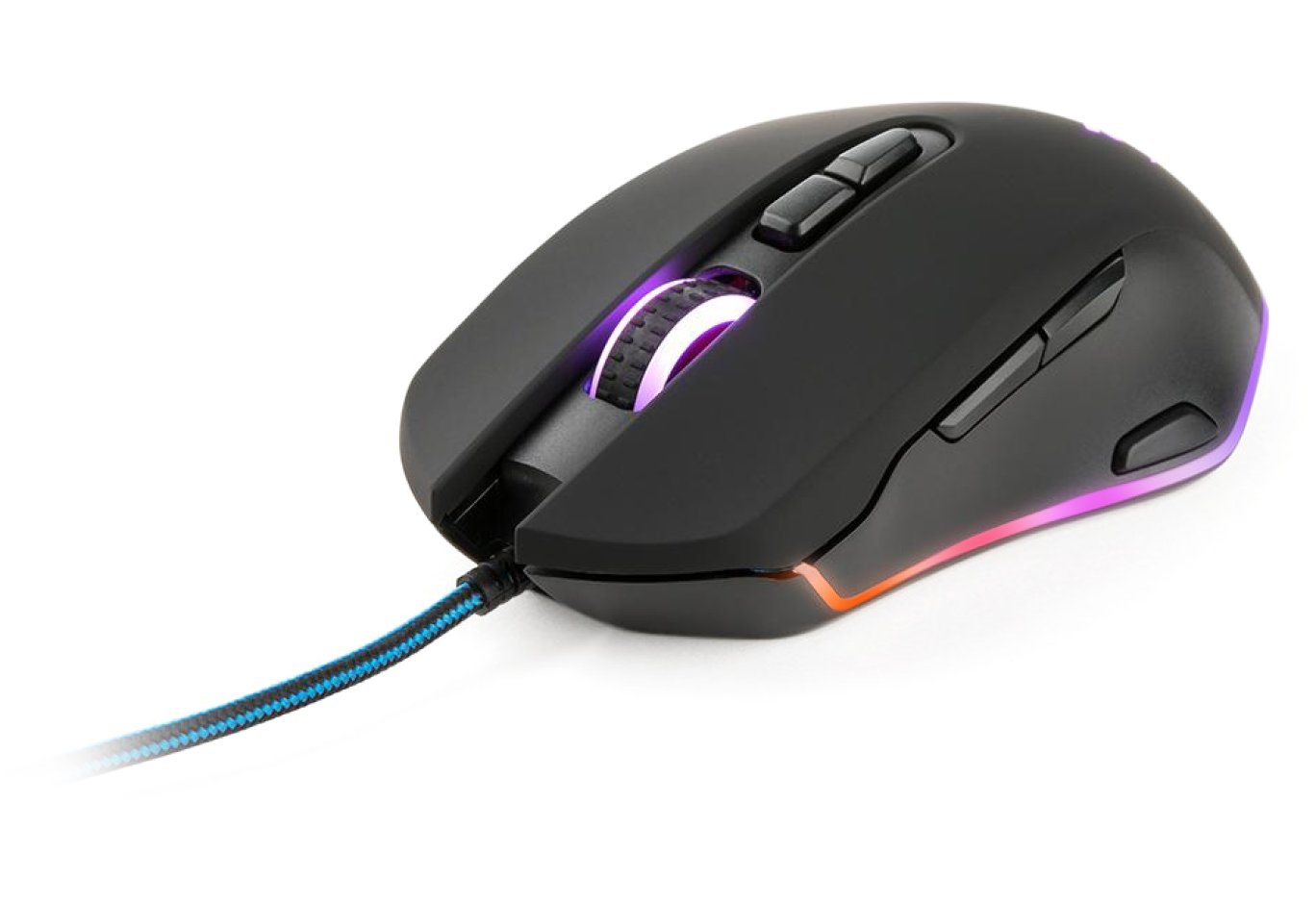
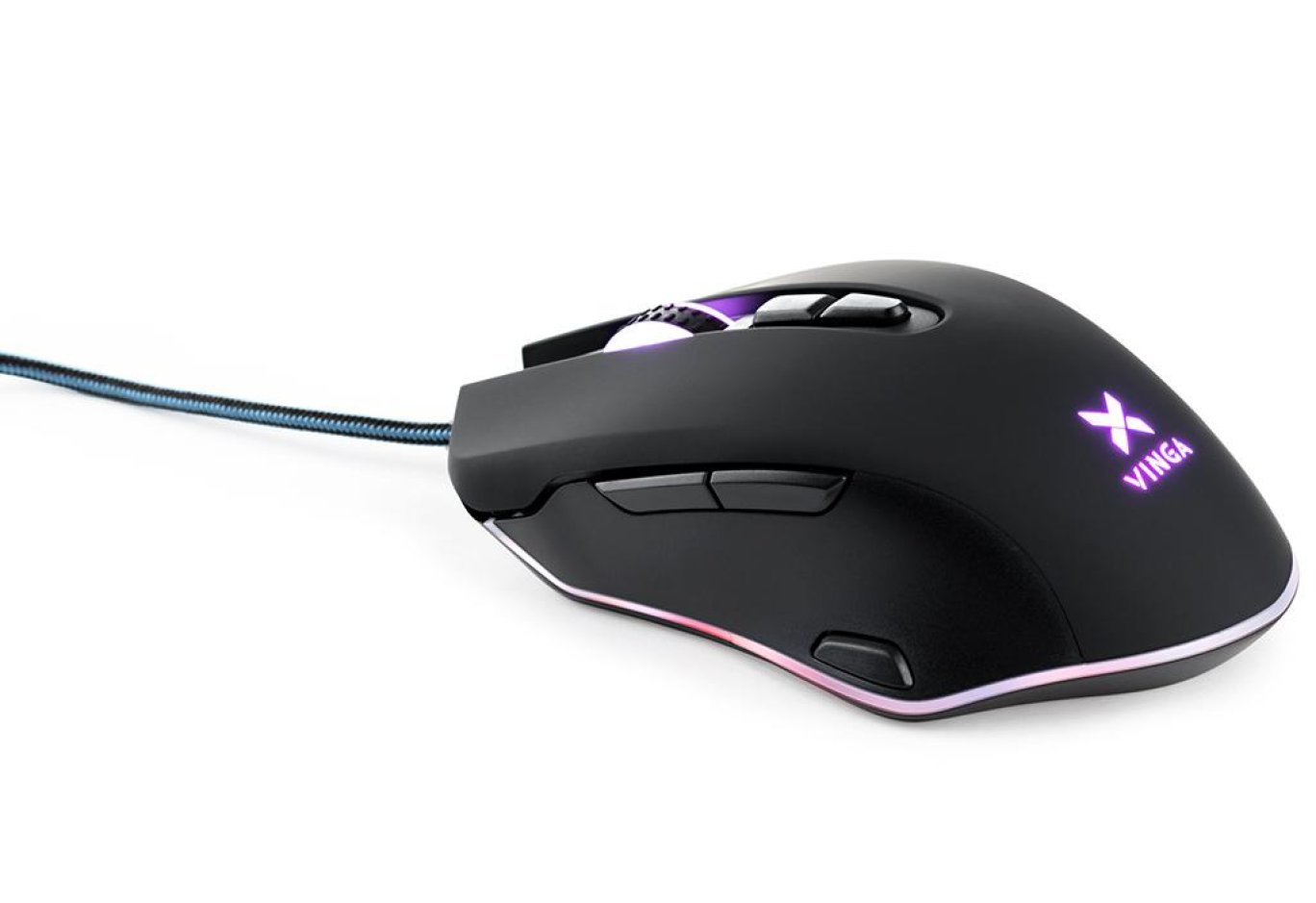
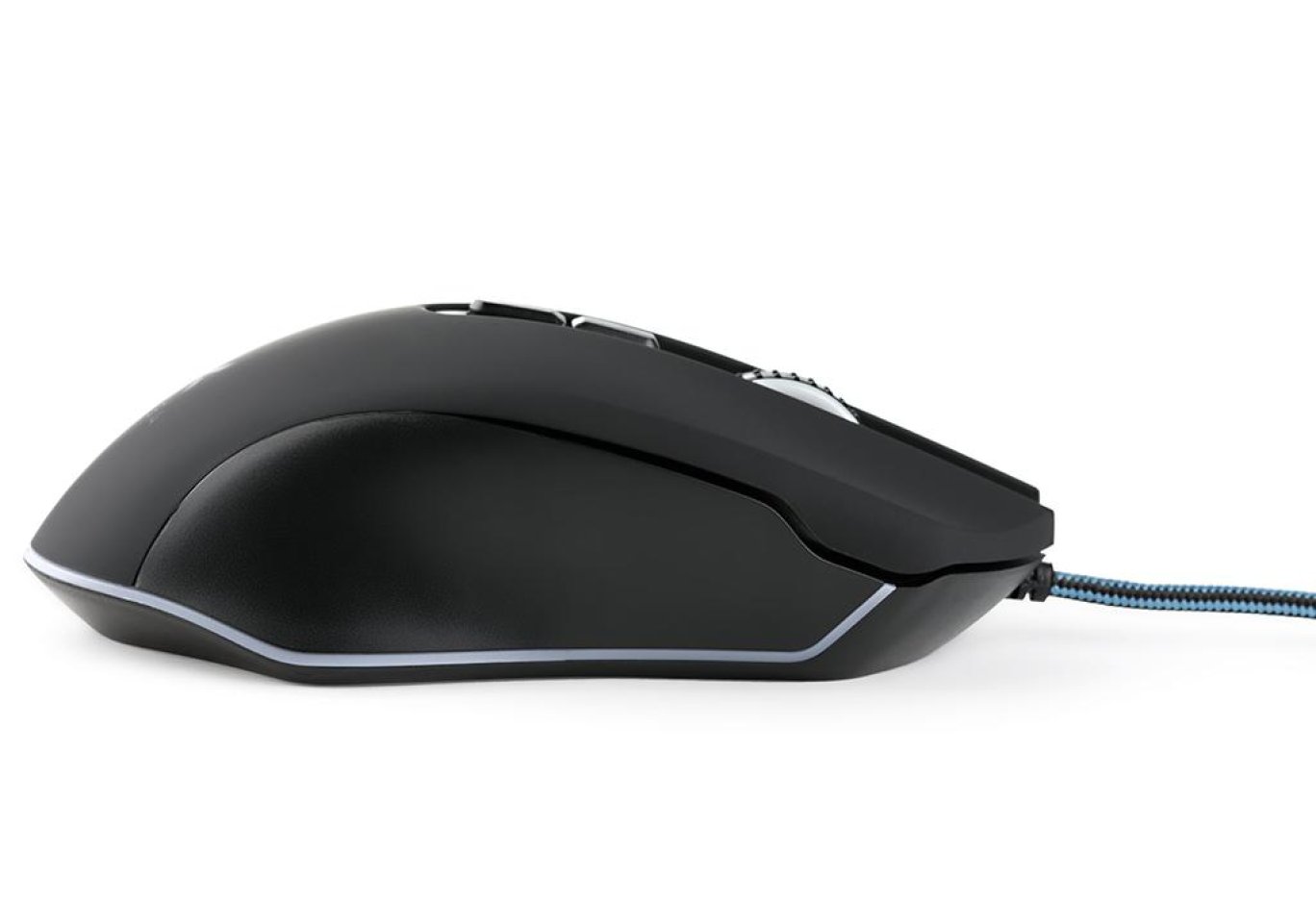
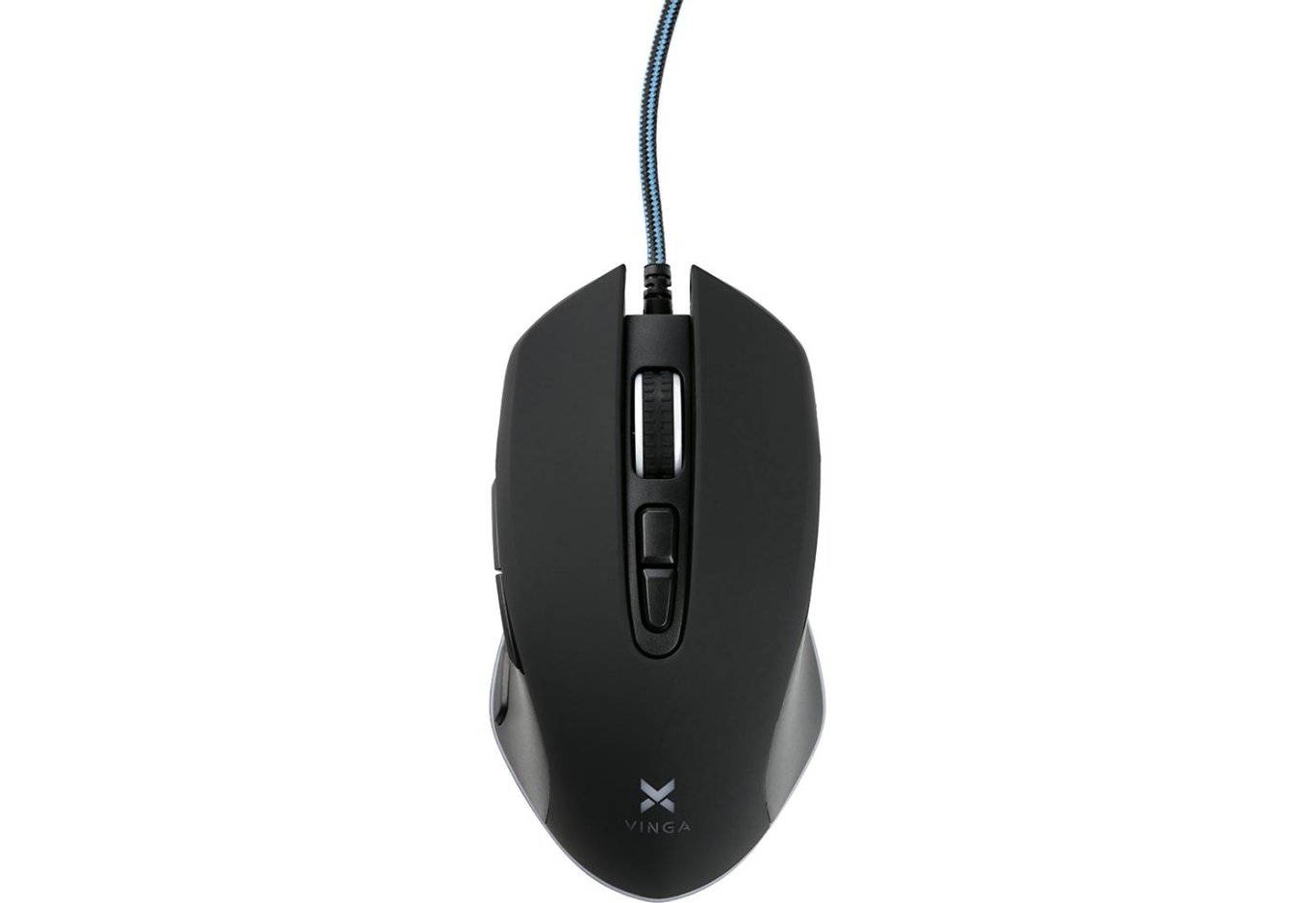
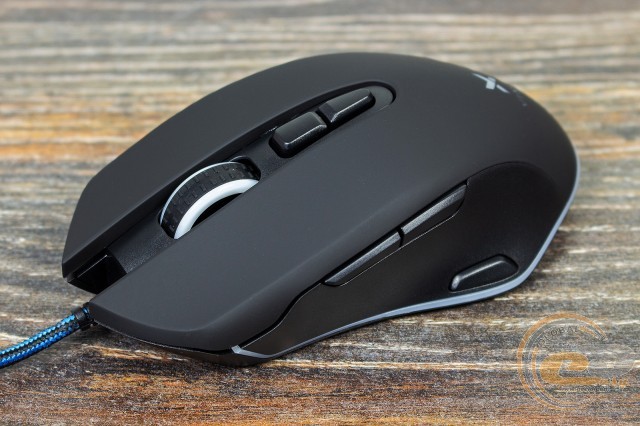
In terms of design, the Vinga MSG-869 turned out to be attractive, and its appearance is devoid of pretentiousness. It has its own highlights, subtly hinting at its gaming lineage: sharp contours, blue-black wire, and colorful lighting of the base contour, wheel, and brand logo.
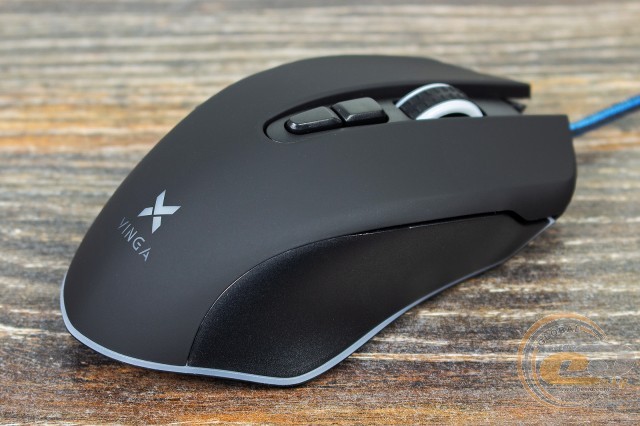
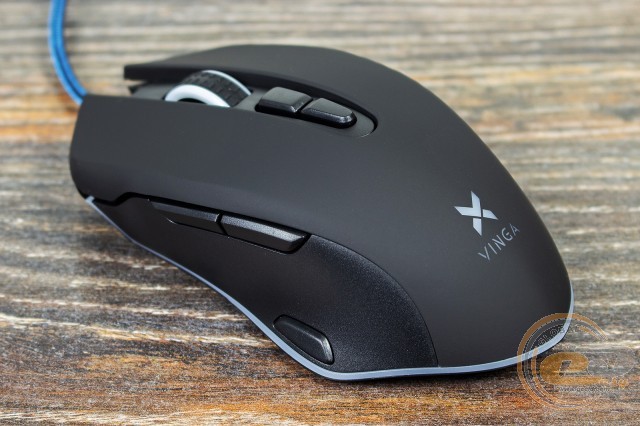
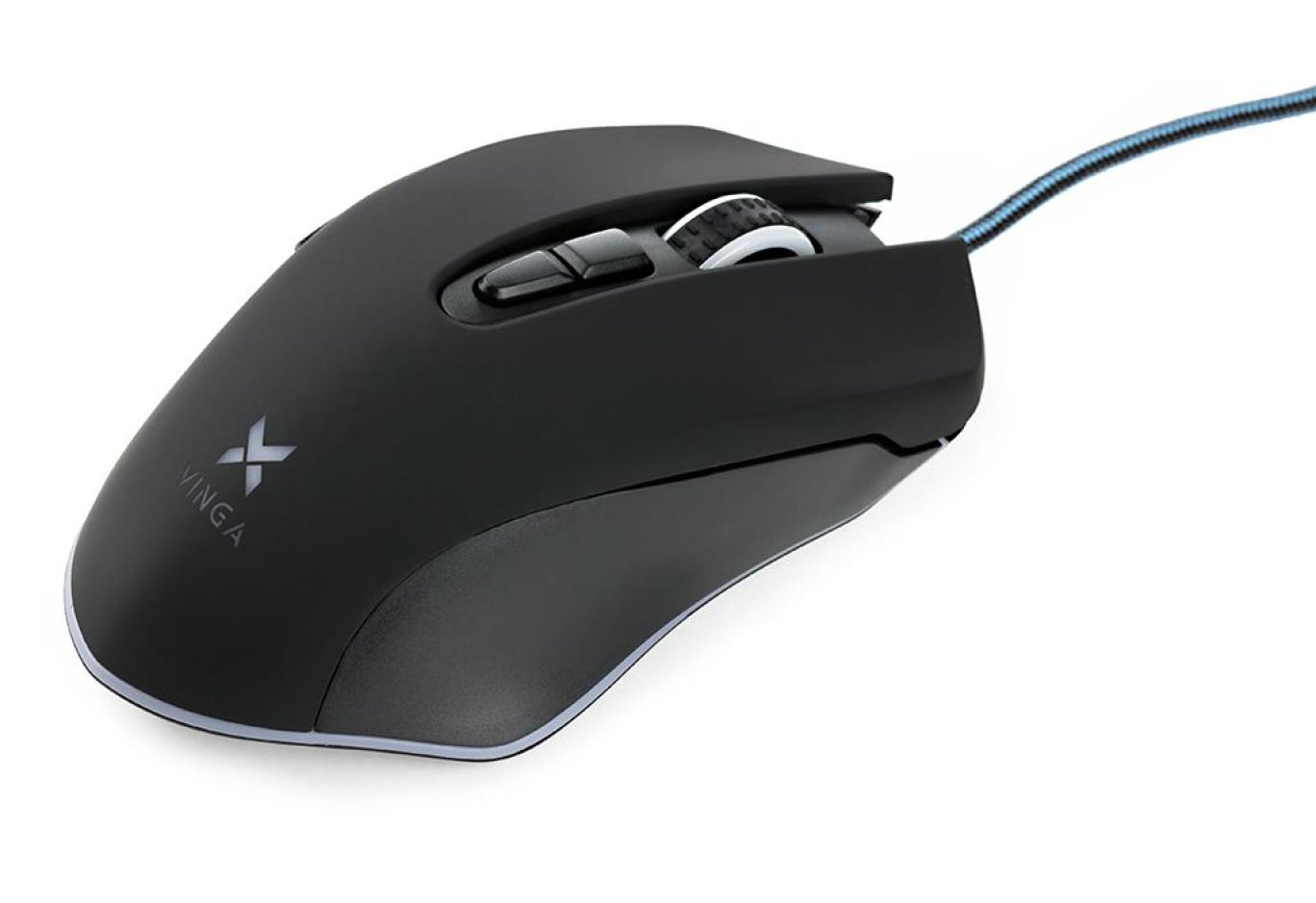
The body is made of two types of black plastic: the top is smooth matte with a pleasant but rather smudge-prone soft-touch coating; the sides and bottom are regular, slightly rough. There are small translucent inserts for illumination. The quality of manufacturing, fitting of parts, and rigidity of the structure raise no questions.
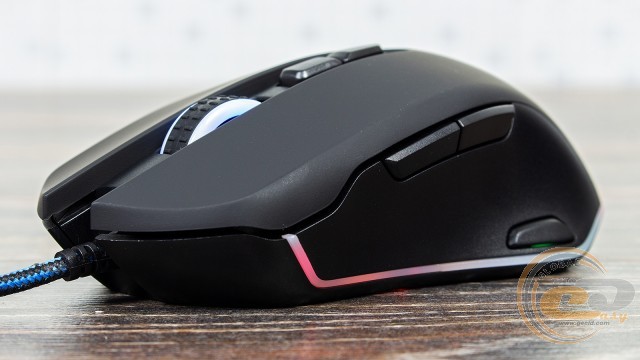
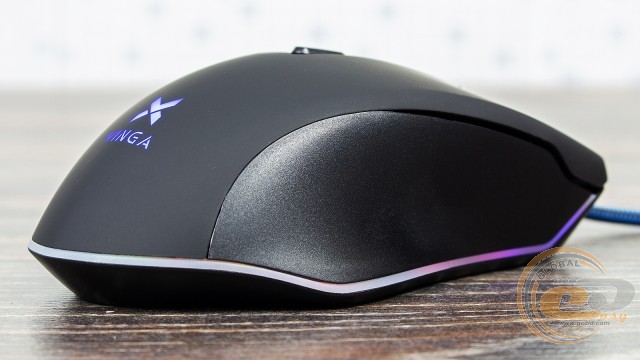
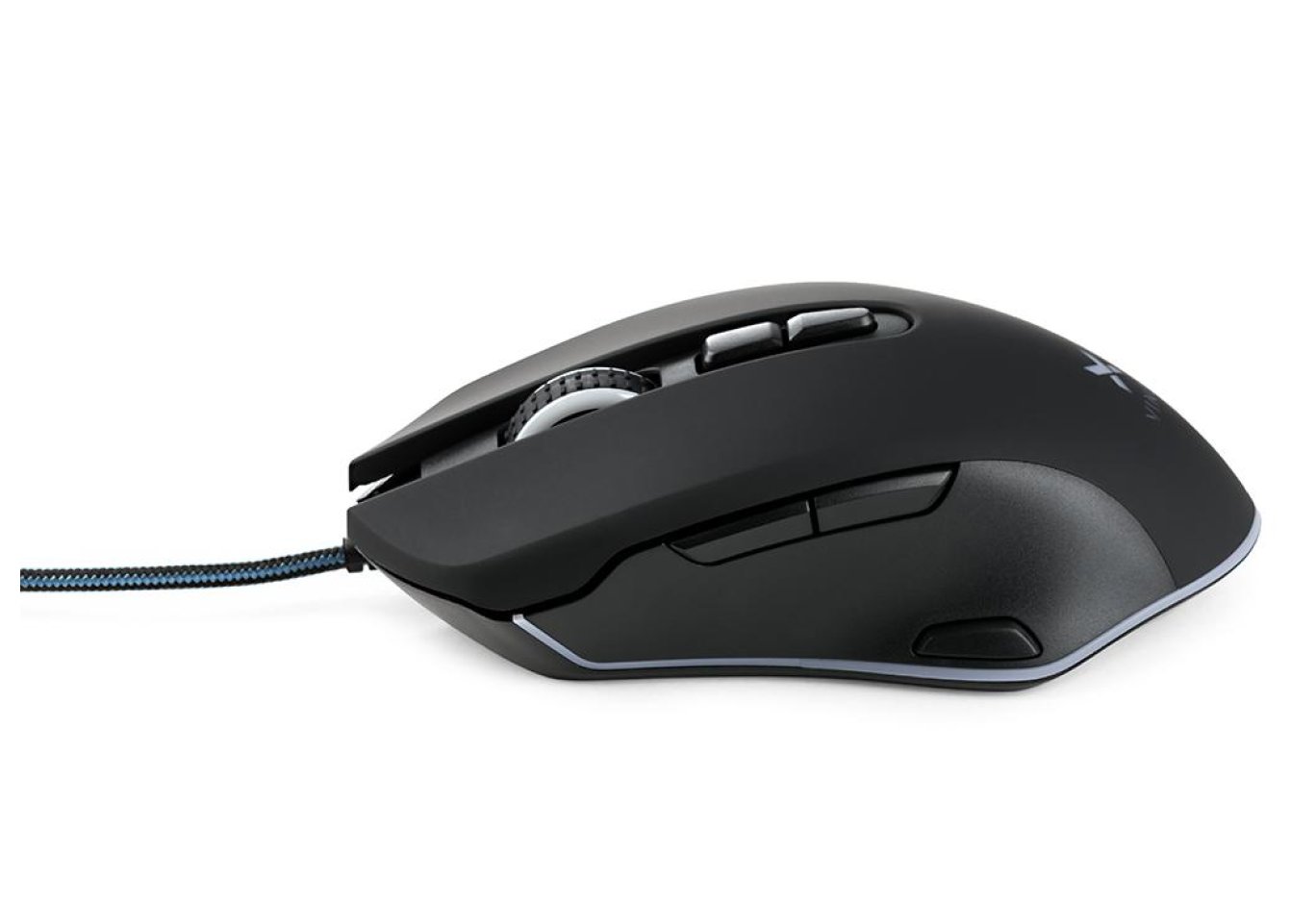
The shape of the mouse is quite successful, but due to its modest size, it is suitable only for owners of small and medium palms. In the first case, the main grip will be "claw" or even "palm," and in the second - "fingers." Surprisingly, the manipulator turned out to be heavy and with a slightly shifted center of gravity to the back. If you are used to a lighter tool, you may feel discomfort. The surface turned out to be quite grippy, which contributes to quick movements in games and adds comfort in everyday use.
Vinga MSG-869 is equipped with eight buttons: a pair of main ones, a scroll wheel, sensor sensitivity switching keys, a pair of side buttons, and one below them, which by default is responsible for triple-clicking. The wheel works quite quietly, has a good position distribution, and smooth scrolling. The main keys and the middle mouse button are somewhat tight and loud, but they provide very precise click control. The side and DPI buttons are quieter, with easy pressing and short travel. The additional button is moderately tight, preventing false triggers. The placement of all buttons is convenient.

The 1.8 m interface cable is placed in a nylon braid. It has a ferrite filter, a gold-plated USB plug, and has medium flexibility.
The novelty is equipped with RGB lighting. You have access to 16.7 million colors and 11 effects, so everyone will find something for themselves. Moreover, the lighting serves as an indicator of the selected sensor profile. It looks quite nice, but the uniformity is not the best. Everything is configured through the bundled software, and if desired, it can be turned off completely.
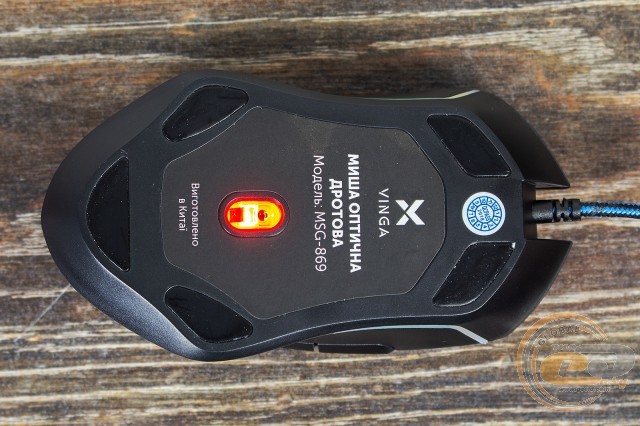
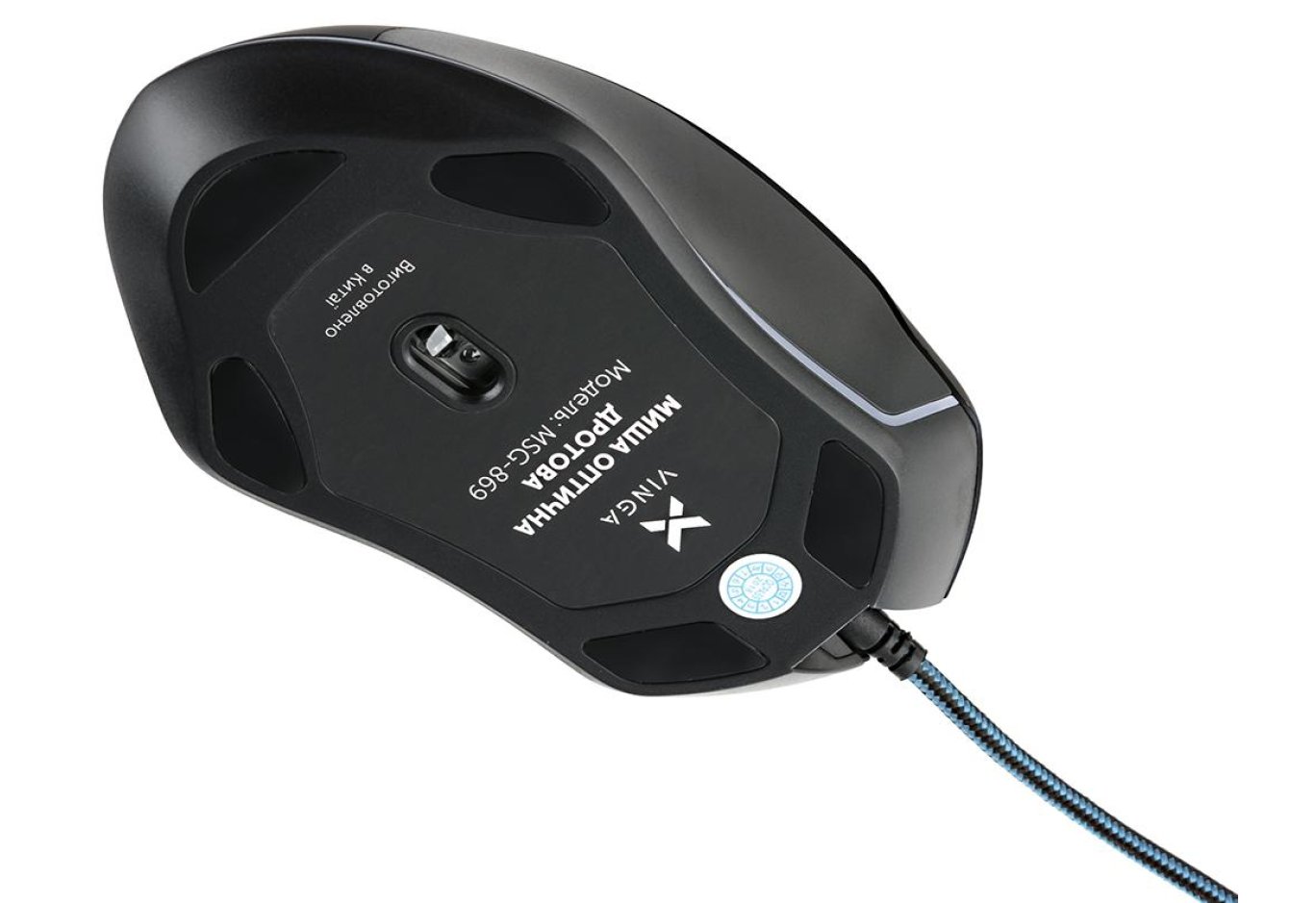
The base of the Vinga MSG-869 features five Teflon feet, providing very smooth gliding on various mats. On desktops, the resistance is average. The sensor lens is located here, and there is accompanying information around it. By the way, simply disassembling the mouse won't work, as the screws are hidden under the feet, and removing them will void the warranty.
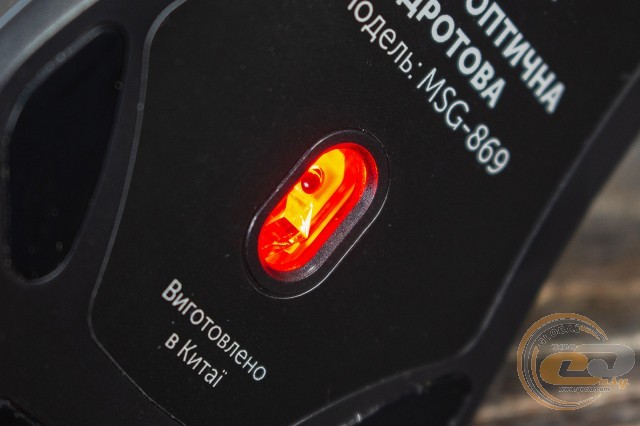
The sensor role is performed by an unknown optical sensor IC3320 with bright red lighting. Its maximum resolution is 7000 DPI. By default, there are seven profiles: from 1000 to 7000 DPI in 1000 DPI increments. In the software, the resolution can be adjusted in 250 DPI increments.
Cursor positioning at a polling rate of 1000 Hz is very smooth, but there is a problem - a rather high lift-off distance. Therefore, when lifting and moving the mouse, frequent unpredictable cursor drifts occur. If in dynamic games you prefer this style of combat, you may experience problems with aiming.
According to the Enotus Mouse Test, the maximum movement speed of the manipulator at a resolution of 7000 DPI on the EpicGear CompoXite mat was 2.99 m/s - quite decent for a budget solution.
Software
Specialized software is provided for the Vinga MSG-869. With its help, you can configure all the main parameters of the mouse.
It is quite simple from a visual point of view and has good Ukrainian localization, although everything is intuitively understandable. In terms of functional capabilities, everything is in order: assigning actions to all keys, changing sensor sensitivity (from 500 to 7000 DPI), polling rate (500 or 1000 Hz), button response speed and response time, creating and editing macros, as well as illumination (11 modes and 16.7 million colors). Everything works properly.
Conclusions
Vinga MSG-869 is a pleasant and relatively inexpensive mouse. It combines a nice design with popular RGB lighting, good ergonomics, a sufficient set of keys for work and games, as well as rich functional capabilities for its segment. All parameters can be conveniently configured in the proprietary software.
The only thing that wasn't very impressive was the performance of the optical sensor. It offers good sensitivity and smooth positioning, but has a high lift-off distance, making it not the best option for PvP (Player versus Player) games. In other cases, there should be no problems.
Advantages:
- pleasant appearance;
- good build quality;
- good ergonomics;
- 8 buttons;
- pleasant RGB lighting;
- functional software availability;
- affordable price.
Features:
- the manipulator is best suited for small and medium-sized palms.
Disadvantages:
- high sensor lift-off distance.

Author: Віктор Єфіменко
Translation: Лілія Масюк
Related products