


Keyboard Vinga KBGM-395 black
When purchasing smartphones, tablets, and laptops, many prefer models that are as thin and light as possible. There is also a category of users who want to see these trends around them in almost everything, and computer peripherals are no exception. For example, the reviewer has worked with low-profile keyboards all his life and has clearly developed a fondness for such accessories.

Therefore, when the mechanical Vinga KBGM-395 with relatively low keys and short travel came in for review, it was received with special enthusiasm. Or is it too early to celebrate? Let's find out what a low-profile "mechanical" keyboard priced under $100 is all about.
Specification
|
Model |
Vinga KBGM-395 |
|
Connection |
Wired (USB) |
|
Number of keys |
104 |
|
Switch type |
Mechanical (Kailh blue) |
|
Lifespan, million presses |
>50 |
|
Macro recording capability |
Yes |
|
Cable length, m |
1.8 |
|
Additional features |
LED RGB backlighting for keys (16 modes); quick access to its settings via [Fn] button; gaming mode with [Windows] key lock function; response time adjustment (2 - 20 ms) and USB polling rate (125 - 1000 Hz) |
|
Color |
Black |
|
Dimensions, mm |
436 x 126 x 22.8 |
|
Weight, g |
570 |
|
Software |
Available |
|
Supported OS |
Windows 7 / 8 / 10 Mac OS X |
|
Official warranty, months |
12 |
|
Manufacturer's website |
Packaging and delivery set


The medium-sized box provides a general idea of the construction thanks to images and basic information. Inside, we found only the user manual.
Appearance, element placement, and work impressions

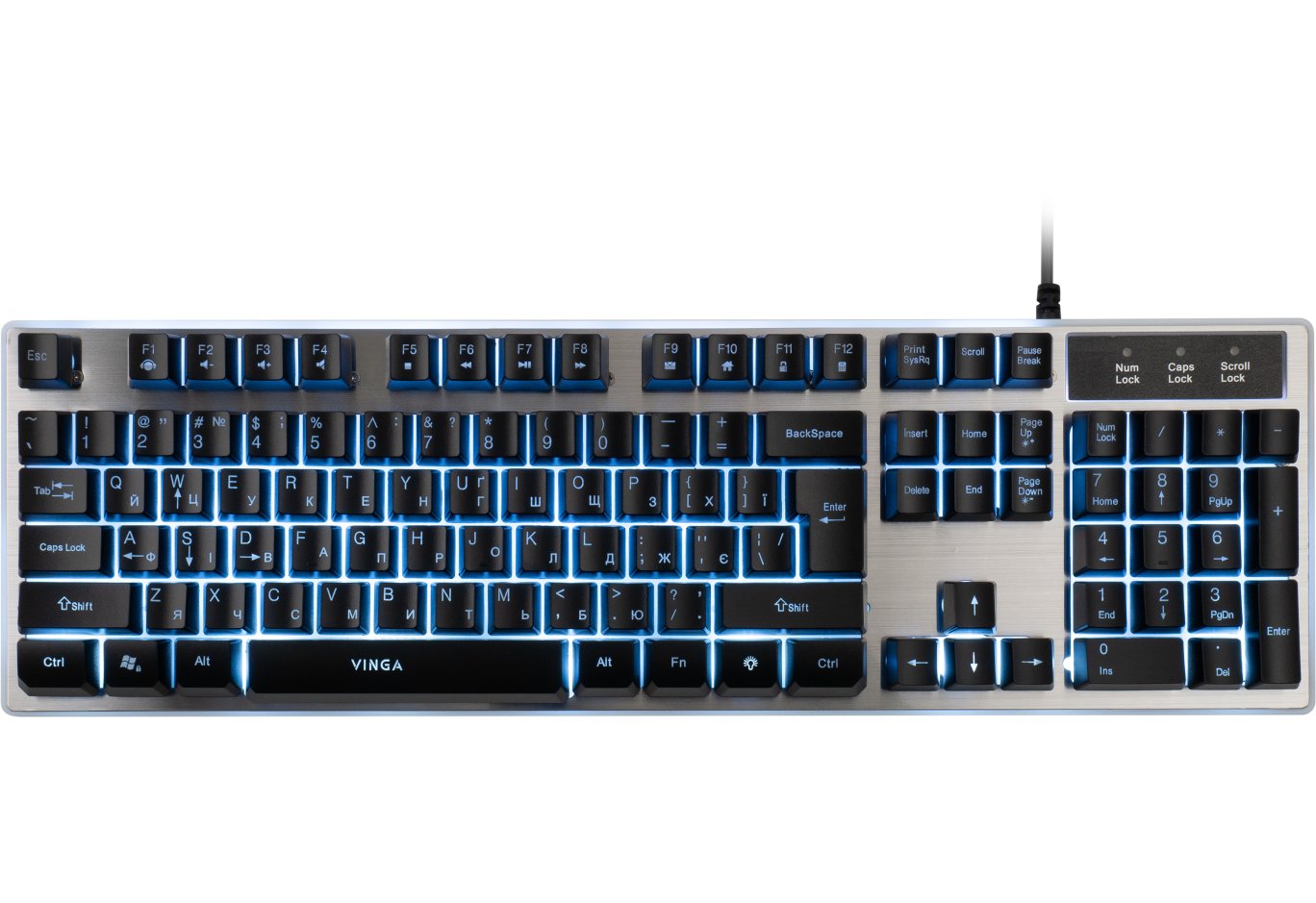
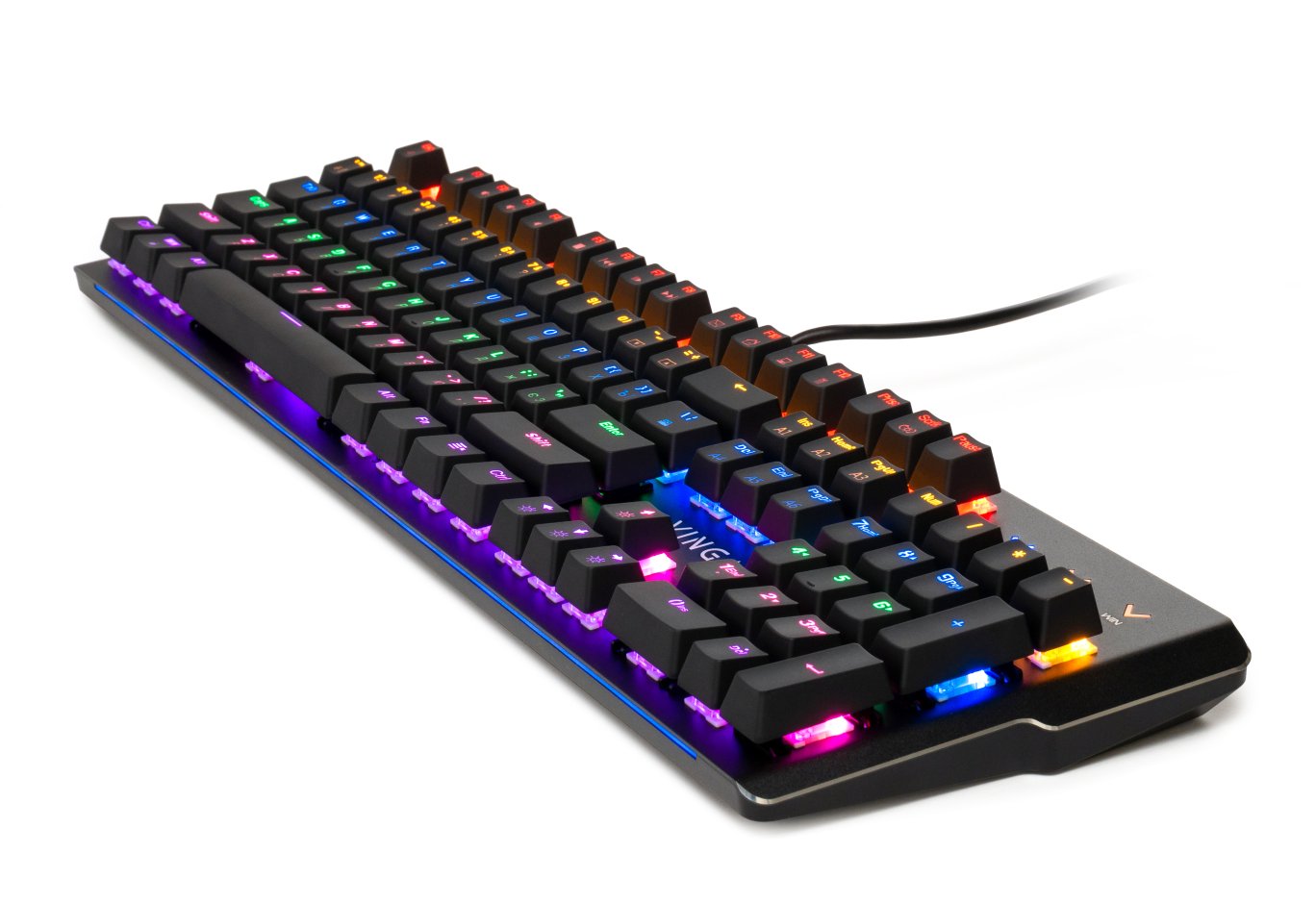
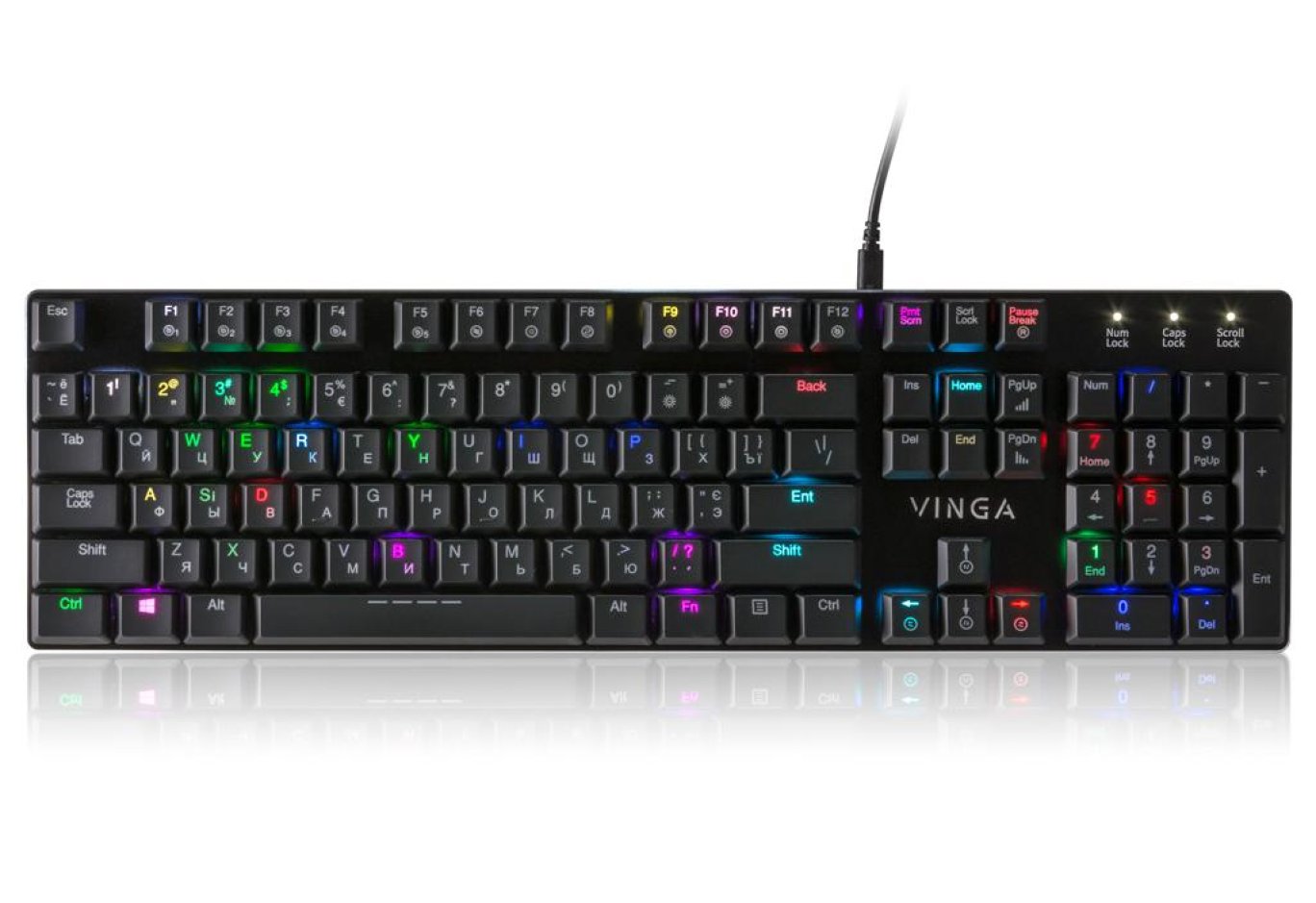
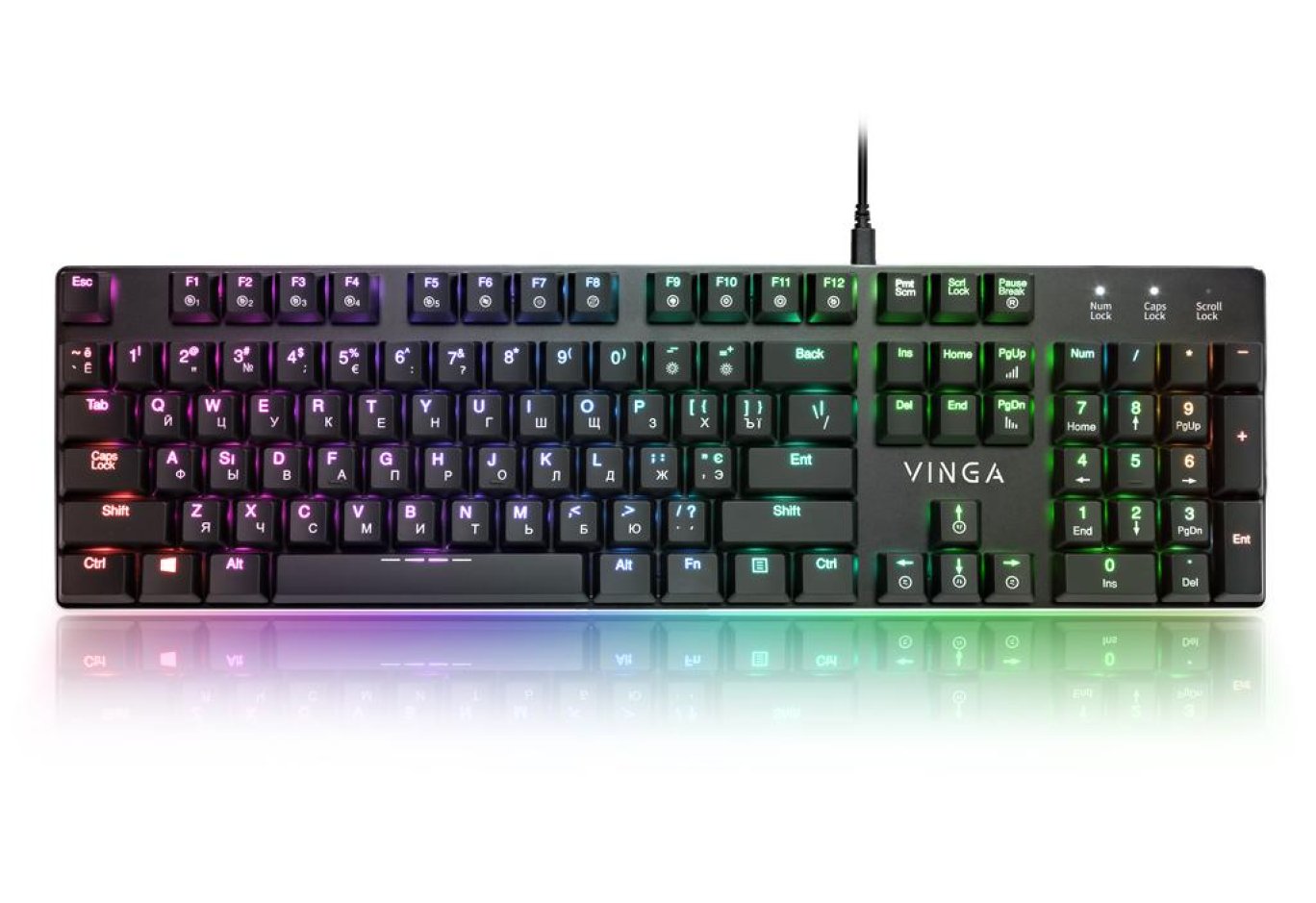
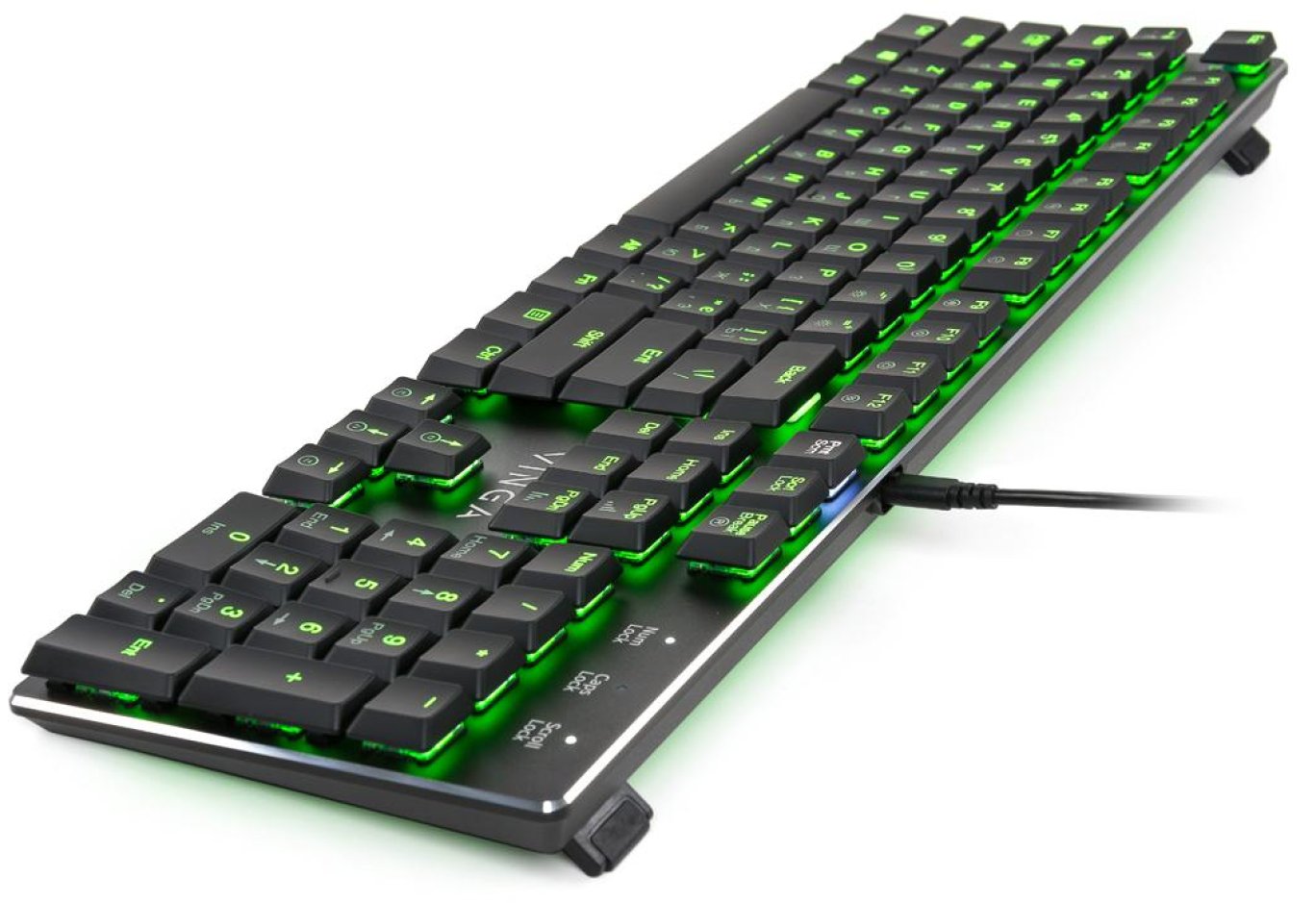
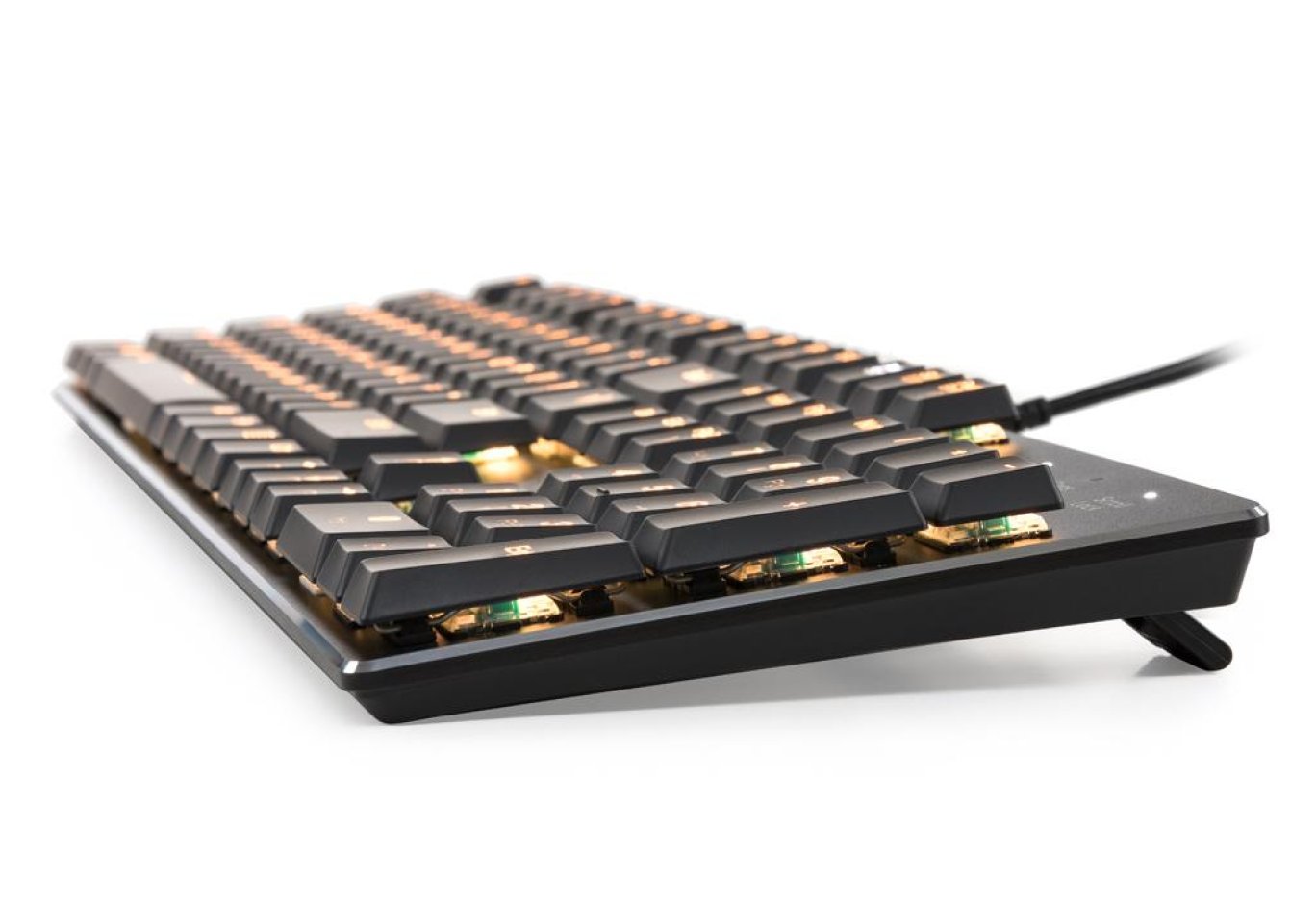
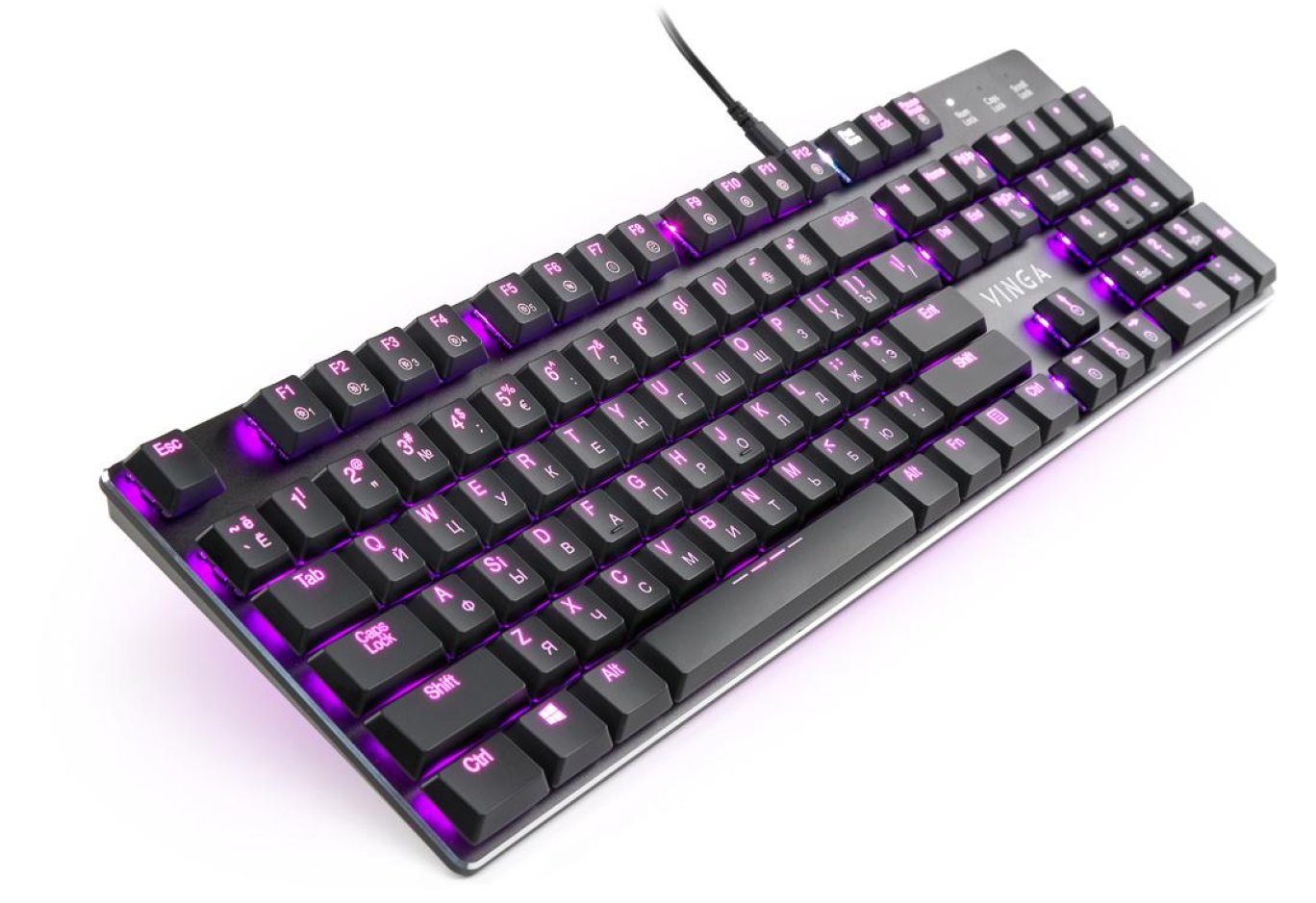
Vinga KBGM-395 uses a Skeleton design, which involves mounting the switches directly on the case. The keyboard itself is full-sized - all 104 buttons are in their places. However, the dimensions turned out to be as compact as possible - the case barely extends beyond the keys. This means the novelty is as miniature as the presence of a numeric block and standard layout allows. This also affected the device's height and weight - the low profile of the keys allowed for a height of 22.8 mm with an incredible 570 g for a "mechanical" keyboard. It is one of the thinnest and lightest full-format mechanical keyboards on the market.


Simple and tasteful. A rather thick metal panel acquired a silver bevel around the perimeter - it looks expensive, which is important when choosing peripherals in this price category. However, the slight roughness, while achieving an impressive look, does not help in combating fingerprints.

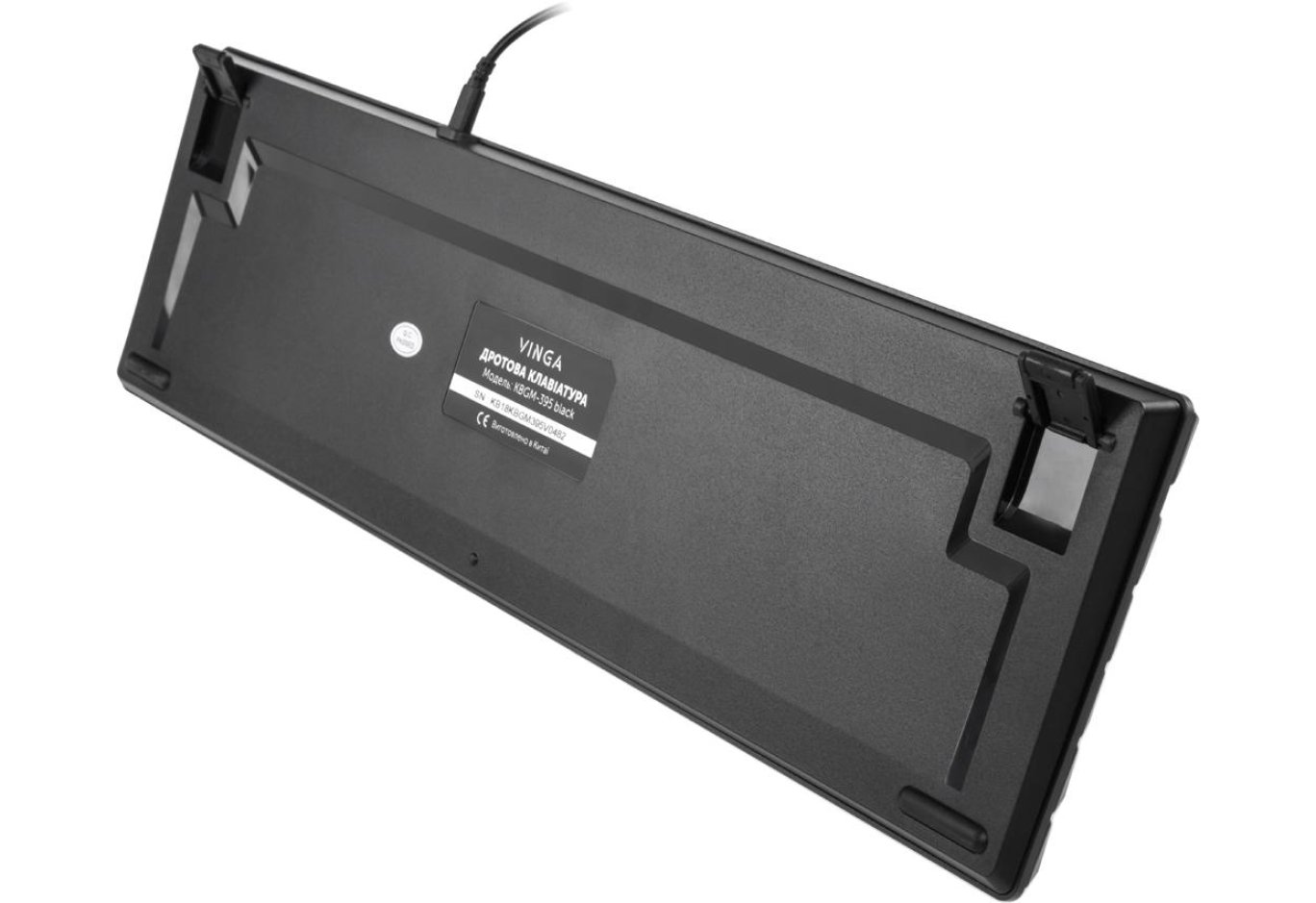
The base is made of smooth plastic. As for the build quality of the Vinga KBGM-395, it passed the case twisting test "excellently," without making any extraneous sounds. Although it flexes with open legs, this does not occur under normal operating conditions, only under intentional pressure.
To prevent slipping, there is a pair of rubber feet at the front. Pads made of similar material are found on the folding rear legs. Unfortunately, in both cases, the grip quality leaves much to be desired, but using the rear elements in the unfolded position slightly improves the situation.


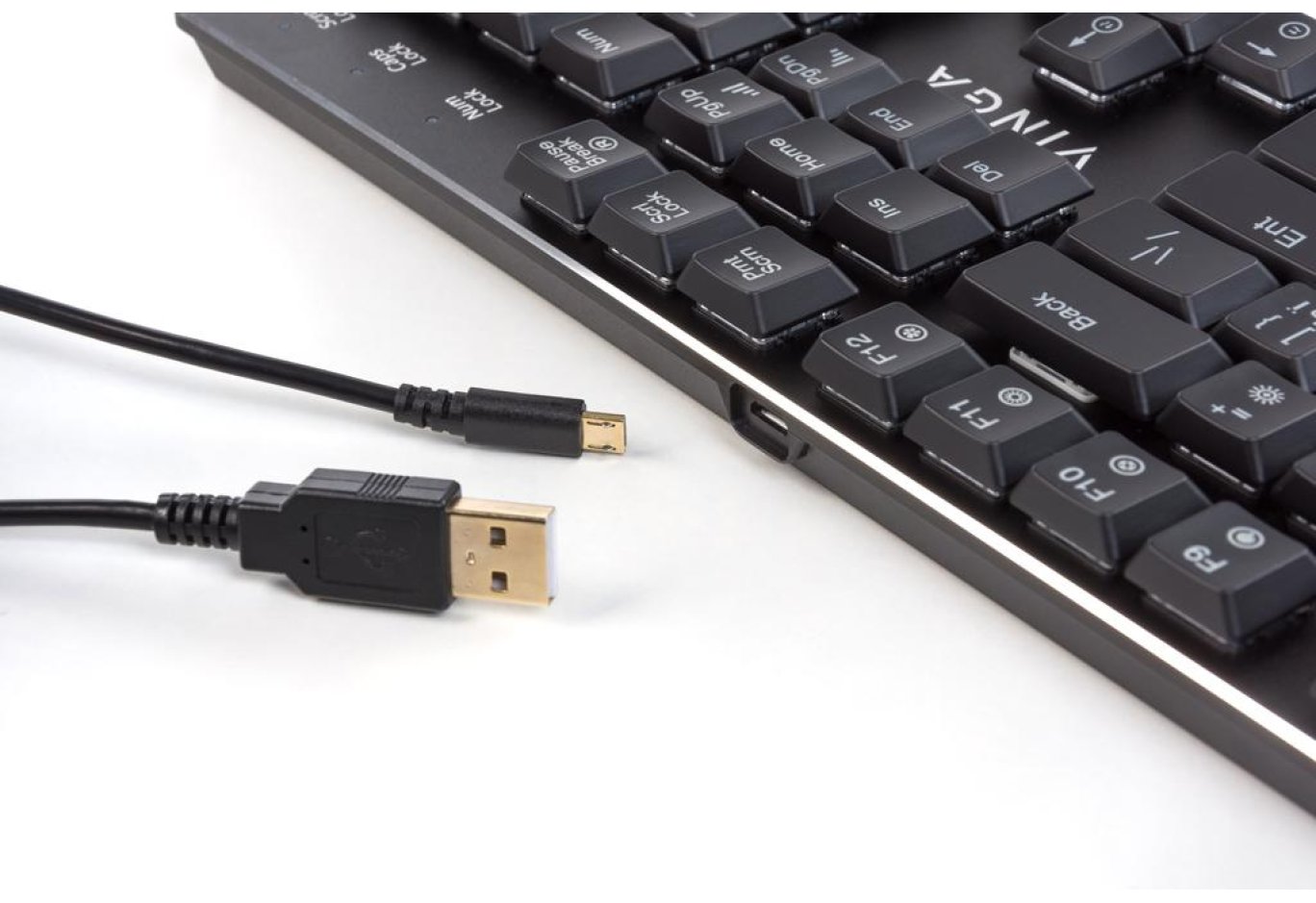
The keyboard connects to the PC via a detachable USB cable (microUSB ↔ USB Type A) with a length of 1.8 m. It lacks nylon braiding and a ferrite filter, has a regular thickness, but on the plus side, it features gold-plated connectors and is easy to replace if lost or broken.

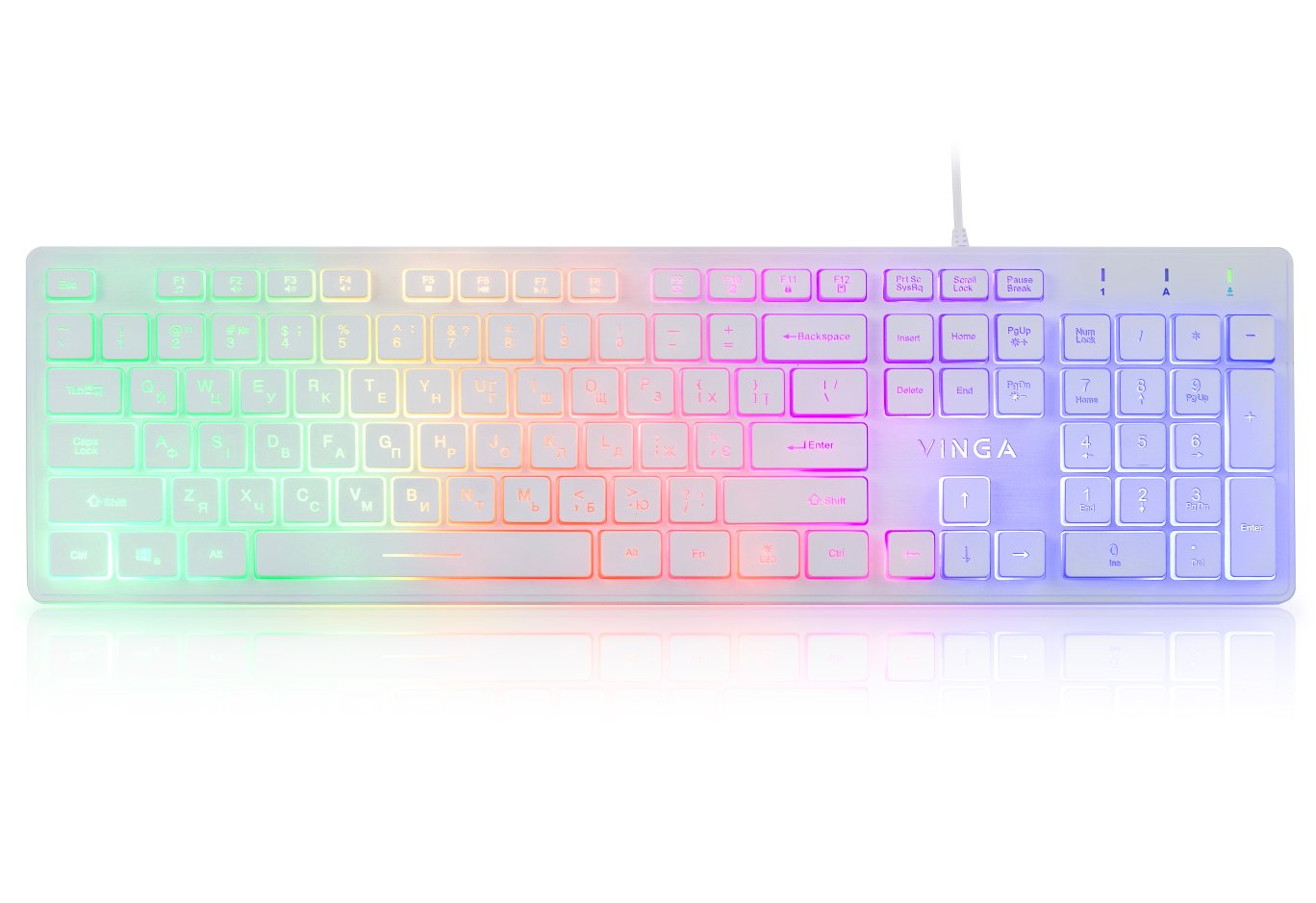
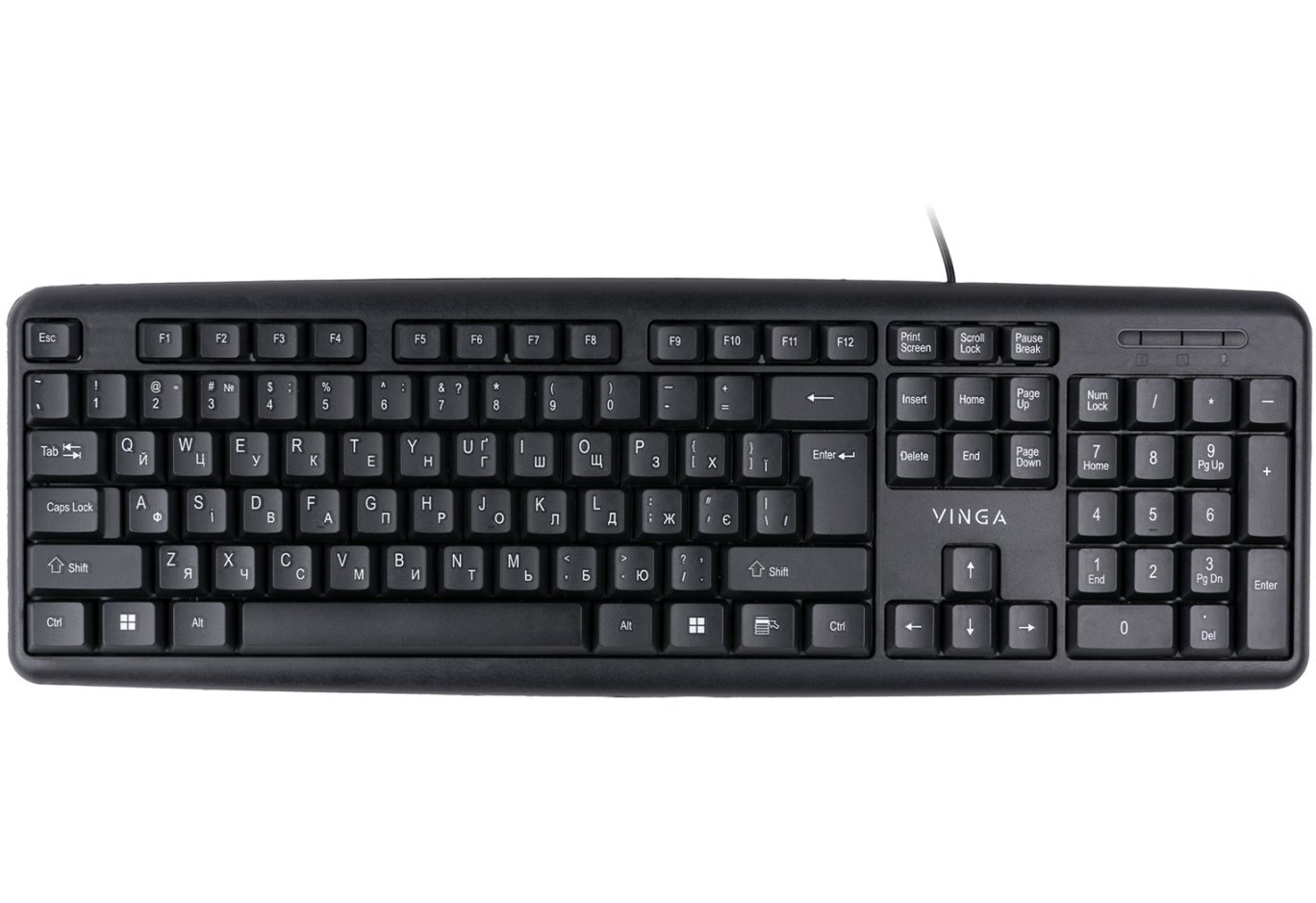
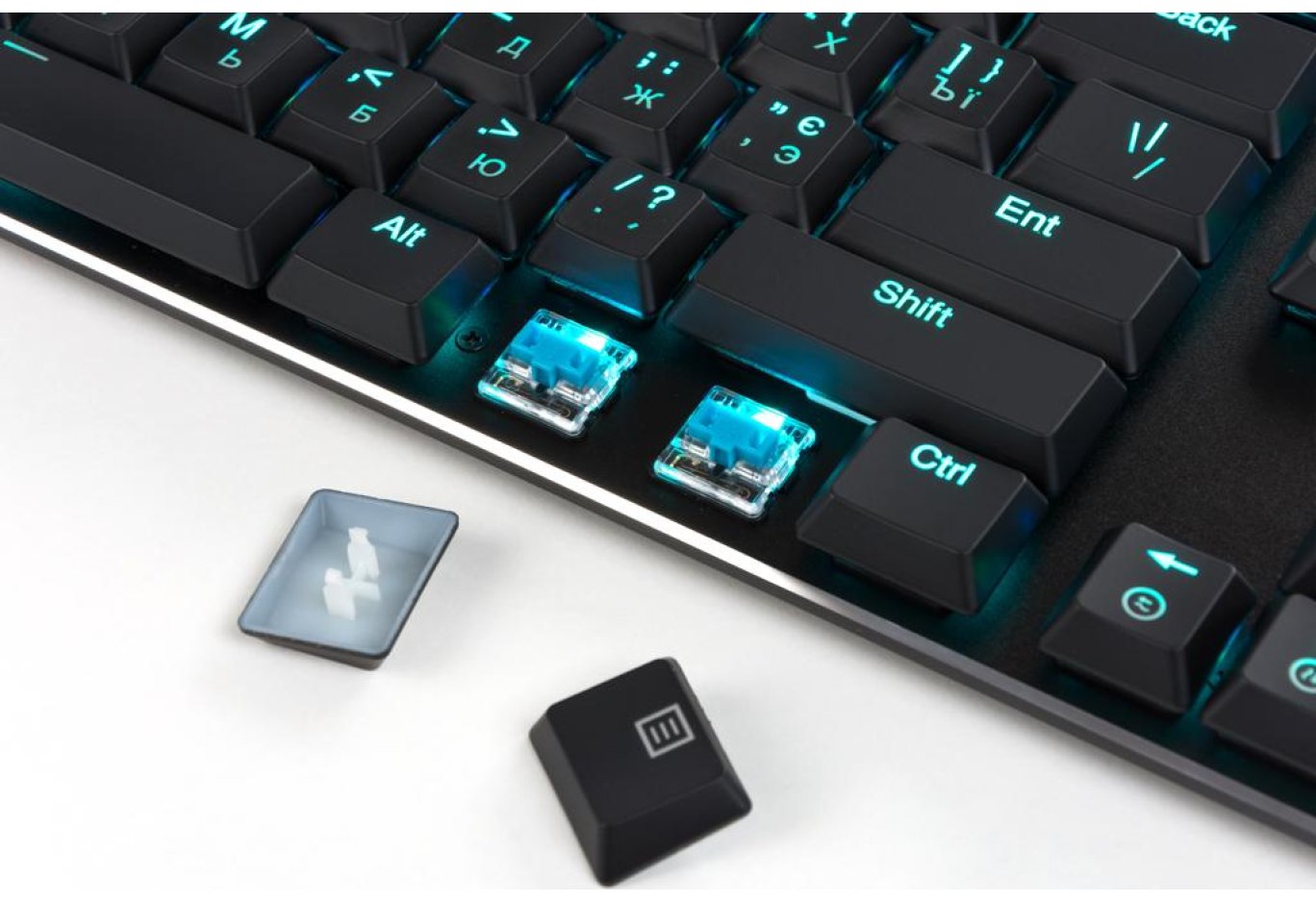
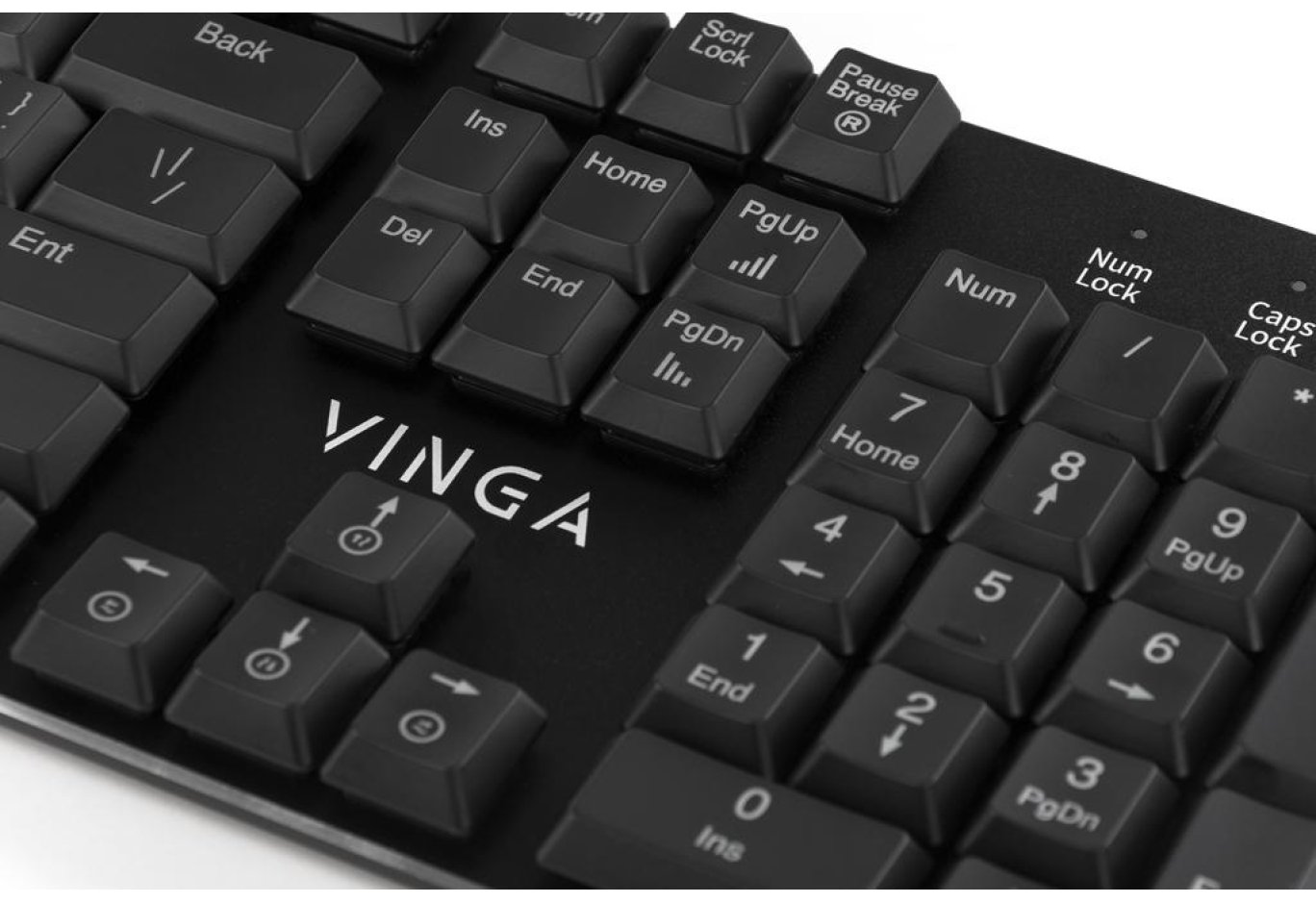
The standard set of full-sized keys is made of smooth plastic with UV coating. The layout is presented in the classic American variant (US ANSI), so there will be no need to get used to it. Although all symbols are laser-etched, due to the switch design, the Cyrillic characters are minimally backlit.
Additional keys include only [Fn] instead of [Right Windows]. In combination with some others, it allows you to customize the backlighting to almost any taste.
The Vinga KBGM-395 is based on low-profile mechanical switches Kailh Blue. In terms of properties, they resemble the popular Cherry MX Blue, but with some differences. For instance, there's a characteristic click approximately halfway through the stroke, but almost without tactile feedback. The actuation force is lighter than full-sized solutions - claimed to be around 45 g compared to 50 g. The key travel is also somewhat shorter.

Thus, if you work on a laptop or just a regular low-profile keyboard in everyday life, the adaptation time to the novelty will be minimized. Some may find pressing the buttons too easy, which in practice can lead to accidental presses. However, it reduces fatigue when typing large texts and in games. The fact that the actuation point is lower than the release point may require more time for adaptation for some gamers. The claimed lifespan of these switches is over 50 million presses.
The official website does not mention support for 100% Anti-Ghosting and Full N-Key Rollover technologies, but during testing, we encountered no issues.
There is no wrist rest, but when working with the novelty, there was no need for it.


The switches are equipped with RGB backlighting, which can be quickly adjusted using the [Fn] button in combination with a number of others. All listed combinations can be found in the user manual. These capabilities are also available in the proprietary software.
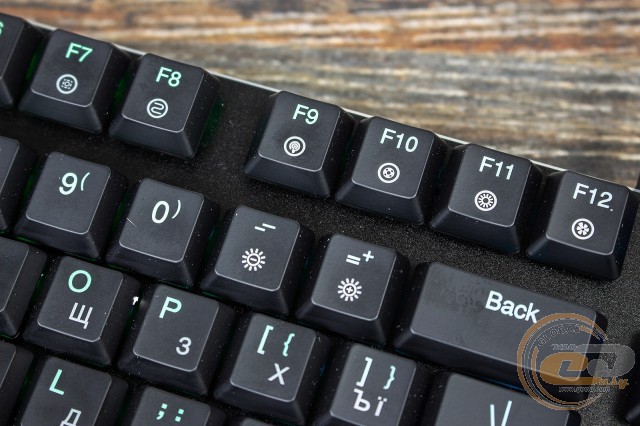
- [Fn] + [F1-F5] - LED backlight patterns;
- [Fn] + [F6] - switching backlight modes: parallel light deviation, interweaving, and rotation;
- [Fn] + [F7] - quick page selection mode;
- [Fn] + [F8] - snake mode;
- [Fn] + [F9] - dot mode;
- [Fn] + [F10] - noise modulation mode;
- [Fn] + [F11] - constant glow mode;
- [Fn] + [F12] - user pattern recording;
- [Fn] + [PauseBreake] - reset settings (hold for 3 seconds);
- [Fn] + [Prnt Scrn] - enable gaming mode (ability to lock [Win] and record macros);
- [Fn] + [PgUp] / [PgDn] - speed up / slow down the backlight movement speed (10 levels);
- [Fn] + [↑] / [↓] / [←] / [→] - select the direction of backlight movement (available in some modes).
Software
Regarding backlighting, the bundled software (available for download on the manufacturer's page) duplicates all the capabilities available through the aforementioned combinations. In addition to setting the glow, you can also set the button response time (from 2 to 20 ms), change their functions, USB port polling rate, record macros, and configure the activation/deactivation of the [Win] button in gaming mode.
Conclusions

In some ways, the Vinga KBGM-395 keyboard is a striking example of minimalism, and in others, just a striking example. The modest appearance looks quite expensive thanks to the matte finish of the metal panel and the silver fascia around the contour. At the same time, the dimensions of the novelty are minimized while maintaining the familiar button layout. The device's weight and the height of the button profile have also decreased. The latter will likely appeal to many, especially active laptop users.
The functional [Fn] button in this case is designed to help you adjust the backlighting. This function is also carried by the software available on the manufacturer's website. Therefore, a very strict device can be transformed into a bright decoration for the desktop with a light hand movement.
The Vinga KBGM-395 has many other pleasant features. Among them are a detachable cable and very light (perhaps even too light) Kailh blue mechanical switches. The high degree of marking on the buttons and the top panel, as well as weak grip on the table surface, especially with folded legs, were not liked. Forgive this device for a price under $100? We await your comments.
Advantages:
- elegant low-profile design;
- maximally compact dimensions while maintaining the familiar element layout;
- standard print block layout;
- Kailh Blue mechanical switches;
- RGB backlighting with flexible customization;
- detachable cable;
- simple and convenient software.
Features:
- the lightness of button travel may be accompanied by accidental presses;
- weak Cyrillic backlighting.
Disadvantages:
- legs do not provide adequate grip;
- high marking of the surface and buttons.
Author: Oles Paholok
Translation: Liliya Masyuk
Related products