Dual Mode monitors — are a new class of displays that combine high resolution with ultra-high refresh rates. In 4K mode, they provide detailed images for work and story-driven games, while in Full HD — high refresh rates for esports. Such models are not cheap, as they are packed with technologies and features, most of which are unnecessary for the average user looking for an affordable option with basic functionality.
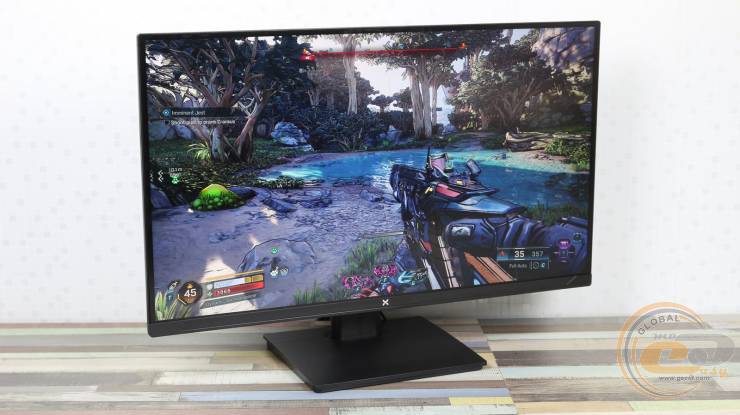
Vinga 27S416‑11B — is just such a case. The focus here is on image quality and speed: a modern IPS matrix, a minimal set of features, but at the same time, there is an ergonomic stand, compact size, and four video ports with a USB hub — a rarity in the budget segment. The main feature is versatility: 27 inches at 4K looks comfortable, and Full HD on such a diagonal does not seem too coarse. The monitor is suitable not only for gaming but also for basic color work.
And most importantly — its price is only 16,999 UAH, which is more than twice lower than competitors with similar characteristics. The model is available for order at BRAIN Computers.
Is this model really capable of changing the gaming and work experience, or is it just another "fast IPS" in the budget segment? Let's check it out in practice.
Specification
|
Model |
Vinga 27S416-11B |
|
Panel Type |
IPS |
|
Coating Type |
Matte Coating |
|
Backlight Type |
WLED |
|
Diagonal, inches/cm |
27/68.58 |
|
Display Viewing Area (W*H), mm |
596.74 x 335.66 |
|
Maximum Resolution |
3840 x 2160 |
|
Aspect Ratio |
16:9 |
|
Pixel Size, mm*mm |
0.155 x 0.155 |
|
Typical Response Time (MPRT), ms |
1 |
|
Brightness (SDR, typical), cd/m2 |
300 |
|
Static Contrast Ratio (typical) |
1000:1 |
|
Viewing Angles (CR≧10, H/V), ° |
178 / 178 |
|
Vertical Refresh Rate (max.), Hz |
160/320 |
|
Number of Displayed Colors, mln. |
16.7 |
|
Color Coverage sRGB, % |
99 |
|
Adaptive Sync Support |
VESA Adaptive Sync / AMD FreeSync / G-Sync Compatible (not certified) |
|
Flicker-free Technology |
Yes |
|
Low Blue Light Technology |
Yes |
|
Gaming Features: |
|
|
Modes |
Standard / Photo / Movie / Game / FPS / RTS |
|
Black Boost Technology |
Yes |
|
HDR / MPRT Technology |
Yes/ Yes |
|
Video Features: |
|
|
Overdrive Technology |
Yes |
|
Color Temperature Selection |
Yes (4 modes) |
|
HDCP Support |
Yes, 2.2 |
|
VRR Technology |
Yes (Adaptive-Sync) |
|
Blue Light Filter |
Yes |
|
Speakers |
Yes, (2 W*2) |
|
Interfaces |
DisplayPort x2 HDMI x 2 USB-B 3.0 x 1 USB-A 3.0 x 2 3.5mm headphone jack x 1 |
|
Design Features: |
|
|
Screen Tilt, ° |
-5…+15 |
|
Horizontal Swivel, ° |
(+30…-30) |
|
Height Adjustment, mm: |
0…150 |
|
Vertical Pivot, ° |
(+90…-90) |
|
VESA Wall Mount, mm |
75 x 75 |
|
Kensington Lock |
Yes |
|
Power Consumption: |
|
|
Power Consumption in Off/Standby/Typical, W |
<0.3 / <0.5 / <49 |
|
Voltage |
100-240 V, 50/60 Hz |
|
Dimensions: |
|
|
Dimensions, (W*H*D), cm |
61.50 x 44.40 x 17.0 |
|
Dimensions, (W*H*D) without stand, cm |
61.50 x 35.90 x 4.4 |
|
Net Weight, kg |
5.4 |
|
Gross Weight, kg |
6.5 |
|
Color |
Black |
|
Warranty, months |
12 |
|
Accessories |
Stand, base, power adapter, DP cable, USB-B to USB-A cable, power cord, quick guide, warranty card. |
|
Manufacturer's website |
|
|
Product page |
|
Packaging and Delivery Set
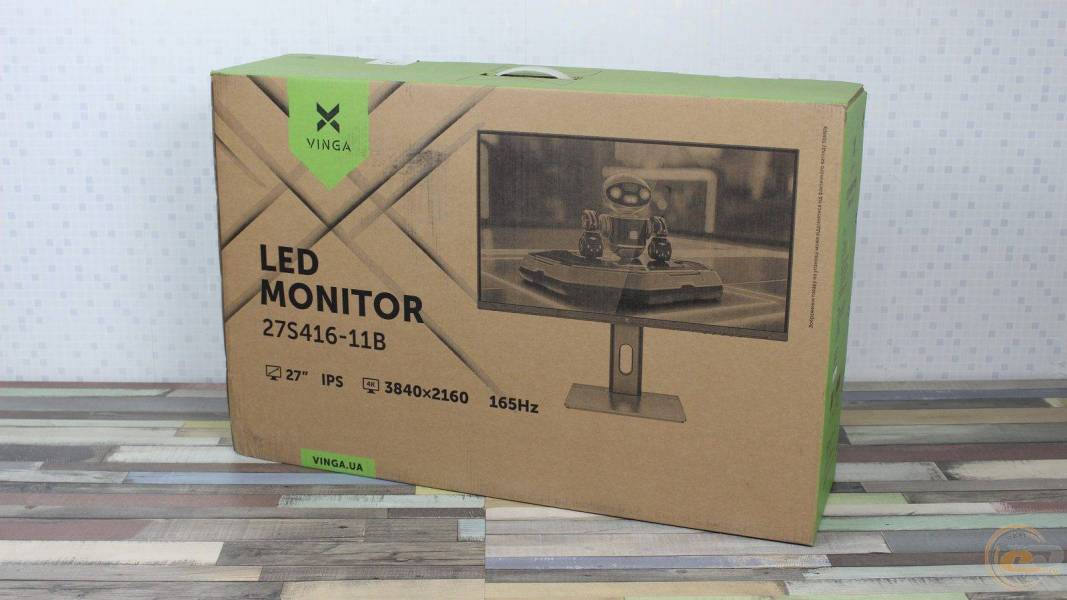
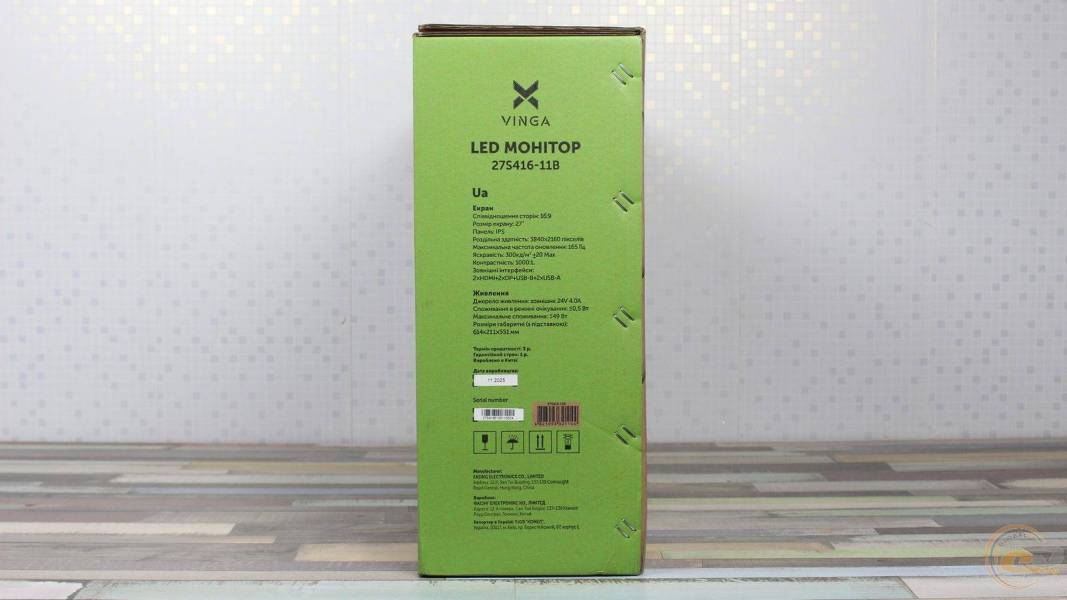
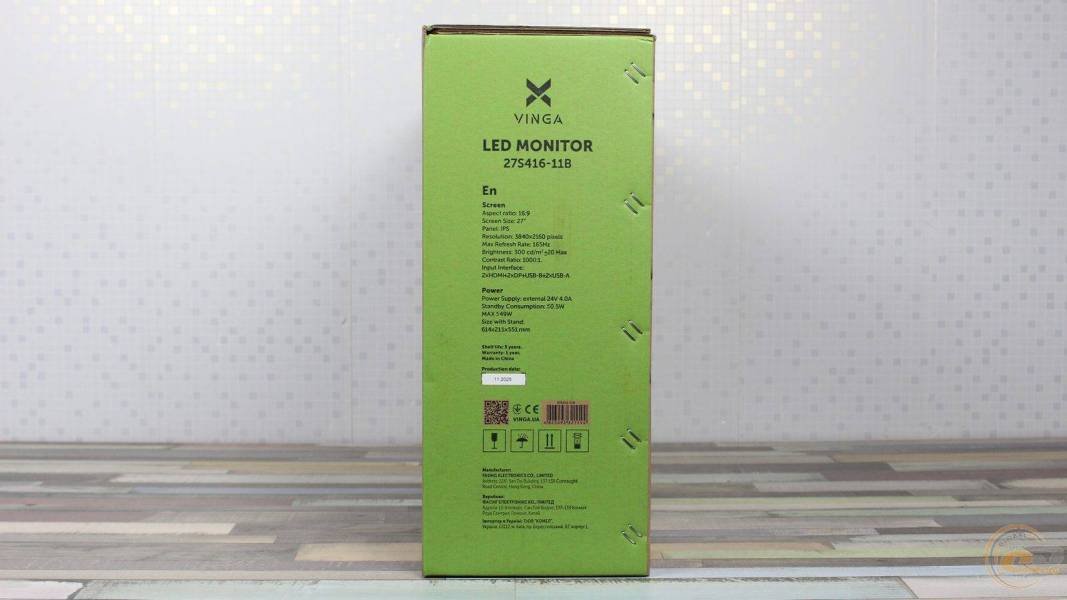
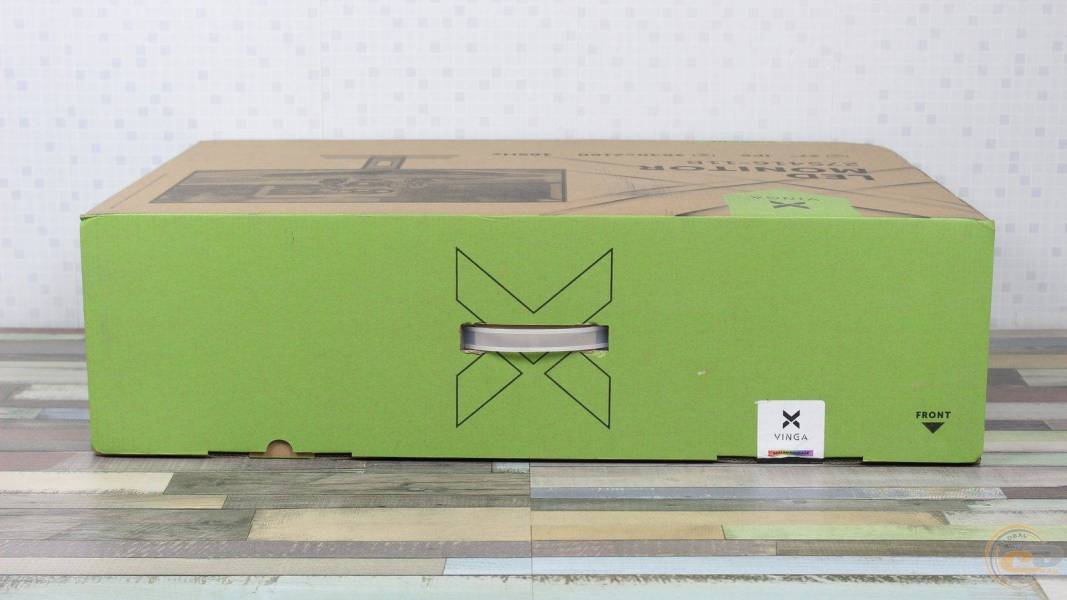
The box made of unpainted cardboard is designed in Vinga's signature style with lime accents. The front and back sides have identical designs: series name, model designation 27S416‑11B, brand logo, and key parameters — 27″ IPS, 4K resolution (3840×2160). The side edges feature technical specifications in Ukrainian and English. The top edge is equipped with a plastic handle for convenient transportation.
The set includes: monitor stand, base, power adapter, power cable, USB-B to USB-A cable, DisplayPort cable, and paper manual. All elements are securely fixed in molded polystyrene with compartments for accessories.
Appearance and Operating Features
Vinga 27S416-11B is externally typical for the company's modern frameless models. The front part has a restrained design with a minimal visible border around the panel. The design features a low rectangular base, which is convenient for placing a keyboard on top of it.
The external plastic frame of the case is 2 mm thick on all sides. The internal black border of the active display area is 7 mm on the sides and top and 3 mm on the bottom. The lower part is 22 mm thick. A stylized Vinga logo is applied in the center with light paint, adding recognizability to the model. The power indicator is located on the right side of the bottom edge: it lights up blue in active mode and amber in standby mode.
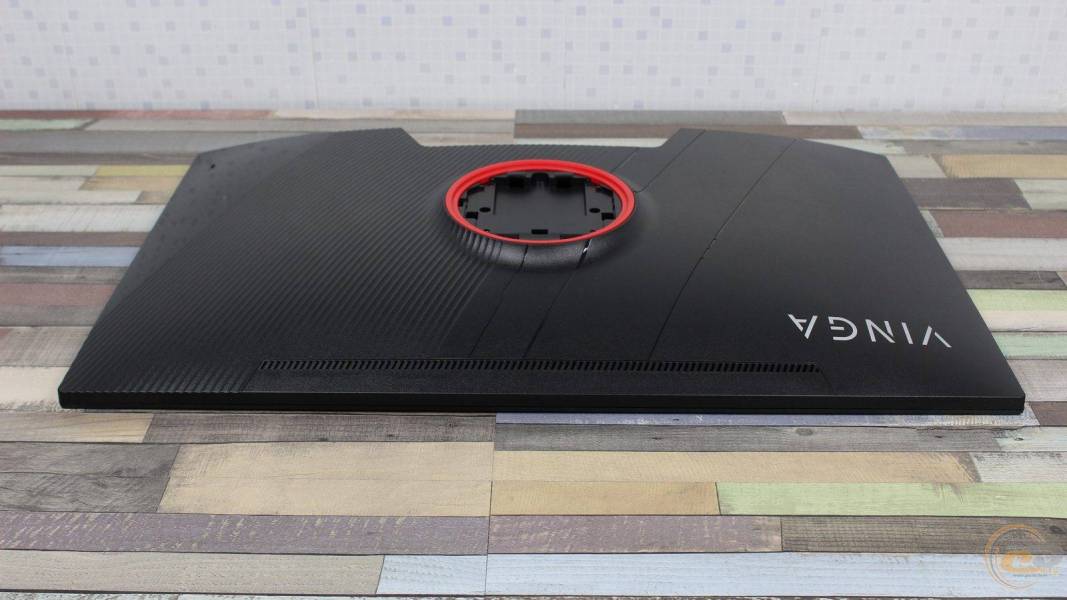
The rear side is made of matte plastic with a micro-relief texture and the VINGA logo in the upper left corner. In the center is a round stand mount block, framed by a red ring, combined with VESA 75×75 mm standard holes.
In the lower central part is the interface area with ports. Here are also the holes for the built-in speakers, through which cool air enters the case.
The upper part of the back panel contains ventilation slots for the removal of heated air.
On the right is the Kensington lock slot. The left part of the back panel is without additional elements.
The central area of the rear part is the mounting place for the stand with an integrated fastener, which simultaneously serves as a decorative cover for the VESA mount. Mounting the stand does not require tools: the upper fasteners are inserted into the corresponding holes, and the lower part is locked with a mechanical lock with a button.
The connection of the base with the support requires precise positioning: the stand fits into the grooves on the base, after which the structure is fixed with a single screw that is screwed in from below. This ensures the rigidity and monolithic nature of the unit. The base of the stand and the stand itself are made of metal, covered with plastic with a rough surface.
The stand itself does not have decorative inscriptions or tripod sockets — the design is restrained and neat. For cable management, there is a vertical rounded cutout that allows cables to be neatly routed downwards.
The rectangular low base has rubberized supports, ensuring stability on the table.
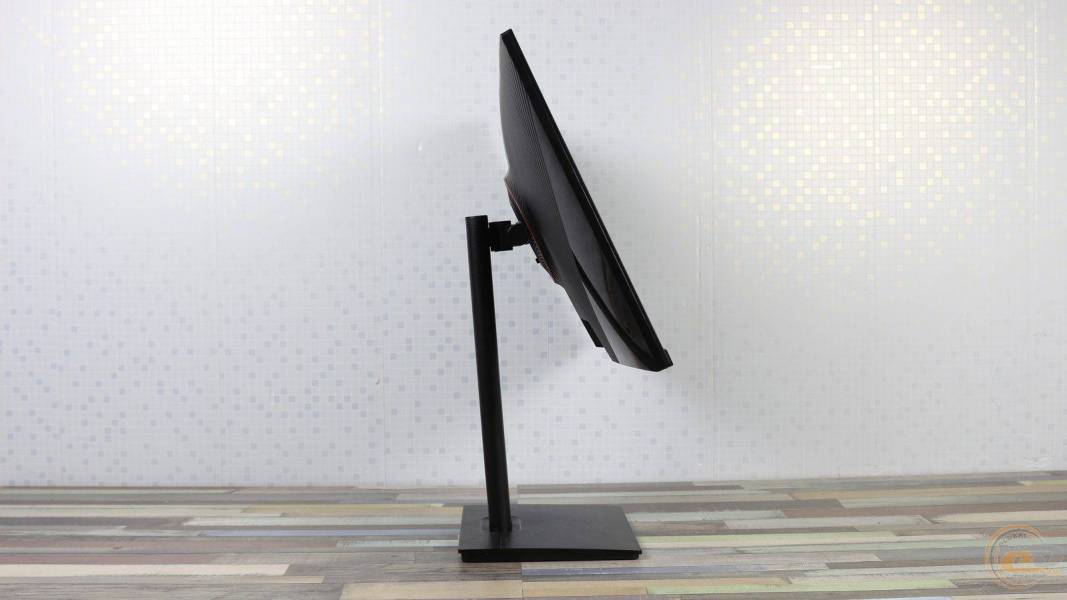
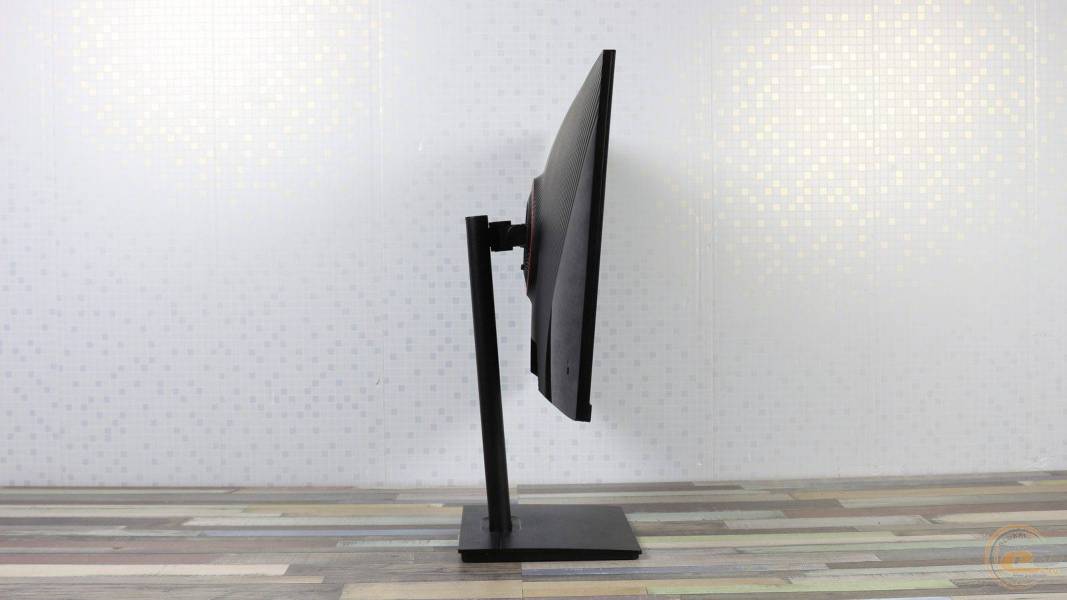
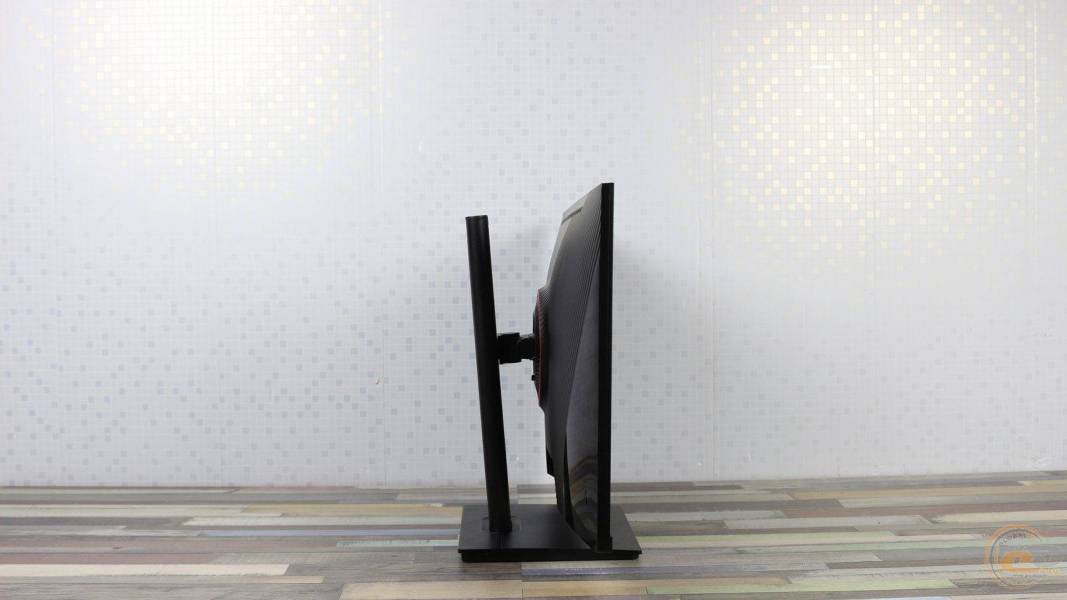
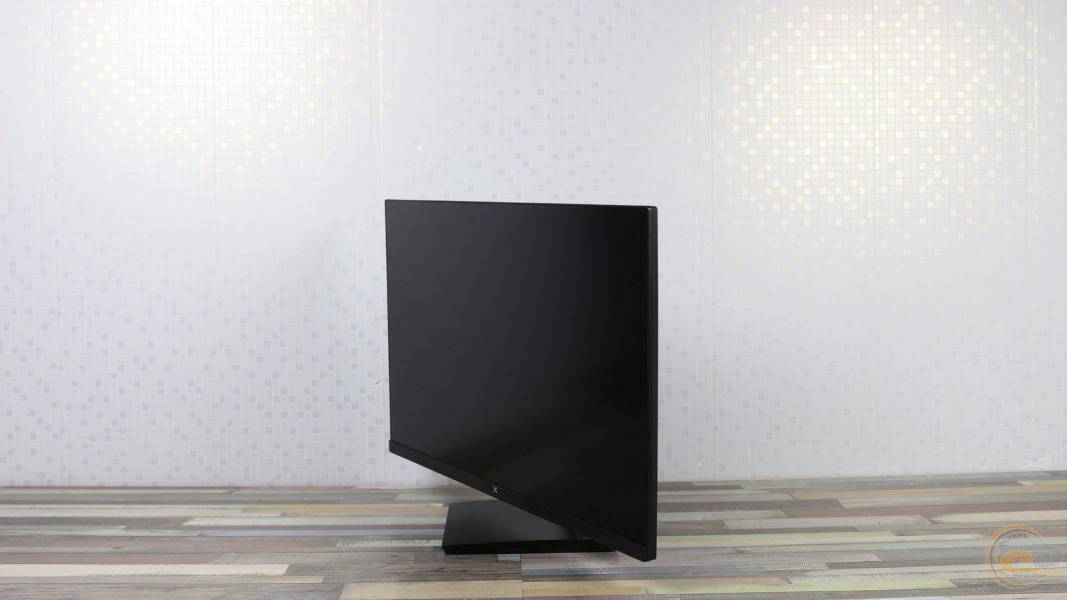
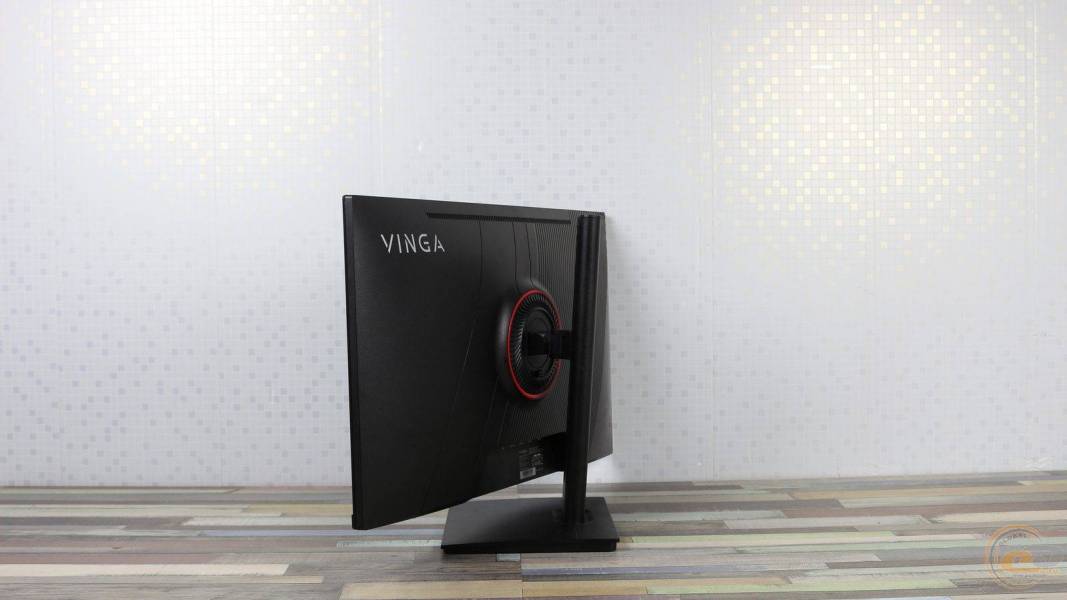
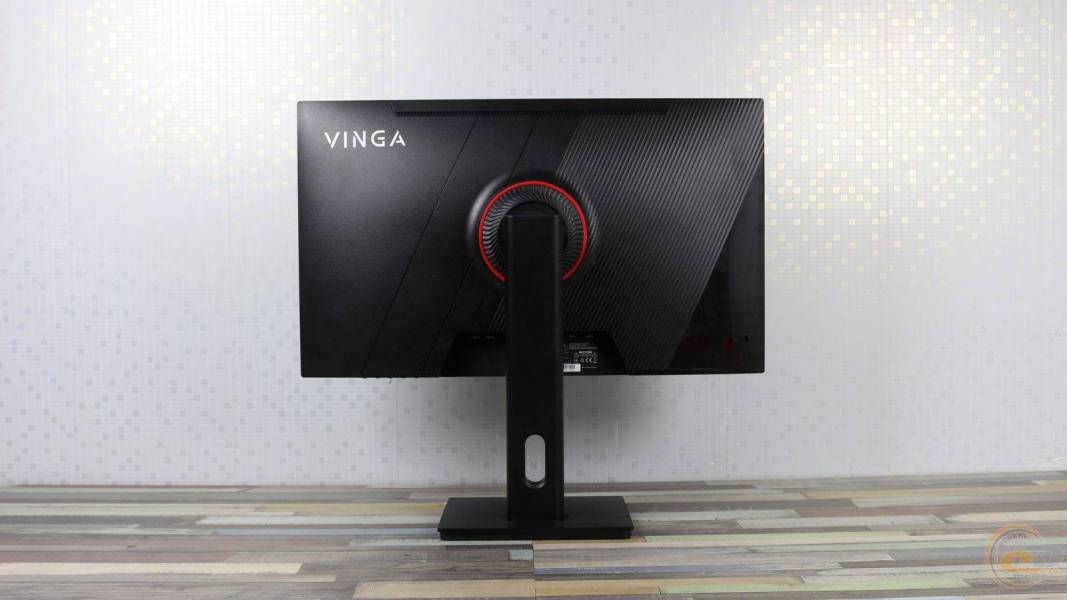
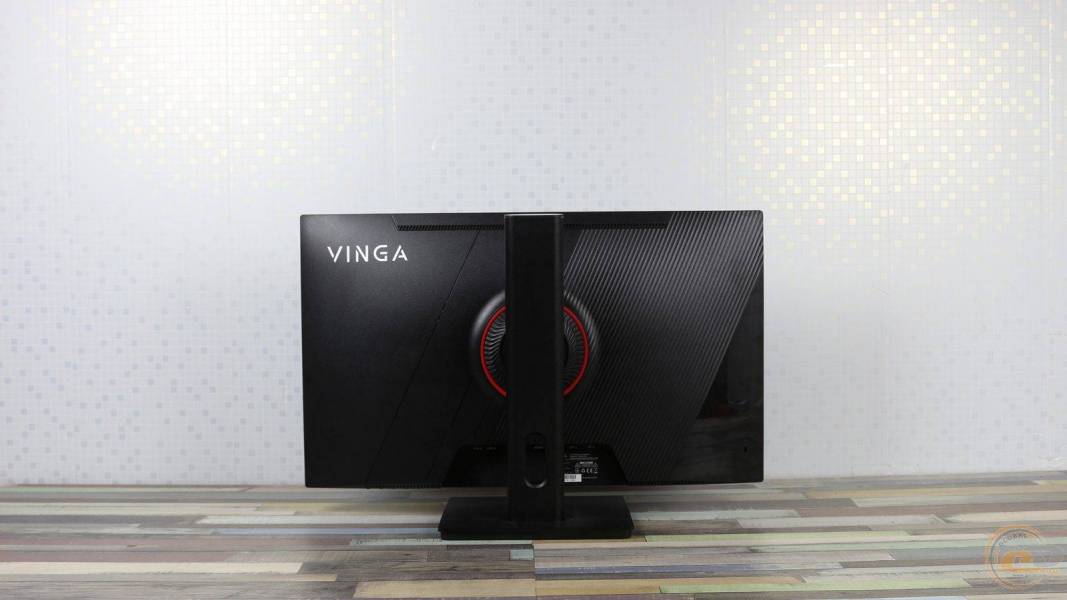
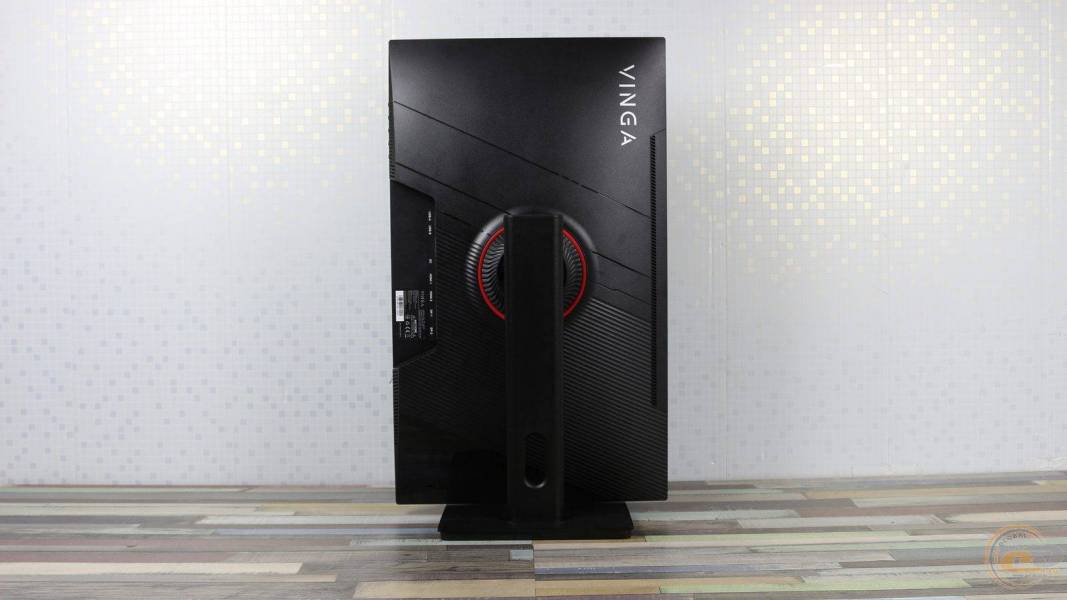
The stand supports all types of adjustments: screen tilt within -5°…+15°, horizontal rotation ±30°, vertical rotation (Pivot) ±90° and height adjustment in the range of 0…150 mm.
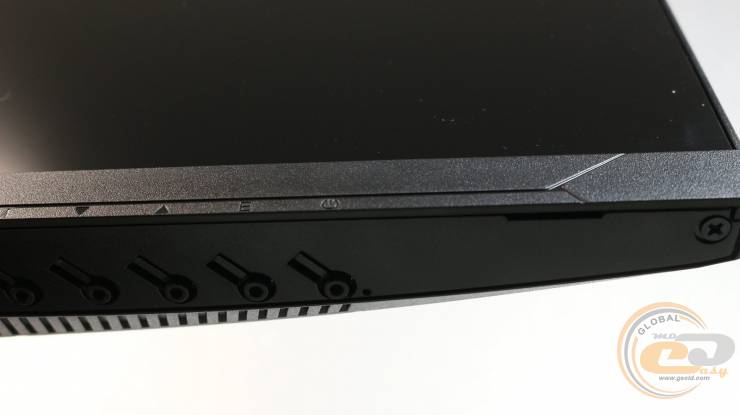
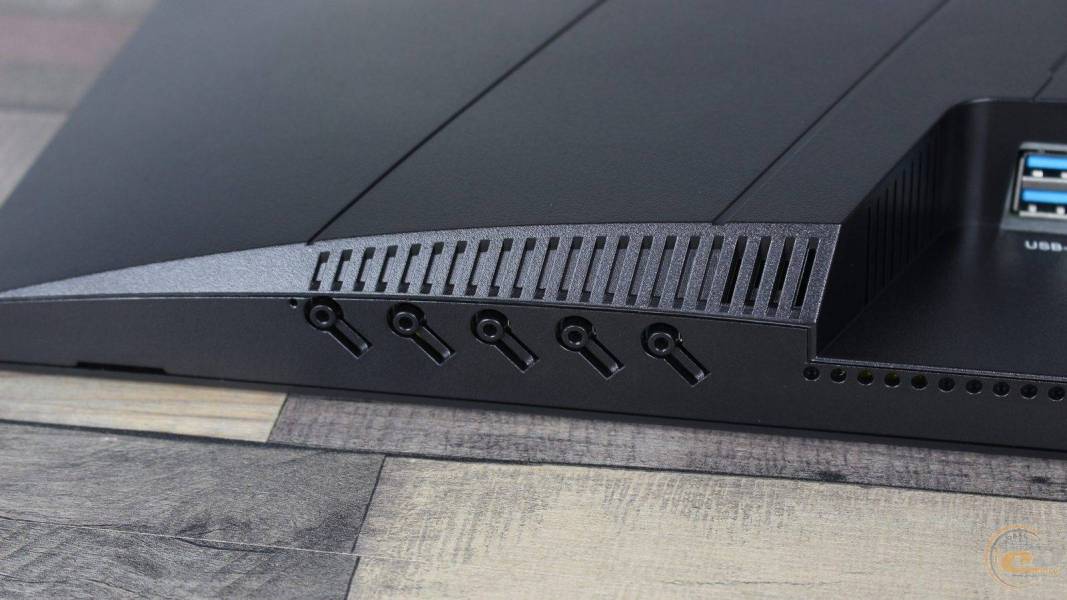
Control is carried out through five physical buttons located on the right side of the bottom edge.
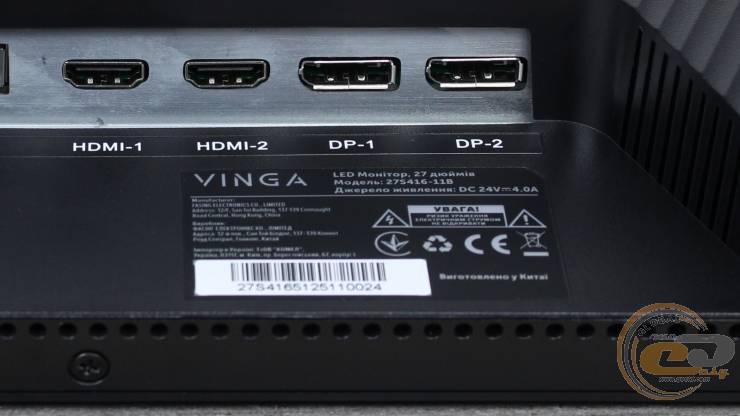
The sticker on the bottom contains the model, serial number, manufacturing date, and country of origin.
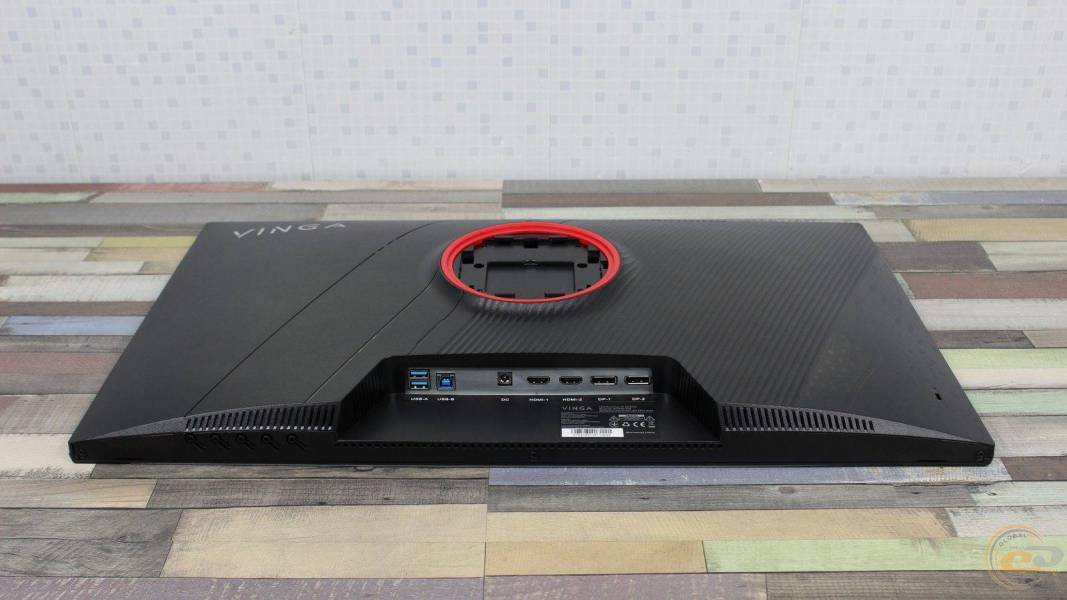
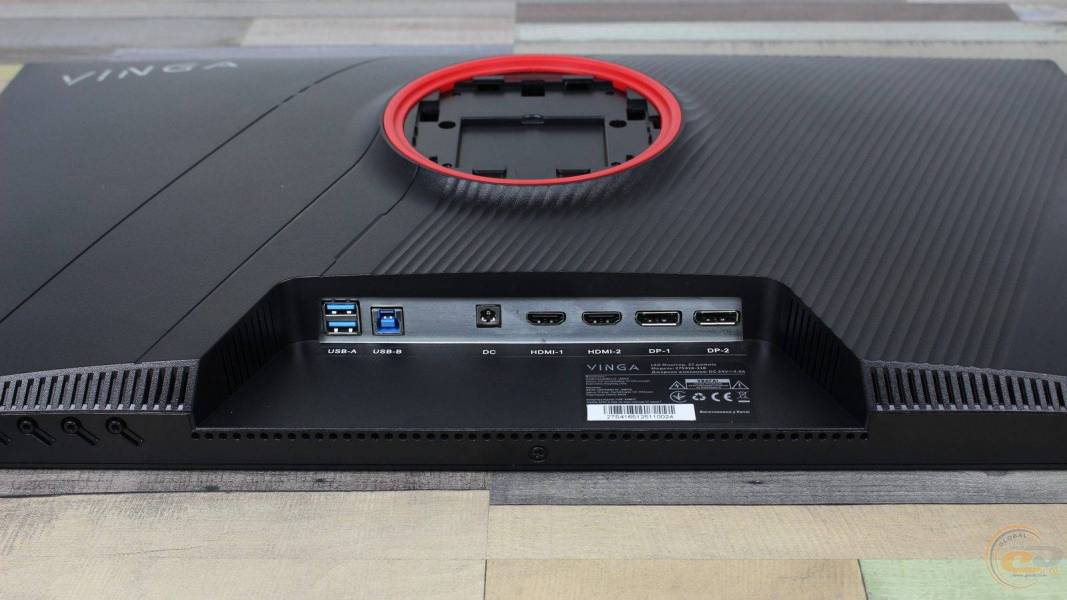
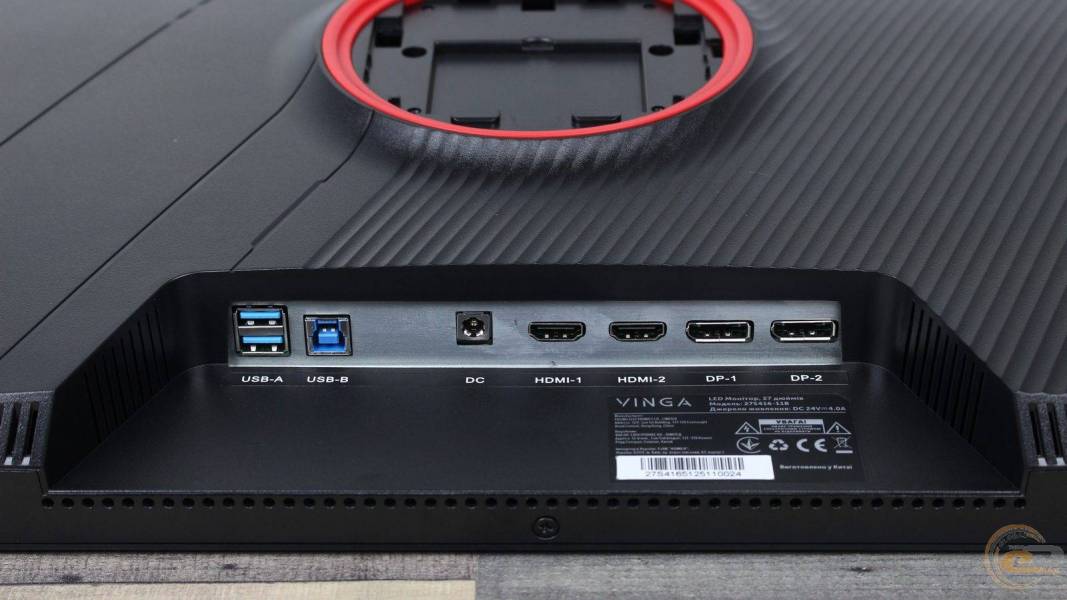
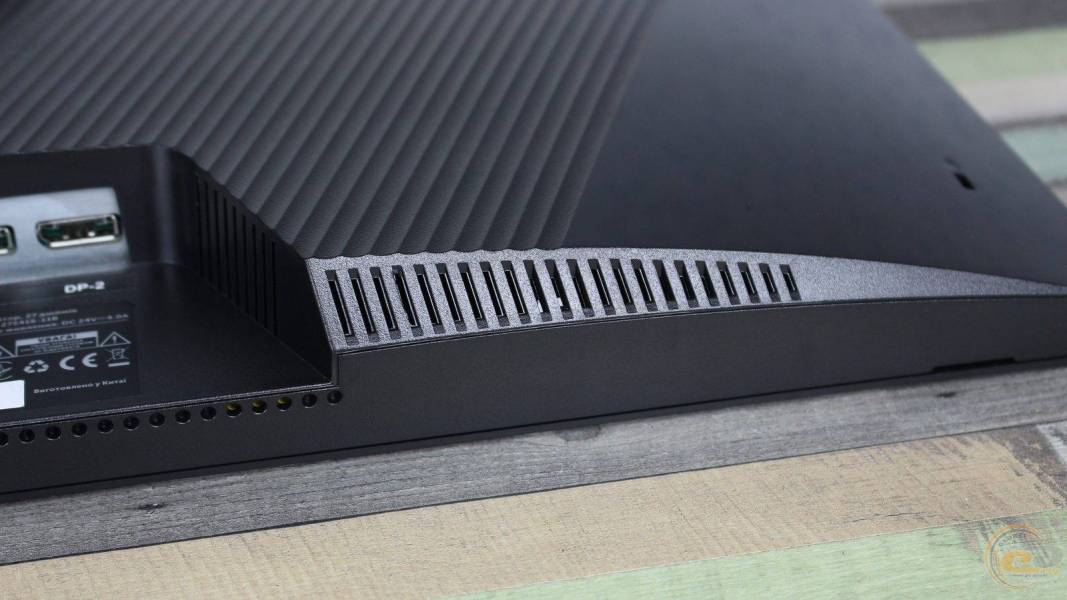
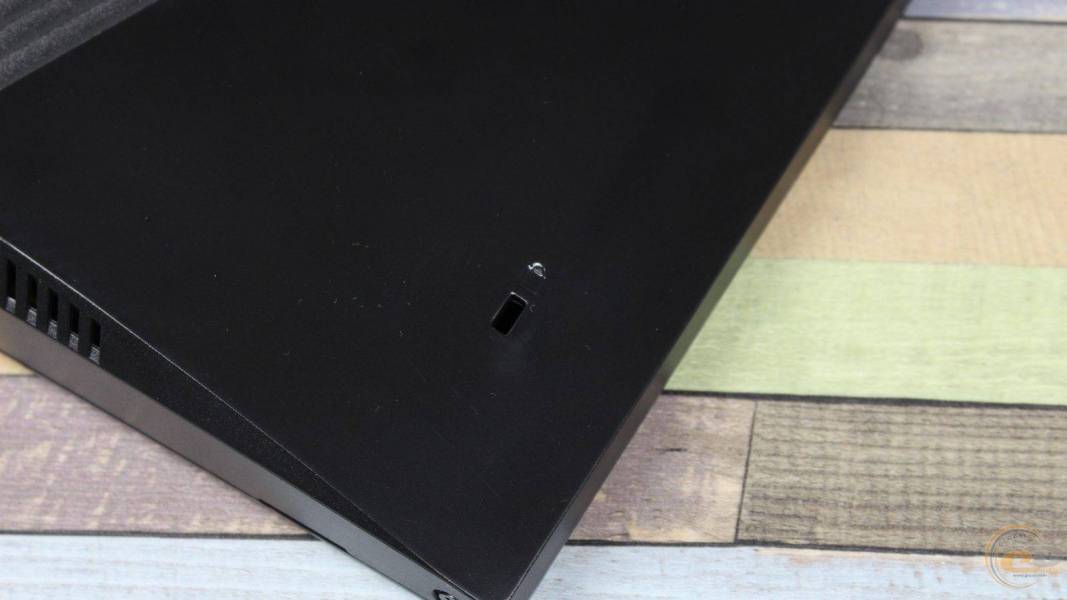
All ports of Vinga 27S416‑11B are oriented downwards, ensuring full compatibility with wall mounting. The interface panel includes: two USB‑A 3.0, one USB‑B uplink, power connector DC‑in, two HDMI, and two DisplayPort.
The built-in speakers are hidden behind openings on both sides of the interface area. Their quality is typical for such solutions: there is a noticeable lack of bass and volume reserve, so it is advisable to use external acoustics for games or multimedia.
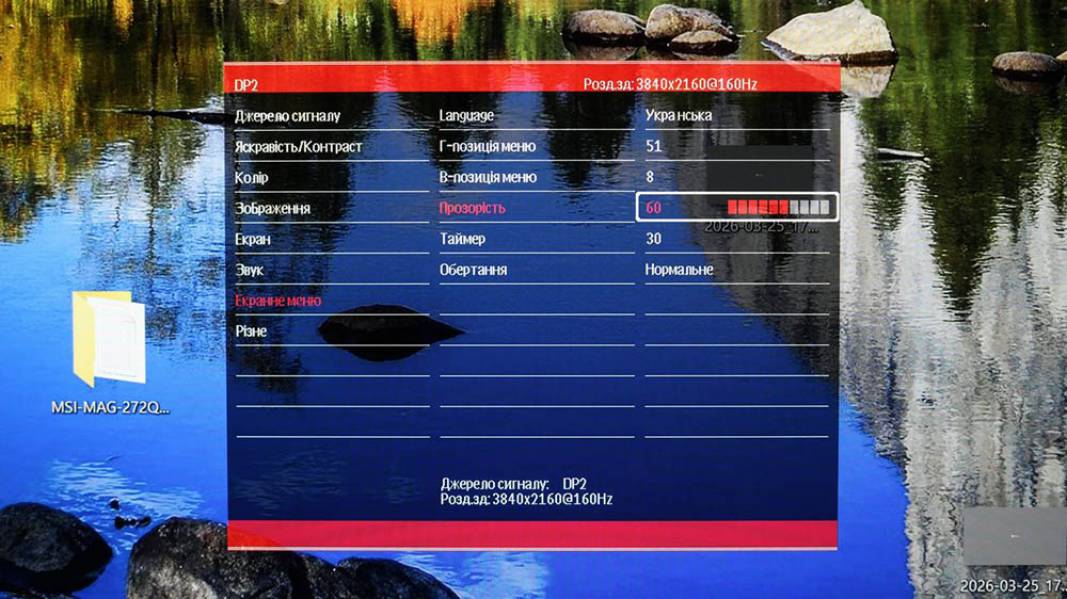
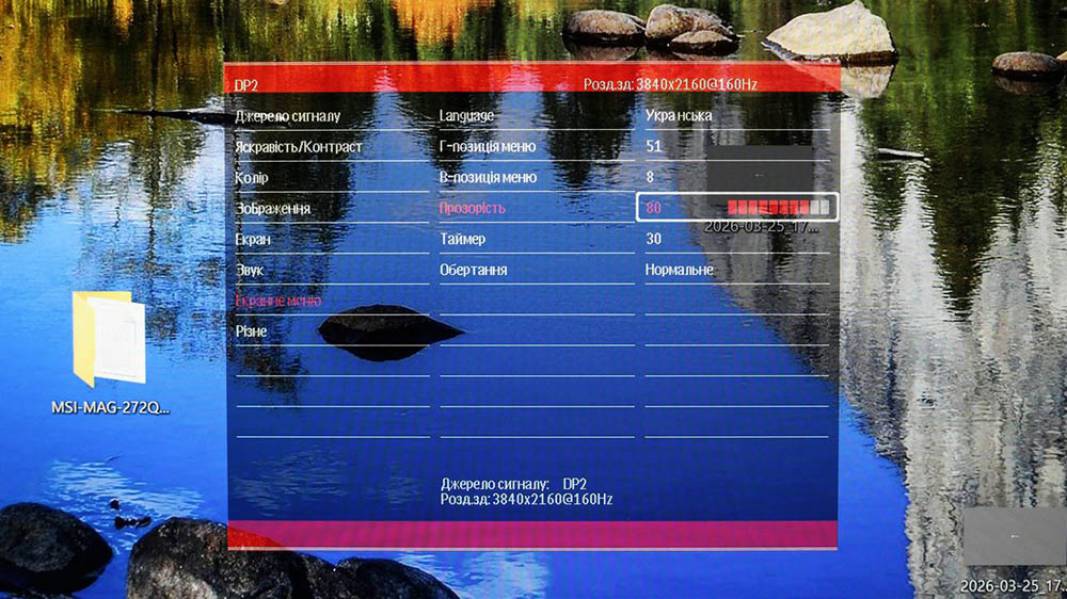
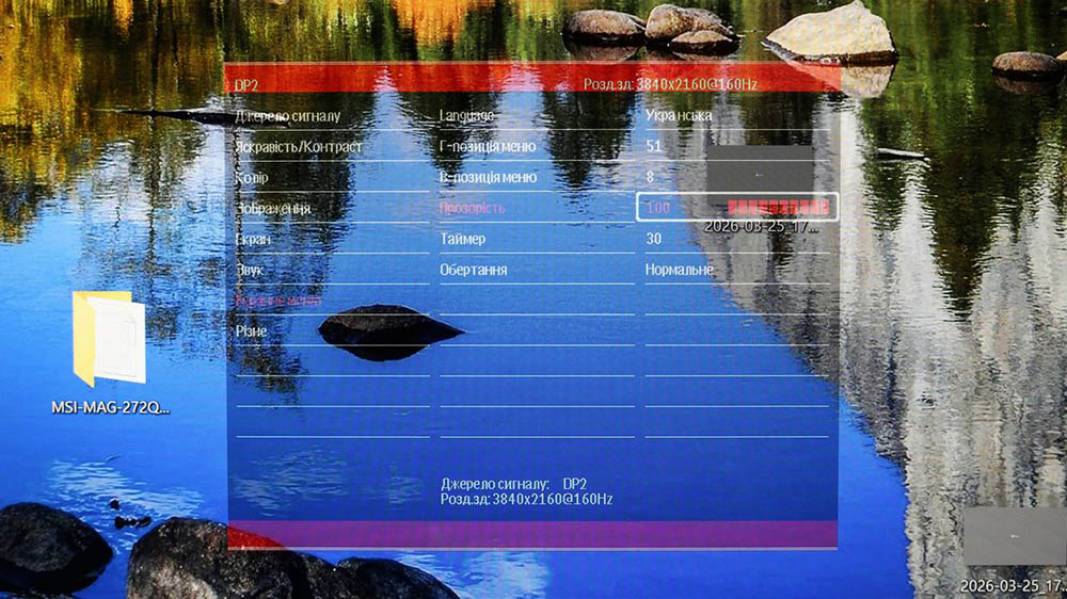
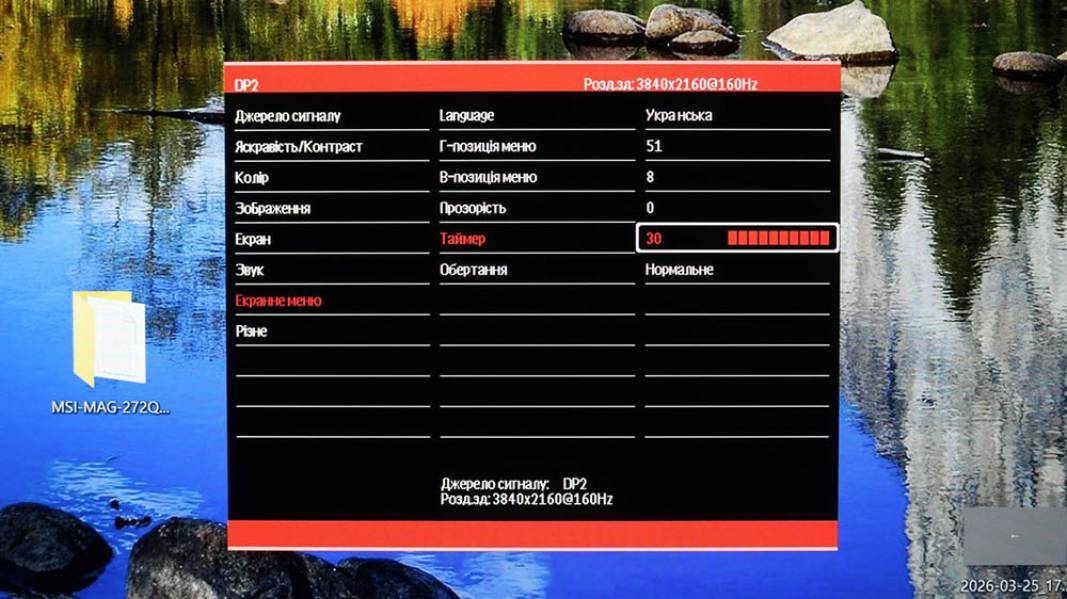
On-screen menu
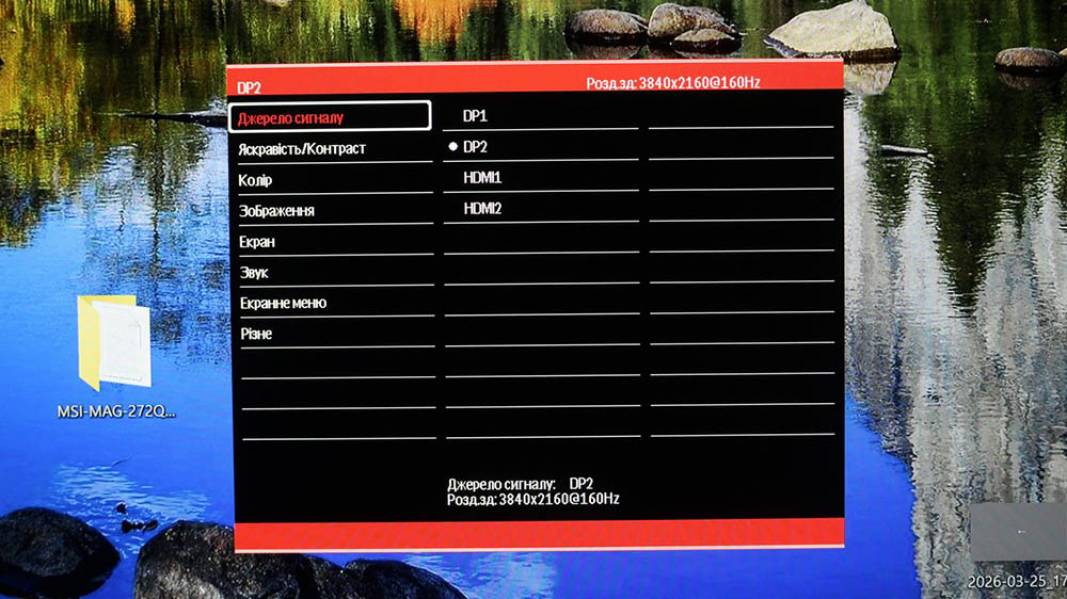
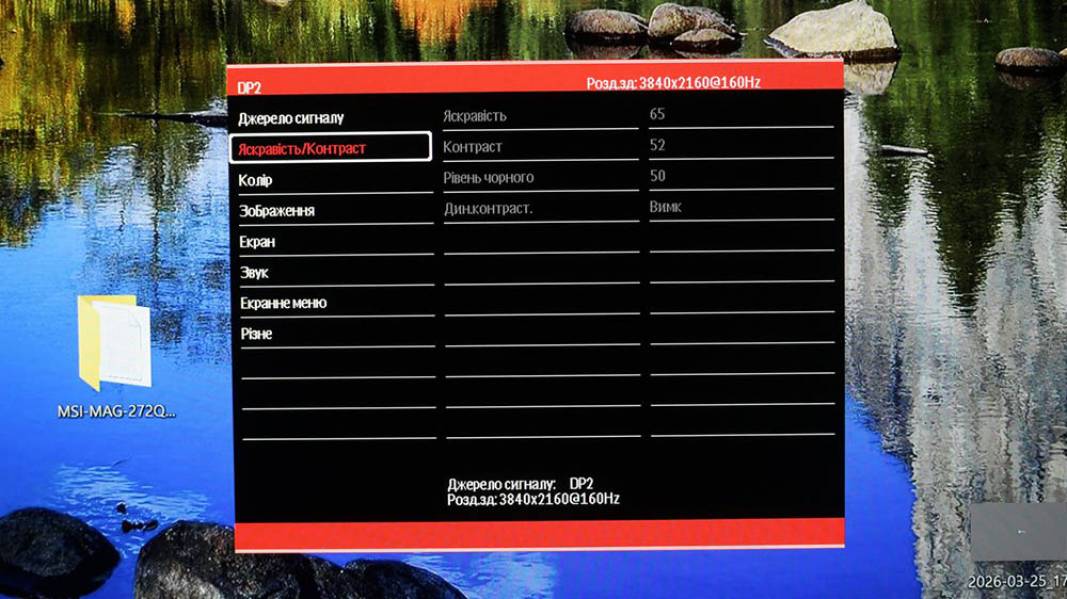
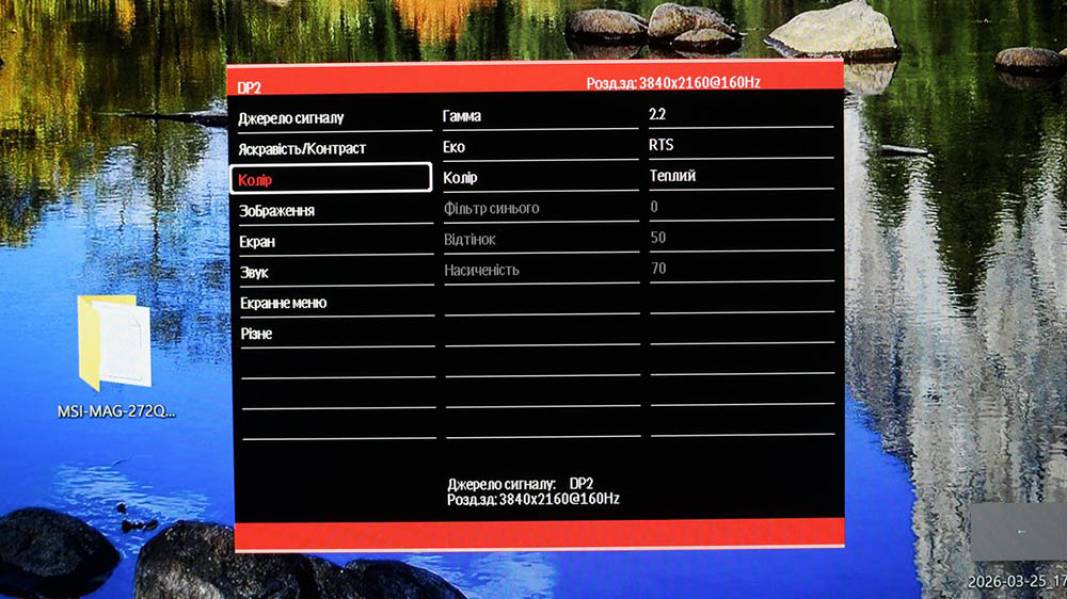
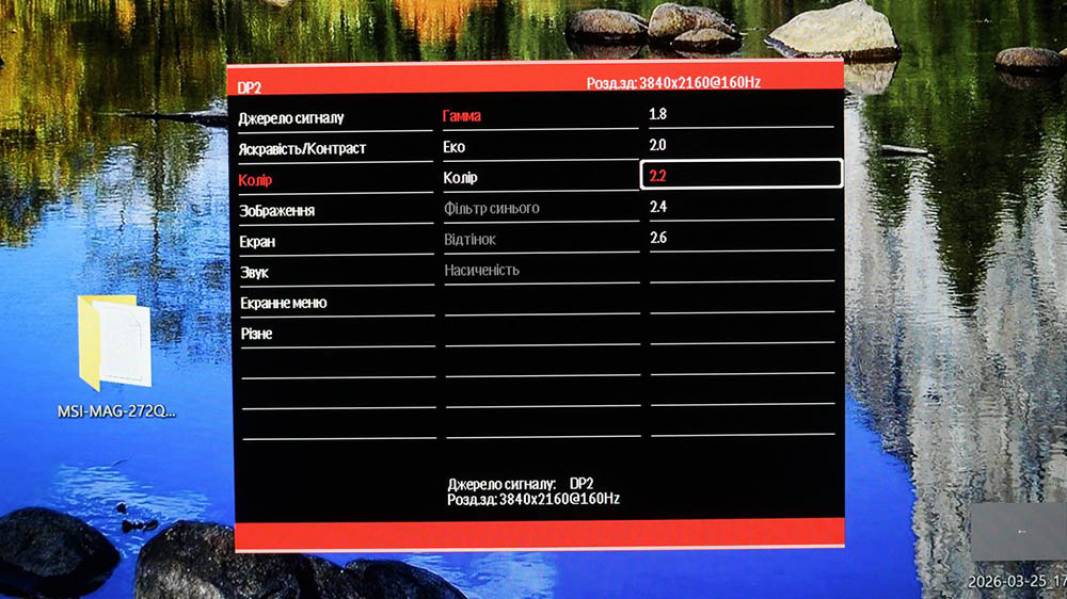
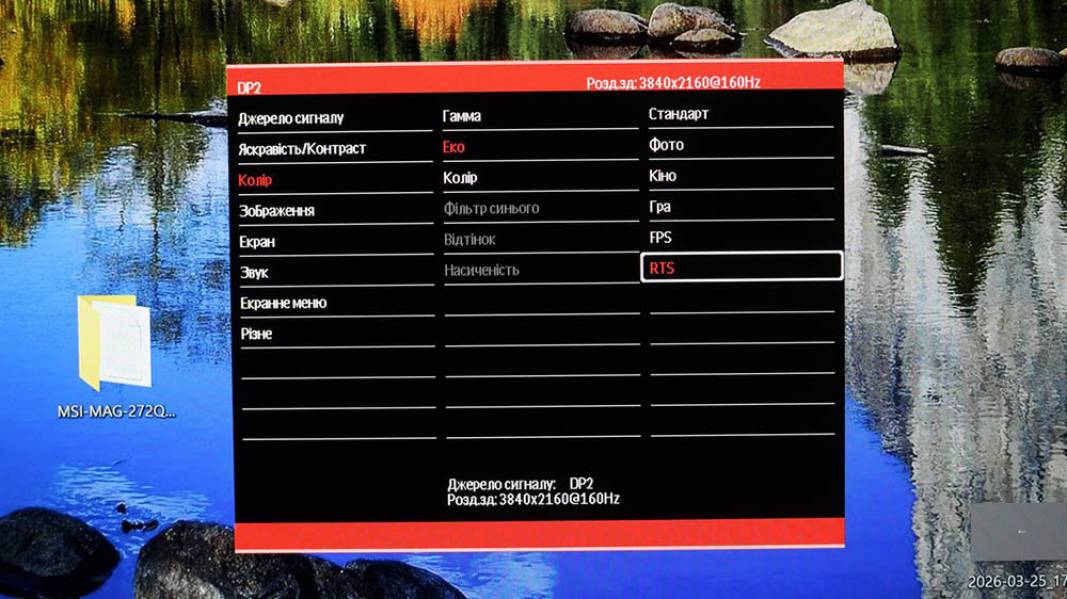
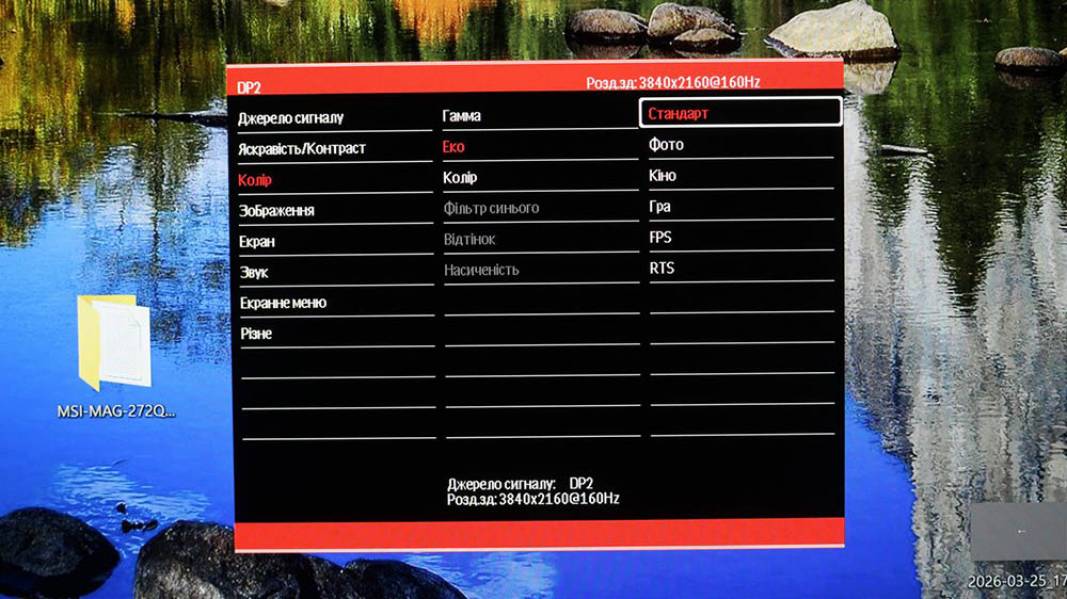
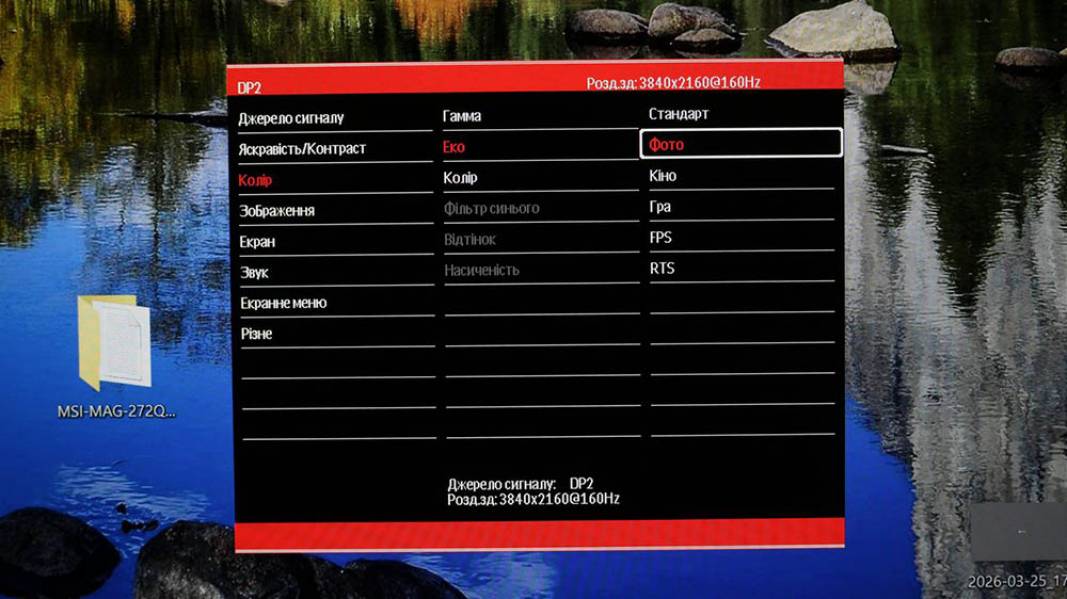
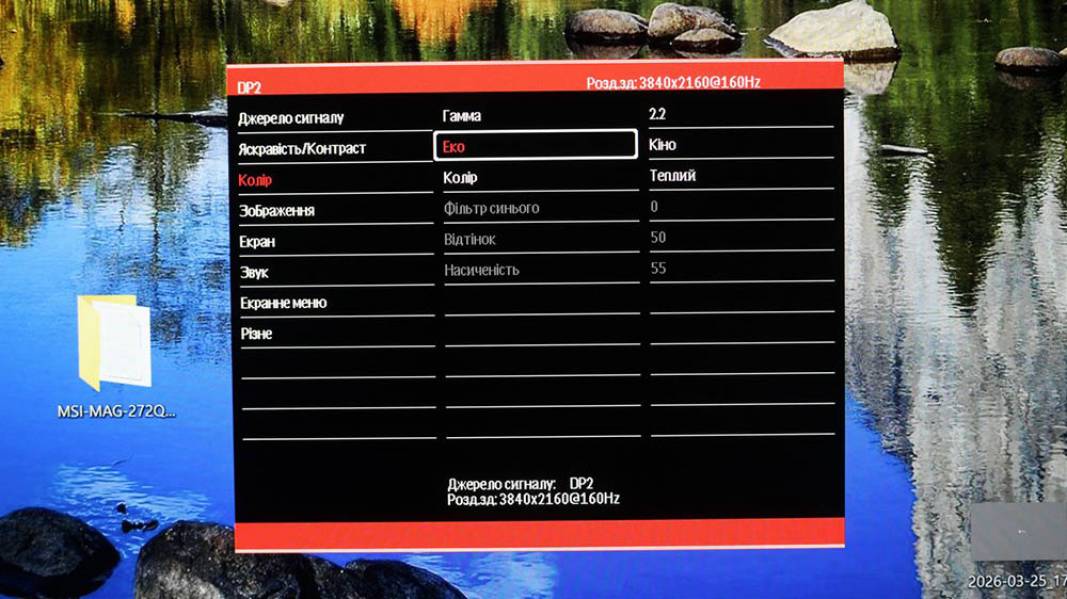
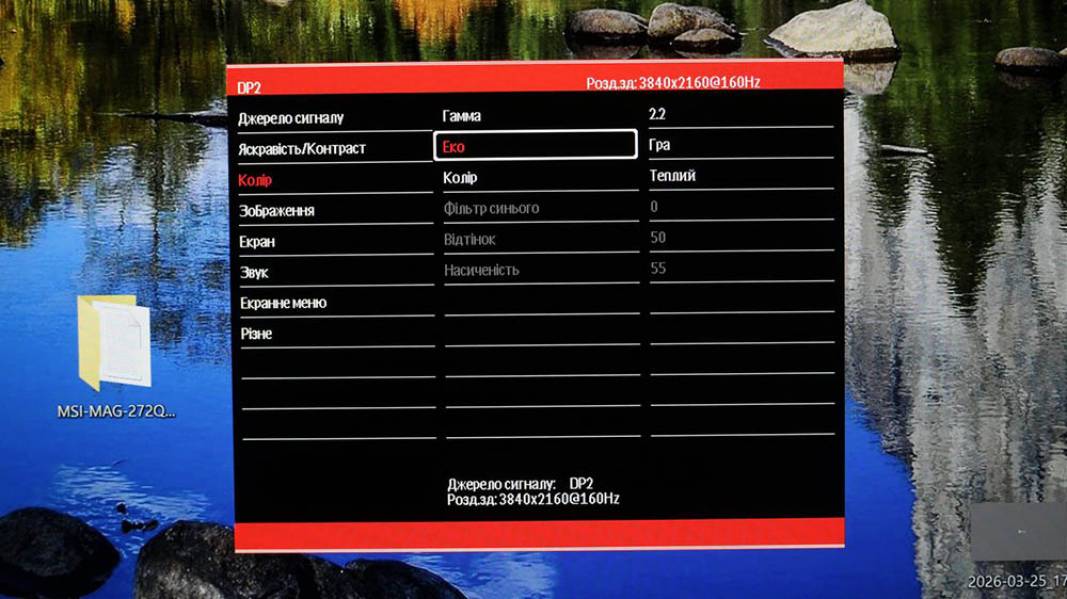
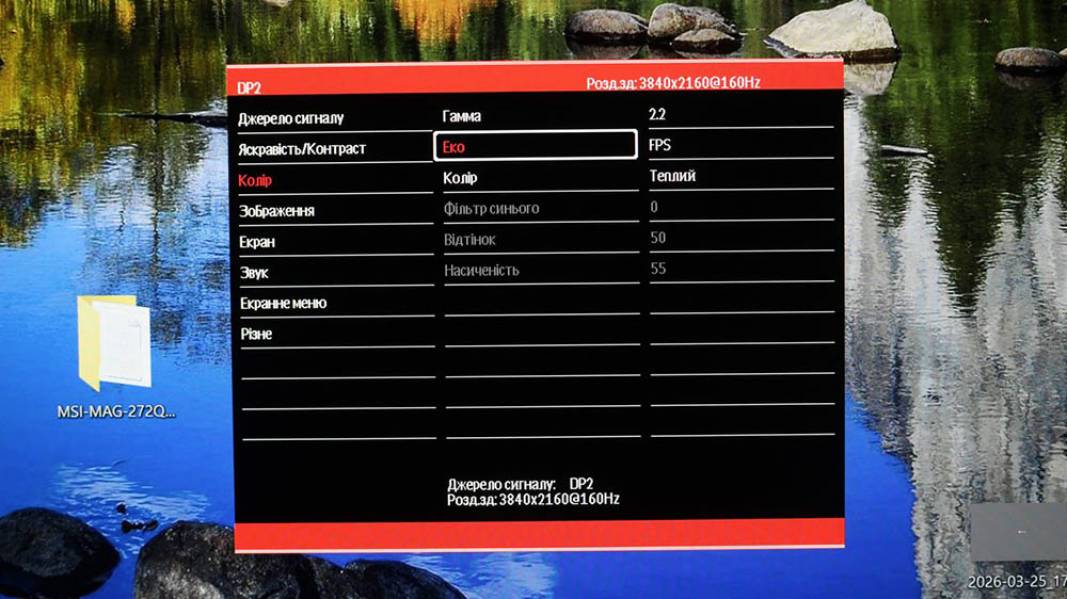
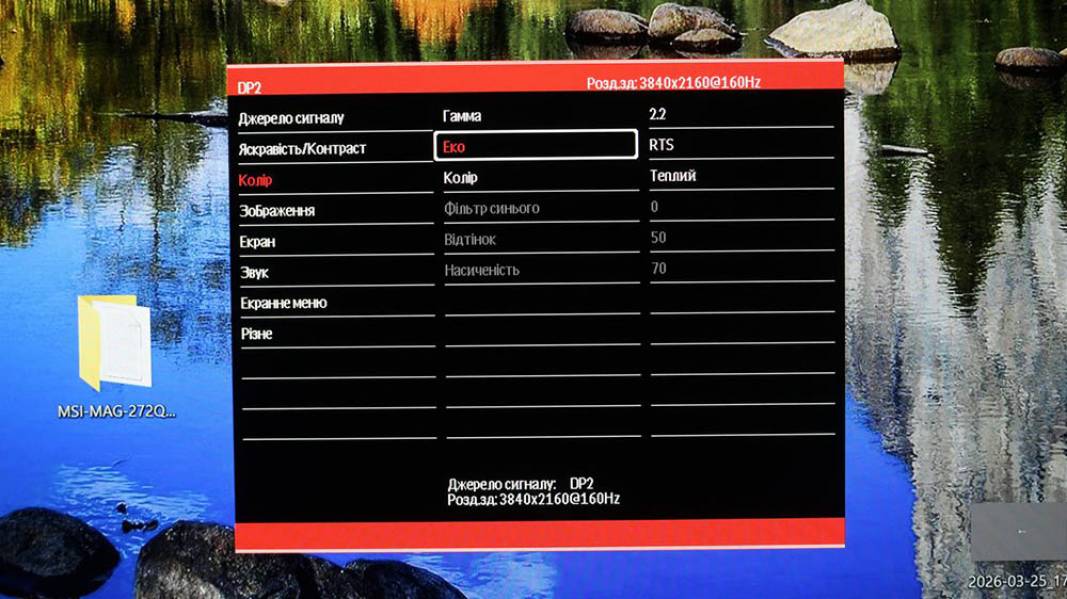
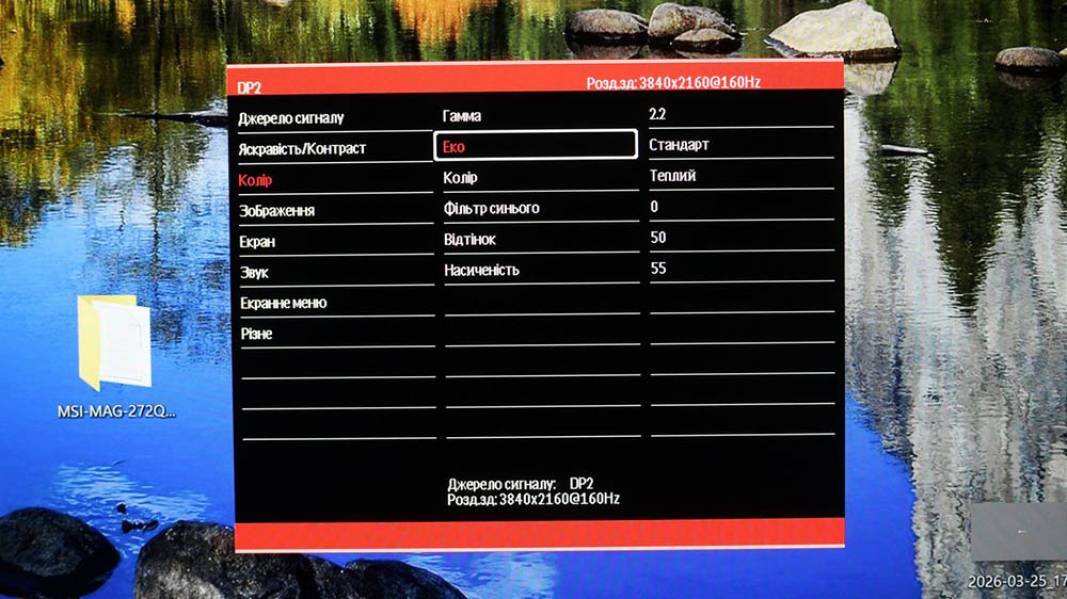
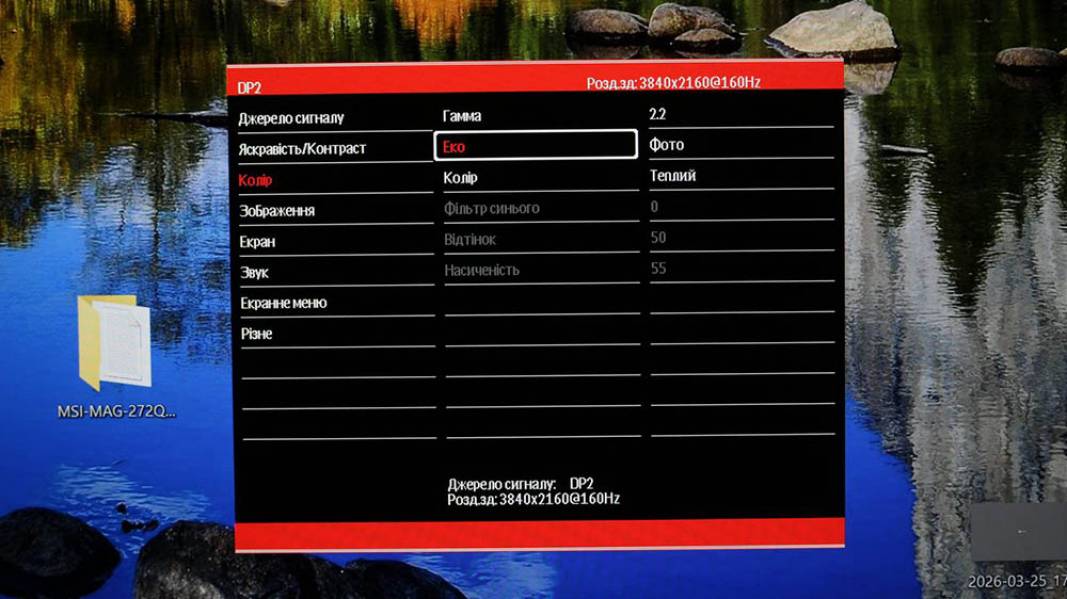
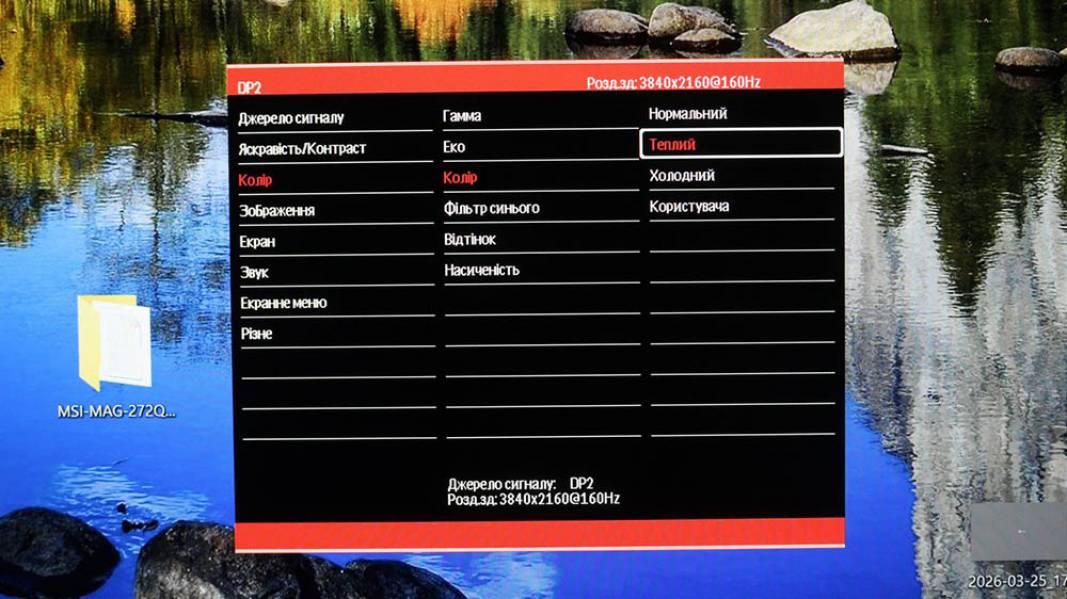
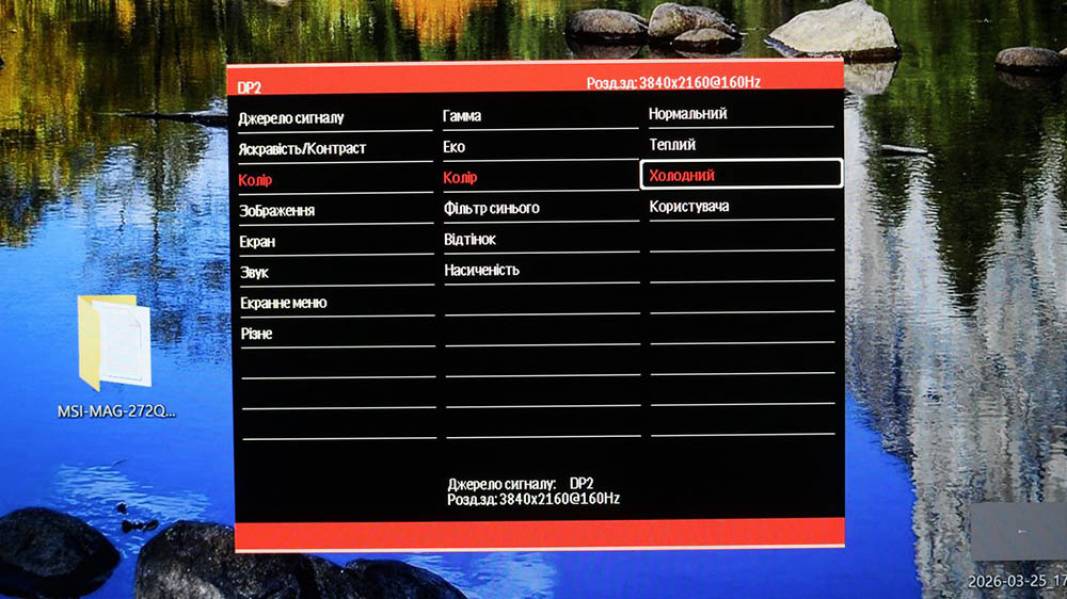
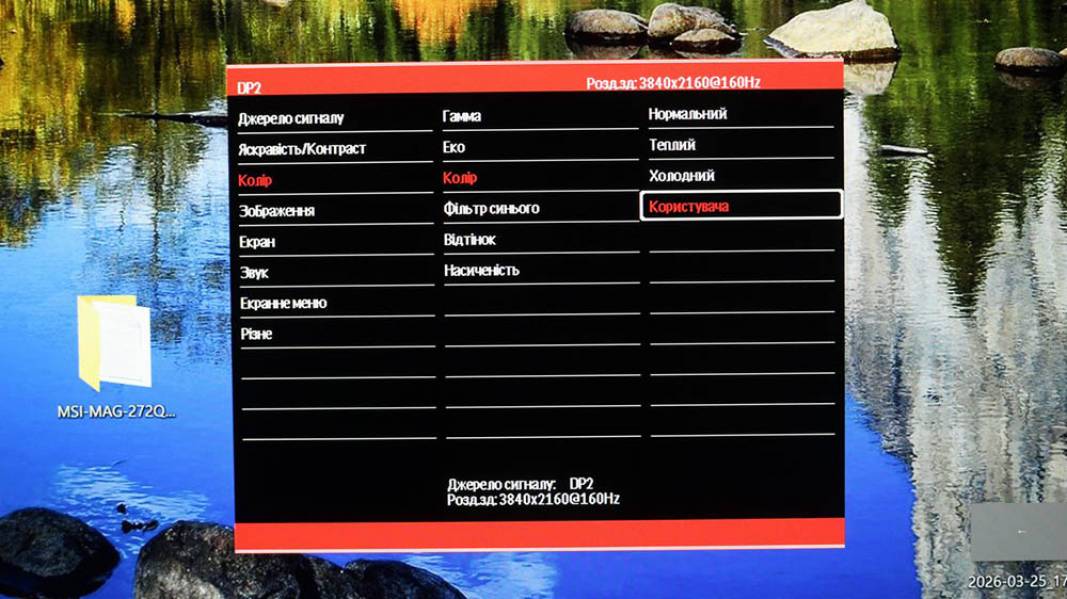
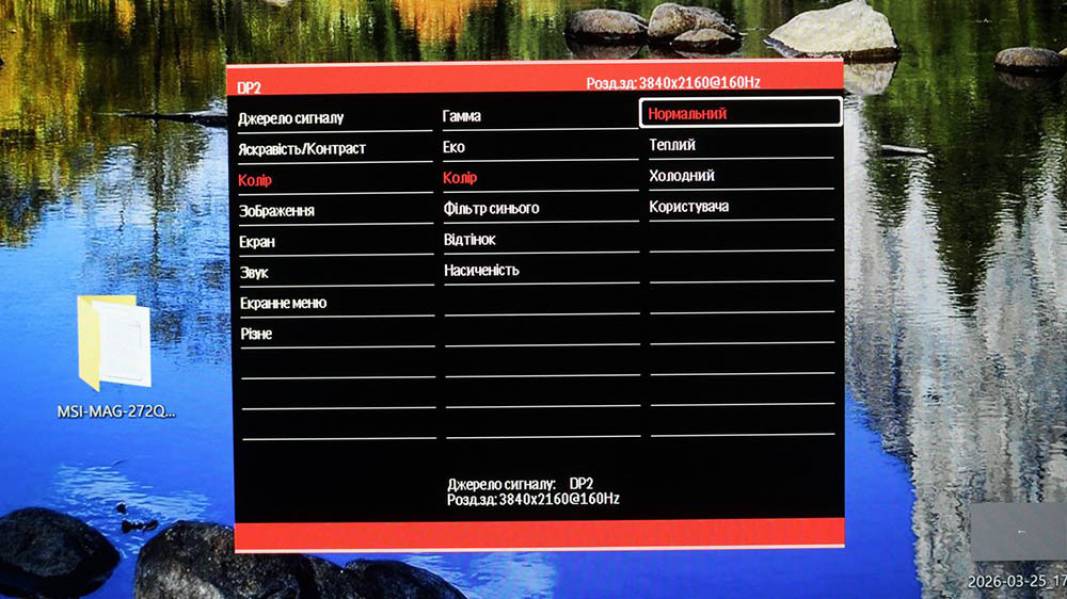
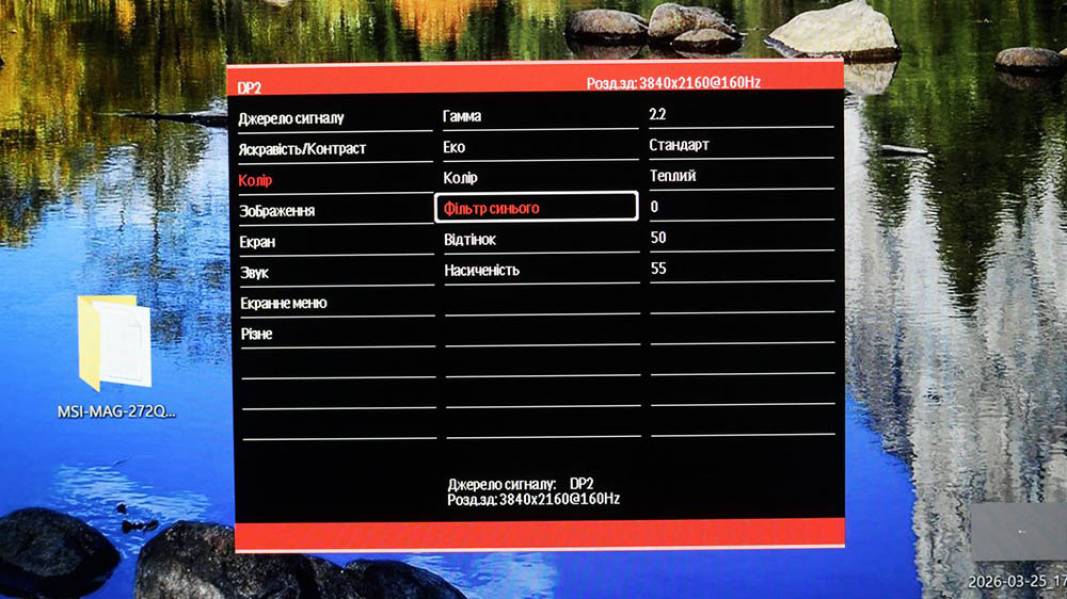
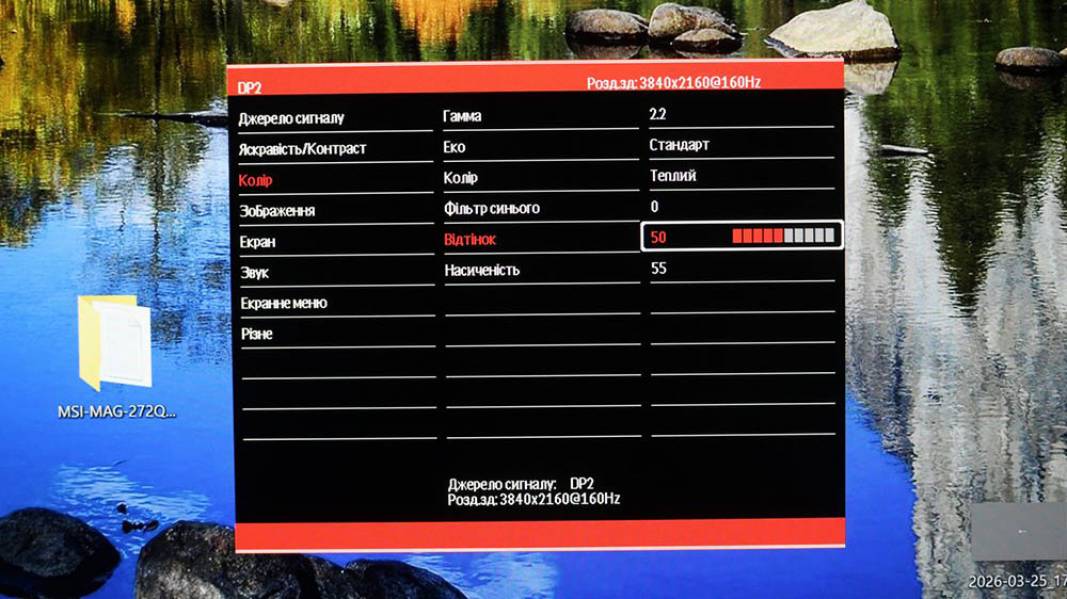
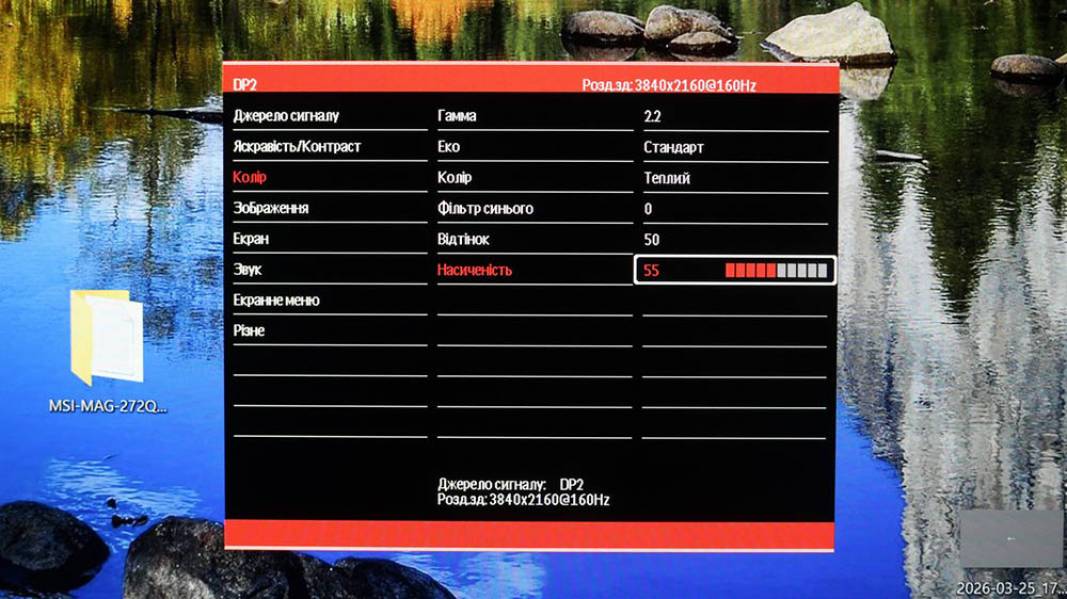
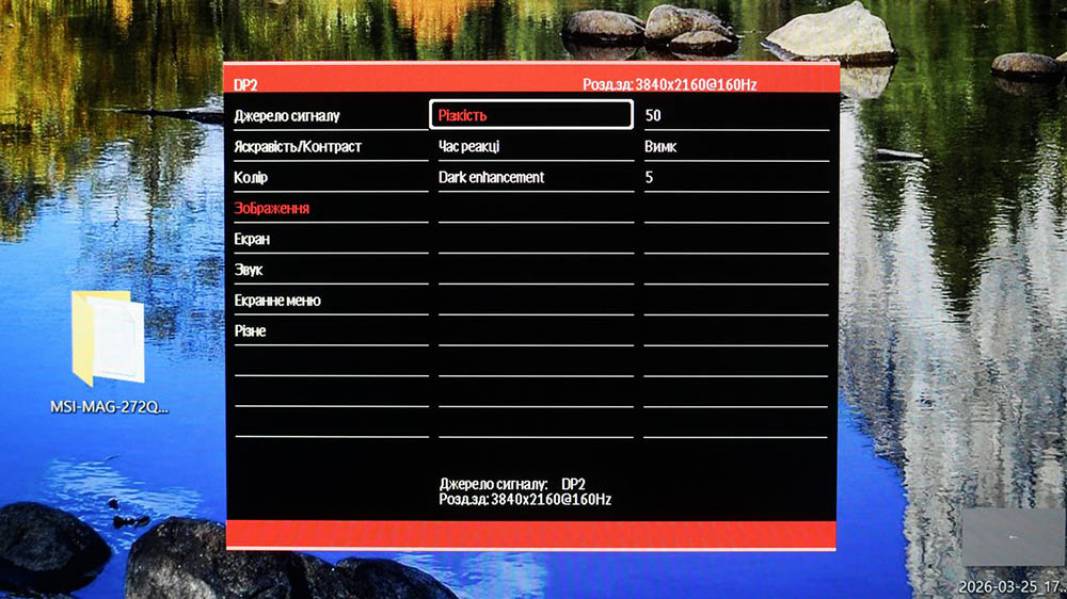
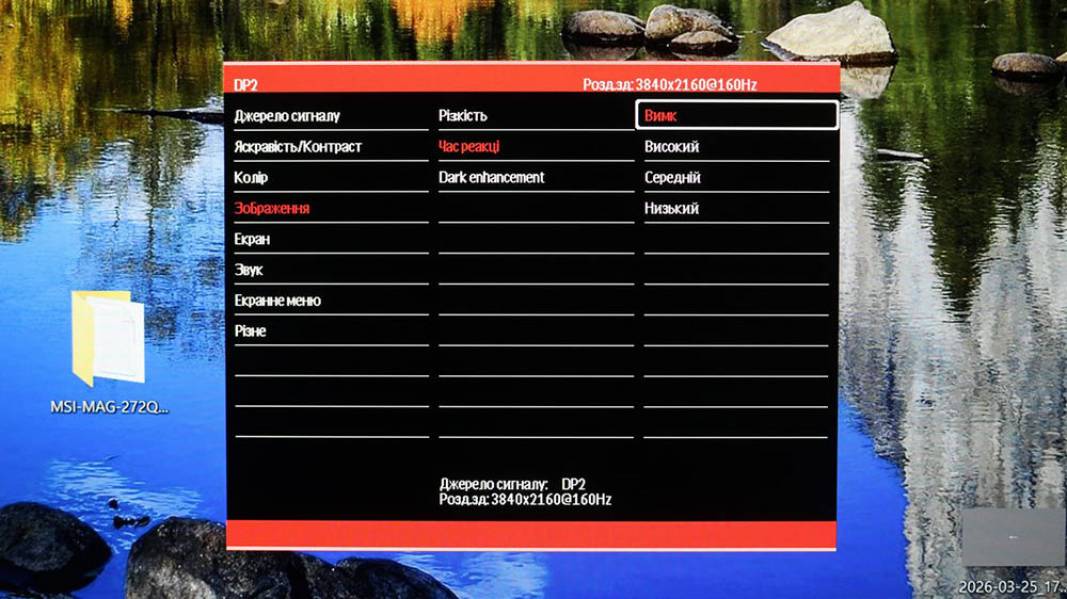
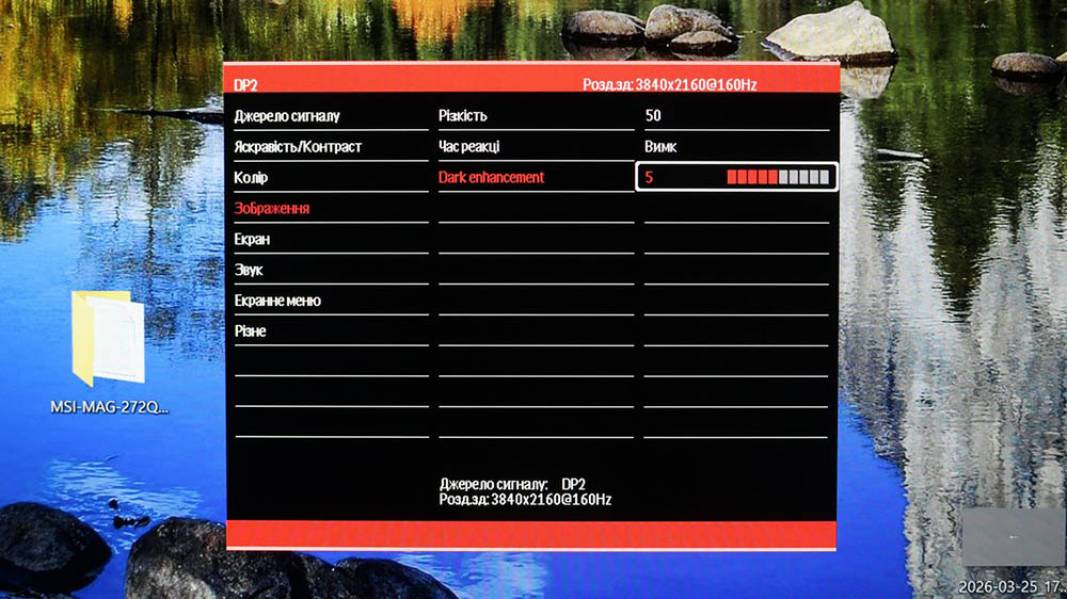
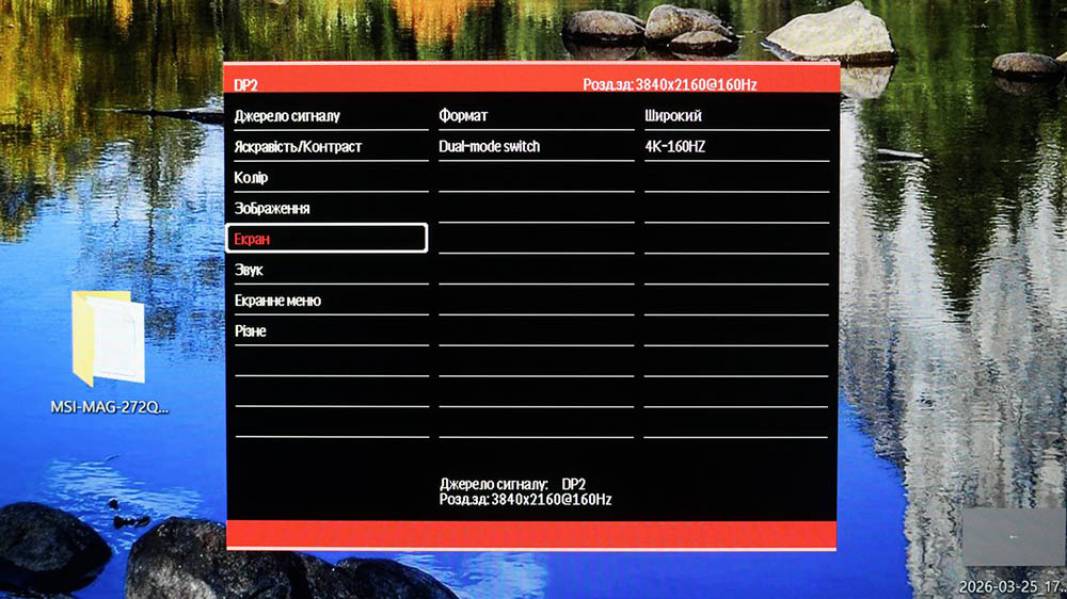
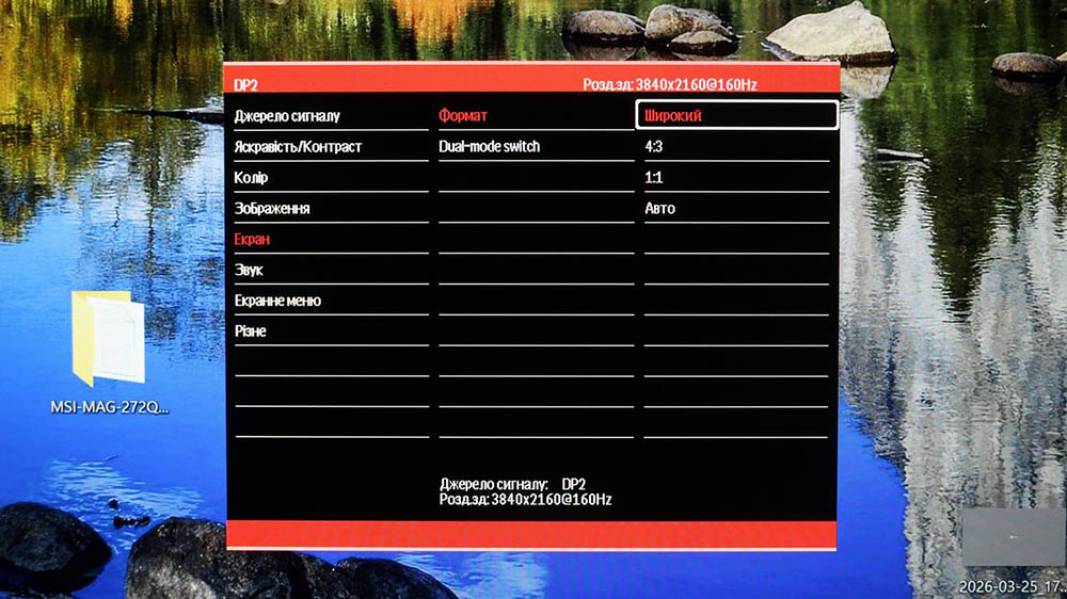
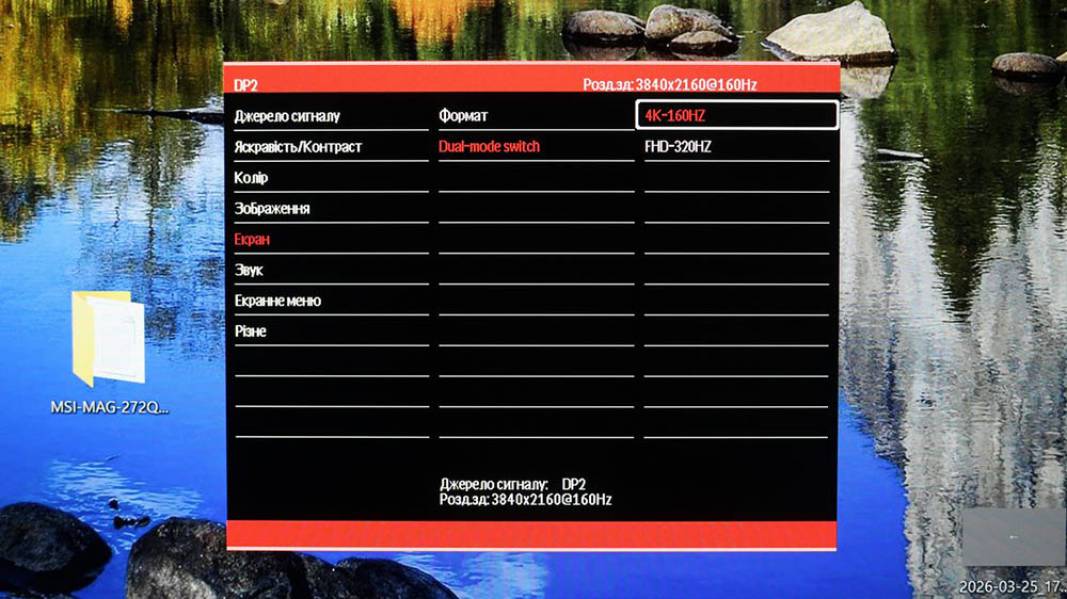
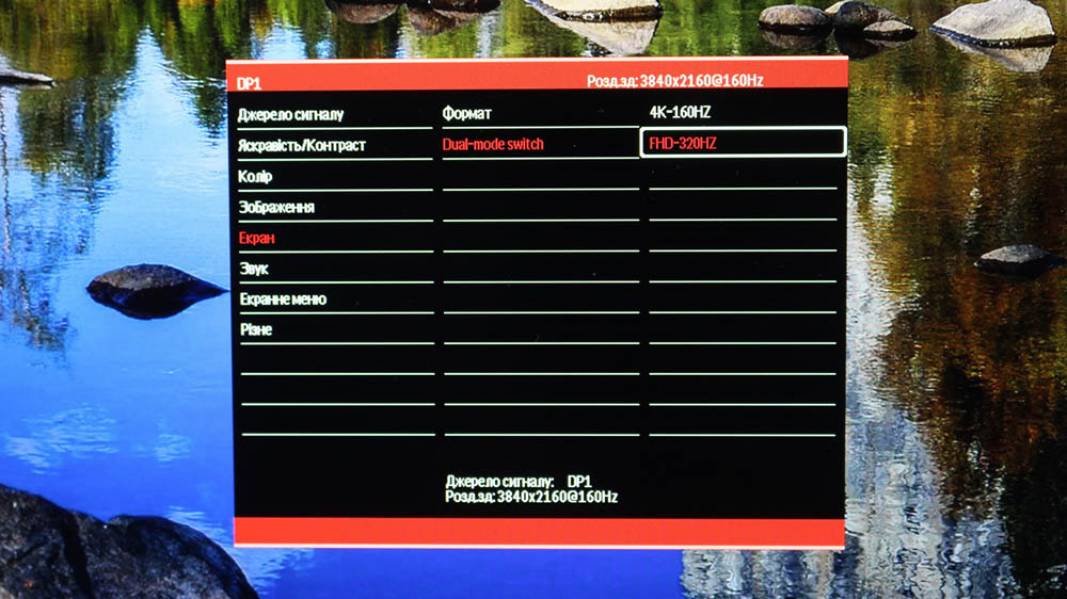
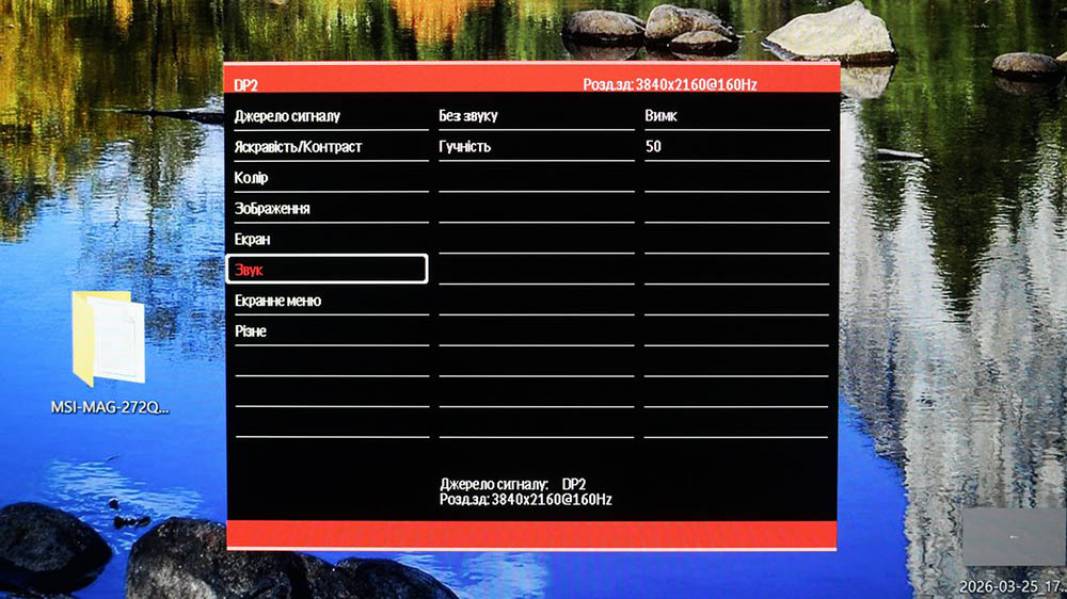
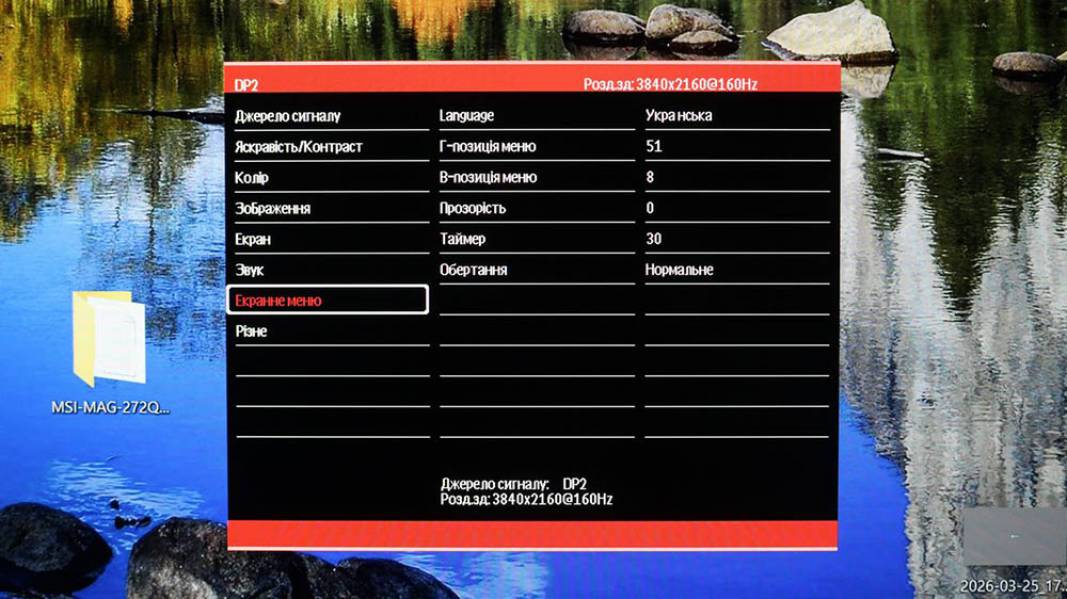
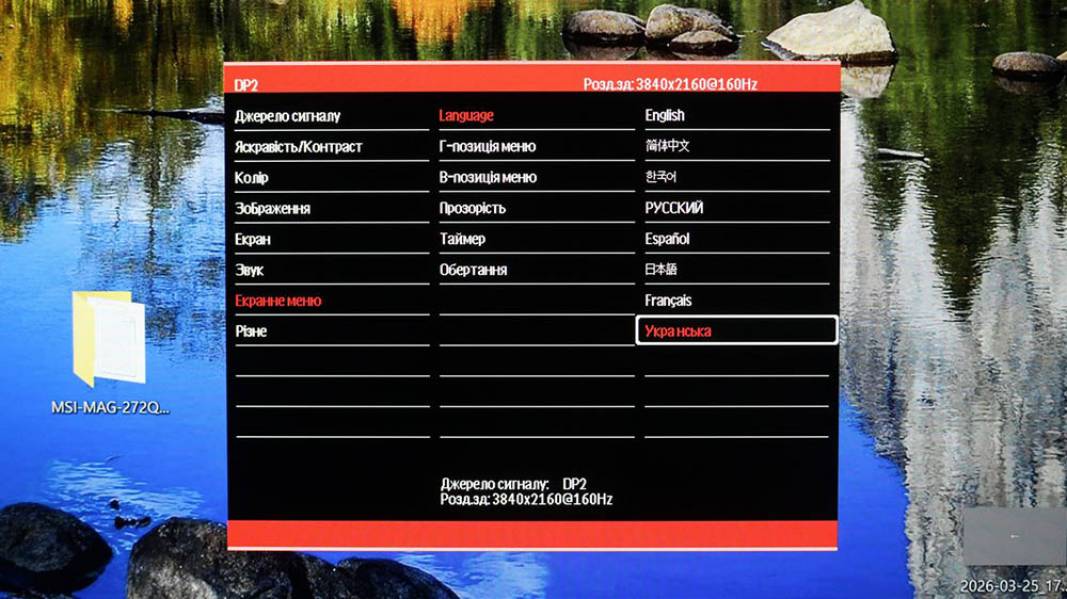
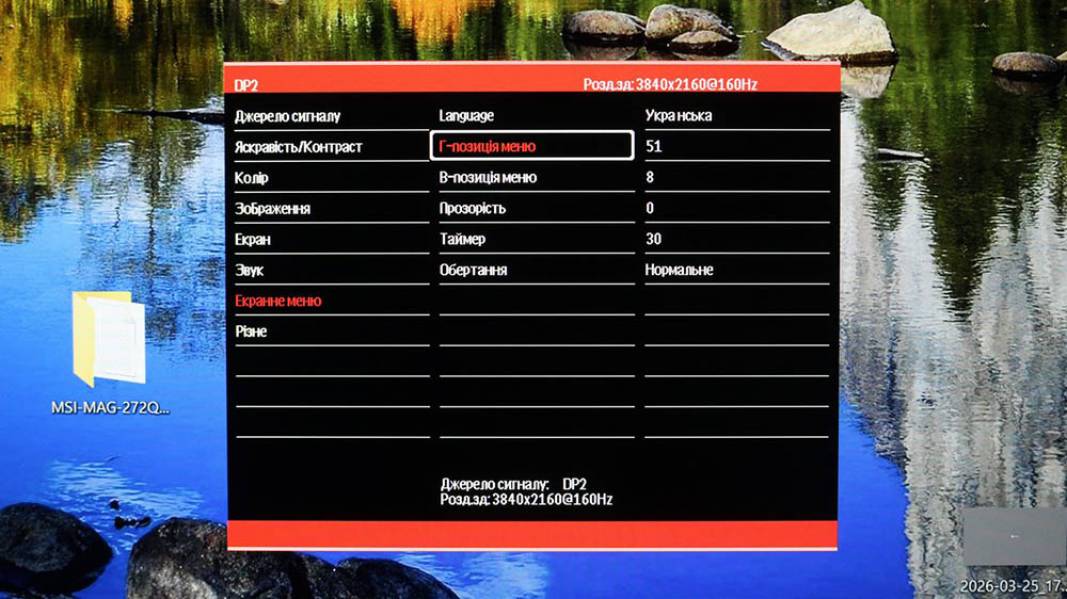
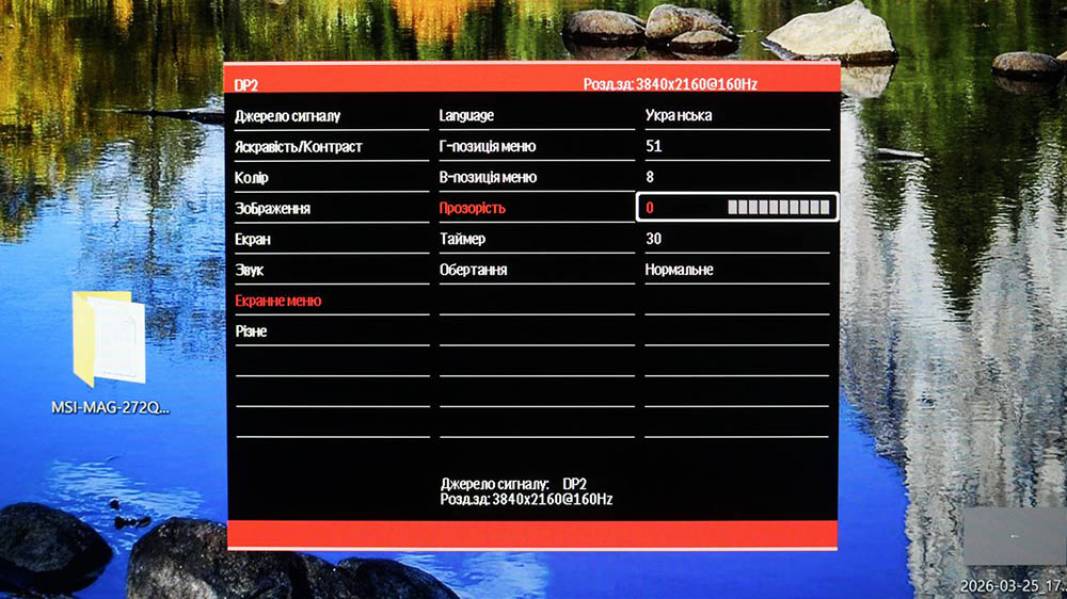
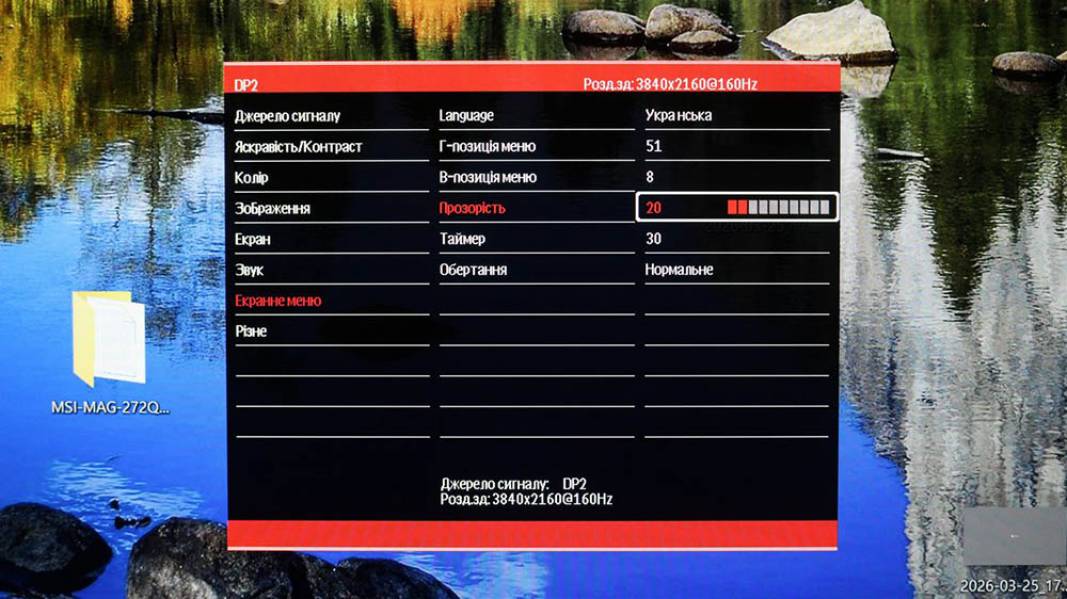
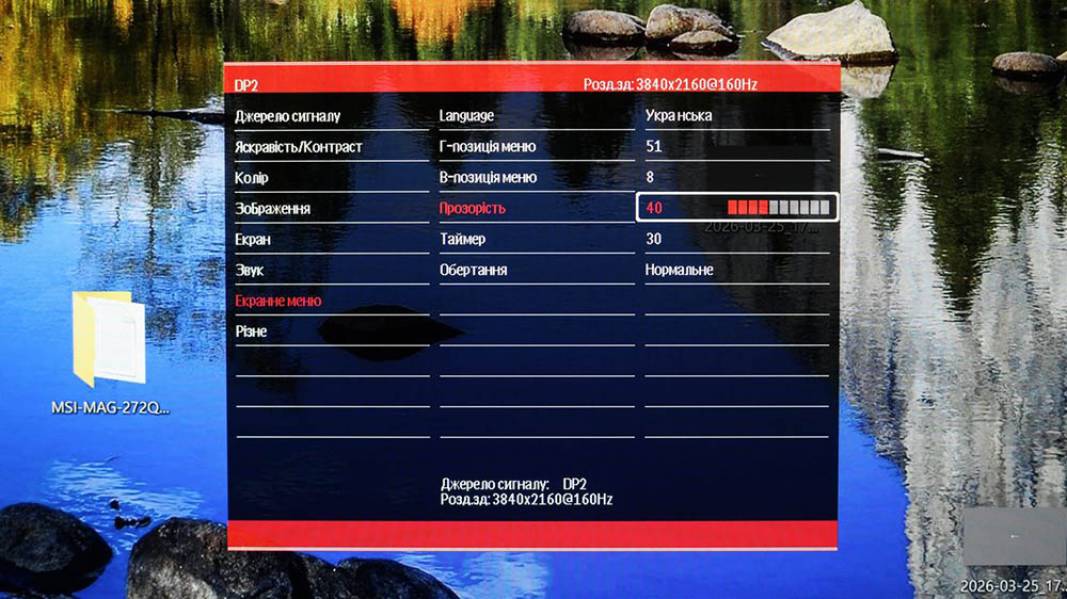
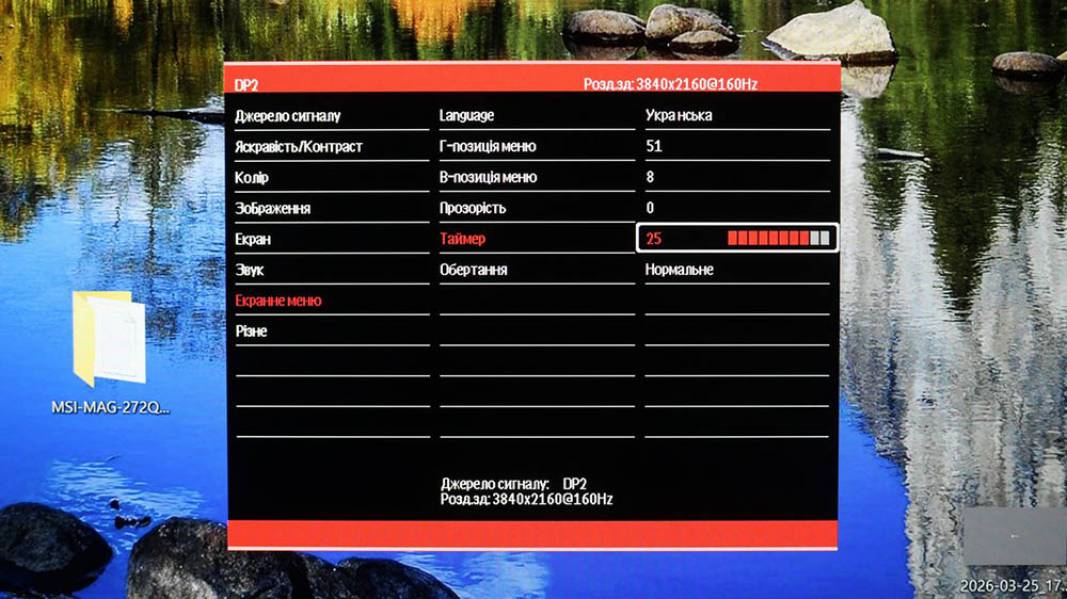
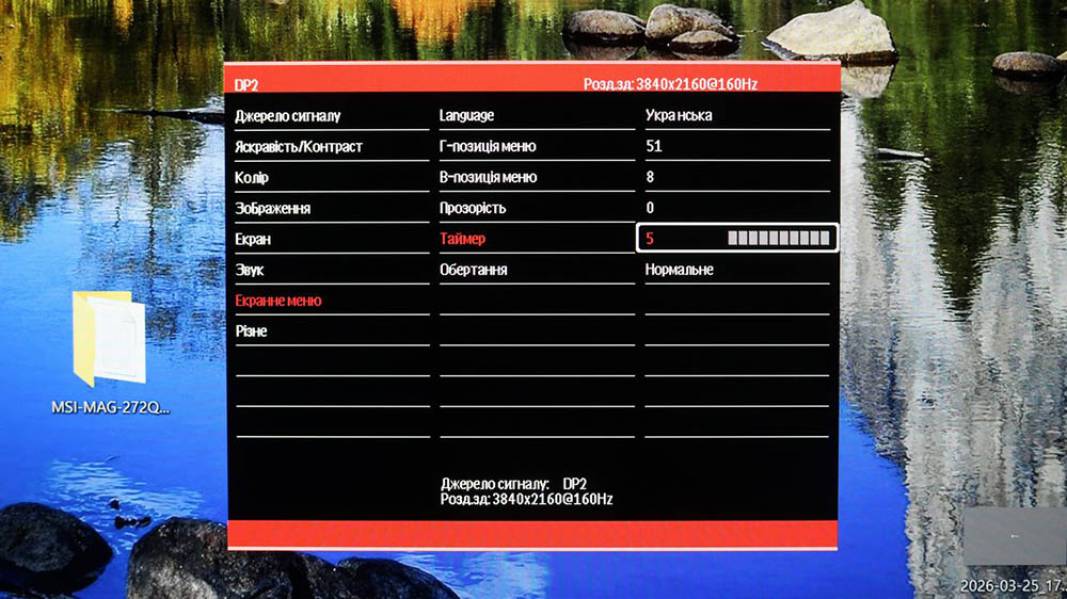
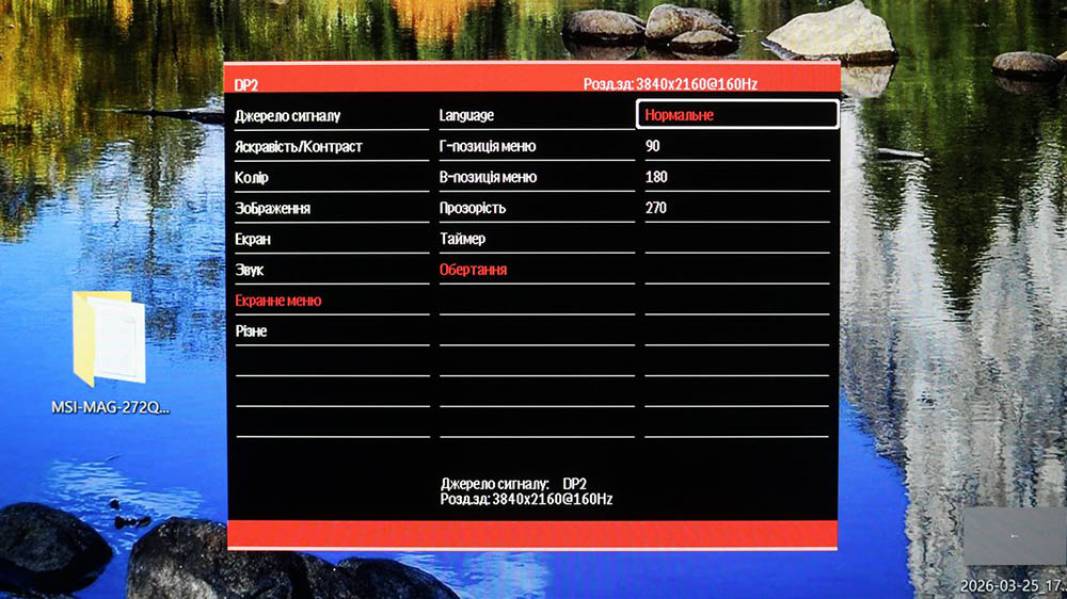
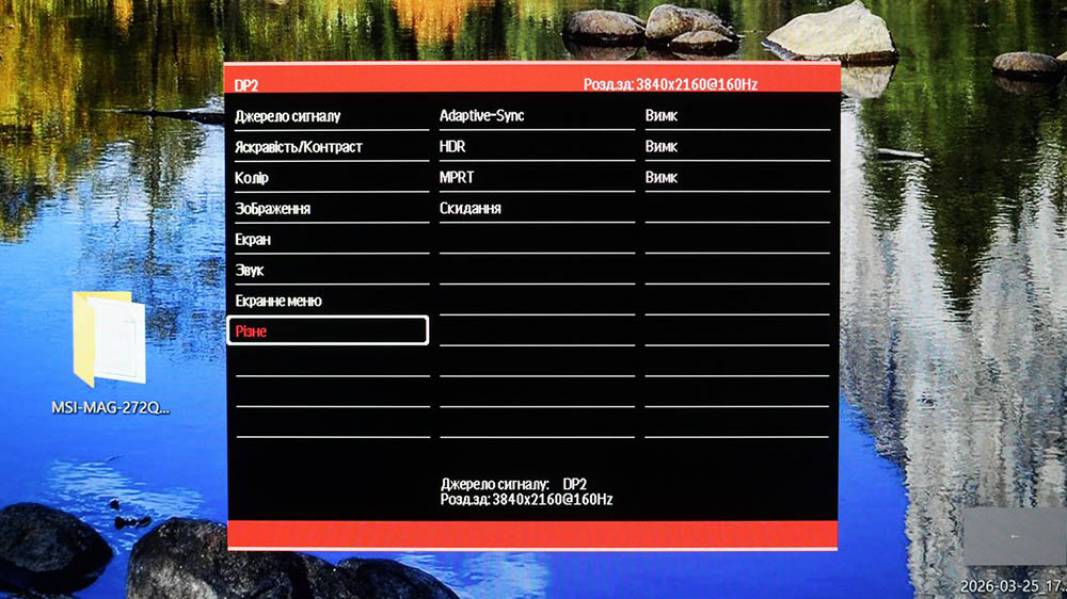
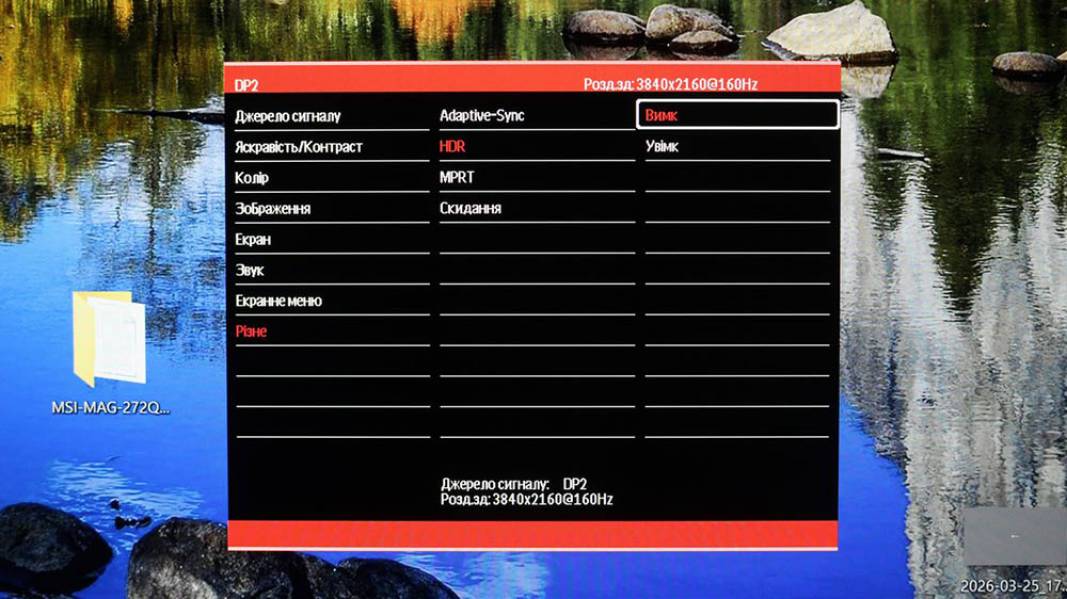
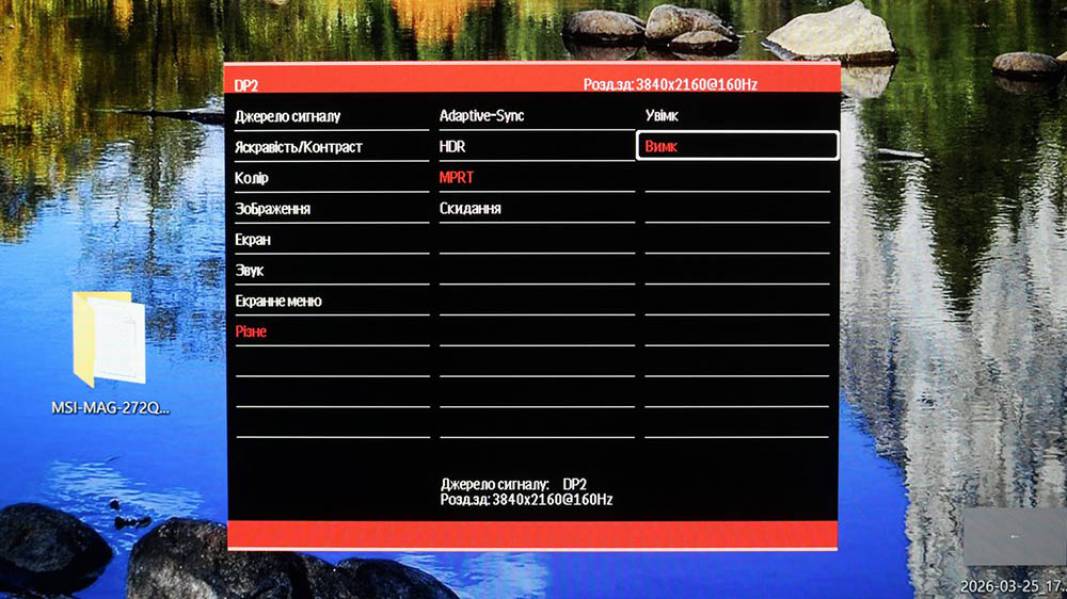
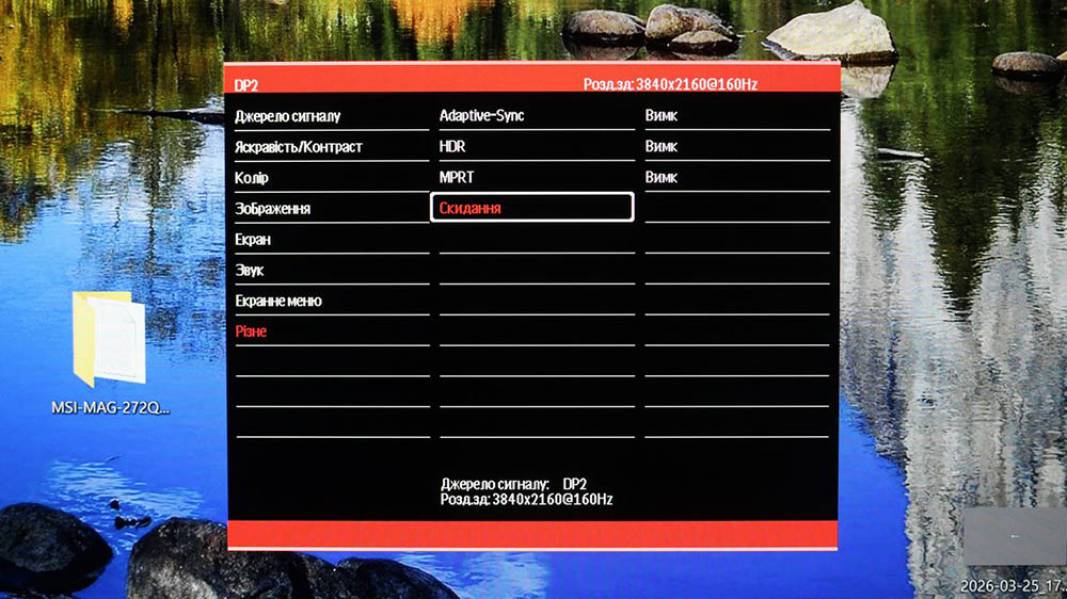
Purpose of the five control buttons of Vinga 27S416-11B. Order from left to right:
- «M» — call menu and confirm selection;
- «Down» — move cursor down, decrease value;
- «Up» — move cursor up, increase value;
- «E» — exit menu and select signal source;
- «Power» — turn monitor on/off.
Detailed description of OSD functions — in the user manual.
Testing
It's time to find out what Vinga 27S416-11B can demonstrate in practice. You can find the description of the monitor characteristics research methodology in the corresponding material.
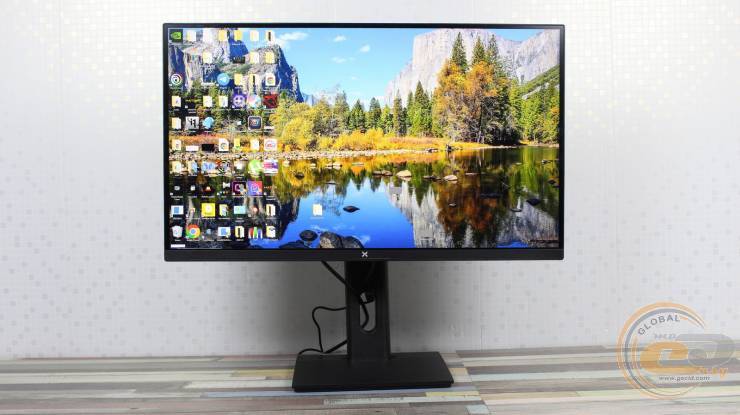
The display includes six factory profiles oriented towards different usage scenarios — from gaming to video viewing and text work. Before testing, all settings in the OSD were reset to factory defaults, and the monitor was warmed up for 30 minutes. All measurements were taken in native 4K 160 Hz mode without additional settings.
For convenience, we have compiled the measurement results in a single table:
|
Profiles |
Standart |
Foto |
Cinema |
Games |
FPS |
RTS |
|
Brightness by OSD, % |
80 |
30 |
80 |
45 |
65 |
65 |
|
Brightness of white field, cd/m2 |
288.3 |
130.5 |
294.7 |
181.5 |
243.8 |
246.9 |
|
Brightness of black field, cd/m2 |
0.3115 |
0.1375 |
0.3119 |
0.1938 |
0.2701 |
0.2626 |
|
Contrast ratio |
926:1 |
949:1 |
945:1 |
937:1 |
903:1 |
940:1 |
|
Color temperature of white point, K |
6506 |
6383 |
6417 |
6404 |
6488 |
6479 |
|
Color gamut coverage sRGB, % |
95.6 |
95.5 |
95.6 |
93.9 |
93.8 |
95.2 |
|
Color gamut coverage Adobe RGB, % |
69.9 |
69.8 |
69.9 |
68.5 |
68.5 |
69.5 |
|
Color gamut coverage DCI-P3, % |
76.1 |
76.0 |
75.9 |
74.2 |
74.2 |
75.6 |
|
Color gamut volume sRGB, % |
107.5 |
107.3 |
107.2 |
104.8 |
104.7 |
106.8 |
|
Color gamut volume DCI-P3, % |
74.0 |
74.0 |
73.9 |
72.2 |
72.2 |
73.6 |
|
Color gamut volume Adobe RGB, % |
76.1 |
76.0 |
76.0 |
74.3 |
74.2 |
75.6 |
|
Average deviation dE*00 (∆E) |
0.2 |
0.33 |
0.22 |
0.23 |
0.25 |
0.25 |
|
Maximum deviation dE*00 (∆E) |
0.82 |
0.95 |
0.89 |
0.91 |
1.25 |
0.96 |
|
Average gamma |
2.07 |
2.06 |
2.06 |
2.07 |
2.05 |
2.07 |
|
Power consumption, W |
47.1 |
31.5 |
46.3 |
36.5 |
42.1 |
37.2 |
The claimed peak brightness is 300 cd/m² ±20 nits. In the «Standart» and «Cinema» profiles, the actual values reach 288–295 cd/m², which fully complies with the specification. In «Foto», the brightness is reduced to 130.5 cd/m² for comfortable photo work, while «Games», «FPS», and «RTS» remain in the range of 181–247 cd/m².
Contrast is stable within 903:1 – 949:1, which practically matches the declared 1000:1 and is typical for an IPS panel without local dimming.
The color temperature of the white point in all profiles remains close to the reference 6500 K (6383–6506 K), without significant deviations.
Color space coverage corresponds to the capabilities of a classic 8-bit matrix without FRC: sRGB is about 94–96% with a volume of 105–108%, Adobe RGB — 69–70% with a volume of 74–76%, and DCI‑P3 — 74–76% with a volume of 72–74%.
The color accuracy is impressive: the average deviation ΔE*00 is 0.2–0.33, and the maximum is no more than 1.25.
Power consumption depending on the profile ranges from 31.5 W to 47.1 W, which fully fits within the manufacturer's declared < 49 W.
Color Coverage
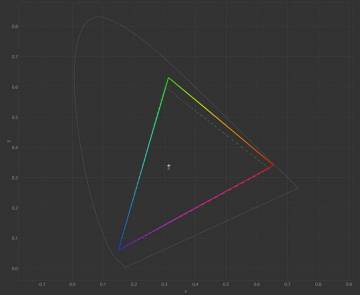
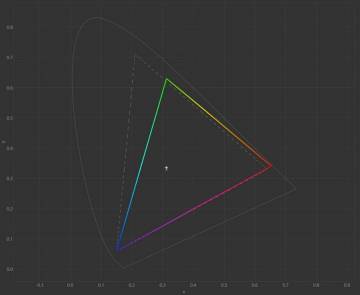
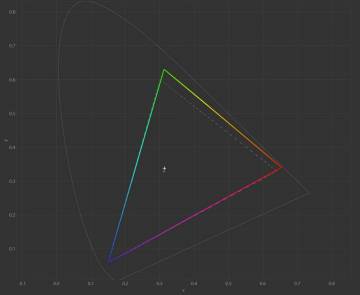
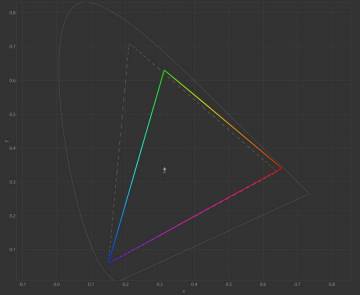
CIE diagrams of the "Standart" profile for sRGB and Adobe RGB spaces
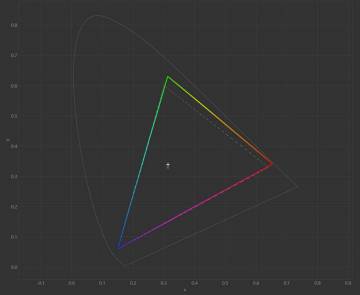
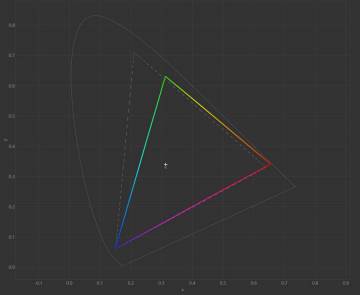
CIE diagrams of the "Foto" profile for sRGB and Adobe RGB spaces
CIE diagrams of the "Cinema" profile for sRGB and Adobe RGB spaces
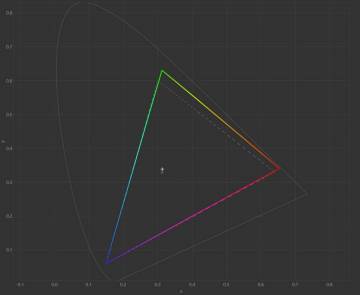
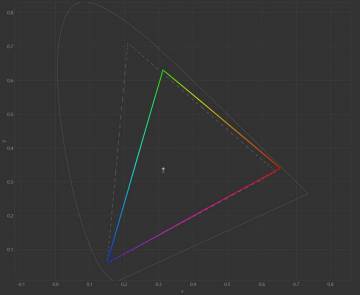
CIE diagrams of the "Games" profile for sRGB and Adobe RGB spaces
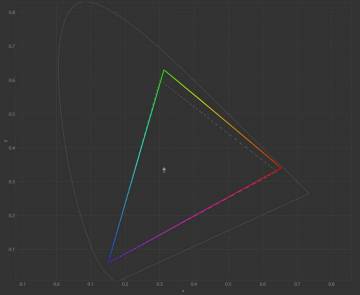
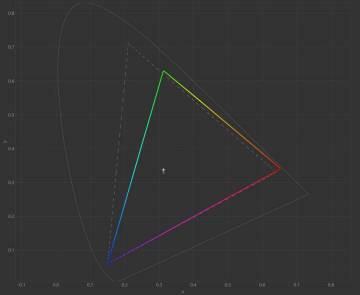
CIE diagrams of the "FPS" profile for sRGB and Adobe RGB spaces
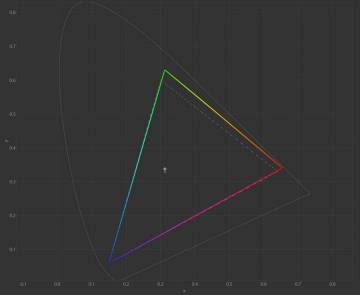
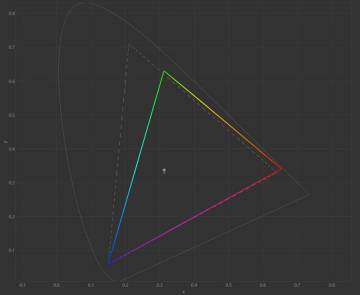
CIE diagrams of the "RTS" profile for sRGB and Adobe RGB spaces
CIE diagrams for all profiles demonstrate stable reproduction of the sRGB space with coverage within 93.8–95.6% and volume of 104.7–107.5%. This means that the palette is slightly oversaturated, especially in green and red shades, but the shape of the triangle maintains correct proportions, and the white point remains close to the reference 6500 K.
For the Adobe RGB space, the coverage is about 69–70%, and the volume is 74–76%. In DCI-P3, the indicators remain at the level of 74–76% coverage and 72–74% volume. All profiles demonstrate practically identical diagrams, with minimal differences reduced to slight shifts of reference points.
For a budget 8-bit IPS monitor without FRC, the coverage and shape of the triangle look convincing.
Color Accuracy
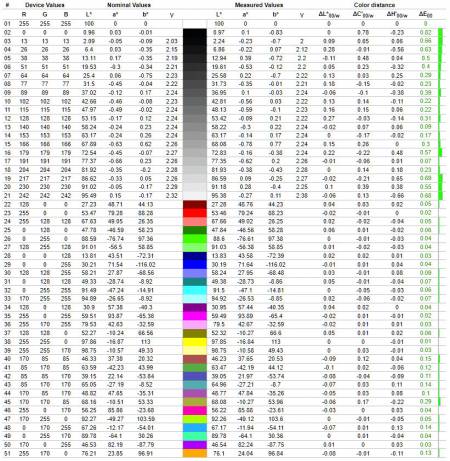
Diagram of deviation of primary colors and shades from references in the "Standart" profile
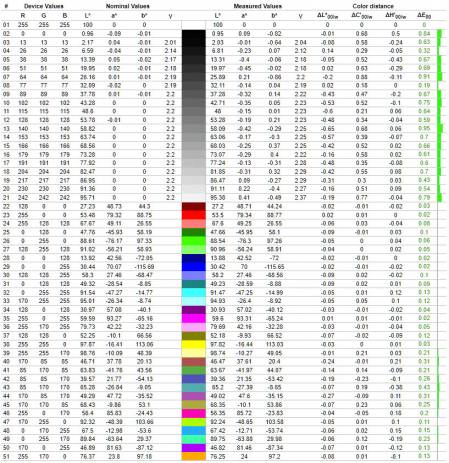
Diagram of deviation of primary colors and shades from references in the "Foto" profile
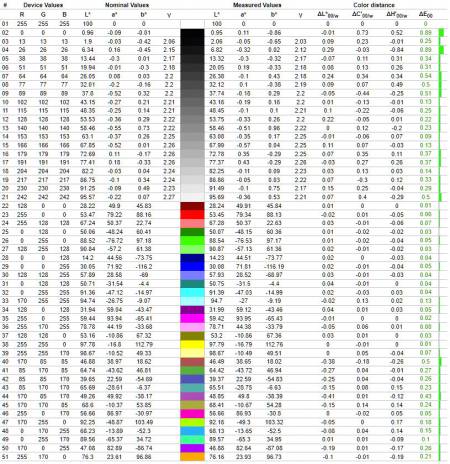
Diagram of deviation of primary colors and shades from references in the "Cinema" profile
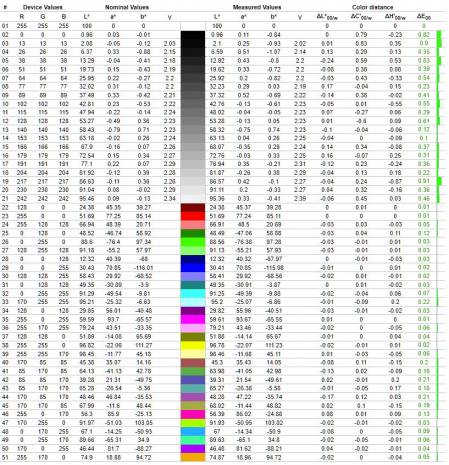
Diagram of deviation of primary colors and shades from references in the "Games" profile
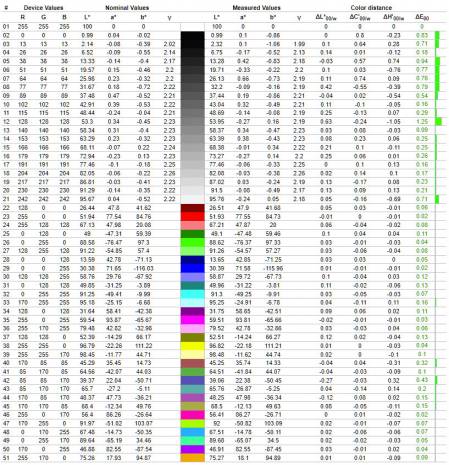
Diagram of deviation of primary colors and shades from references in the "FPS" profile
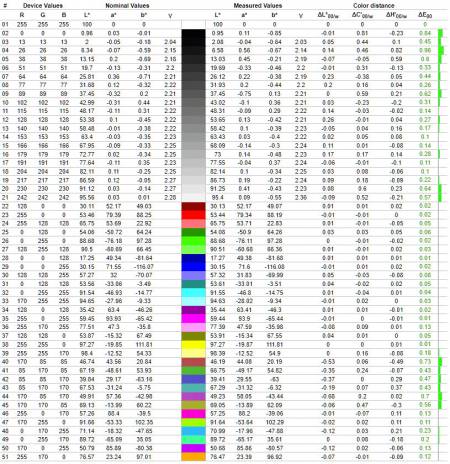
Diagram of deviation of primary colors and shades from references in the "RTS" profile
All six tested profiles demonstrate very high color accuracy even without prior calibration. The average deviation ΔE*00 ranges from 0.20 to 0.33, and the maximum does not exceed 1.25. This is significantly below the conventional accuracy thresholds (1.5 for average and 4.0 for maximum value), which effectively corresponds to a professional level. Gray shades remain stable, without systematic shifts to warm or cool tones, and the palette is controlled even in profiles with extended coverage.
It is especially impressive that such accuracy is achieved in a budget gaming monitor without hardware coverage limitation and without calibration, and in all profiles. In terms of color consistency, it is not inferior to many professional models, making it a notable exception in its class.
RGB Levels
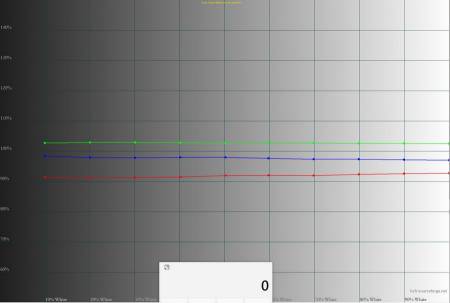
RGB levels graph of the "Standart" profile
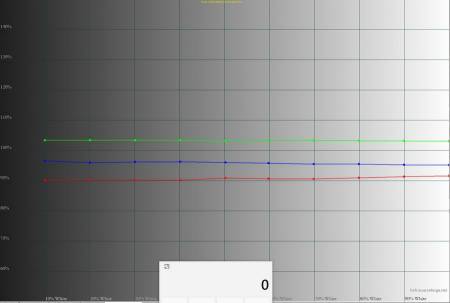
RGB levels graph of the "Foto" profile
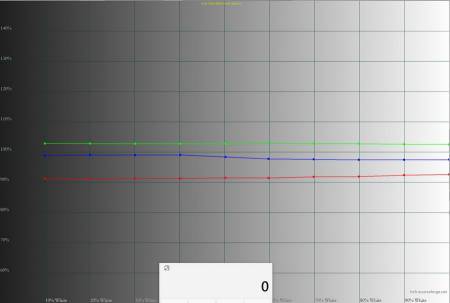
RGB levels graph of the "Cinema" profile
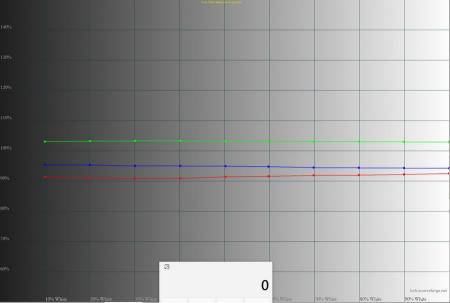
RGB levels graph of the "Games" profile
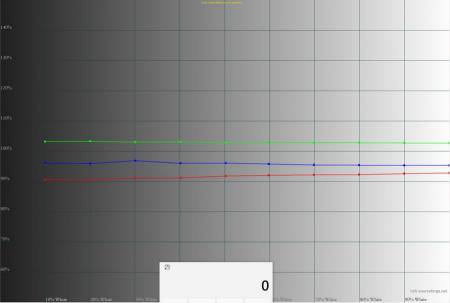
RGB levels graph of the "FPS" profile
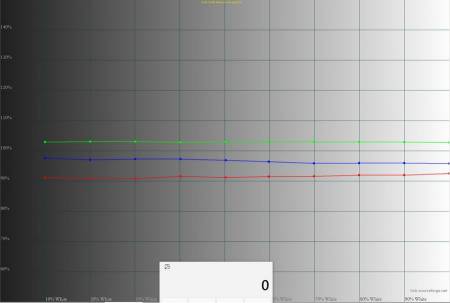
RGB levels graph of the "RTS" profile
All six tested profiles demonstrate controlled balance of RGB channels. Red is consistently lowered by –7…–9%, blue is muted by –3…–4%, and green is raised by +3…+4%. Such balance does not create critical distortions and provides neutral gray gradients.
None of the modes exceed the range of ±10%, which is considered the standard for this test. The most balanced profiles are "Standart", "Foto", and "Games" — in them, the channels run smoothly without sharp jumps. "Cinema" has a slight shift to the cool side, "FPS" emphasizes contrast, and "RTS" adds saturation to green and yellow shades.
The monitor demonstrates a high level of factory settings: even specialized modes do not have critical deviations, and the behavior of the channels corresponds to their purpose. This is a rare result for a gaming model in the budget segment.
Gamma
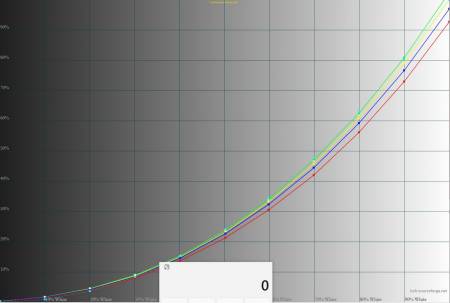
Gamma curve graph in the "Standart" profile
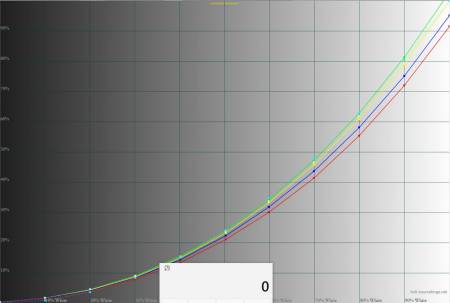
Gamma curve graph in the «Foto» profile
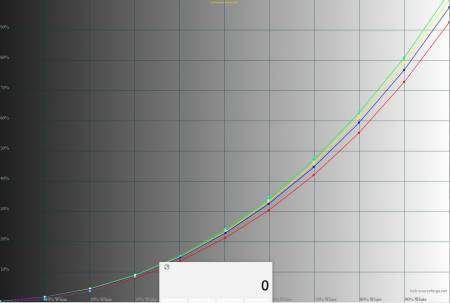
Gamma curve graph in the «Cinema» profile
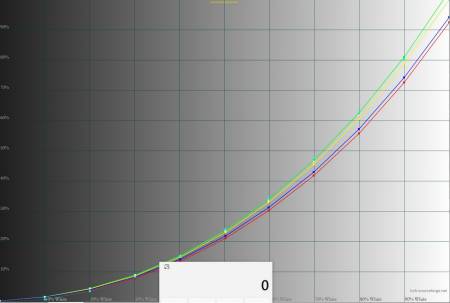
Gamma curve graph in the «Games» profile
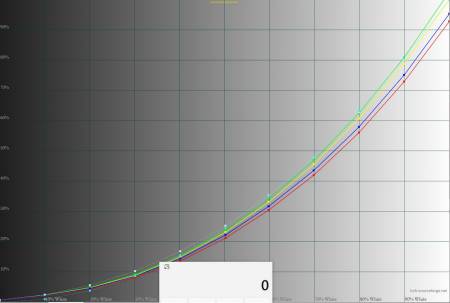
Gamma curve graph in the «FPS» profile
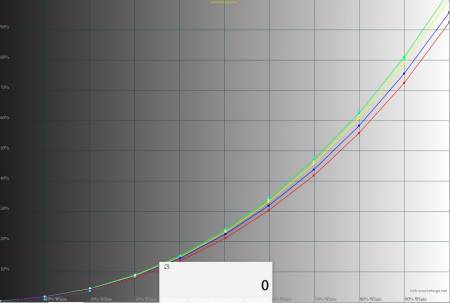
Gamma curve graph in the «RTS» profile
All profiles have a surprisingly smooth gamma curve shape — without breaks, dips, or channel desynchronization. The average gamma value remains within 2.05–2.07, which is only slightly below the reference 2.2.
The channels are aligned: green runs slightly above the reference (+3…+4%), red consistently below (–7…–9%), and blue is muted at –3…–4%. This results in a slight warm shift in gradations: shadows appear softer, the image less contrasty, and midtones slightly simplified. At the same time, the curve shape remains stable, without loss of detail.
The profiles closest to the reference are Standart, Foto, and Games — their curves are as close as possible to the reference 2.2. «Cinema» has a slight shift to the cool side, but without aggressive blue oversaturation. «FPS» and «RTS» essentially repeat the behavior of «Games», emphasizing contrast and saturation in dynamic scenes.
No profile shows critical deviations. All curves are smooth, coordinated, without critical channel separation — which is atypical for gaming monitors, where shadow collapses or aggressive midtone lighting are often observed.
Overall, the gamma curve shape confirms a high level of factory calibration. The monitor is oriented not only towards visual effect but also towards controlled gradation transmission.
Stability of contrast and brightness range
Among all profiles, the most balanced was the «Standart» mode, so it was taken as the basis for further calibration.
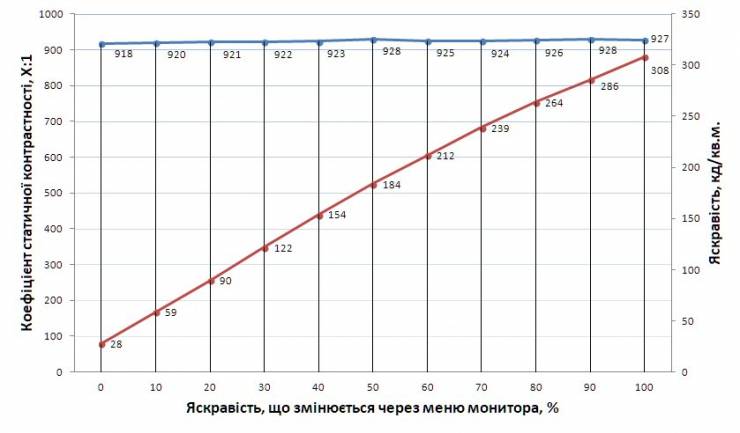
The brightness range covers values from 28 to 308 cd/m², providing versatility for work in different conditions. The minimum brightness is quite high, so for night work, it is advisable to use the monitor with background lighting behind the screen. The maximum brightness — 308 cd/m² — is sufficient for comfortable work during the day, although in direct sunlight it may be on the edge.
Contrast remains stable across the entire brightness range — from 918:1 to 928:1, which corresponds to typical values for IPS panels. The declared 1000:1 is not achieved in this case, but the contrast change curve is almost perfectly straight, without dips at low brightness levels. This indicates a high-quality implementation of hardware regulation without losing black depth.
Monitor calibration
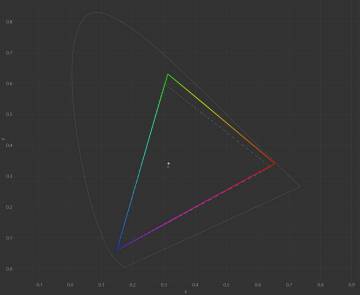
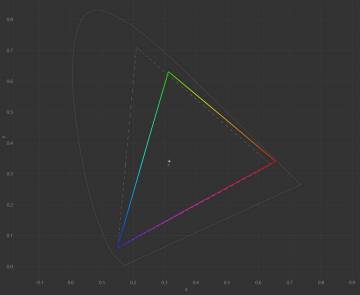
CIE diagrams of the calibrated profile for sRGB and Adobe RGB spaces
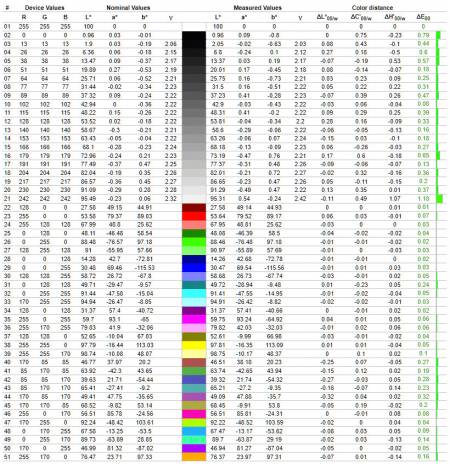
Diagram of primary colors and shades deviation from references in the calibrated profile
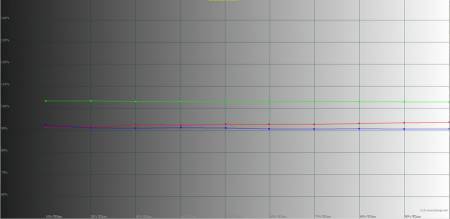
RGB levels graph of the calibrated profile
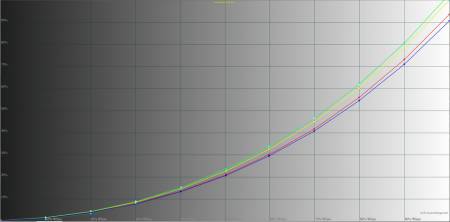
Gamma curve graph in the calibrated profile
The file with the corresponding parameters is available at this link. The results obtained before and after hardware calibration are summarized in the table.
|
Profiles |
«Standart» |
Calibrated |
|
Brightness by OSD, % |
80 |
19 |
|
White field brightness, cd/m2 |
288.3 |
91.6 |
|
Black field brightness, cd/m2 |
0.3115 |
0.0978 |
|
Contrast ratio |
926:1 |
936:1 |
|
Color temperature of white point, K |
6506 |
6327 |
|
sRGB color gamut coverage, % |
95.6 |
95.9 |
|
Adobe RGB color gamut coverage, % |
69.9 |
70.2 |
|
DCI-P3 color gamut coverage, % |
76.1 |
76.3 |
|
sRGB color gamut volume, % |
107.5 |
107.8 |
|
DCI-P3 color gamut volume, % |
74.0 |
74.3 |
|
Adobe RGB color gamut volume, % |
76.1 |
76.3 |
|
Average deviation dE*00 (∆E) |
0.2 |
0.21 |
|
Maximum deviation dE*00 (∆E) |
0.82 |
1.18 |
|
Average gamma |
2.07 |
2.09 |
|
Power consumption, W |
47.1 |
29.2 |
Calibration allowed reducing the white field brightness from 288.3 to 91.6 cd/m², making the image comfortable for prolonged work. The black level also improved — from 0.3115 to 0.0978 cd/m², resulting in a slight increase in contrast ratio: 926:1 versus 936:1. The color temperature shifted from the reference 6506 K to a warmer value of 6327 K, adding a slight yellowish tint.
The color space coverage remained practically unchanged: sRGB is 95.6% versus 95.9%, Adobe RGB — 69.9% versus 70.2%, DCI-P3 — 76.1% versus 76.3%. The color space volume also remained at the same level, confirming the absence of palette loss after calibration.
The color accuracy remained high: the average deviation ΔE*00 almost did not change (0.20 versus 0.21), and the maximum slightly increased (0.82 versus 1.18), but still remains within the professional norm. The average gamma became closer to the reference — 2.07 versus 2.09. Power consumption significantly decreased — from 47.1 to 29.2 W.
Conclusion: Calibrating the "Standart" profile brought practical benefits in terms of work comfort and energy consumption, but did not significantly improve color accuracy. The factory profile was already of high quality, so for most users, simply reducing the brightness in "Standart" to about 19% via OSD is sufficient to achieve the optimal balance without additional corrections.
Screen Backlight Uniformity
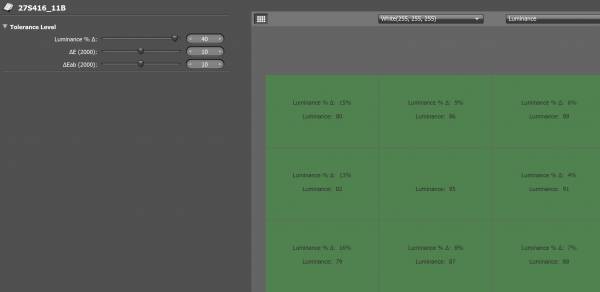
The maximum brightness deviation relative to the central area was 15–16%, which is noticeably higher than average values for an IPS panel, yet in regular use, the difference is barely noticeable. Local dips are concentrated mainly on the left, while the rest of the zones remain within 4–9% and demonstrate good stability. There are no critical peaks or sharp breaks — brightness is evenly distributed over most of the surface, with a smooth transition between areas.
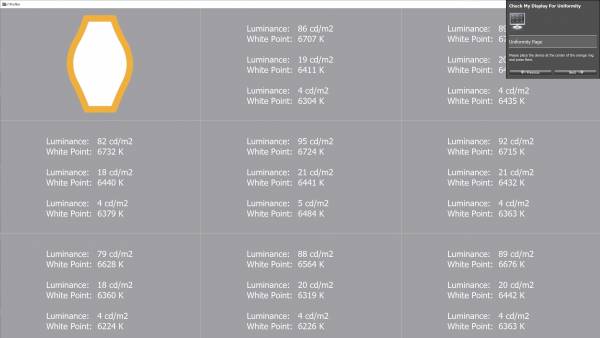
The deviation of the white point temperature from the central area ranges from –258 to +64 K, which falls within the acceptable limits of ±300–350 K. Despite the gradual decrease in temperature towards the lower corners, the image remains visually stable, without noticeable shifts in shades or local distortions.
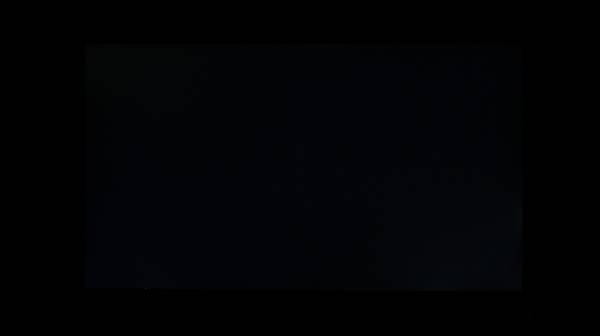
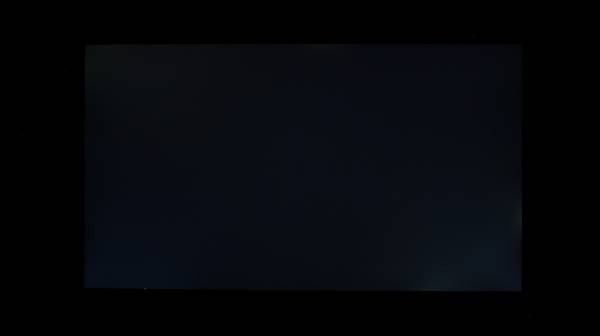
Backlight bleed on a black screen appears only in complete darkness. The first photo shows the real picture: the background is evenly dark, without critical light leaks, although a local defect is observed in the lower right corner, likely caused by excessive pressure from the mounting elements on the matrix. The second photo is taken with a 0.3-second exposure, which enhances contrast and brings out the slightest deviations. In this mode, weak bleeds along the edges become noticeable, but they do not have the characteristic corner IPS glow and are not critical.
In real viewing conditions, the black field looks stable, without noticeable distortions or bright spots, and the local defect in the lower right corner does not affect the comfort of work or viewing dark scenes.
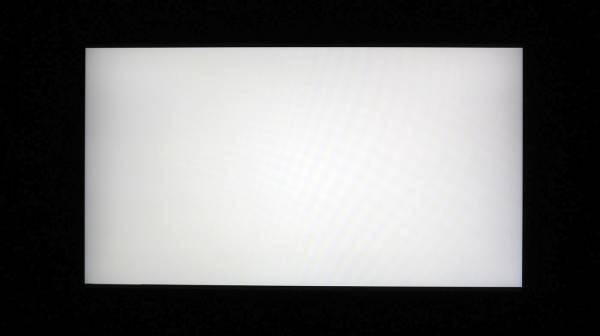
On a white fill, slight darkening along the edges is noticeable, but without sharp transitions or dips. In the edge areas, slight tonal differences can be seen — the center appears slightly brighter, and the edges are darkened, creating a vignette effect. This is a typical manifestation for IPS panels at minimum brightness and is not accompanied by sharp transitions or color shifts.
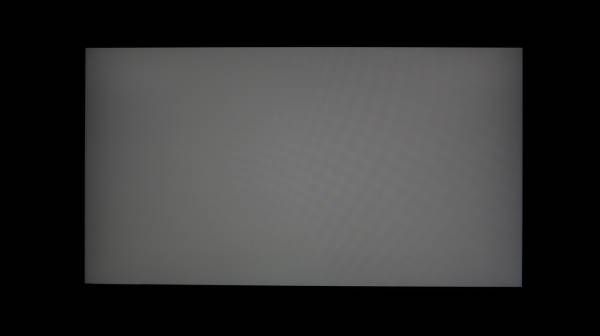
On a dark gray background, the vignetting is more evident — a smooth darkening along the left and right edges. It does not exceed the norm for this type of matrix and does not create artifacts. Overall, the screen looks uniform: without spots, cloudiness, or local distortions even in complex halftones.
Matrix Speed and PWM
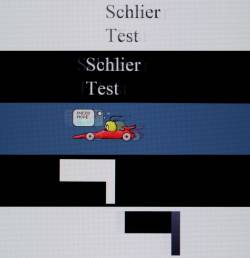
The Vinga 27S416-11B is equipped with a flat IPS panel with a claimed response time of 1 ms MPRT. In practice, this is not confirmed: out of the box in 4K 160 Hz mode without overdrive activation, we achieved a typical IPS result of about 5–6 ms. In dynamics, the monitor behaves clearly, especially in the 120–160 Hz range, although the Schlieren test showed moderate trails on dark transitions.
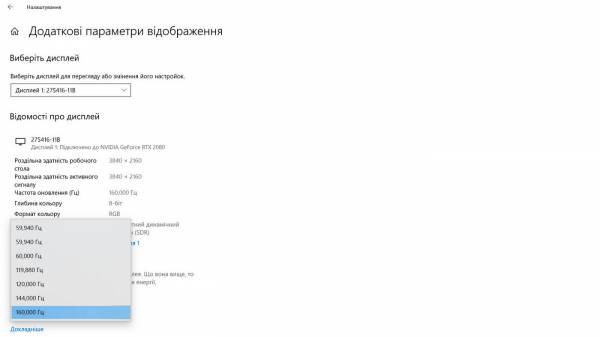
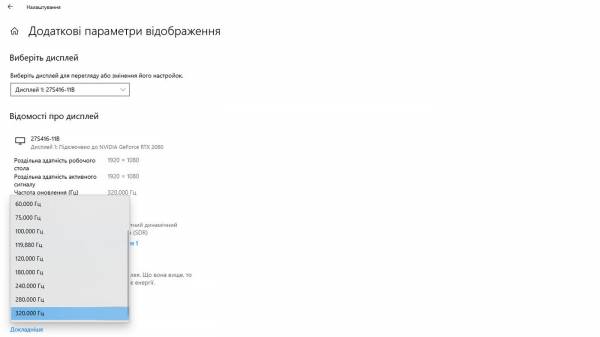
The refresh rate is actually 160 Hz in 4K (versus the claimed 165 Hz) and 320 Hz in Full HD.
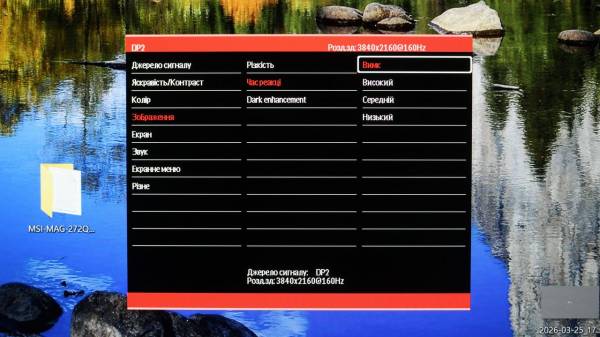
The monitor menu offers Over Drive modes (Response Time: "Off", "Low", "Medium", "High"). For work and content consumption, overdrive can be left off. In 4K at 160 Hz in modern AAA games, the "Low" mode will be optimal, and in Full HD at 320 Hz for esports disciplines — "Medium". "High" provides maximum clarity but may be accompanied by overshoot effects, so we do not recommend it for daily use.
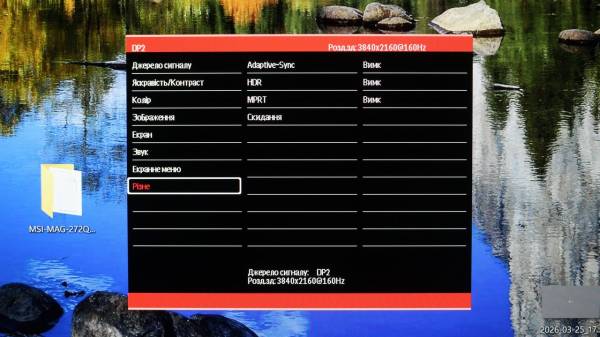
The monitor supports black frame insertion, marked as MPRT in the menu. Activating it reduces trails but is accompanied by a nearly twofold drop in brightness and the appearance of flicker, which creates additional eye strain. Therefore, we do not recommend using this mode. HDR is also available, but due to limited peak brightness and lack of local dimming, it does not deliver the expected effect — the image appears only slightly brighter, but with a loss of detail in light and dark areas.
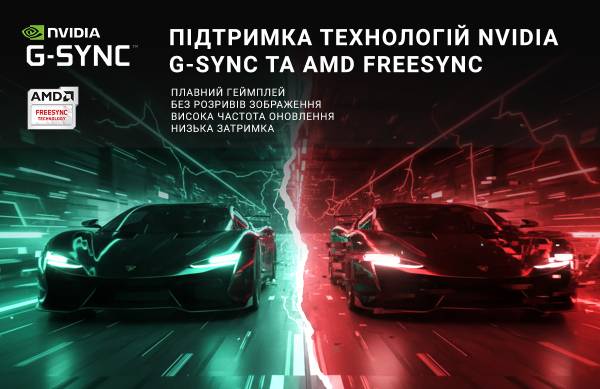
The monitor supports all current adaptive sync technologies: VESA Adaptive Sync, AMD FreeSync, and NVIDIA G-Sync Compatible. This allows for dynamic refresh rate adjustment according to FPS, providing smooth images without tearing and lag.
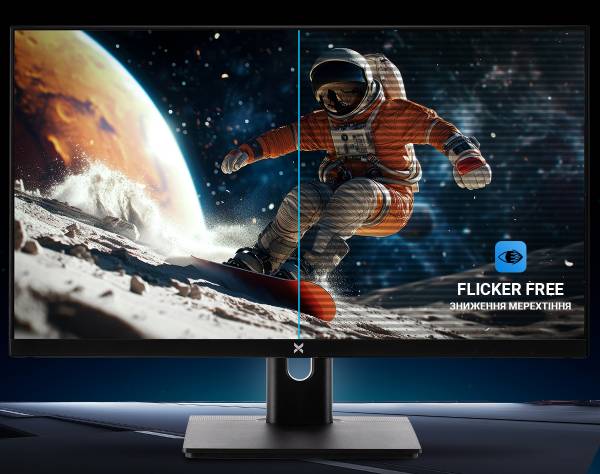
Additionally, Flicker-Free technology is implemented, which eliminates backlight flicker and reduces eye strain. The backlight operates stably even at low brightness, confirming the absence of PWM.
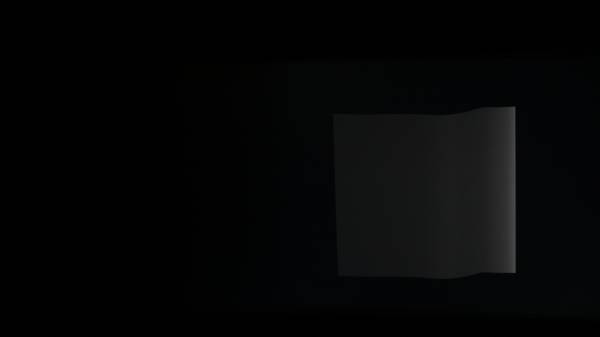
Brightness 20%, exposure 1/13
The solid front in the photo confirms the absence of PWM — the backlight operates stably even at low brightness.
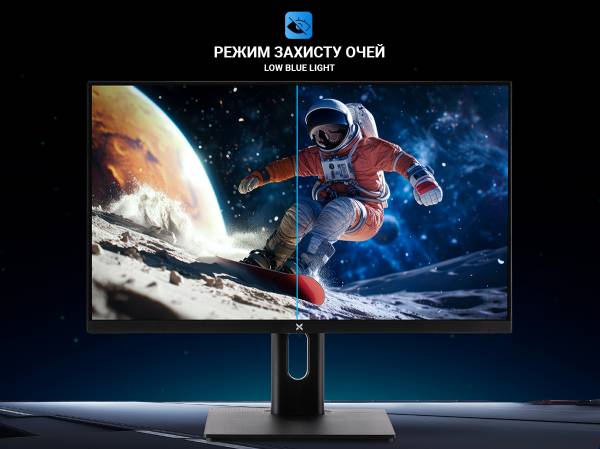
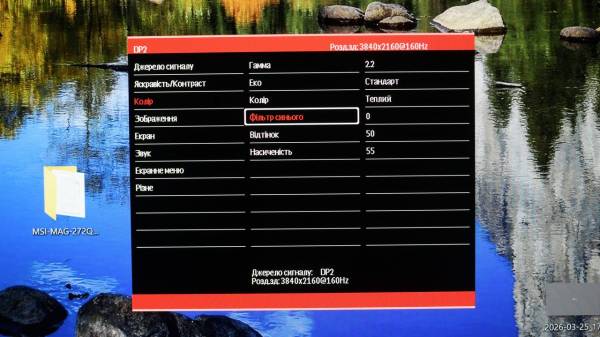
The monitor also features a Low Blue Light software mode, which reduces the blue component of the spectrum to reduce eye strain. By default, the "Standard" profile is activated, which moderately reduces blue radiation without significant color distortion. The menu offers several filtering levels — from minimal to maximum, allowing the user to find a comfortable balance.
Viewing Angles
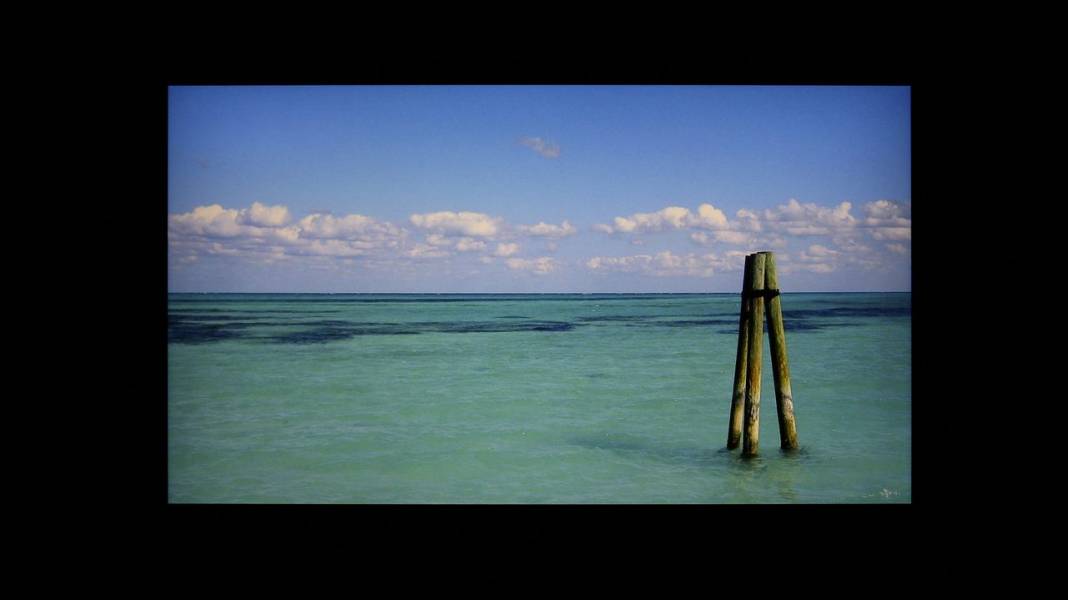
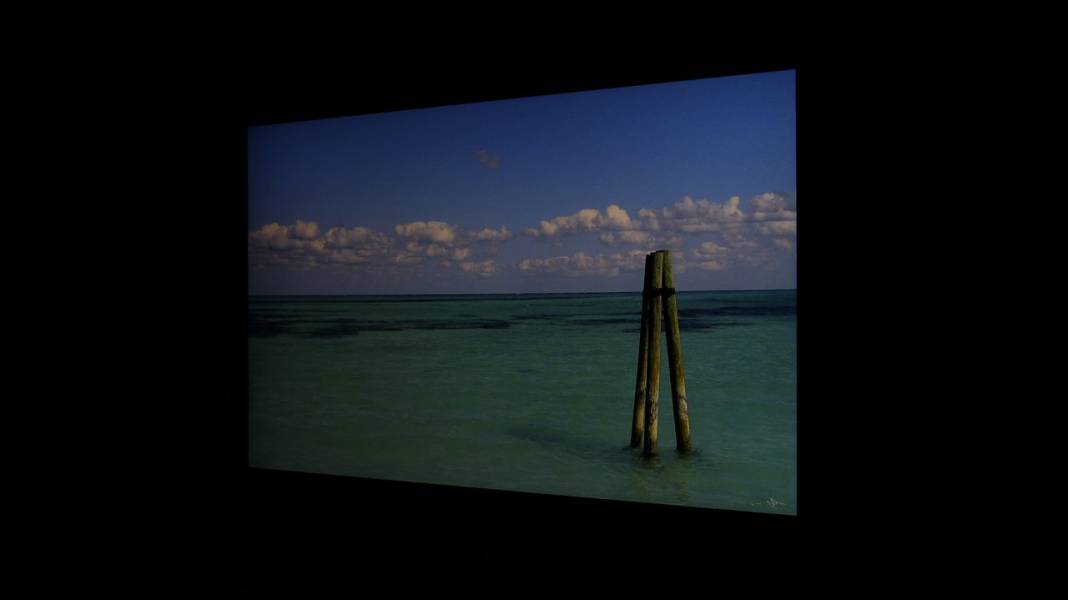
Vinga 27S416‑11B exhibits typical behavior of a modern IPS panel: the image remains stable even with significant deviations from the center. Colors do not lose saturation, contrast remains steady, and dark areas do not turn into gray spots. This allows comfortable use of the monitor not only individually but also in a group, when several people view the screen from different positions.
A slight "IPS glow" on a dark background is noticeable, but it is not too pronounced and does not distract from the content. Overall, the matrix behaves predictably: wide viewing angles, accurate color reproduction, and stable contrast — without unpleasant surprises.
Conclusion
Vinga 27S416‑11B is a monitor that focuses not on marketing "gimmicks" but on real characteristics. Its main value is a fast IPS matrix with two operating scenarios: 4K 160 Hz for clear images and Full HD 320 Hz for maximum speed. Such a "Dual Mode" in the budget segment is a rarity, and it is what makes the model unique.
The monitor is not overloaded with unnecessary gaming modes but has everything you need: Overdrive, MPRT, Adaptive-Sync with support for AMD FreeSync and G-Sync Compatible. Combined with Flicker-Free and Low Blue Light, it provides comfortable work and long gaming sessions without eye strain.
The construction pleasantly surprises: an ergonomic stand with a full set of adjustments, vertical ports for convenient mounting, and a USB hub 3.0 — a rare find in this class. The design is utilitarian but with a slight hint of gaming positioning. Factory color modes are very well-tuned, so the monitor is ready to work "out of the box."
This is not a universal "monster" with dozens of modes, but a balanced tool where the entire budget went into the matrix and key technologies. And that is why Vinga 27S416‑11B looks like a real bargain for its money — especially considering its availability in Ukraine, where there are few similar models.
Advantages:
- Dual Mode: 4K 160 Hz / Full HD 320 Hz;
- fast IPS matrix with real stability in dynamics;
- Adaptive-Sync: AMD FreeSync + G-Sync Compatible;
- Flicker-Free and Low Blue Light for eye comfort;
- ergonomic stand with all adjustments;
- vertical ports — convenient for mounting;
- full set of video ports + USB hub 3.0;
- high-quality factory color calibration;
- restrained design with a slight gaming accent;
- attractive price in its segment.
Features:
- speakers are present, but the quality is basic level.